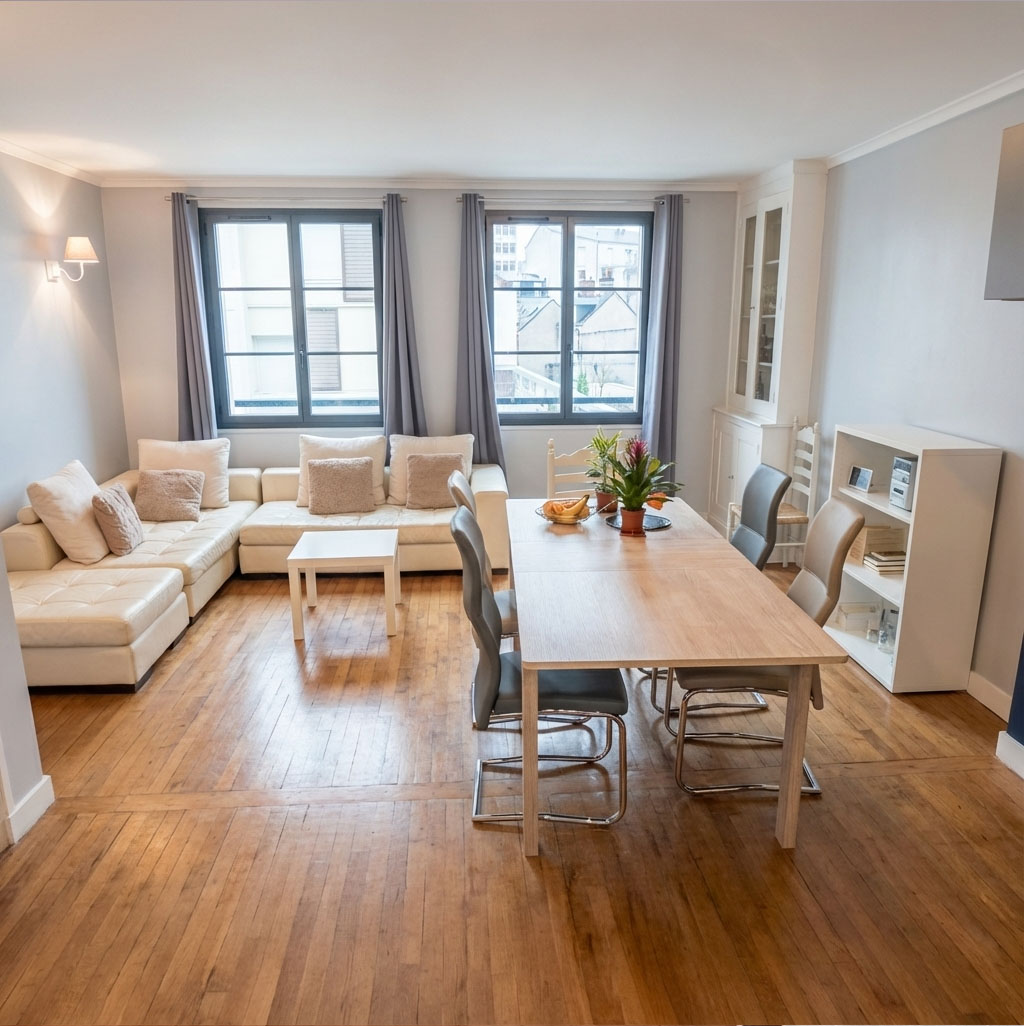
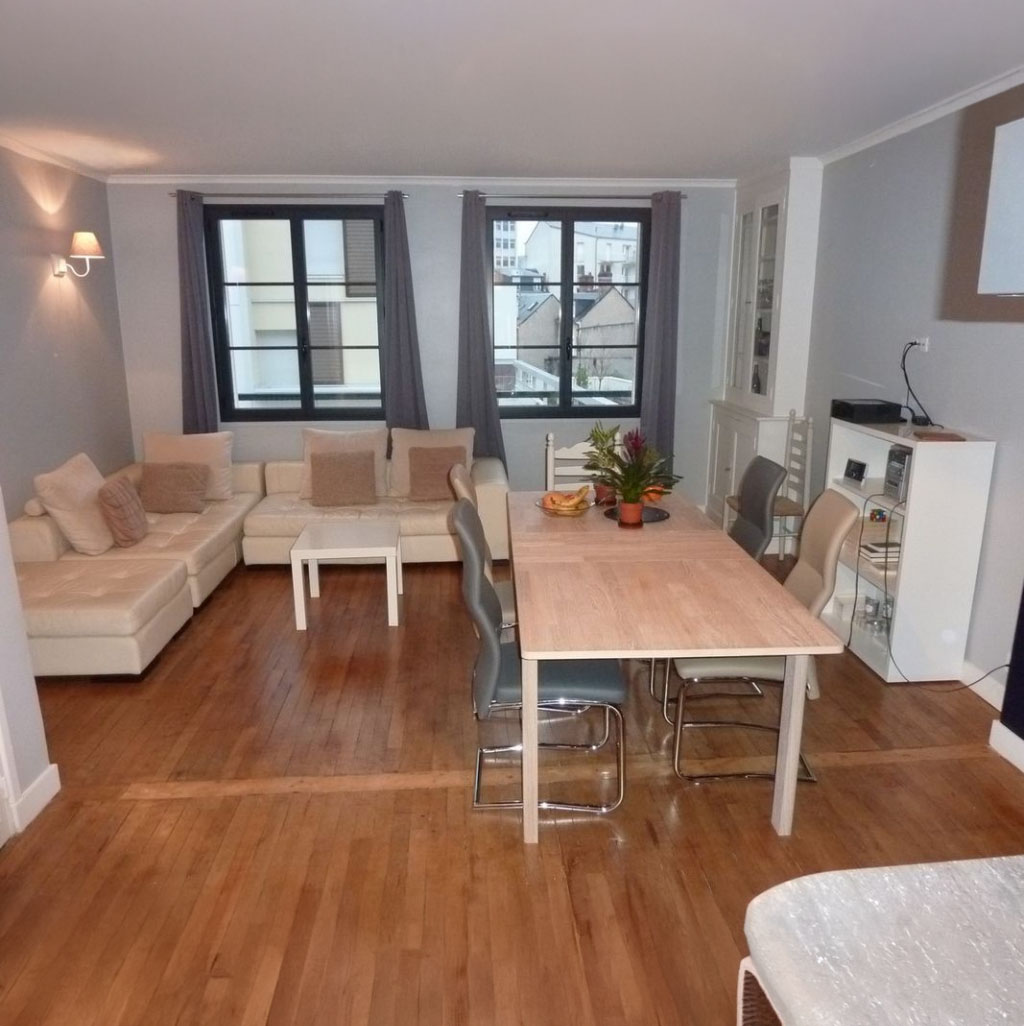
Detail Shot
Reshoot a detail of your scene — like a second photograph, tight on the chair, table, or bouquet, with the room softly blurred behind.
- Free to try
- No plugin
- No credit card
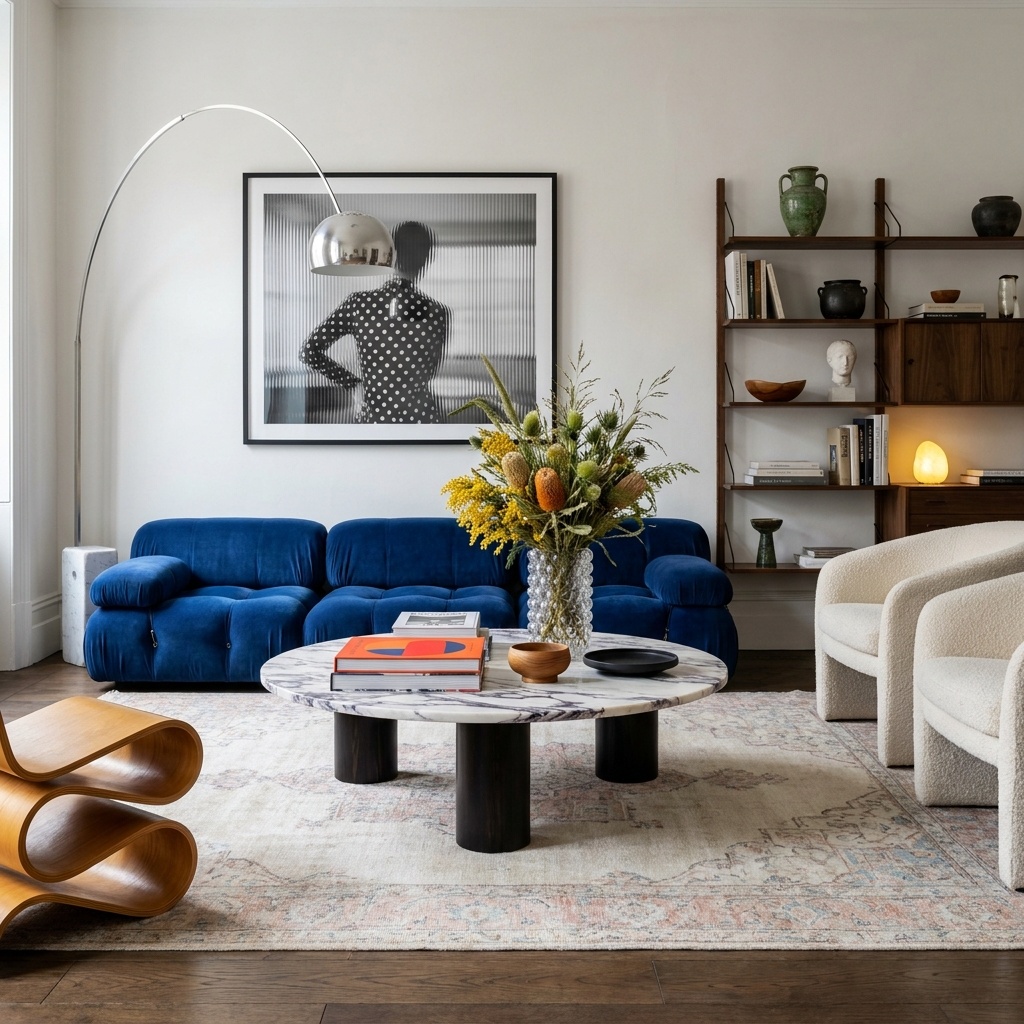
Nano Banana Pro
Sample input · click Generate to see the result
About this model
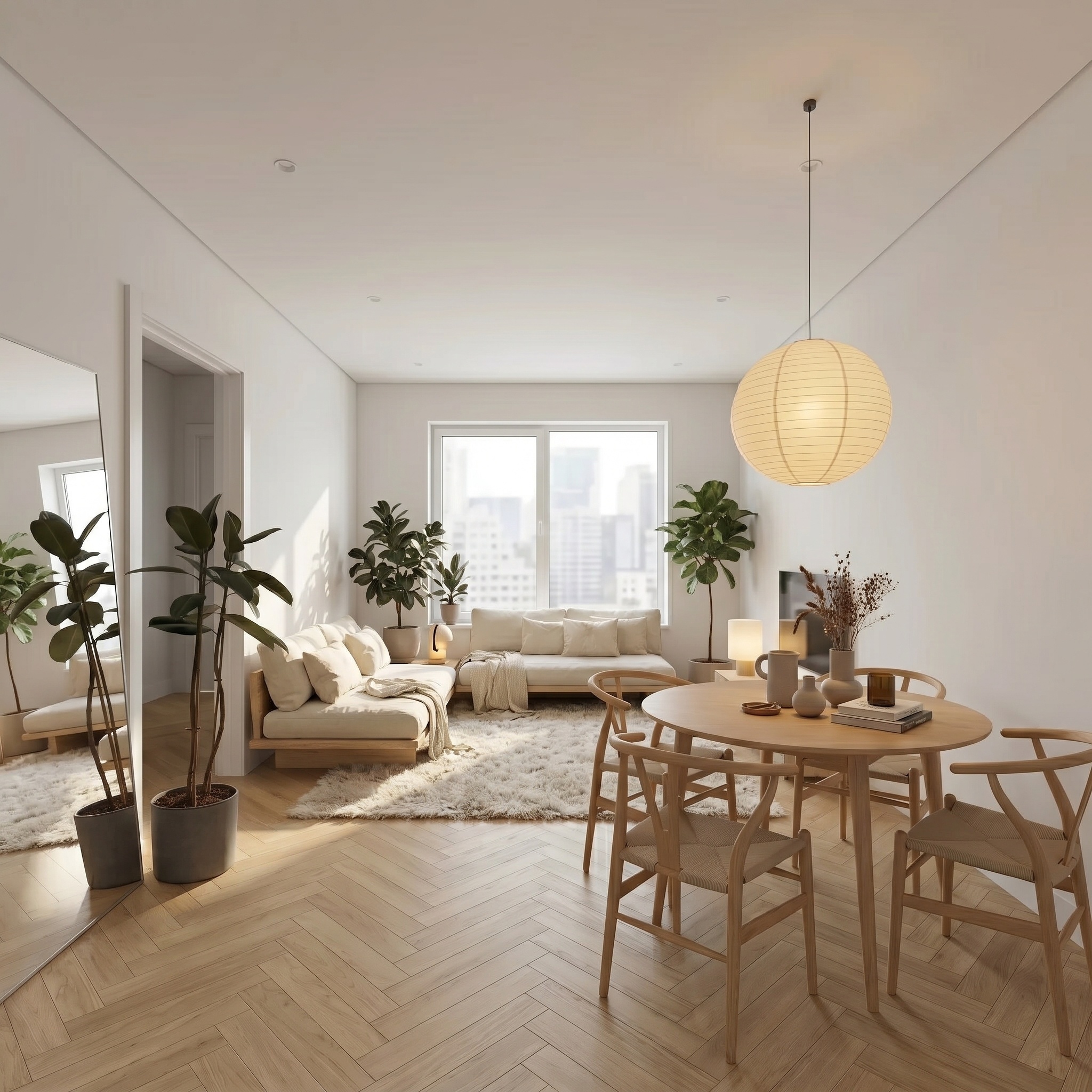
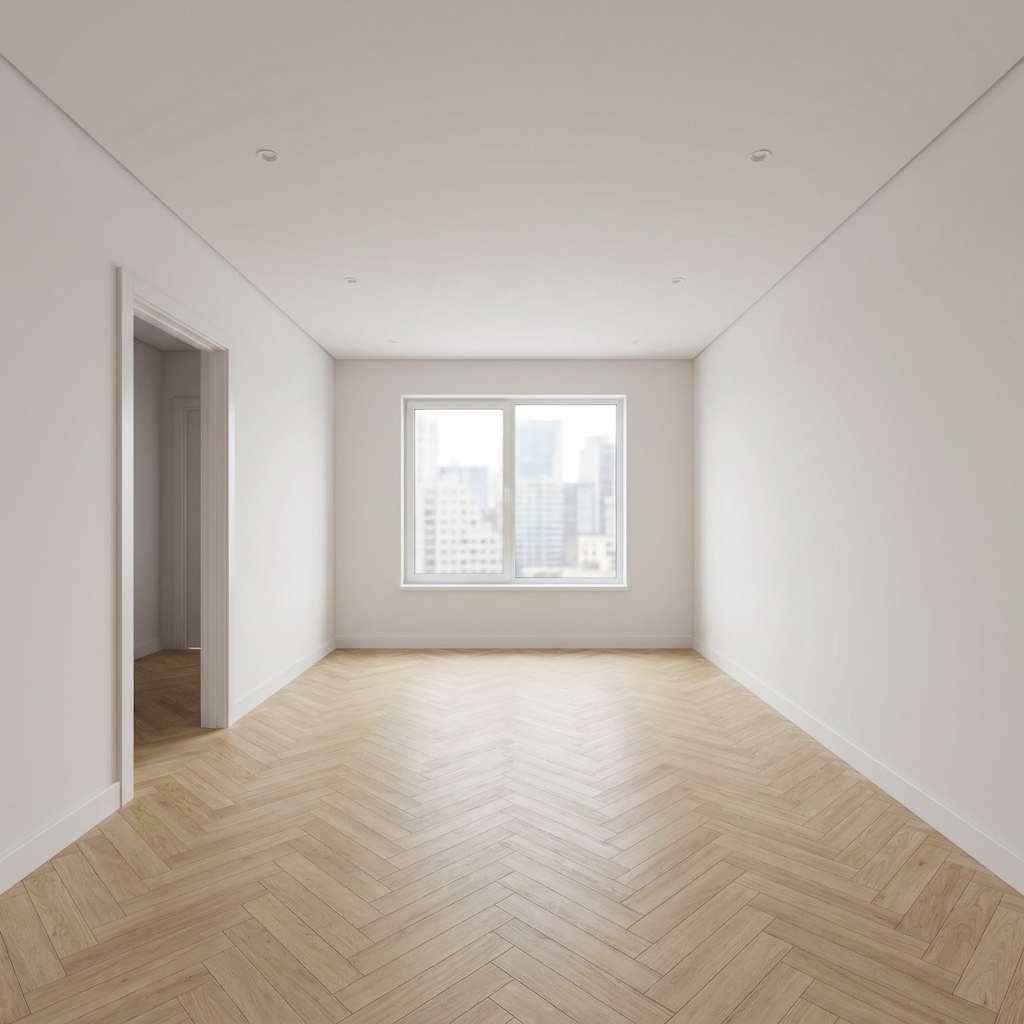
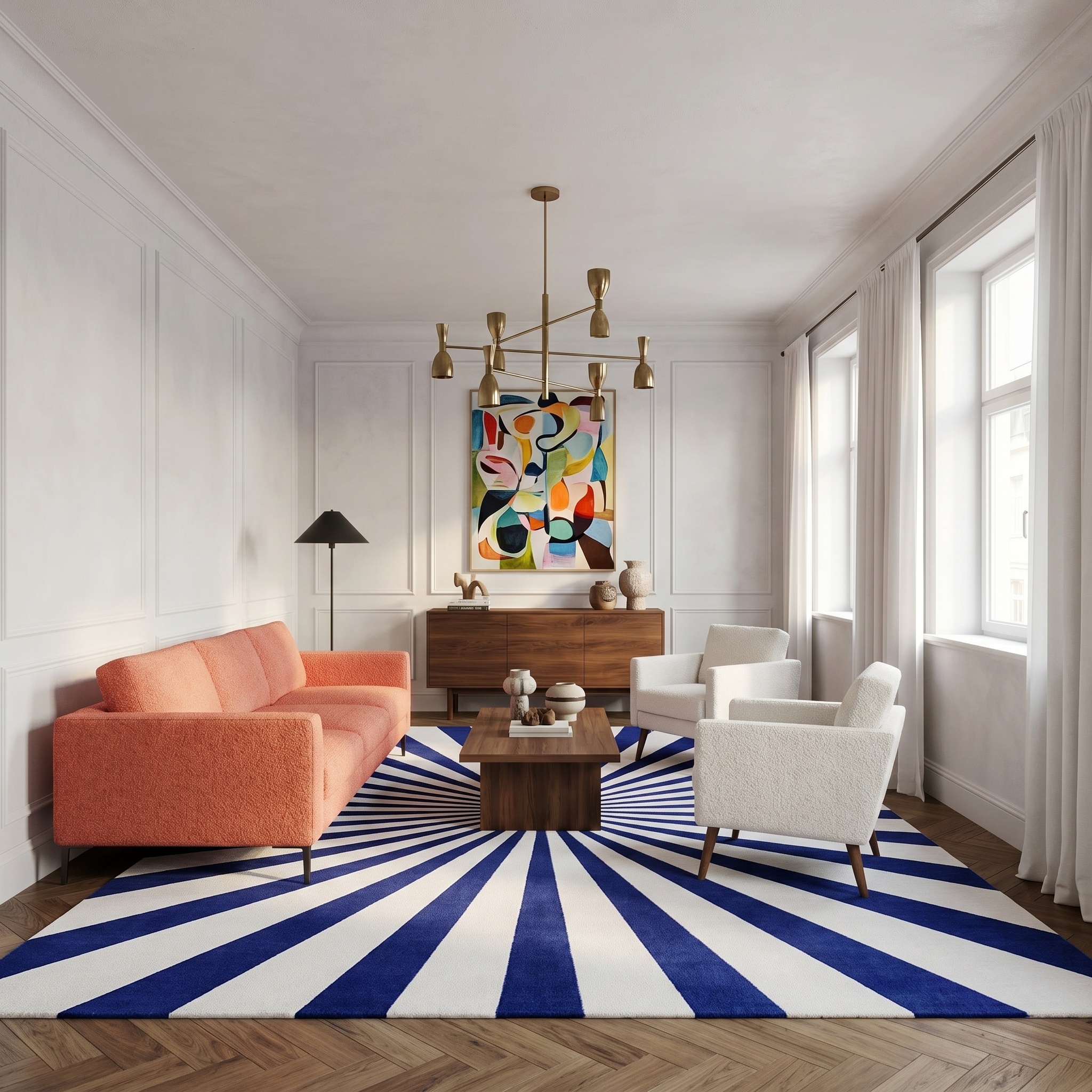
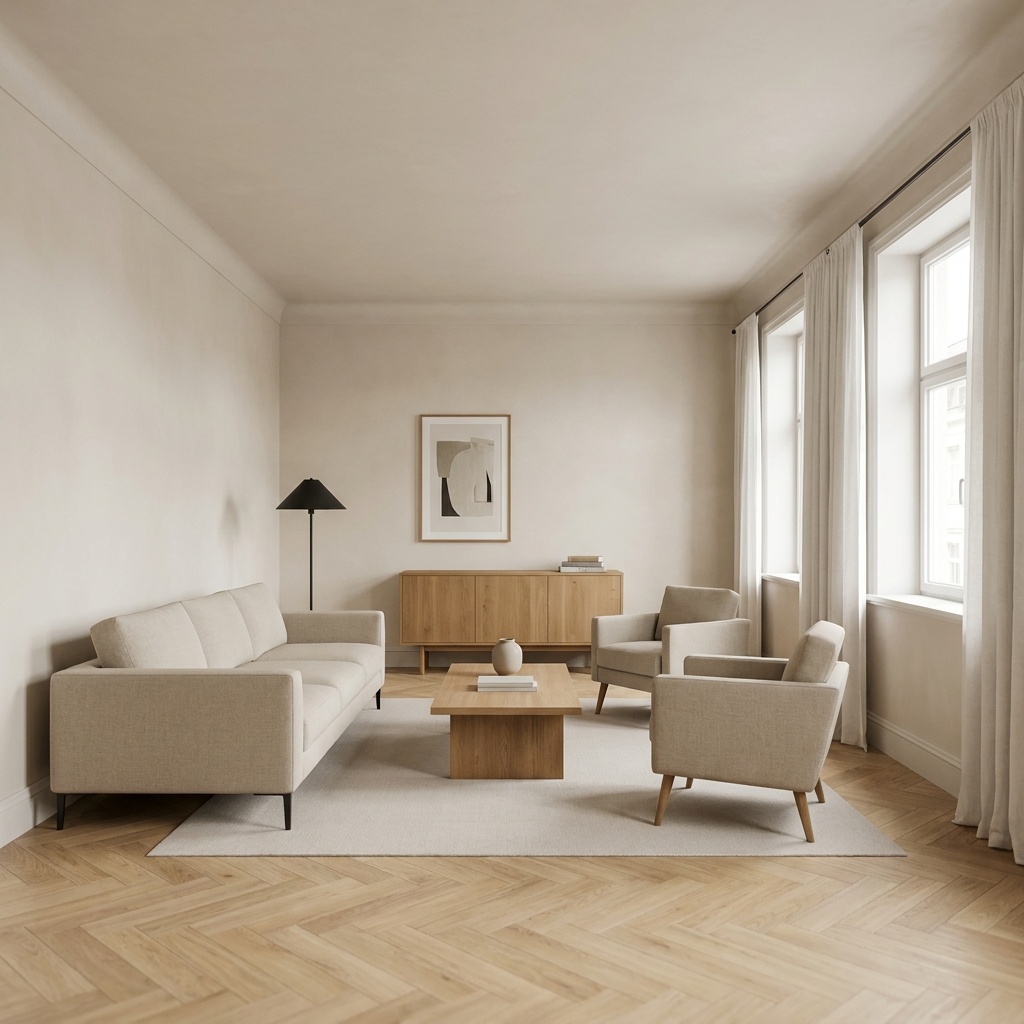
Generates a tight detail photograph of one element in your scene — a chair, a coffee table, a bouquet, a brass lamp — as if the photographer had walked across the room and taken a second frame from a new vantage point. Same shoot, same daylight, same color register, but a fresh angle that flatters the subject and reveals what the wide shot compressed. The detail is reconstructed at macro fidelity: weave on a fabric, grain on a wood, patina on a bronze. The room behind dissolves into soft natural bokeh — context is hinted, never lost. The output reads as a deliberate magazine detail, not a digital crop or zoom of the source photo. Useful when one wide interior is not enough to sell a piece of furniture, anchor a feature article, or fill a product detail page. Keeps the editorial coherence of the wider shoot without re-renting the studio or the photographer.
When to use it
A furniture retailer publishes a Wallpaper-style lookbook. The wide shot of the showroom works as the spread, but the rattan chair in the corner needs its own page — close enough to read the weave, with the showroom softly behind. Re-shooting means a half-day with the photographer. Run the original through Detail Shot, name "the rattan chair", get a magazine-grade detail frame in minutes, drop it on the spread alongside the wide.
No. The model treats it as a brand-new photograph from a different camera position in the same room. The subject's screen position and angle change. Background portions of the room not visible in the original may appear in soft focus.
No — Detail Shot keeps the room as soft bokeh context (its whole point is editorial coherence with the wide shot). For studio packshots on a seamless backdrop, you need a different workflow.