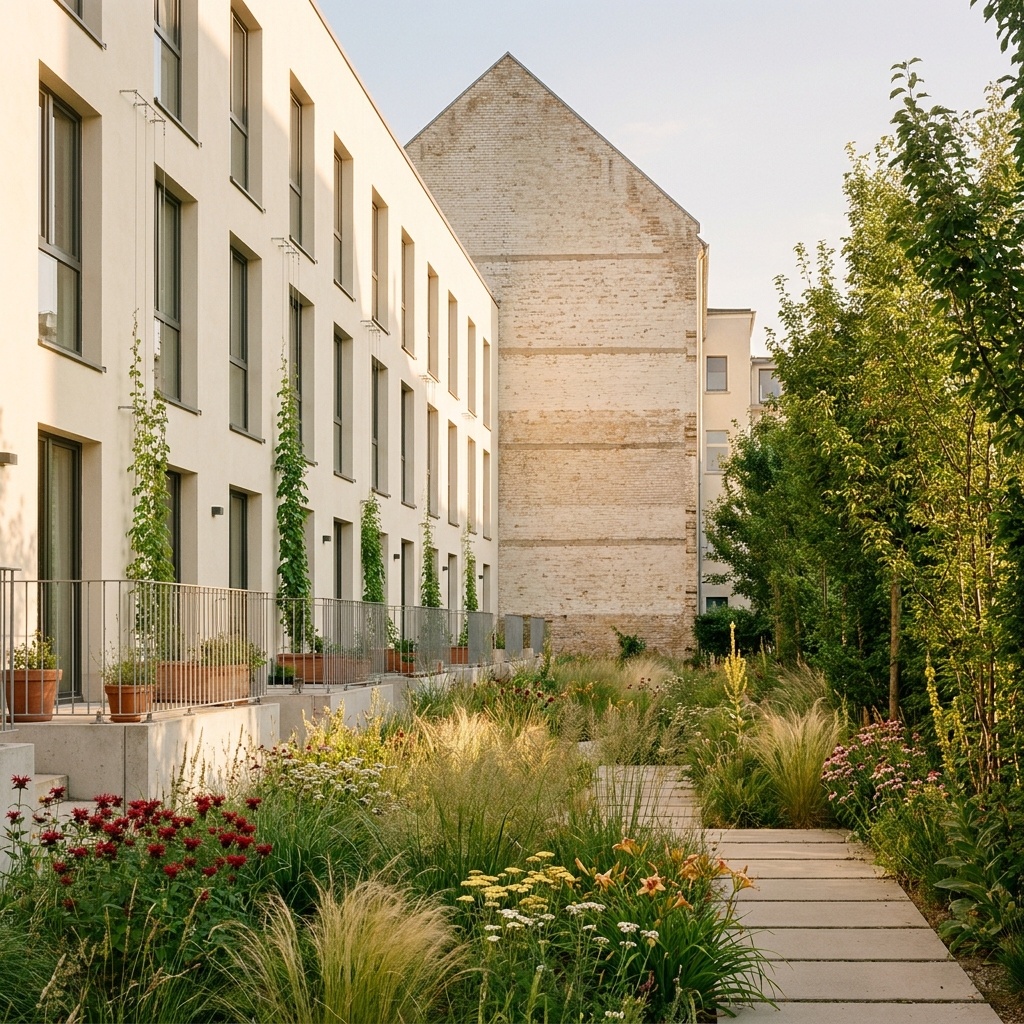
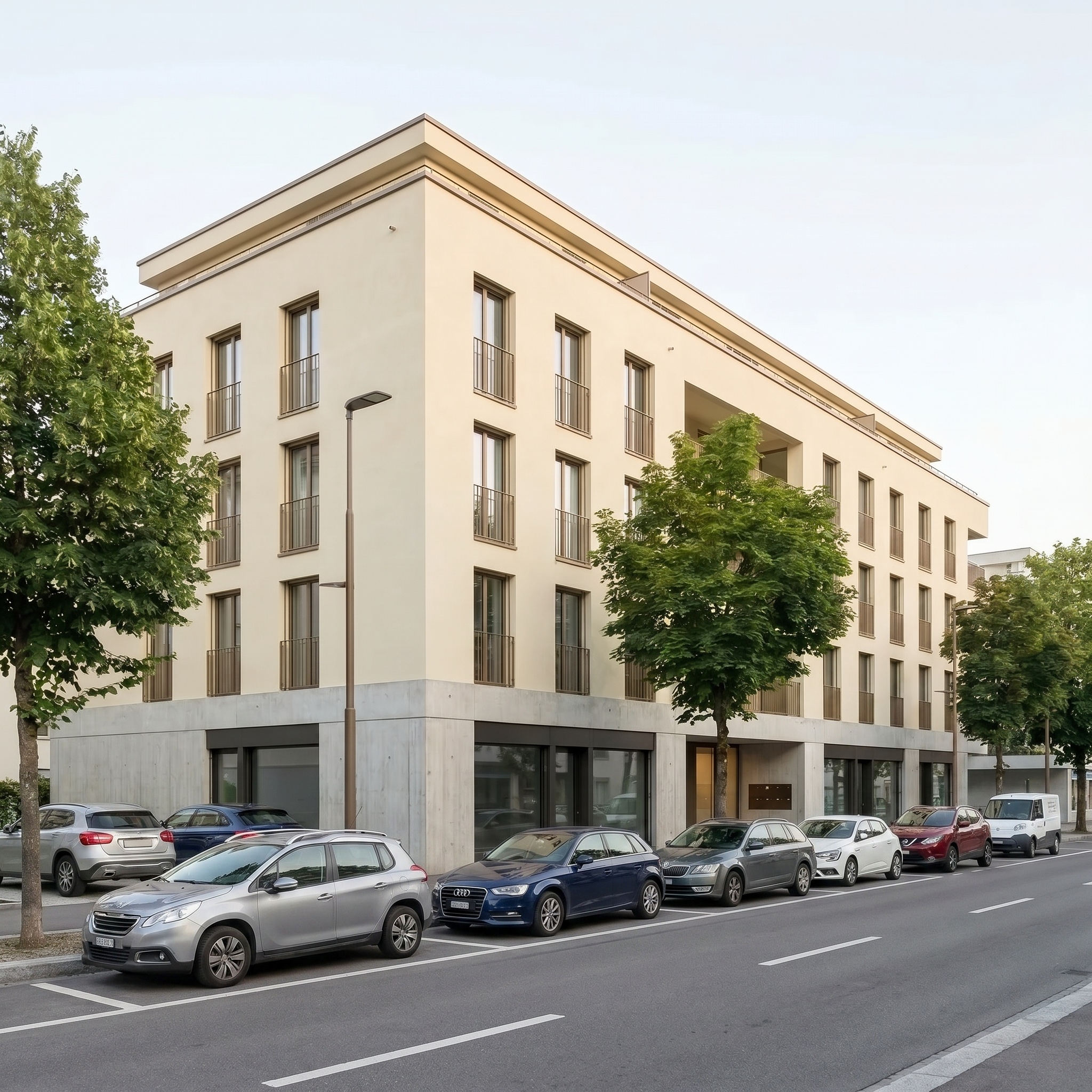
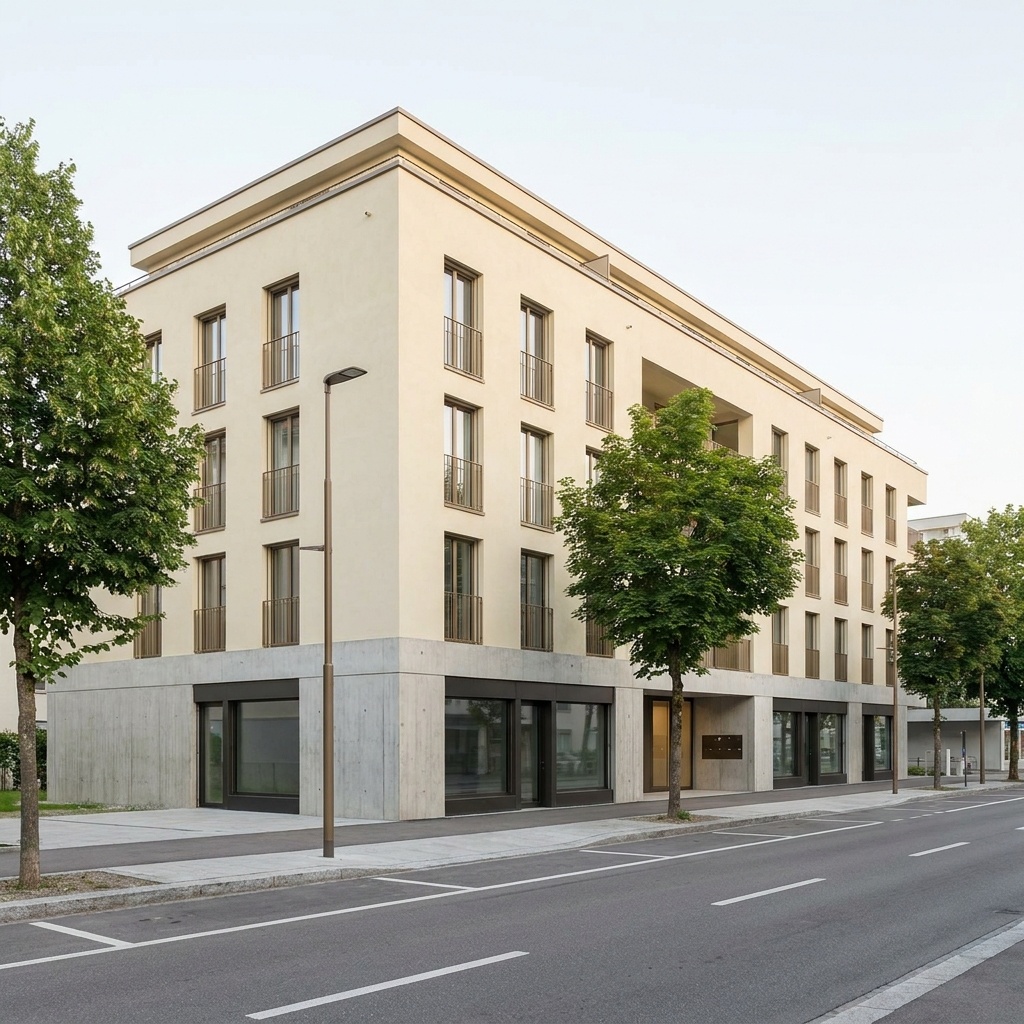
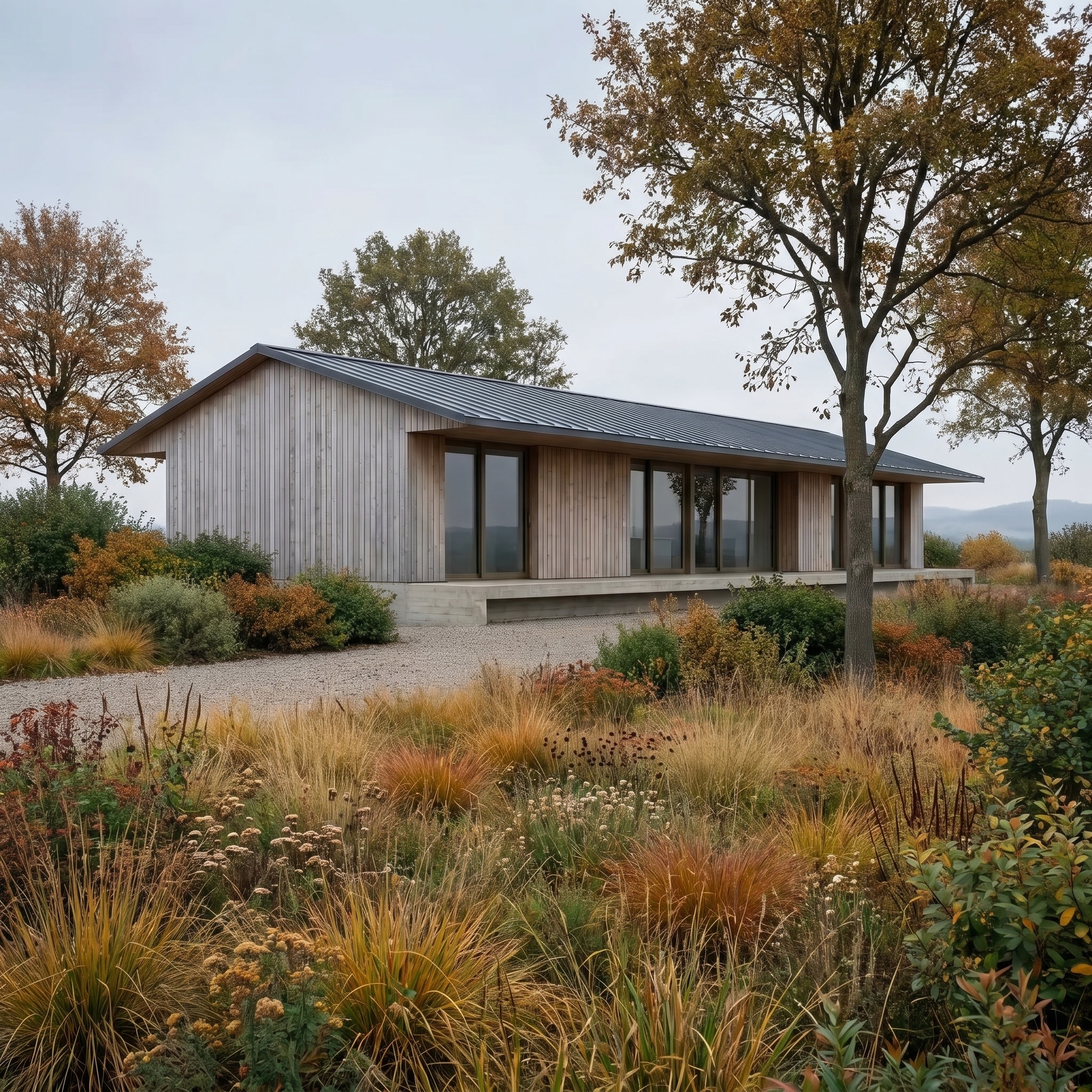
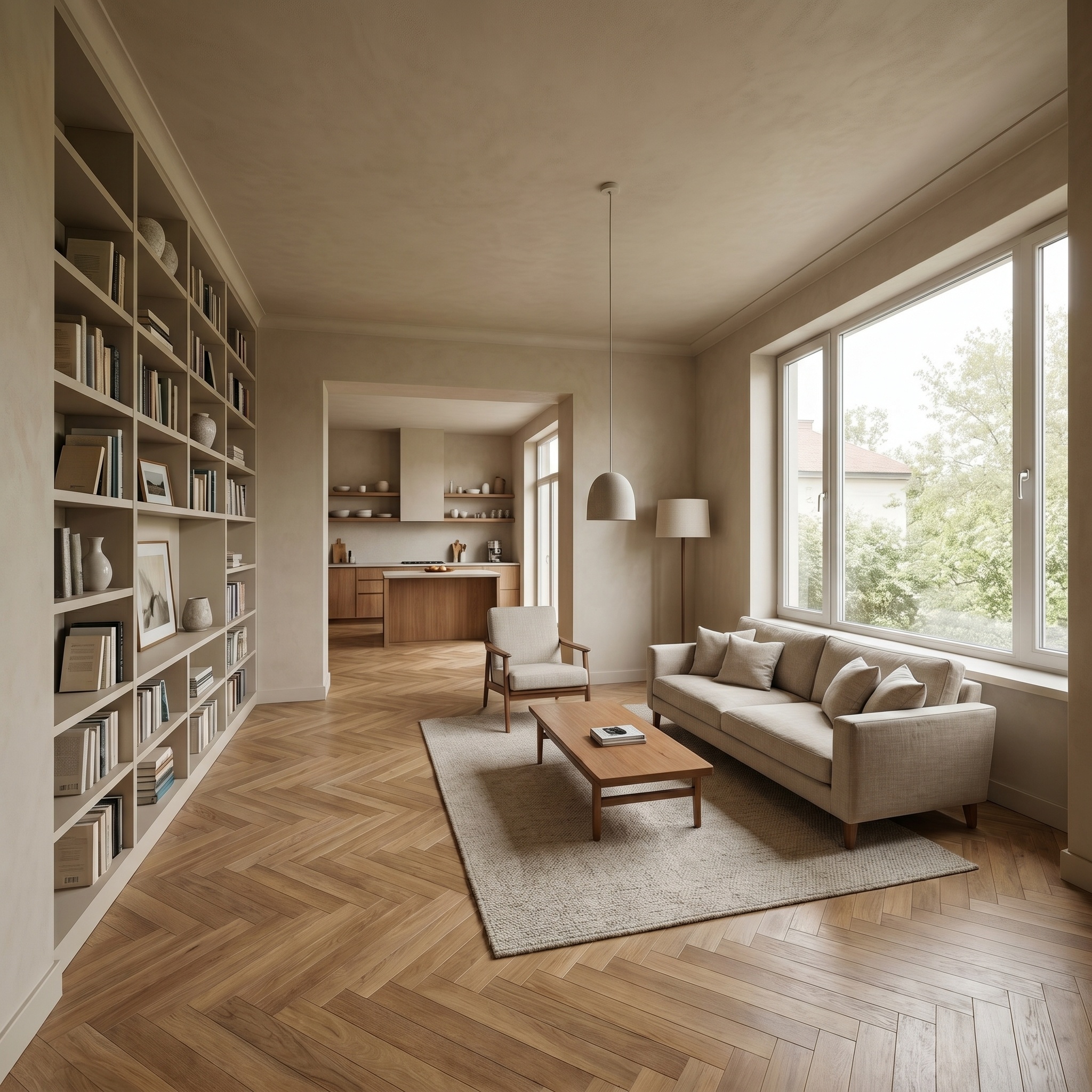
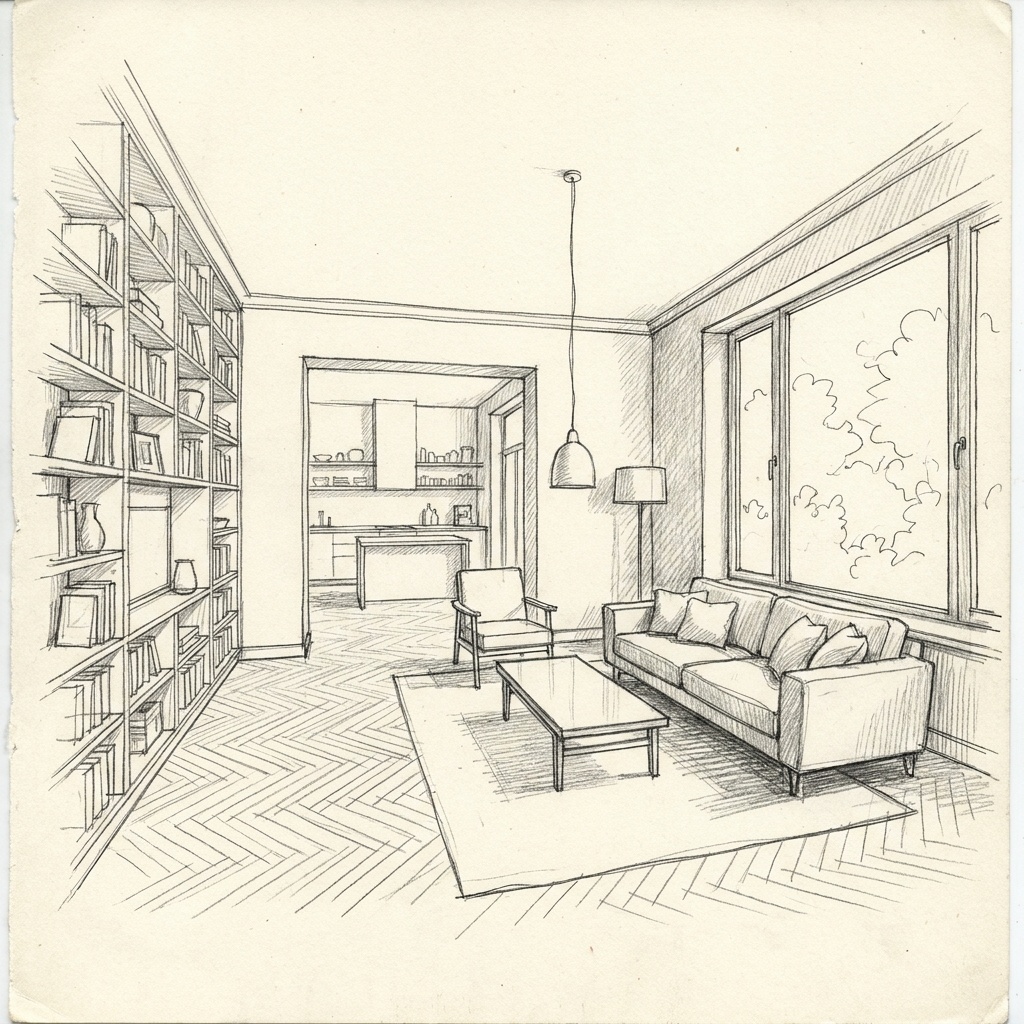
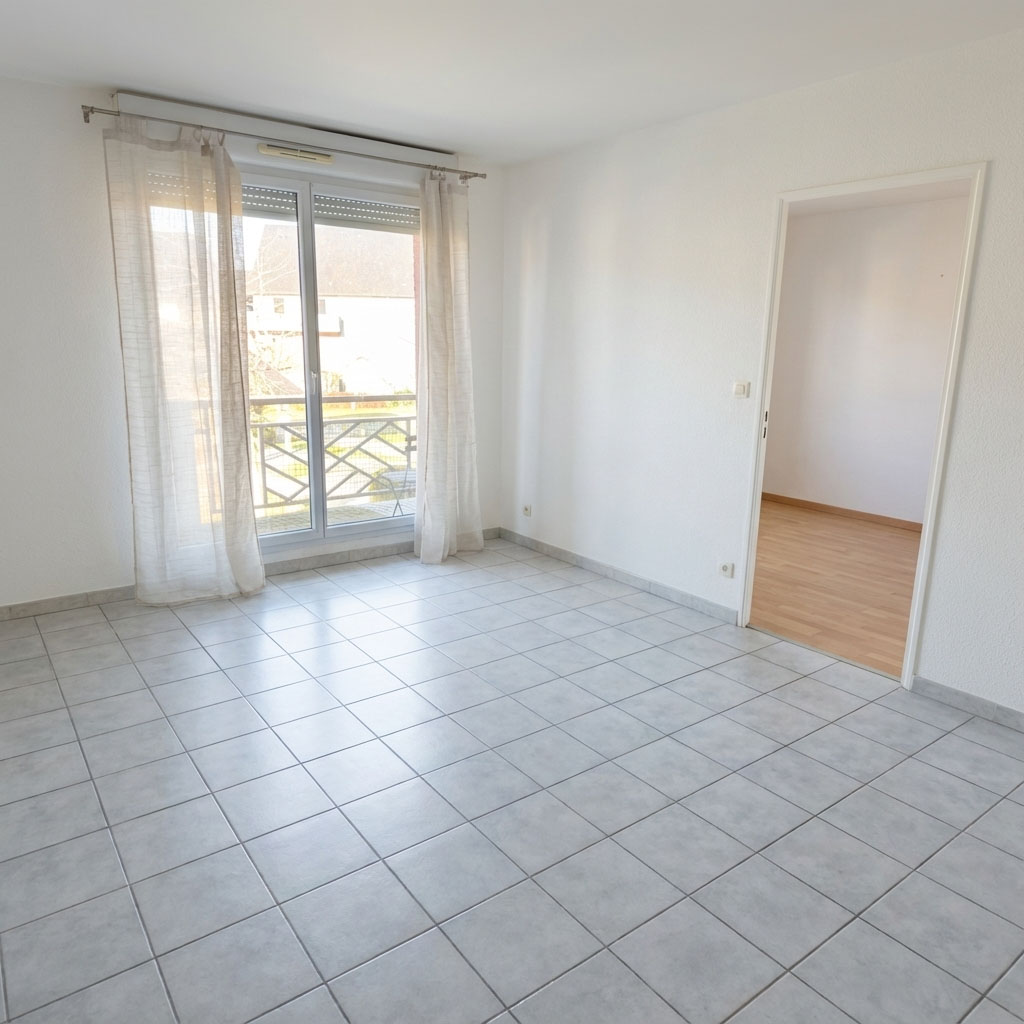
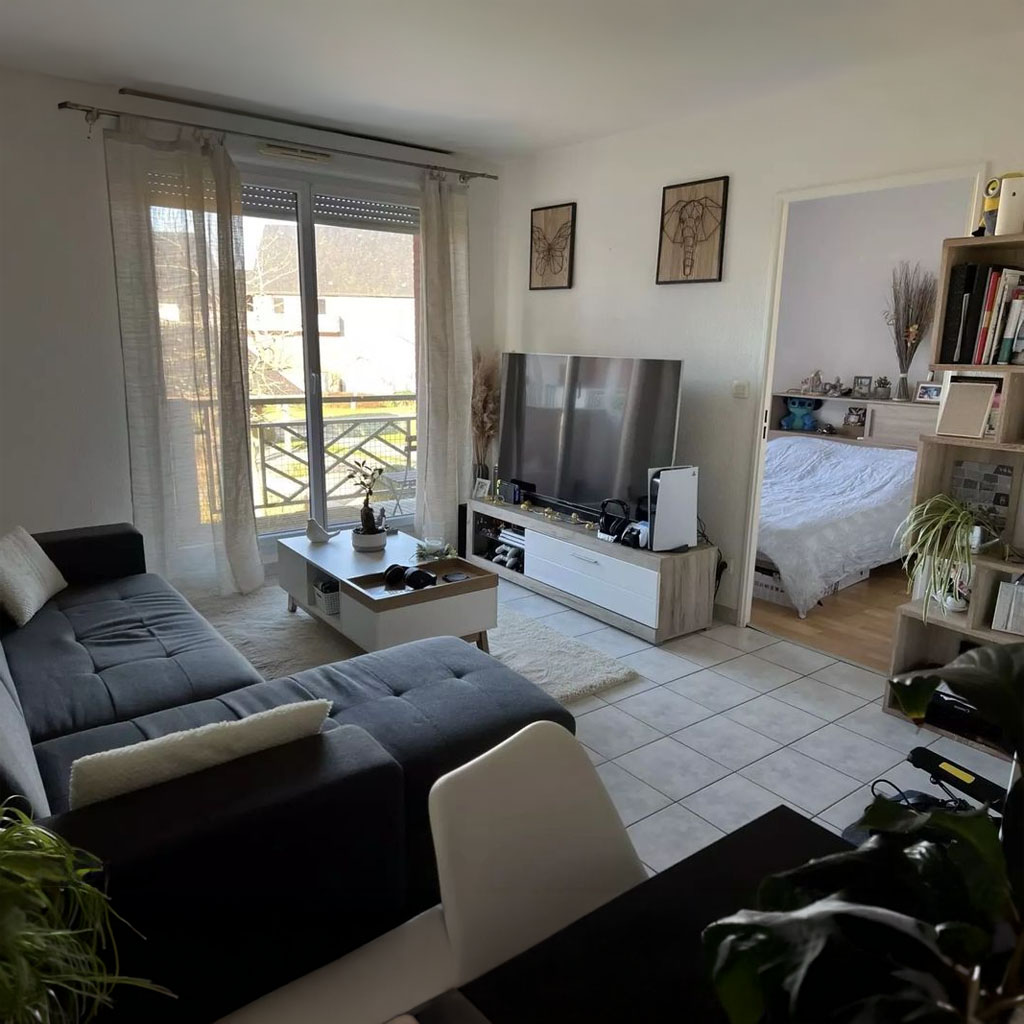
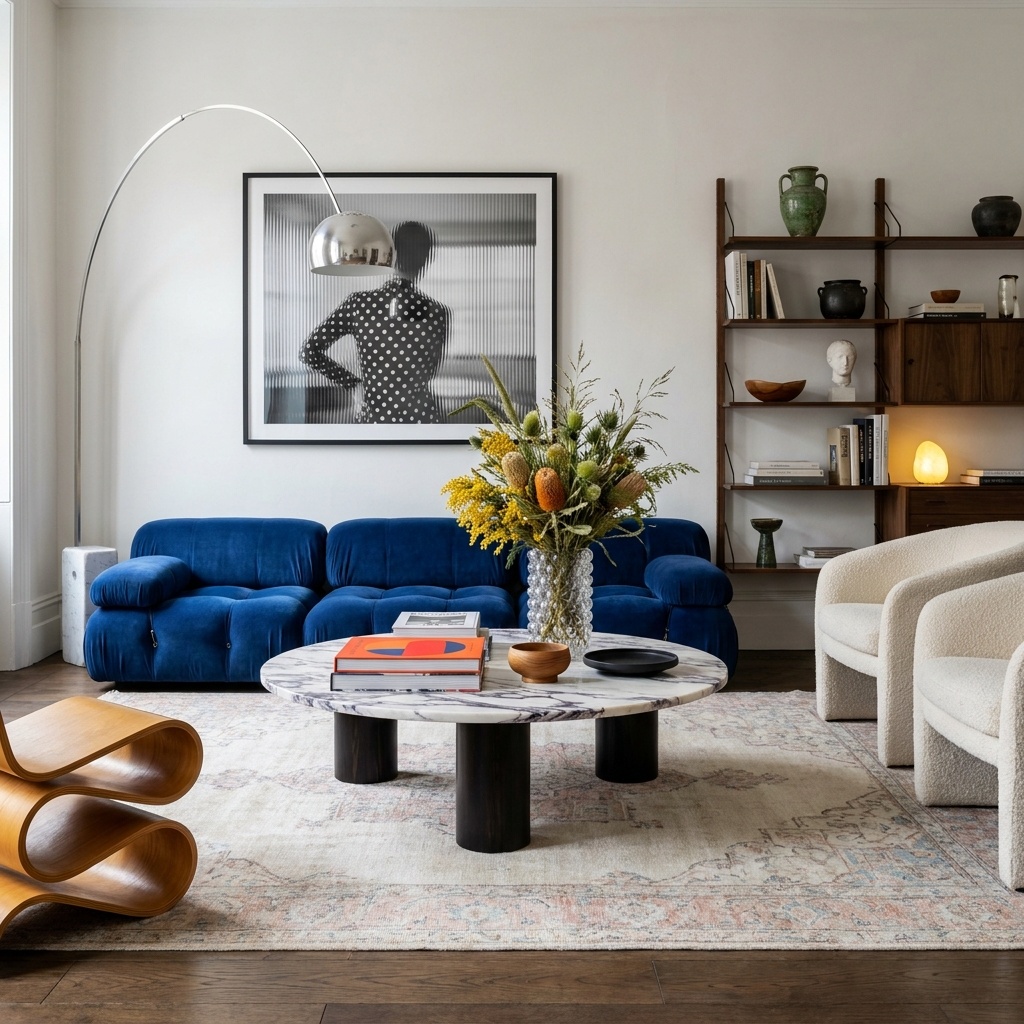
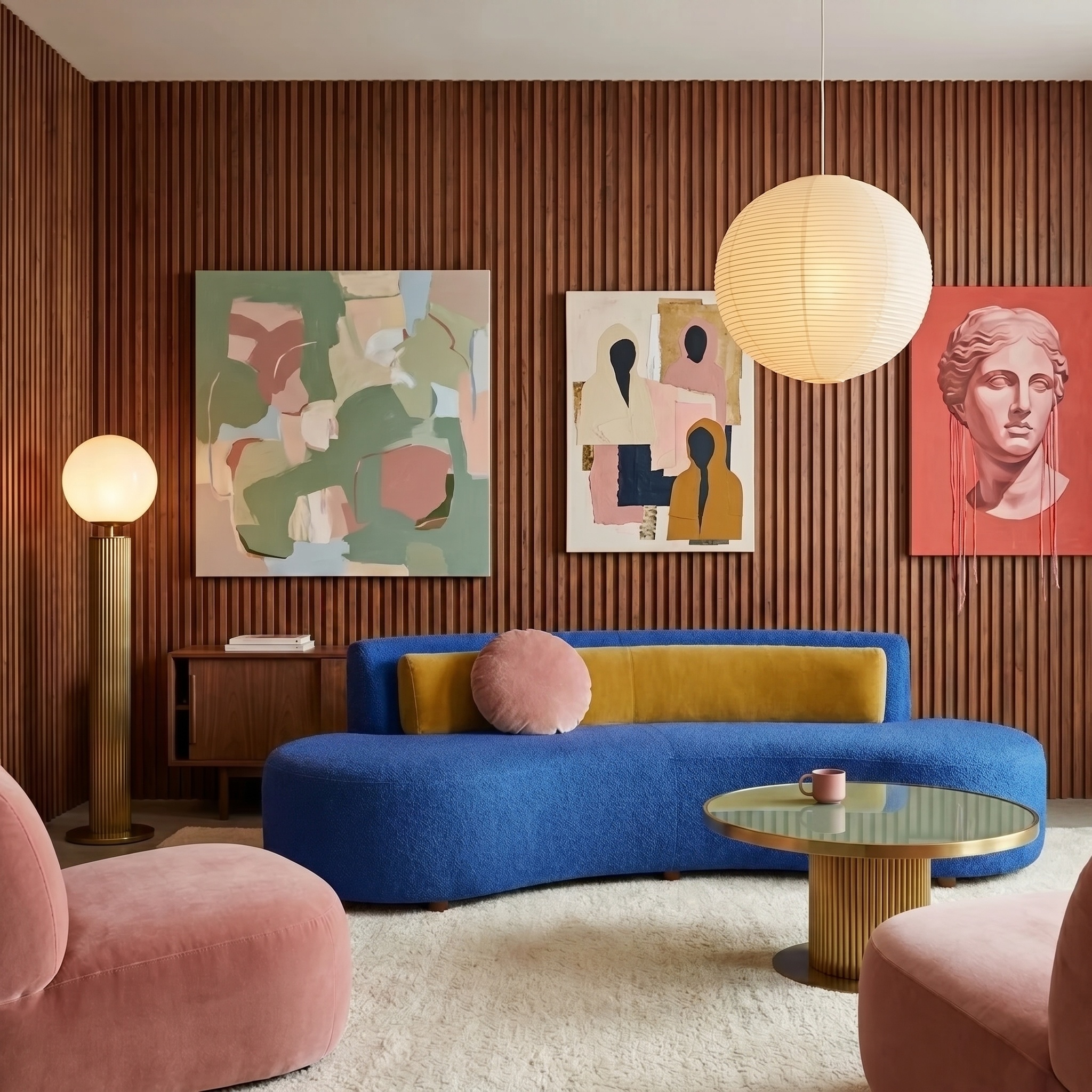
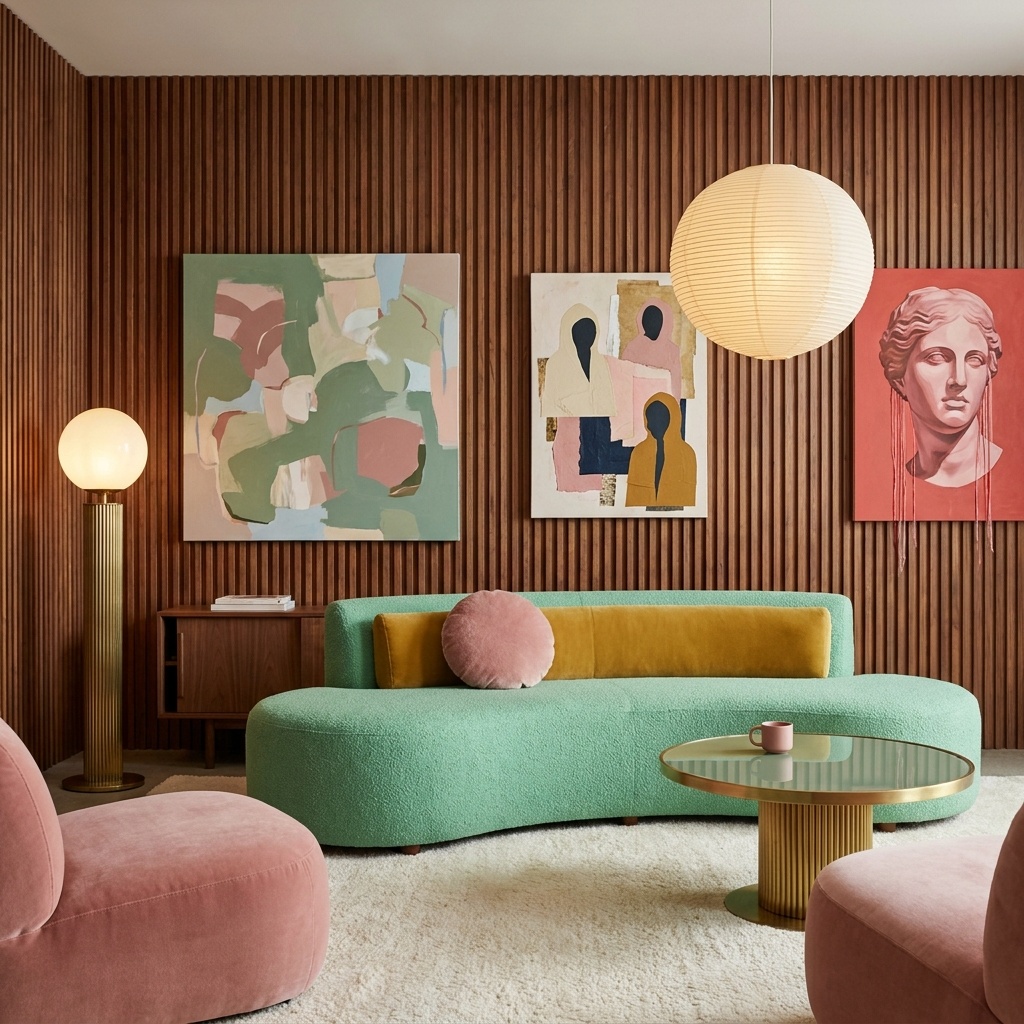
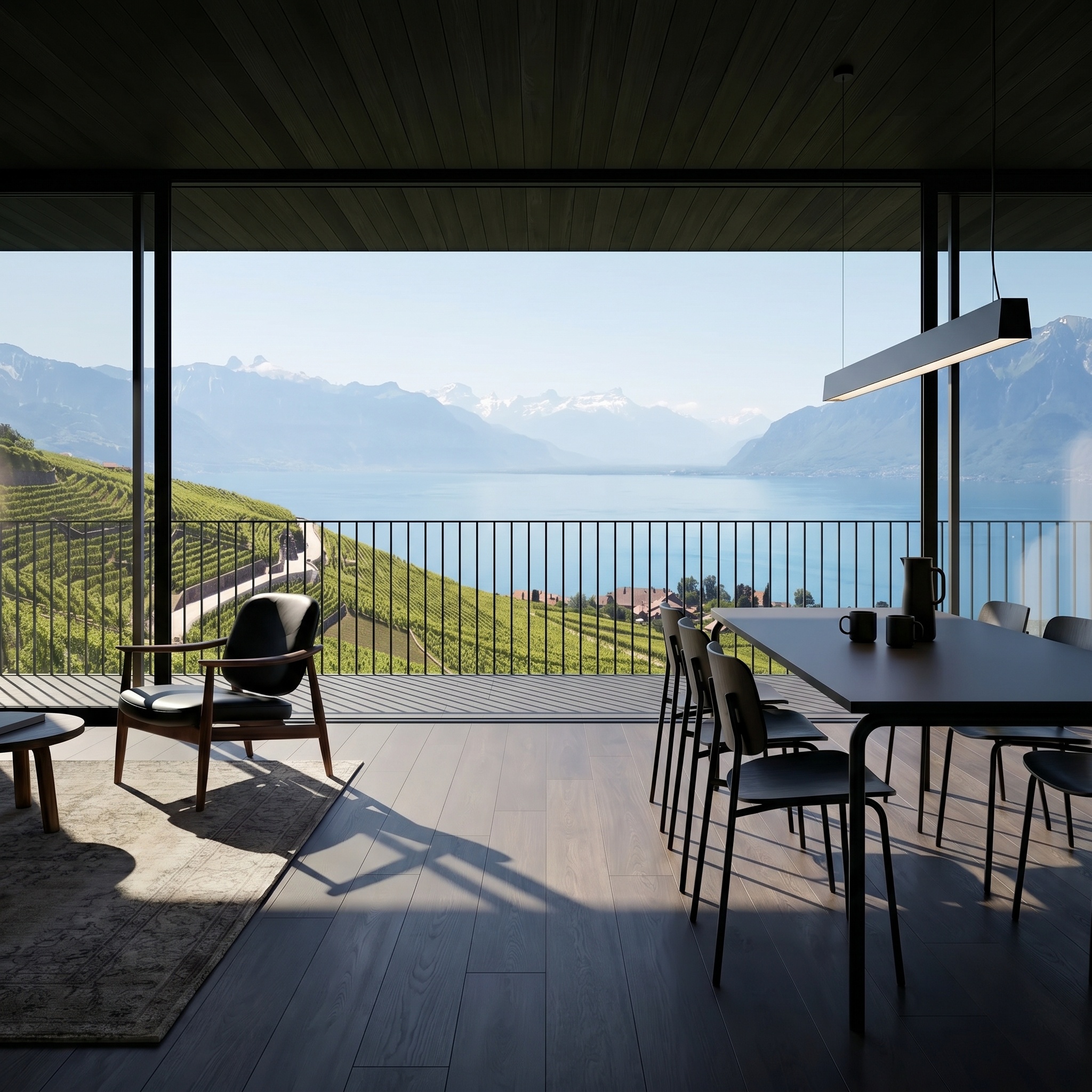
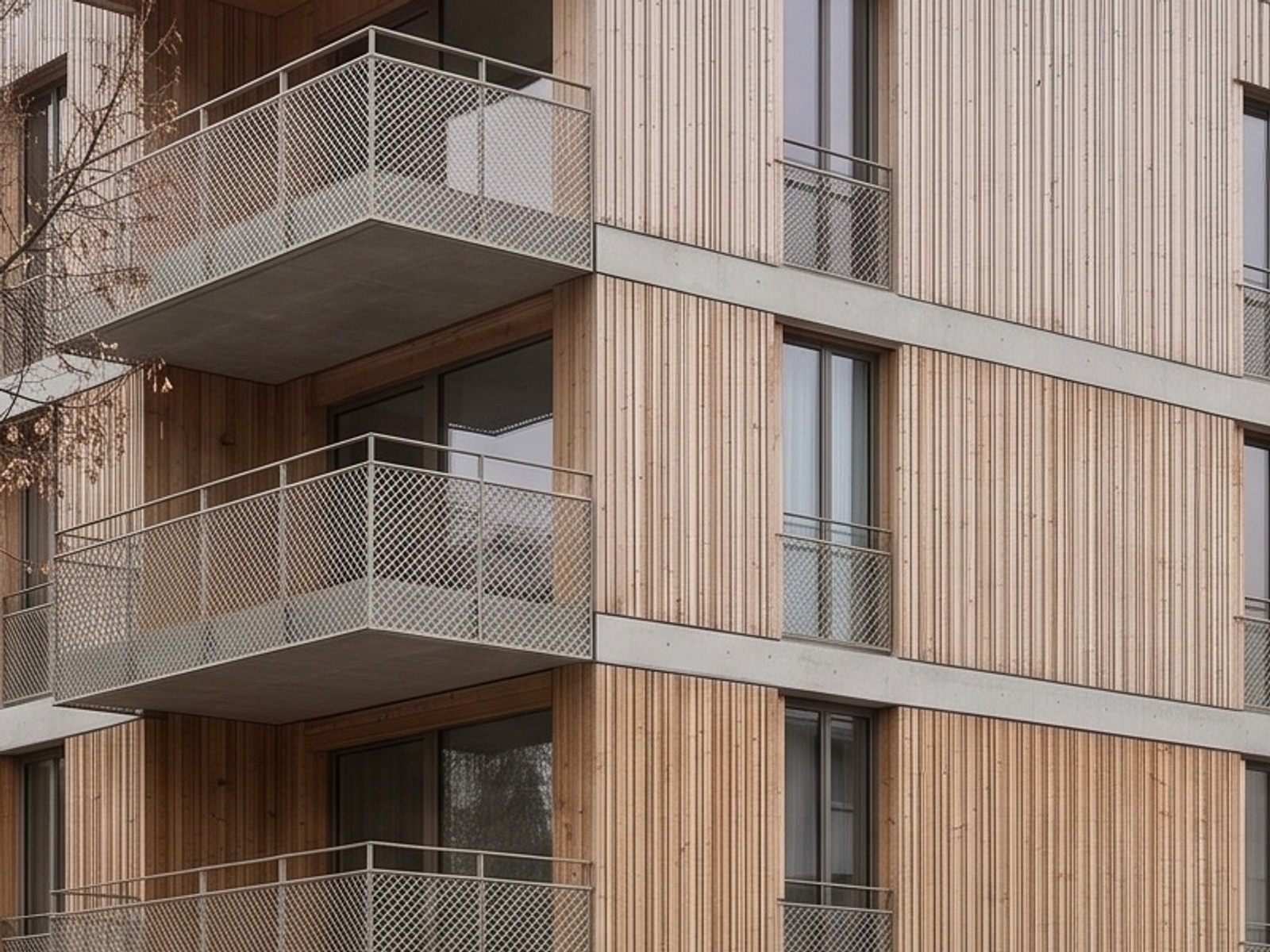
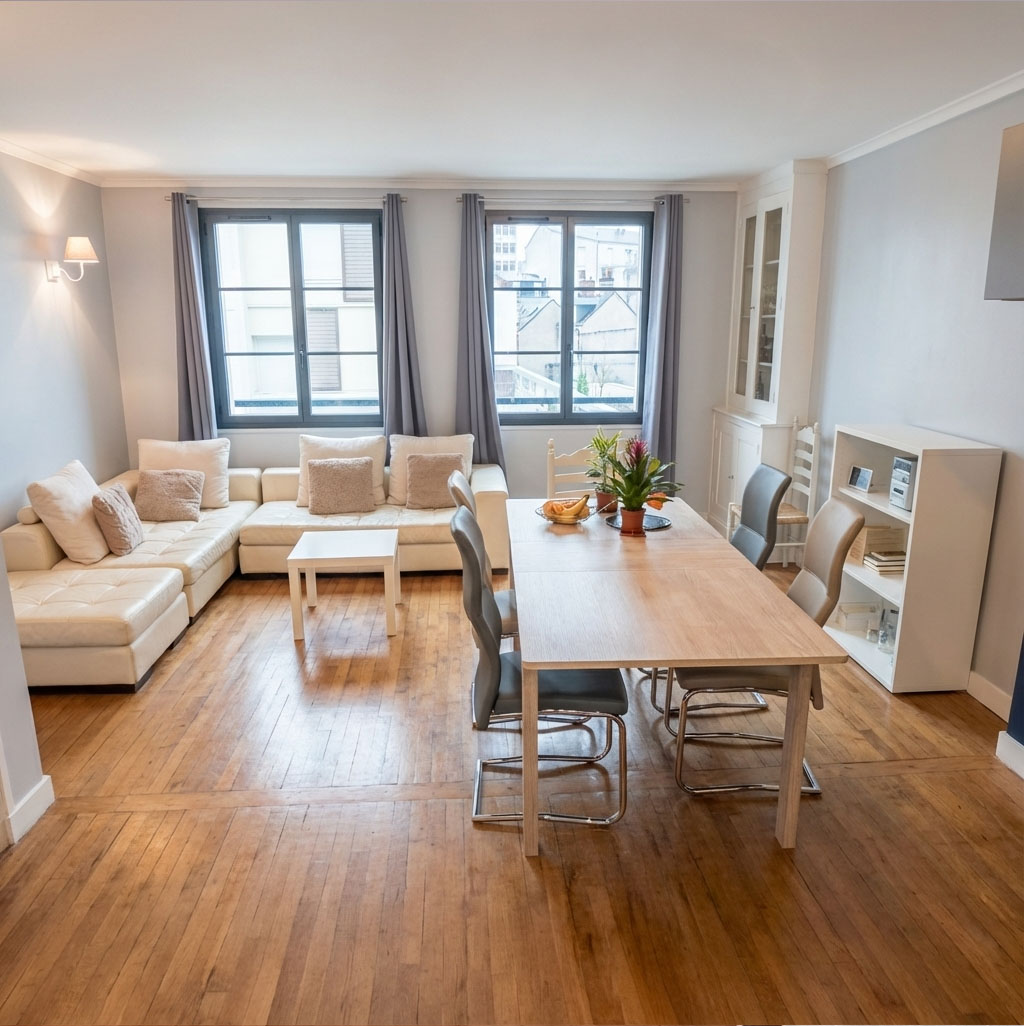
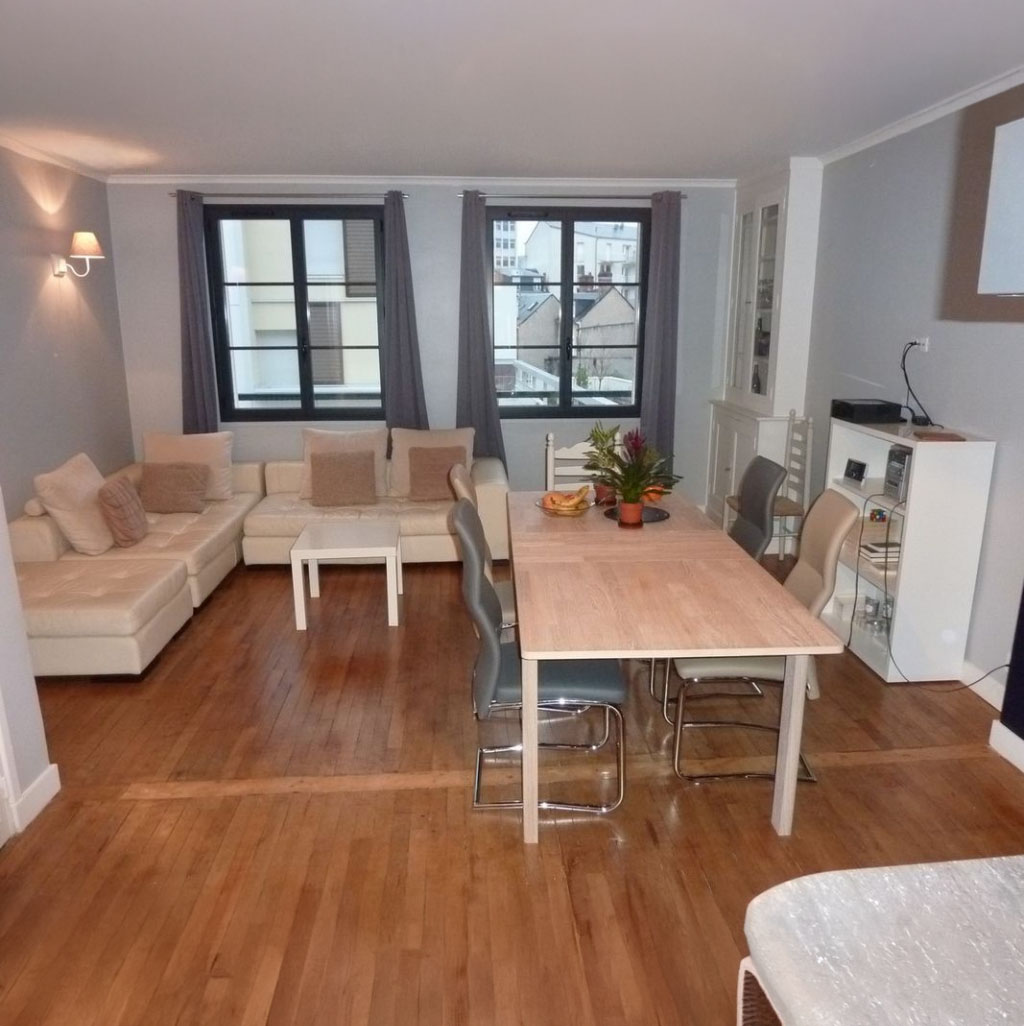
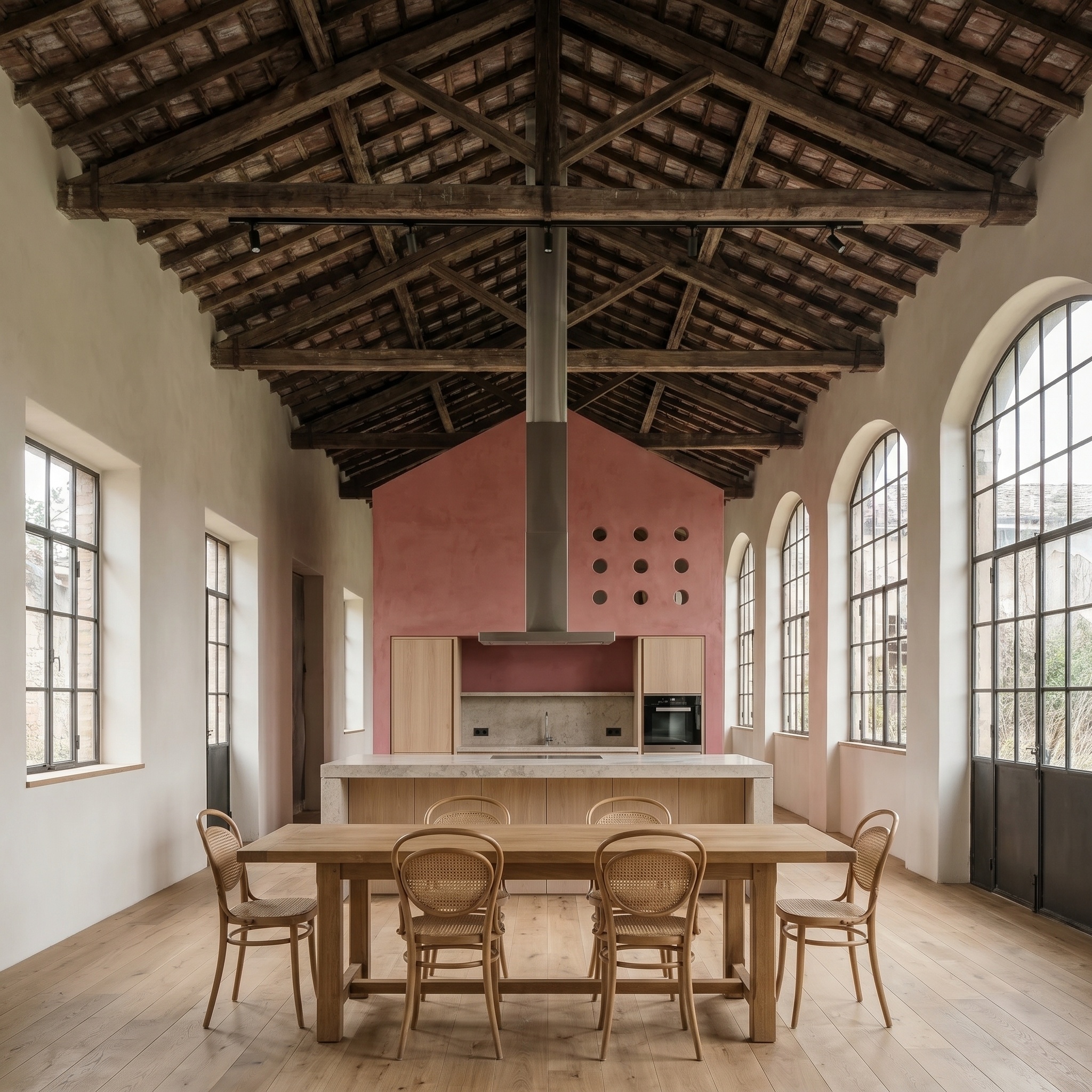
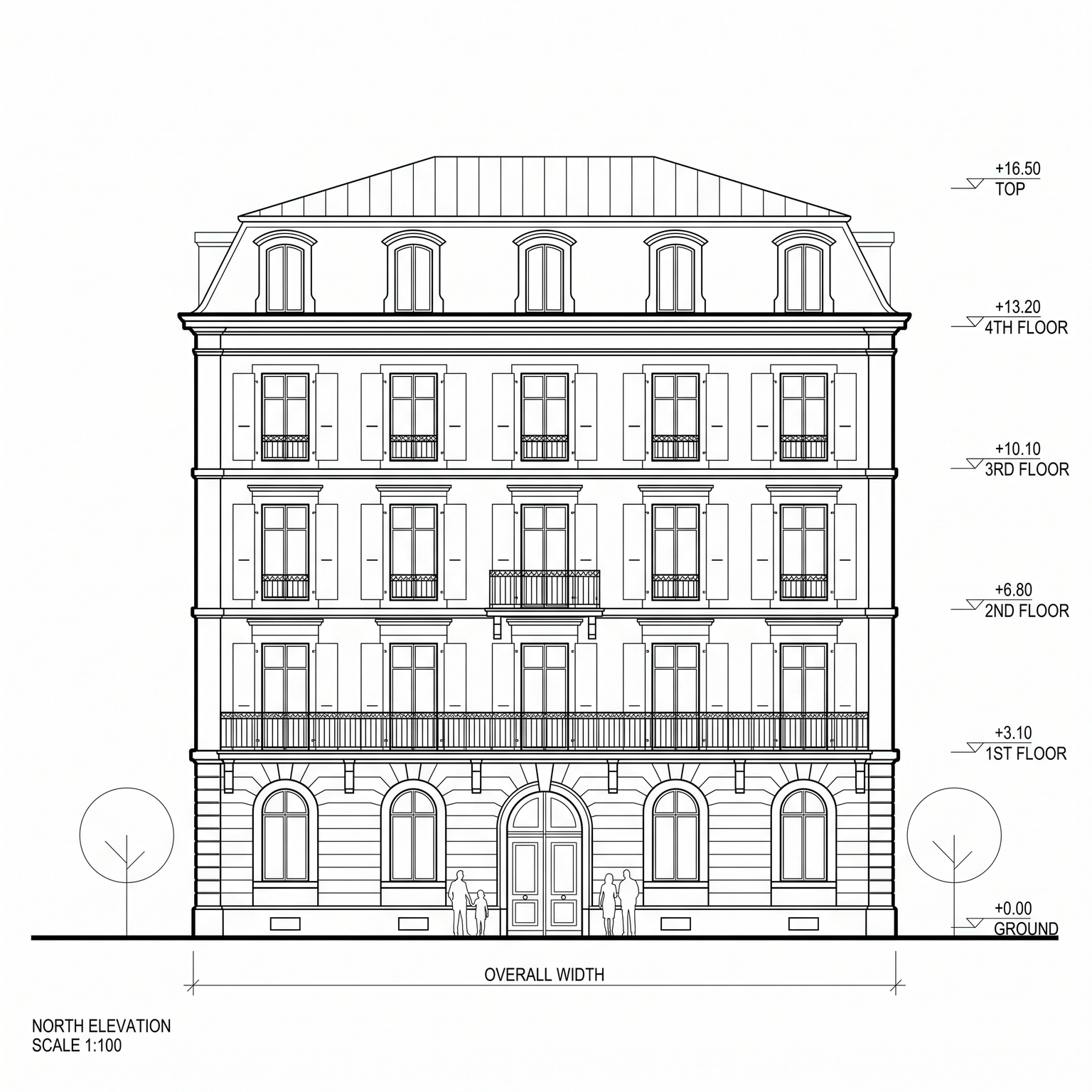
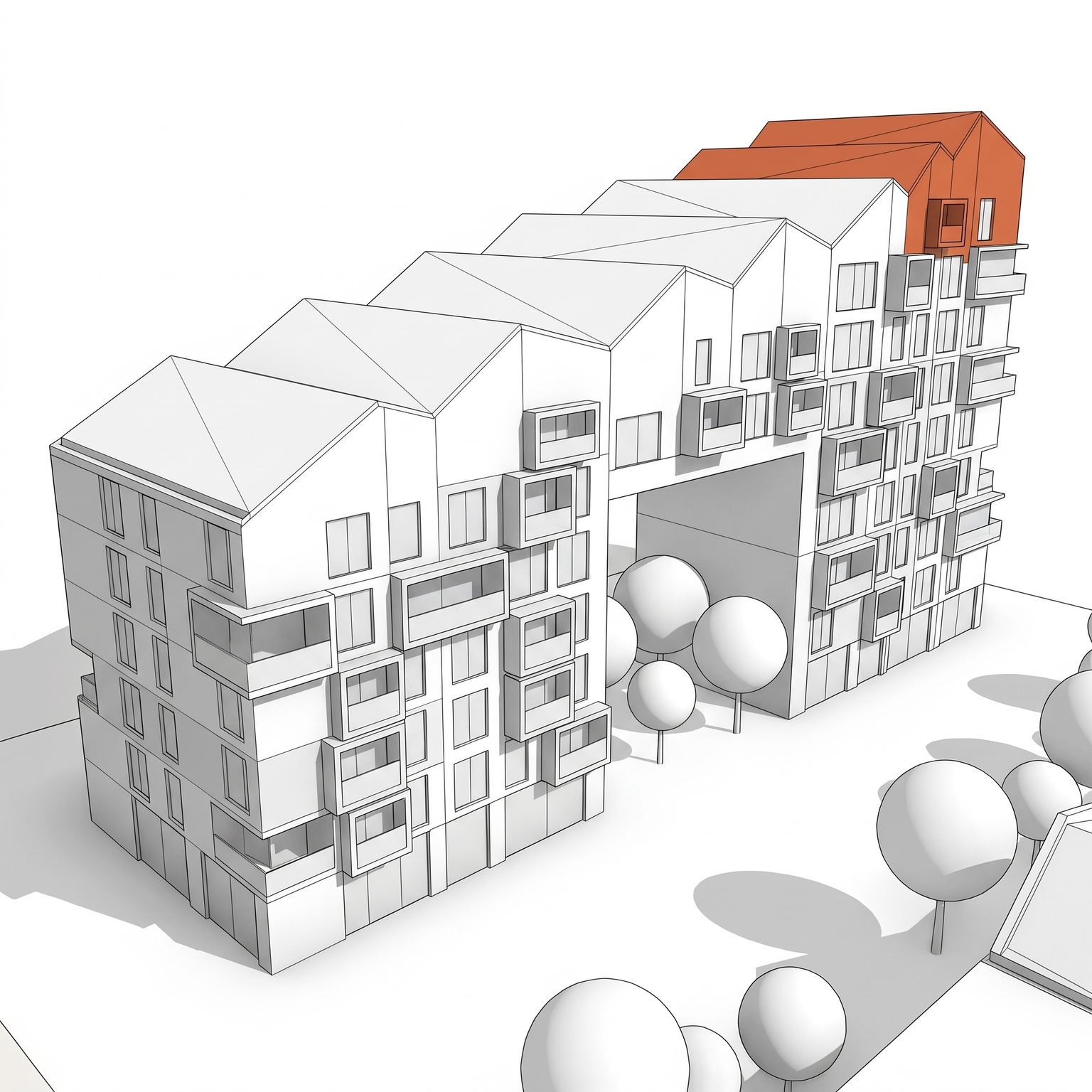
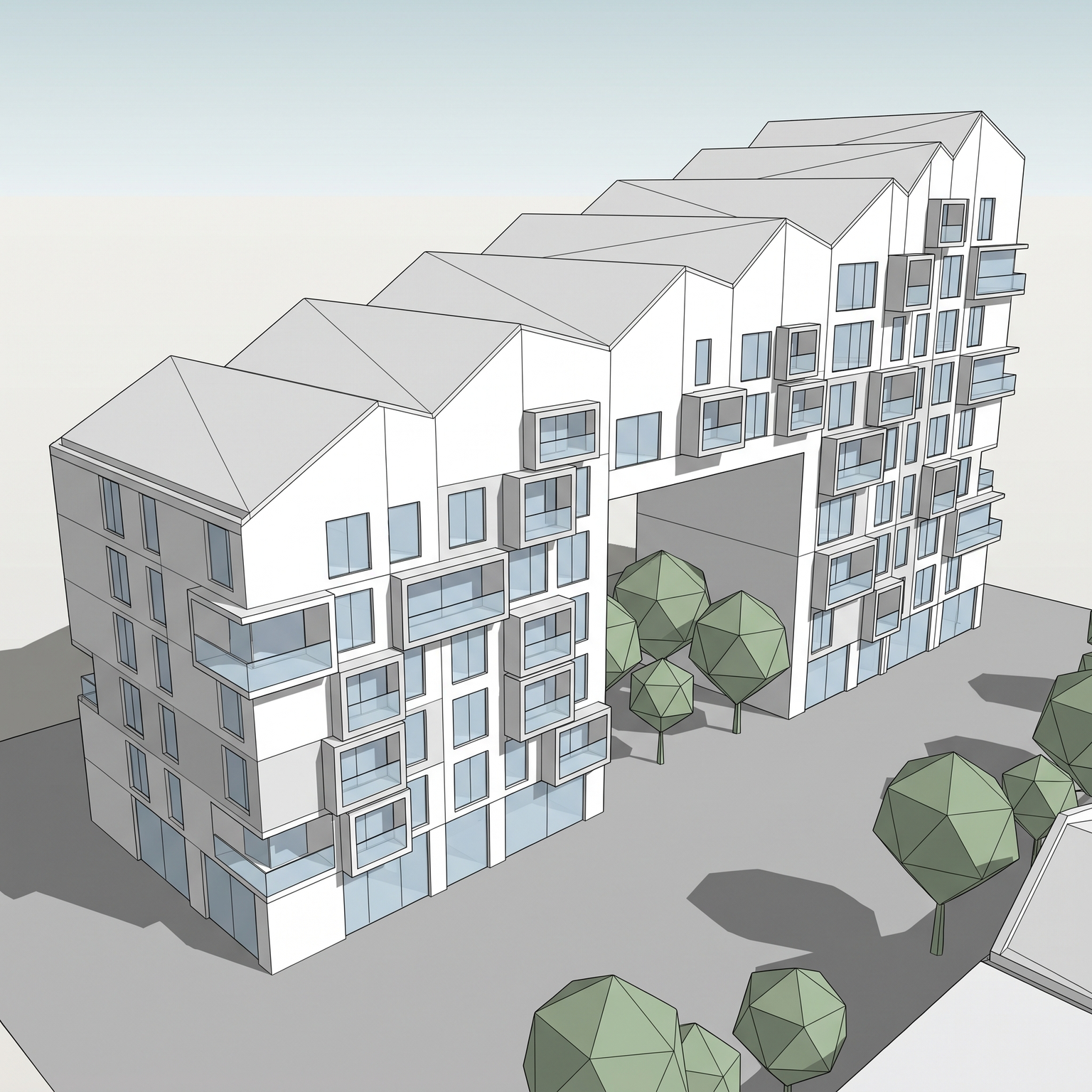
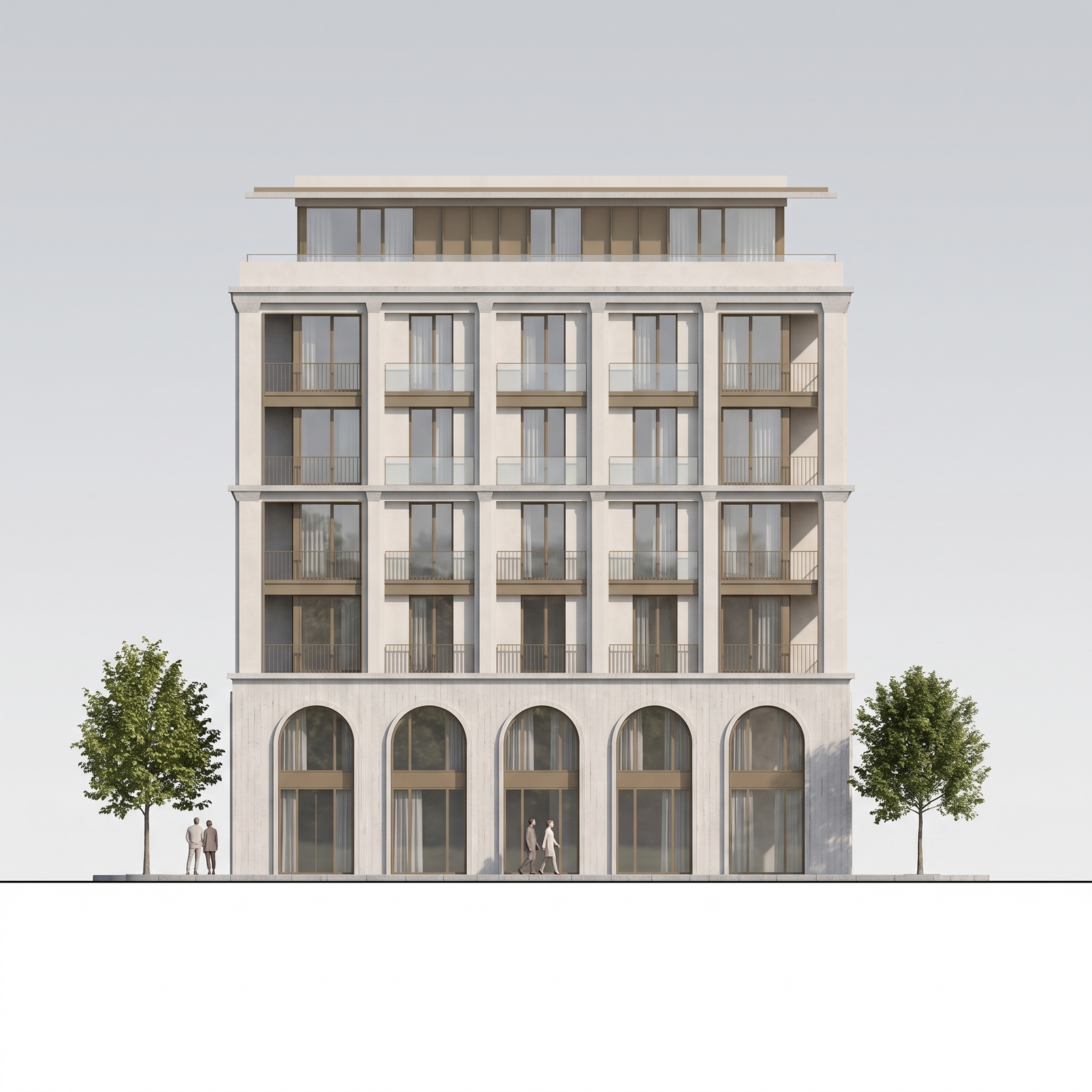
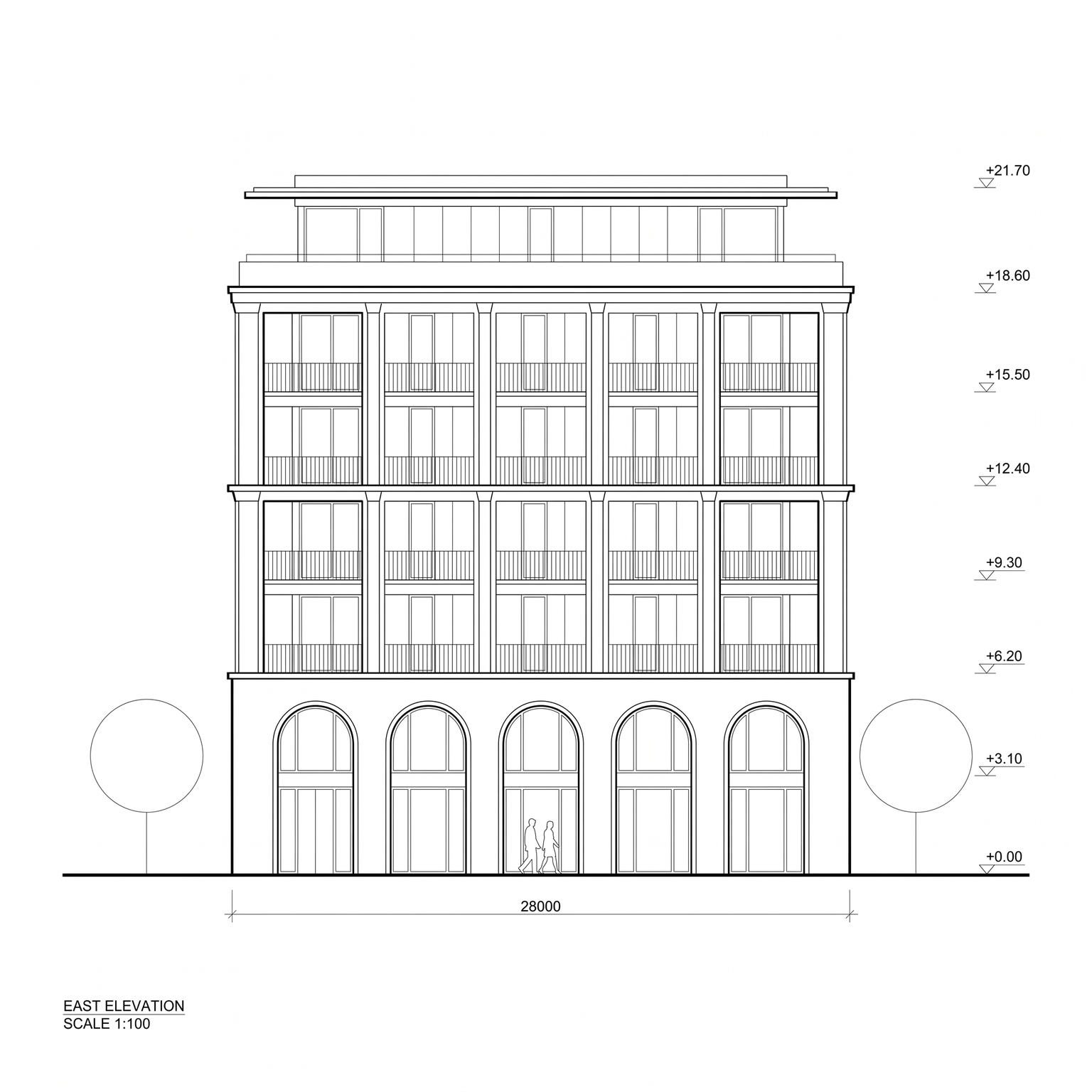
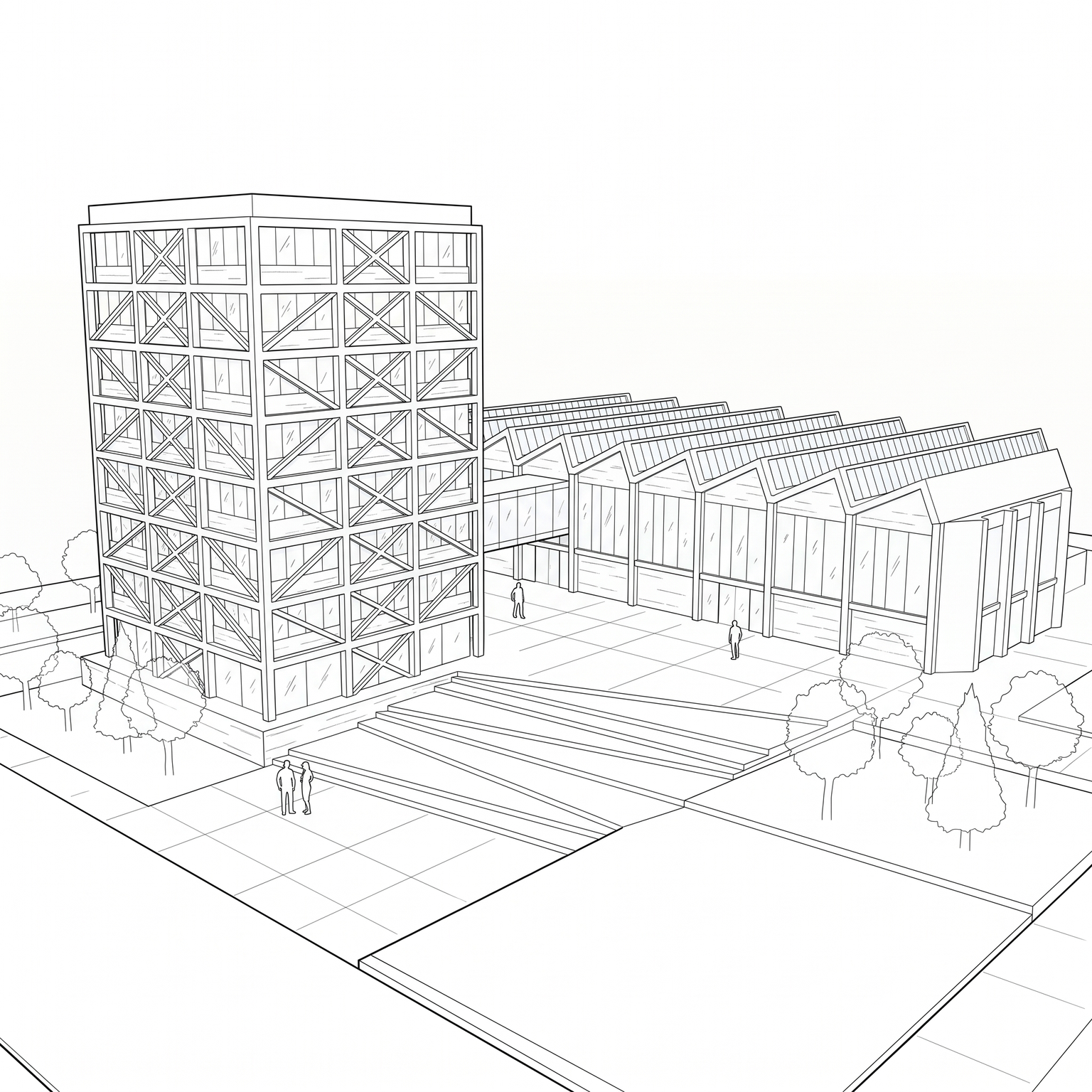
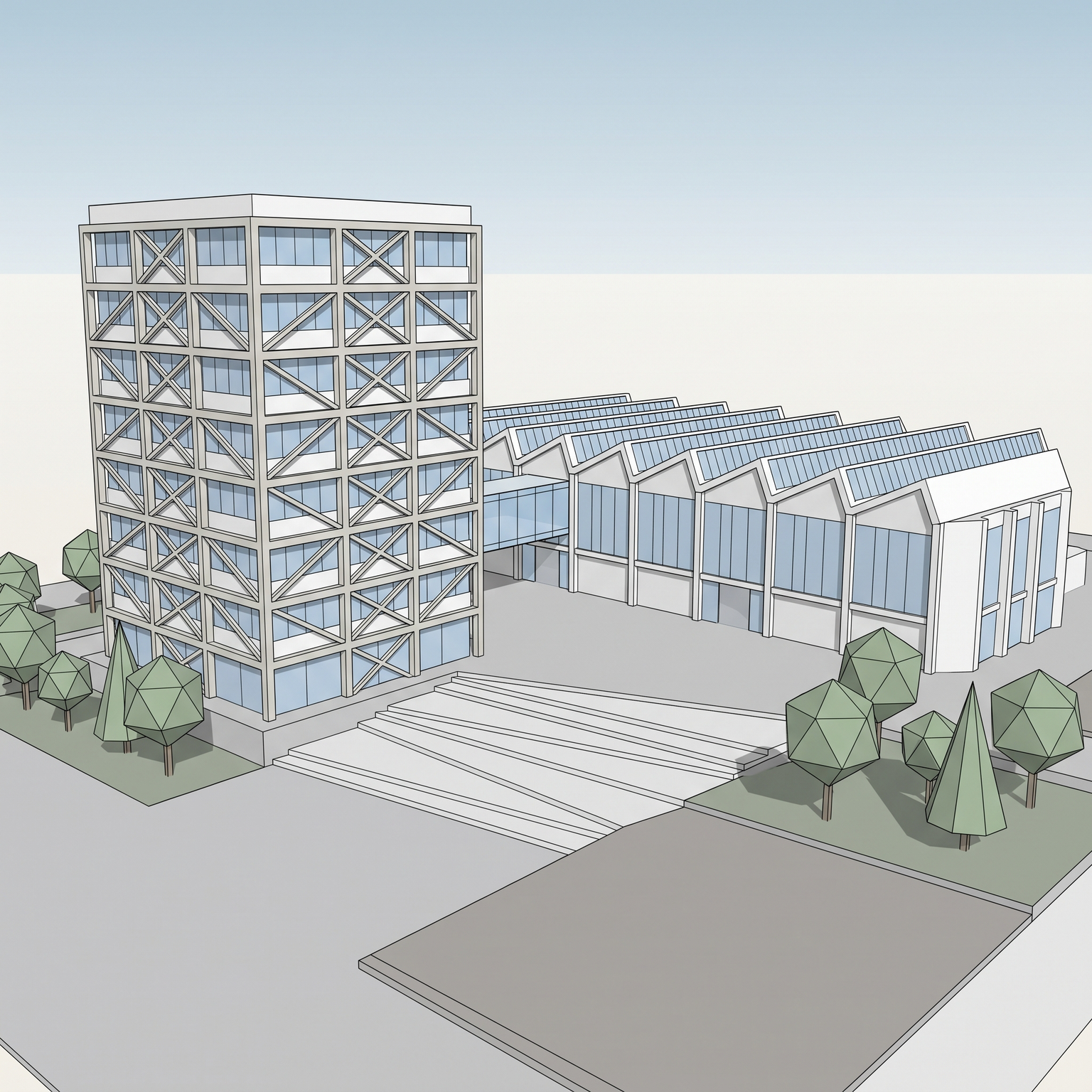
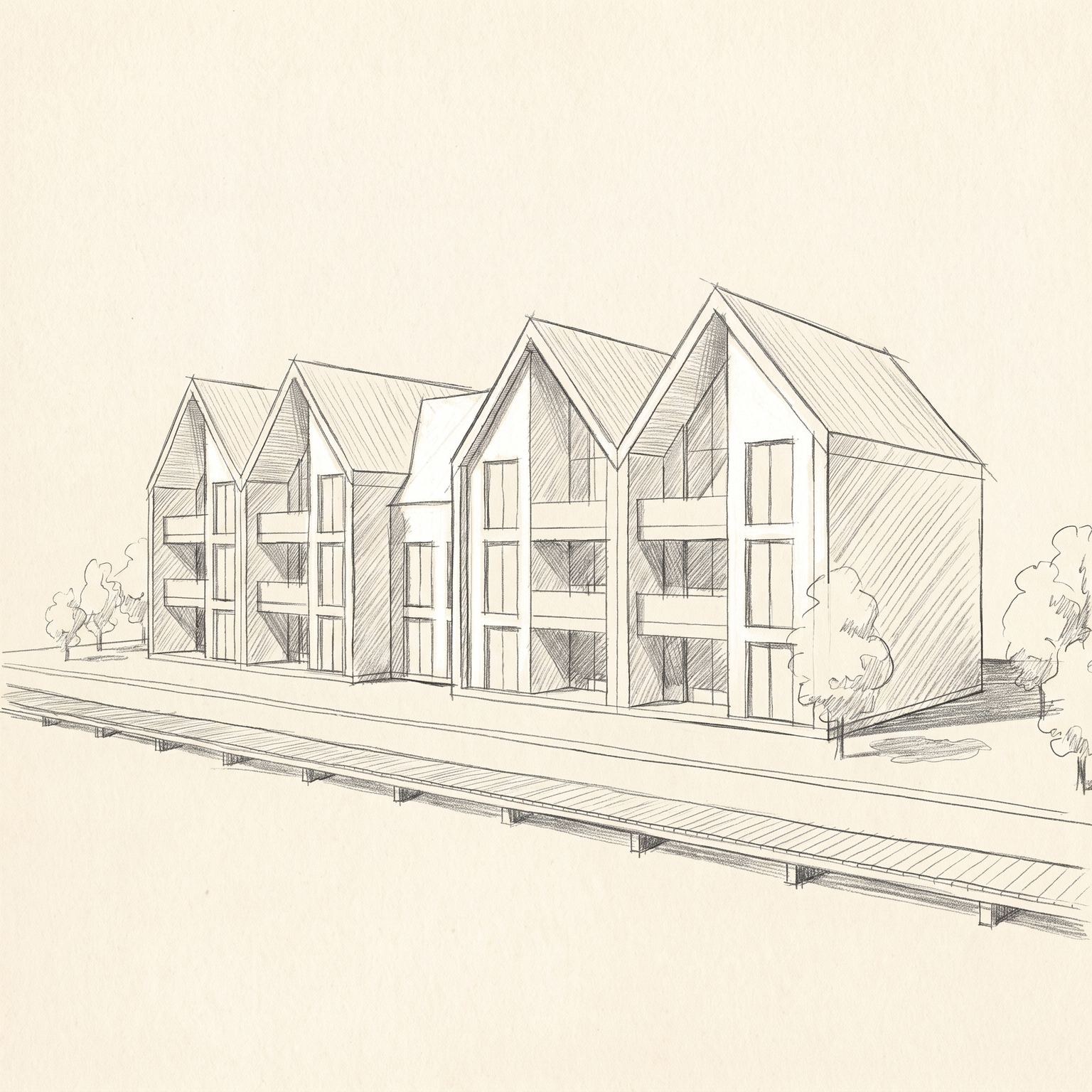
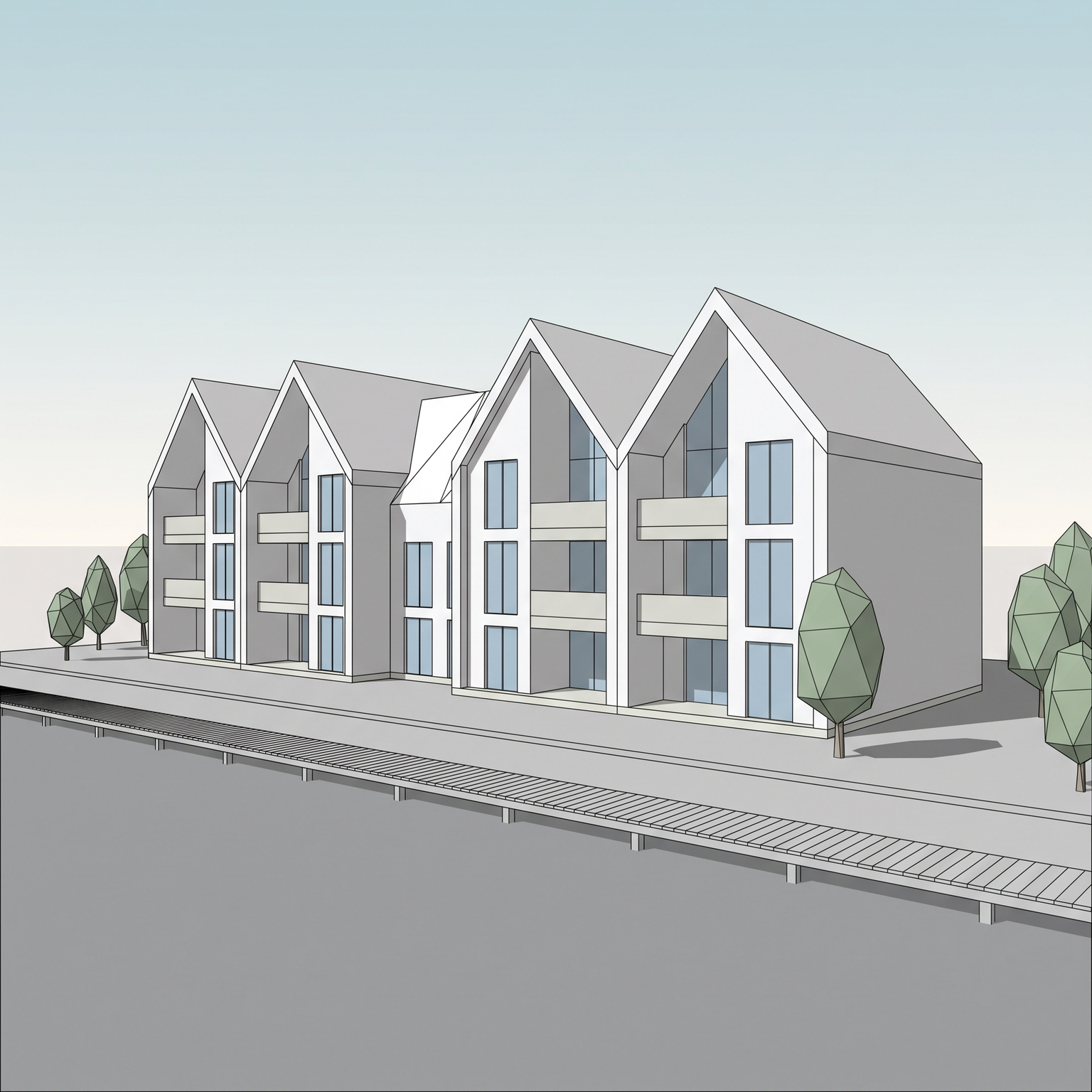
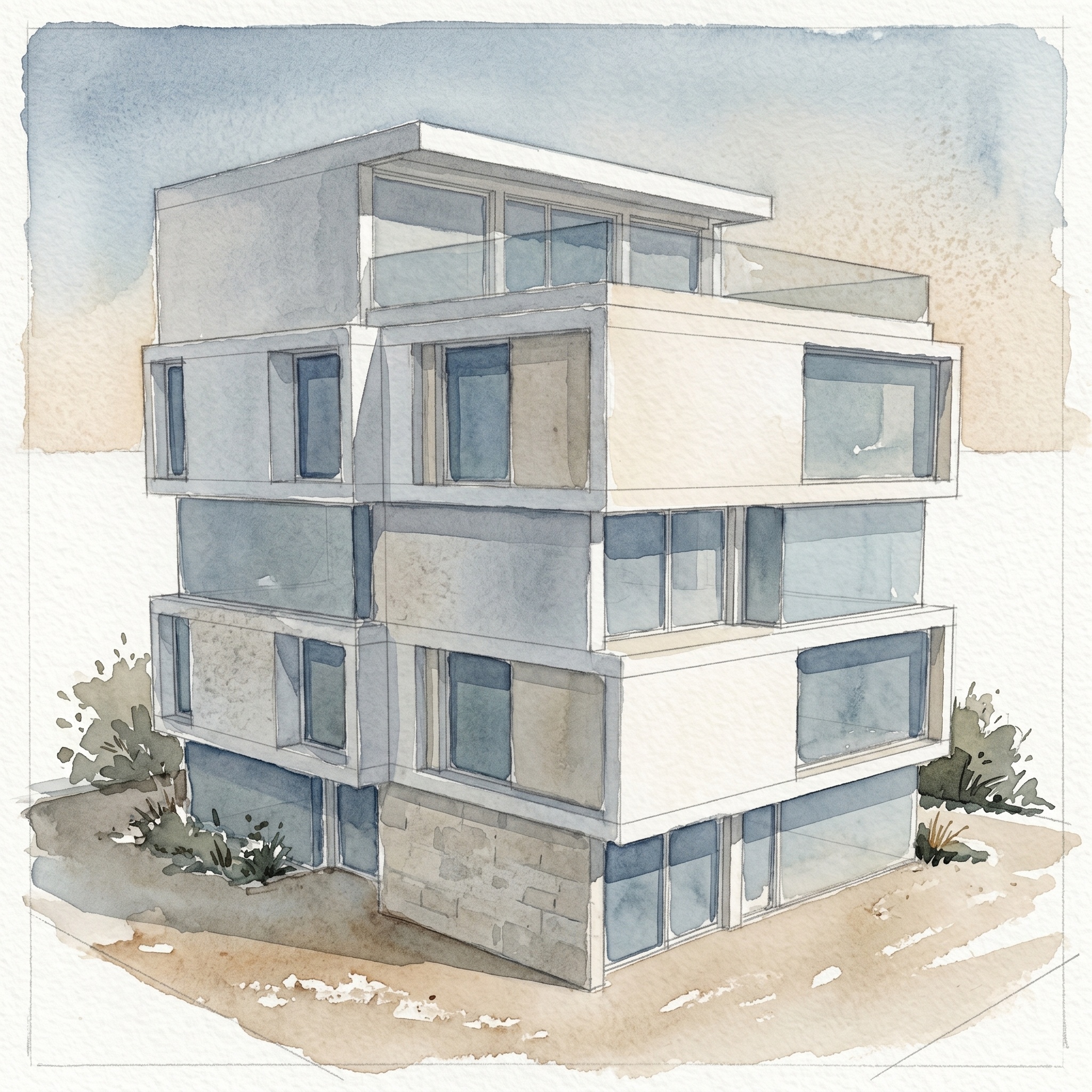
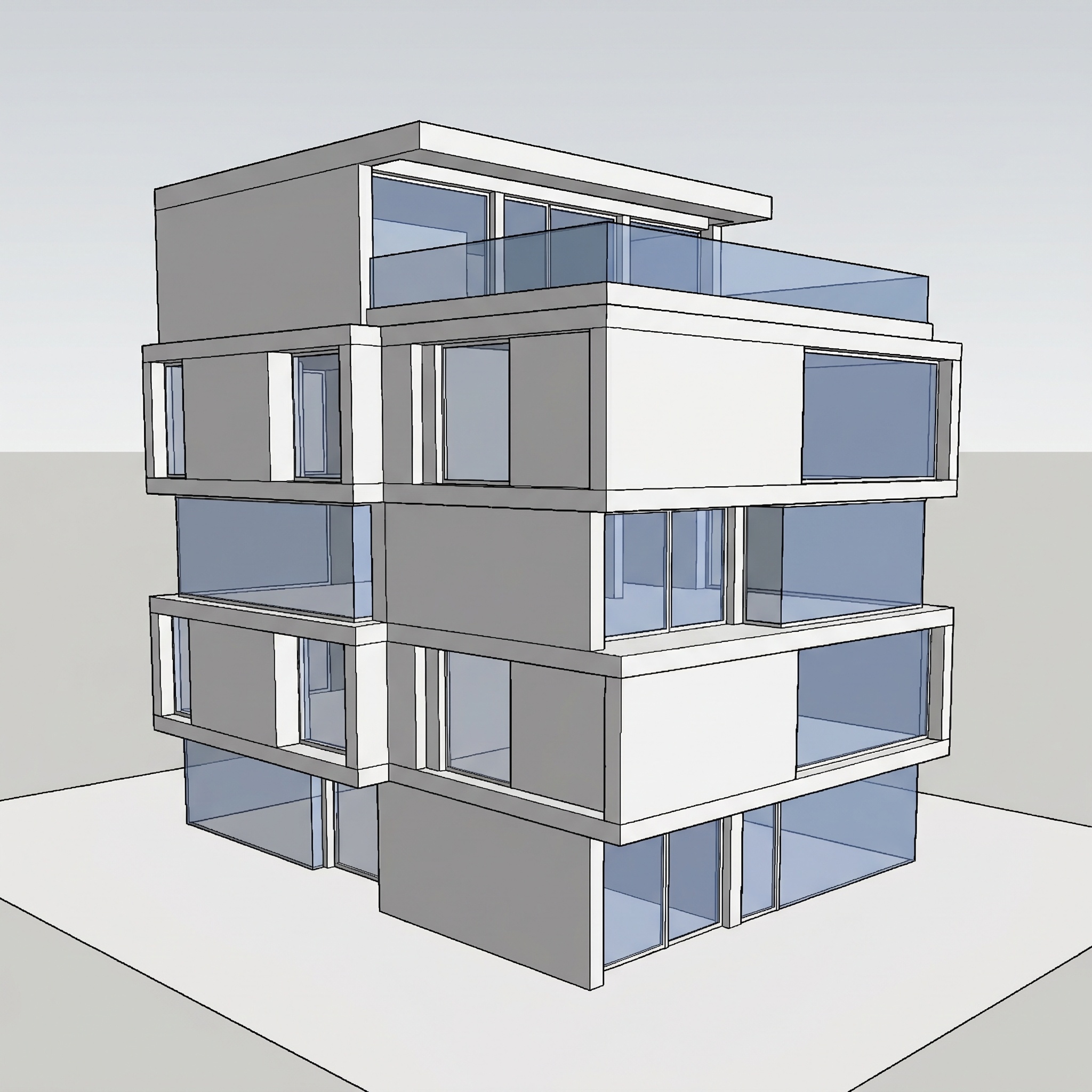
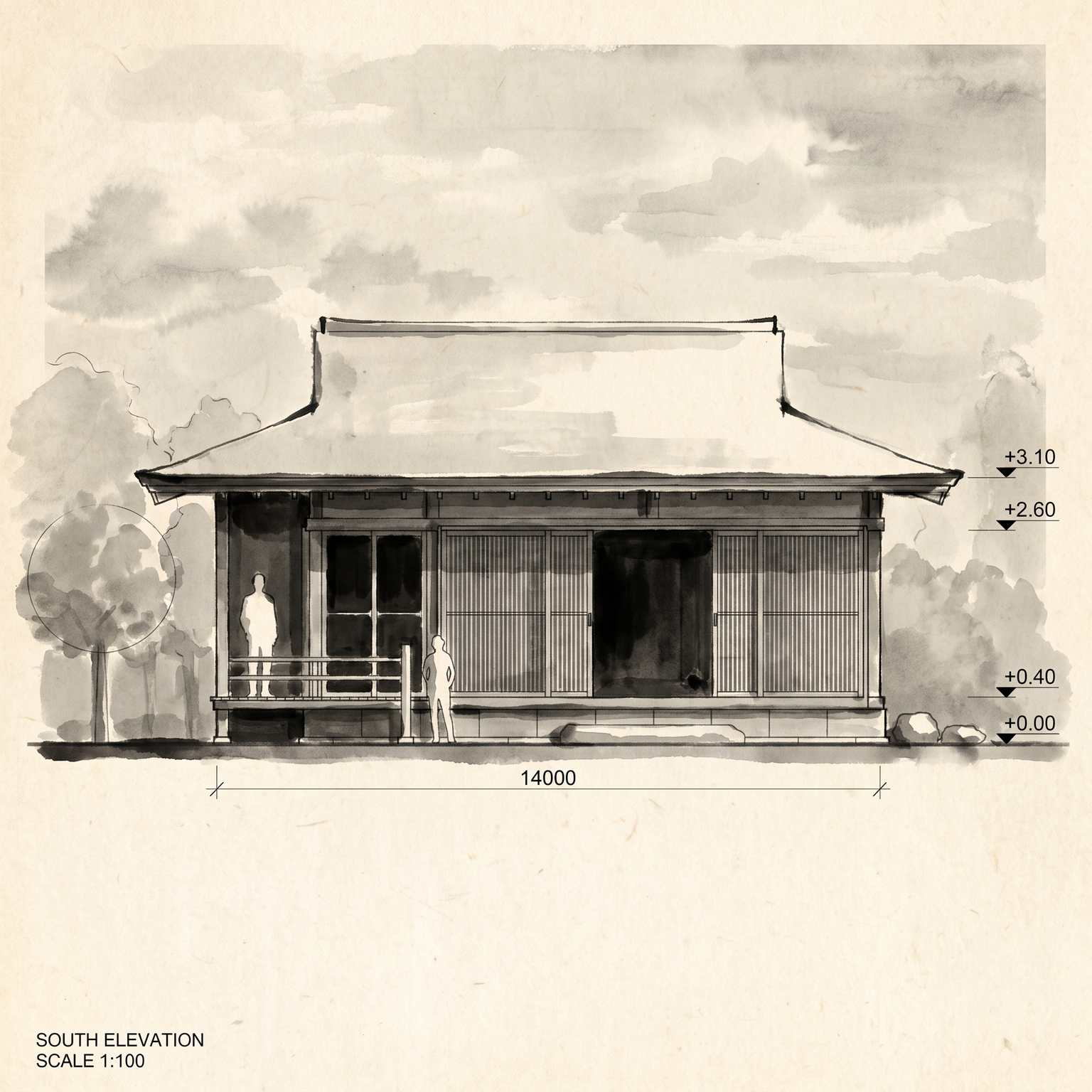
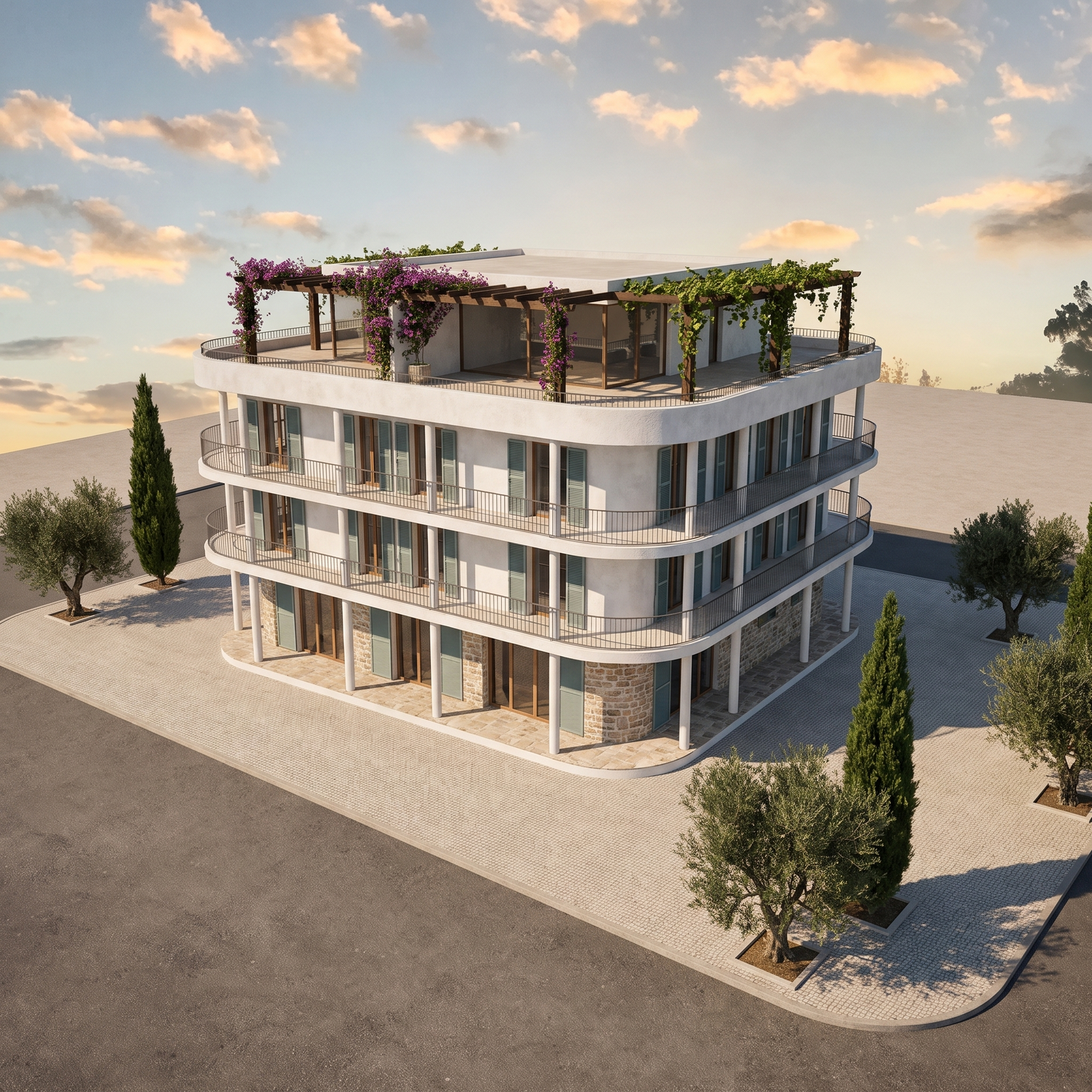
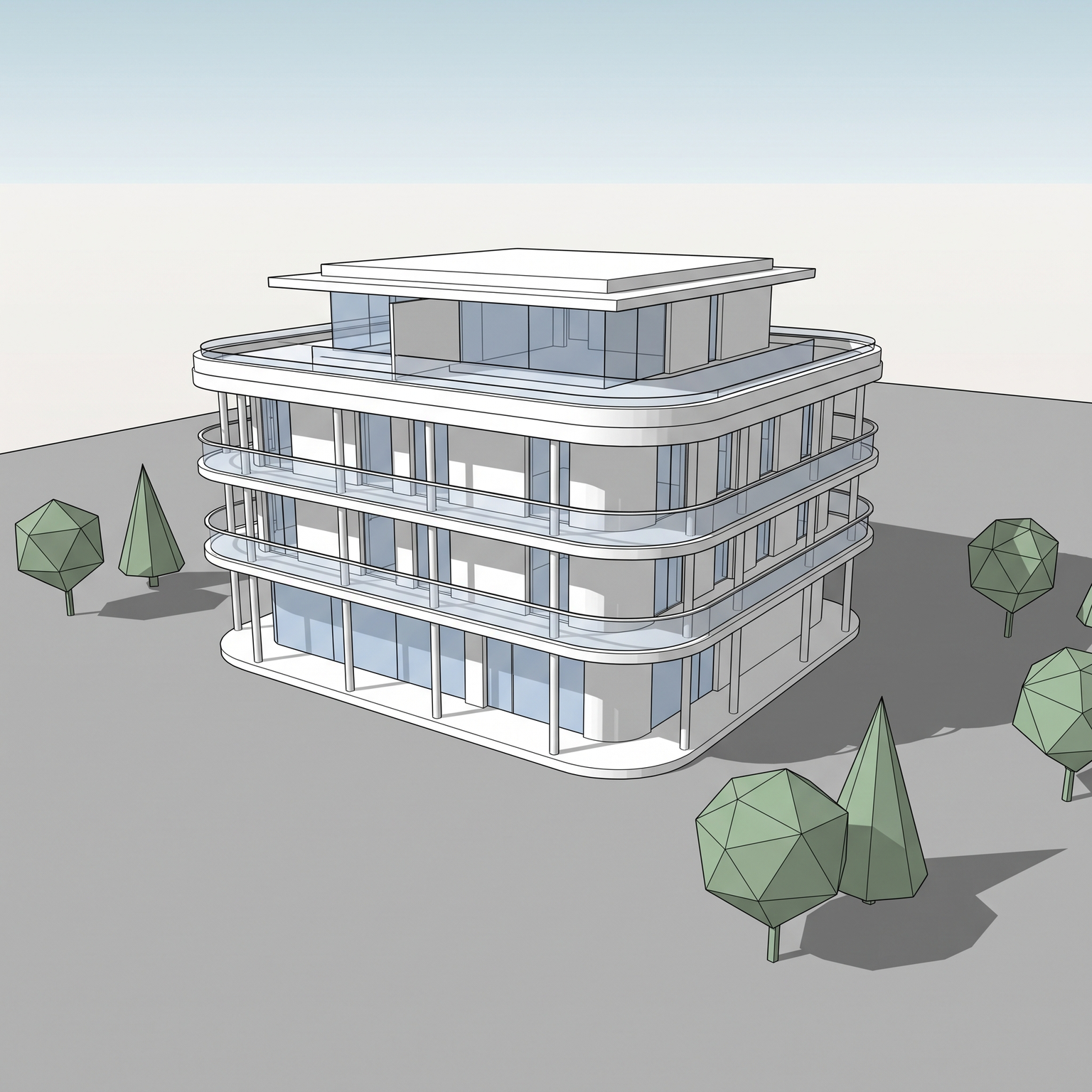
Sketch to Reality.In Seconds.

See your ideas before they're built. The creative studio for architects and designers — Templates for speed, Canvas for art, Nodes for power.

Want proof?

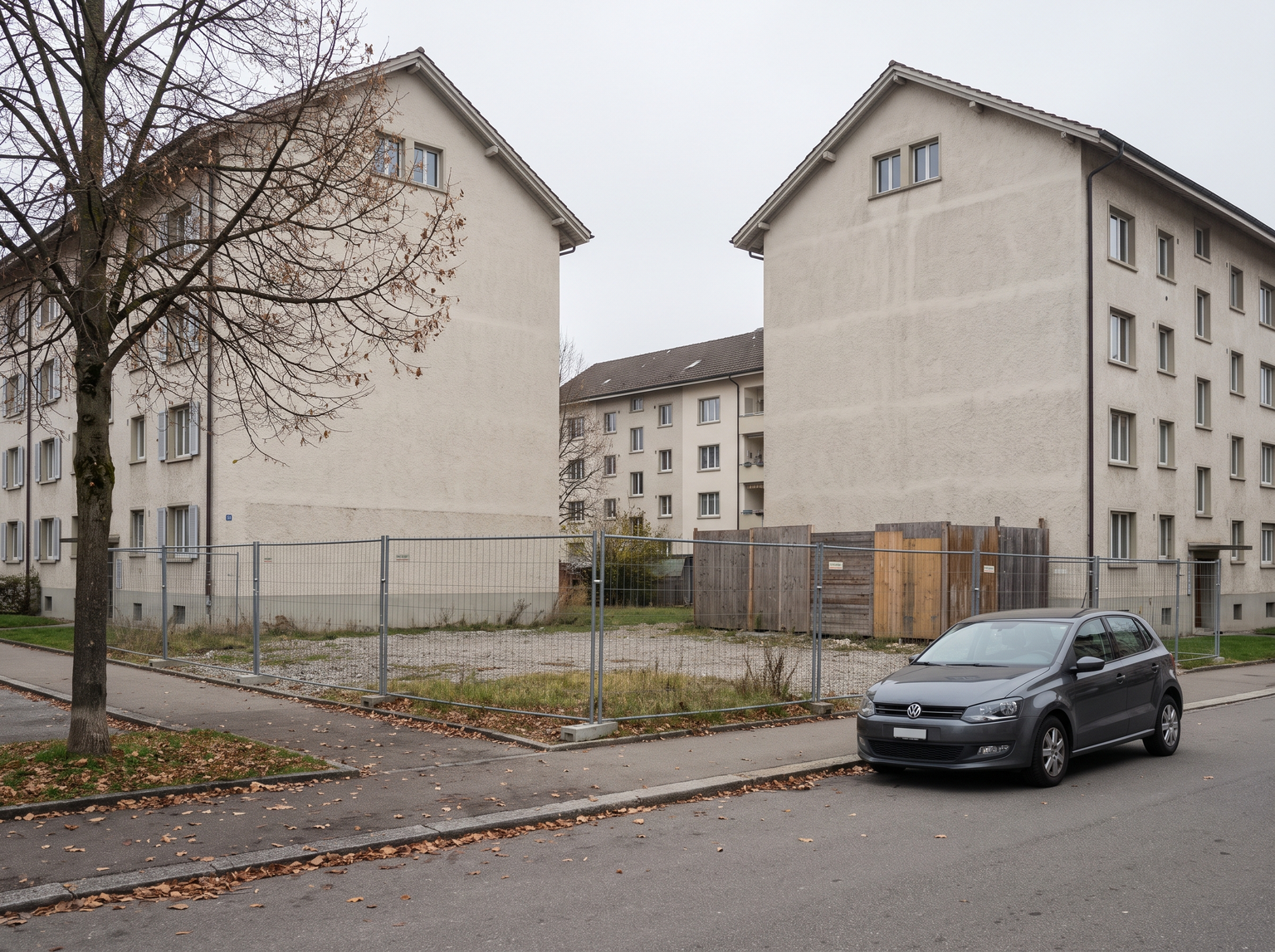
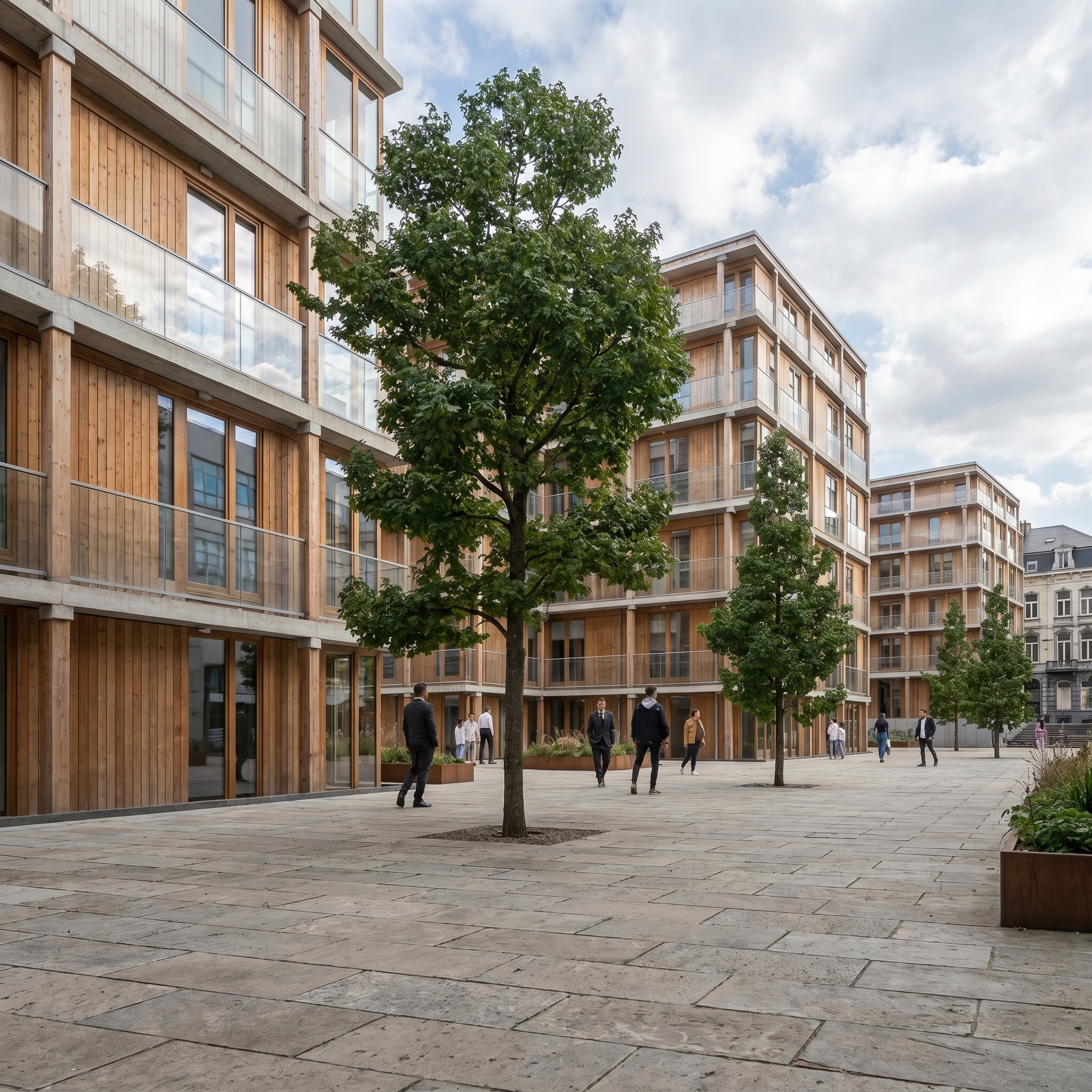
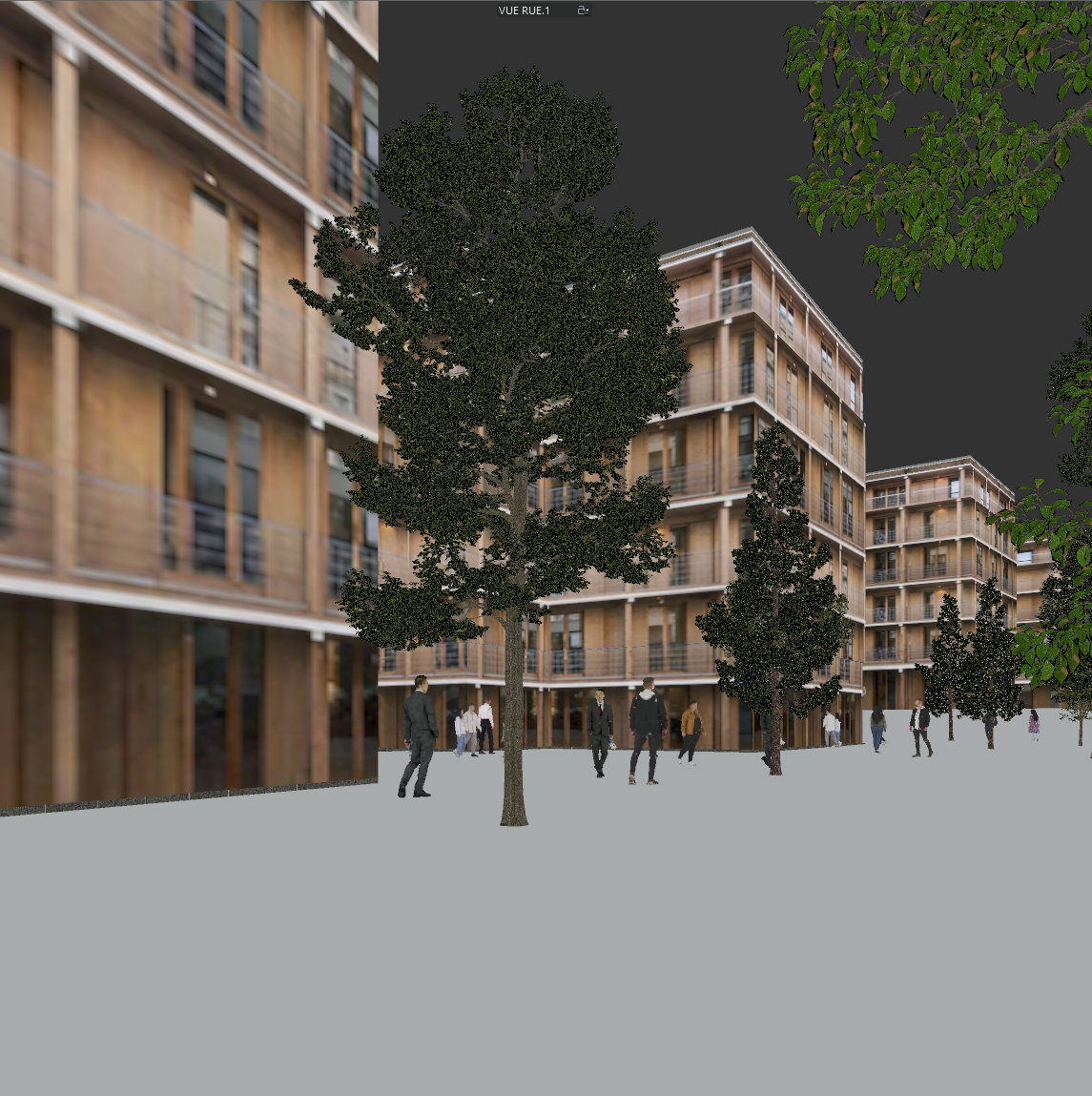
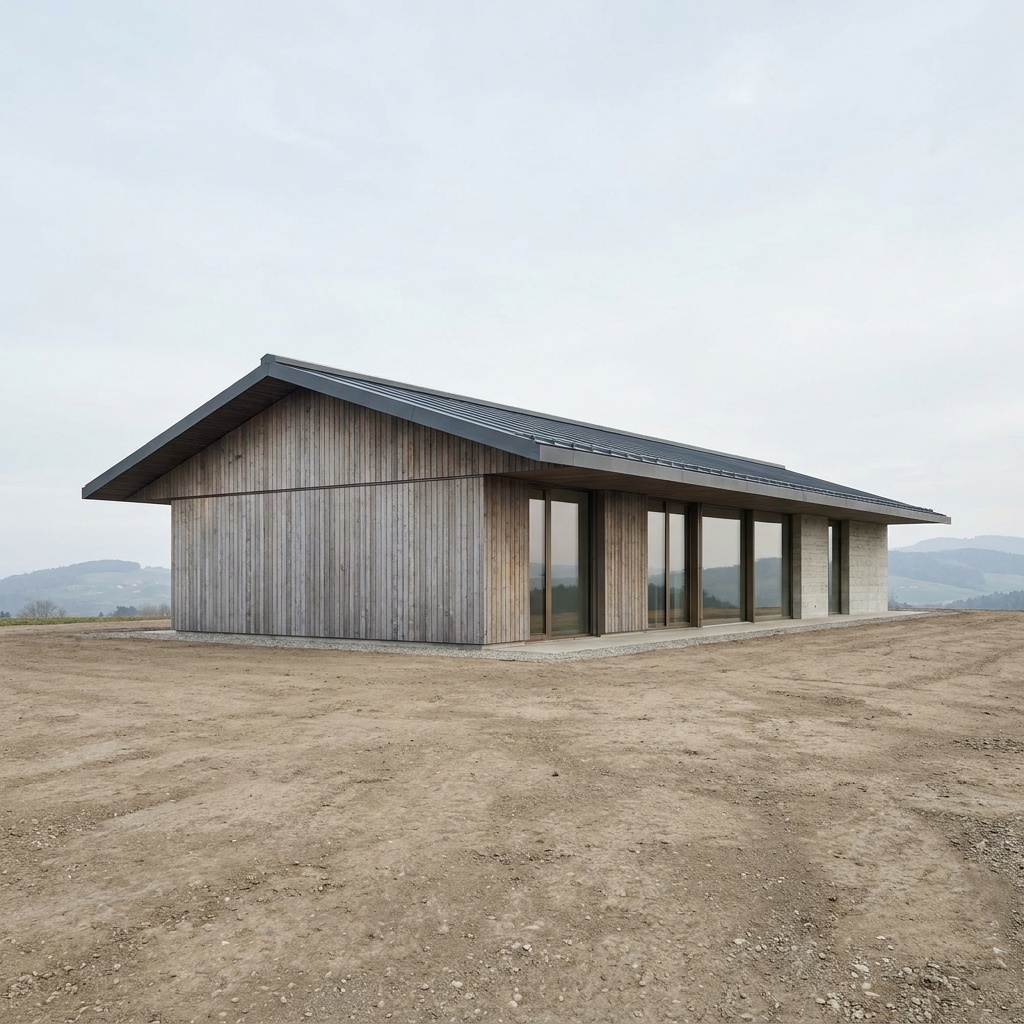
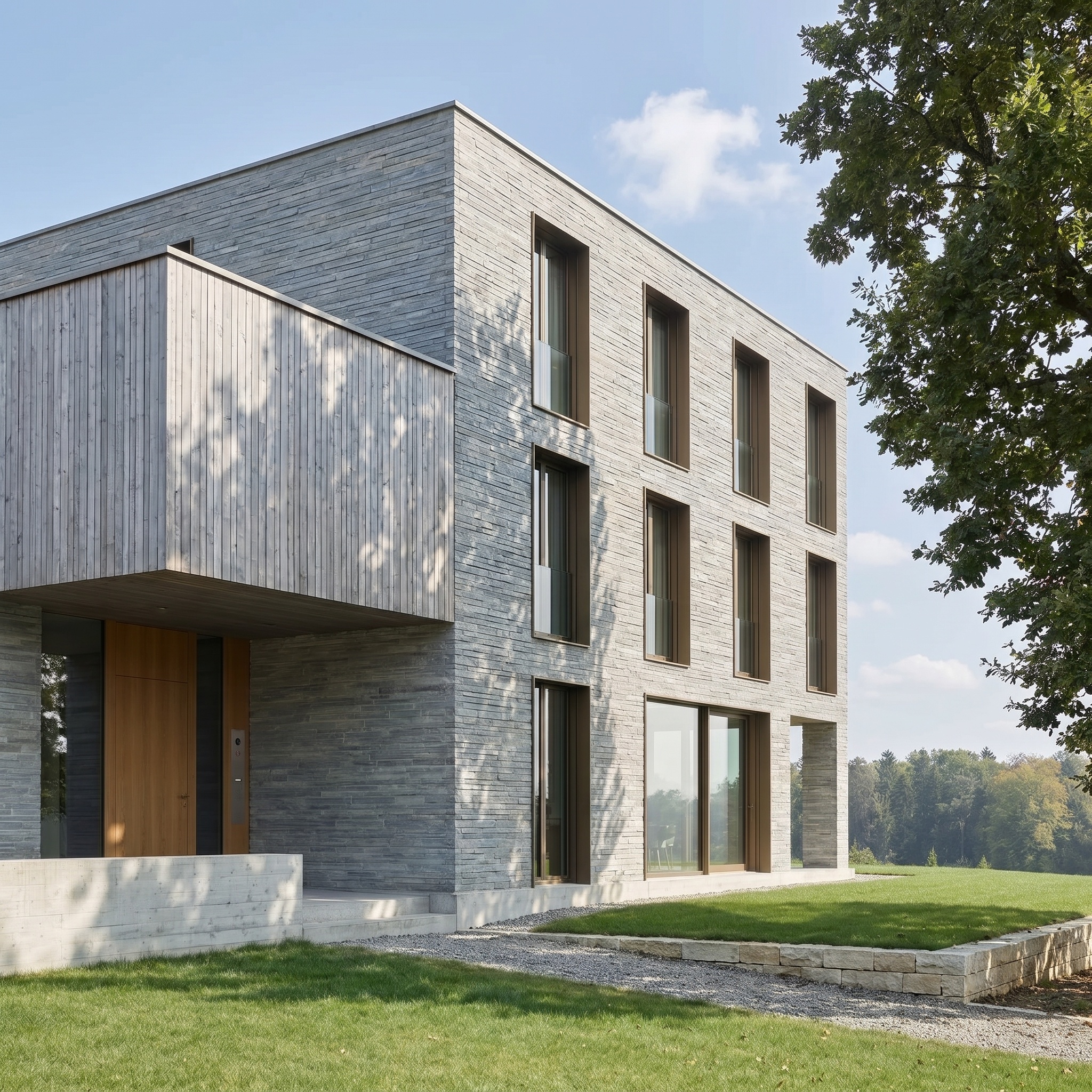
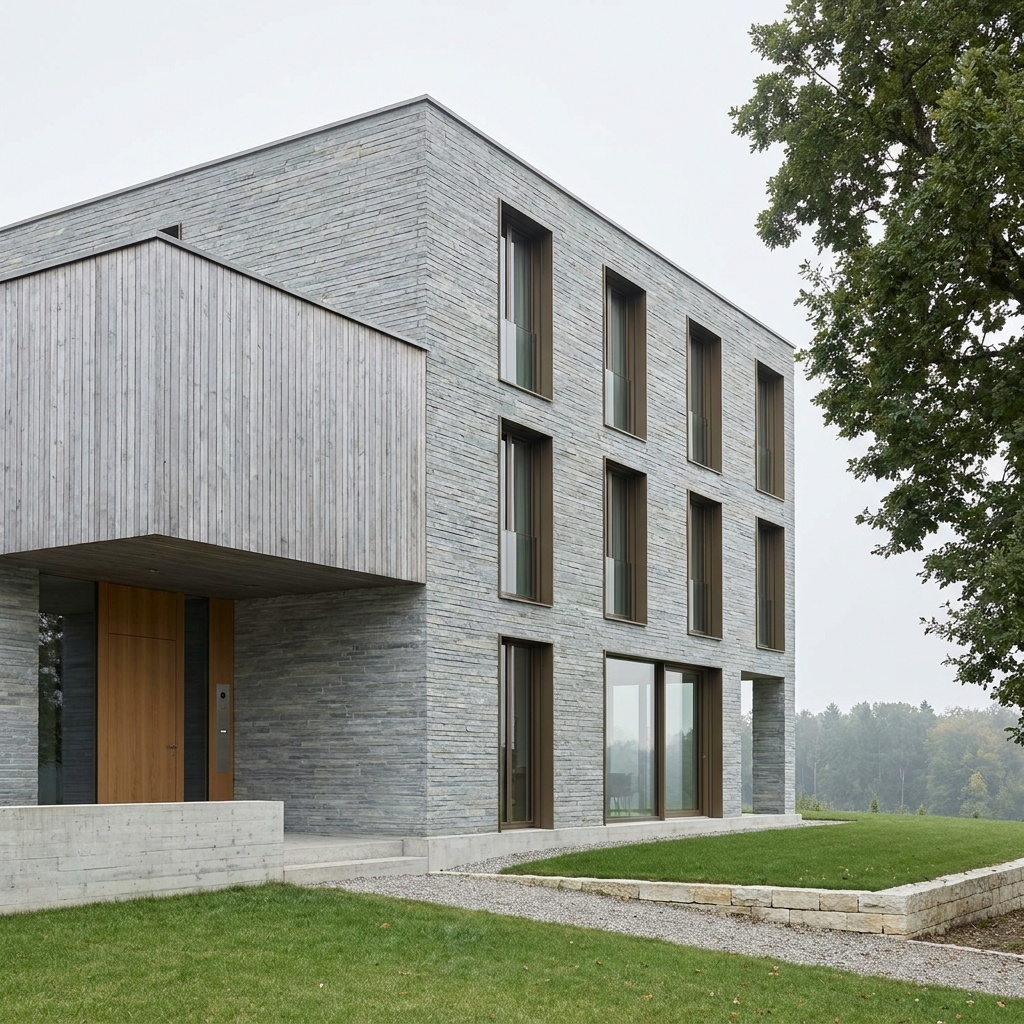
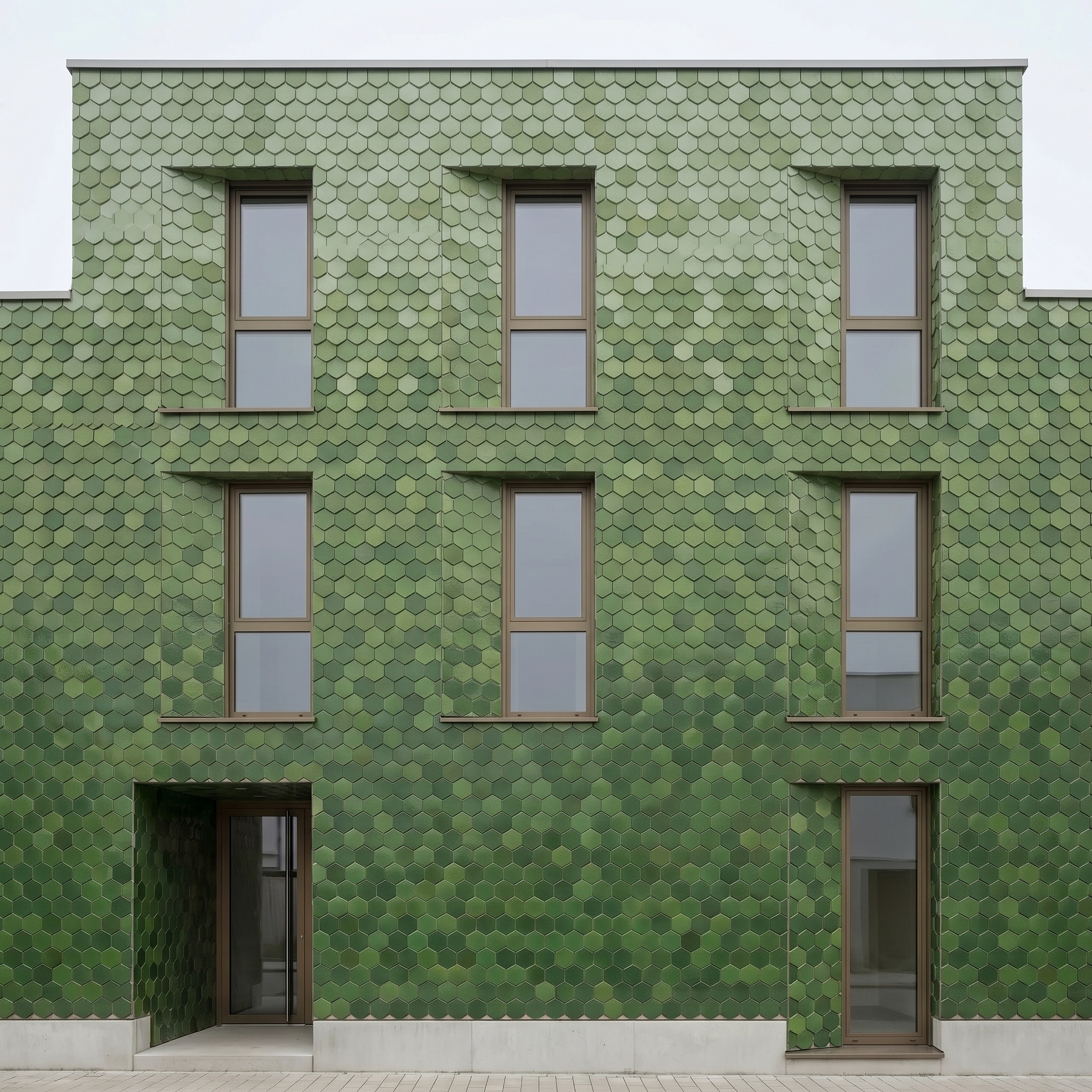
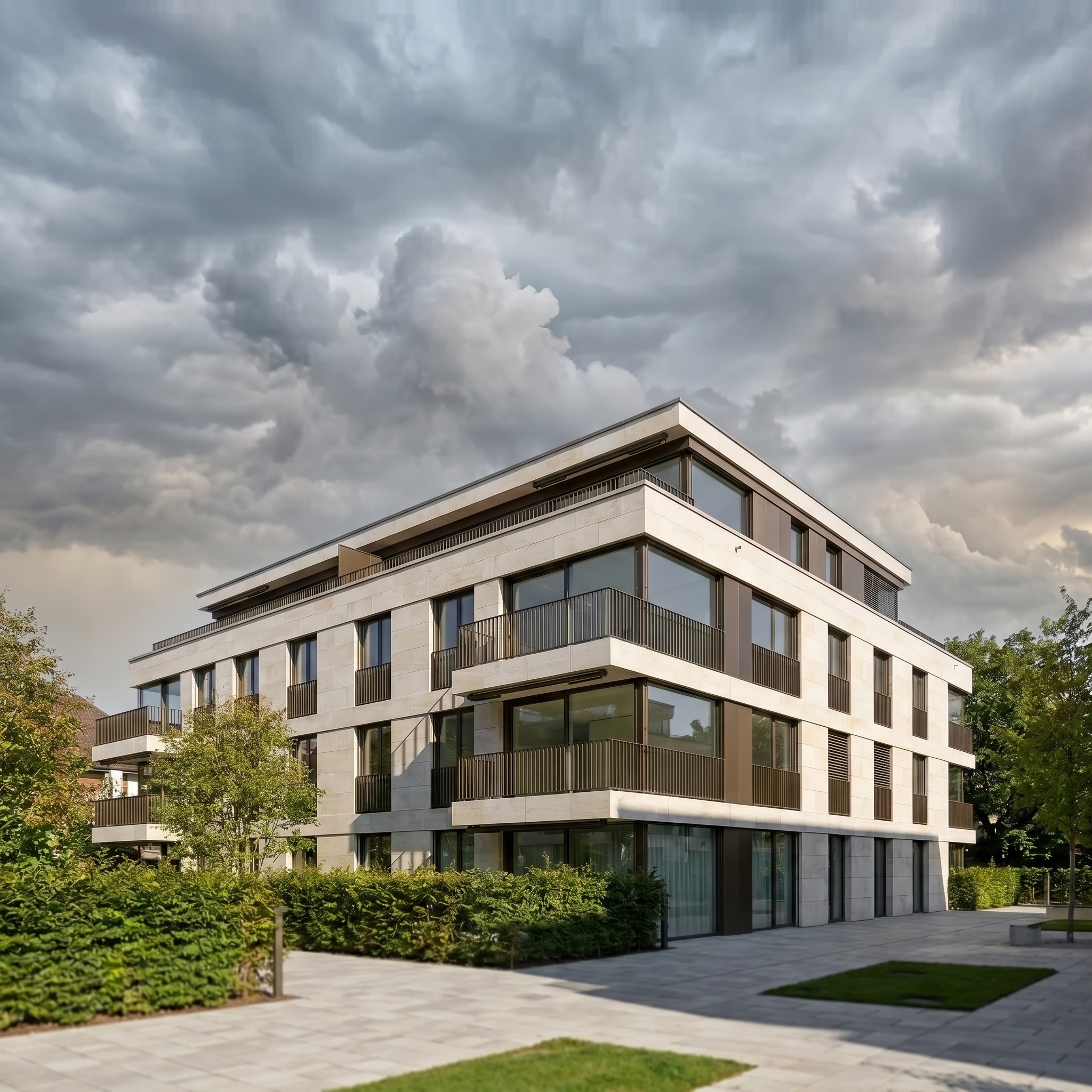
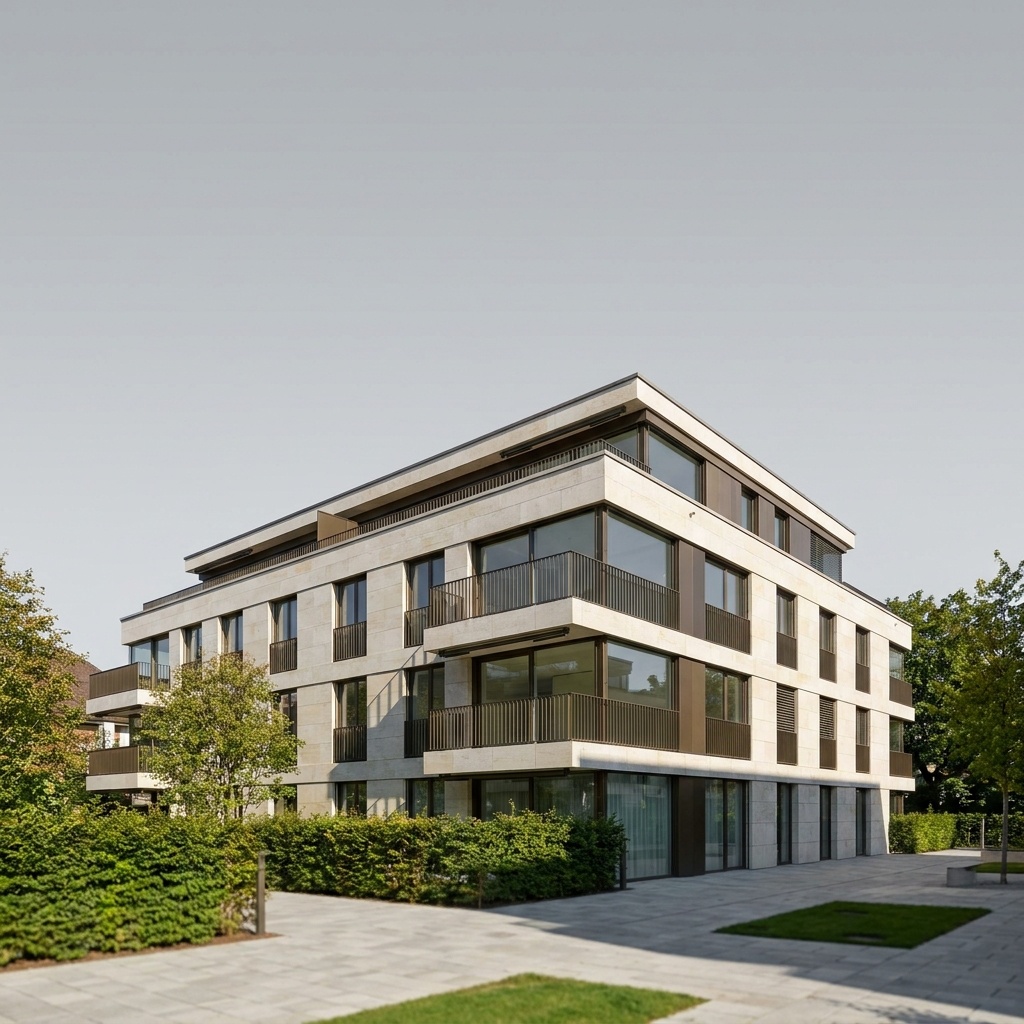
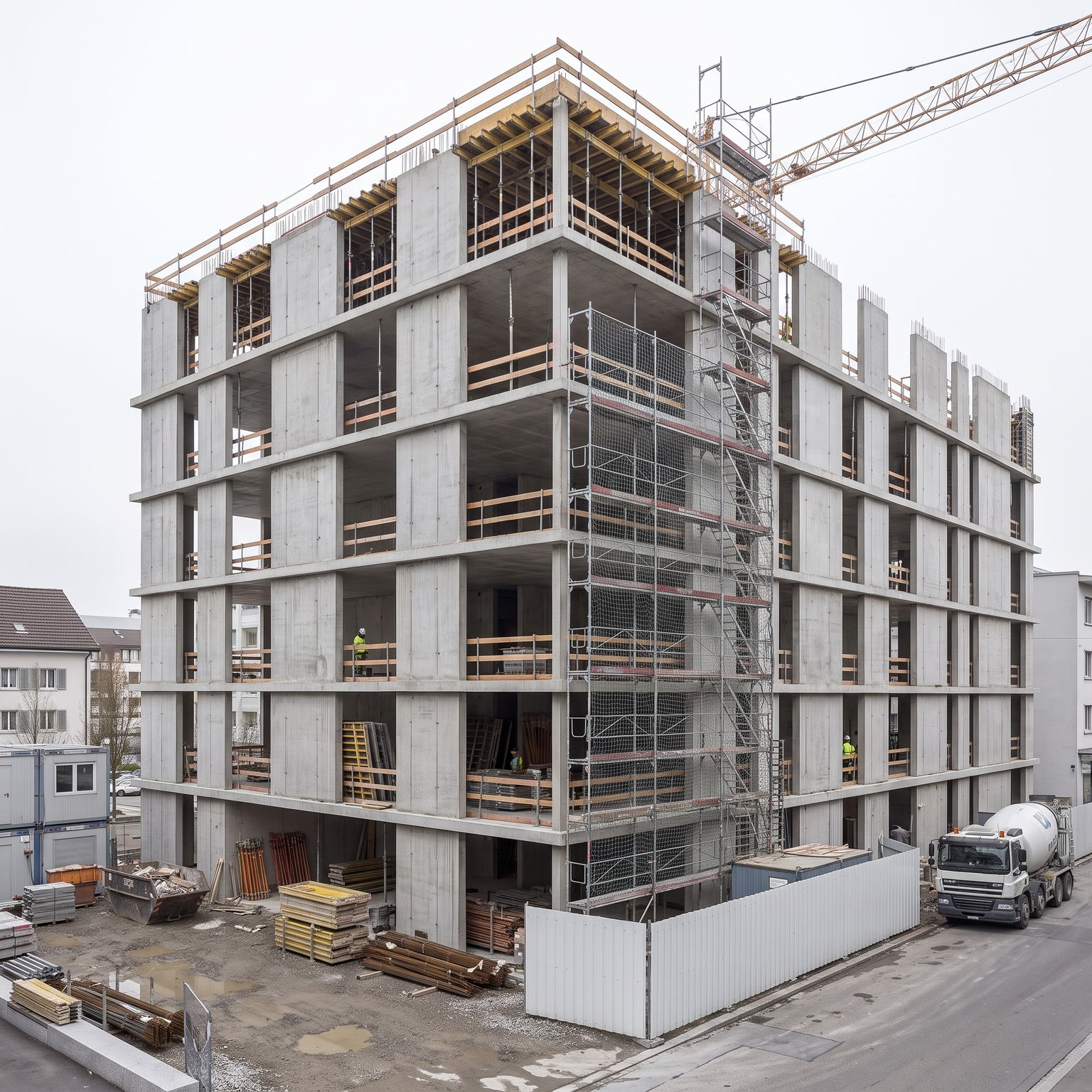
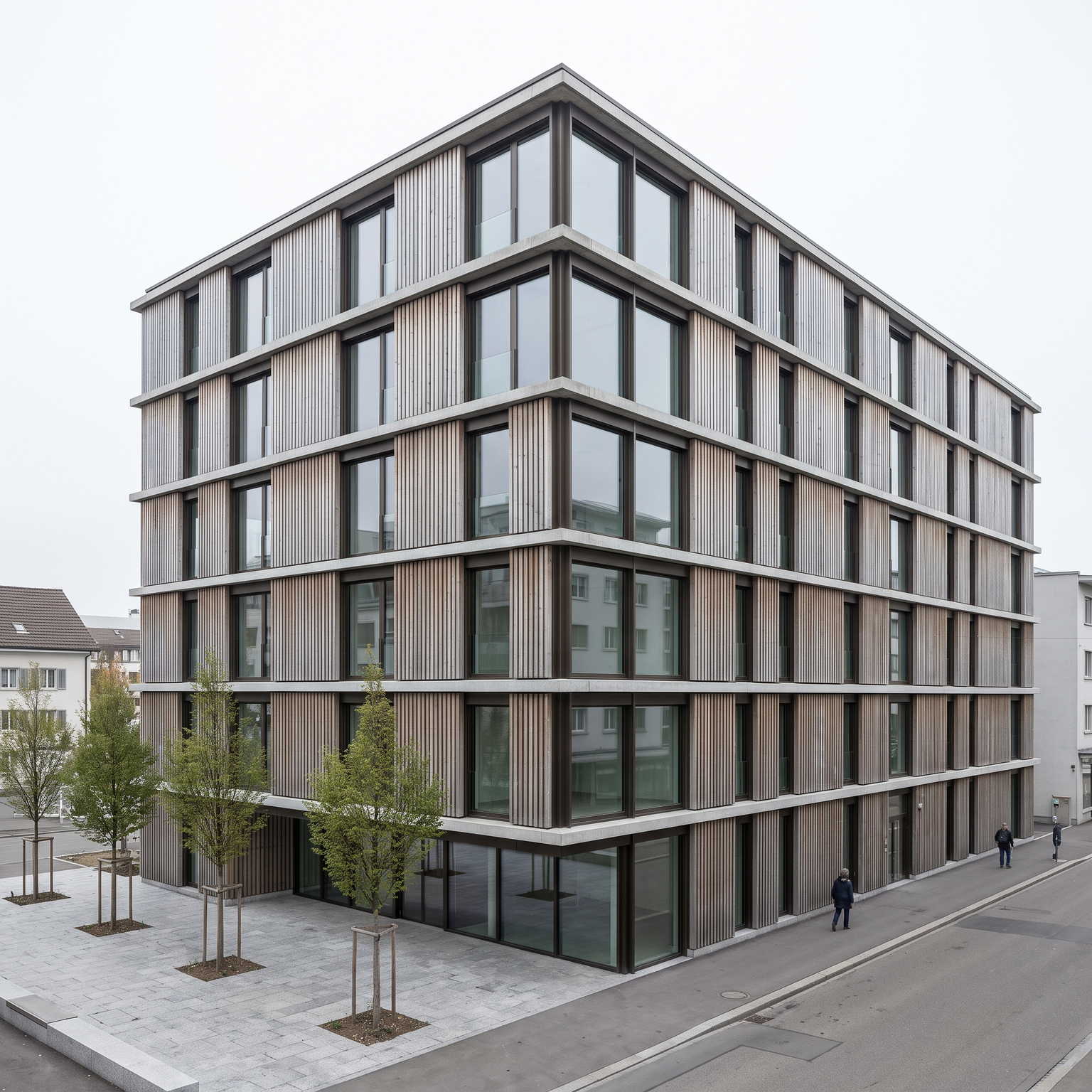
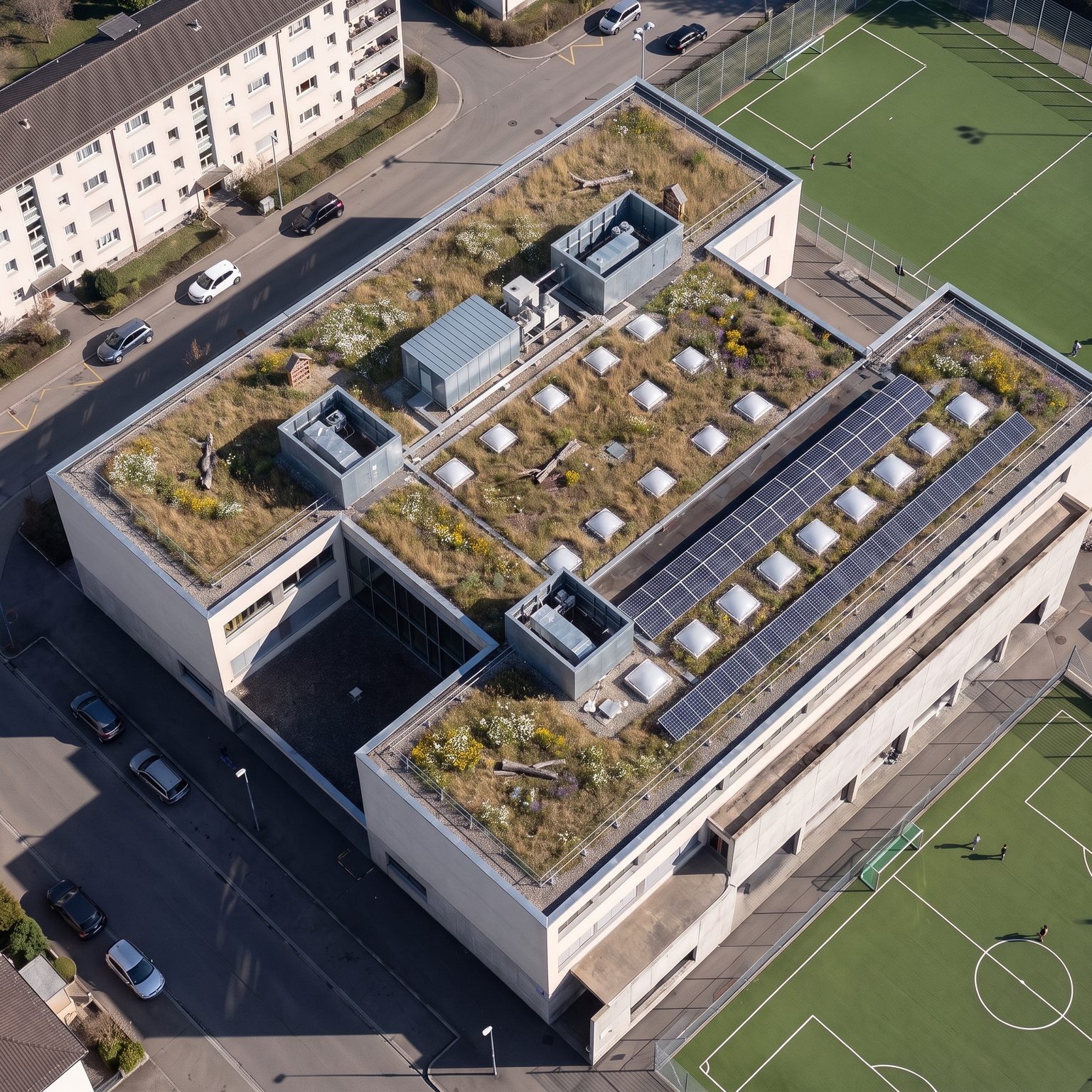
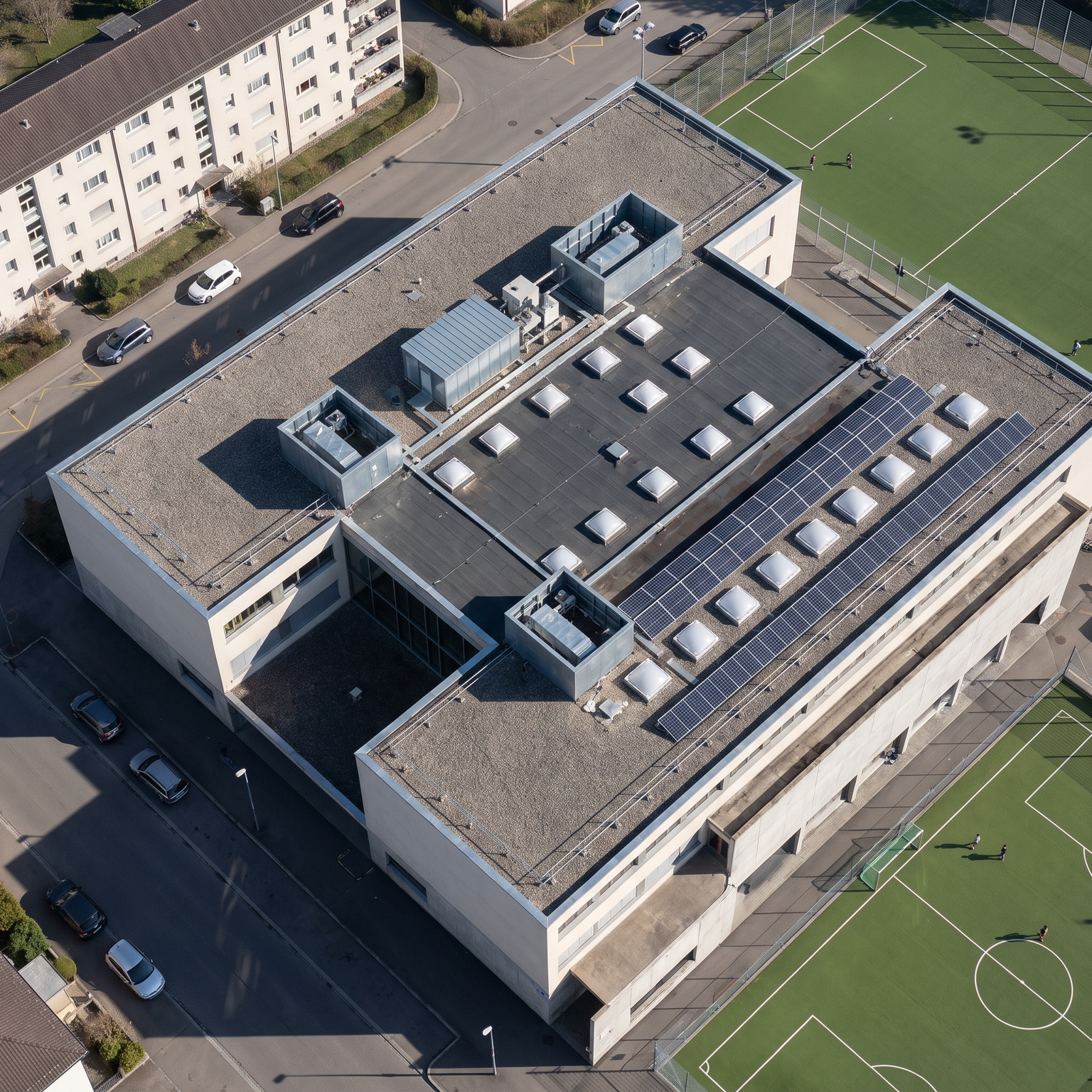
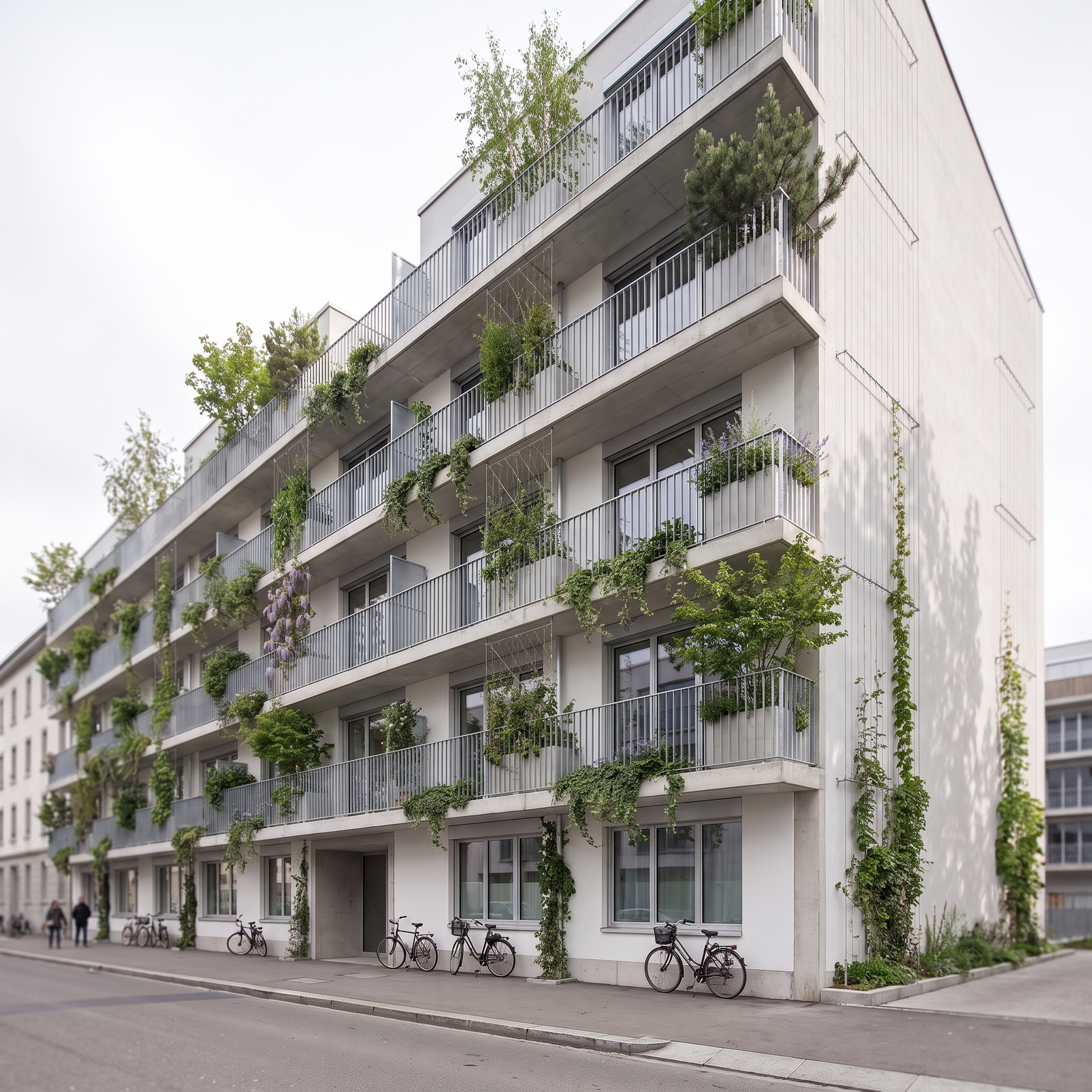
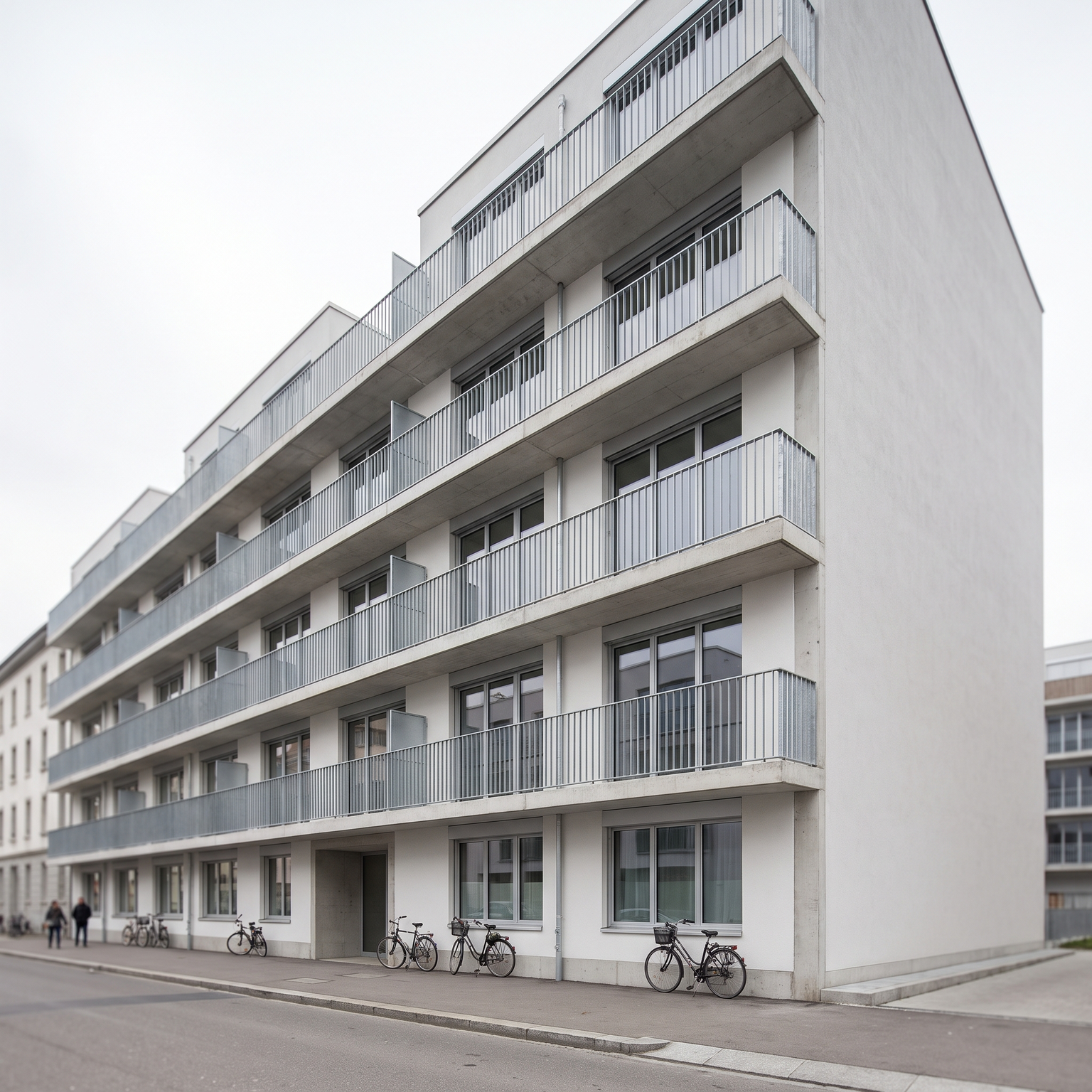
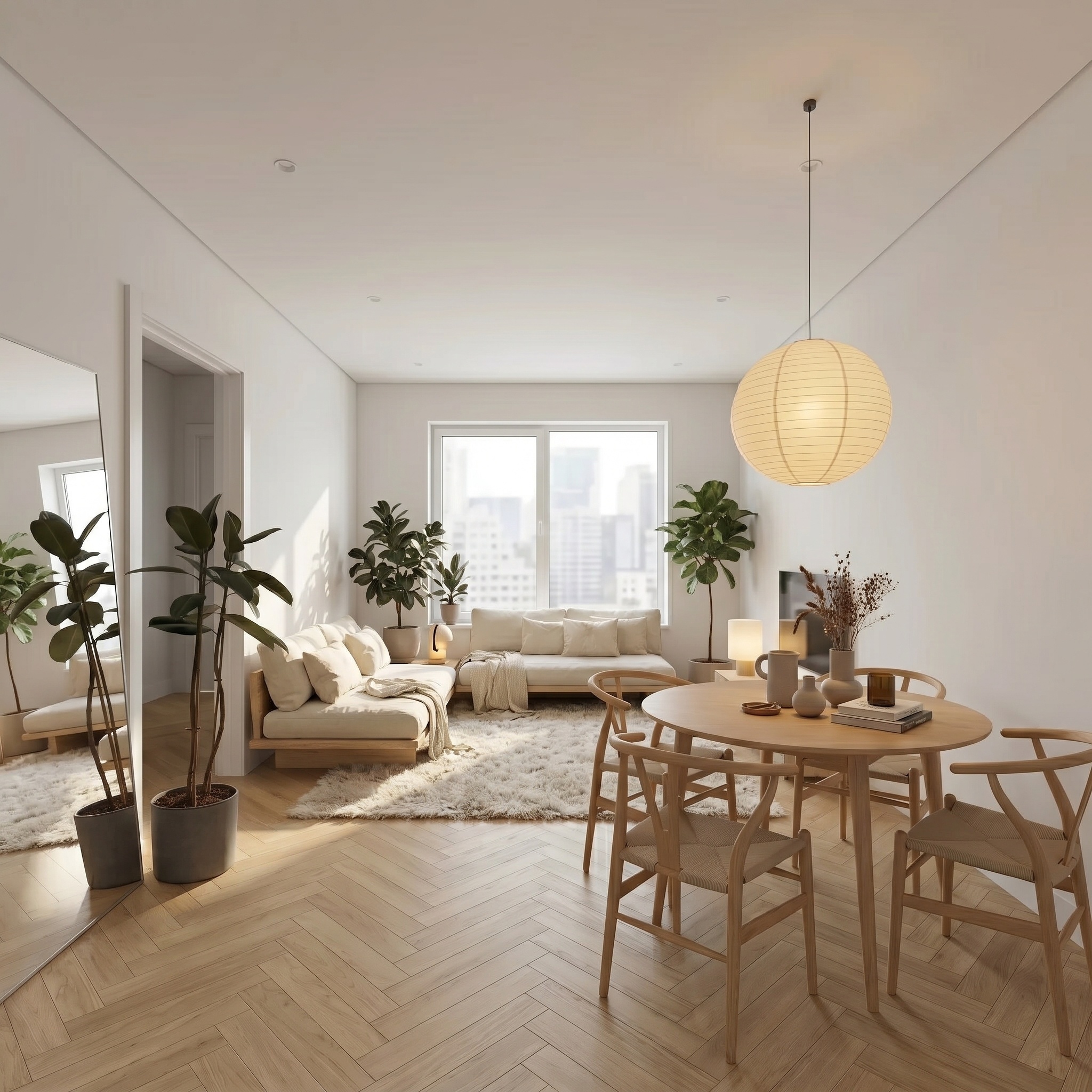
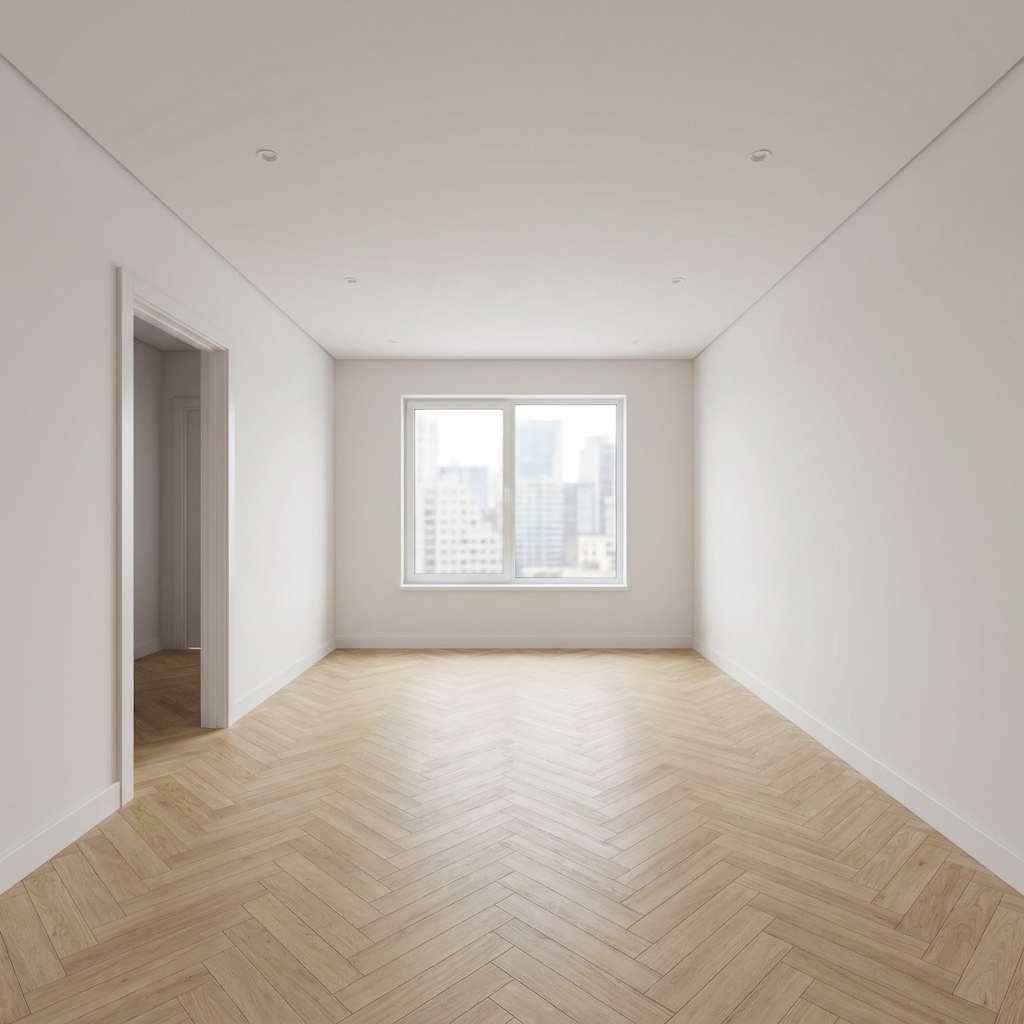
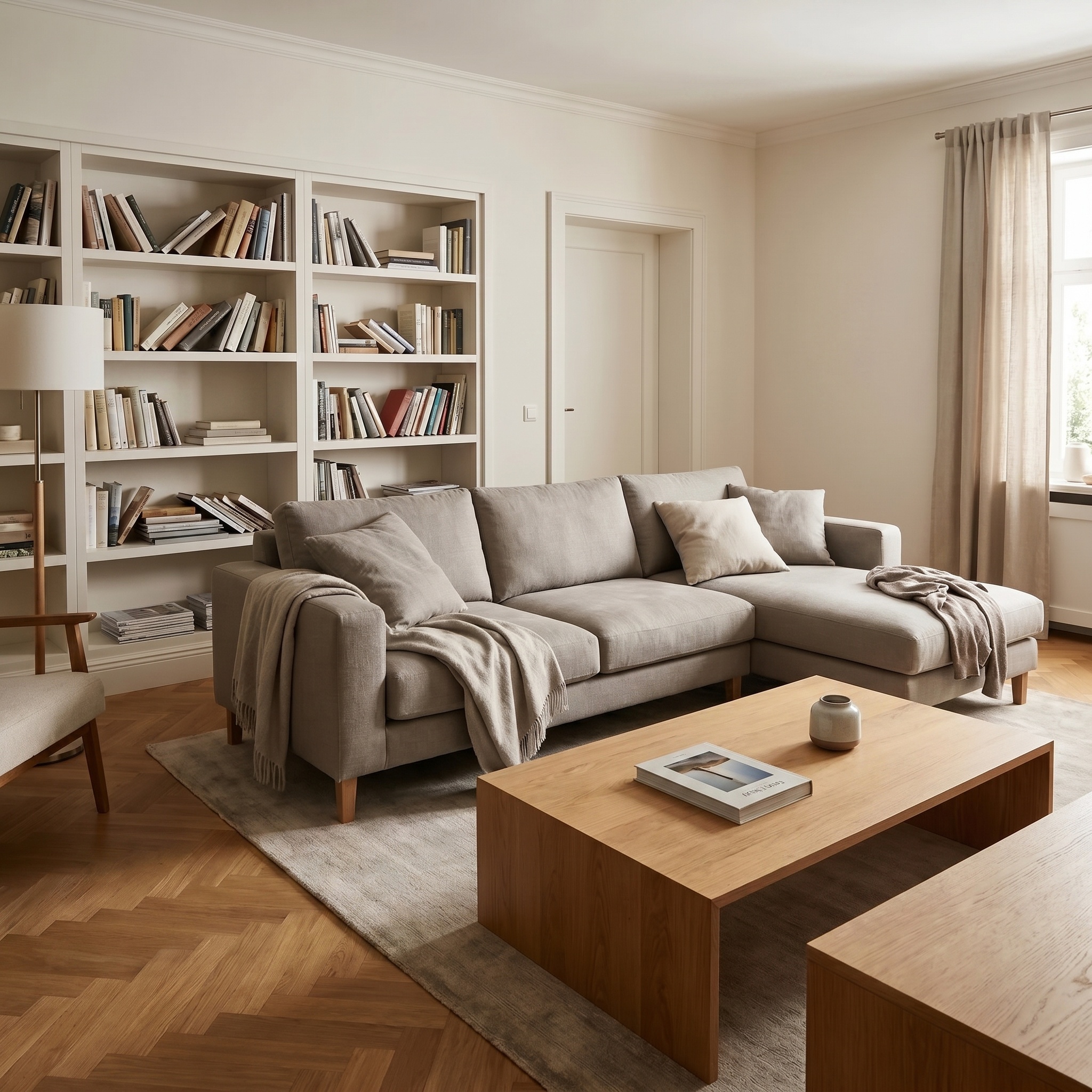
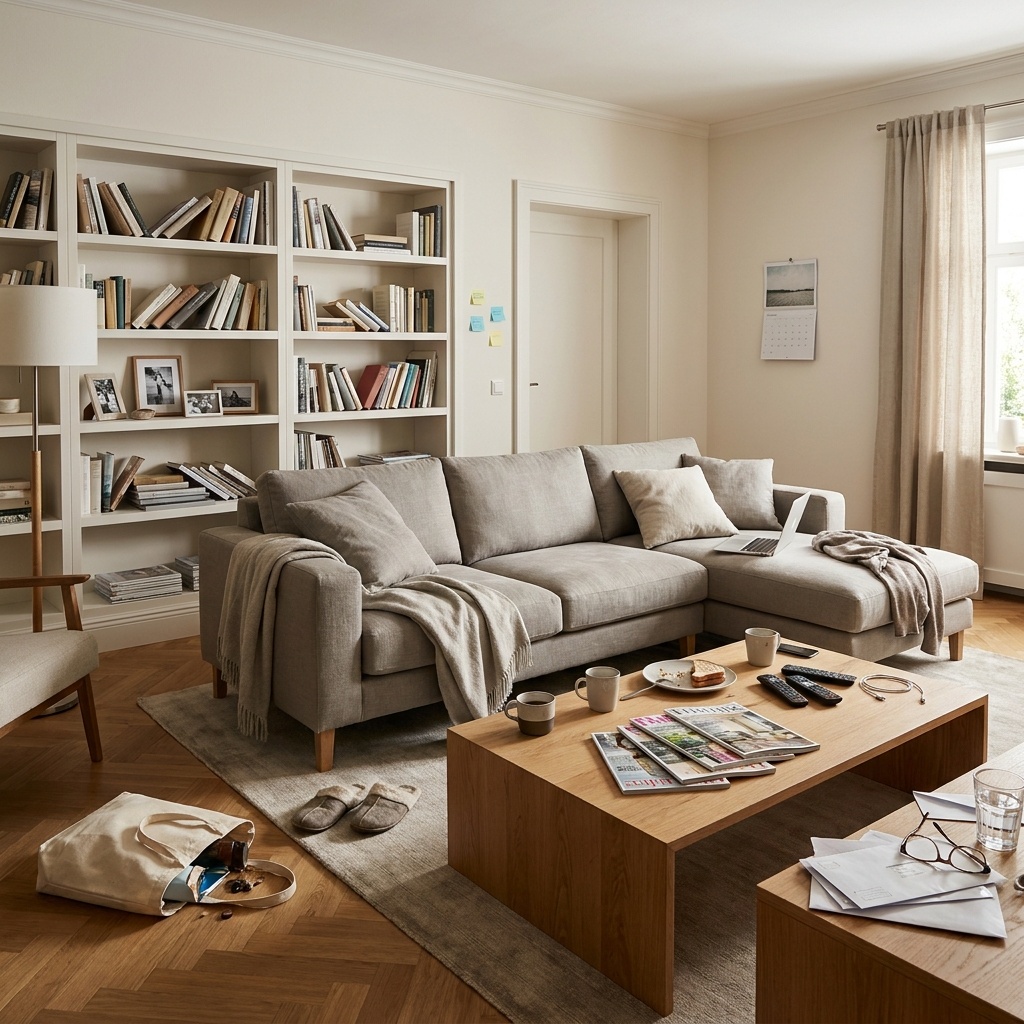
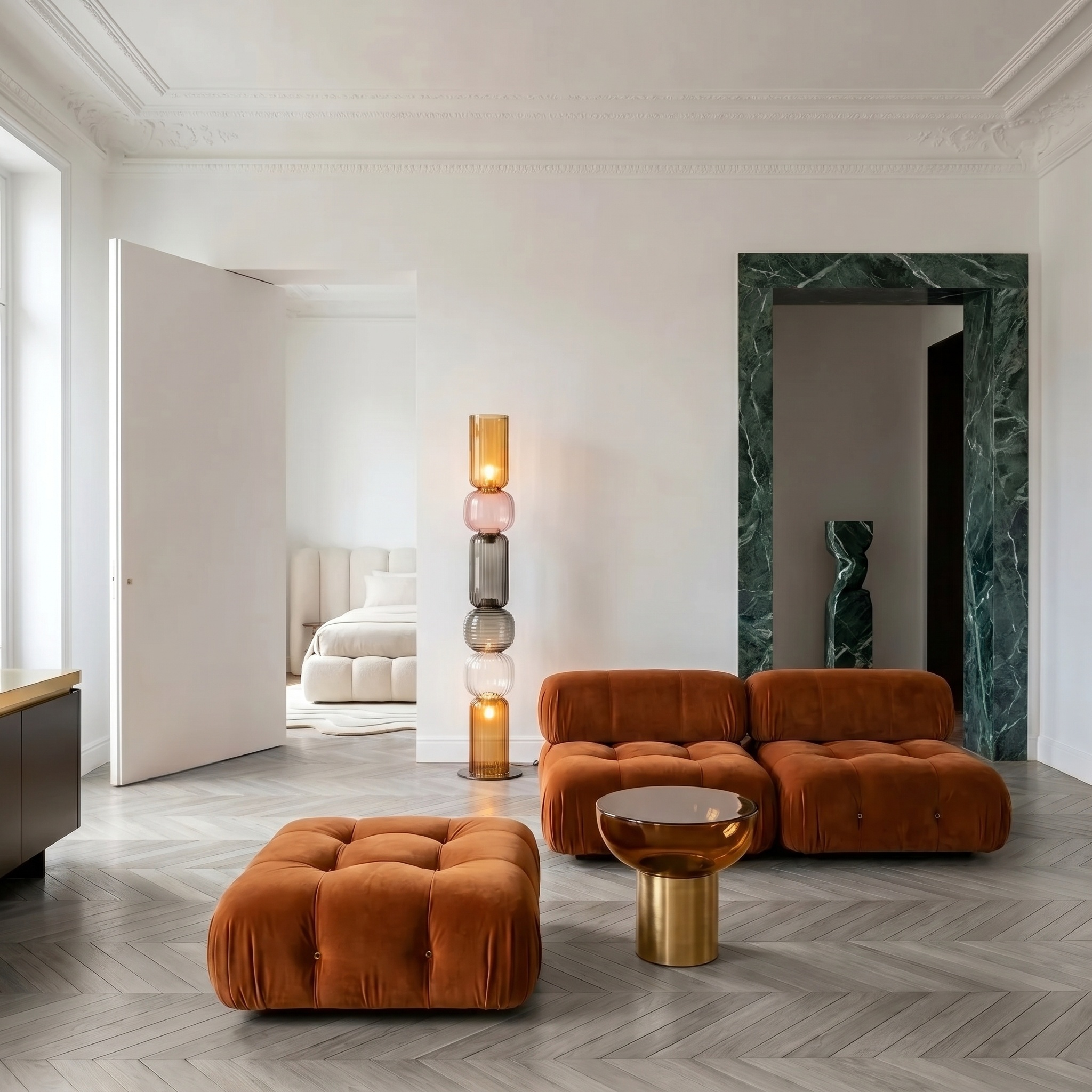
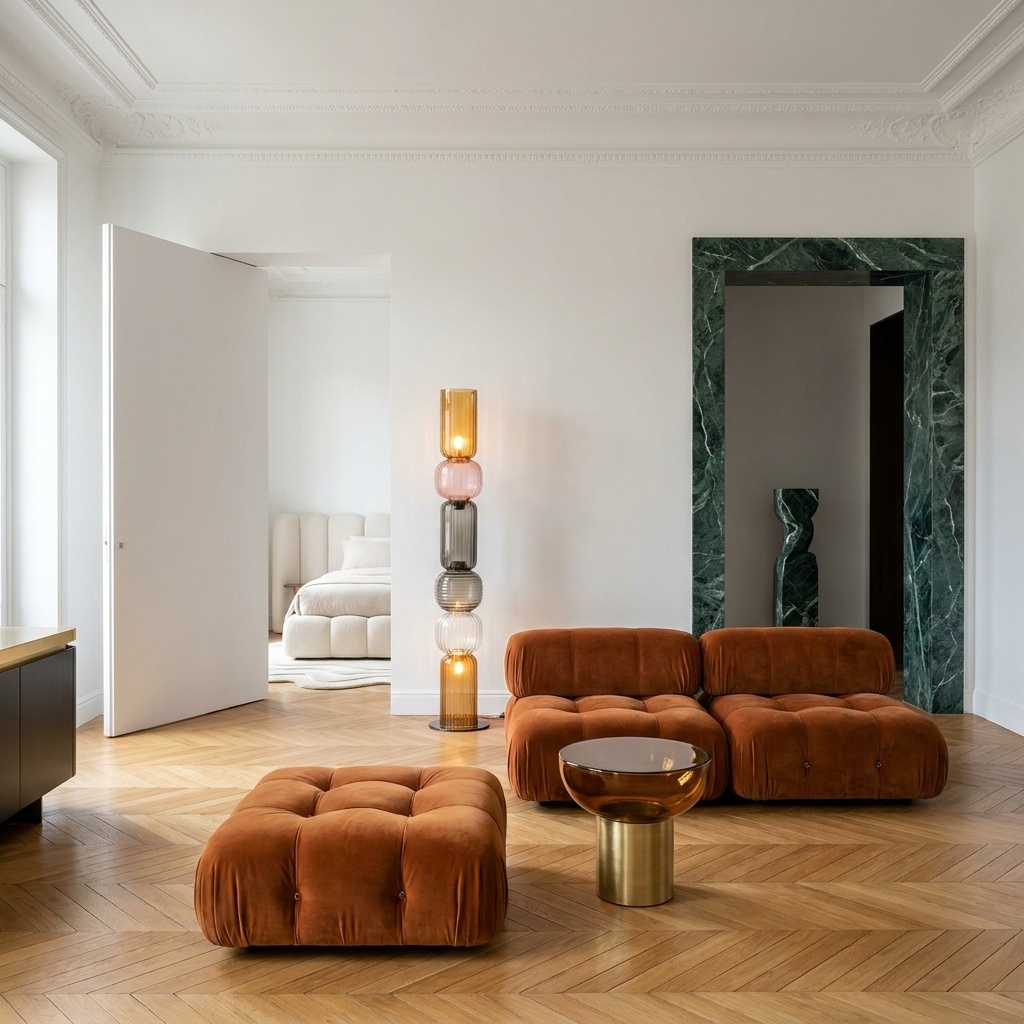
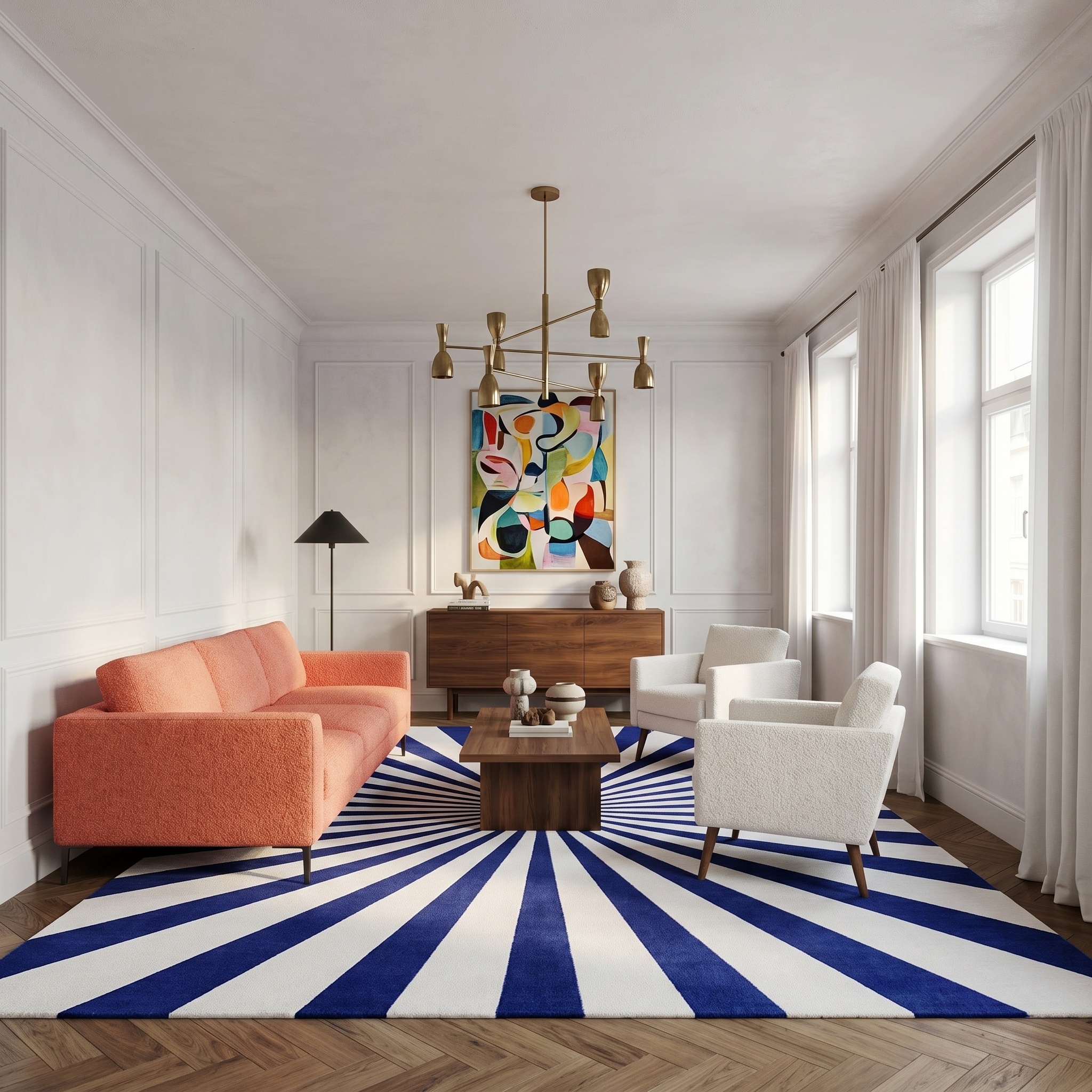
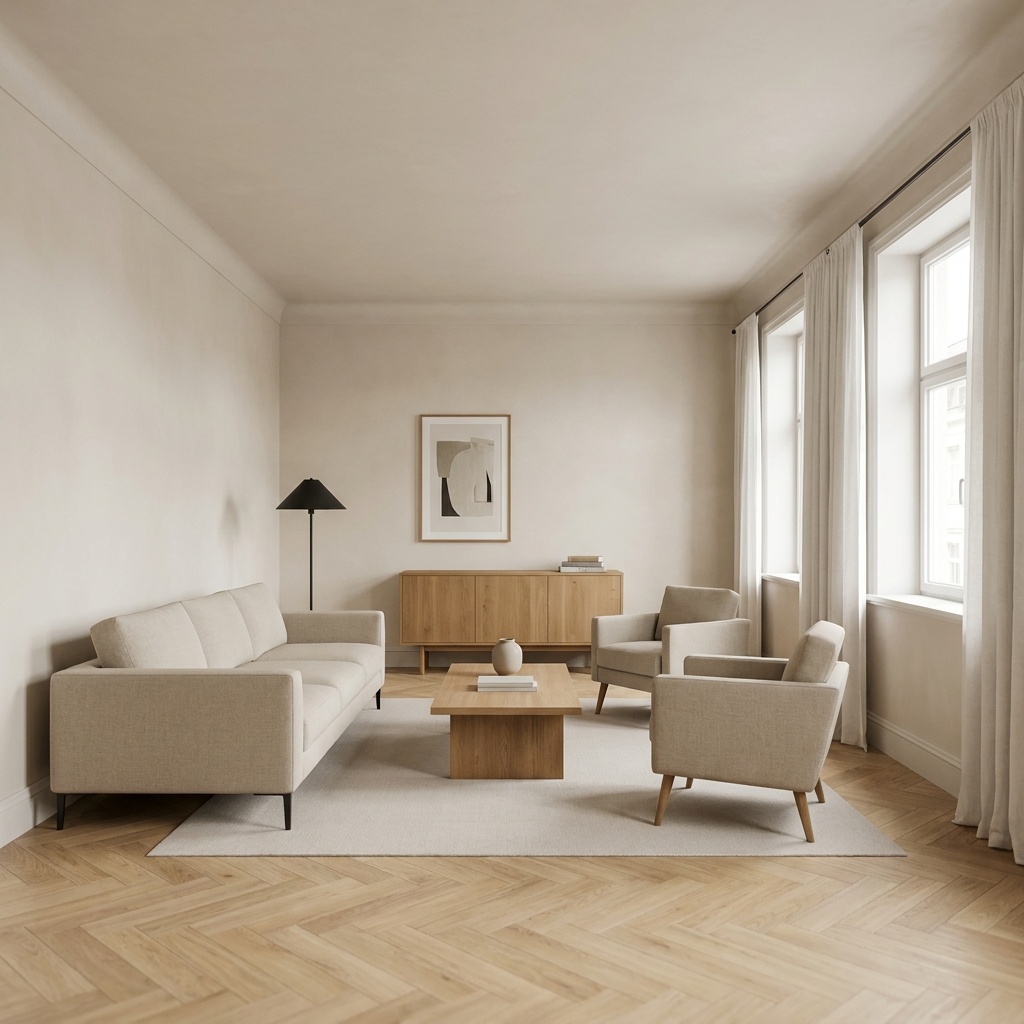
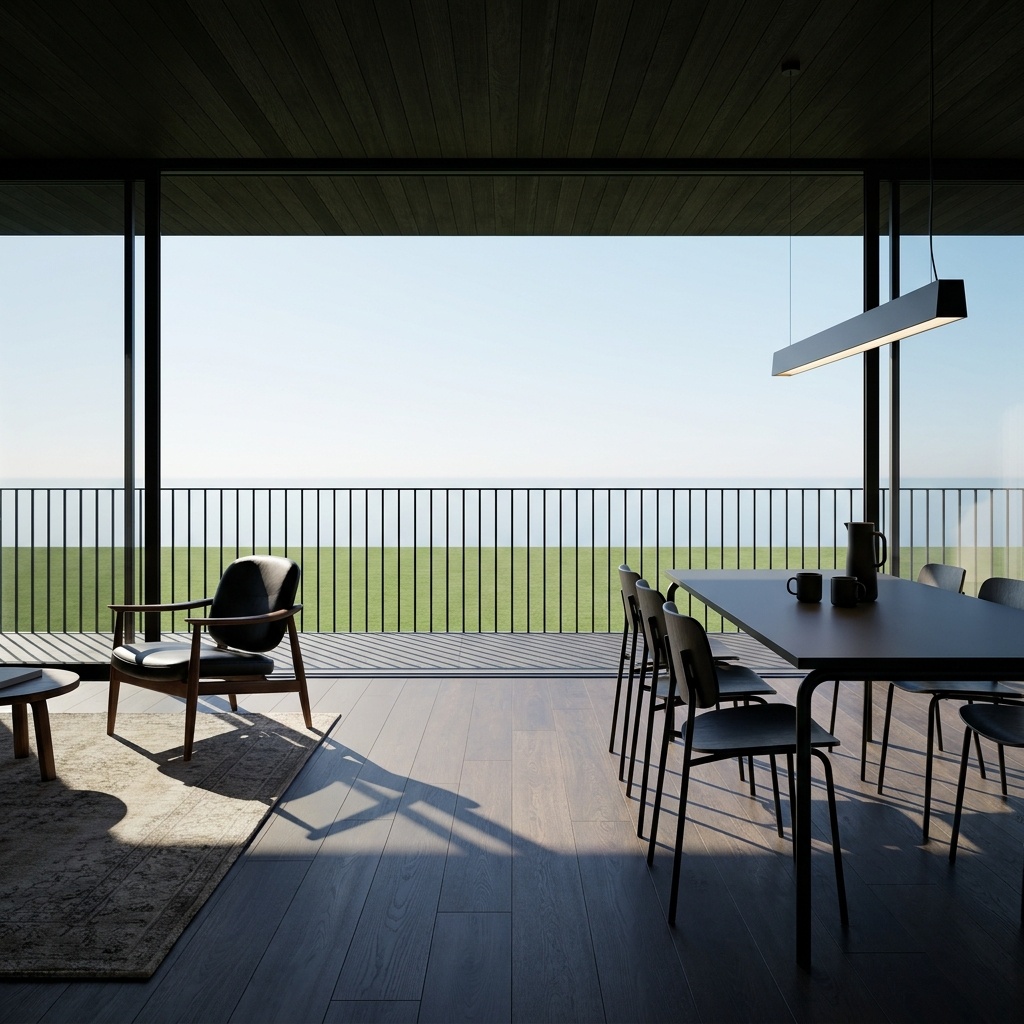
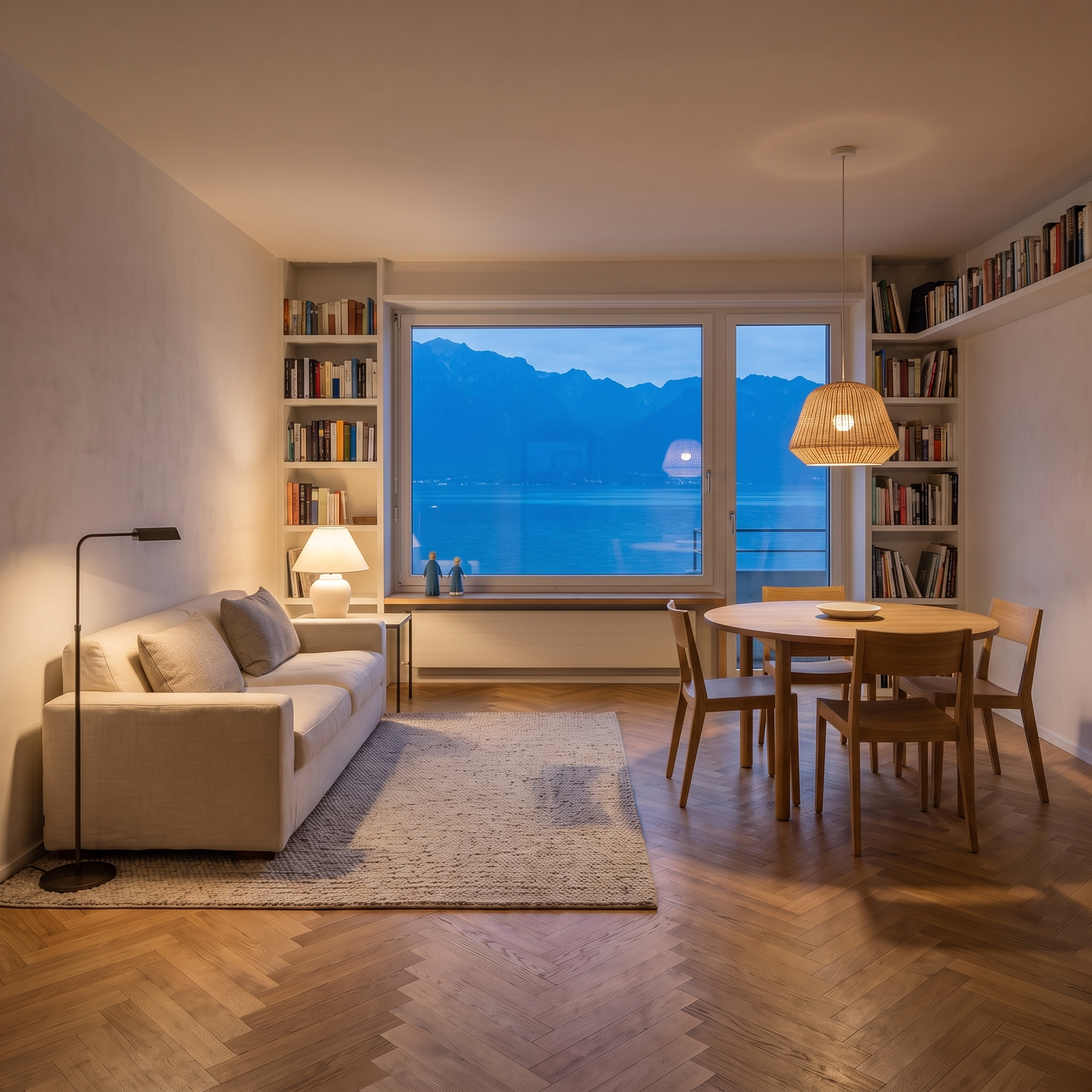
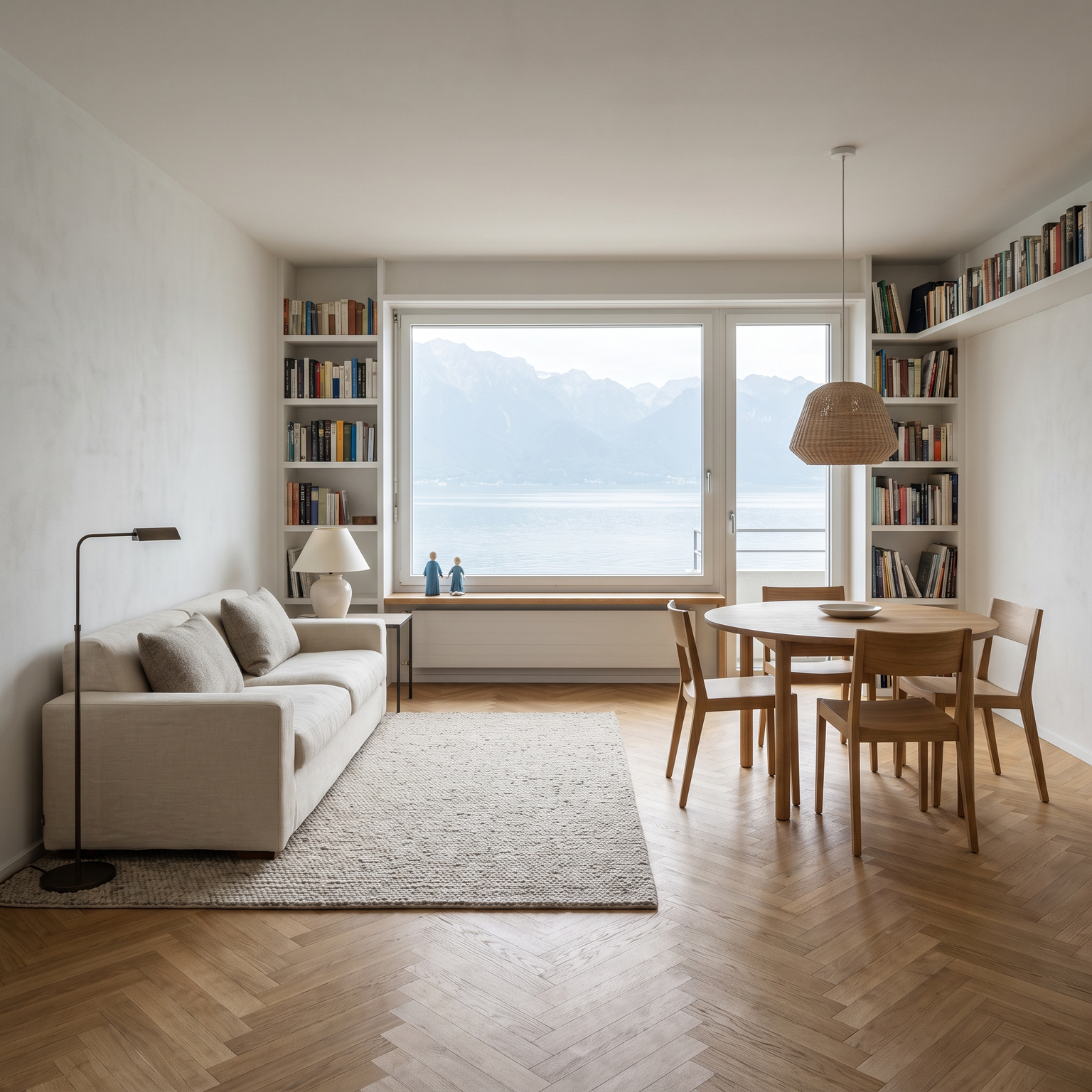
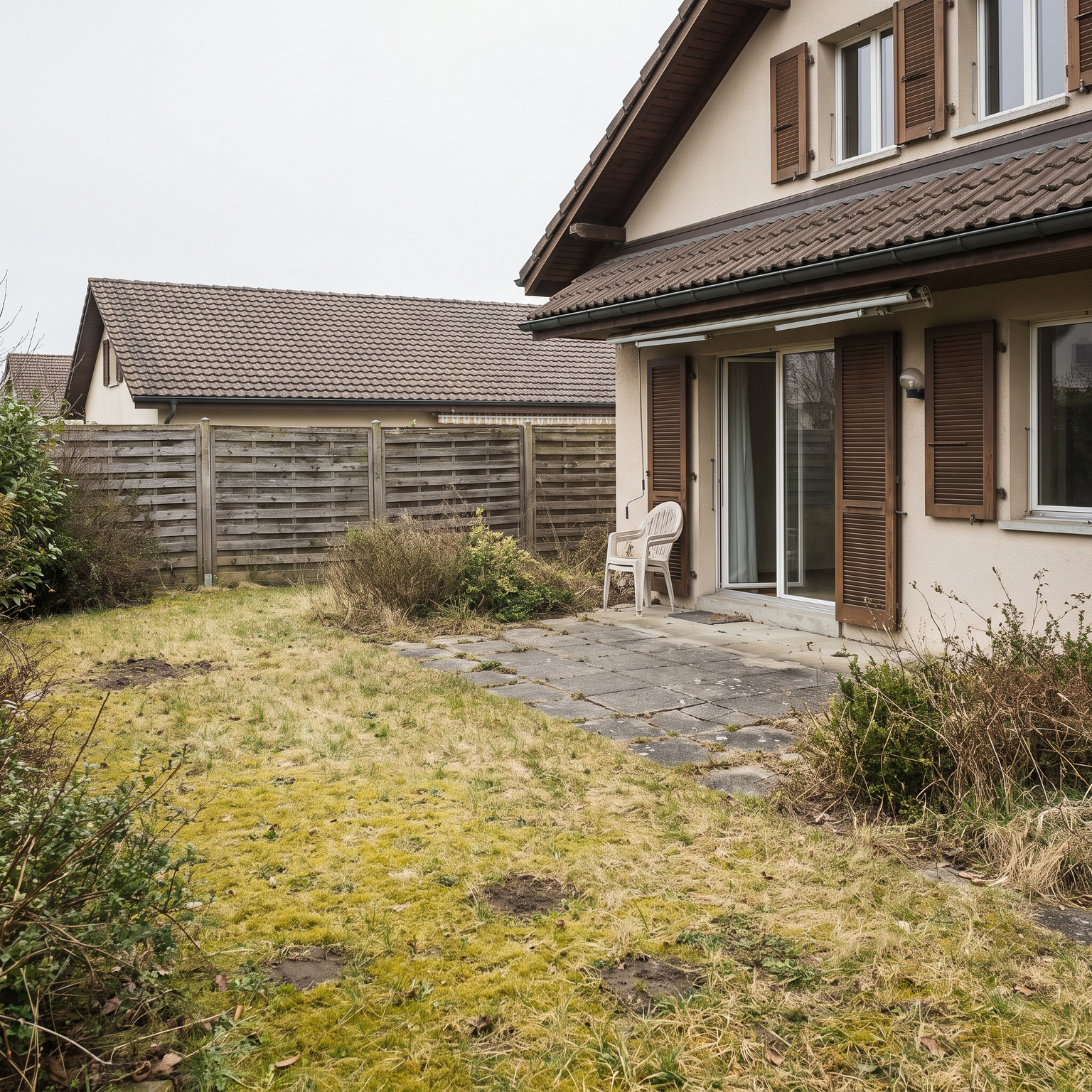
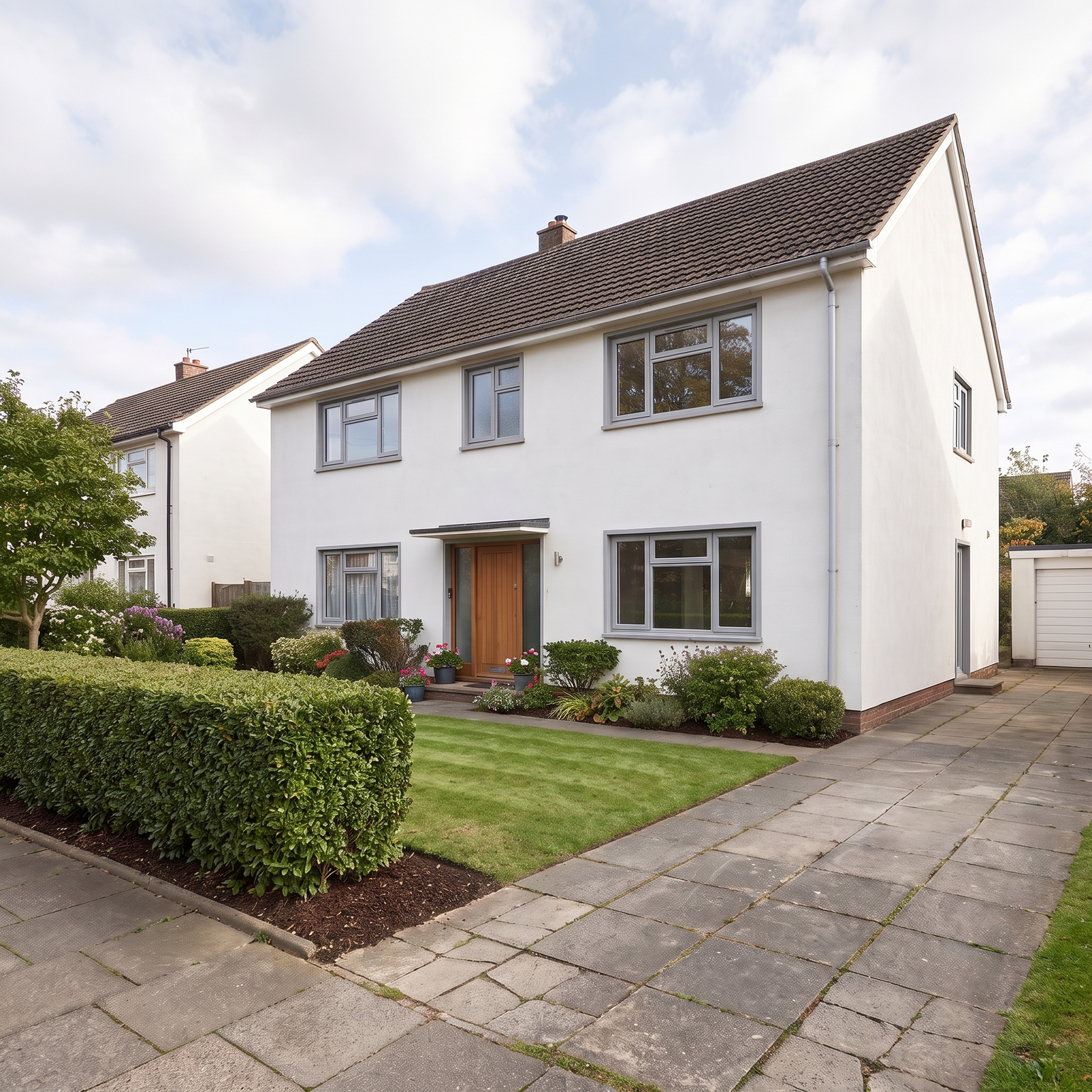
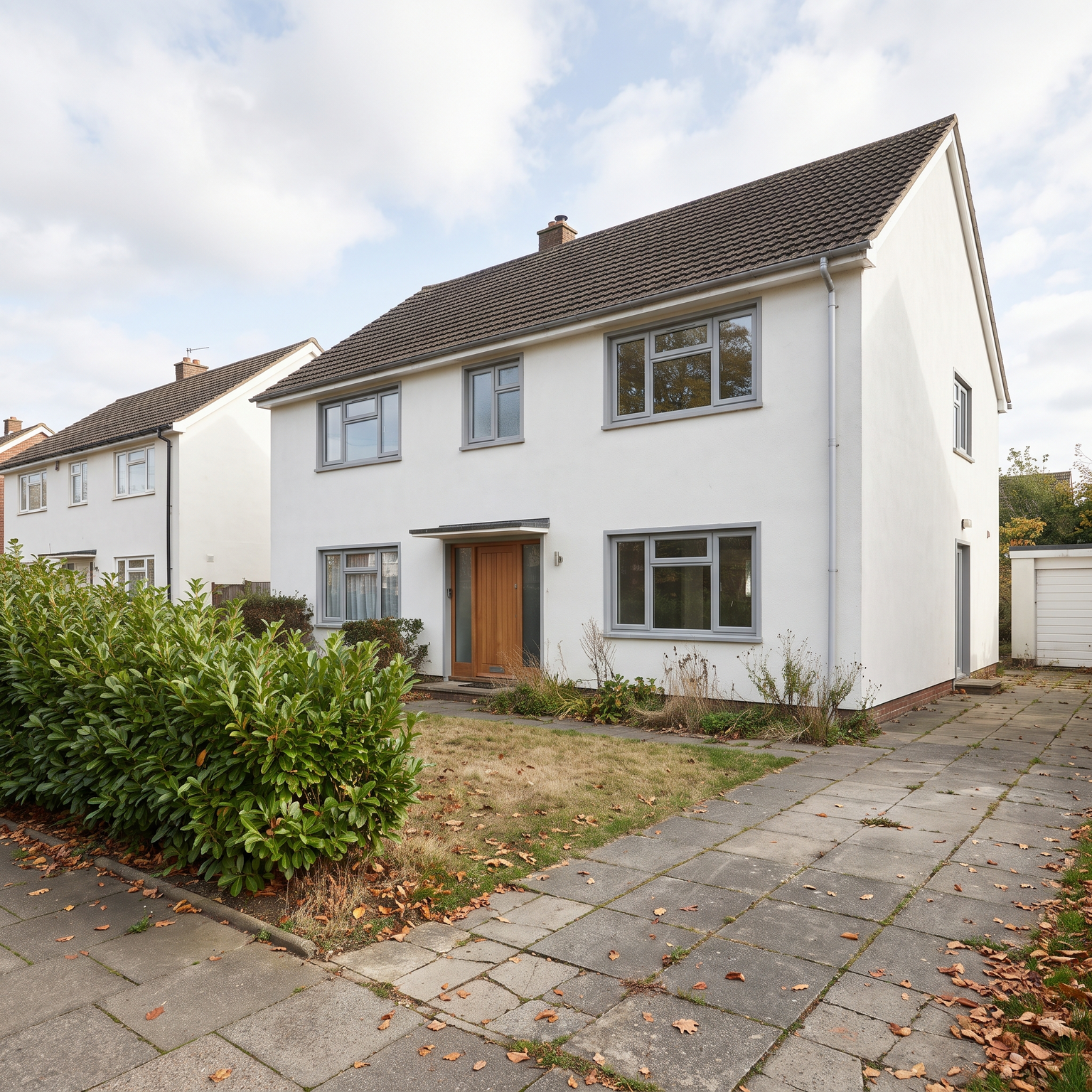
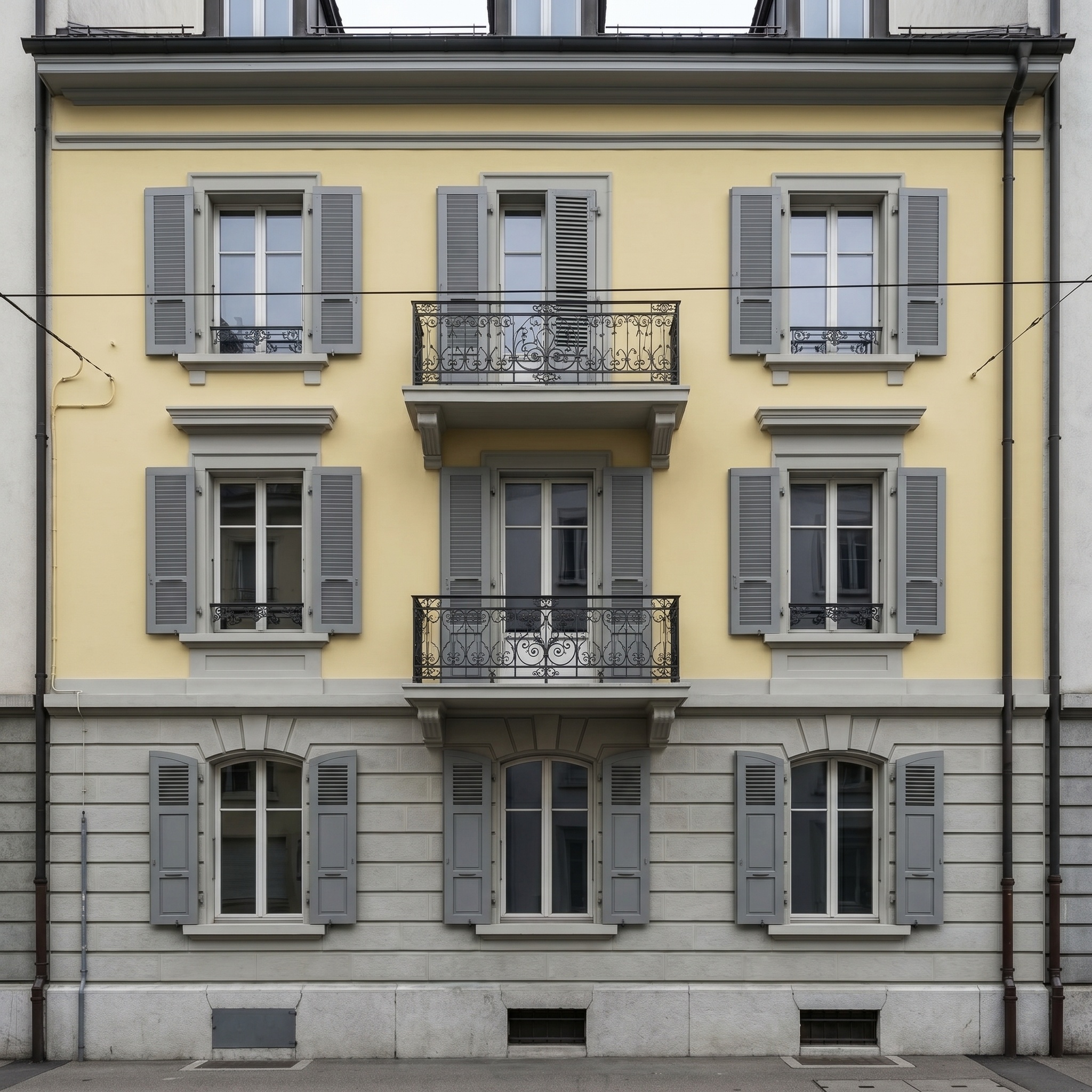
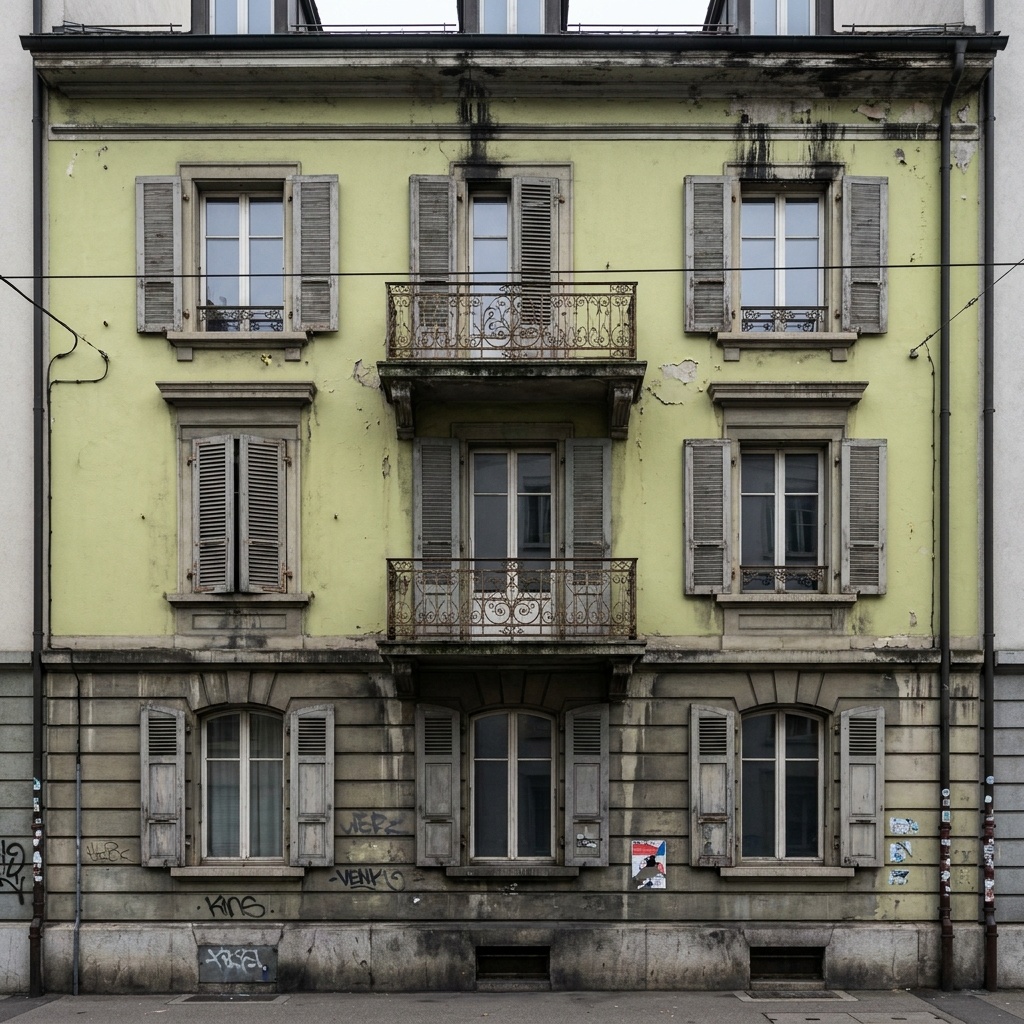
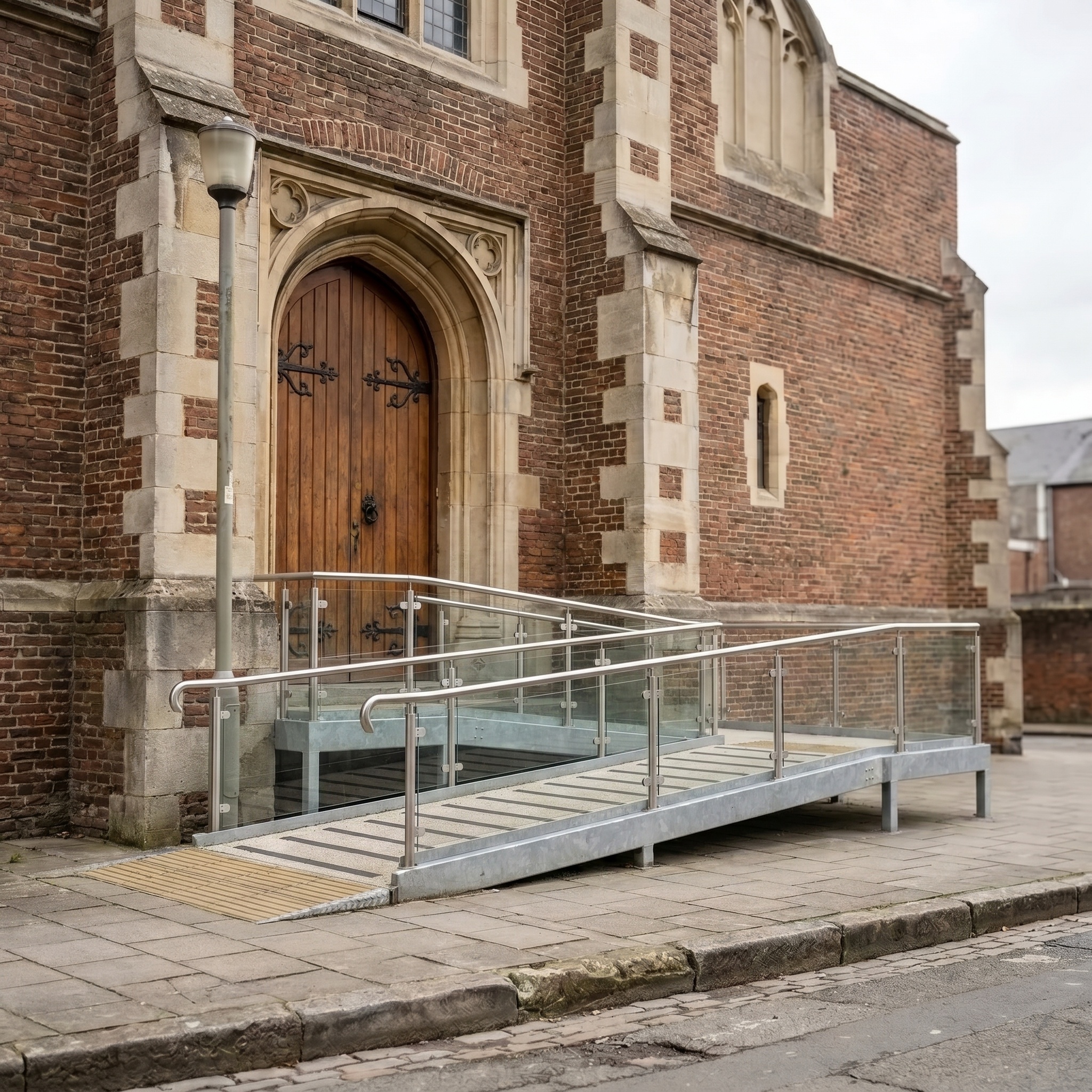
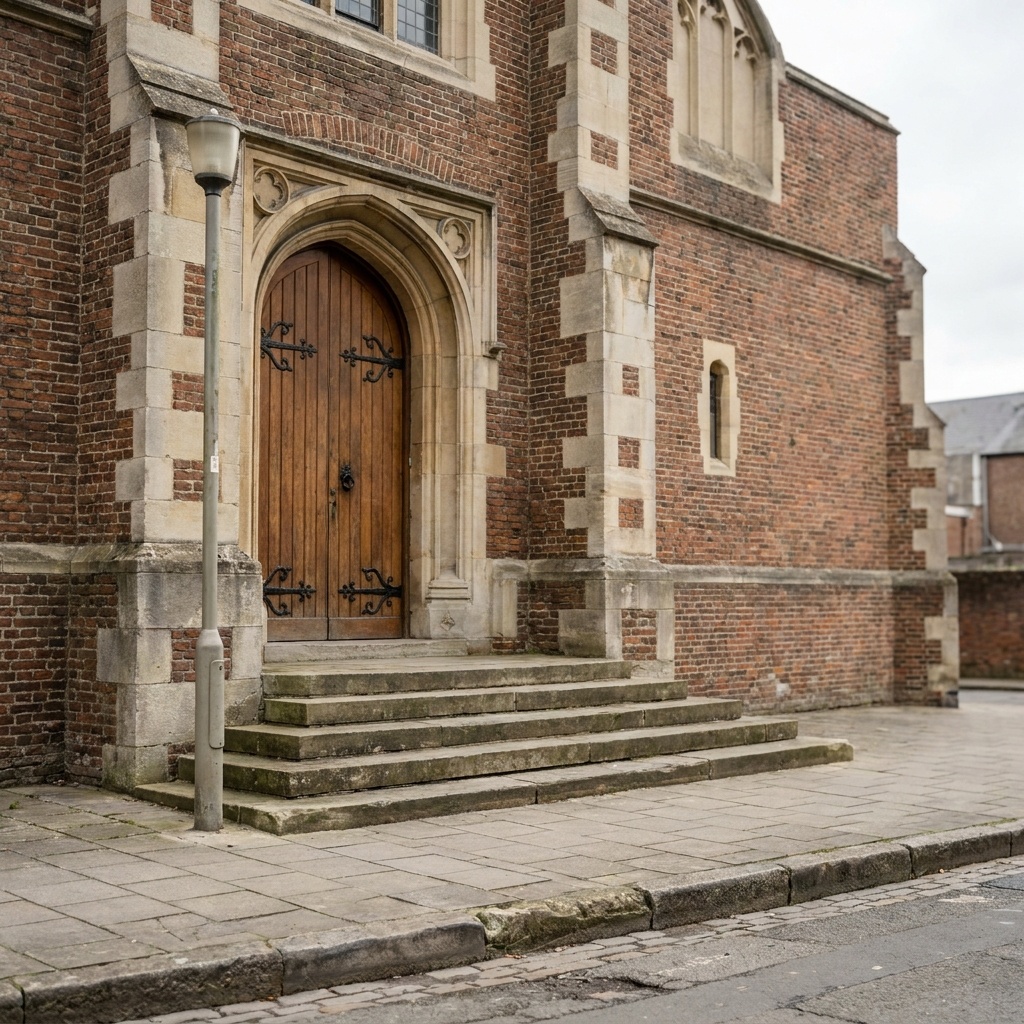
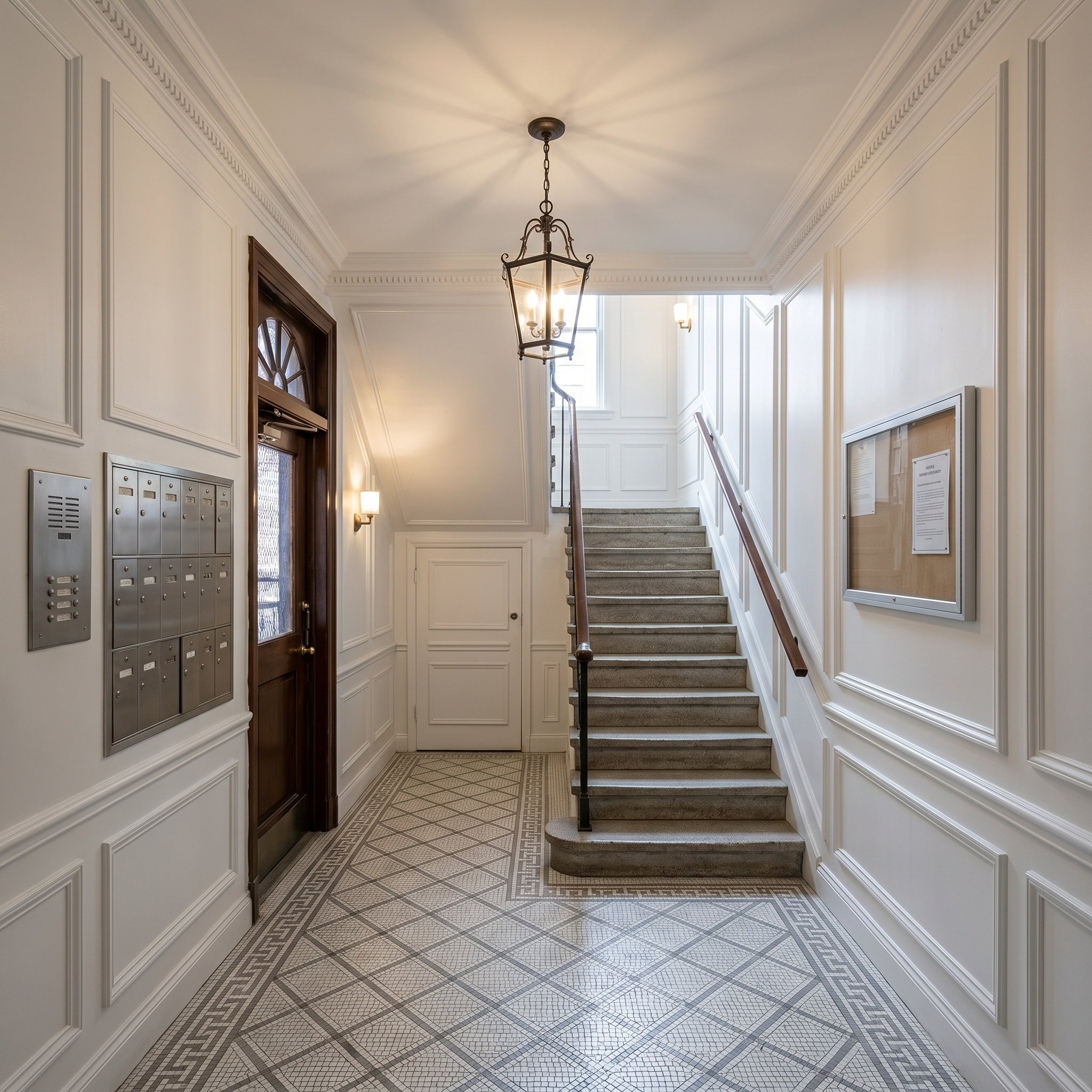
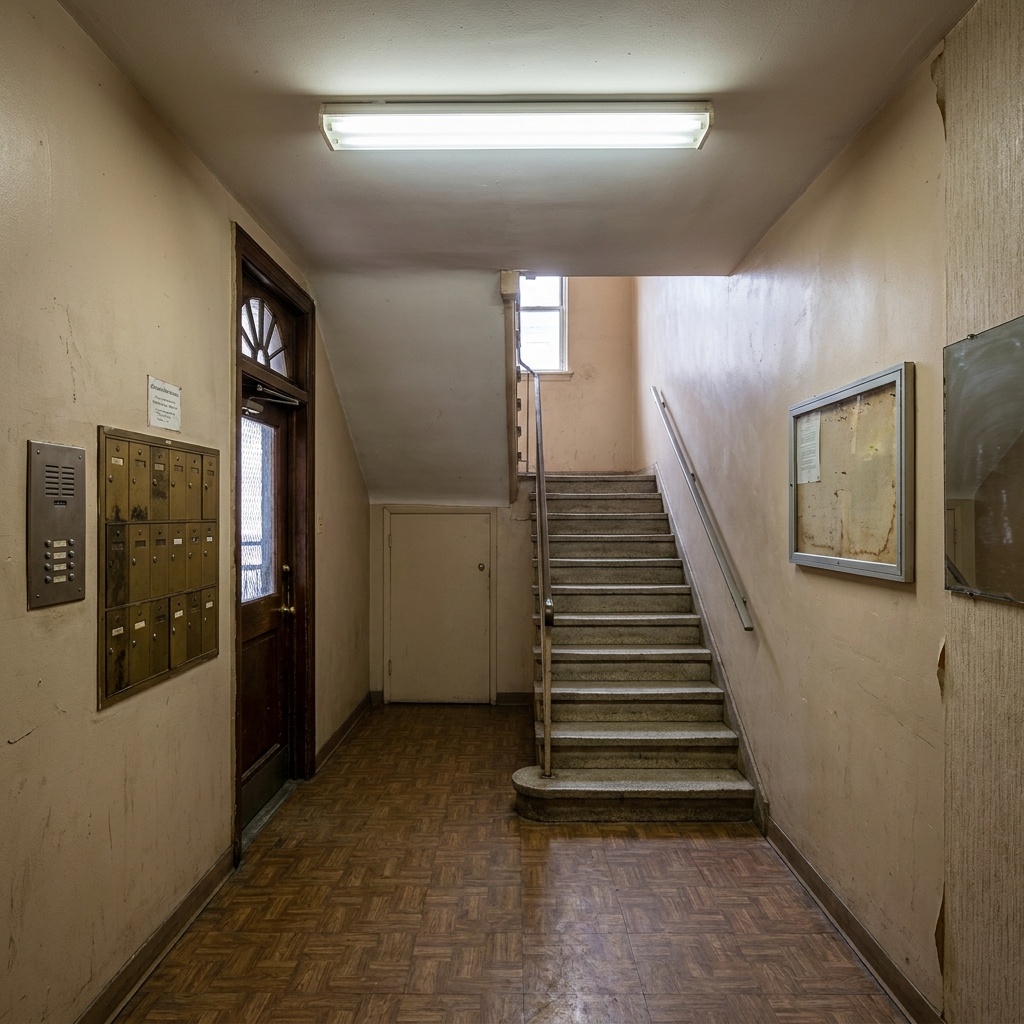
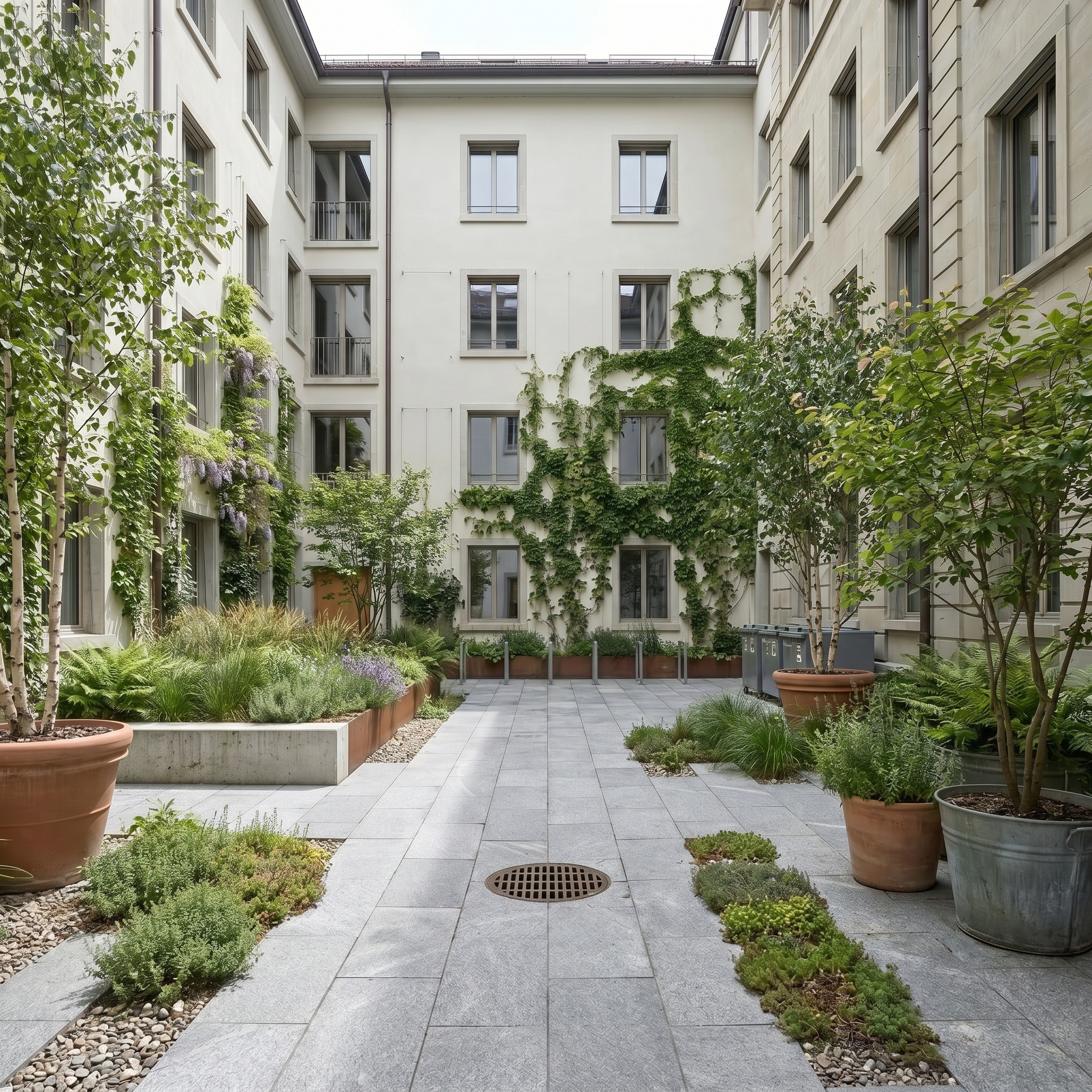
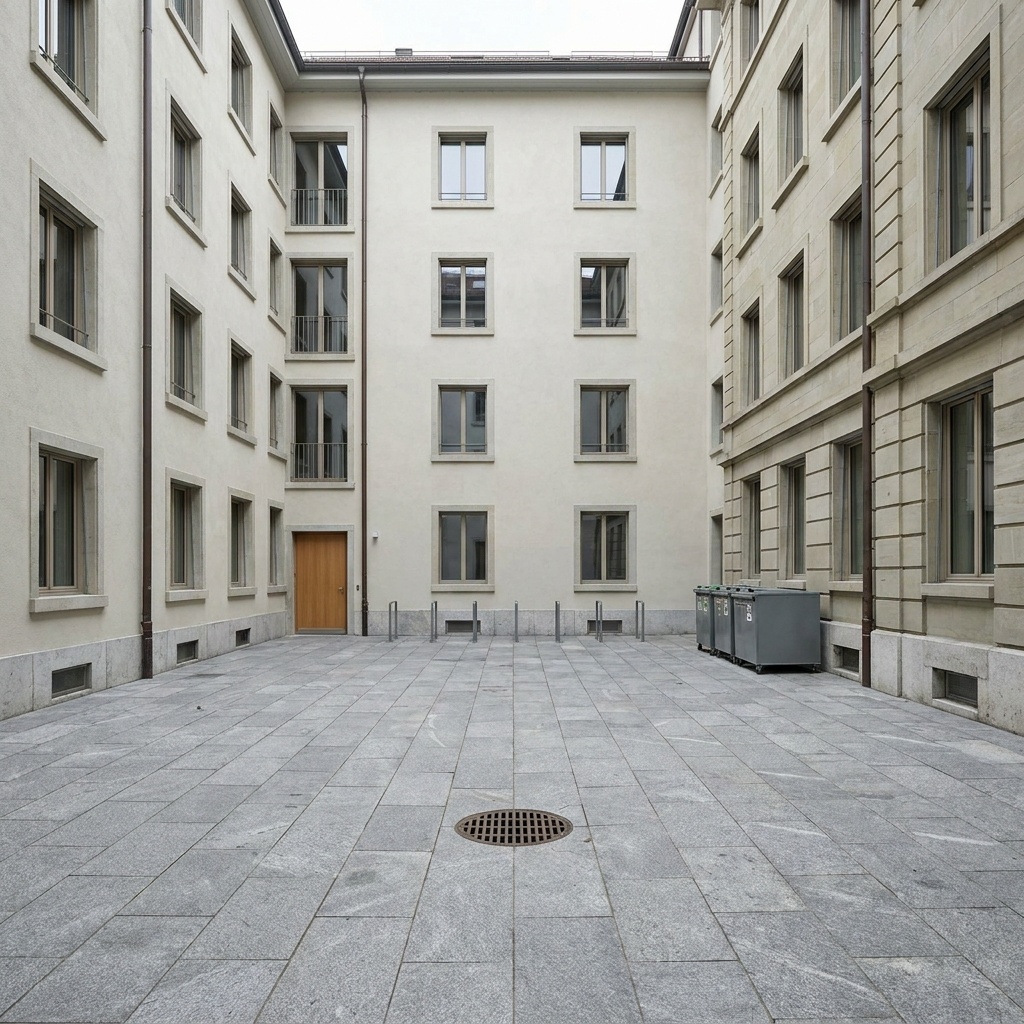
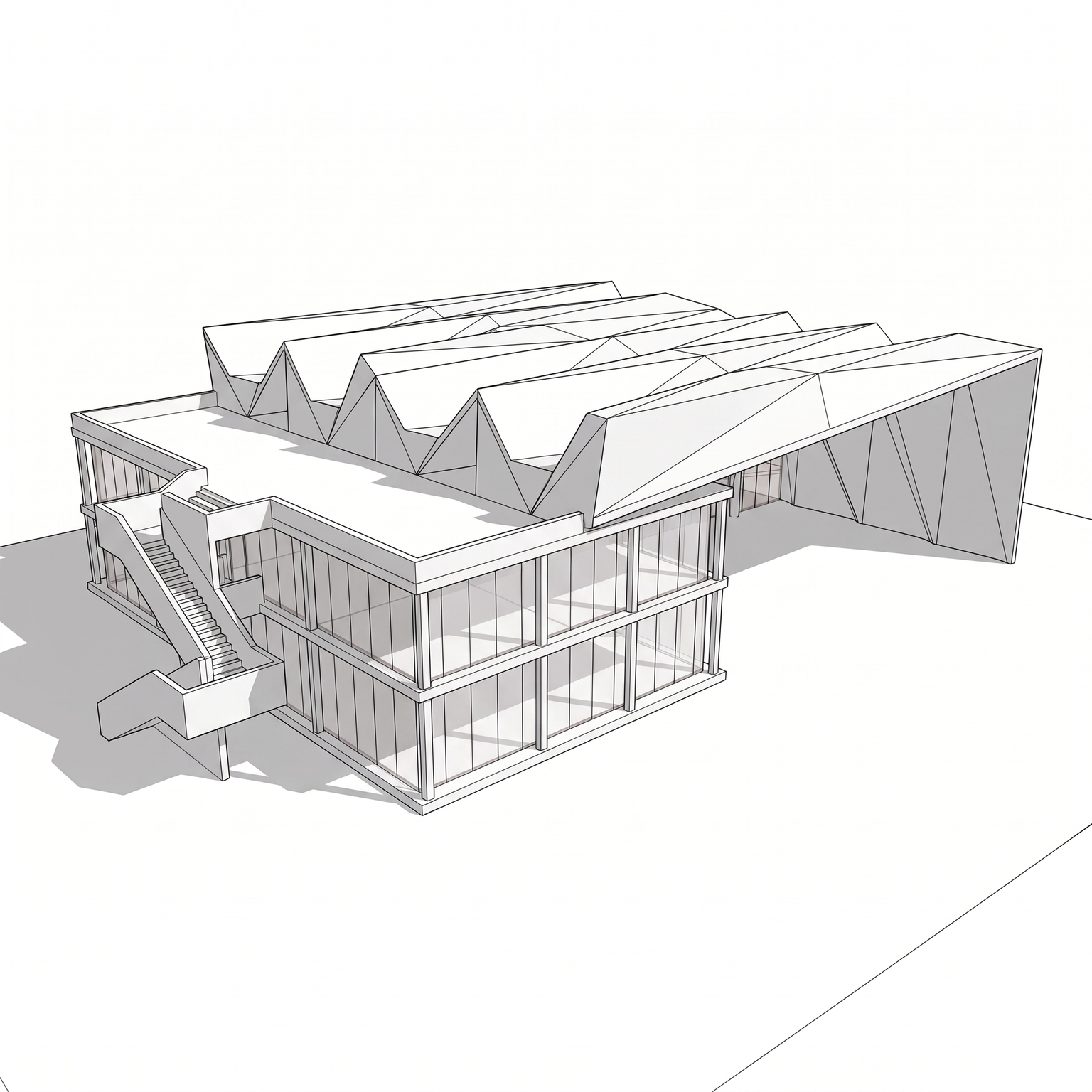
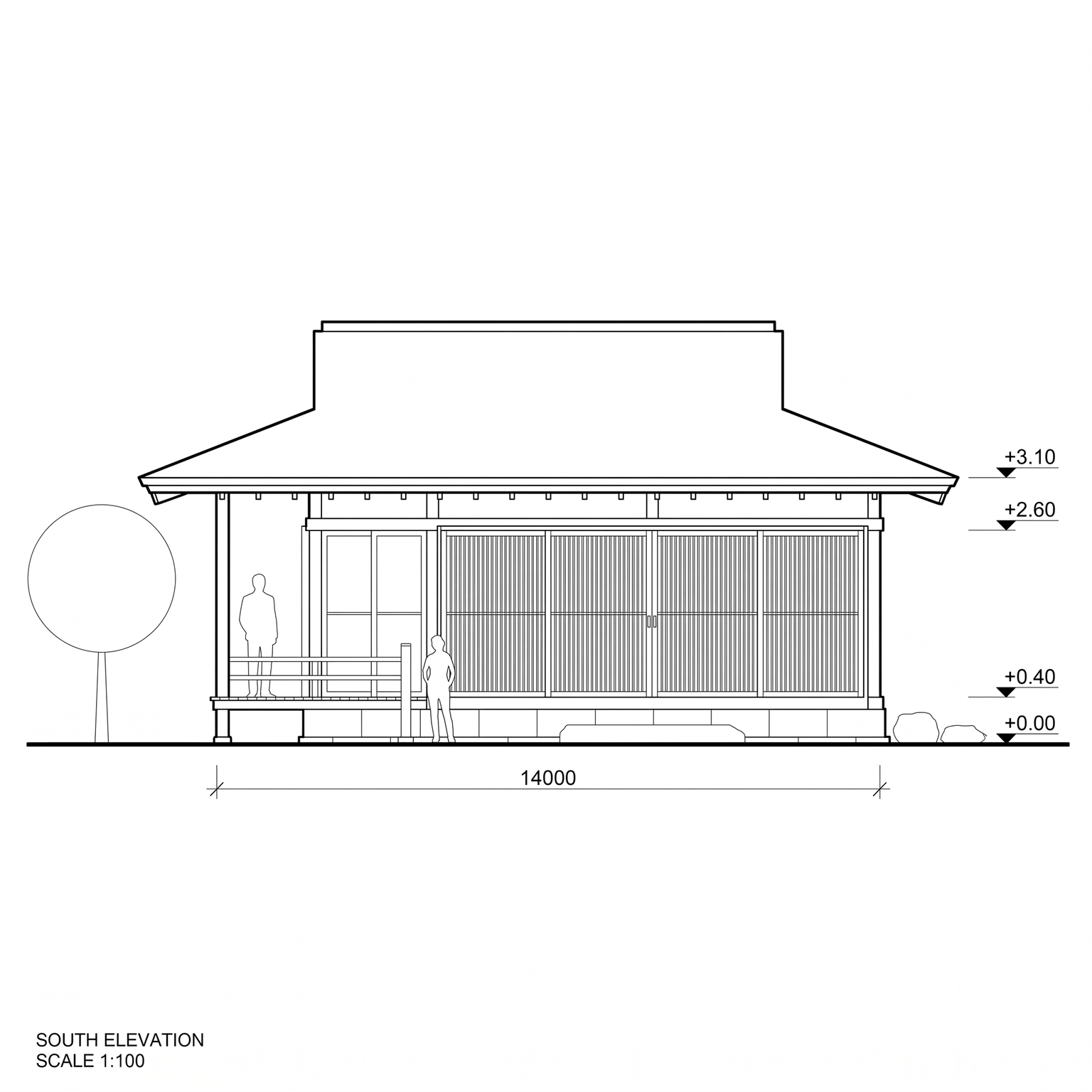
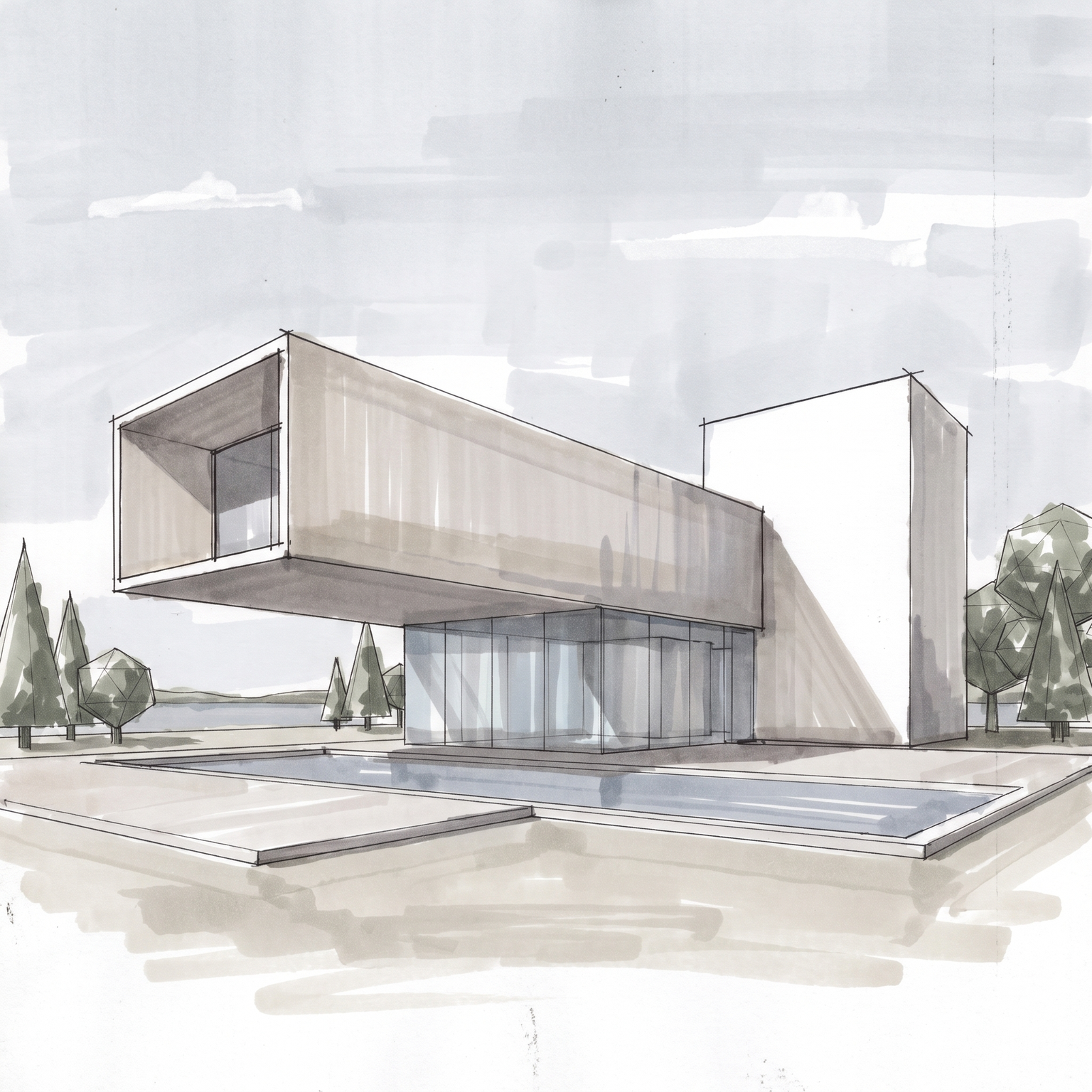
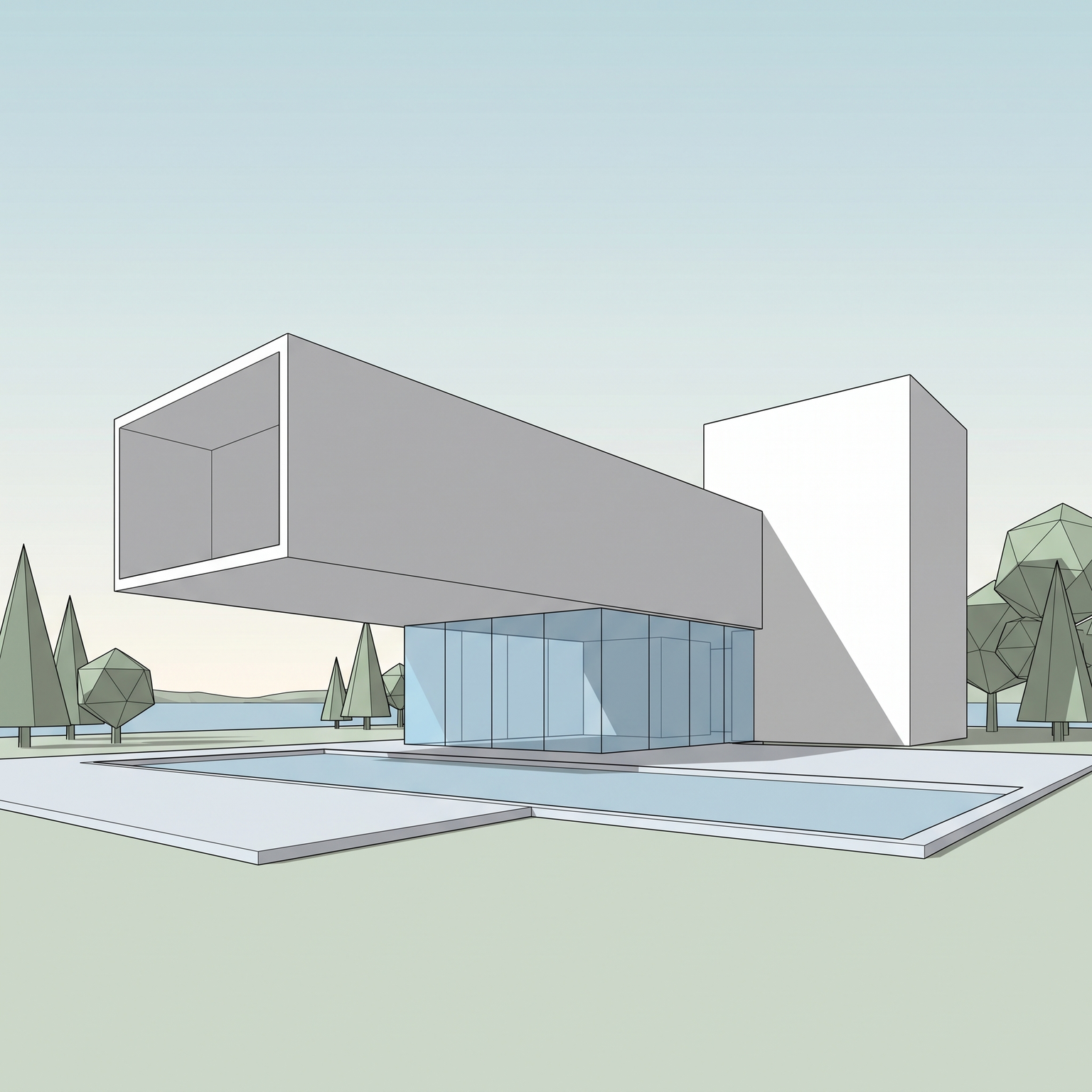
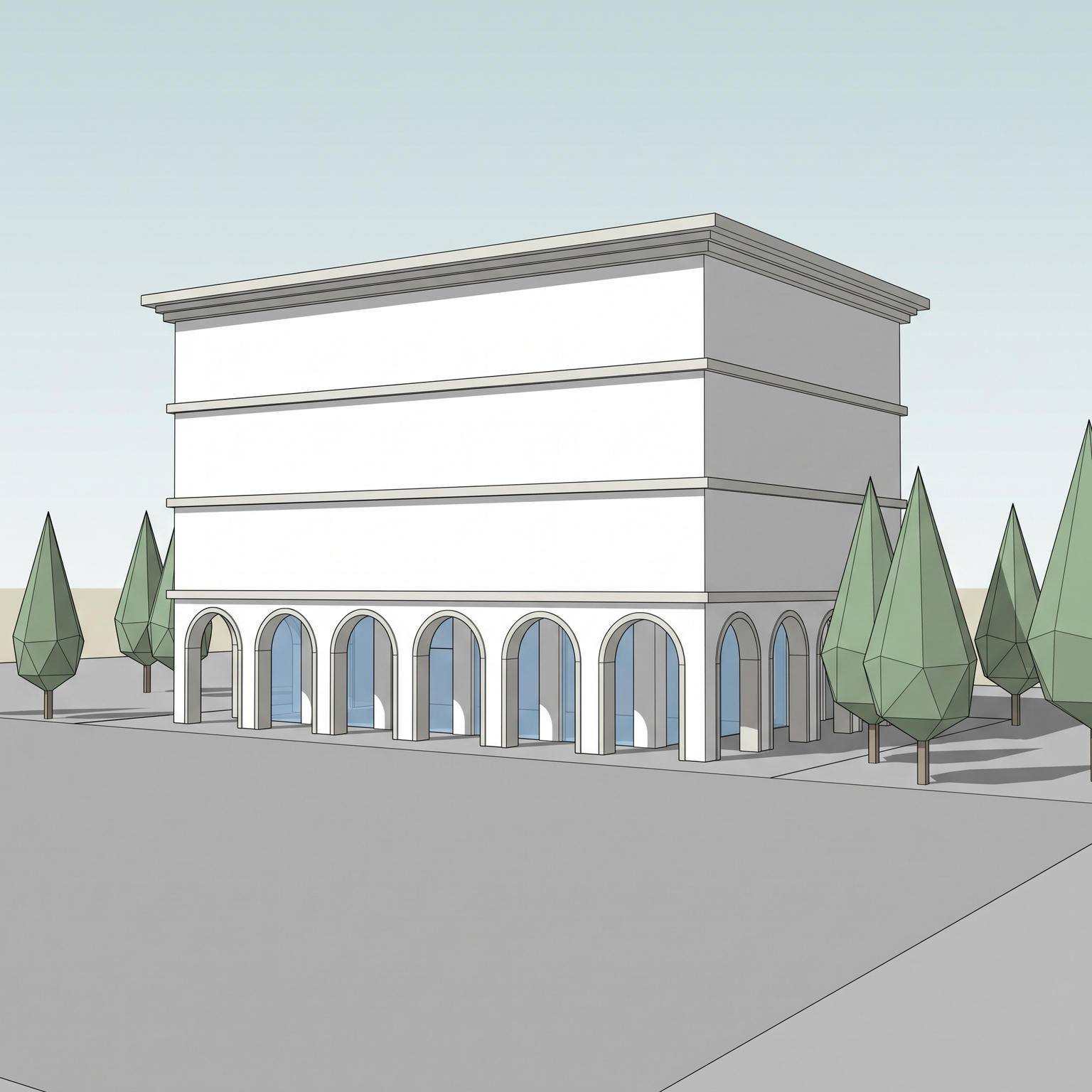
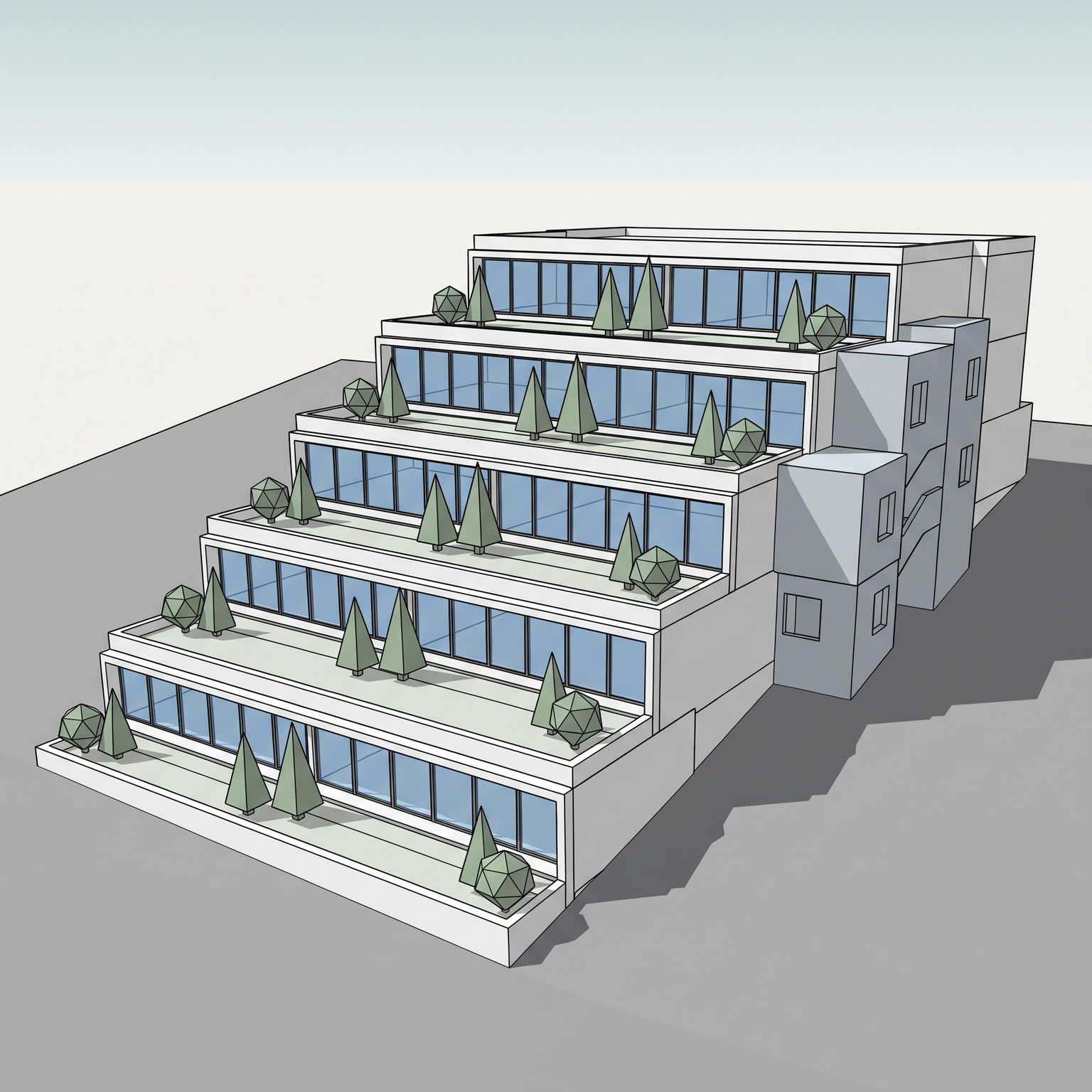
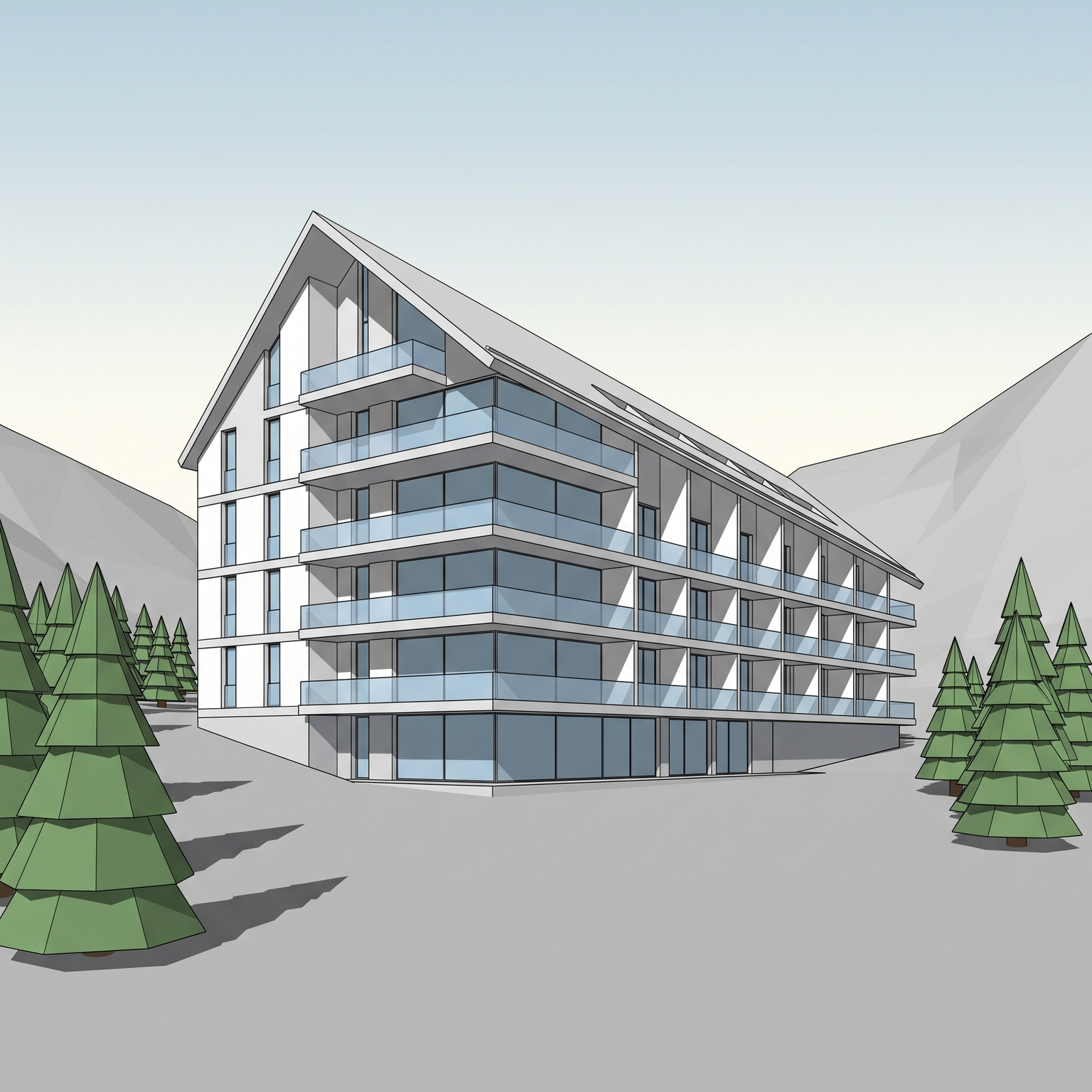
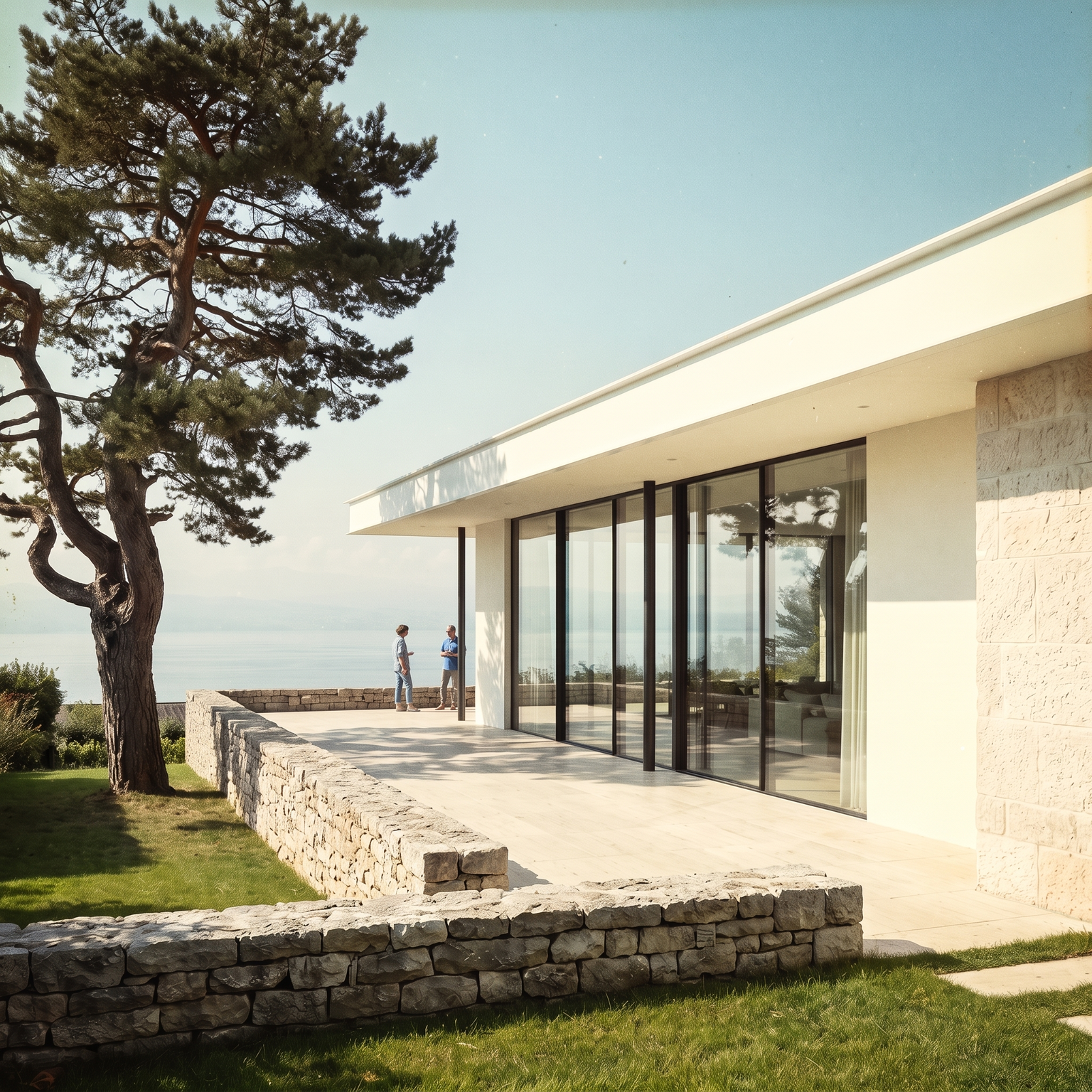
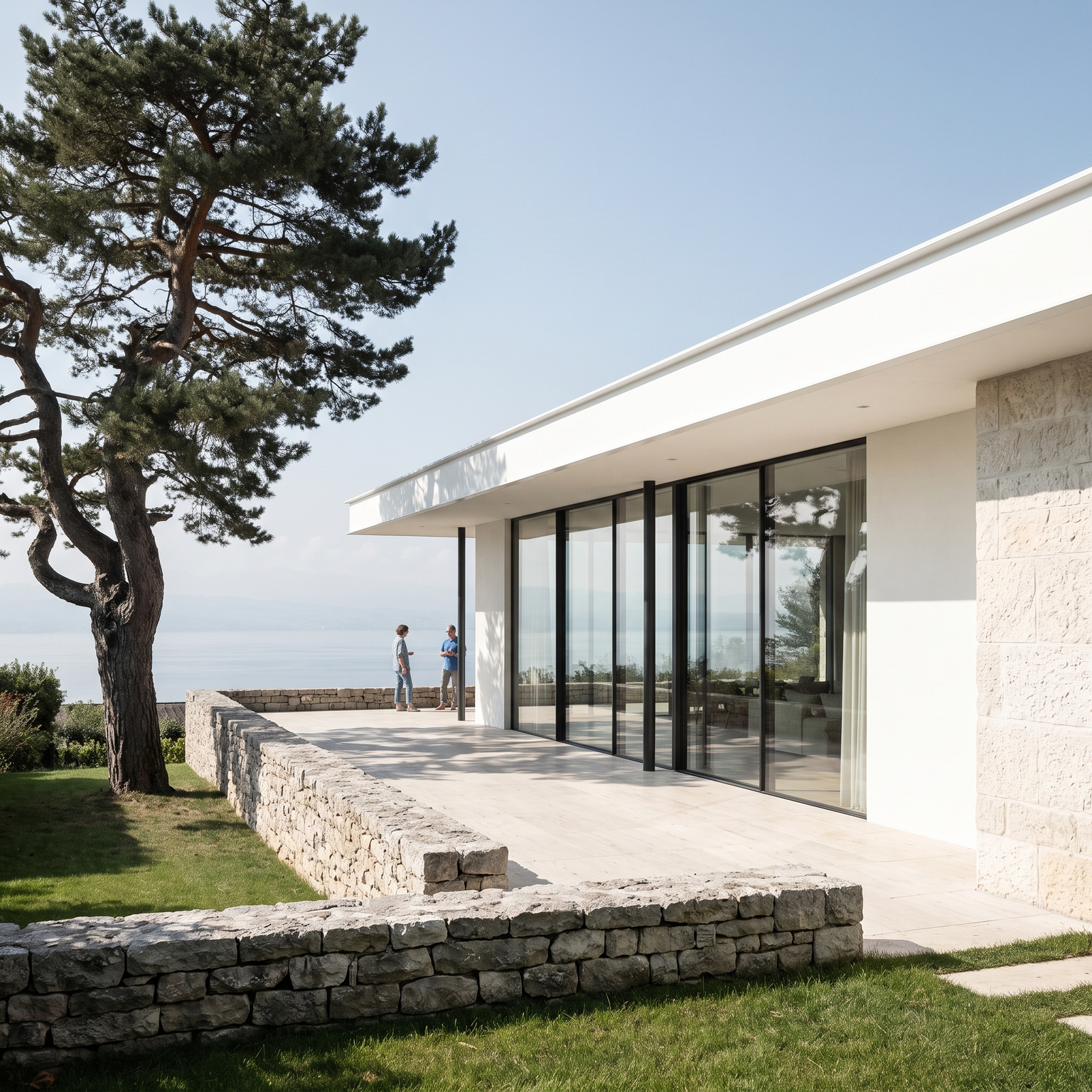
Drop a 3D view. Your geometry stays — we add the materials, light, and atmosphere.

Drop a 3D view or screenshot

PNG, JPG or WebP · up to 10 MB

Works best with a 3D perspective or axonometric view. Archicad, SketchUp, Revit, Rhino — a clean massing study is plenty.

Trusted by architects from Switzerland to Québec

— Key Takeaways —

Arkia, in five lines.

  • 01 — What it is

    An AI architectural visualization studio: production templates, a manual canvas and a node-based procedural pipeline — no prompt engineering required.

  • 02 — Output

    Up to 4K native (NanoBanana), no watermark. Photorealistic renders ready for client presentations and planning submissions.

  • 03 — Speed

    Upload, edit, export in three steps. Templates encode the expertise for each use case, so first drafts land in minutes, not hours.

  • 04 — Pricing

    Free forever: 200 bonus credits on signup plus 75 free credits every Monday. Paid tiers: Explorer €15 · Creator €49 · Studio €149 per month. Credits never expire, commercial license included on every plan.

  • 05 — Privacy & IP

    You own every image you generate. Uploads are never used to train shared models. Private by default, delete anytime. TLS 1.2+ in transit, AES-256 at rest.

01 —The Spark

Instant Templates.

One-click mastery. Specialized engines built for every architectural discipline — from satellite capture to drone render, from empty room to furnished scene.

Thirty templates. Six disciplines. One click each.

Template library by discipline

Profile / Architecte
Categories
ARKIA Templates v2.0
43 Tools
After
Before
Urban Planning

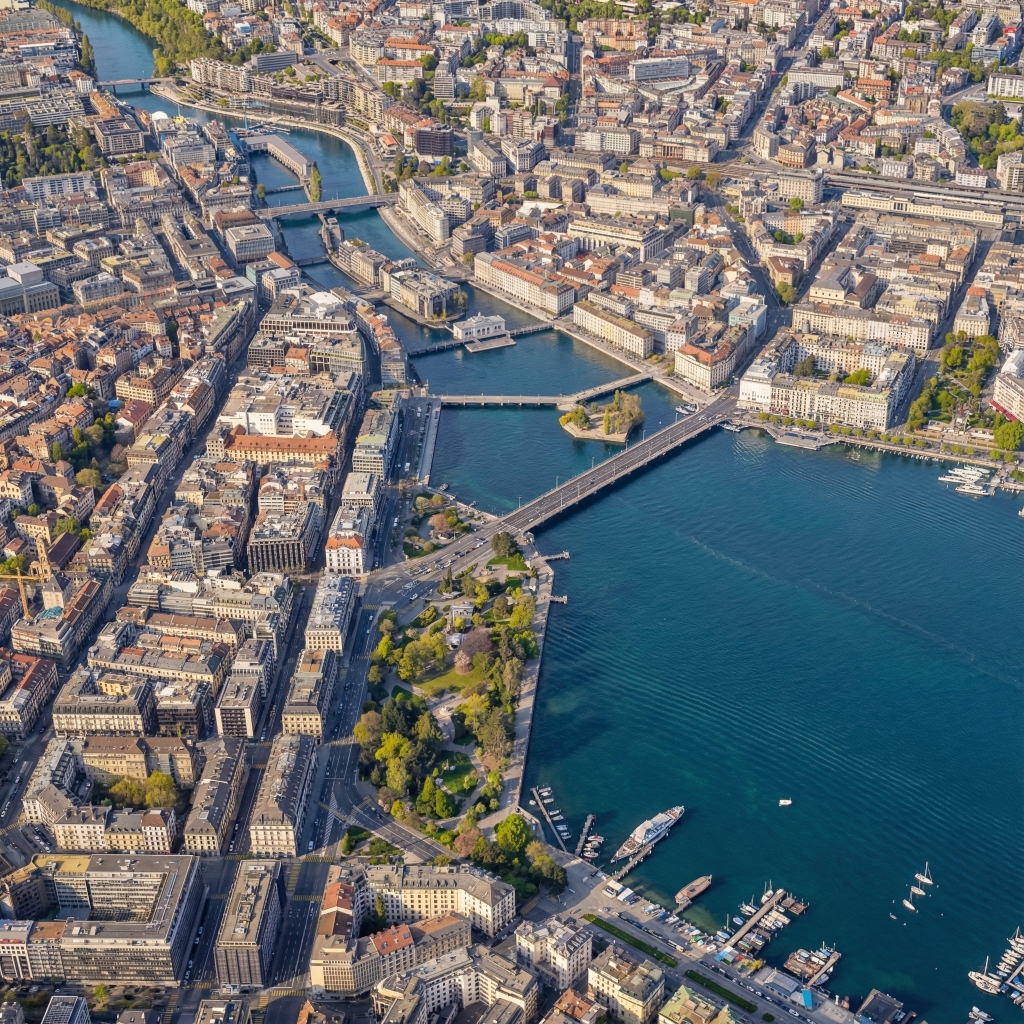
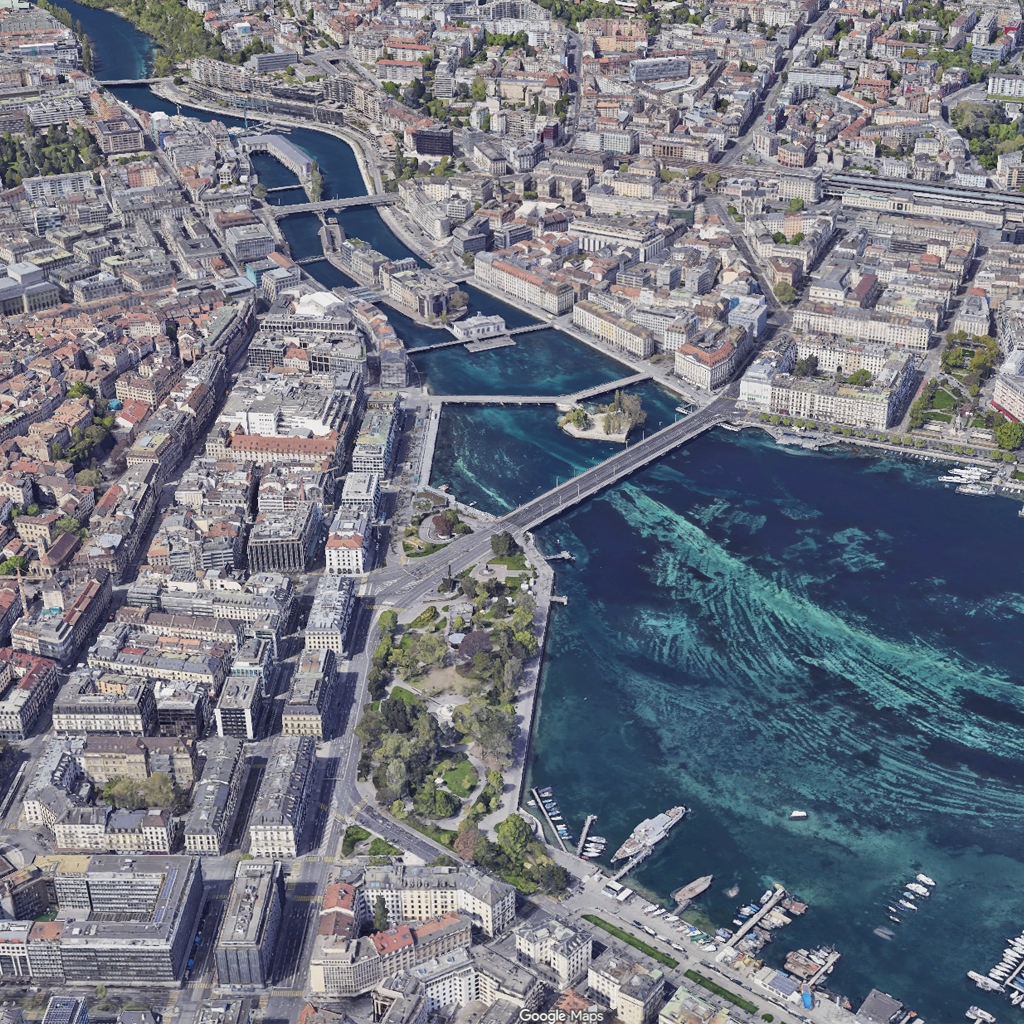
Google Maps to Drone Photo
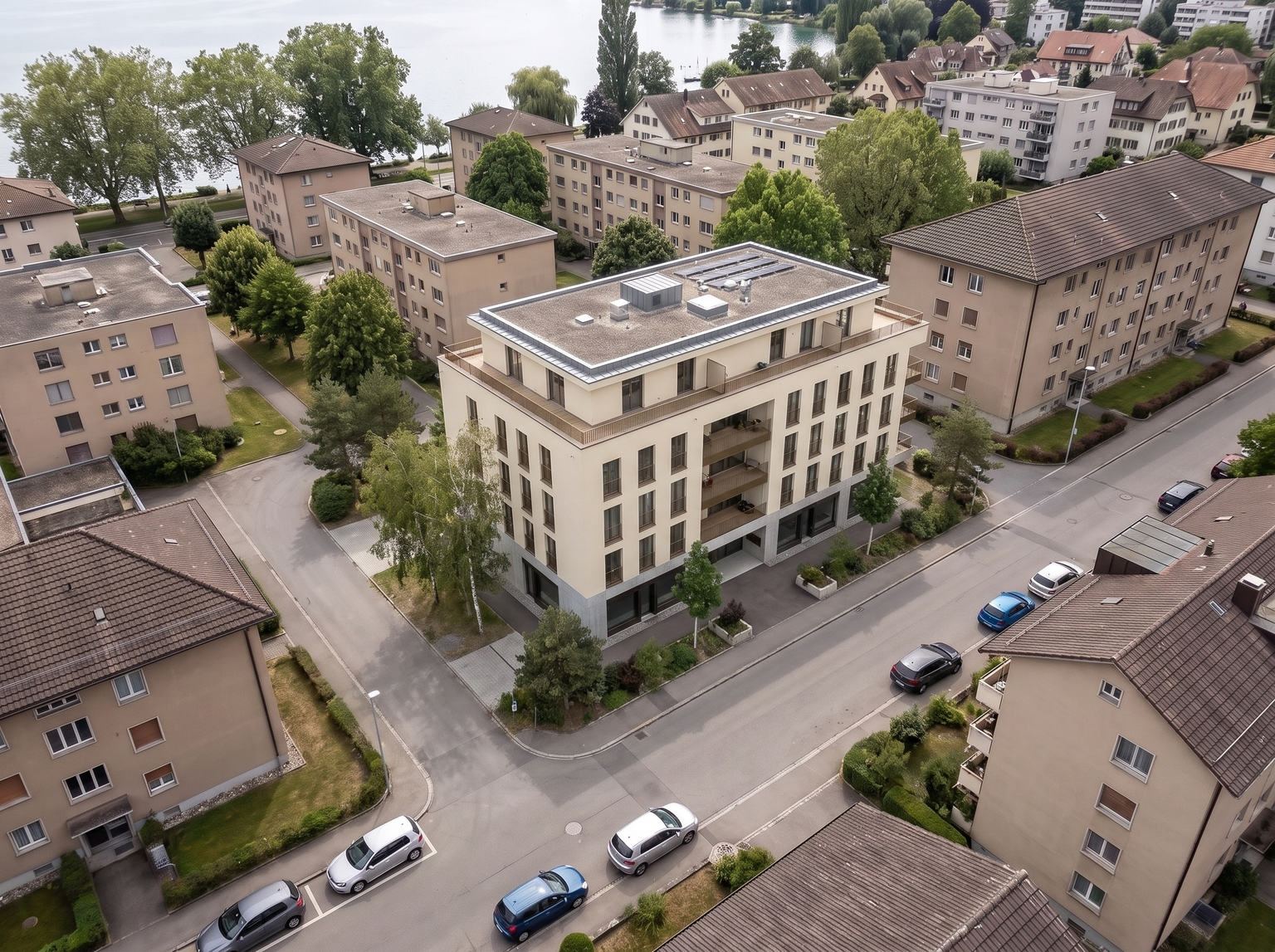
MAPS TO DRONE

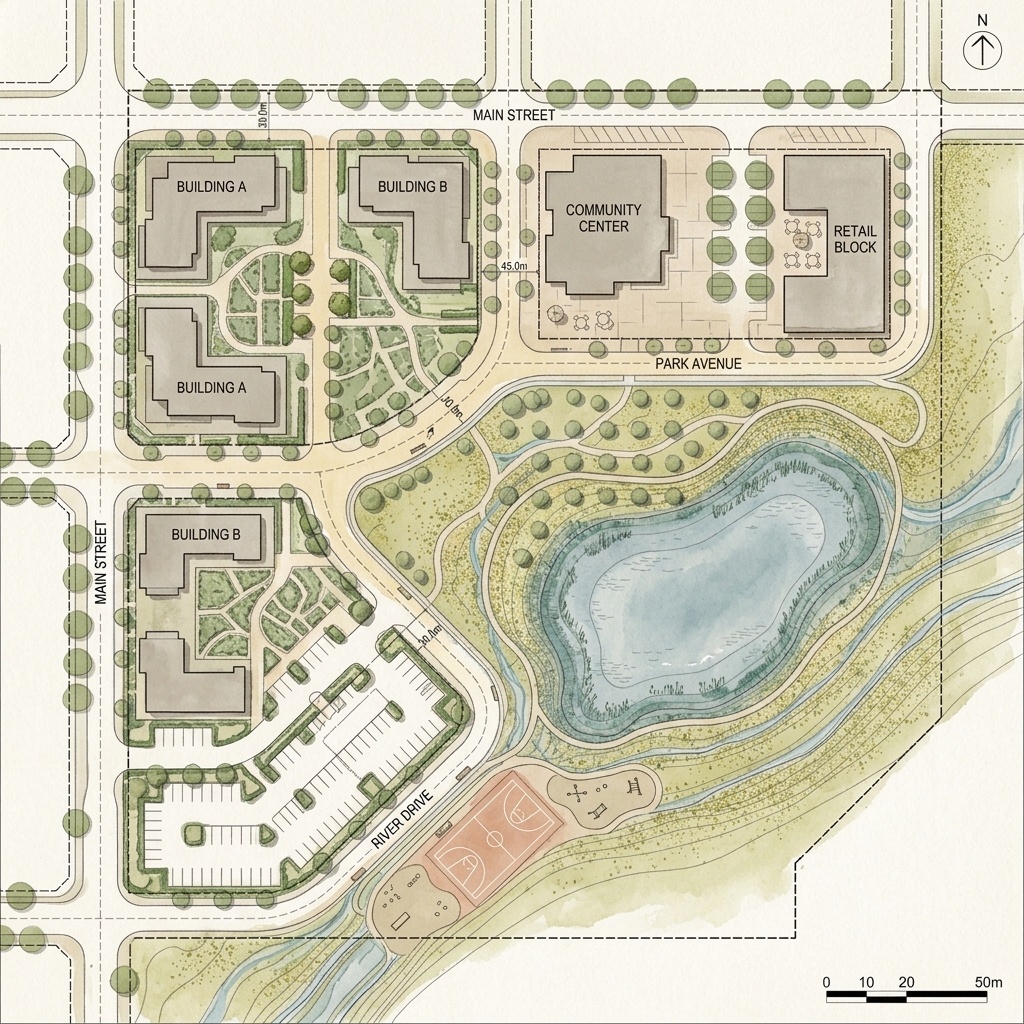
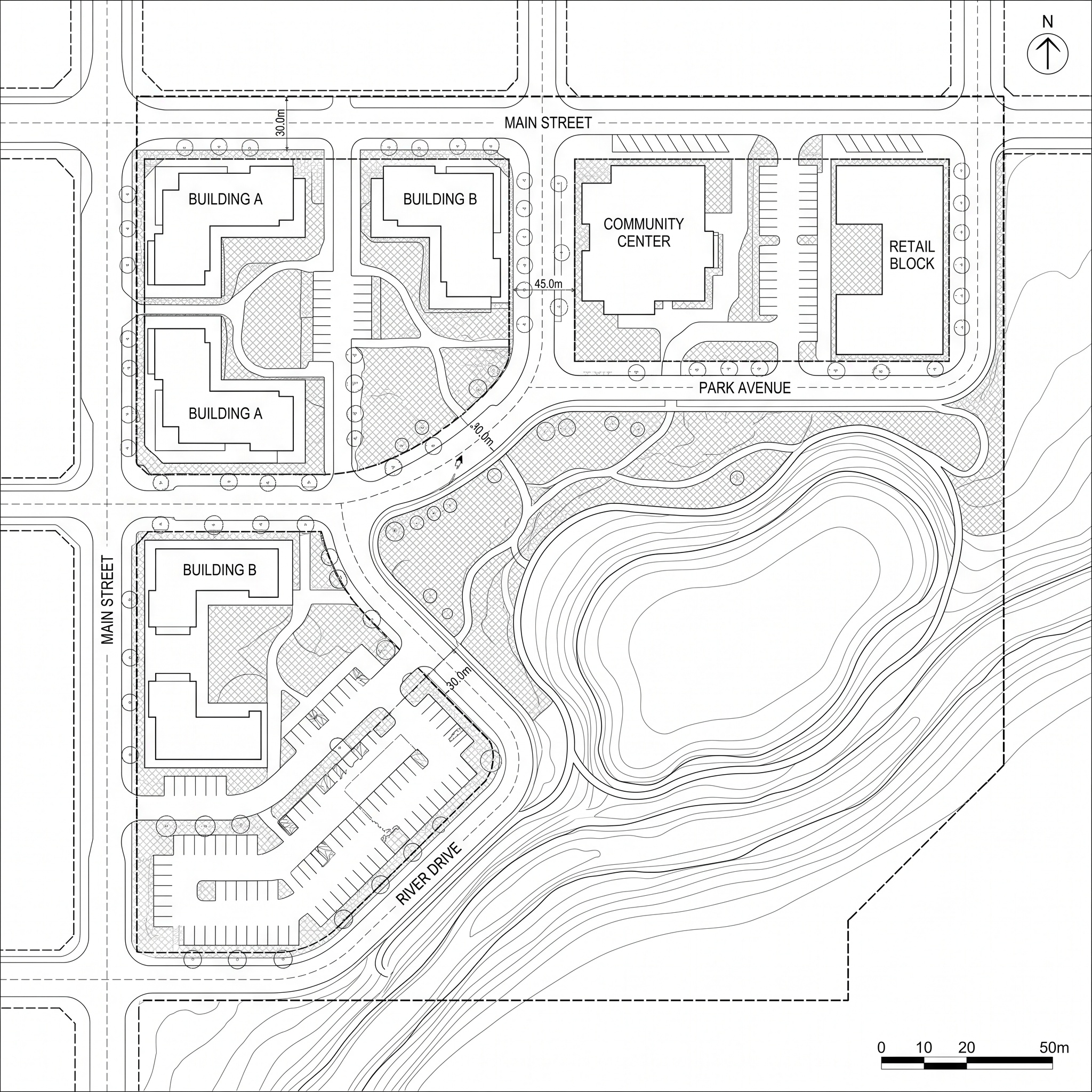
Turn a Google Maps capture into a realistic drone-style aerial view.

After
Before
Urban Planning

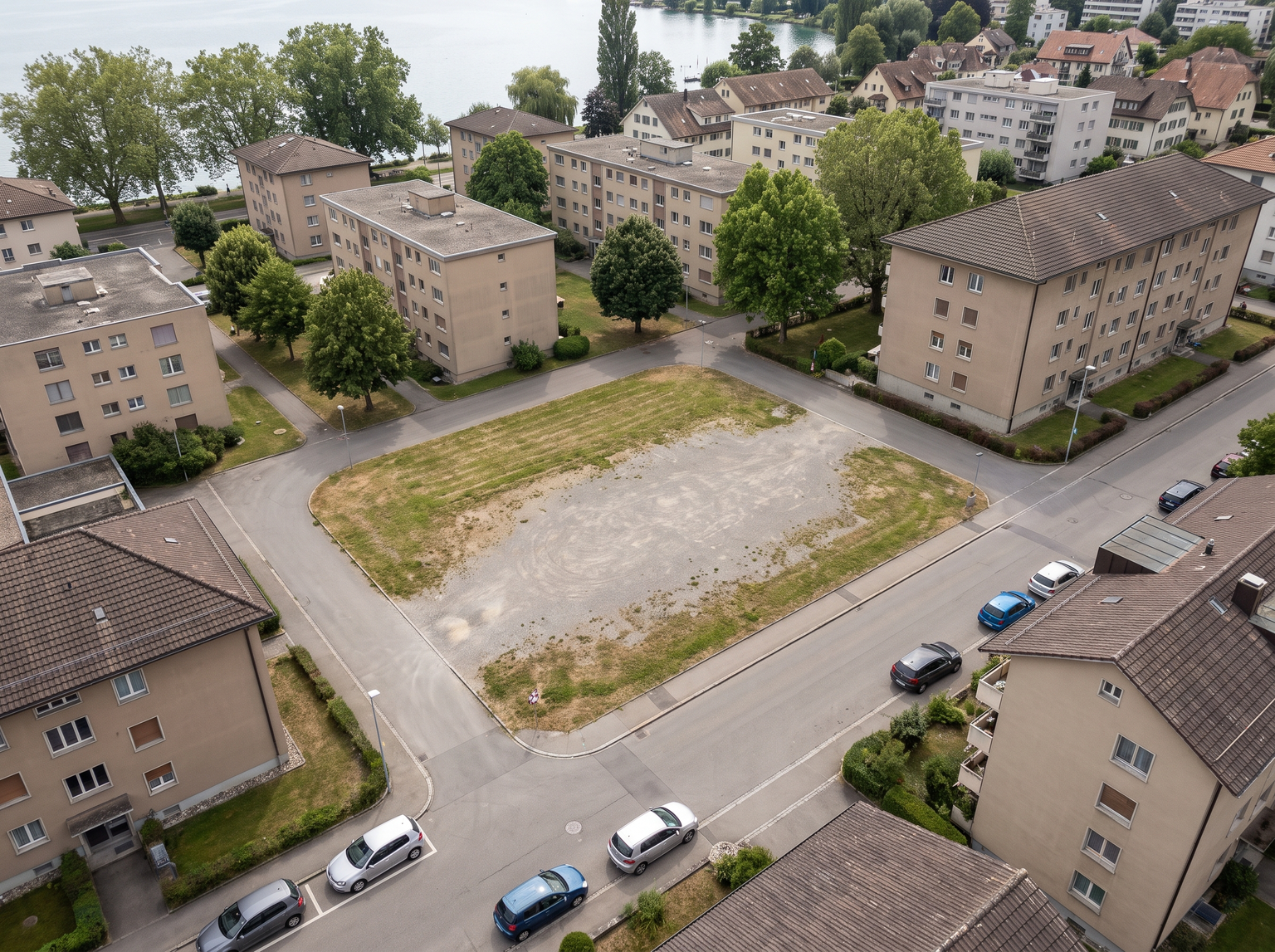
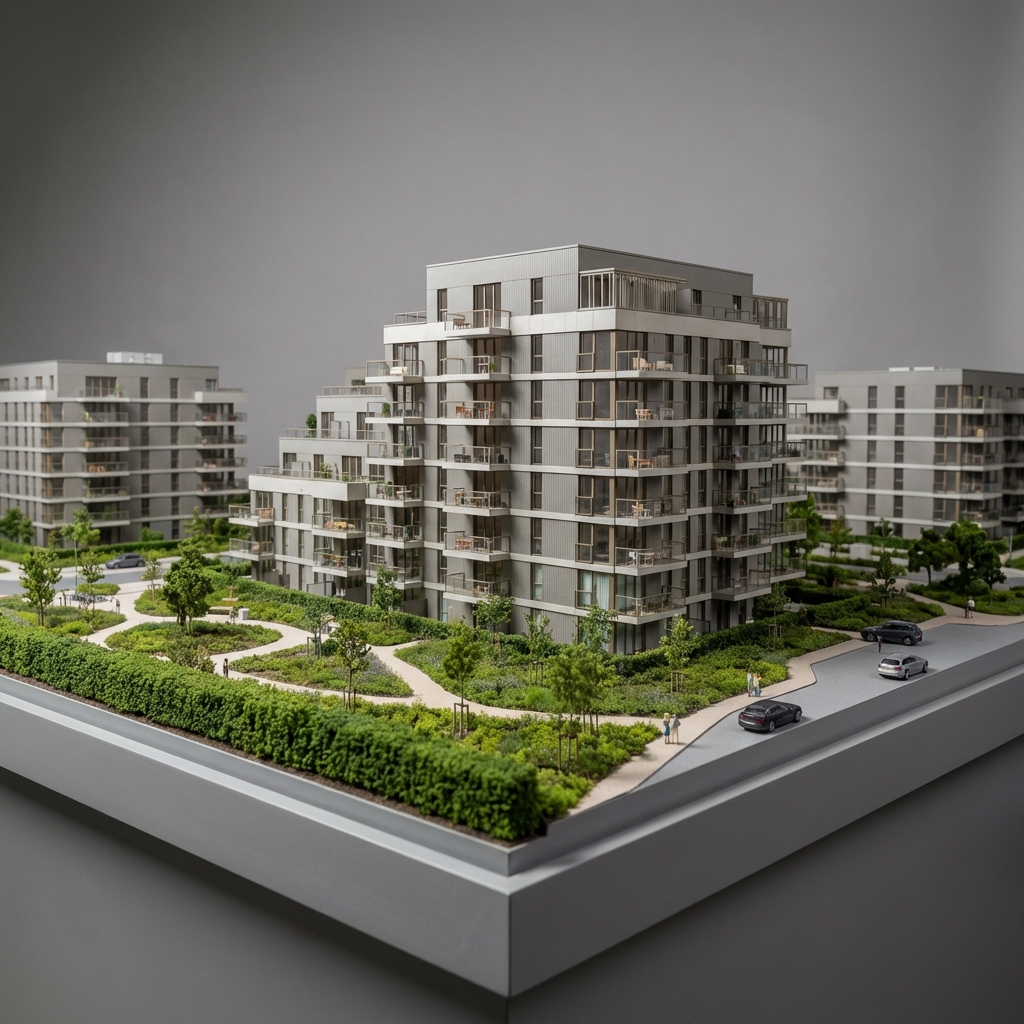
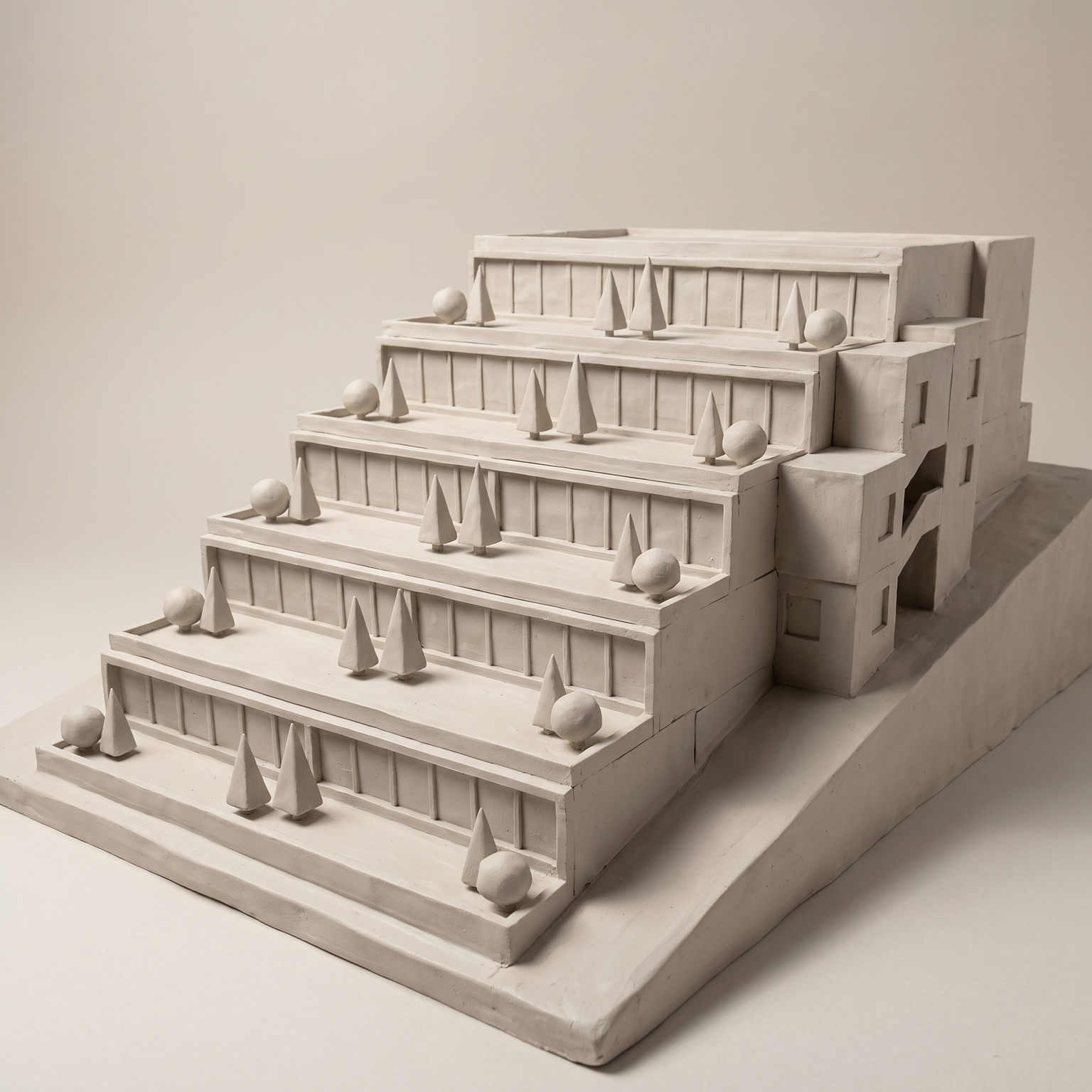
Image to Photo Model

IMAGE TO PHOTO MODEL

Give a realistic physical-model look to a 3D view or plan.

After
Before
Architecture

Photoreal

PHOTOREAL

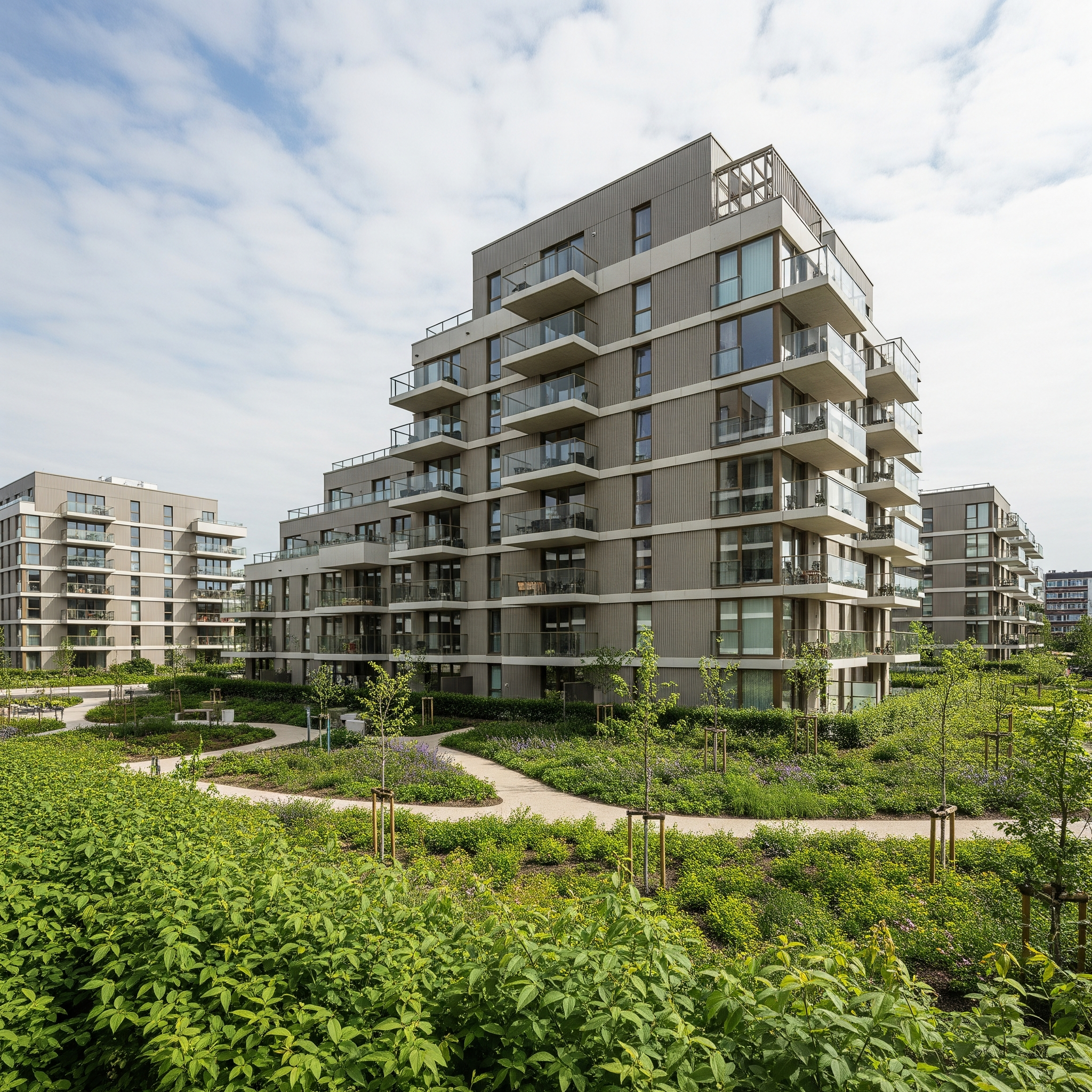
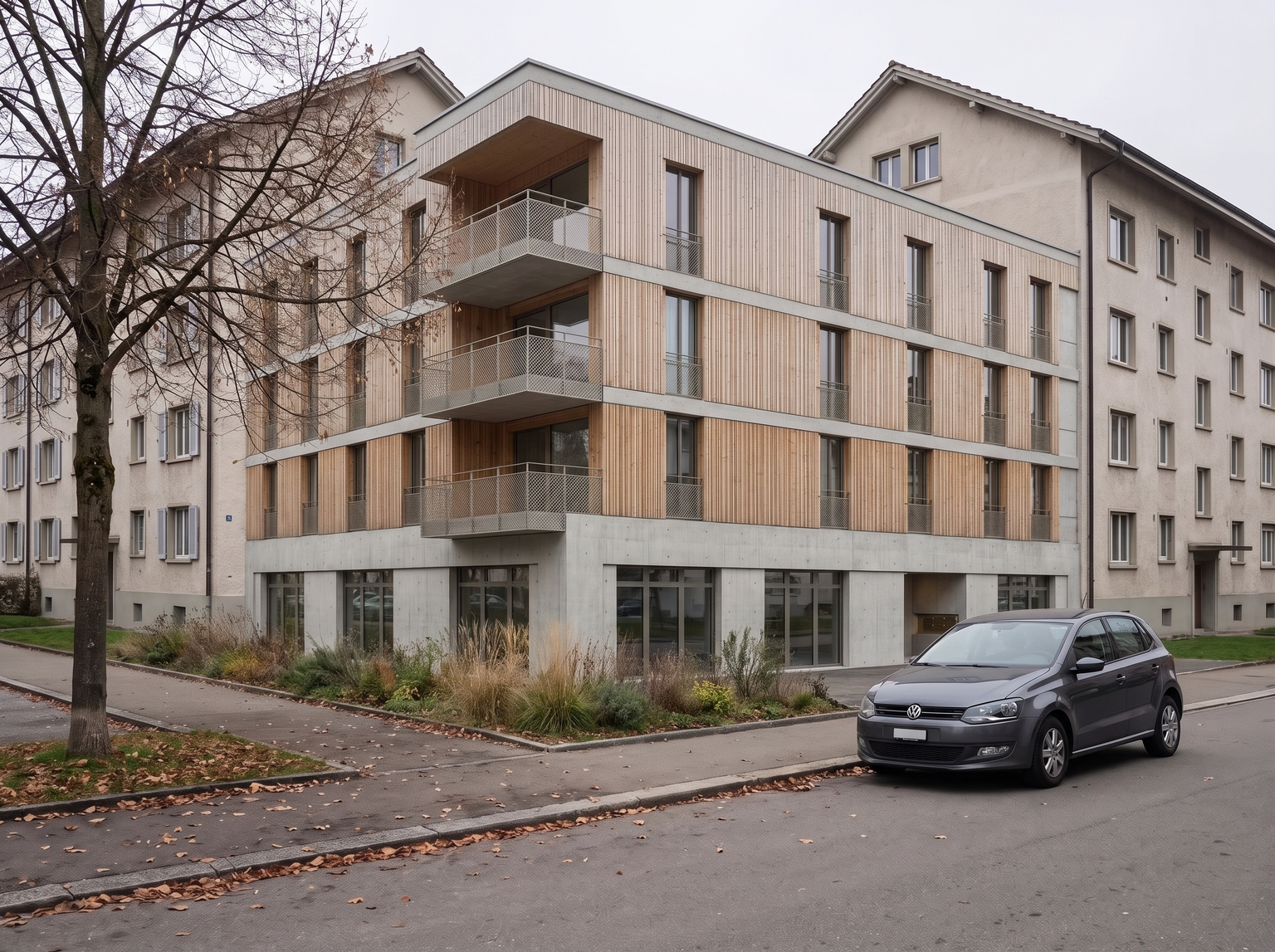
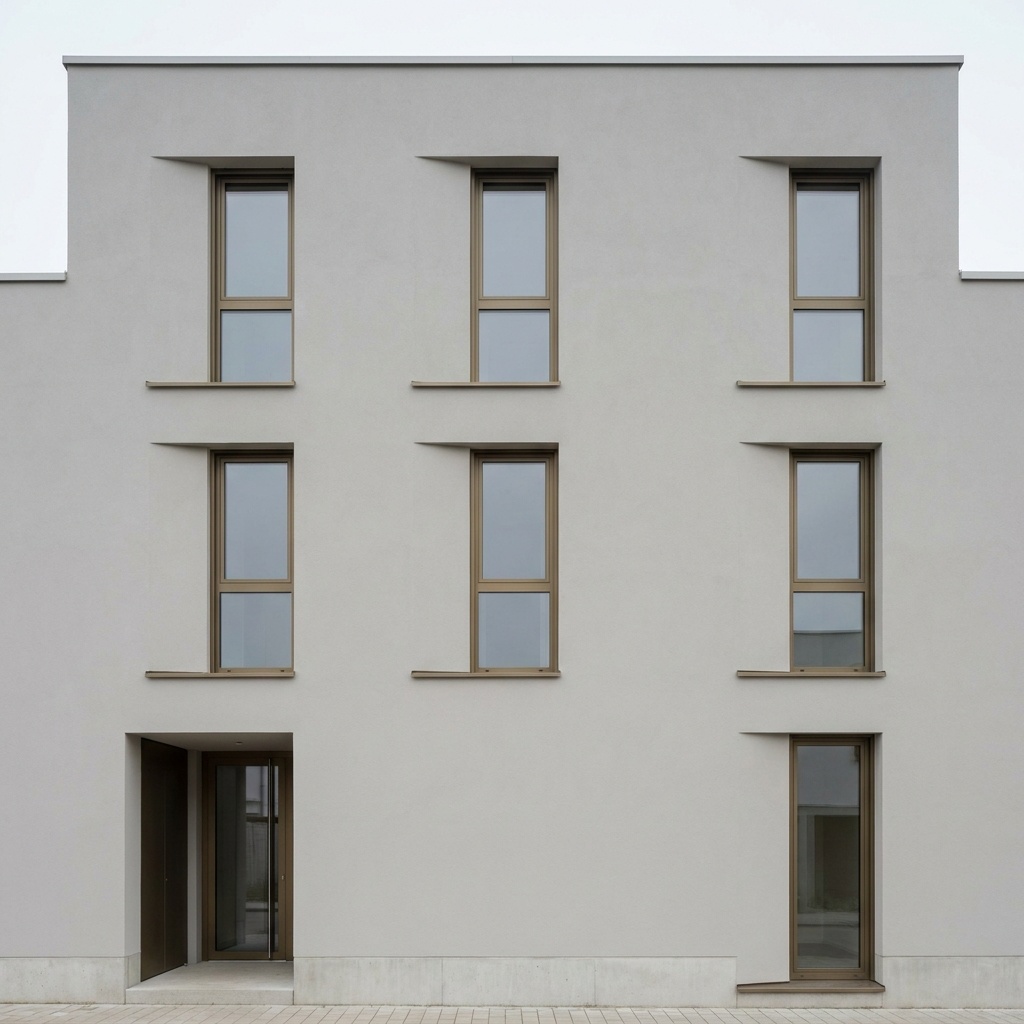
Turn a raw 3D viewport into a magazine-grade architectural photograph. Geometry stays locked.

After
Before
Architecture

Lighting Change

LIGHTING

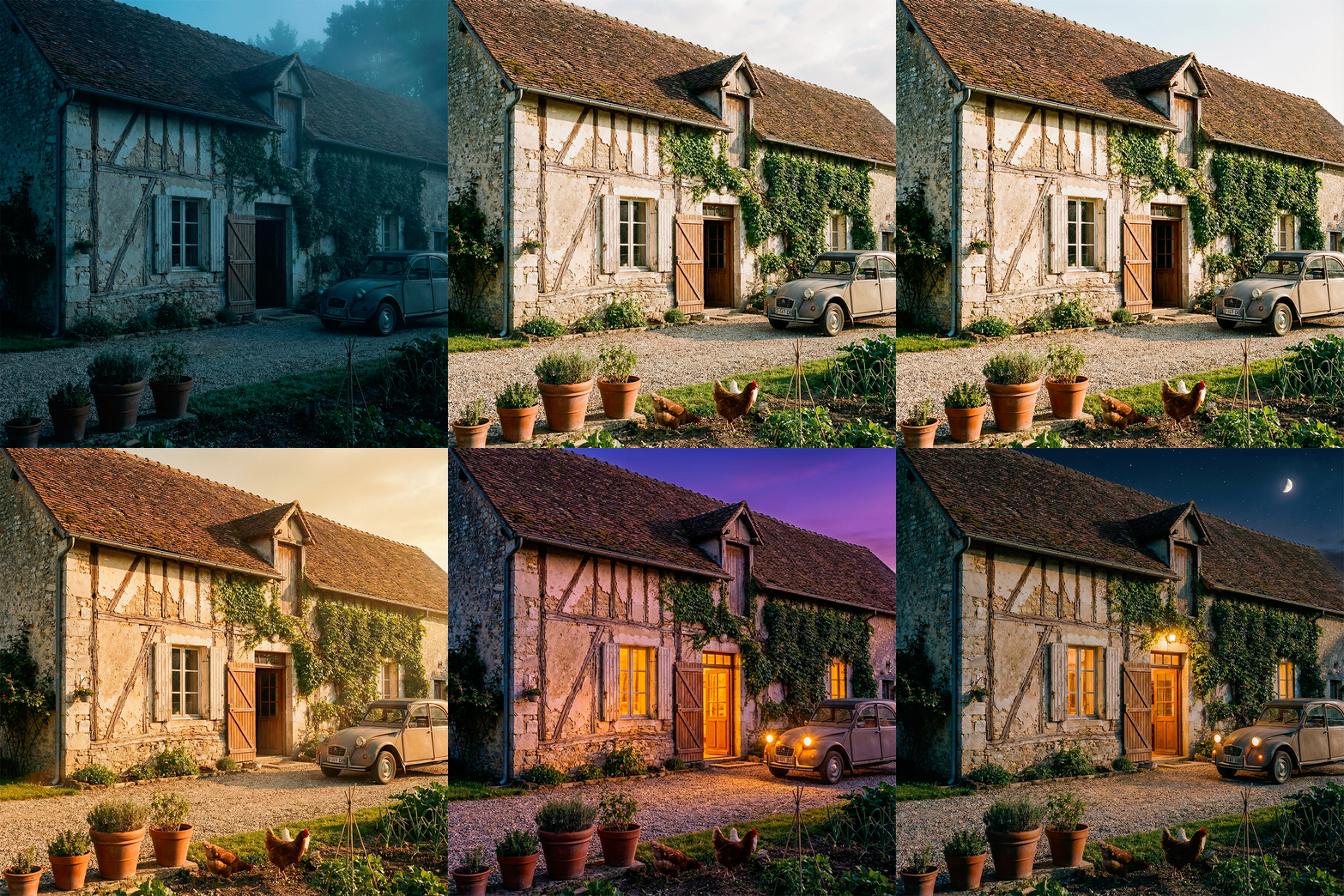
Change the lighting mood (Golden Hour, Night, Dawn) without altering geometry.

After
Before
Architecture

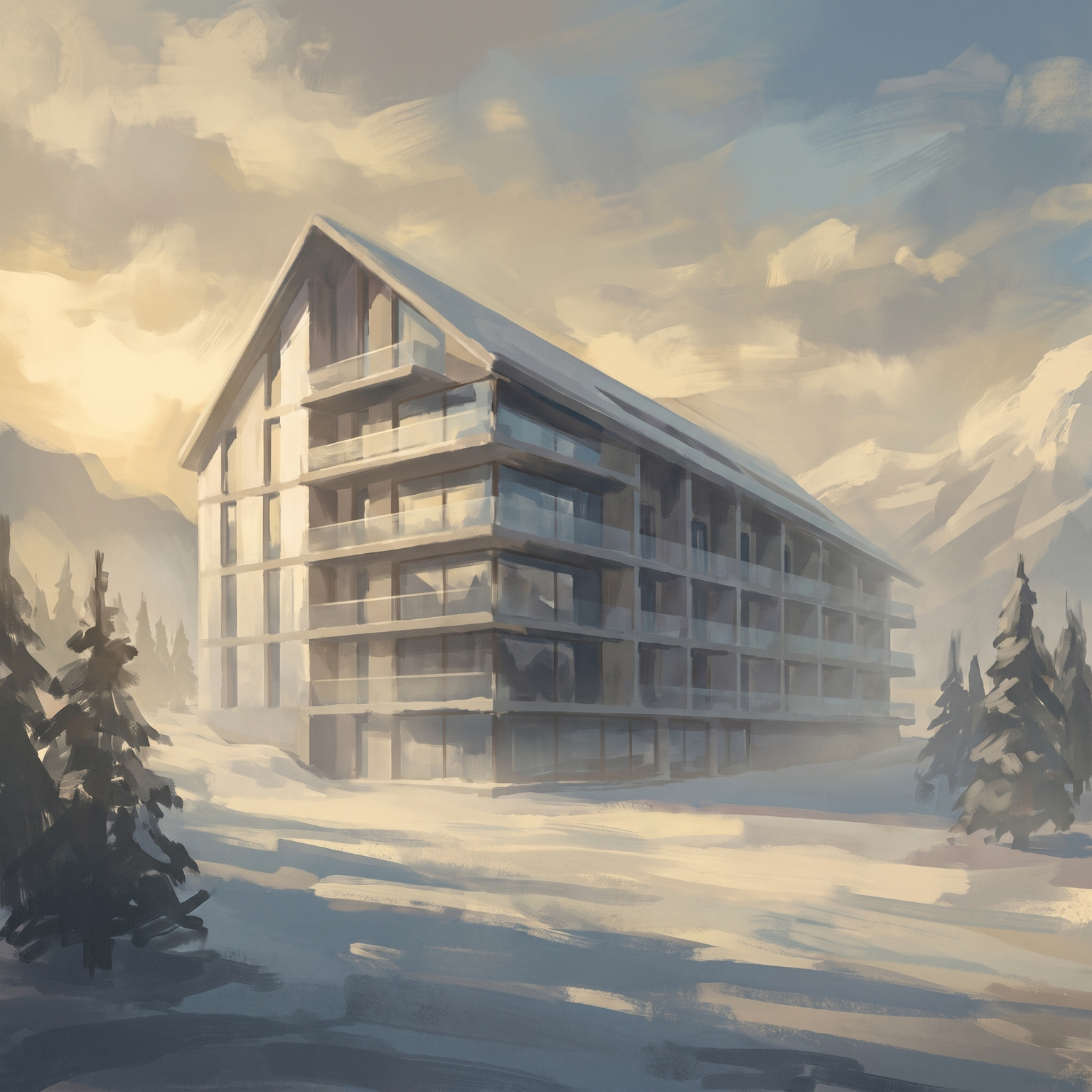
Season Change

SEASONS

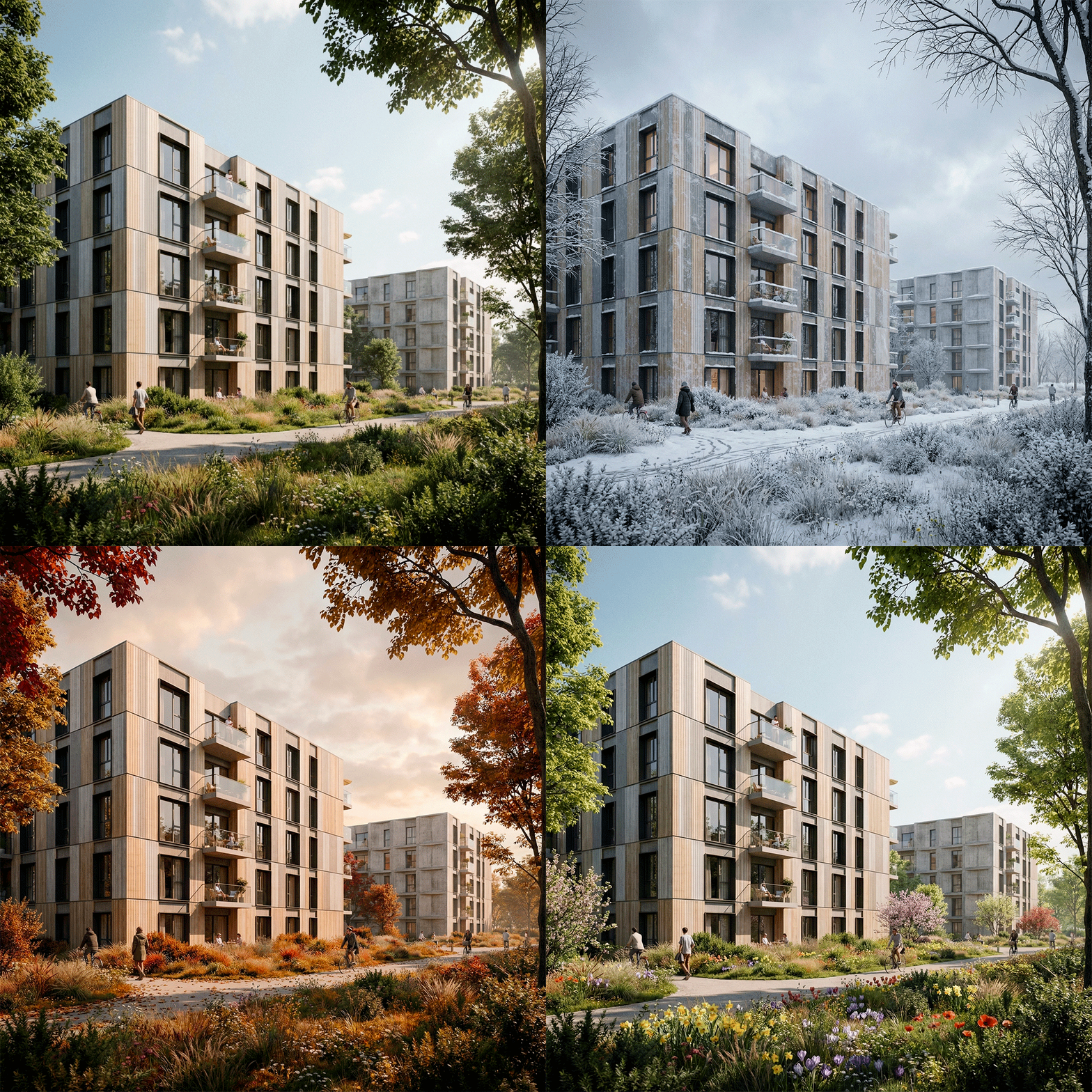
Adapt vegetation and mood to simulate winter (snow), autumn, and more.

After
Before
Architecture

Populate the Scene

PEOPLE

Add realistic characters matching the scene perspective.

After
Before
Architecture

Add Vehicles

ADD VEHICLES

Add cars, bikes, or public transit.

After
Before
Architecture

Landscape Design

LANDSCAPE DESIGN

Add or replace vegetation (mature trees, lawn, flowerbeds).

02 —The Artist

Refine in The Canvas.

Step into the studio. Paint, mask, compose. Total control over resolution, aspect ratio, and creative guidance — when one click isn't enough.

Three steps. Total control.

Canvas workspace

Start with nothing.

Shape the vision.

Refine until perfect.

Arkia.app
Facade Concrete
Templates
Canvas
Nodes
929
R

Configure

Select a workflow

Active Model

NanoBanana

>_ Command_Input

Auto_Analysis
Describe scene, lighting, materials…0 / 5000

Generation_Mode

Variant

Flash
Pro

Aspect Ratio

1:1

Resolution

1K
2K
4K

Grounding

Off

All-Ref

Off

Chain

Off

# Seed

-1
RND

Batch Size

1
Estimated Cost16 credits
[ Source_Viewer ]
[ Upload_Source ]
[ Output_Render ]
[ Output_Buffer ]
Gallery_Panel
Drag & drop up to 6 images
Canvas workspace — paint, mask and refine a render directly on the image, then export.
03 —The Engineer

Limitless Node Graph.

For those who demand technical perfection. Build custom procedural workflows, connect multiple models, engineer your own rendering logic.

Workflow saved. Export, share, iterate.

Node graph editor

Start with an empty graph.

Three references and a prompt — aliases let you compose, not just describe.

Wire them to an engine.

Watch the room take shape.

Iterate — day to night, in one click.

Arkia.app
Interior 1
Templates
Canvas
Nodes
769
R
Empty graph
Add your first node
Gallery_Panel
Node graph editor — chain templates and operations into a reproducible workflow, then re-run it on new inputs.
04 —Showcase

Made with ARKIA.

Work from architects and designers using ARKIA in production — from concept mood boards and schematic studies to design-development materials and 48-hour competition boards.

31 images

Filter gallery by discipline

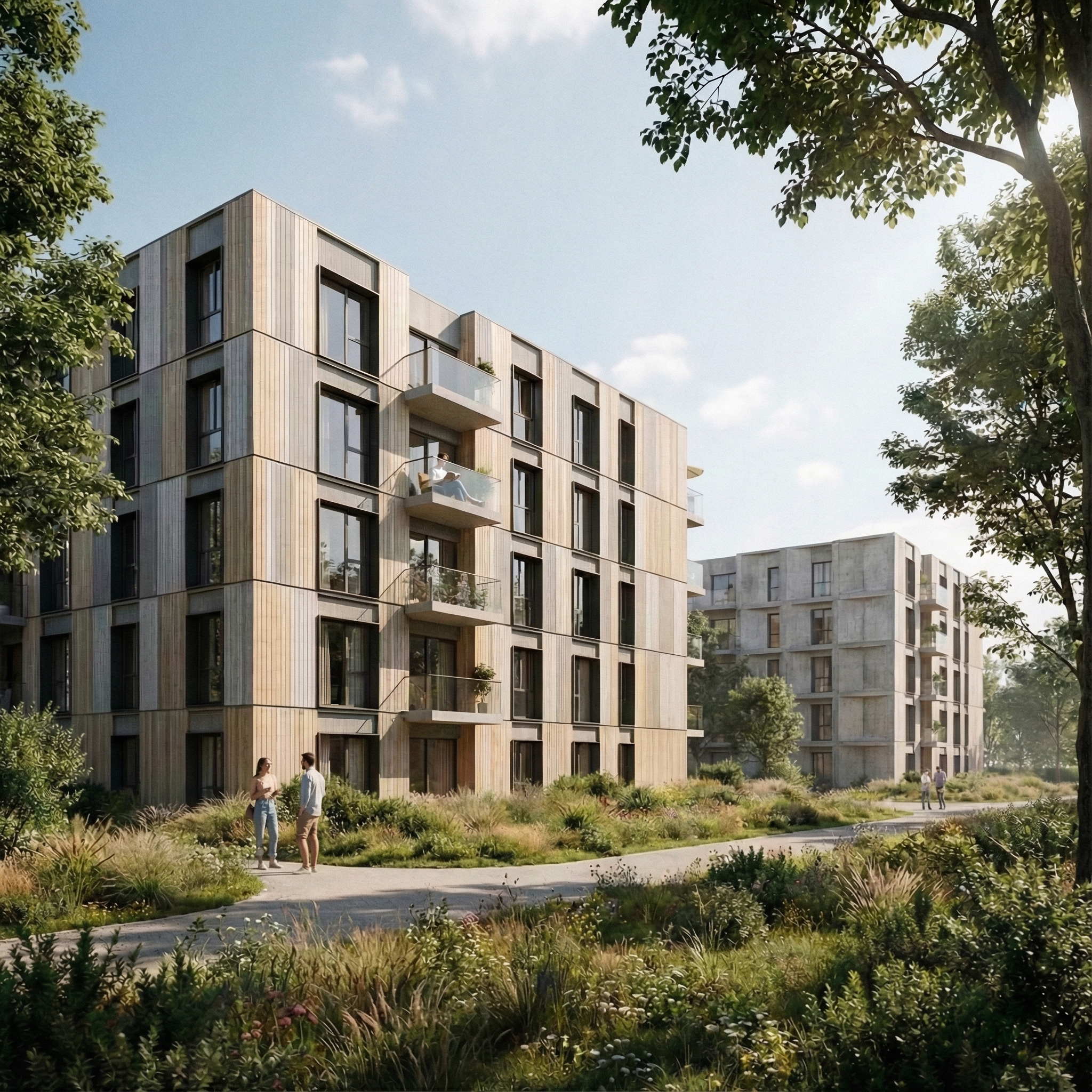
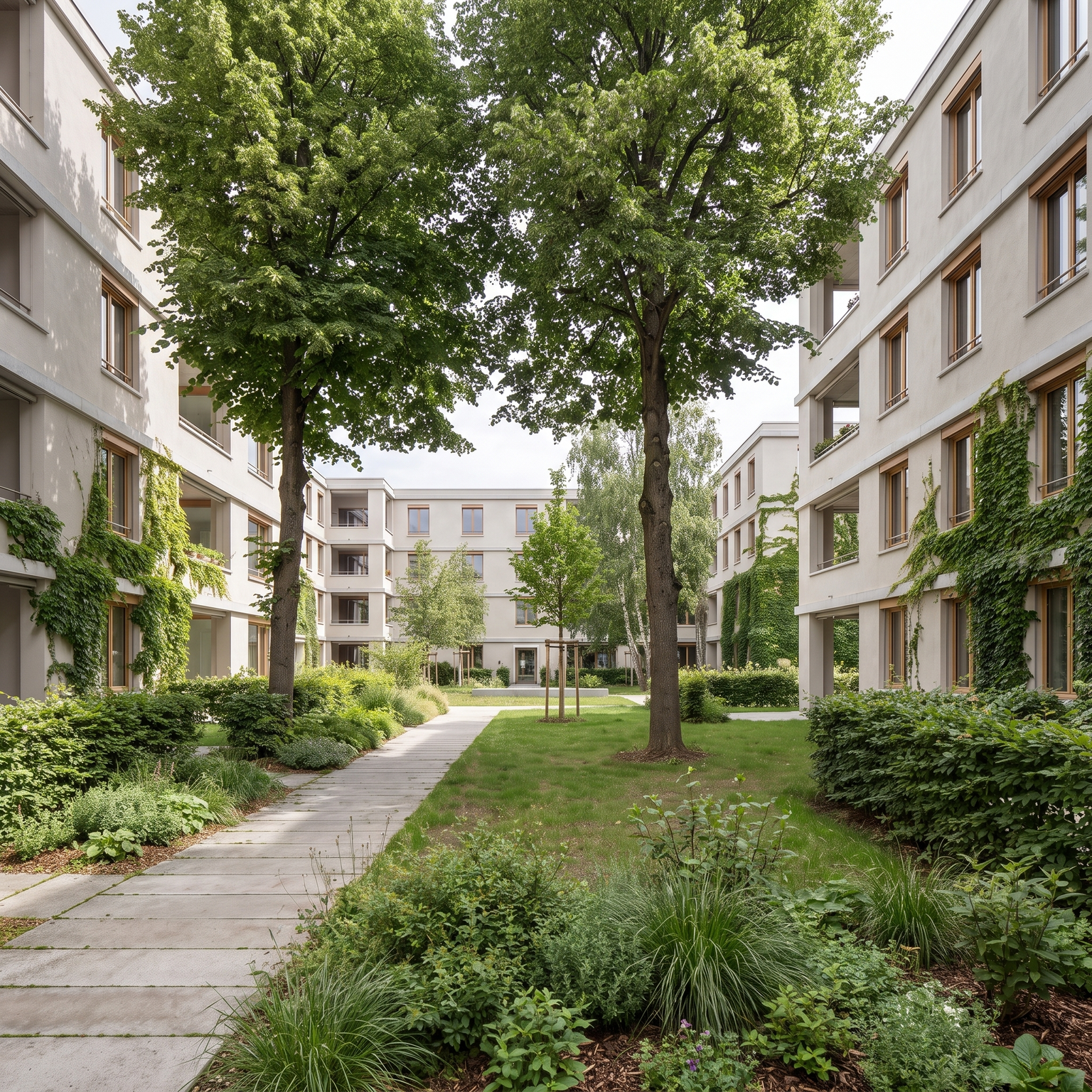
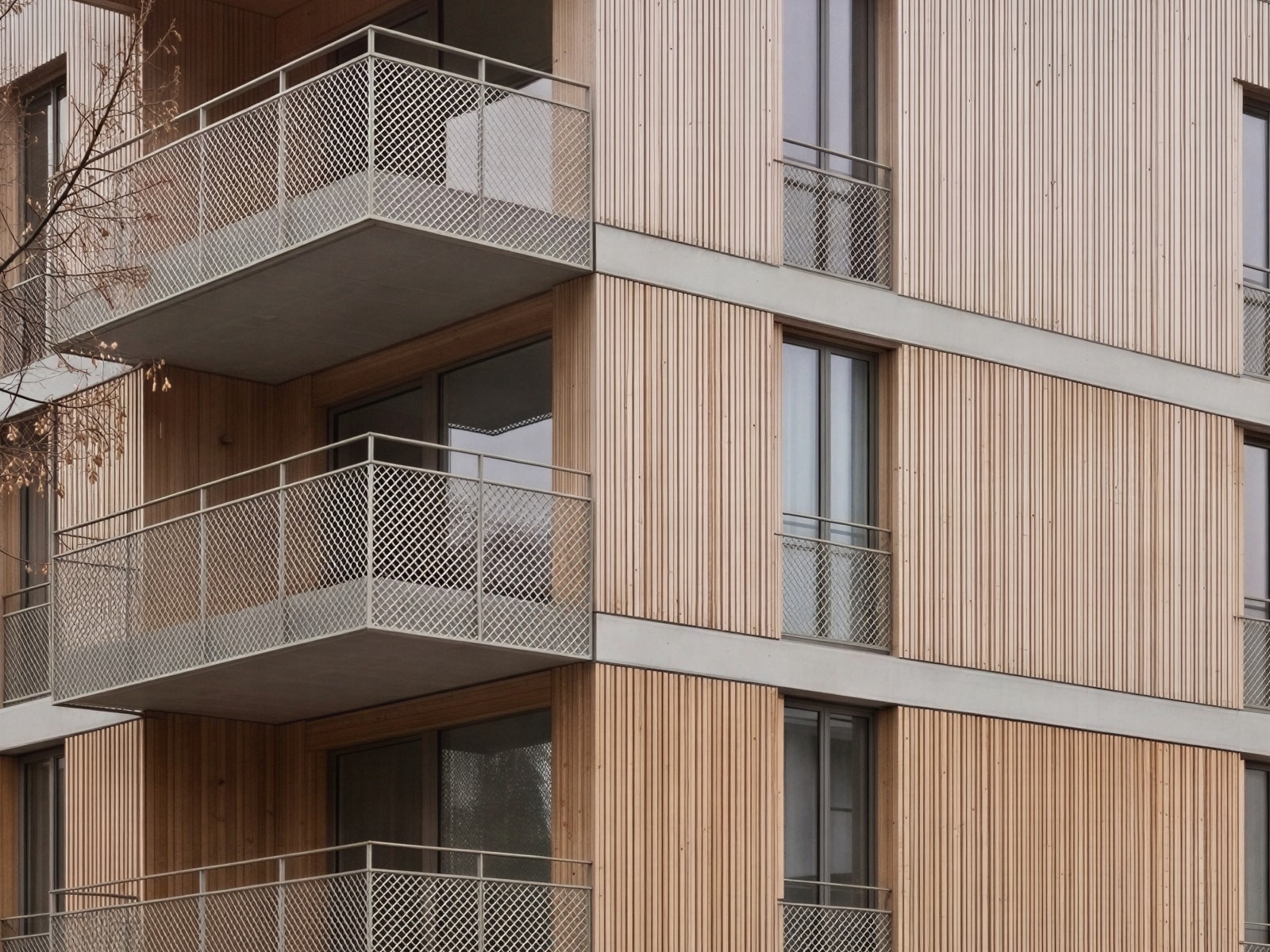
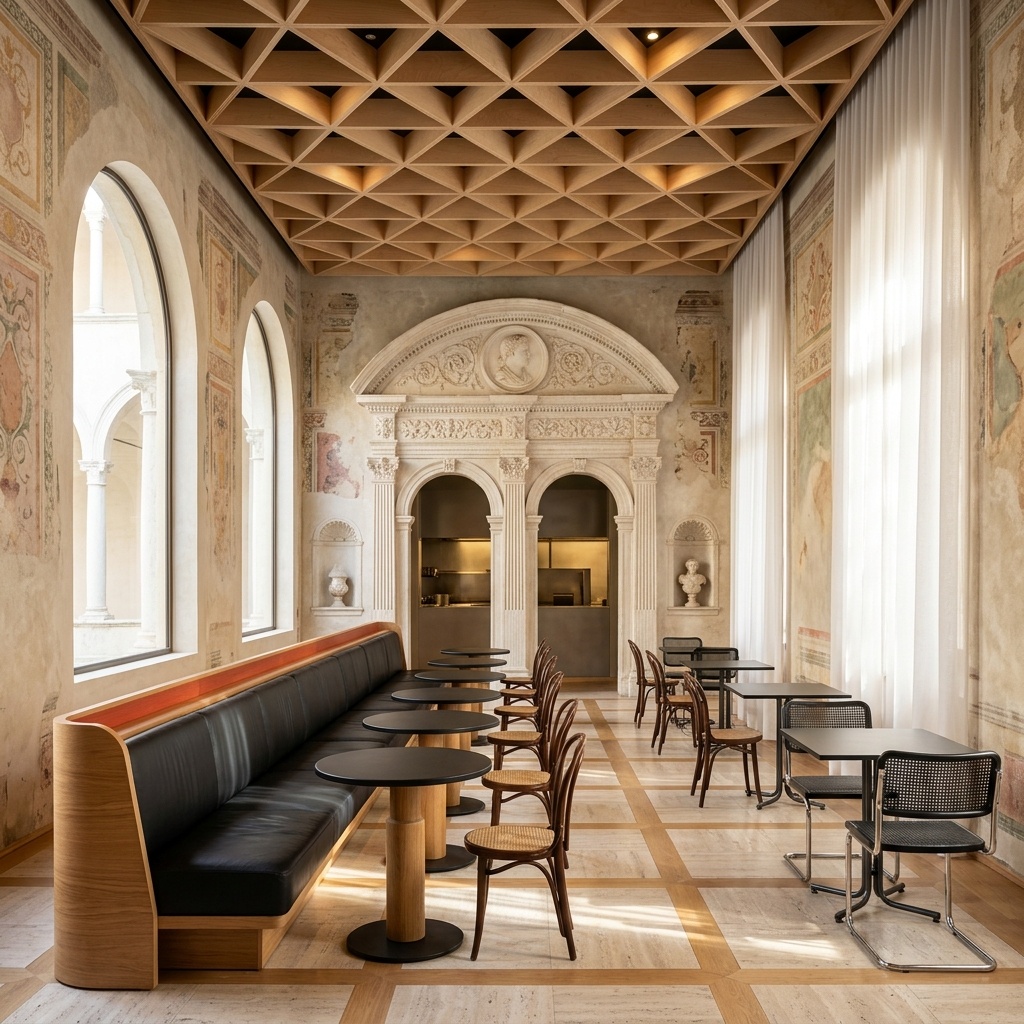
Architectural visualization produced with Arkia
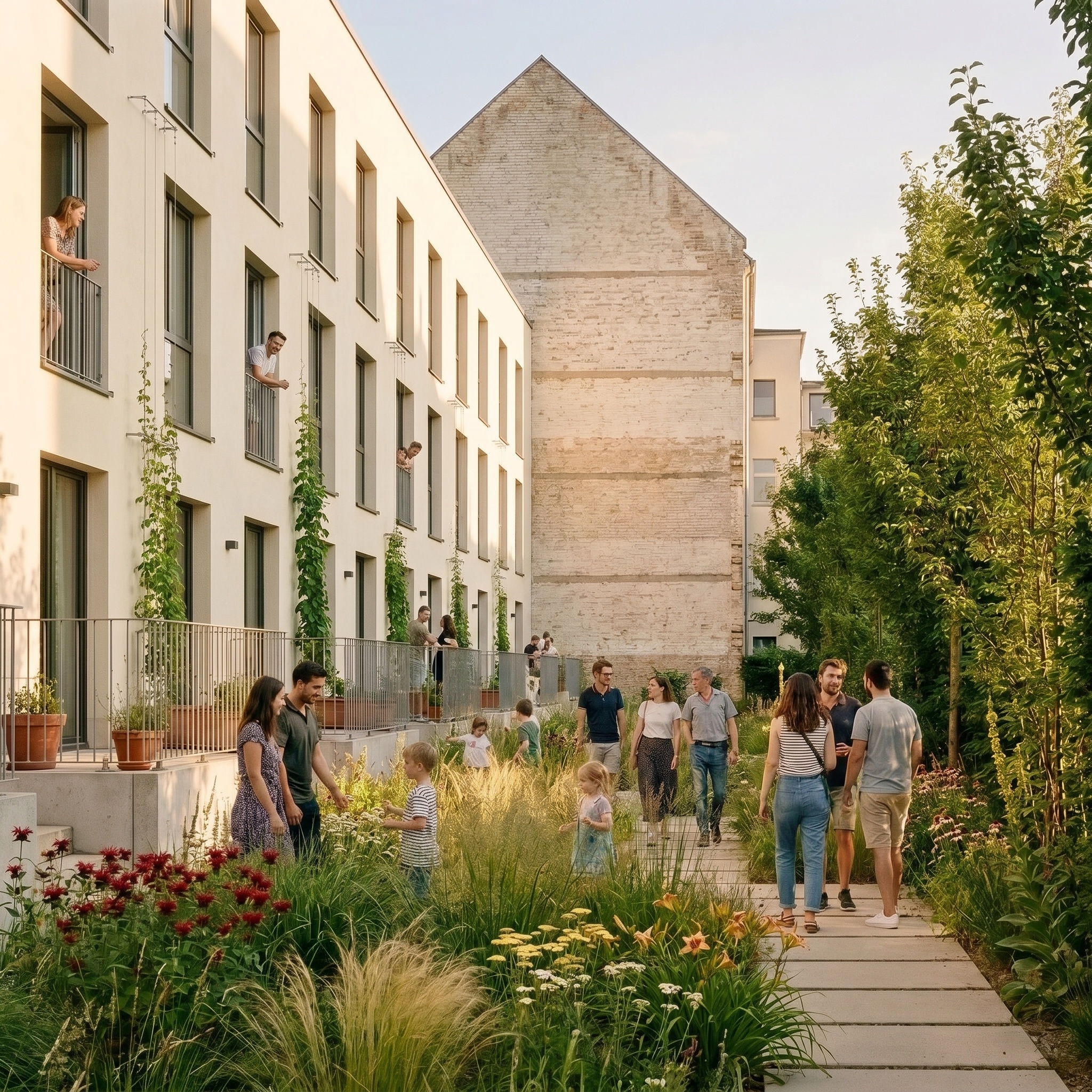
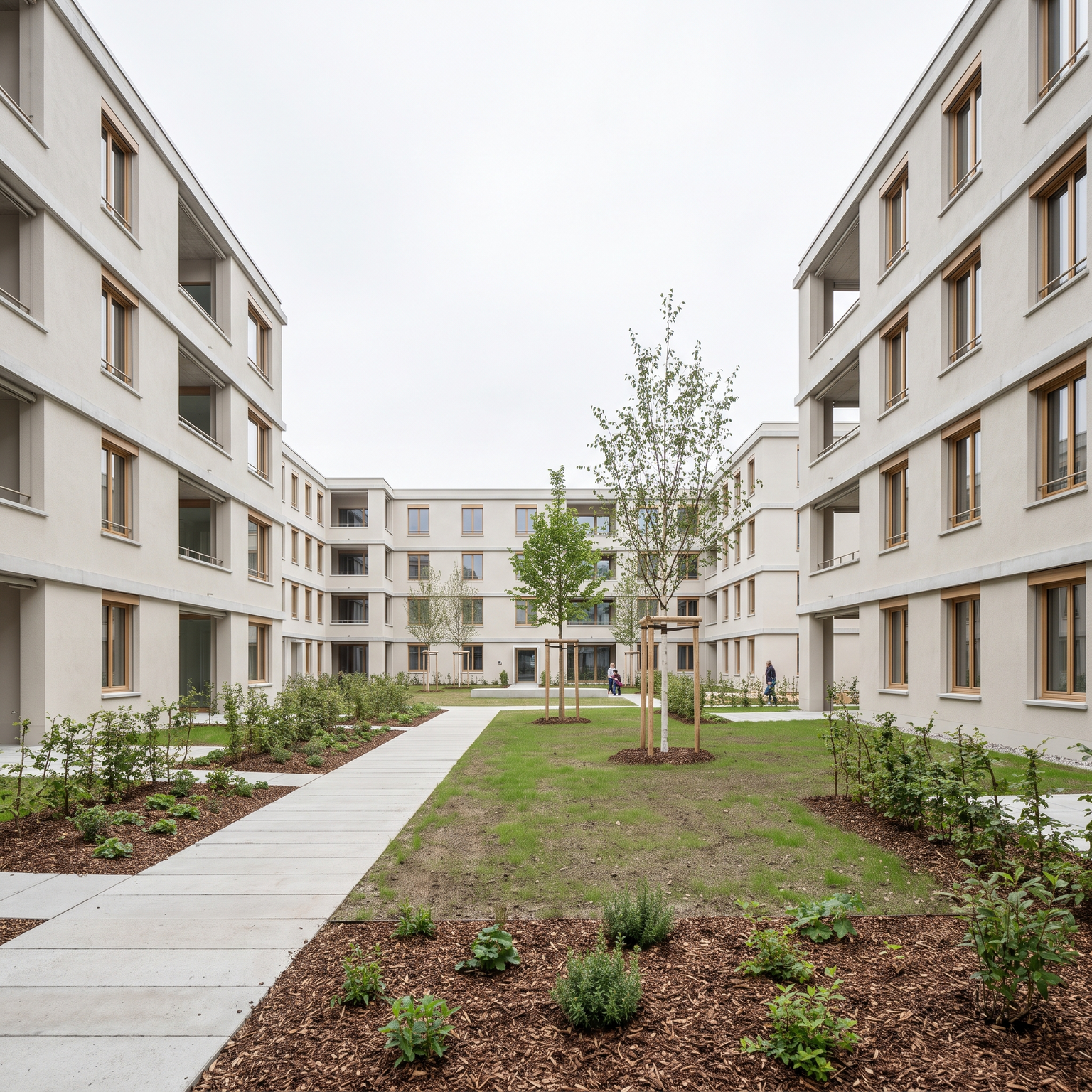
Featured render from the Arkia gallery — work across urban planning, architecture and interiors.
Architectural visualization produced with Arkia
05 —Voices

From the studio.

Four architects. Four disciplines. One common way of folding Arkia into their daily practice.

A master plan used to take three weeks of rendering. Now I iterate three times in an afternoon, with the client on the phone.
SM

Sarah Moreau

Urban planner/Market Square redevelopment — Montreuil

01 / 04
06 —Trust

The fine print.

Three questions every practice asks before switching tools. Short answers — the long version lives on the pricing & FAQ page.

01

Who owns the images you generate?

You do. Unlimited commercial use, full IP assignment included on every plan — no licensing fees, no attribution required.

02

Are my client projects kept confidential?

Your uploads are never used to train models. Private by default, delete anytime. TLS 1.2+ in transit, AES-256 at rest.

03

Is the quality enough for APS / APD / competitions?

Up to 4K native, no watermark. Used on live competition submissions — see the showcase.

— Plans at a glance —

Three tiers, one ladder.

Same templates, same output quality on every tier — higher tiers simply lower your cost per image and unlock team features.

Arkia subscription tiers comparison — monthly price, credits, resolution, licensing and team features per tier.
FeatureExplorerCreatormost popularStudio
Monthly price€15€49€149
Credits / month2,0005,00014,000
Images / month (≈2K)~80~250~875
Drafts / month (Imagen 4 Flash)up to ~330up to ~1,000up to ~3,500
Cost per imageEntry−20%−36%
Beyond monthly creditsPay-as-you-goPay-as-you-goPay-as-you-go
ResolutionUp to 4KUp to 4KUp to 4K
Template libraryFullFullFull
Commercial licenseStandardStandardExtended
Team seats11Up to 5
Shared projects
SSO & centralized billingIncluded
Credits never expire
— Questions —

Frequently asked.

Something else on your mind? Write to us.

— fin —

The page turns back to you.

Explorer

"Student & curious"

15€ / month

~80 images / month
A steady flow to explore your ideas at a small price.

Start with Explorer
Popular

Creator

"Active creator"

49€ / month

~250 images / month
Enough credits to iterate daily.

Start with Creator

Studio

"Agency & team"

149€ / month

~875 images / month
For teams. Unlimited seats, SSO, centralized billing.

Start with Studio

Over 12,000 renders generated this month. Credits never expire — cancel anytime.