Project Drone Insertion
Composite your 3D project into a real aerial photo of the site.
- Free to try
- No plugin
- No credit card
Nano Banana Pro
Sample input · click Generate to see the result
About this model
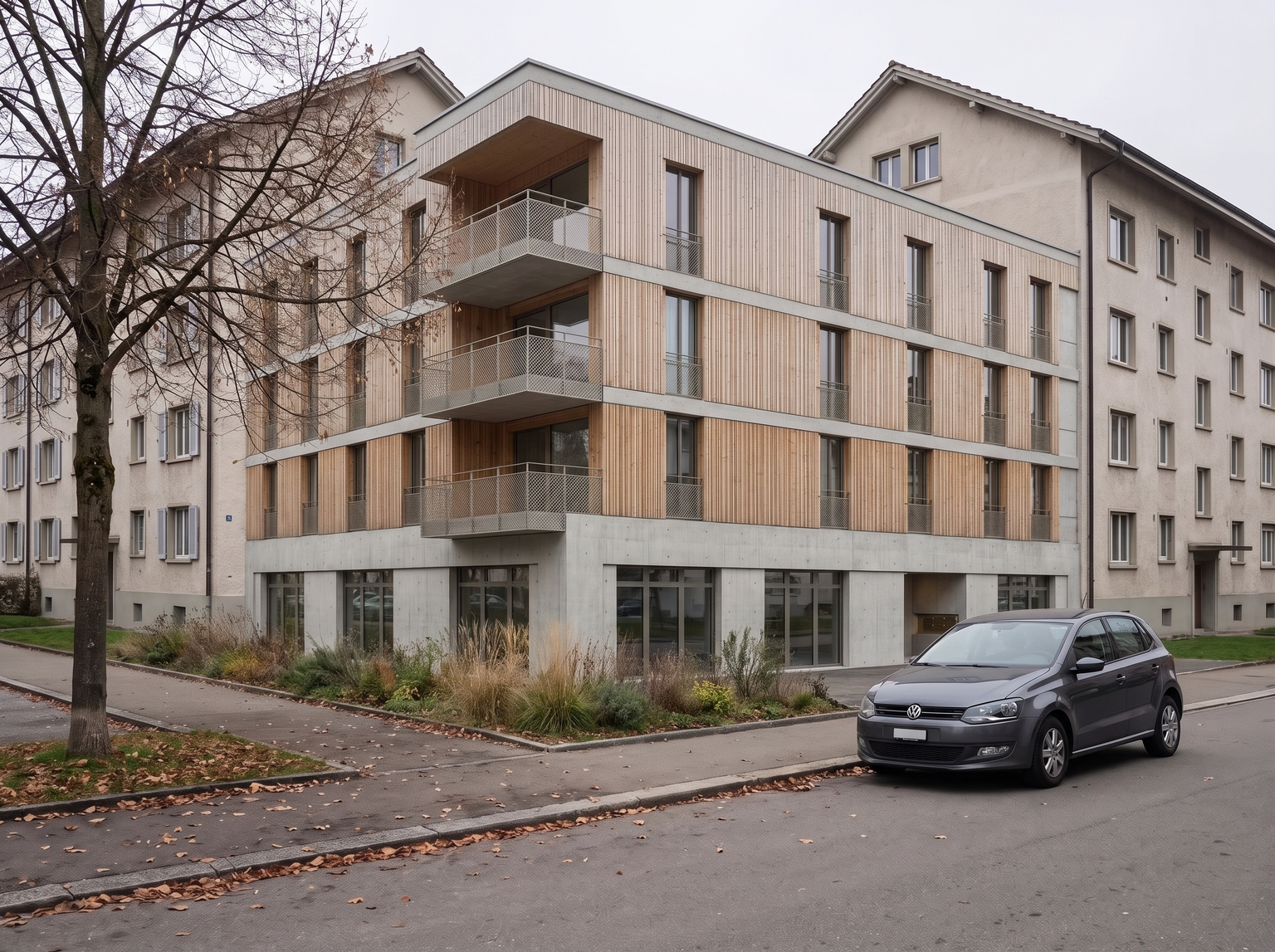
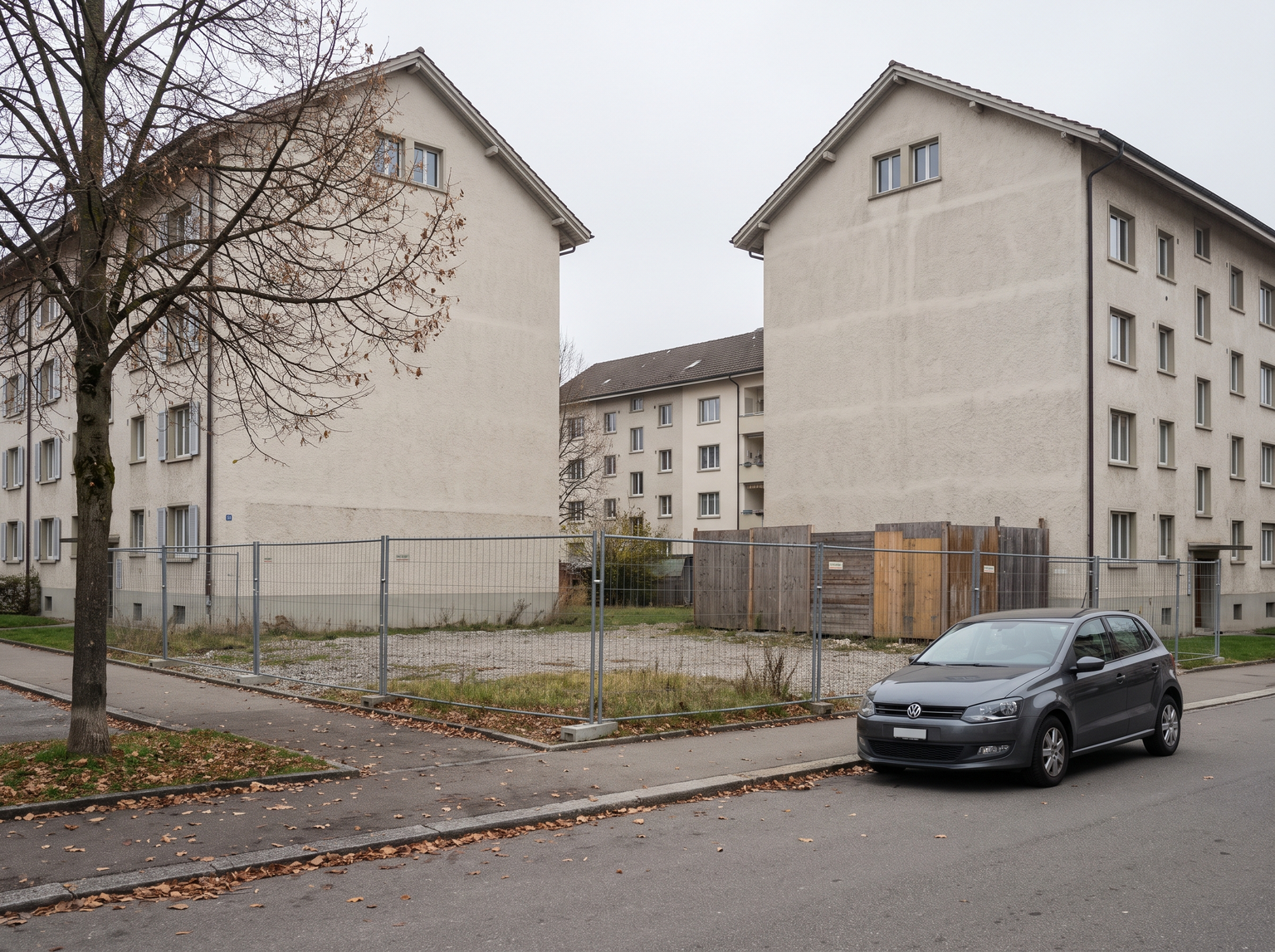
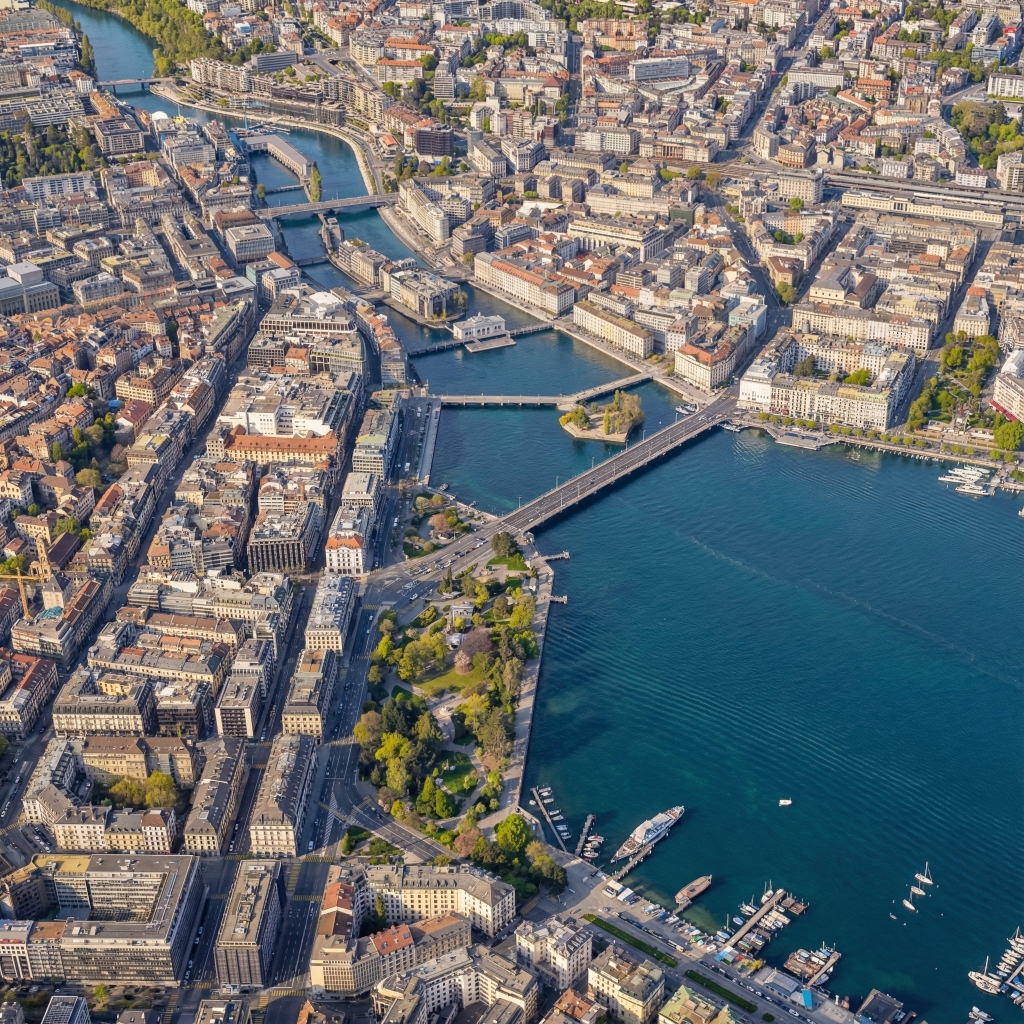
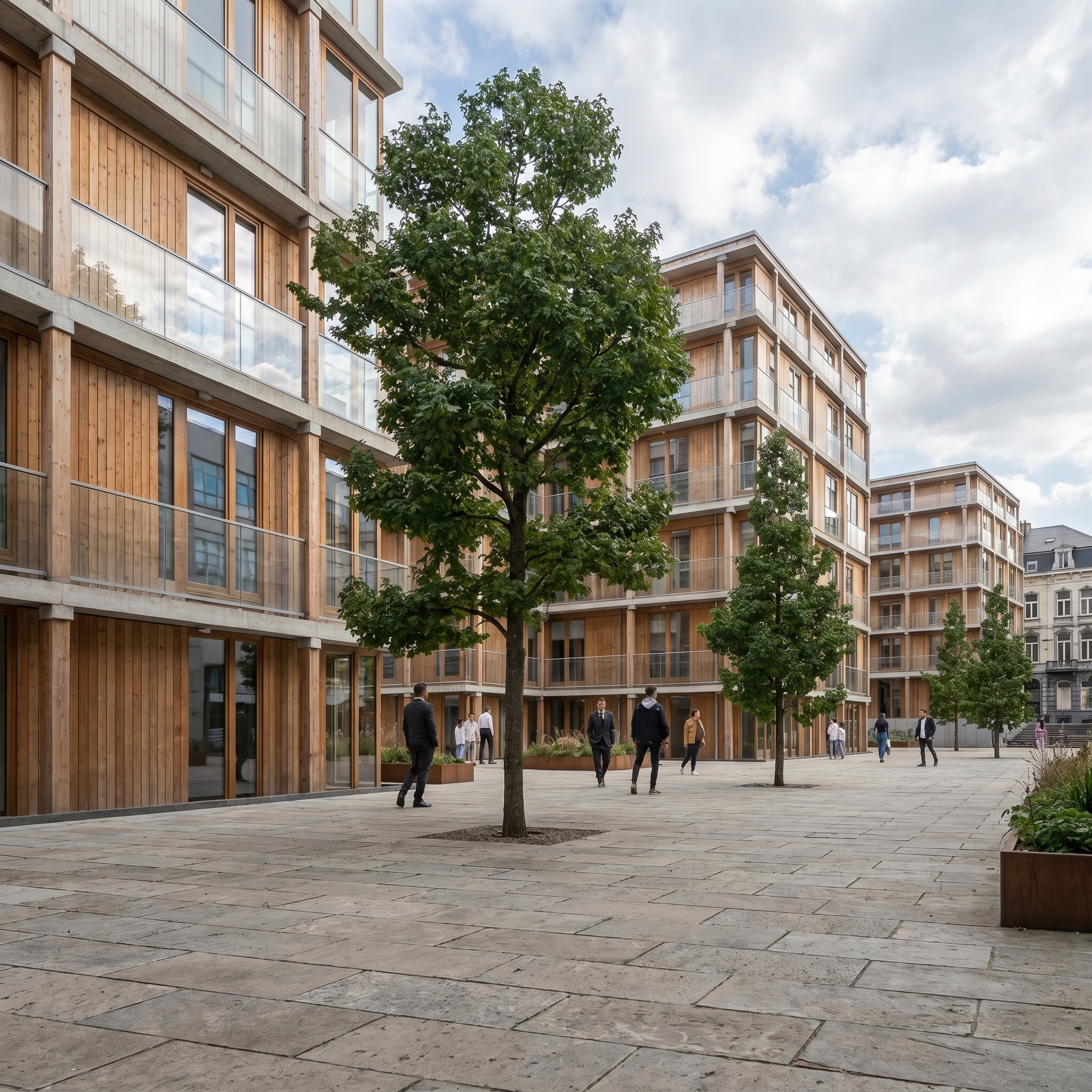
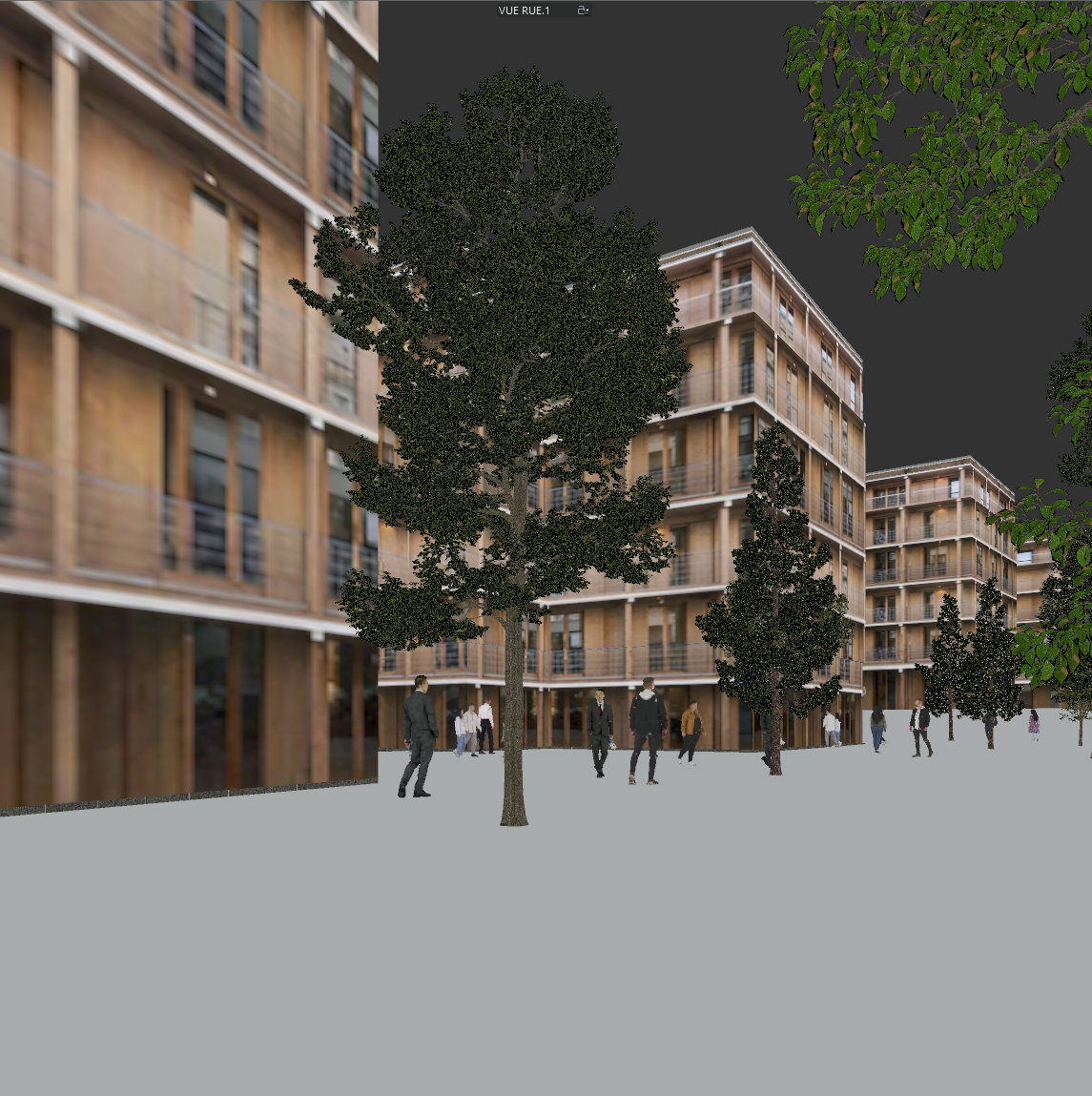
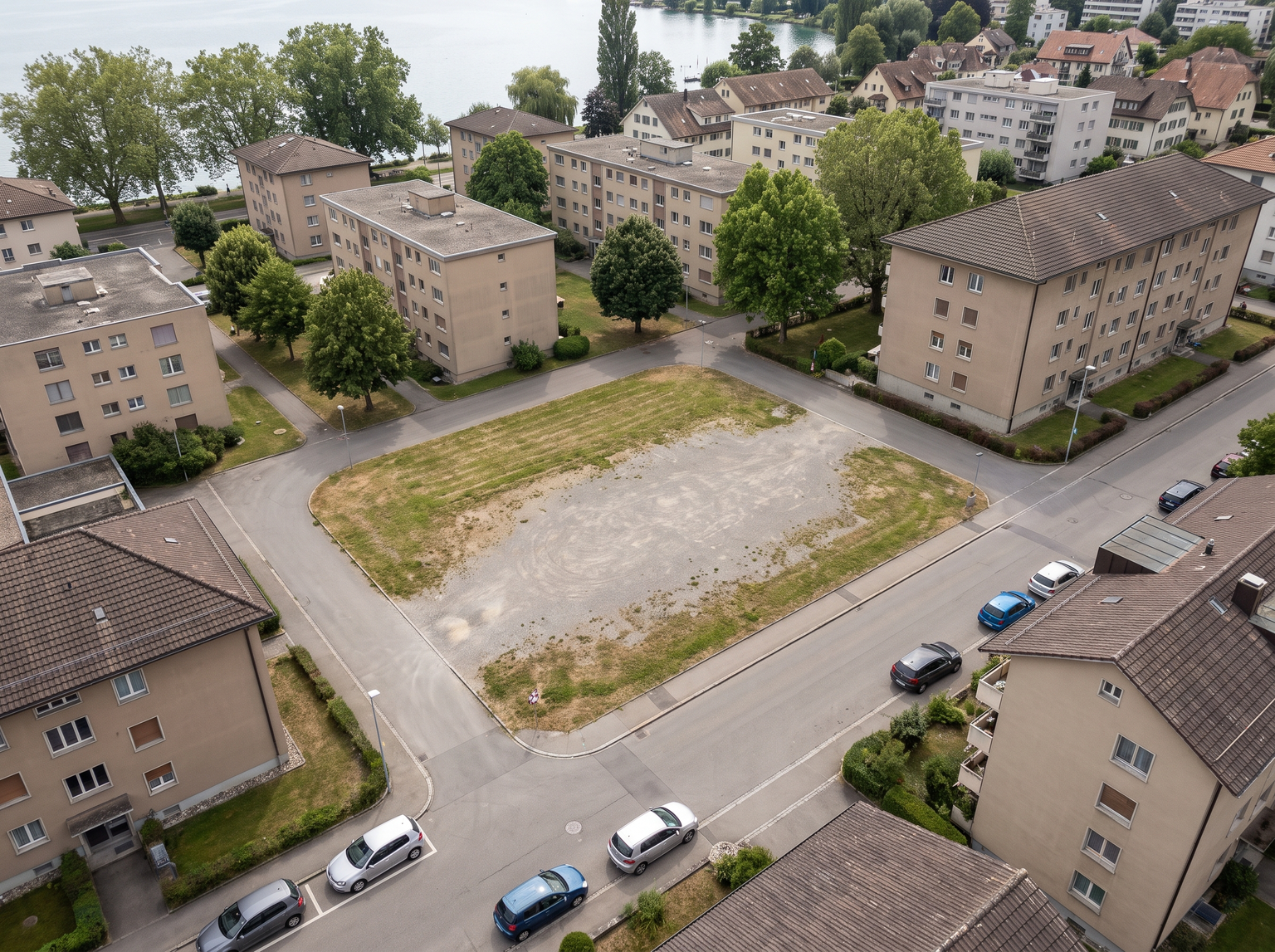
Composites a 3D project into a real aerial photo of its site. Two images are needed: a drone photo of the existing site, which is the scene, and a 3D viewport screenshot of the project, which is only a reference for the building. From the 3D view the template takes the massing, footprint, openings and materials; it leaves behind the CG sky, ground, scattered assets and lighting. The drone photo is frozen: camera position, altitude, focal length and angle, surrounding buildings, infrastructure, vegetation, terrain, parcel boundaries, sky and haze. The new building is placed on its plot and re-projected into the perspective of the photo, so its verticals and vanishing lines match the neighbouring buildings. Its materials are rendered as real concrete, wood, metal and glass, with roof detail visible from above: zinc seams, gravel, photovoltaics, technical equipment, parapet copings. Glazing reflects the real sky and surroundings. The building casts its shadow on the real terrain with the same sun direction as the existing buildings, its base is blended into paving and planting, and low-poly CG trees on its roofs and terraces become real planting. Haze and colour temperature are matched to its distance from the camera, so it does not look pasted in. Useful for architects and developers who need to show a project in its real context for a feasibility study, a client presentation or a public meeting, from a drone photo they already have.
When to use it
A developer has a drone photo of a former industrial plot, taken for the land purchase, and the architect has a massing model of a three-building scheme. The board meets next week and wants to see the project in its neighbourhood, not on a grey CG ground. The architect takes a viewport screenshot from roughly the drone's angle, runs both images through Project Drone Insertion, and the board sees the scheme on its real plot, with the neighbouring roofs, roads and trees as they are today.
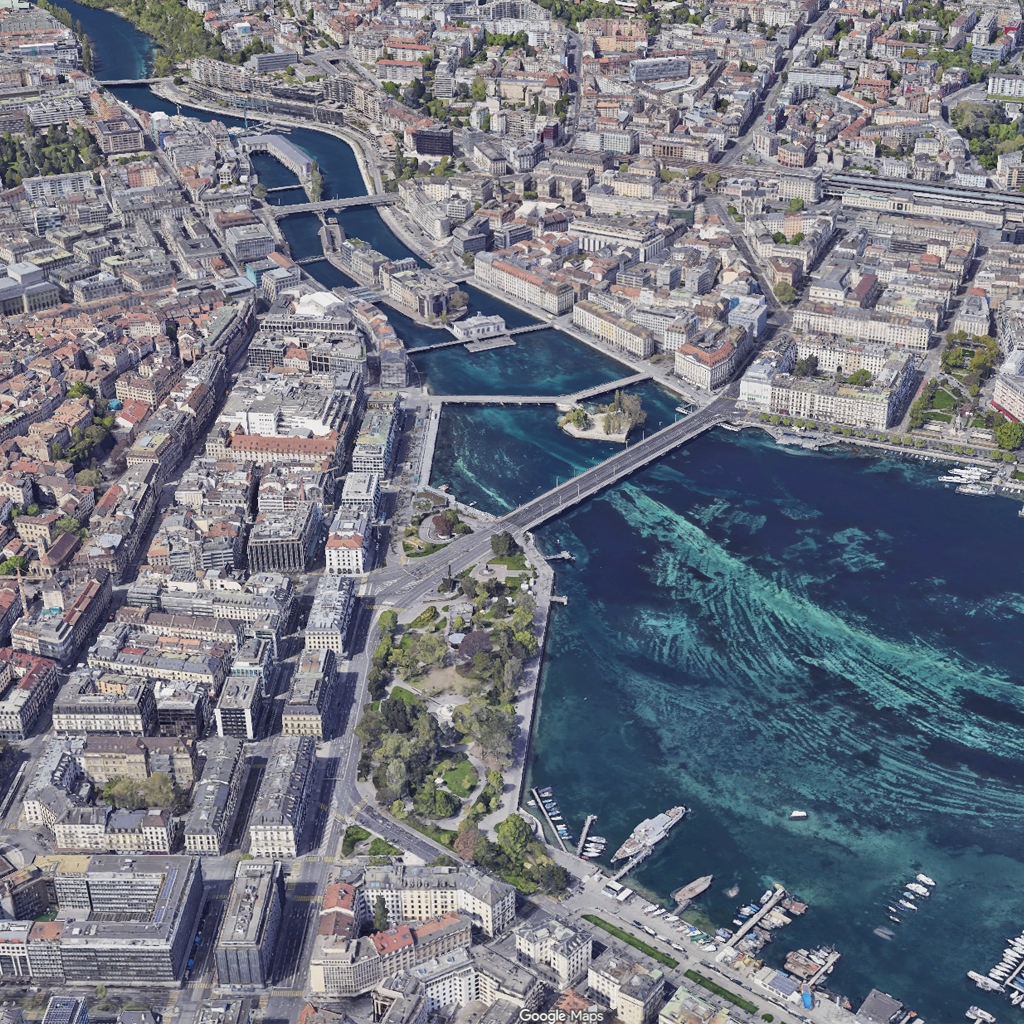
The template expects a real aerial photo. If you only have a Google Maps 3D capture, run it through Google Maps to Drone Photo first, then use the result as the aerial photo.
Project Drone Insertion works from the air, on a drone photo of the site. Site Photo Insertion does the same job at street level, from an eye-level photo of the plot.