Site Photo Insertion
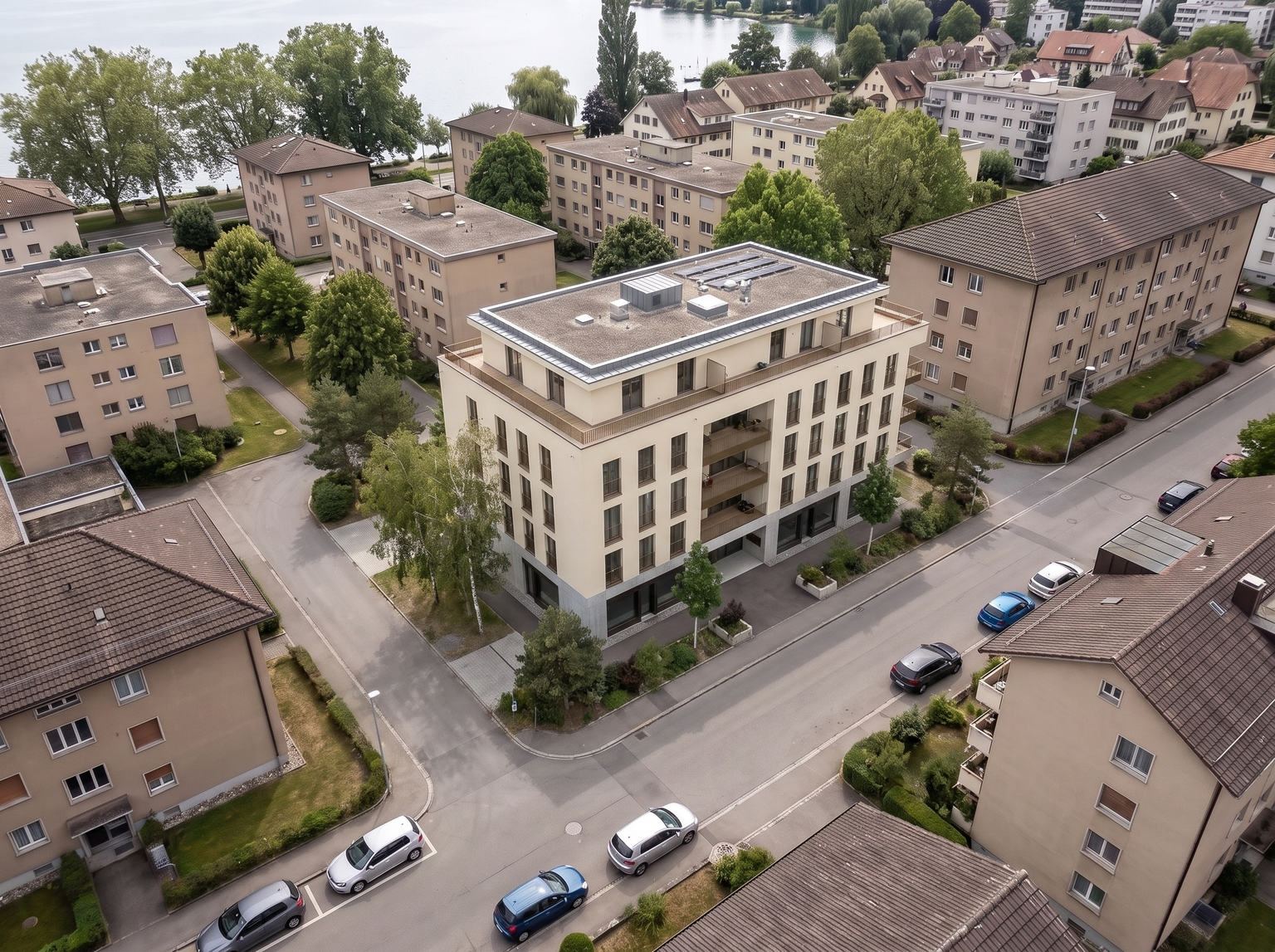
Insert your 3D project into a street-level photo of the real site.
- Free to try
- No plugin
- No credit card
Nano Banana Pro
Sample input · click Generate to see the result
About this model
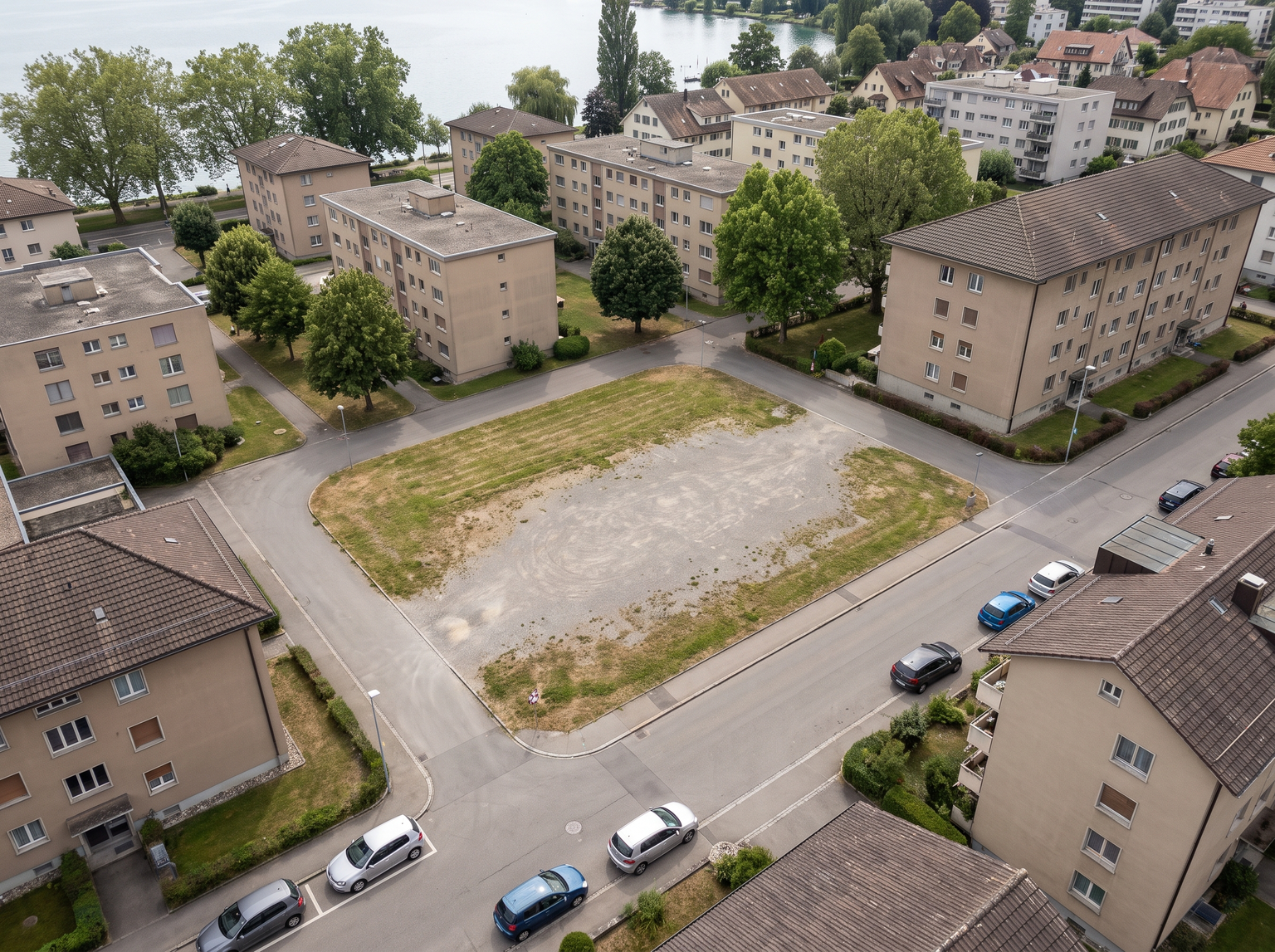
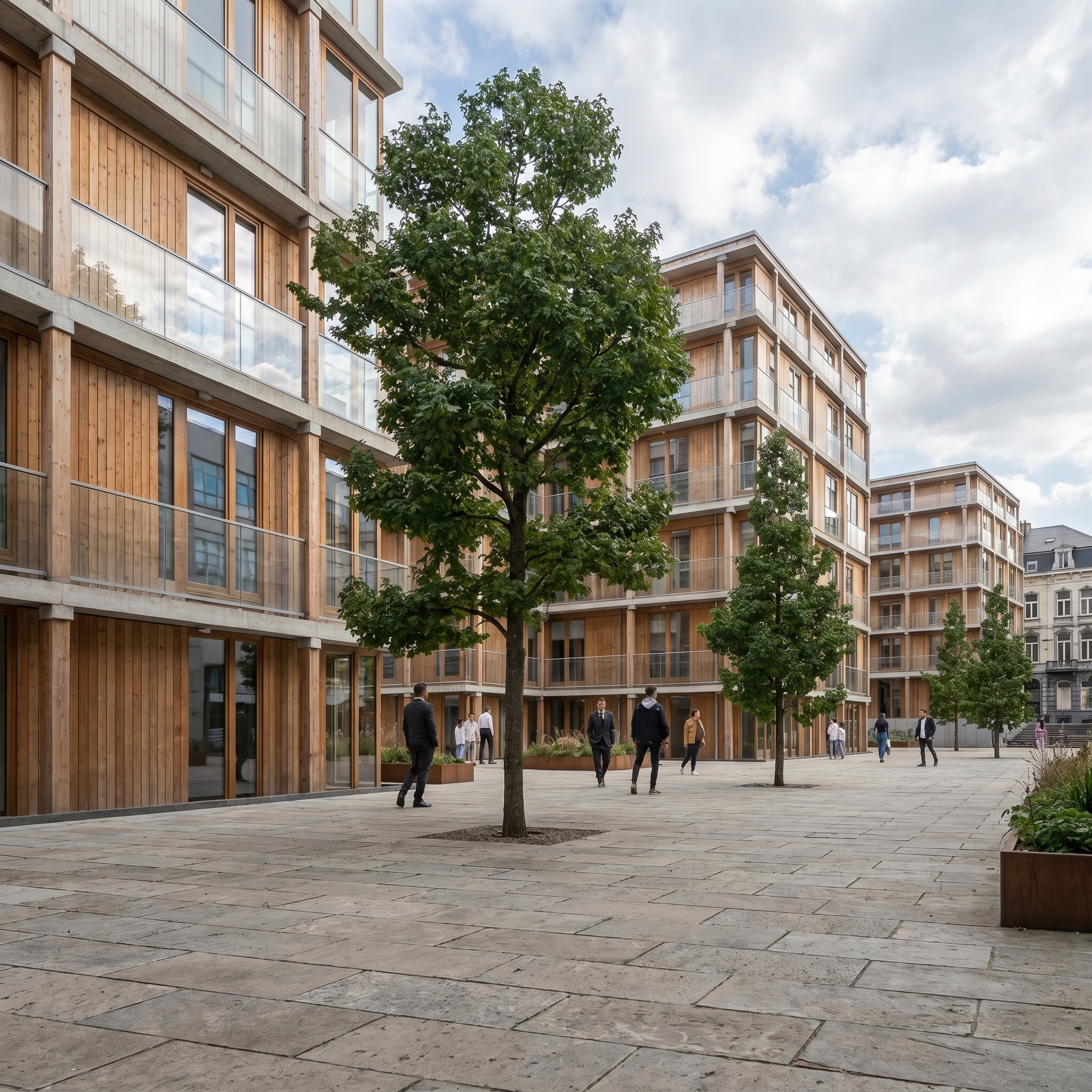
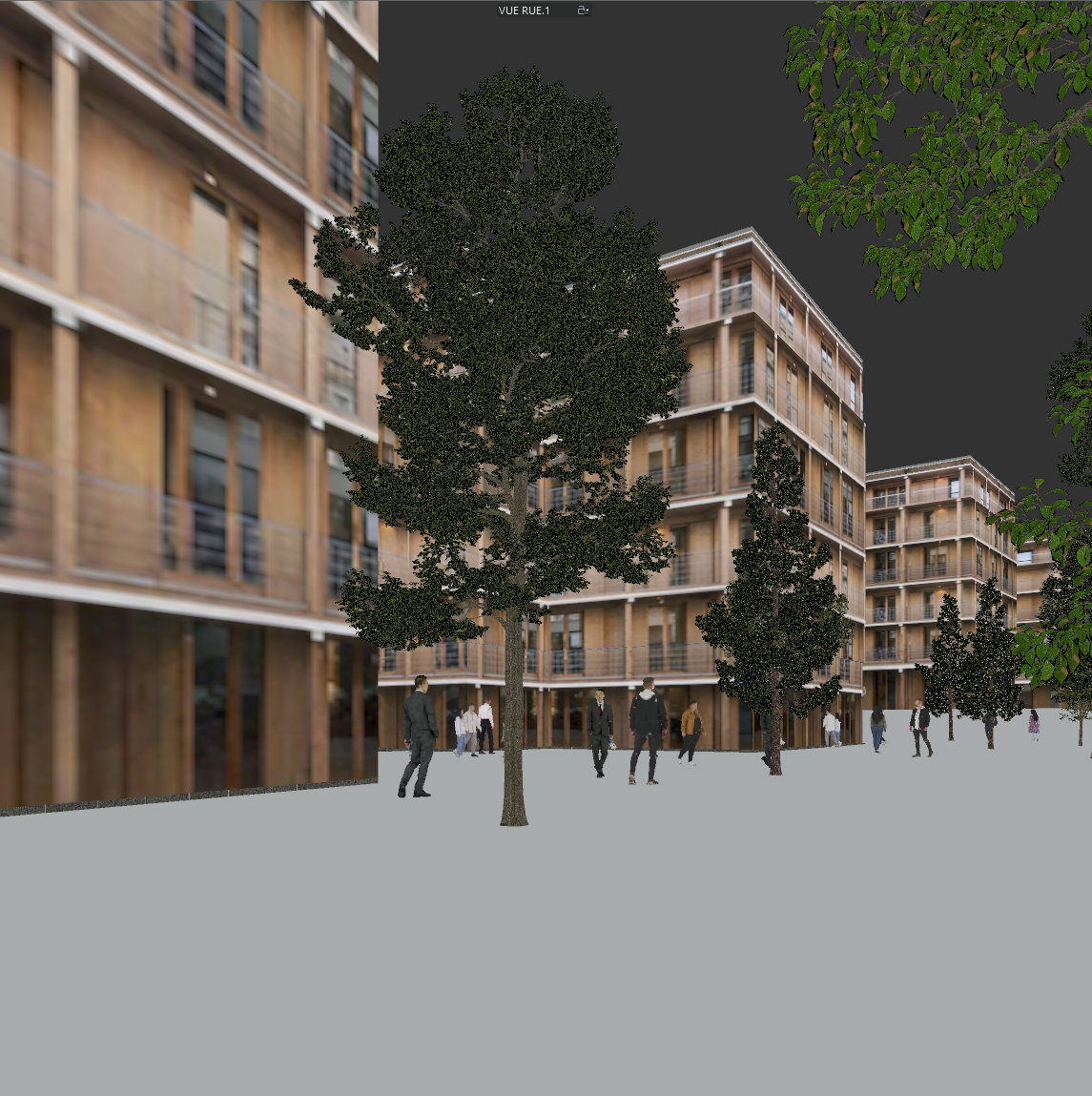
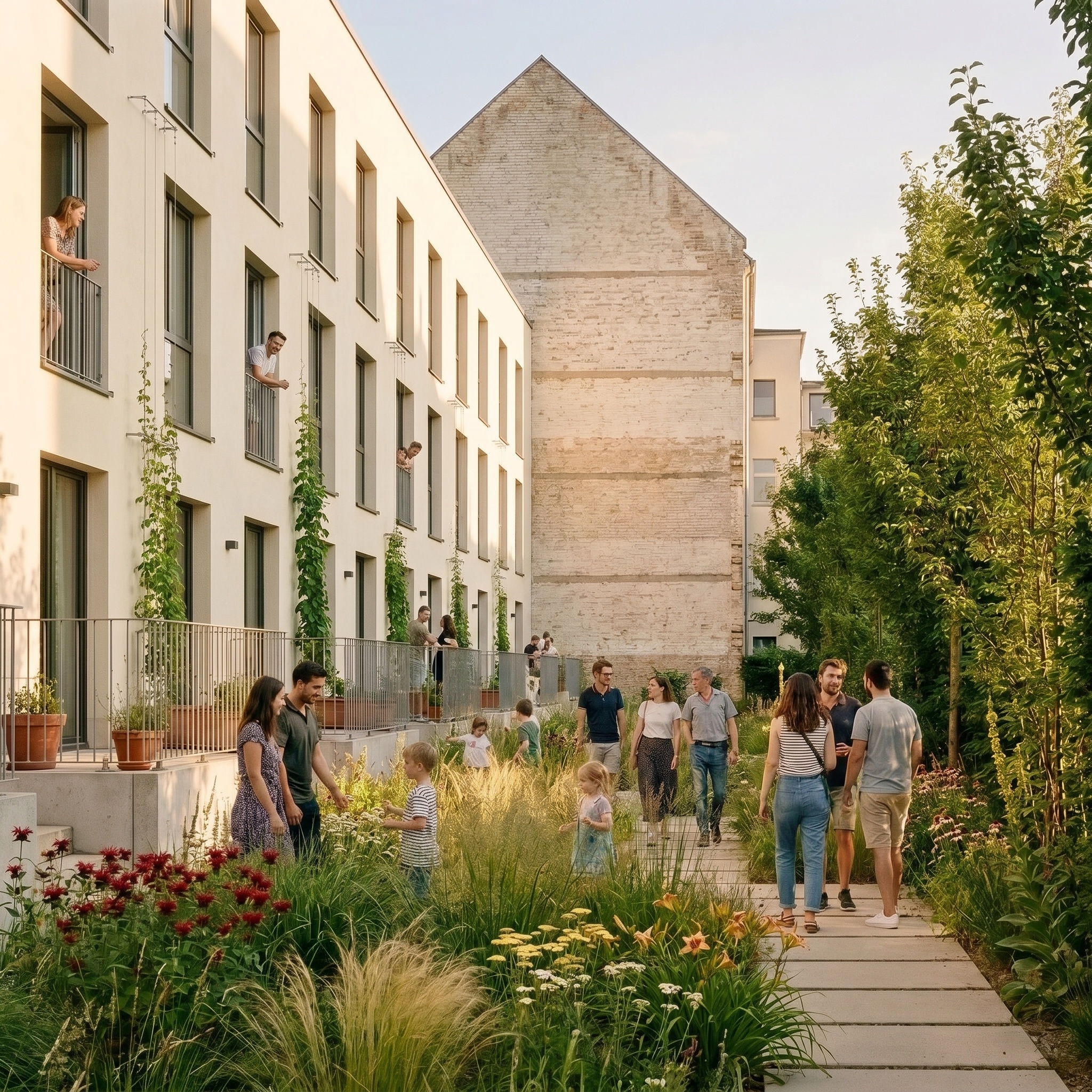
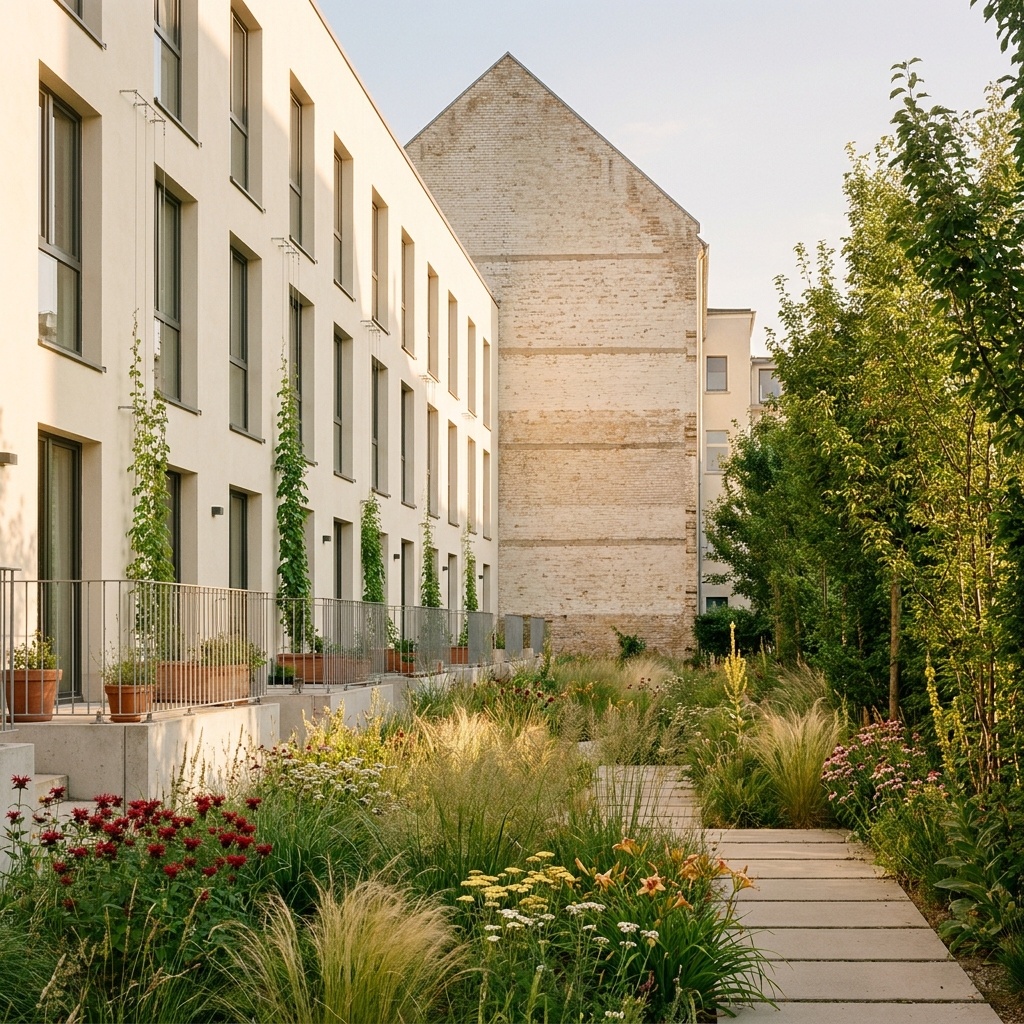
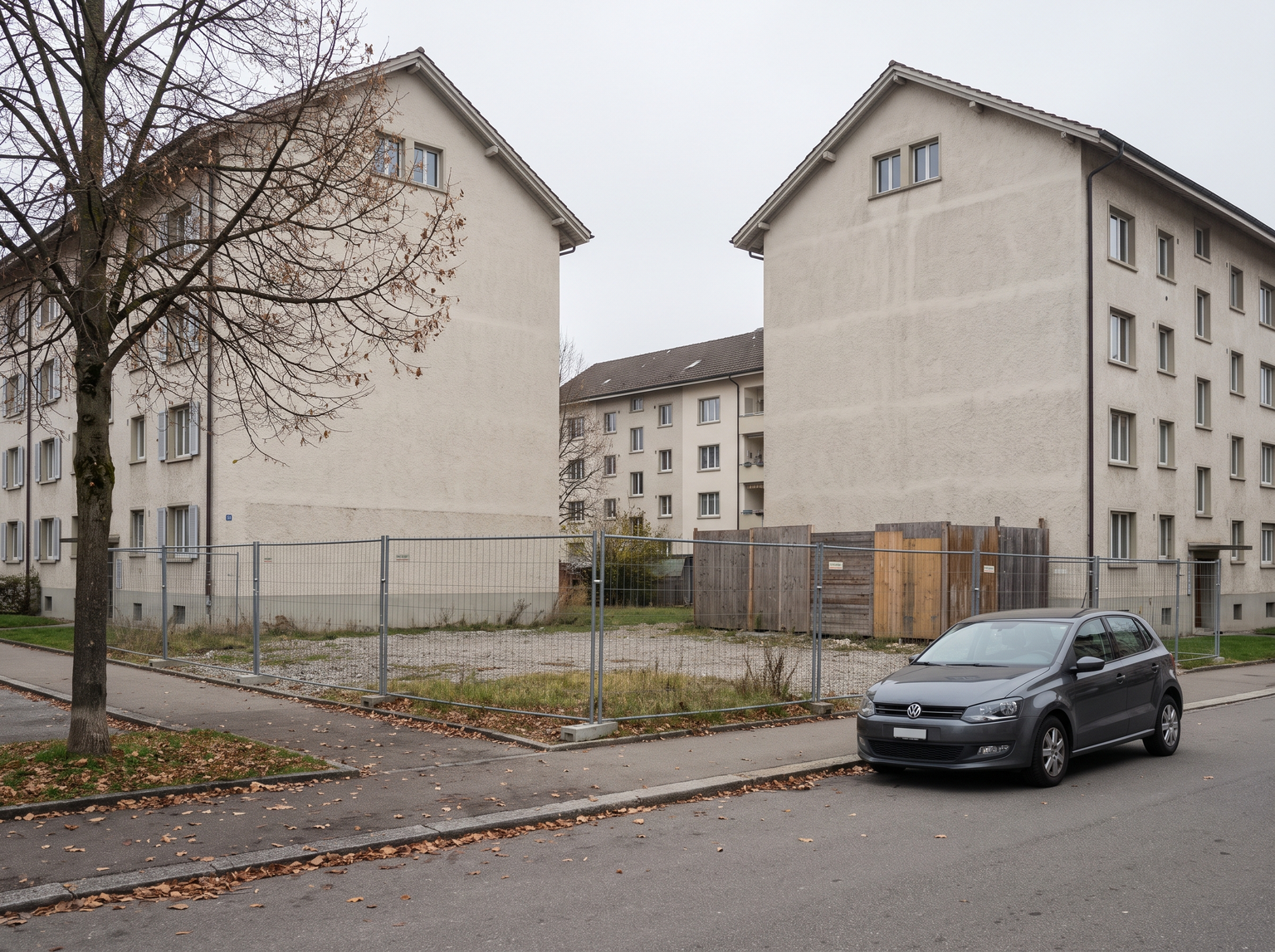
Inserts your 3D project into an eye-level photo of the real site: a concept photomontage of the finished building in its street. The site photo is the scene. Its camera, eye height, lens, horizon, light, sky, street, trees, cars and neighbouring buildings are kept, and the buildings on both sides of the plot stay entirely visible: if the project is wider than the gap, the new building is narrowed, never the neighbours cut. The 3D view is only a reference for the building: massing, number of floors, setbacks, facade rhythm, openings, balconies, roof shape and materials. Its camera, CG sky, ground, trees and lighting are left behind. The building is placed on the vacant plot and re-projected into the perspective of the photo, its floor heights scaled from the neighbours. Each cladding type, relief and colour of the model is rendered as a real material, and the glass reflects the actual street and sky. The ground is completed with paving, a curb and a strip of planting where a construction fence or gravel stood. Shadows follow the sun of the photo, low-poly CG trees become real planting, and the new facade gets the same exposure and contrast as its neighbours so it does not look pasted in. Useful for architects presenting an infill project to a client, a design team or neighbours, and for developers who want an early street-level image before commissioning a full visualisation.
When to use it
An architect is designing a five-storey infill building on a gap site between two 19th-century apartment buildings. The client wants to see how it sits in the street before approving the facade direction. The architect photographs the plot from the opposite sidewalk, takes a viewport screenshot of the model from a similar angle, and runs both through Site Photo Insertion. The client sees the new facade between its real neighbours, at matching floor heights, in the light of that morning.
No. The neighbours, street, trees and cars stay as photographed. If the project is wider than the gap, the new building is narrowed to fit rather than cutting into the neighbours.
Use Project Drone Insertion, which does the same job from a drone photo of the site.