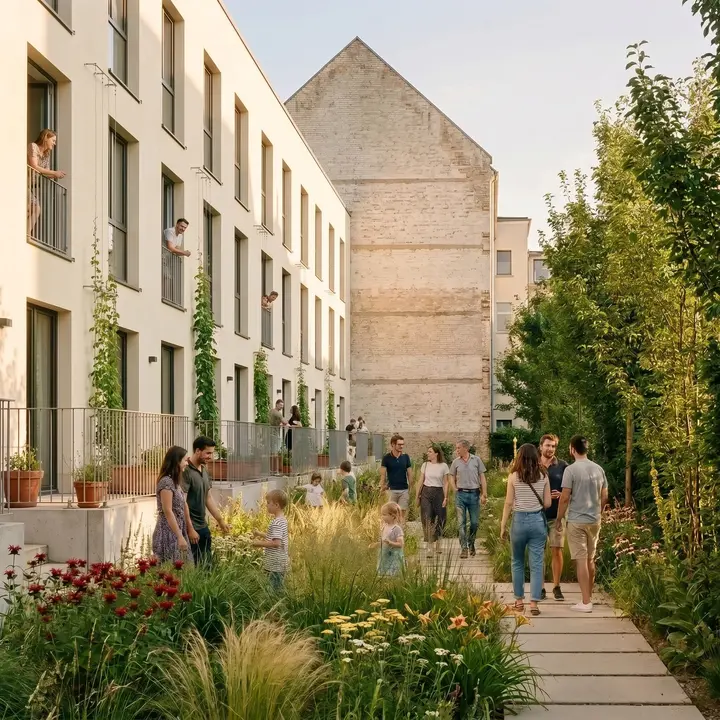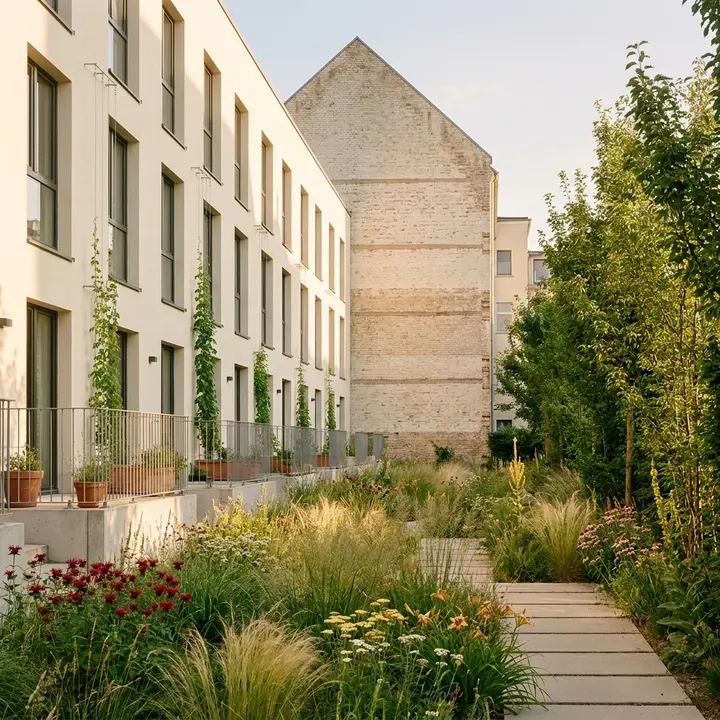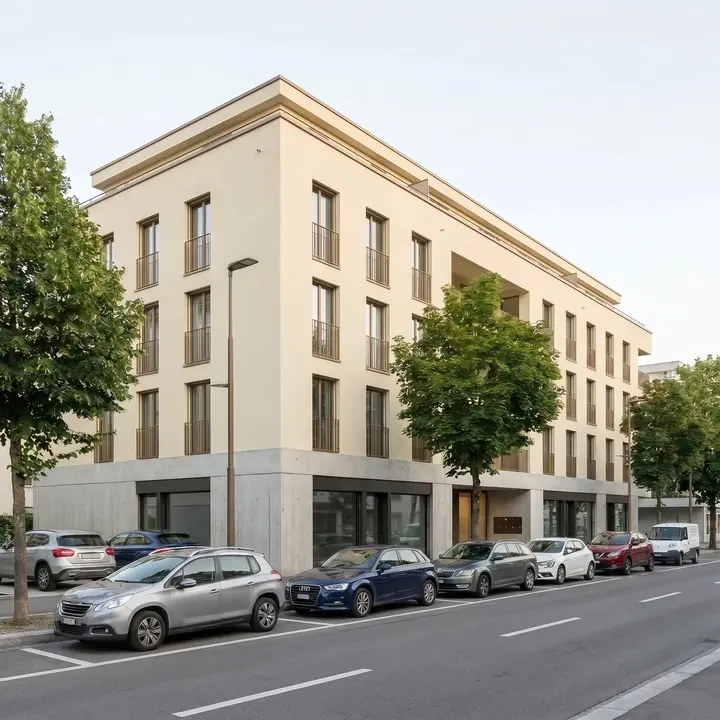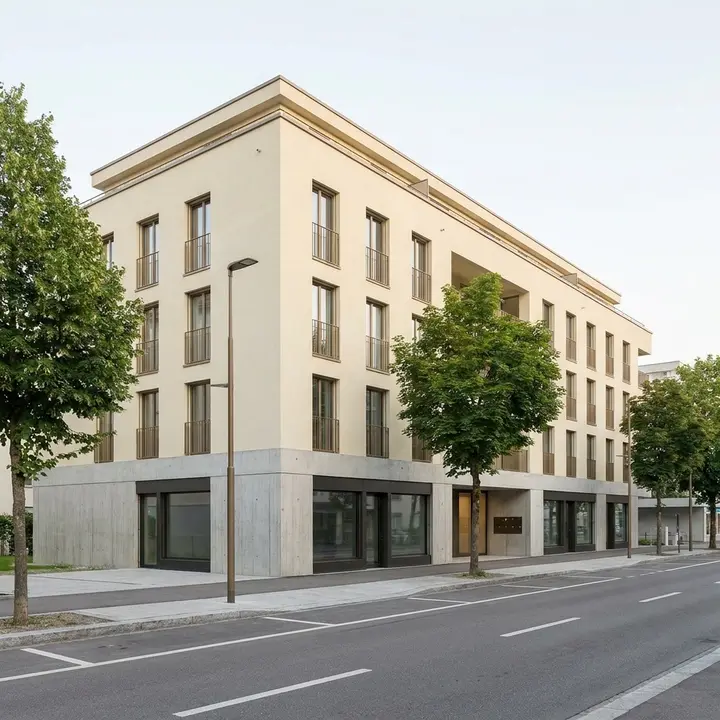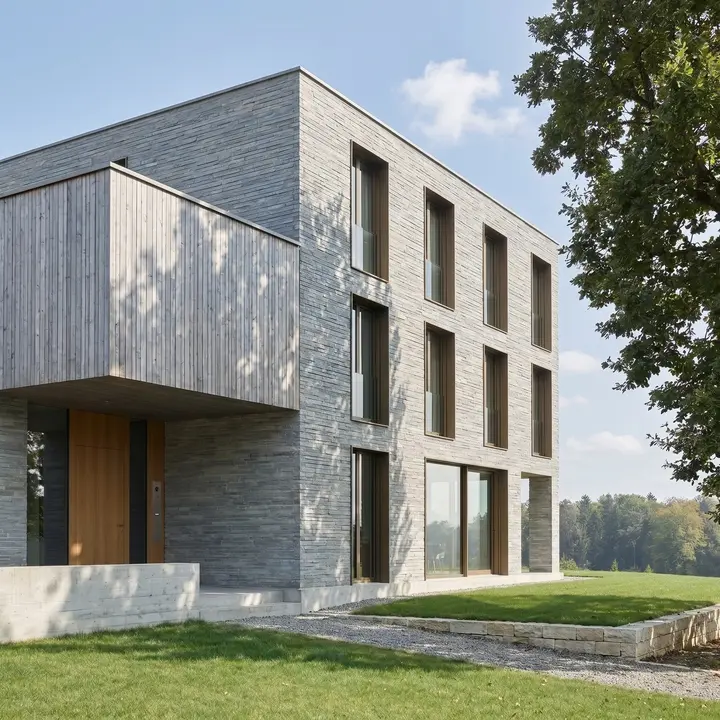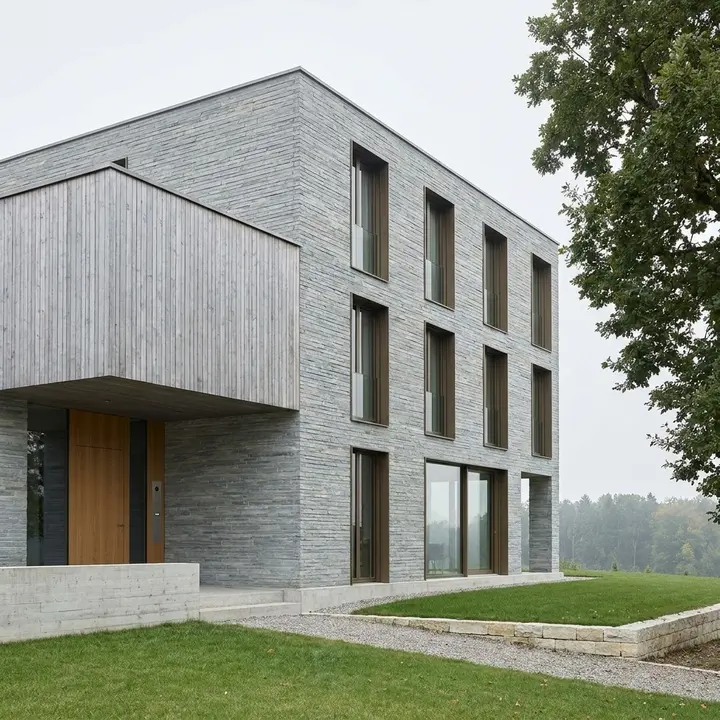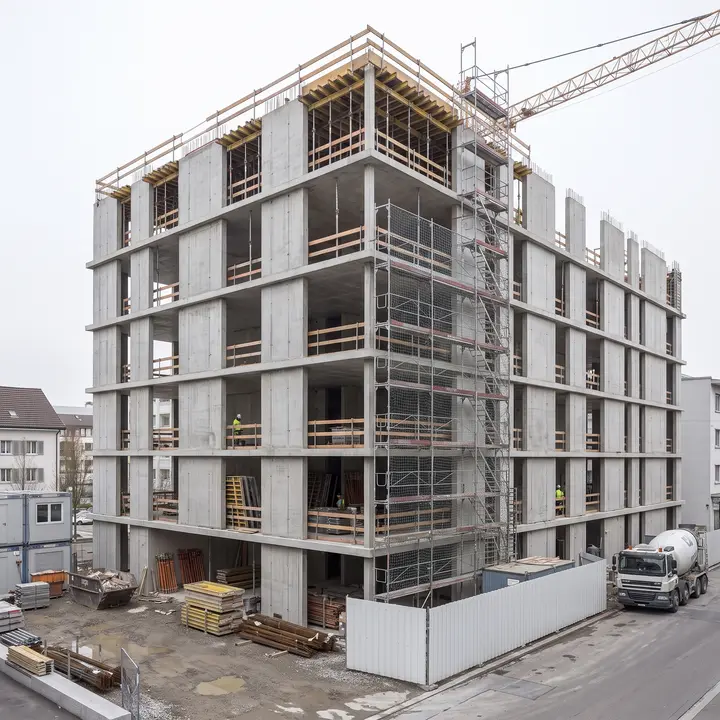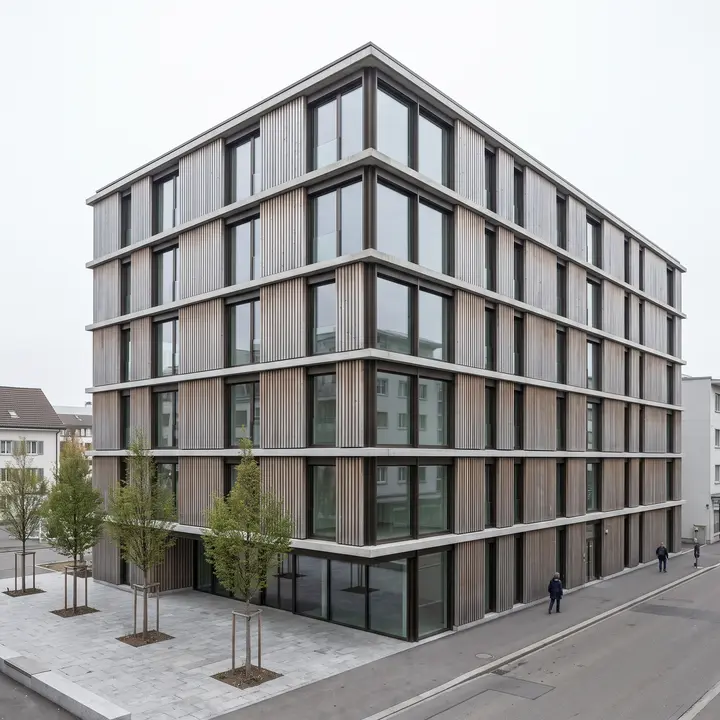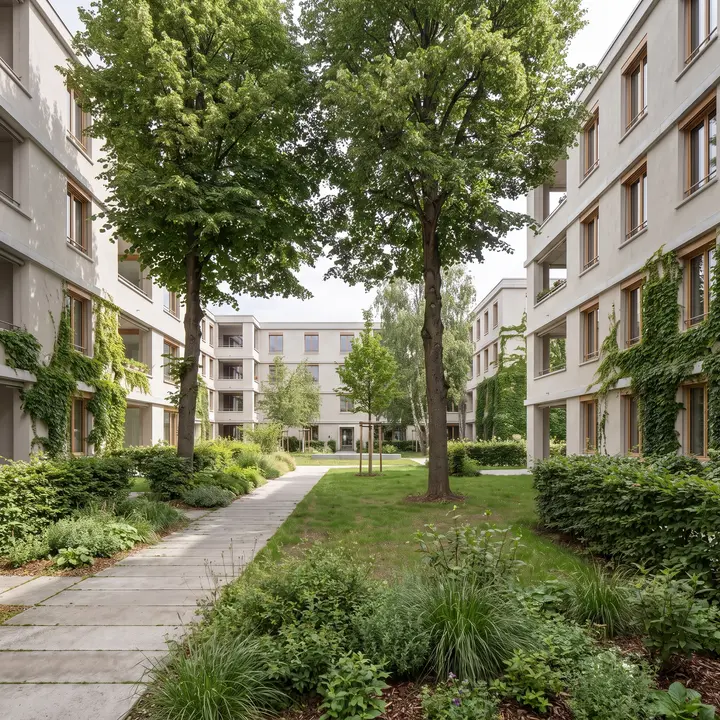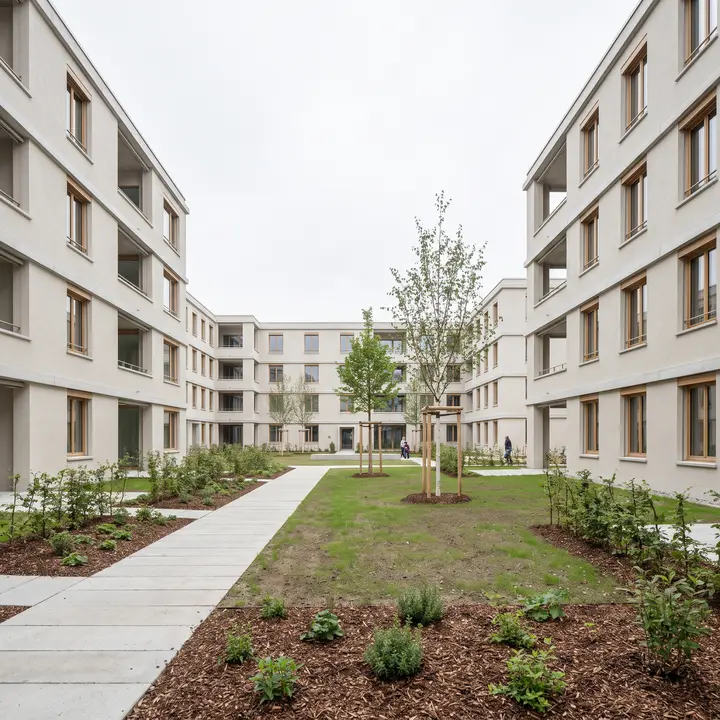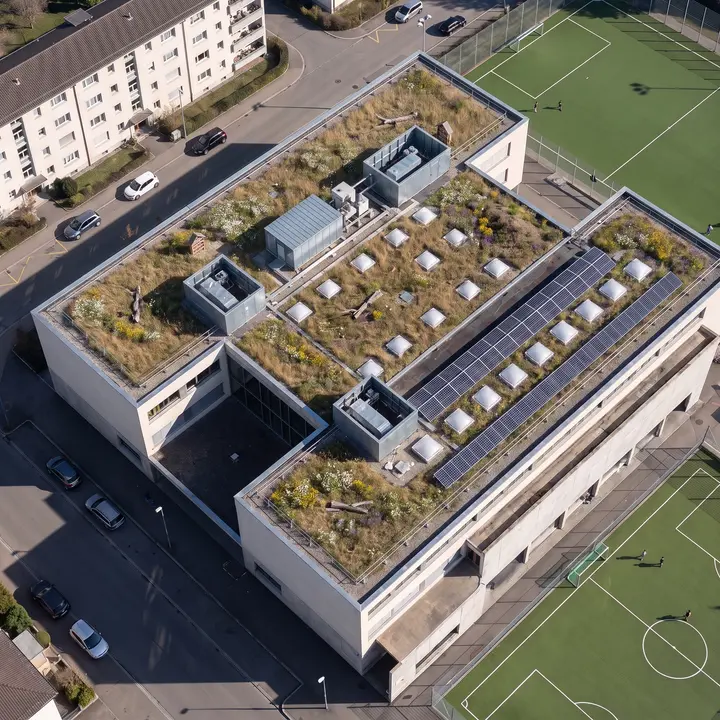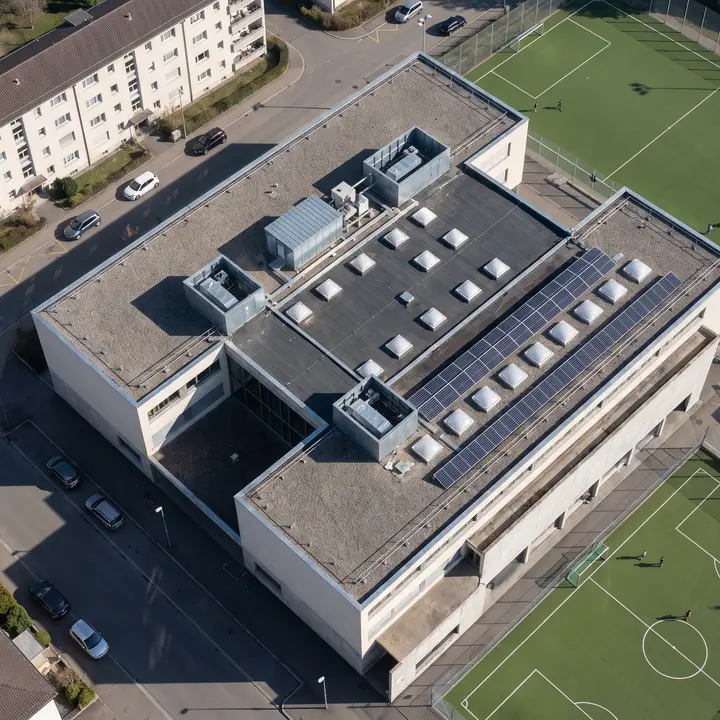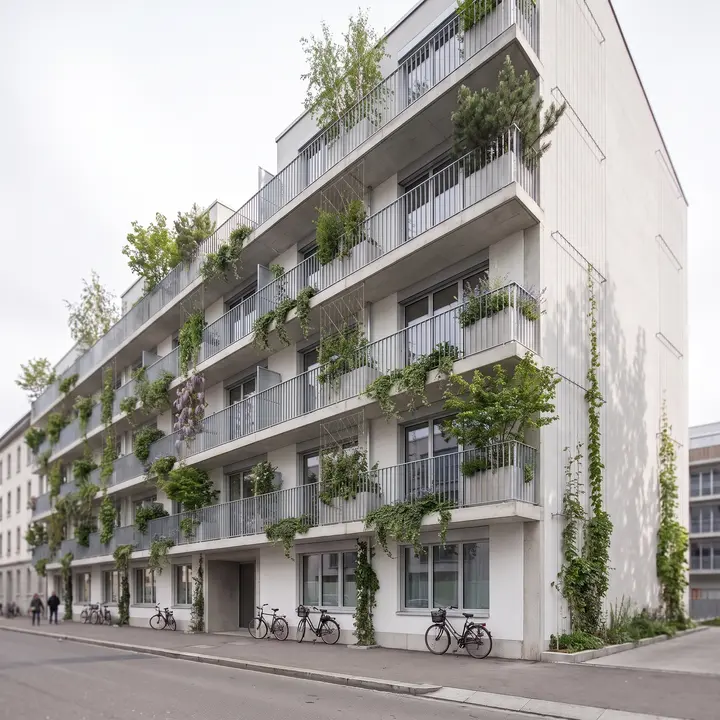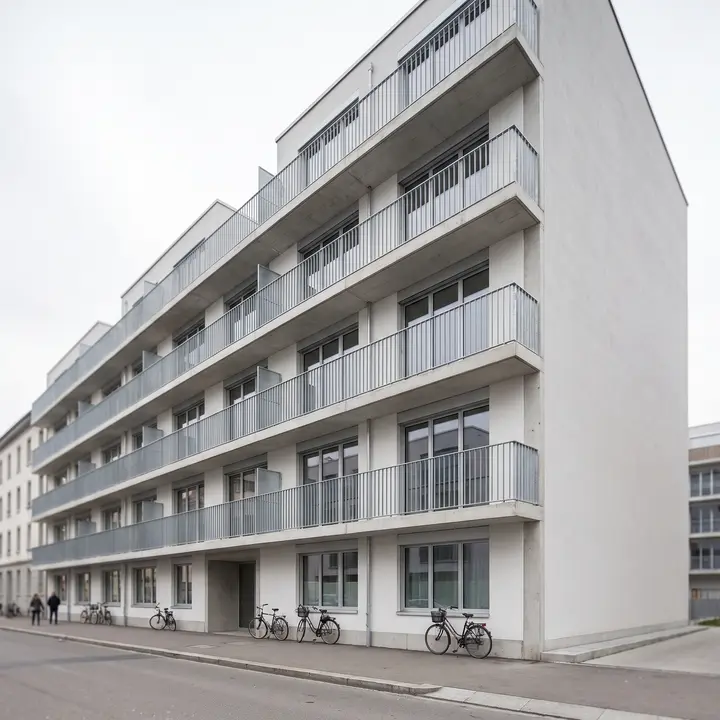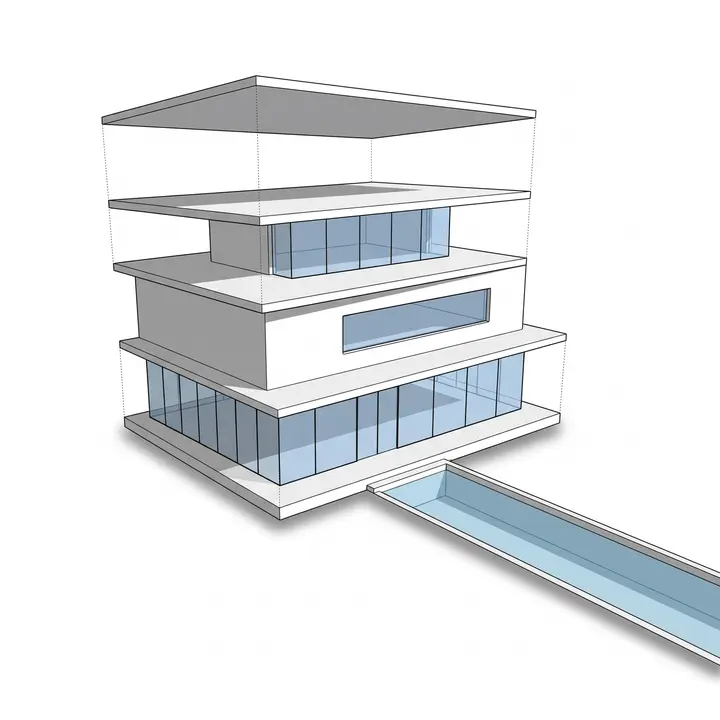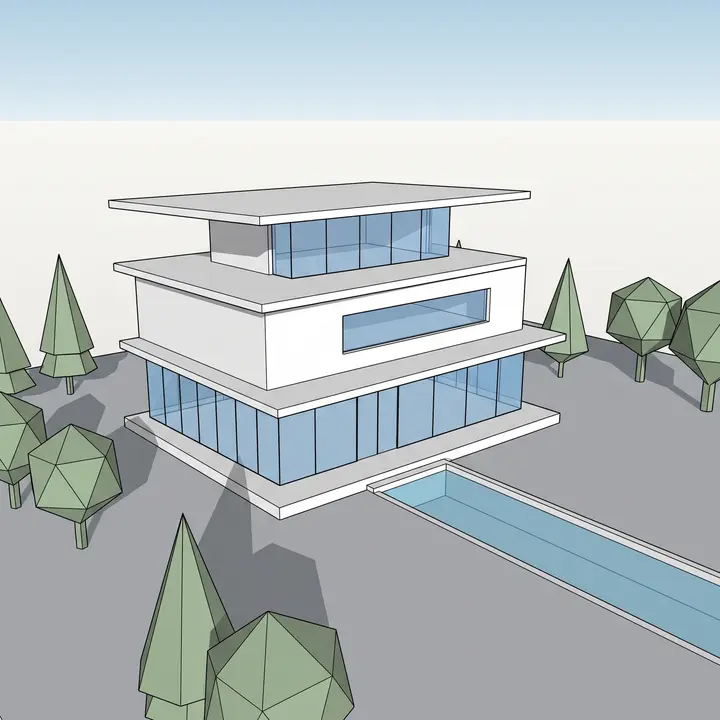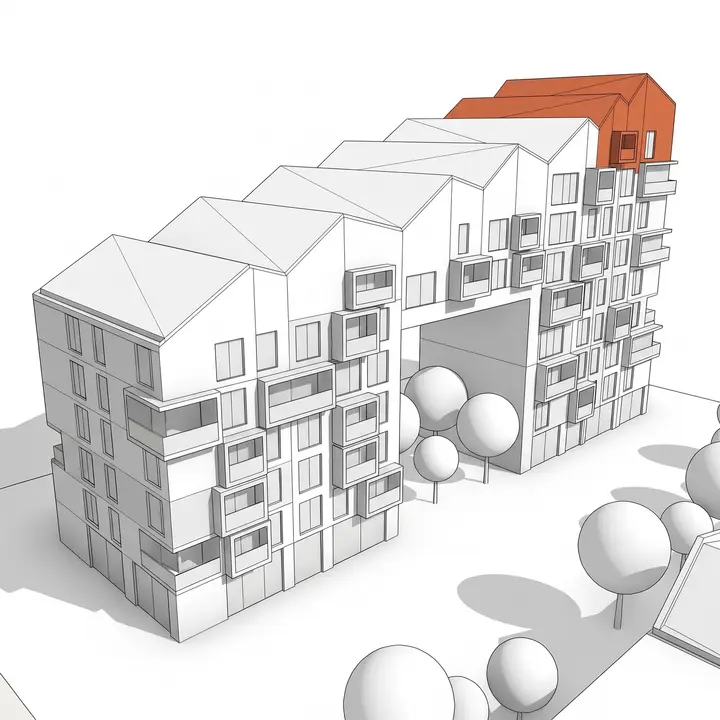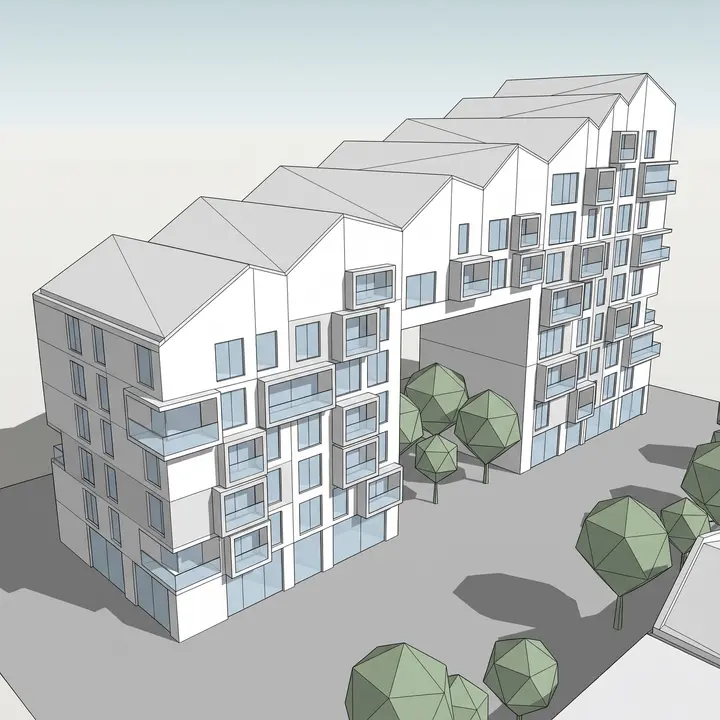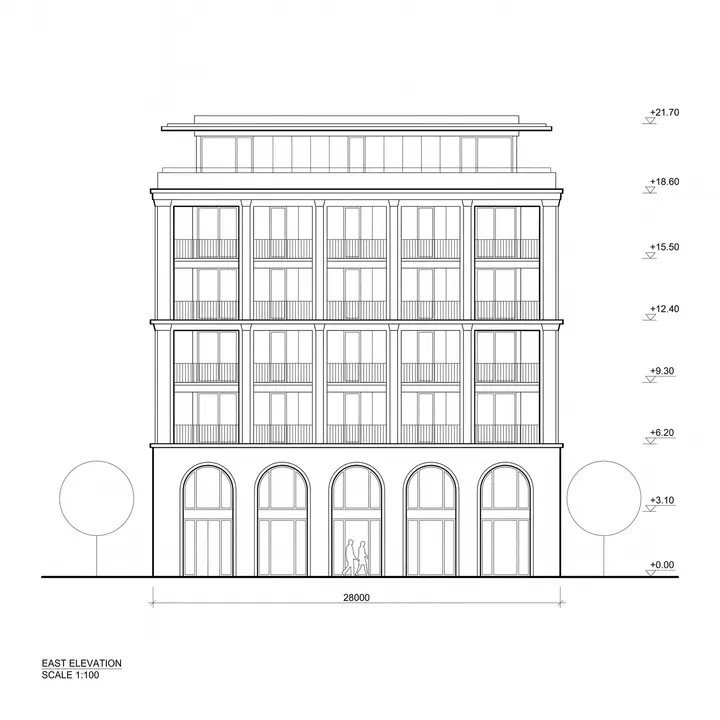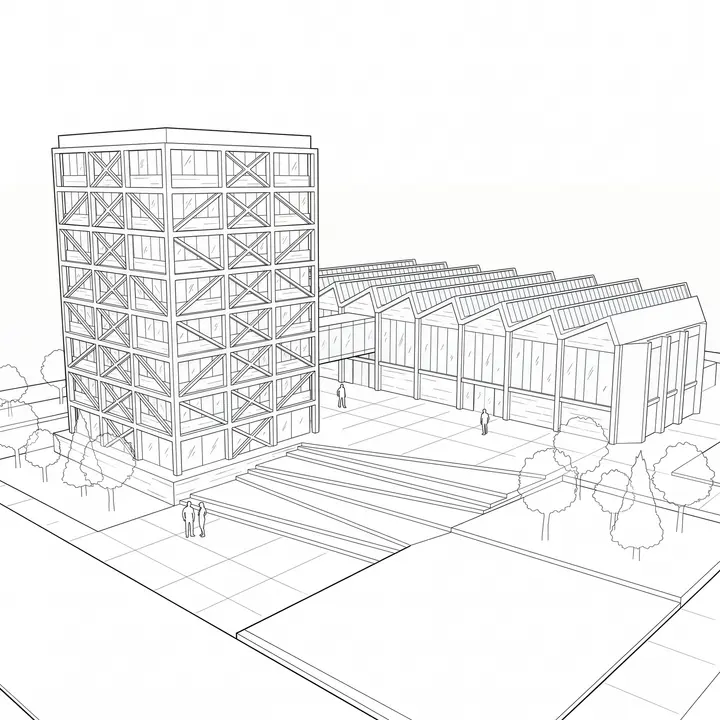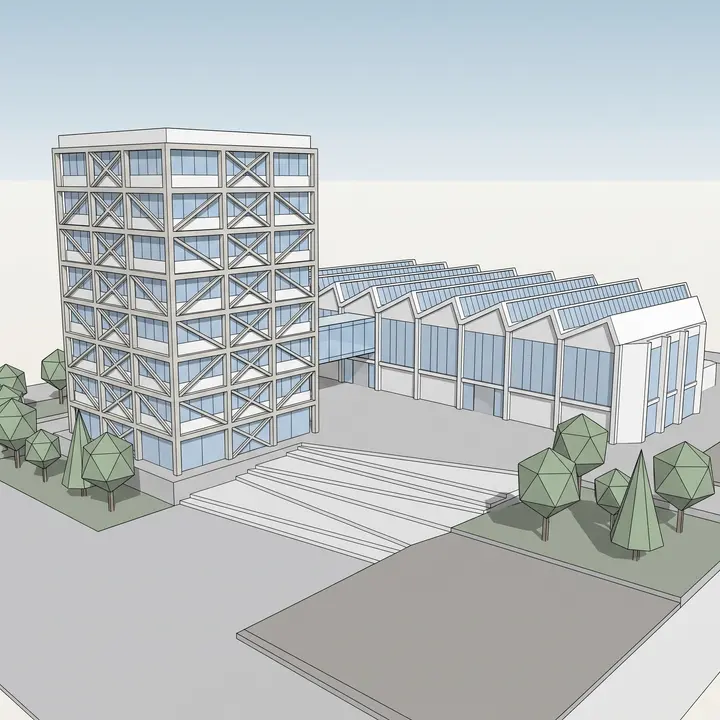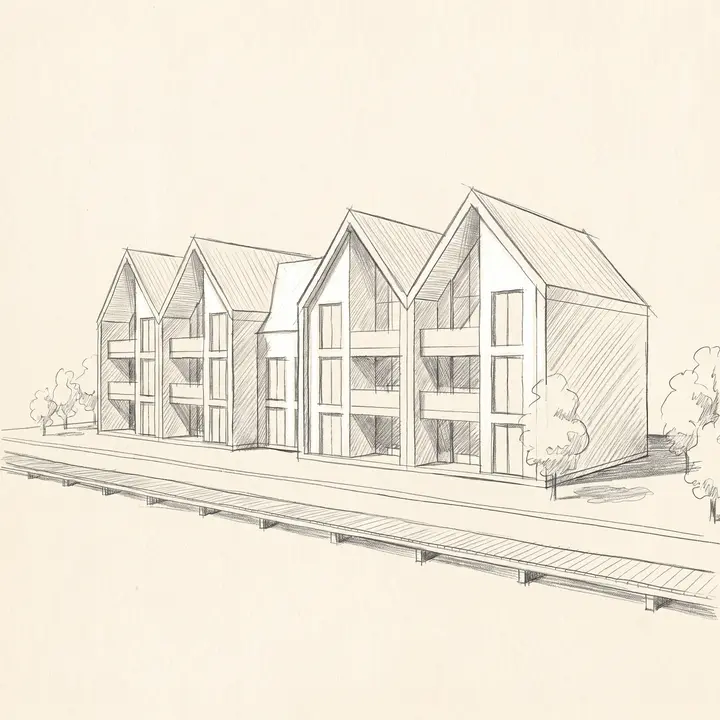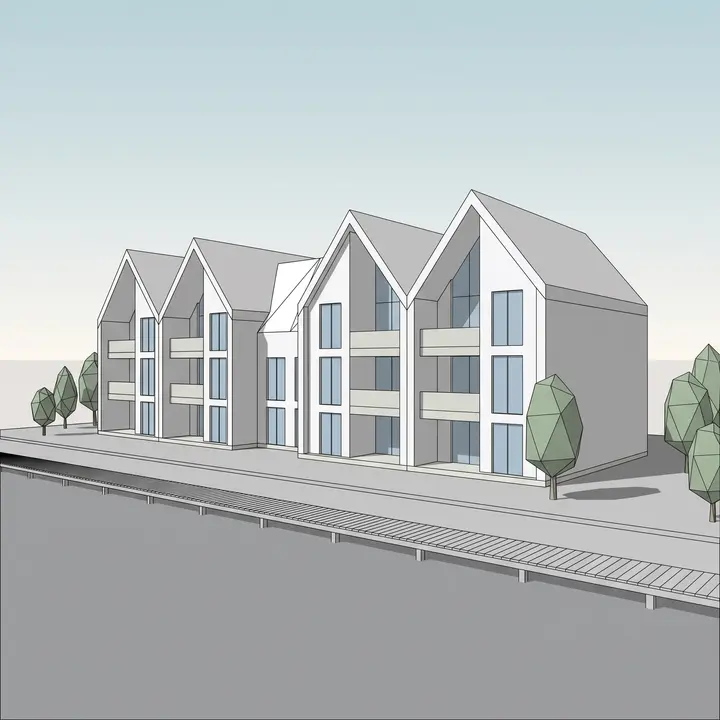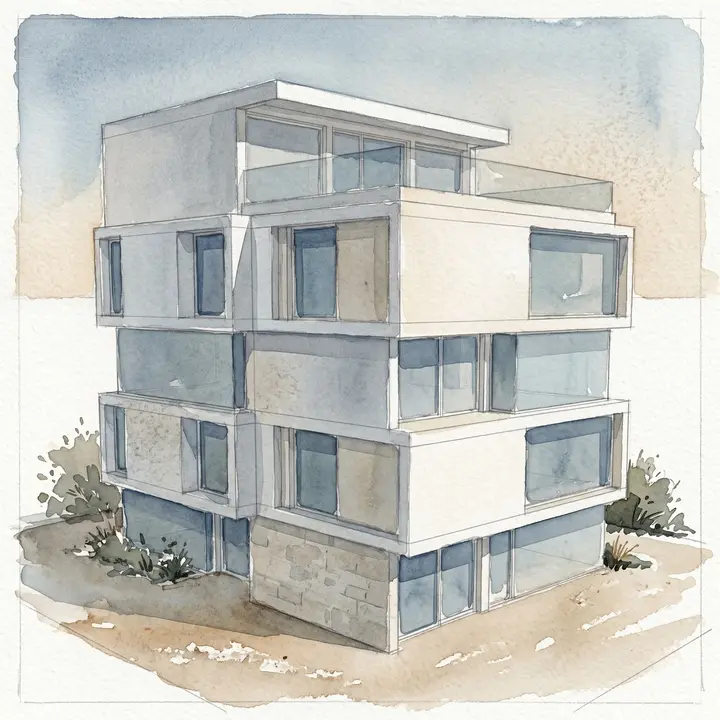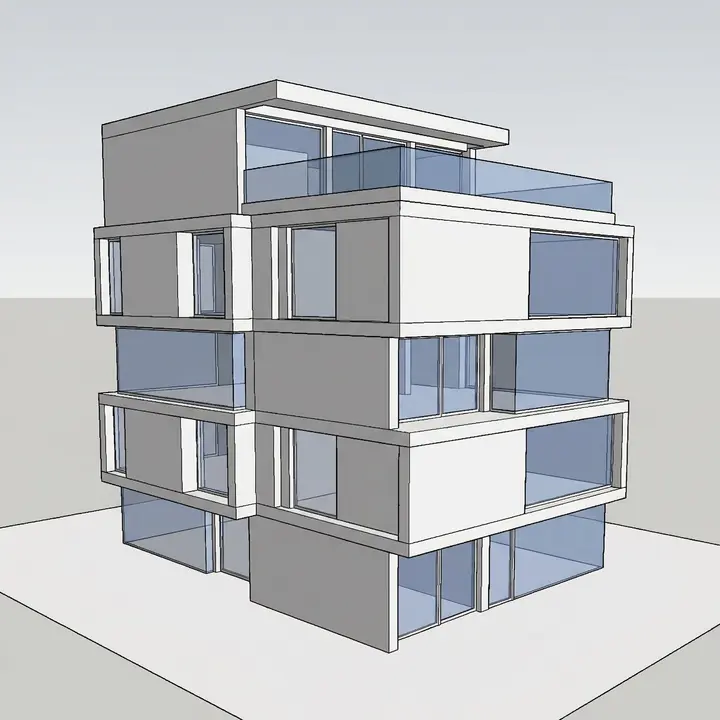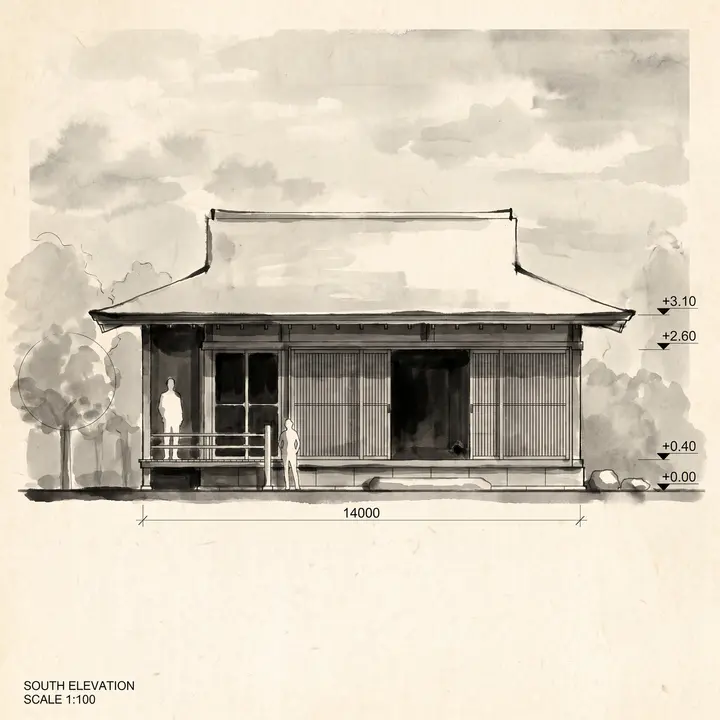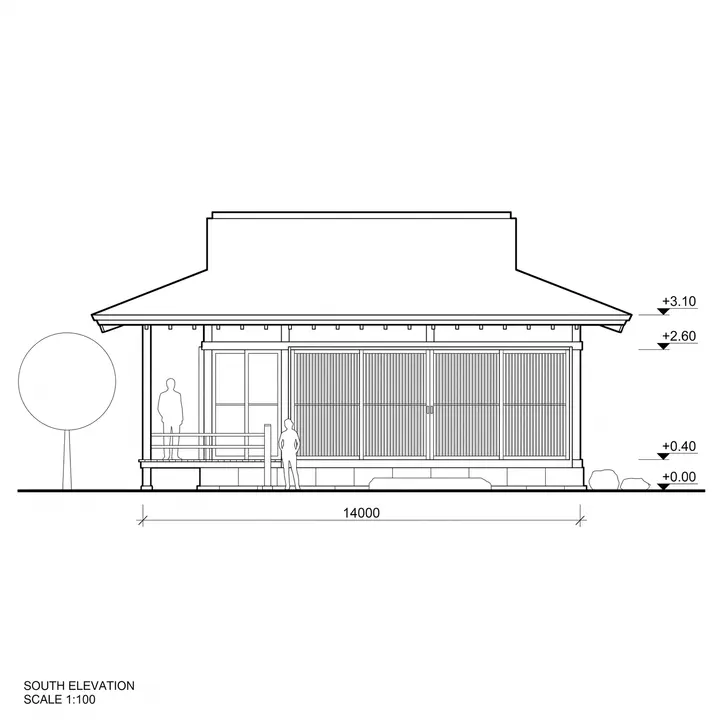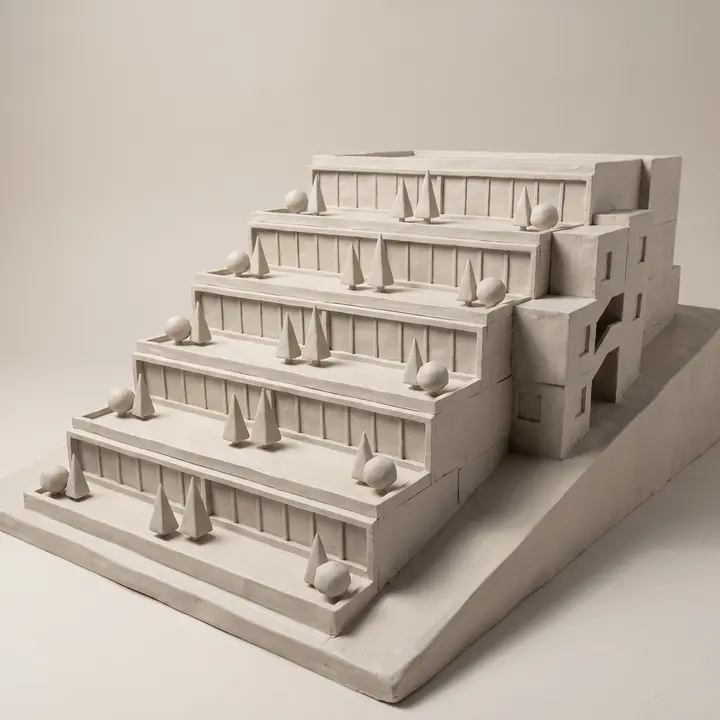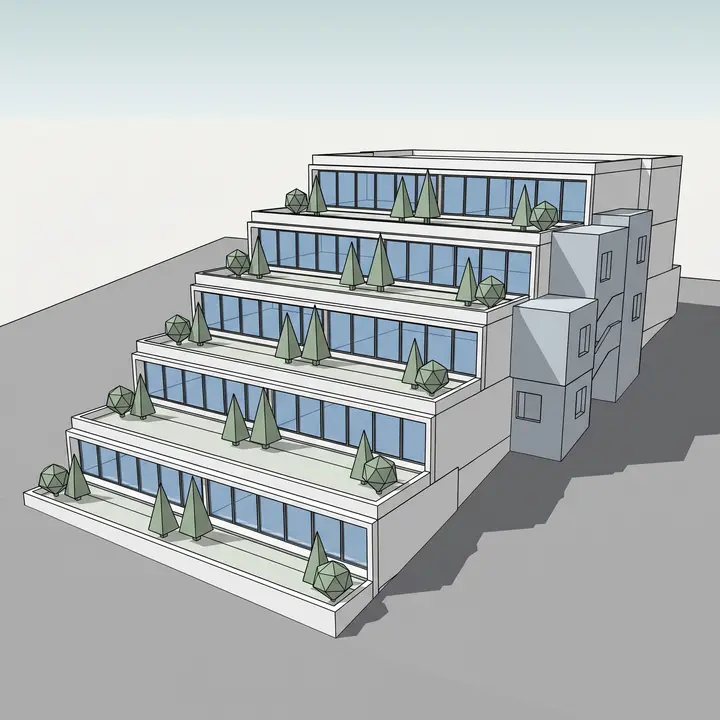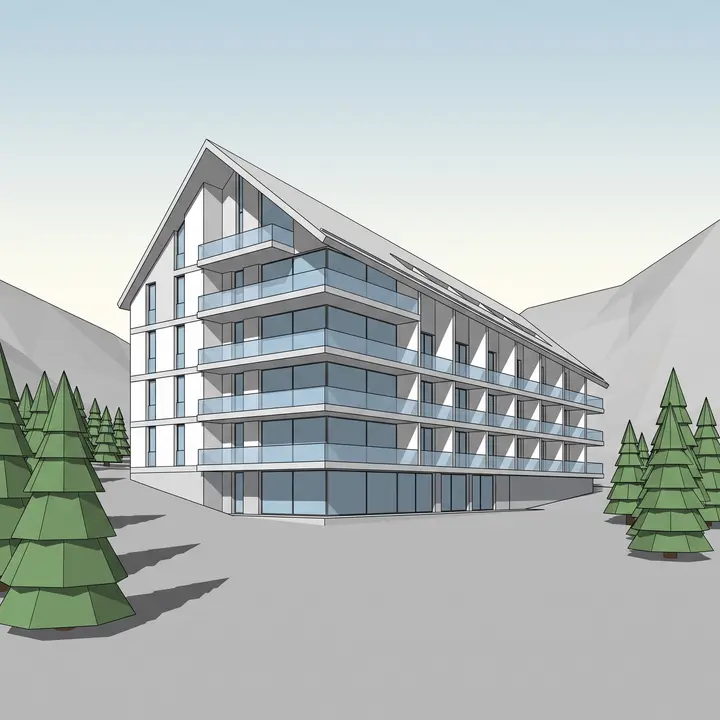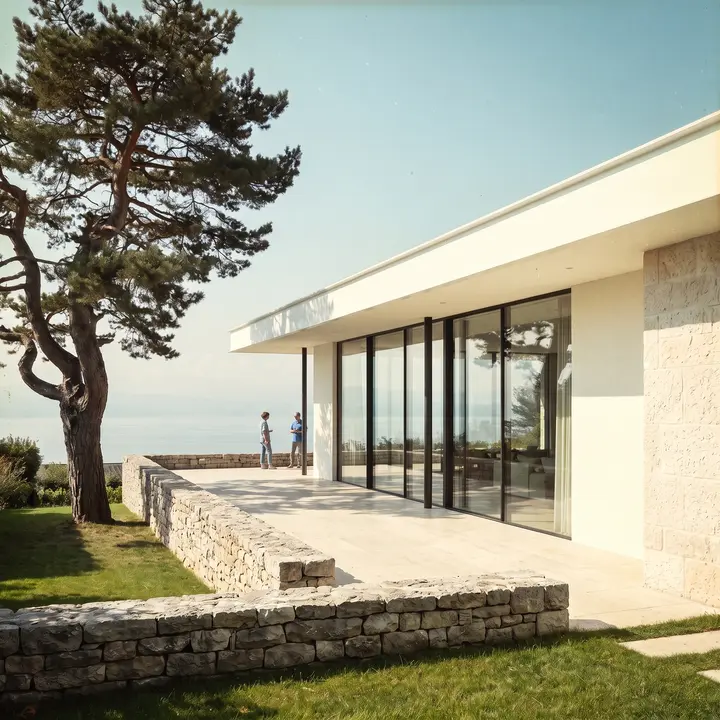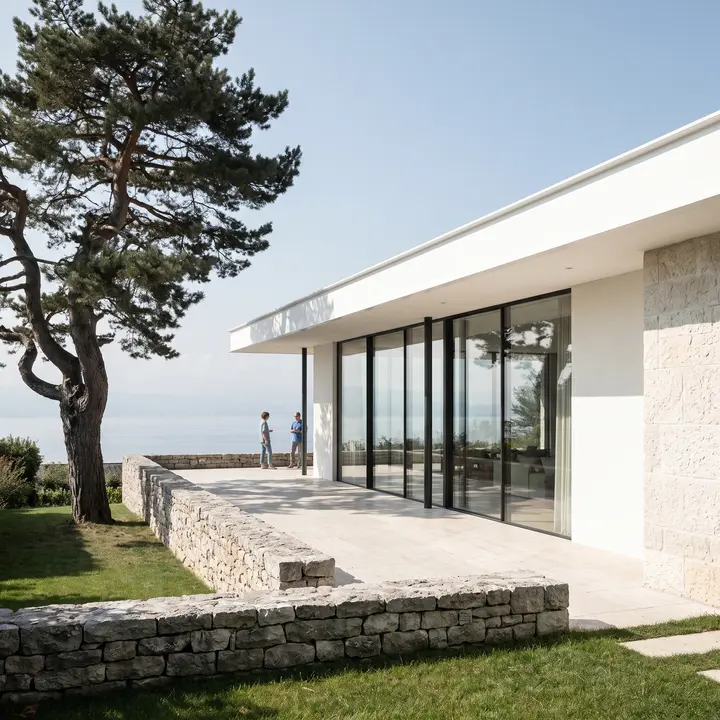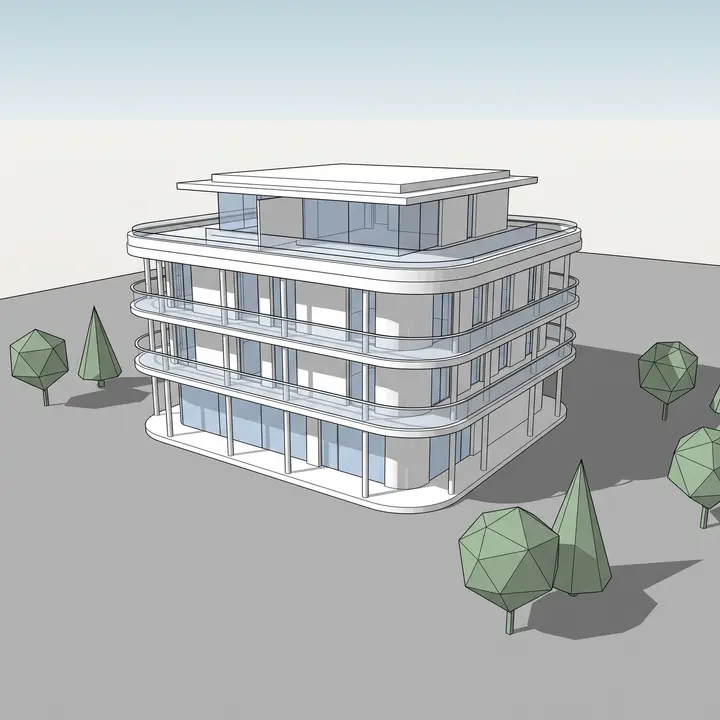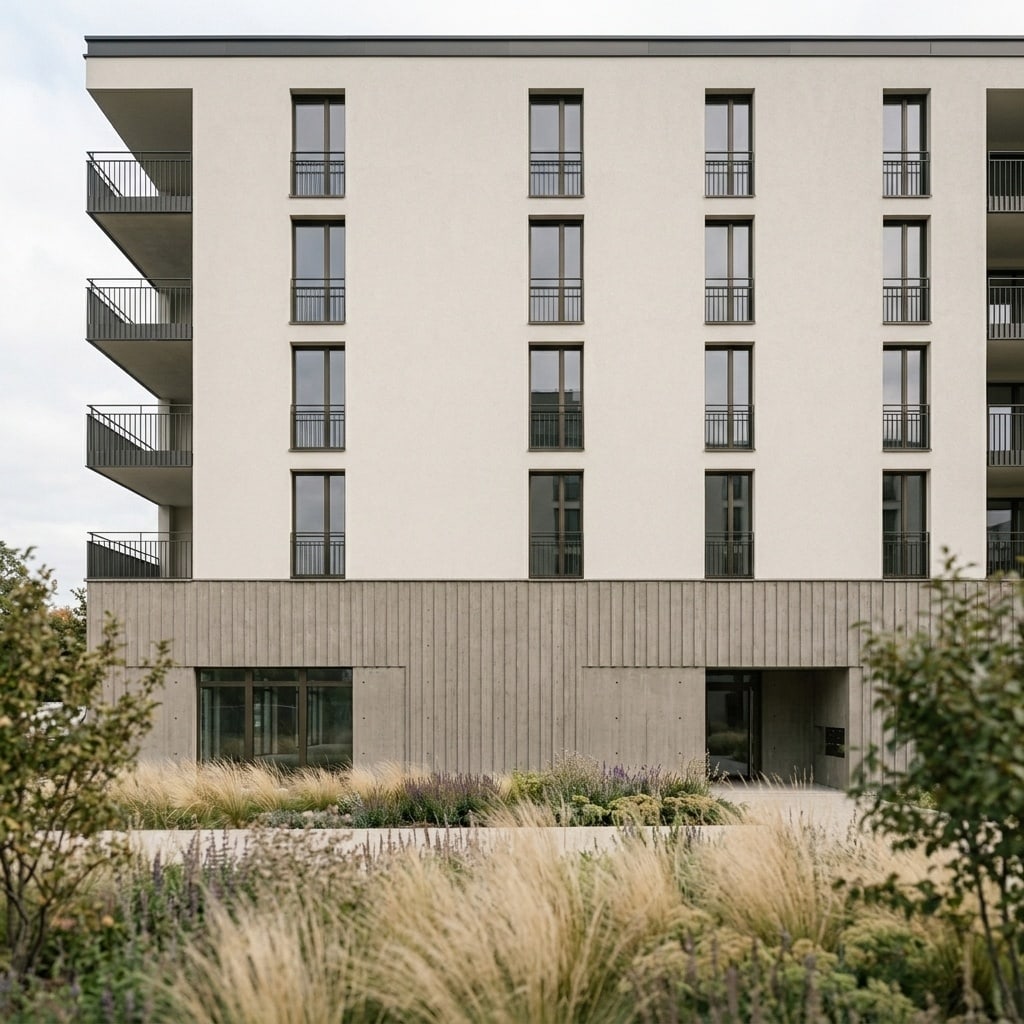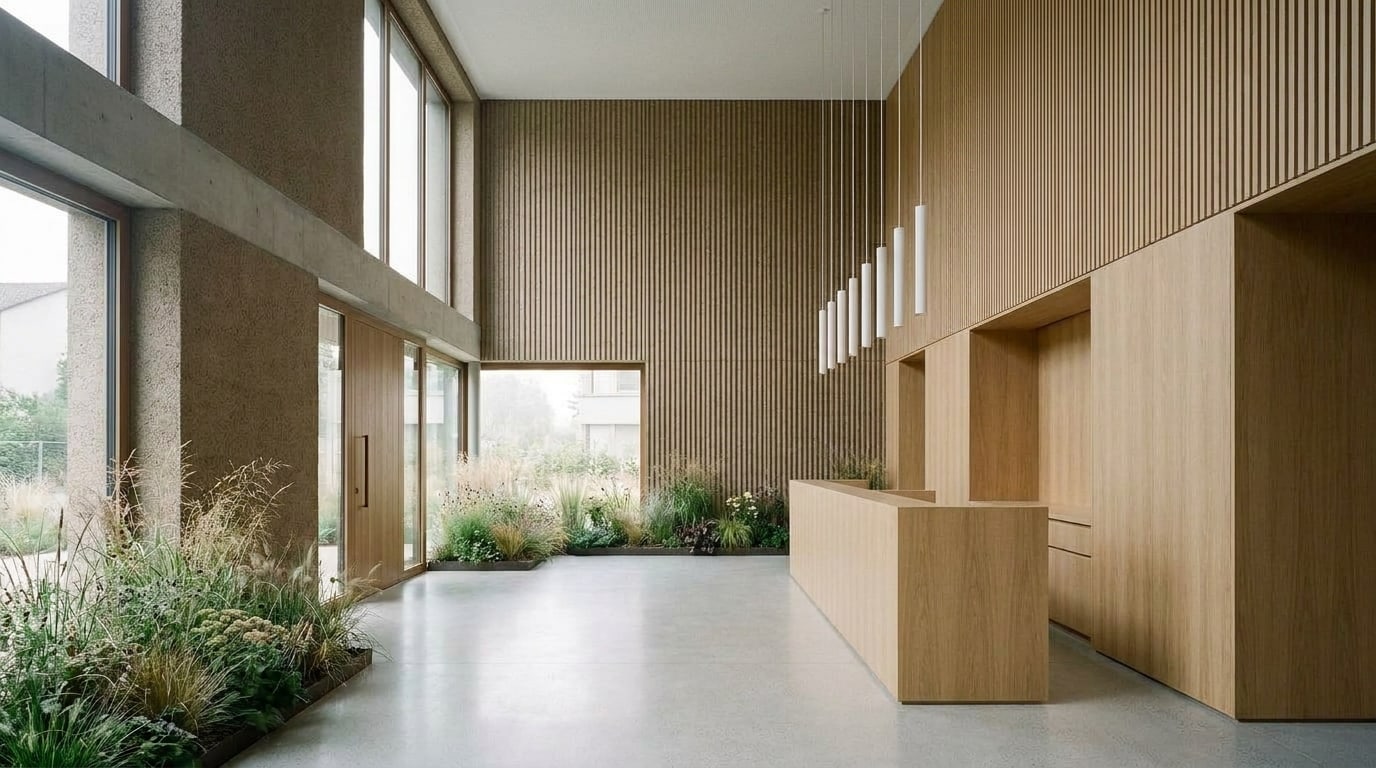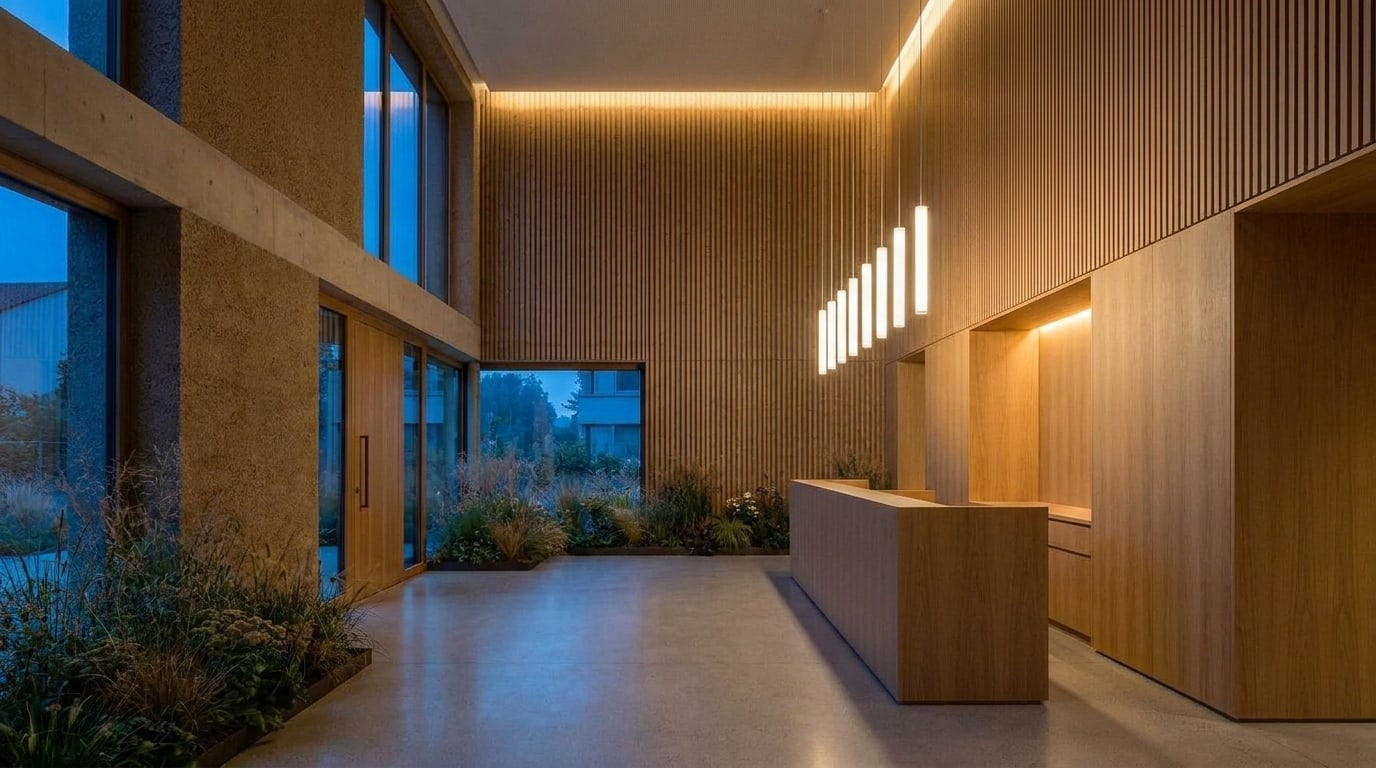
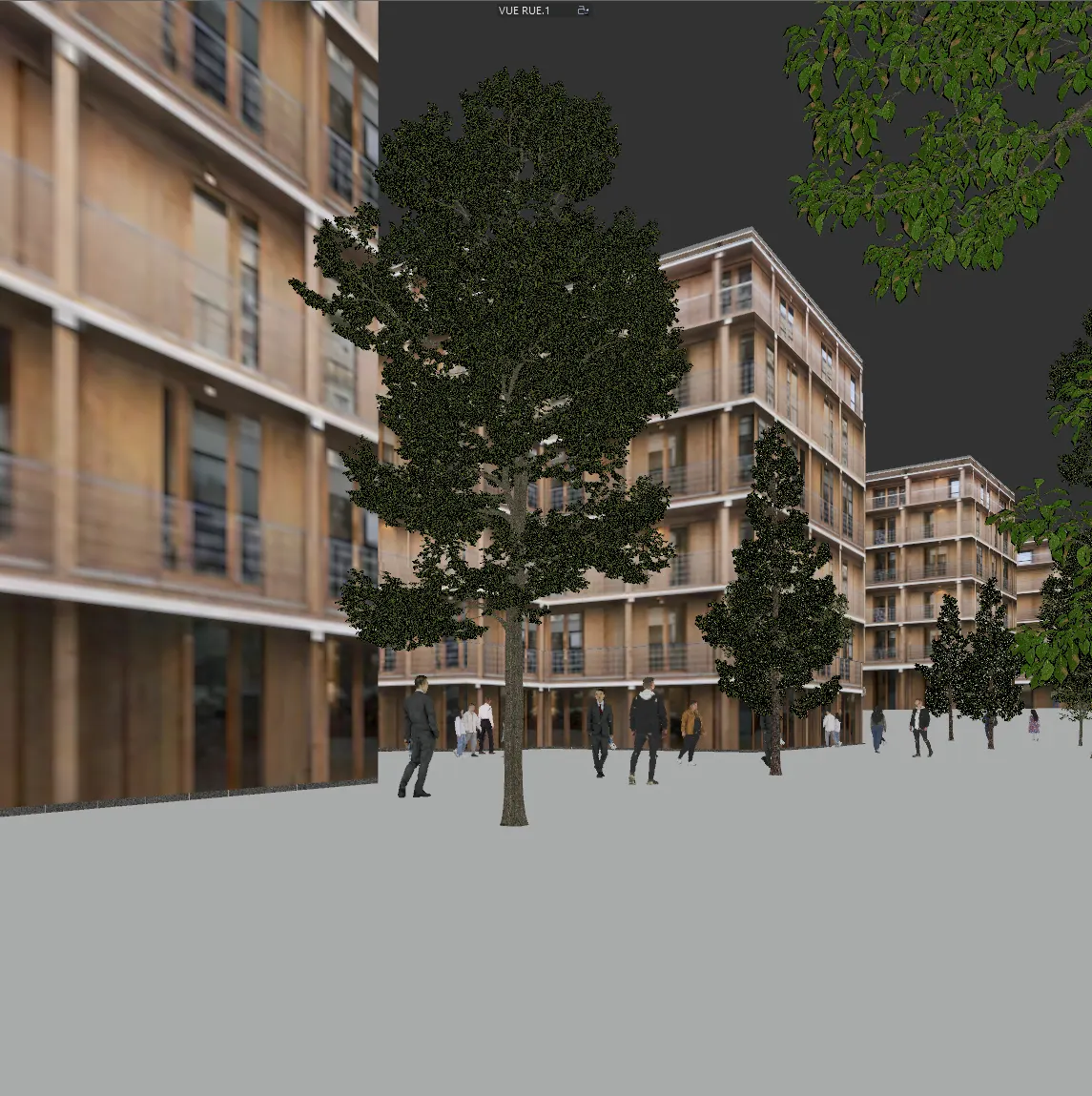
 Before
Top pick
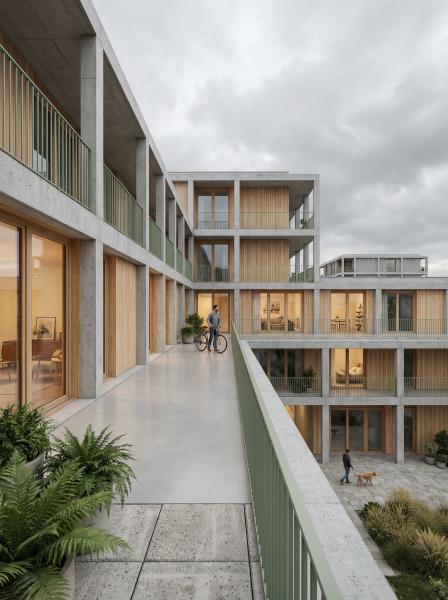
0127 cr · 2K · Nano Banana Pro
Photoreal
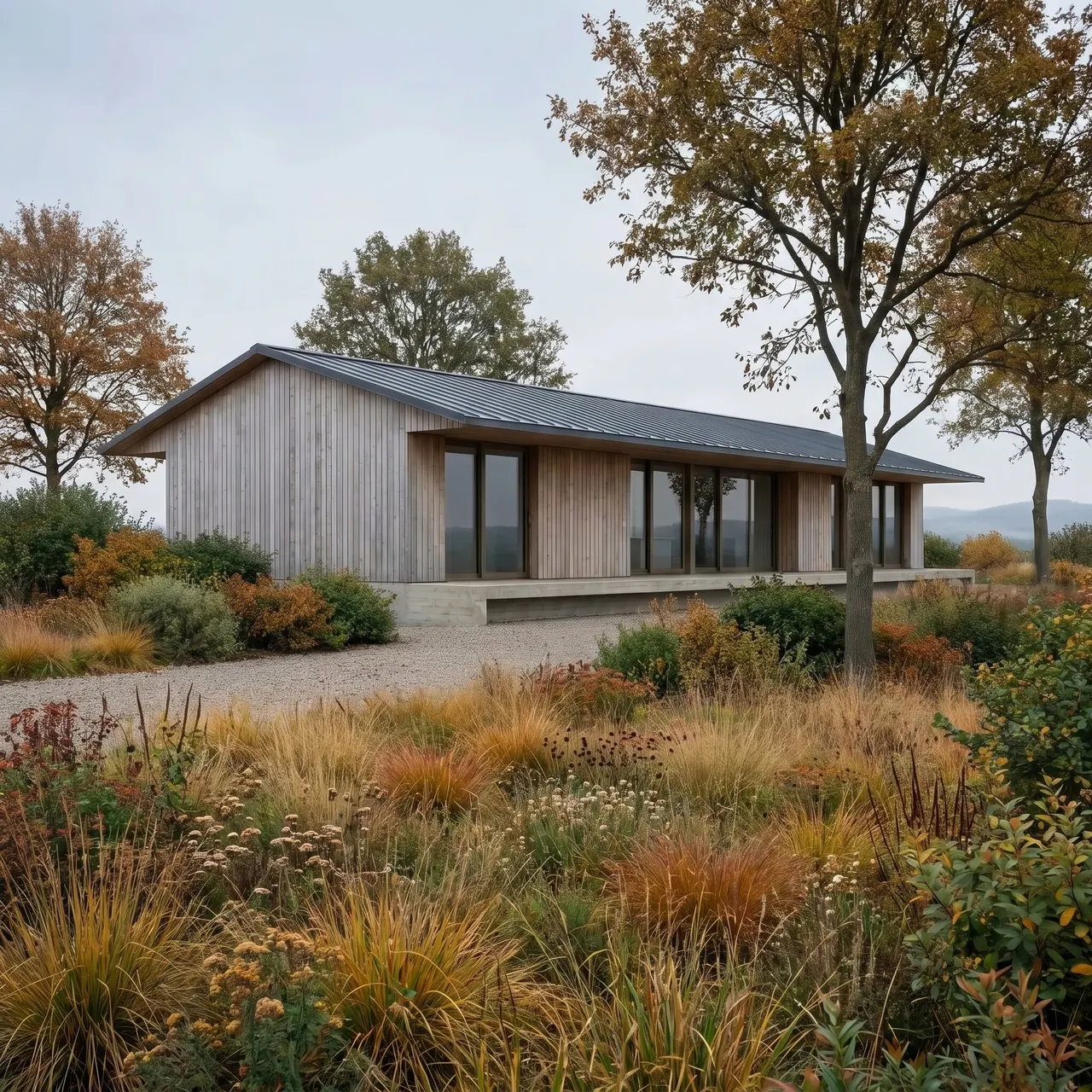
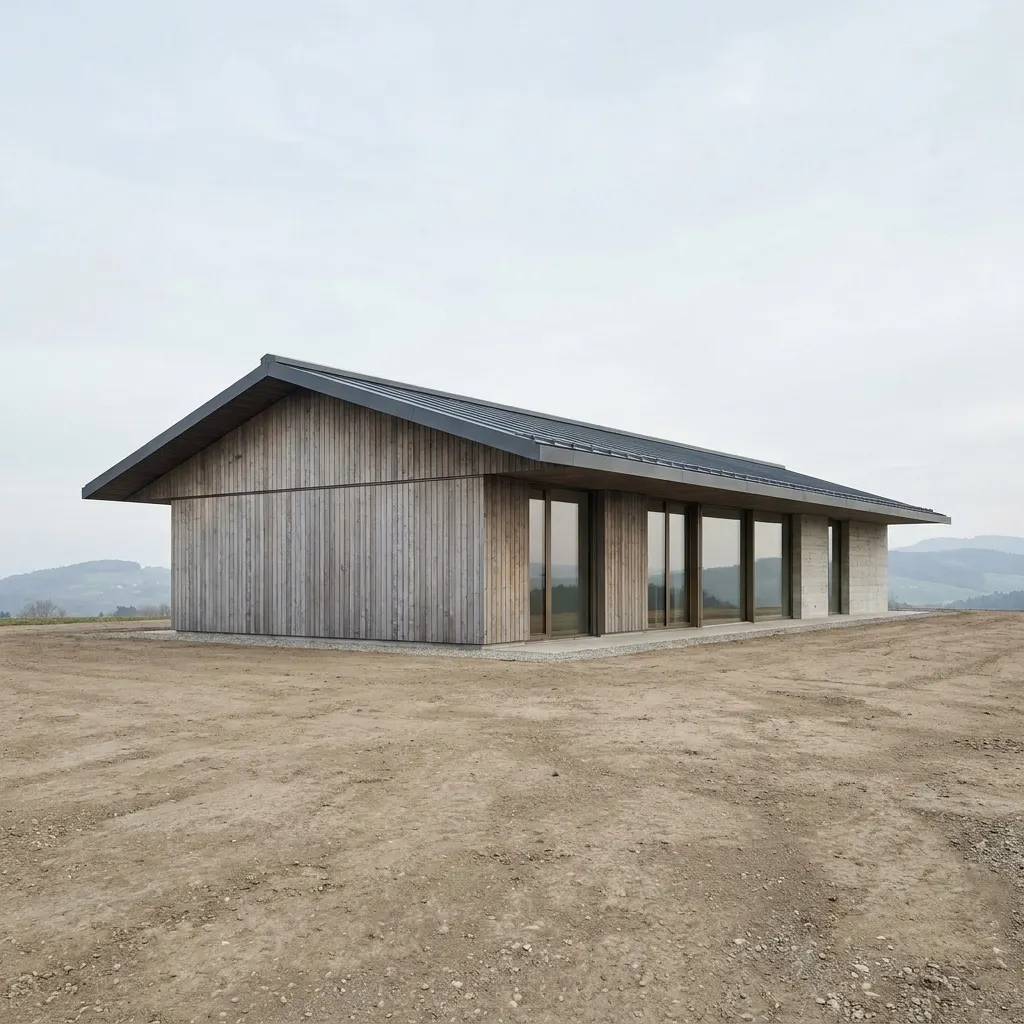
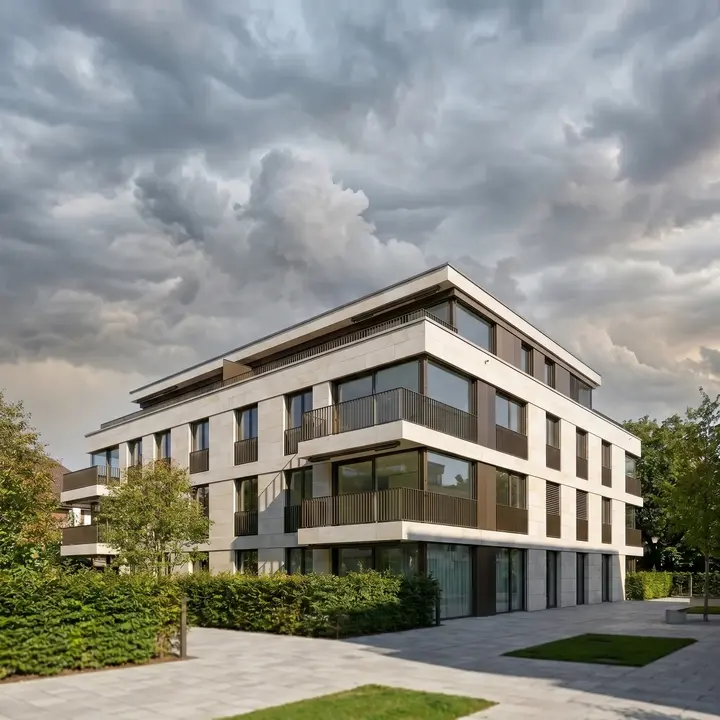
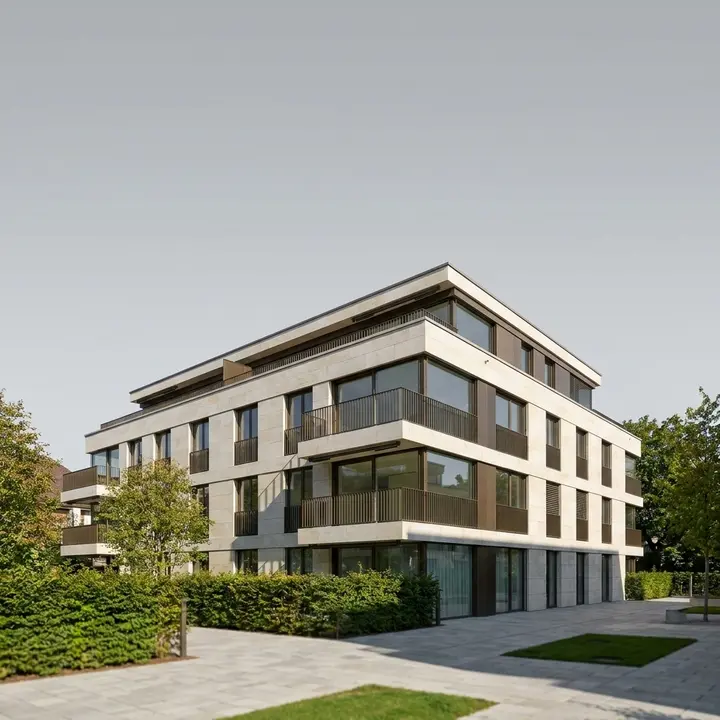
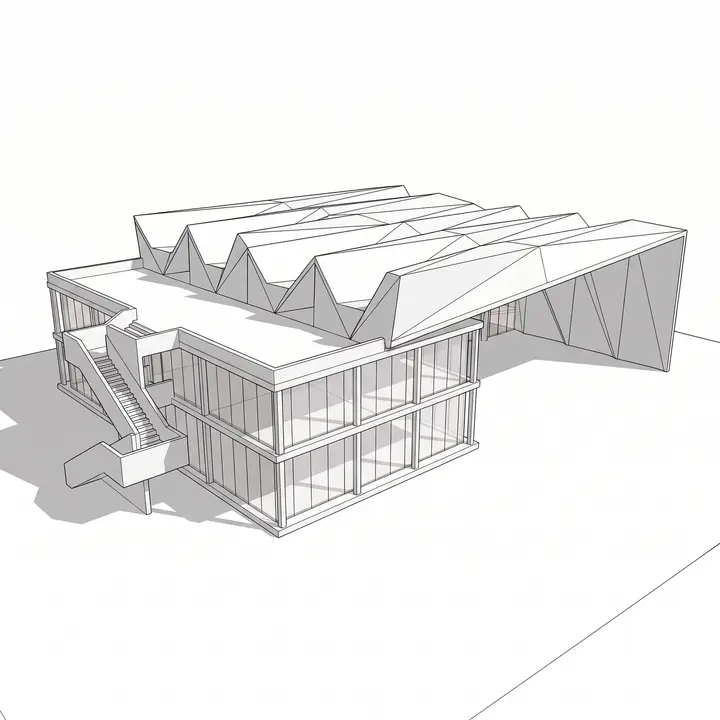
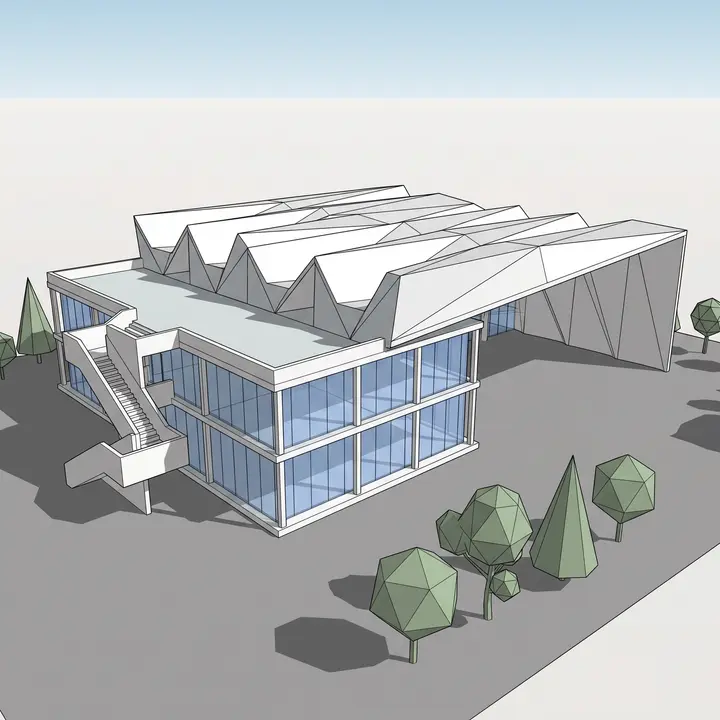
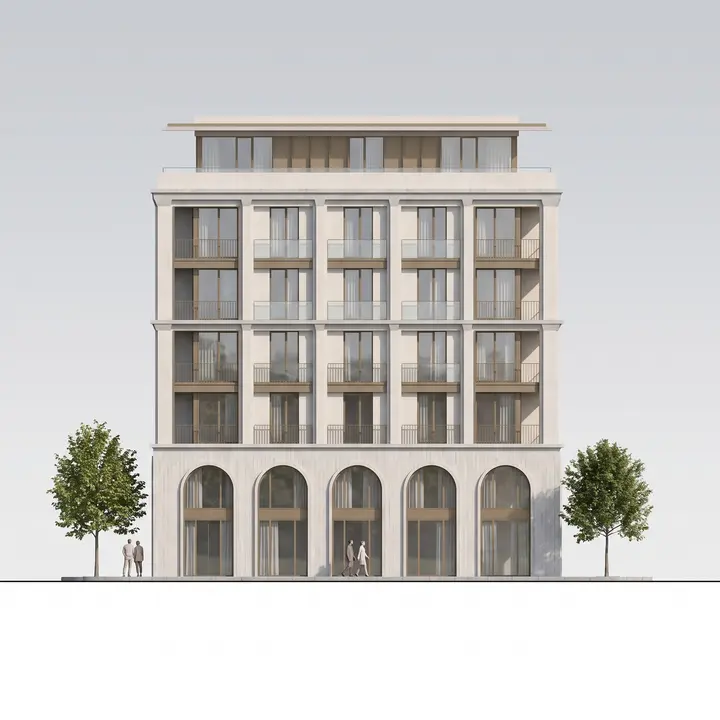
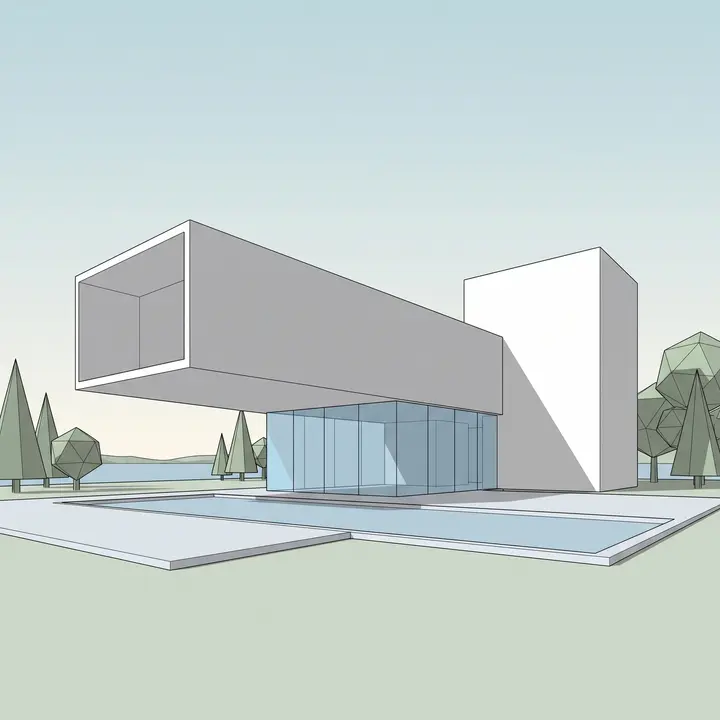
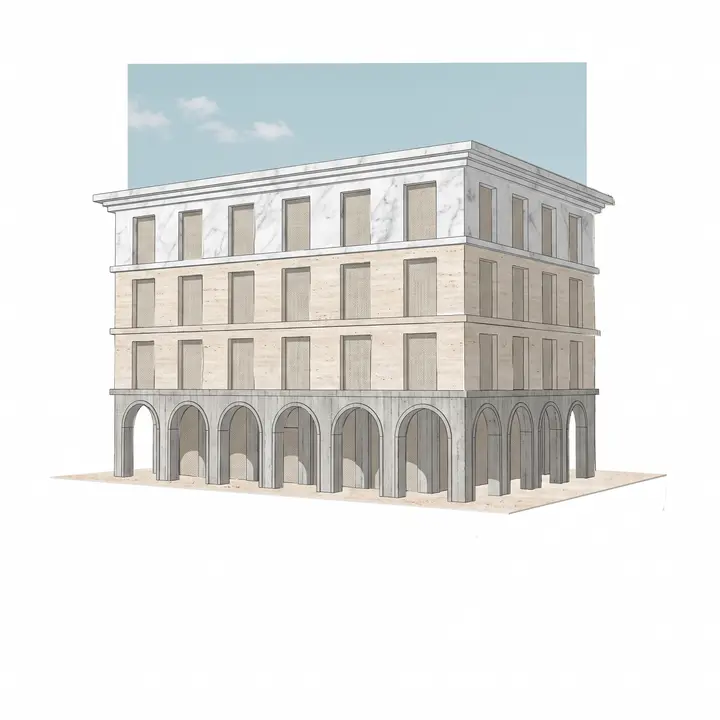
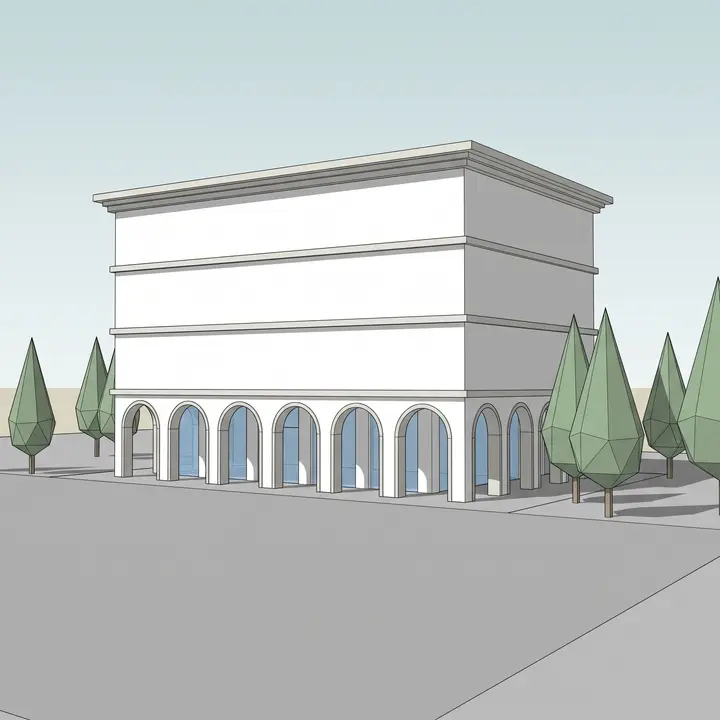
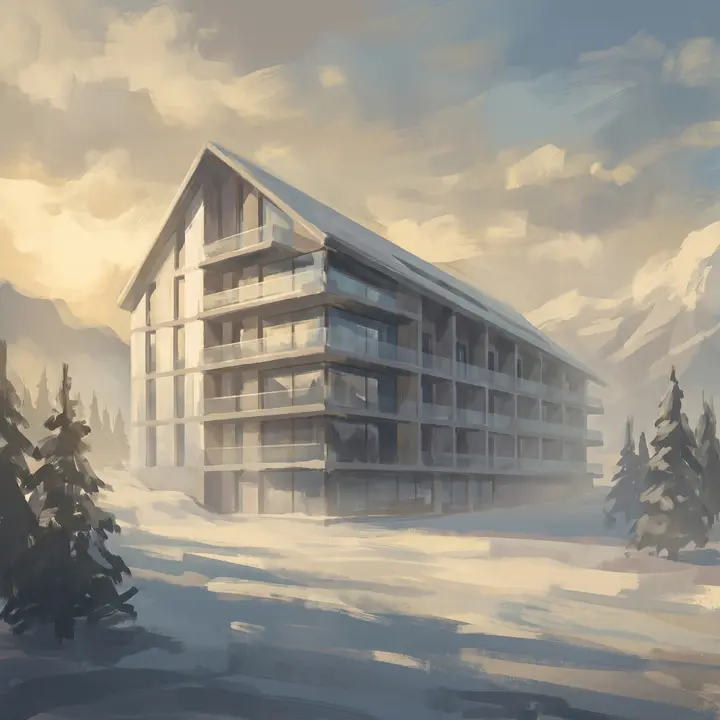
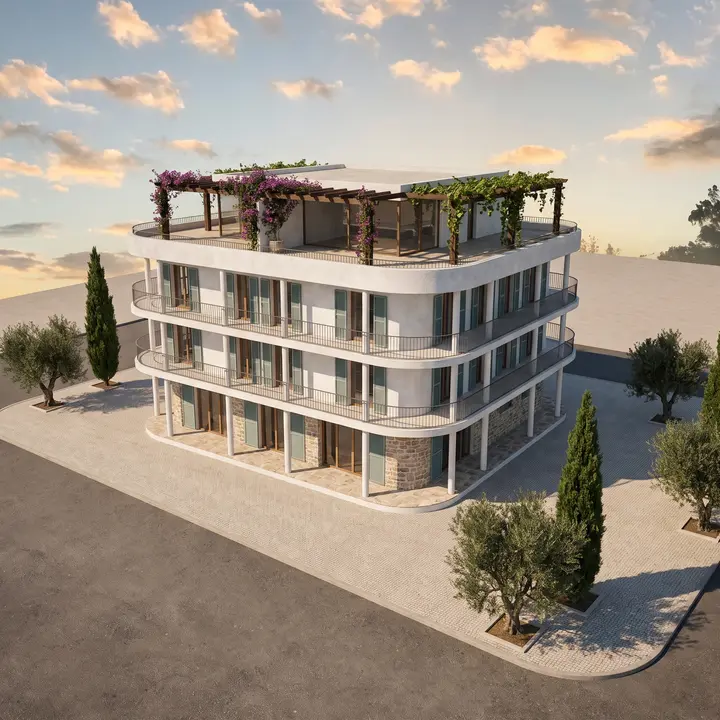
ArchitectureTurn a raw 3D viewport into a magazine-grade architectural photograph. Geometry stays locked.
Drop a SketchUp, Rhino or Revit view. Get a client-ready render.
Pick a template and get a result in one click. Open the Canvas when you want control. Build a pipeline when you want it all. Same studio, same credits, three levels of depth.
57 templates built with architects, one intent each. No prompt, no settings. From satellite capture to drone render, from empty room to furnished scene.
When one click isn't enough. Mask a zone, cite an image with @, compare before and after, add a detail without touching the rest. Every edit is precise, every change is yours.
Chain references, prompts and engines into your own rendering logic. Save it, reuse it, share it with the studio.
Give Animate a start frame and an end frame, and it films the way from one to the other. Or start from a single image and pick a camera move. Clips up to 1080p, exported as MP4.
From the living room to the flowers on the table, in one push in.
Every tool does one thing precisely and leaves the rest of the image alone. That is what makes tailored work fast.
Brush, lasso or box the zone, or just name the object. Describe the change; the rest stays untouched.
Sketch on the image as on a print: figures, arrows, notes. What you draw is what gets built.
Click what should not be there: SAM 3 selects it, and it is gone. The scene closes up behind it.
One click lifts the sky off, ready for a new one, a collage or a board.
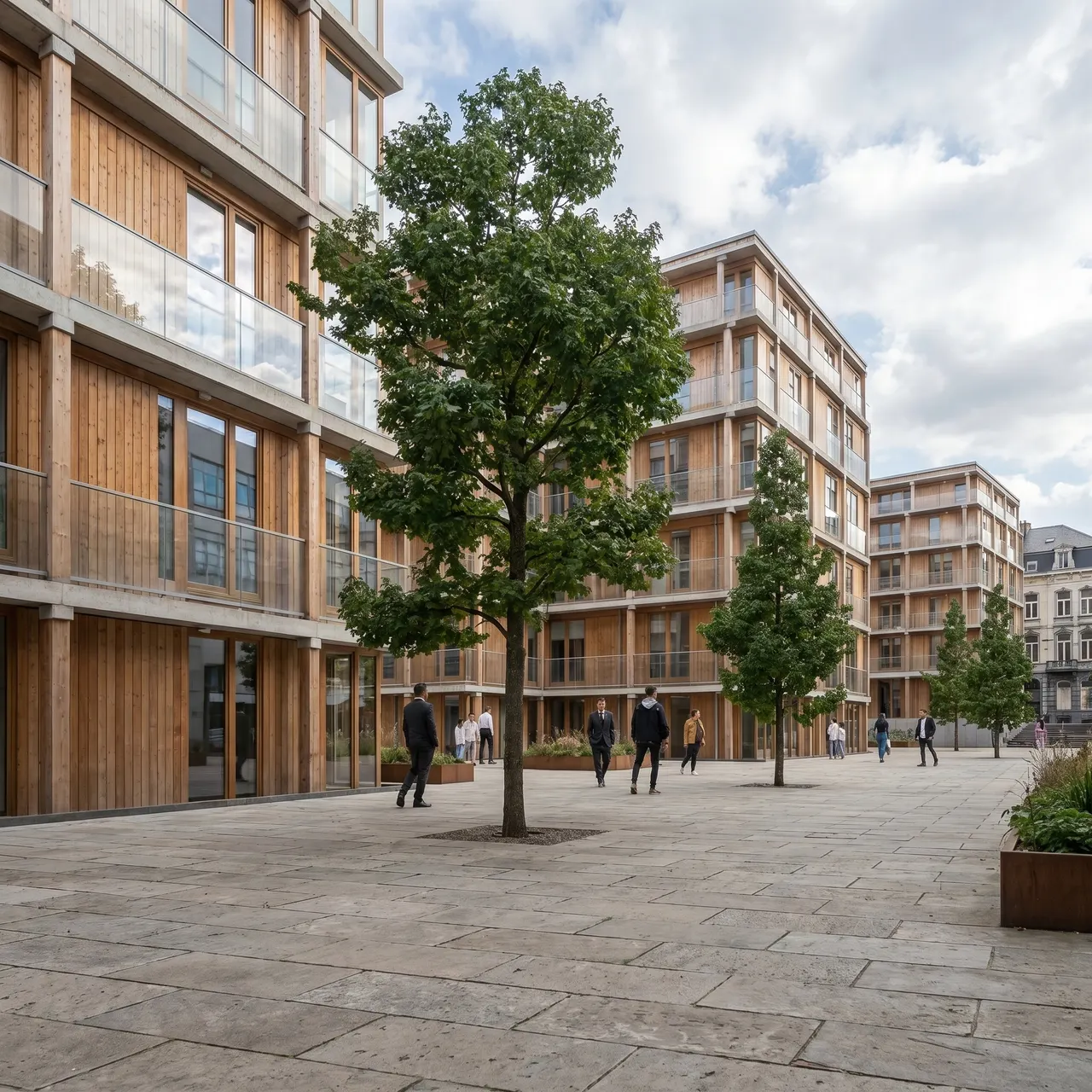
Change the format and the image grows to fill it: a tight portrait becomes a wide street.
Native 4K from the engine, or a free in-browser upscaler for any image already on the wall.
In the Canvas viewer and in the Edit node. And everywhere: cite any image by its @alias, compare before / after, run four variants at once.
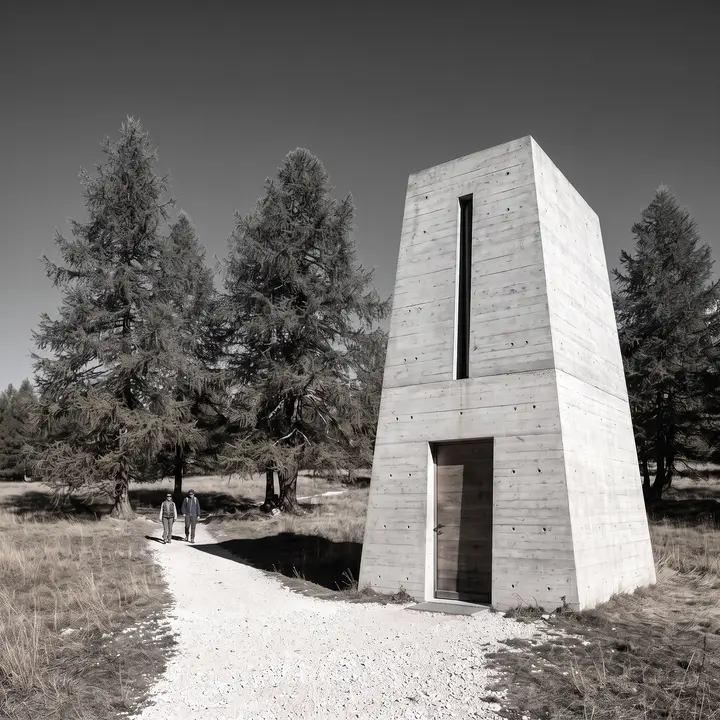
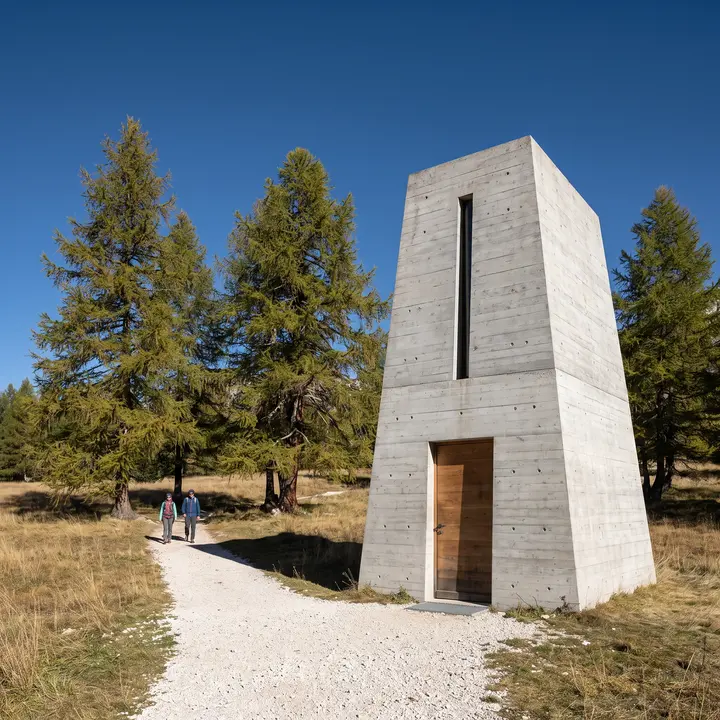
Every image below was made in arkia. The tagged ones say how: a template in one click, a Canvas run refined in detail, or a node pipeline.
46 images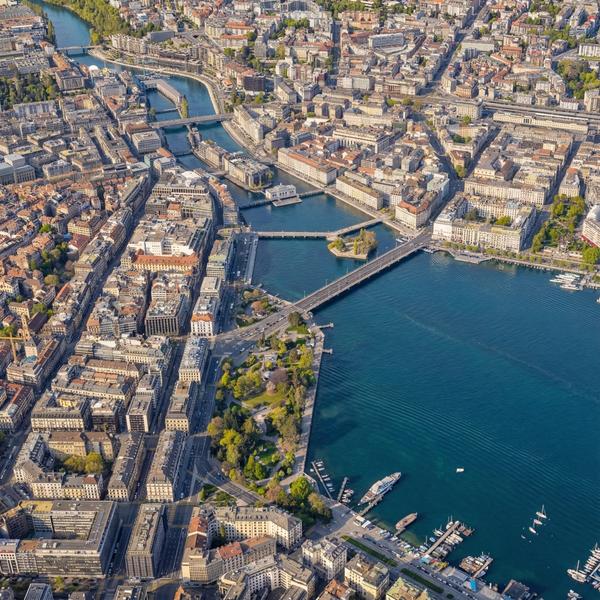 Template · Google Maps to Drone Photo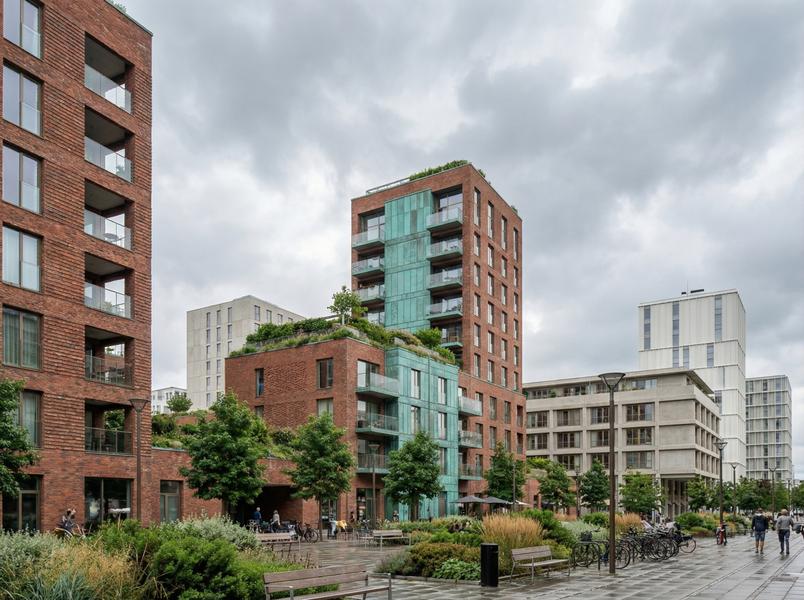
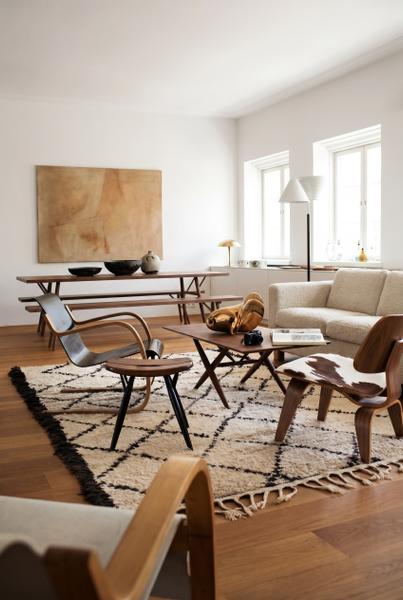
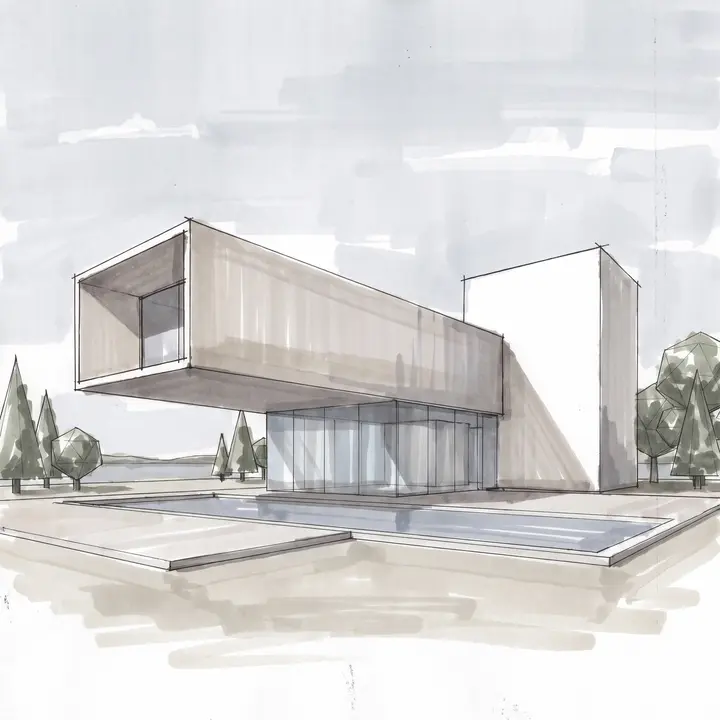
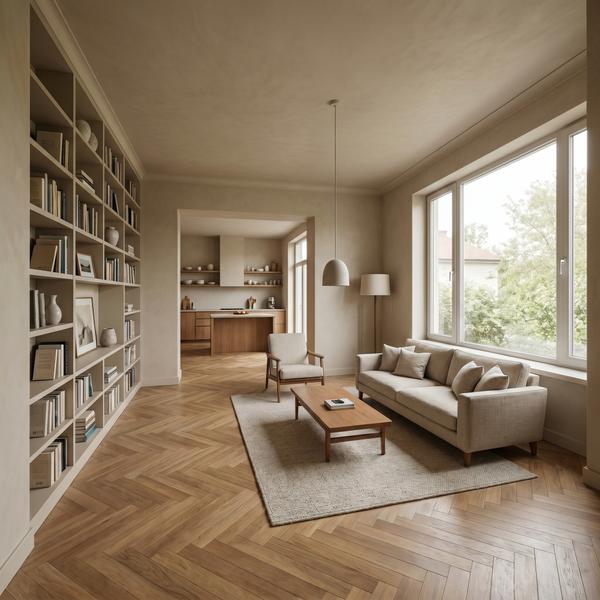 Template · Sketch to Render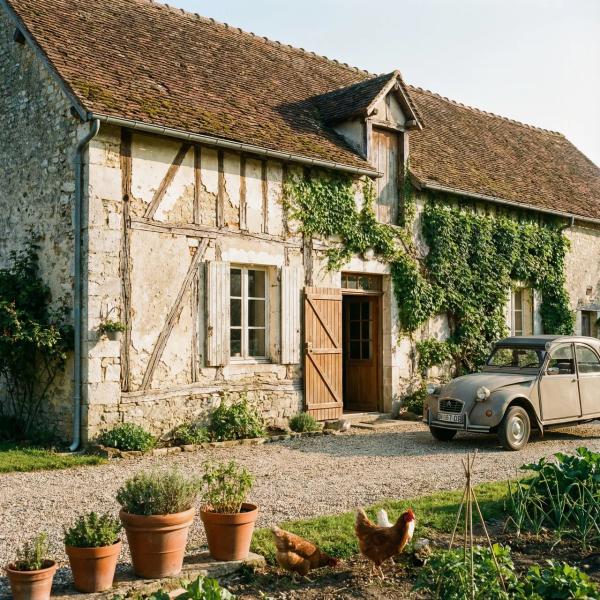
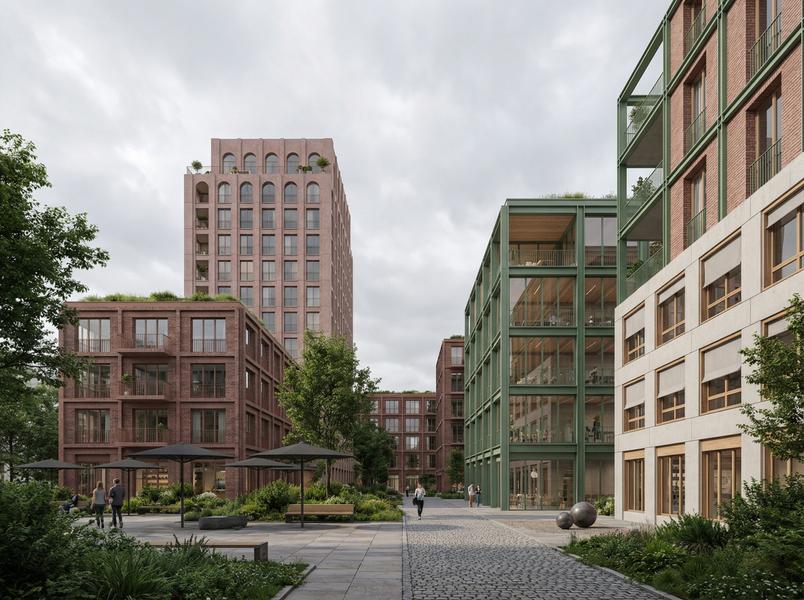
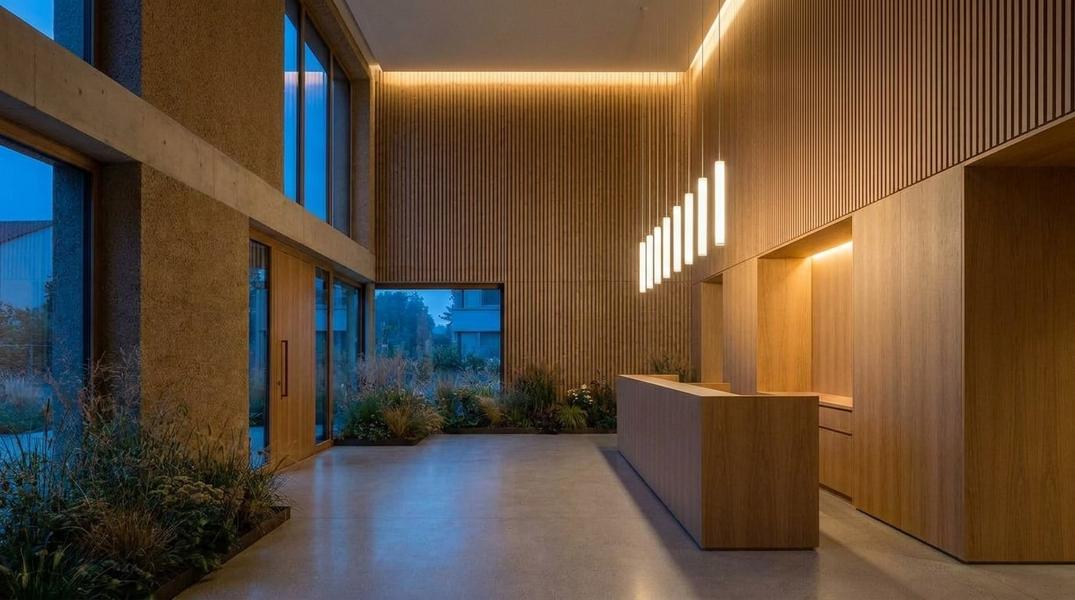 Nodes · 9 nodes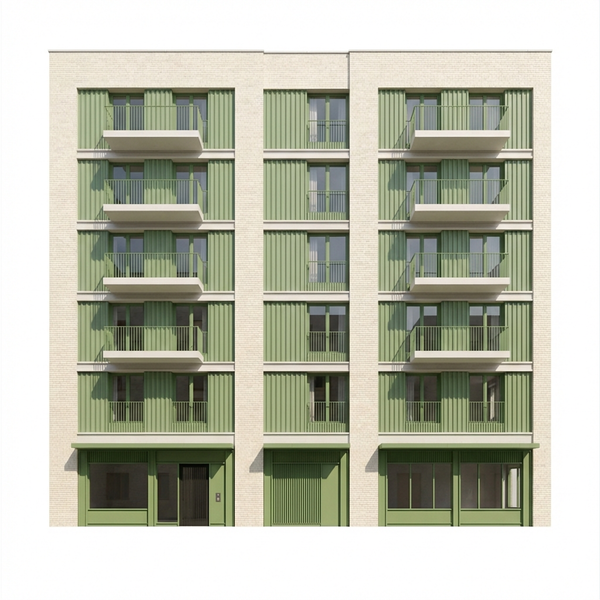
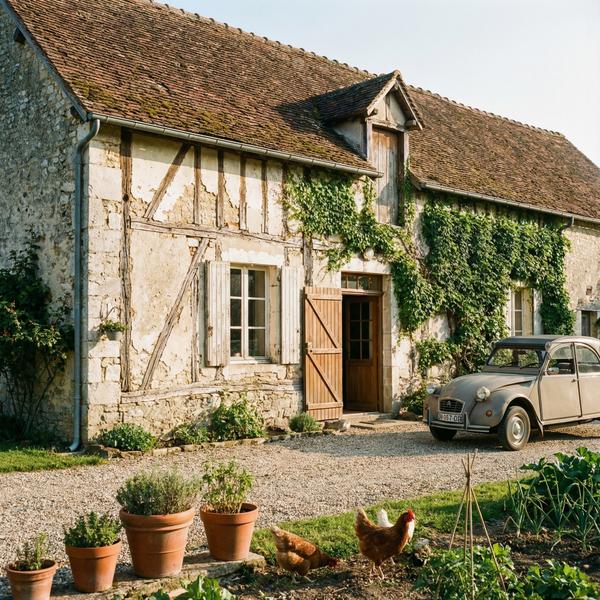
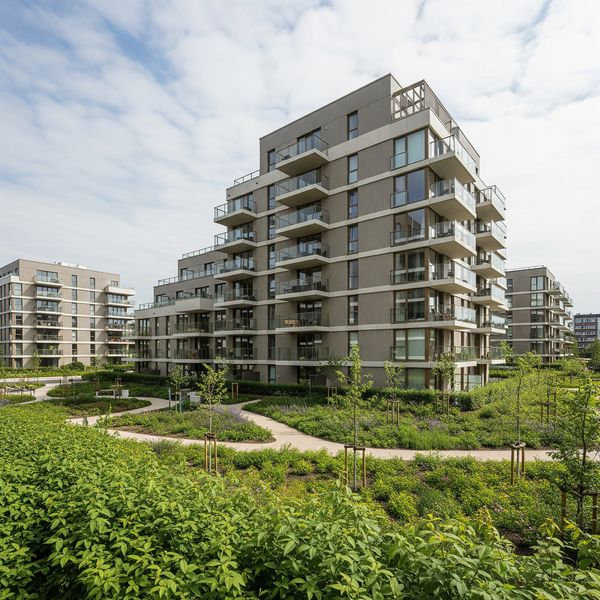
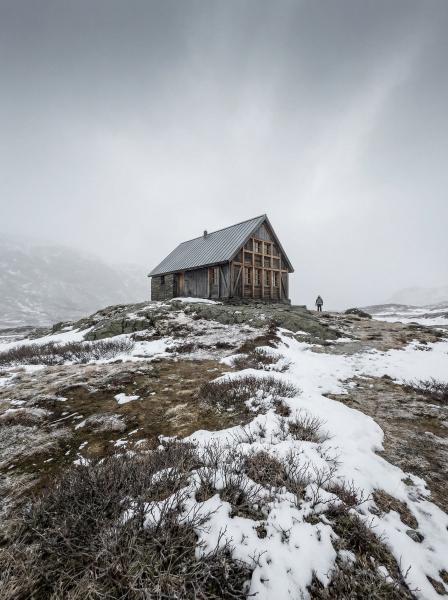
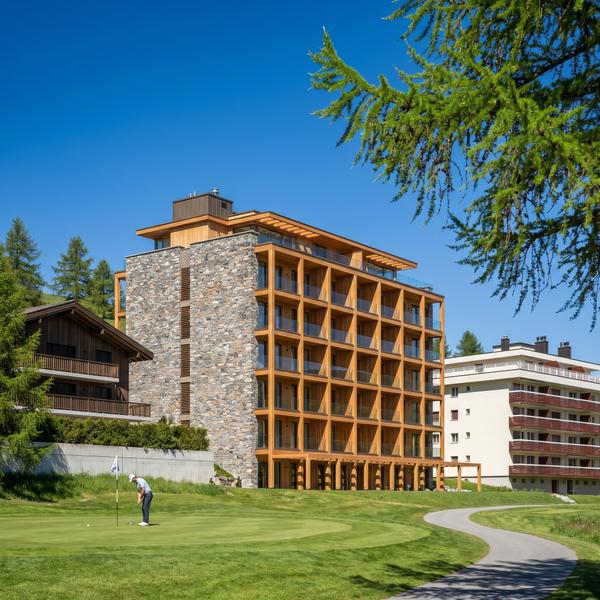
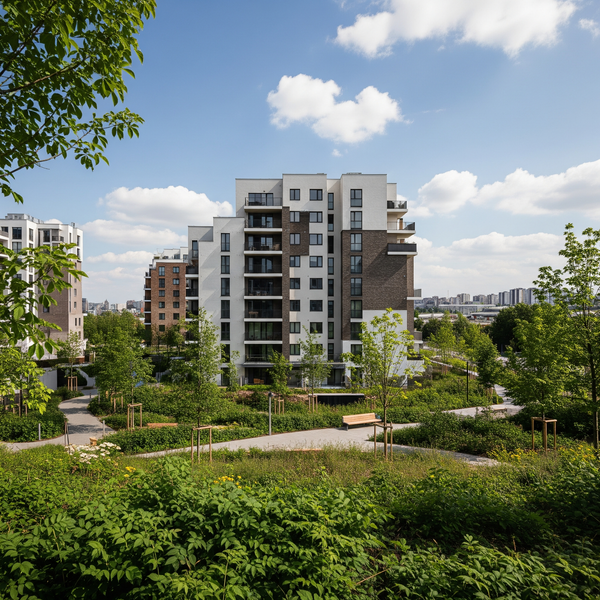
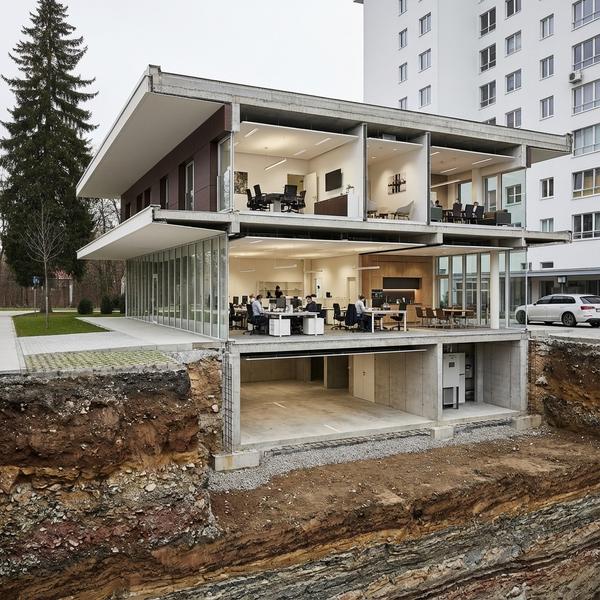
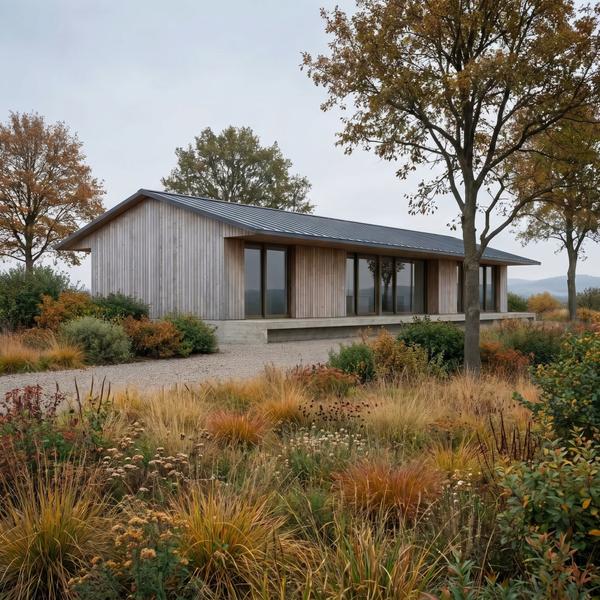 Template · Landscape Design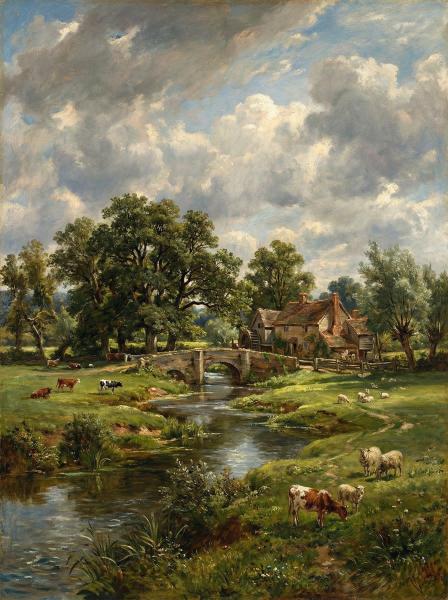
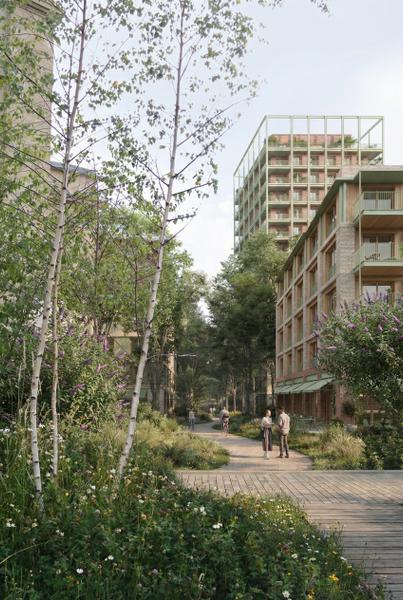
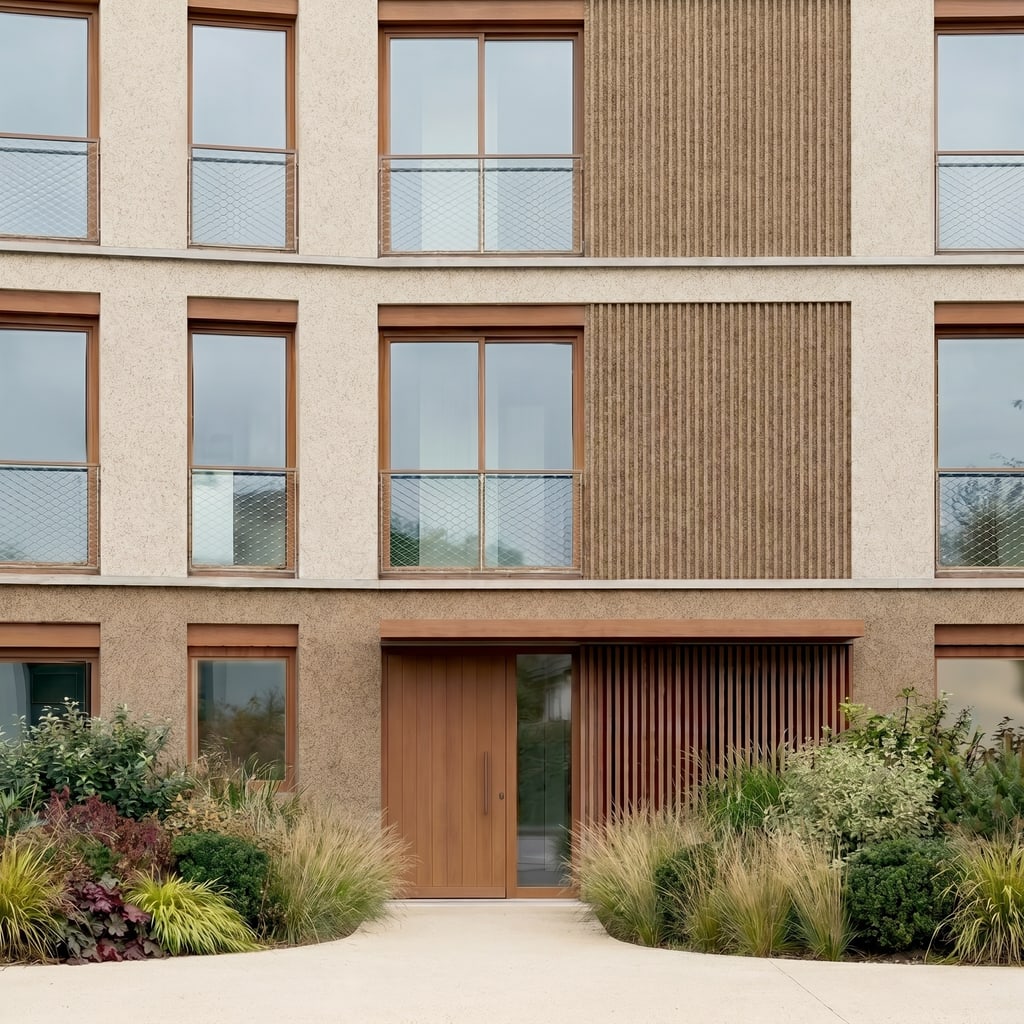
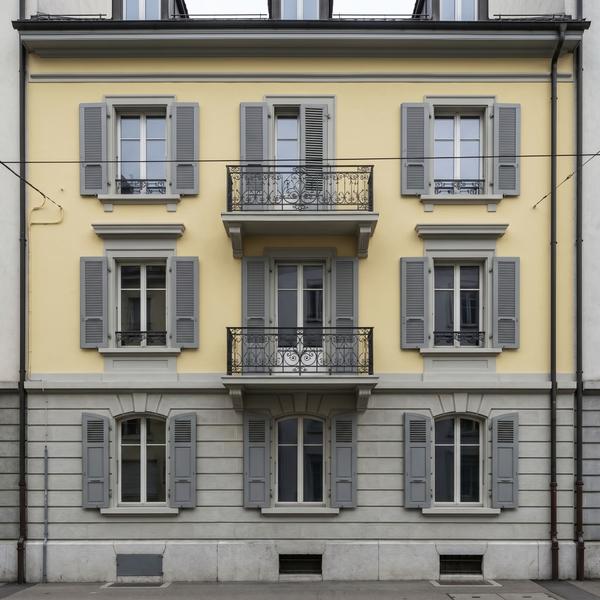 Template · Facade Restoration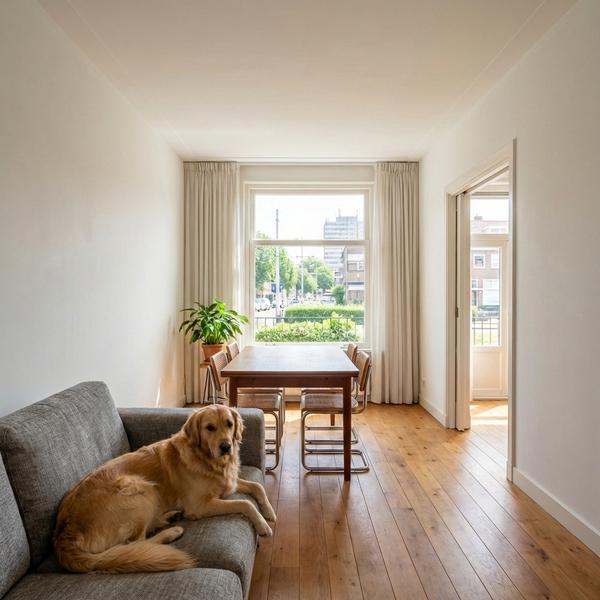
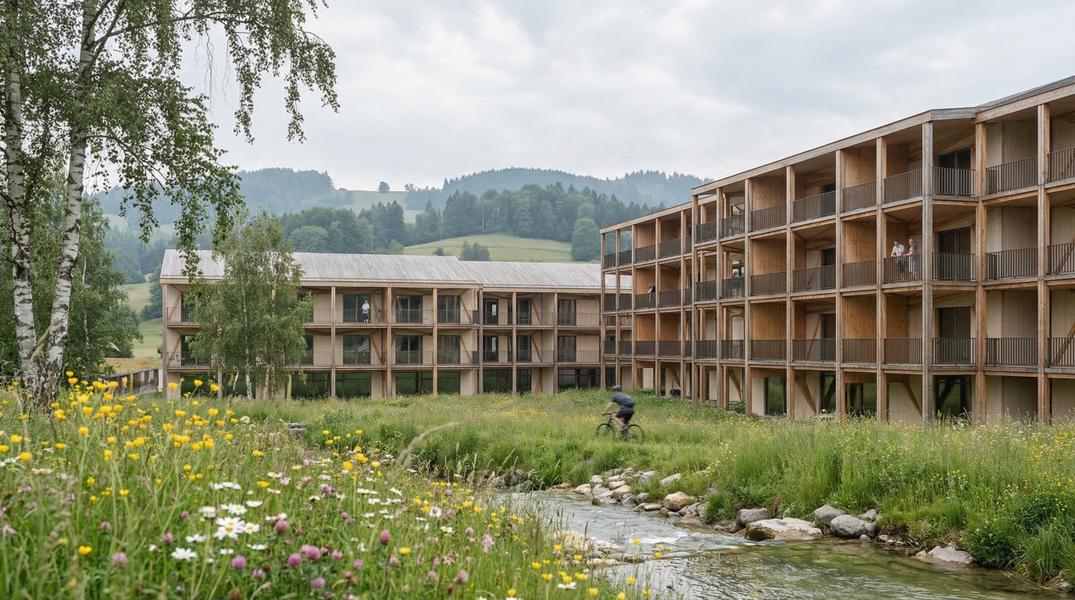
 Template · Detail Shot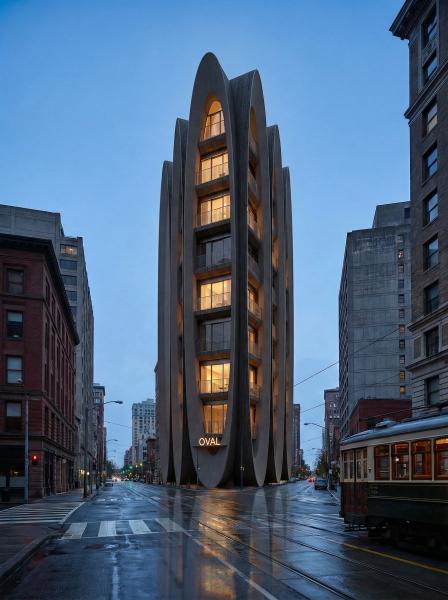
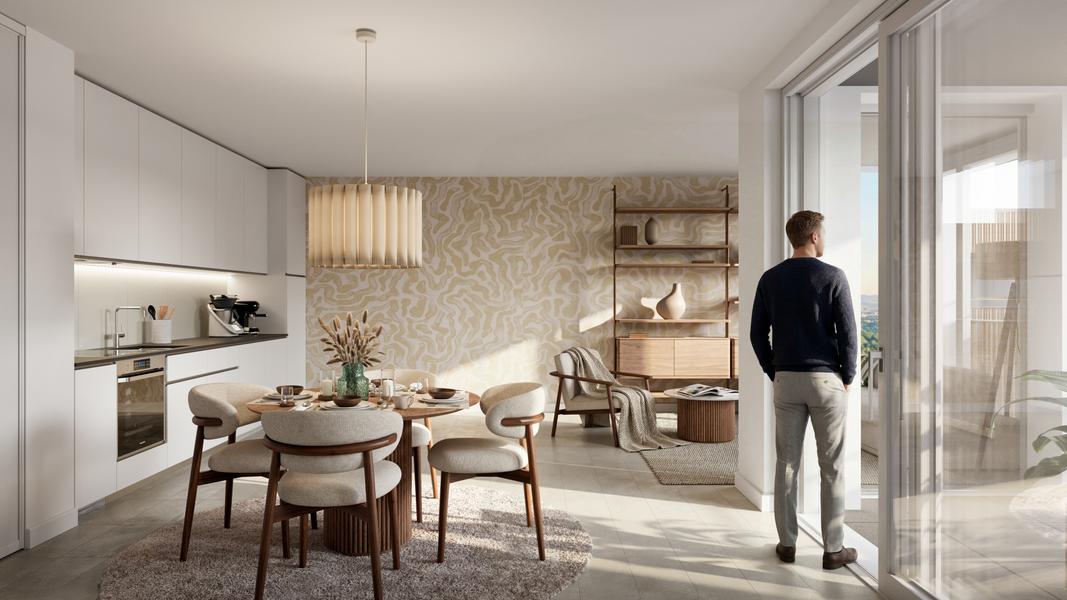
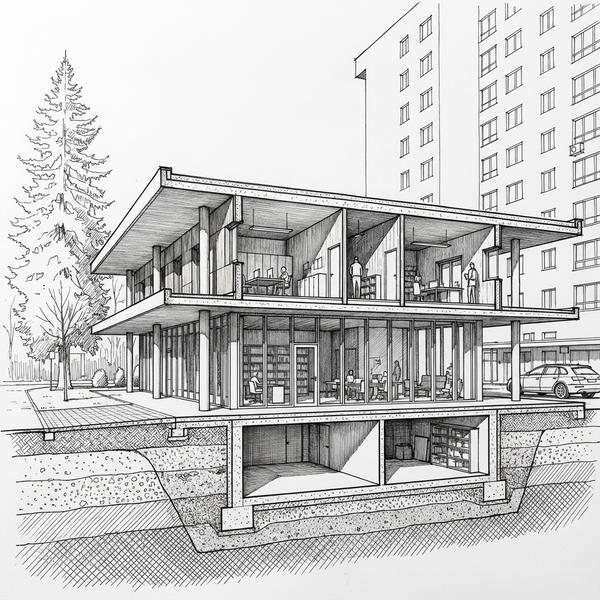
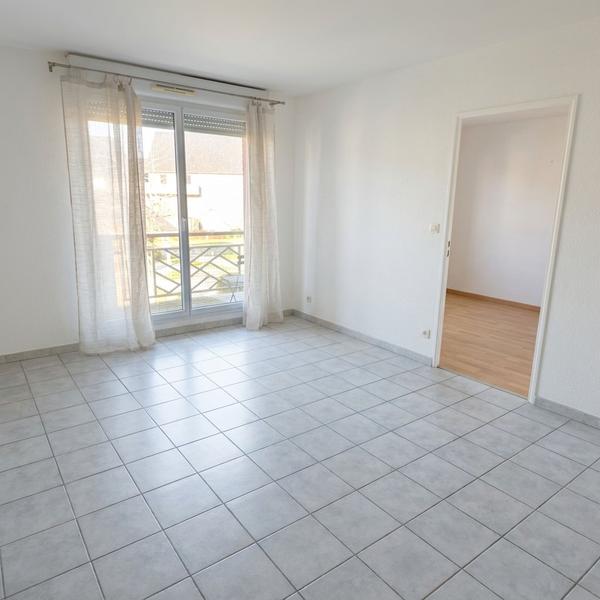
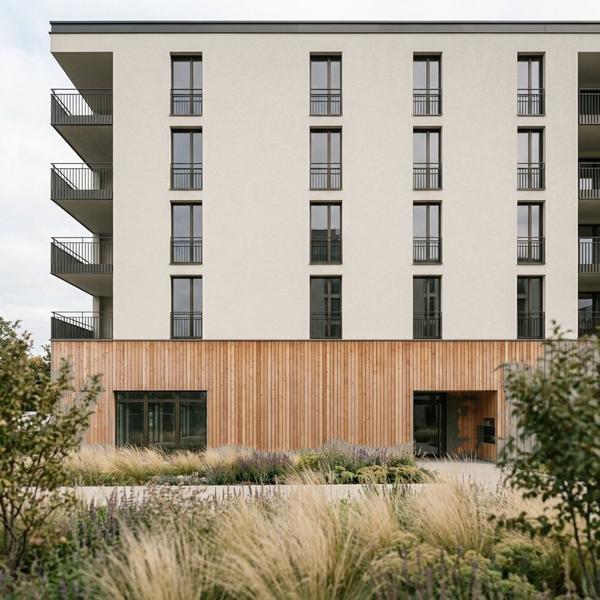 Canvas · 1 edit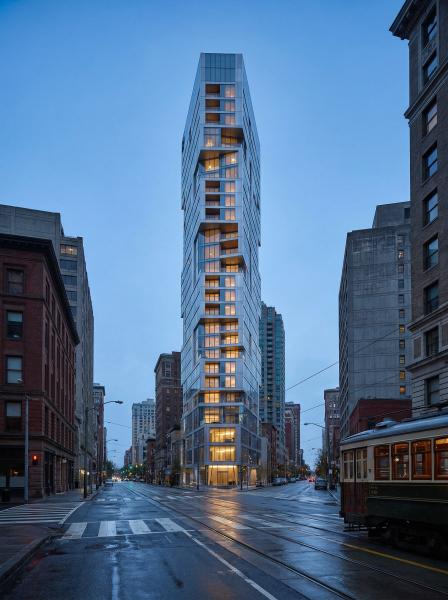
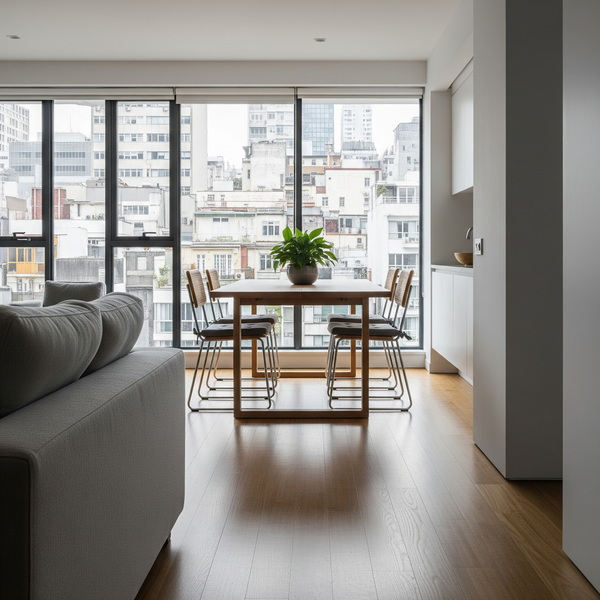
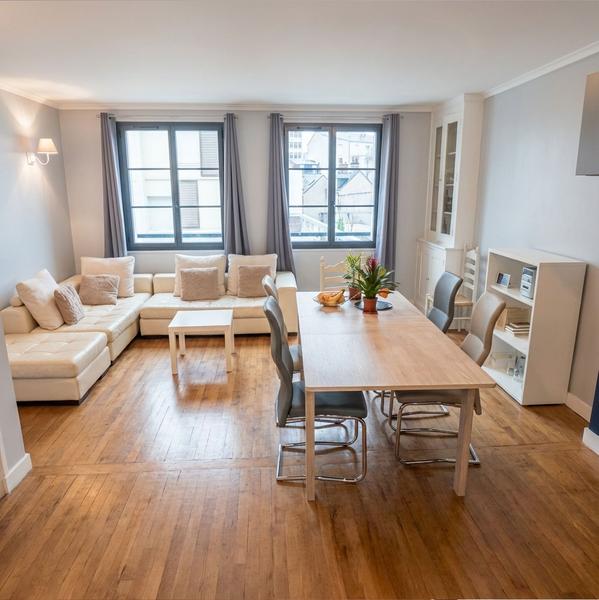 Template · Photo Enhance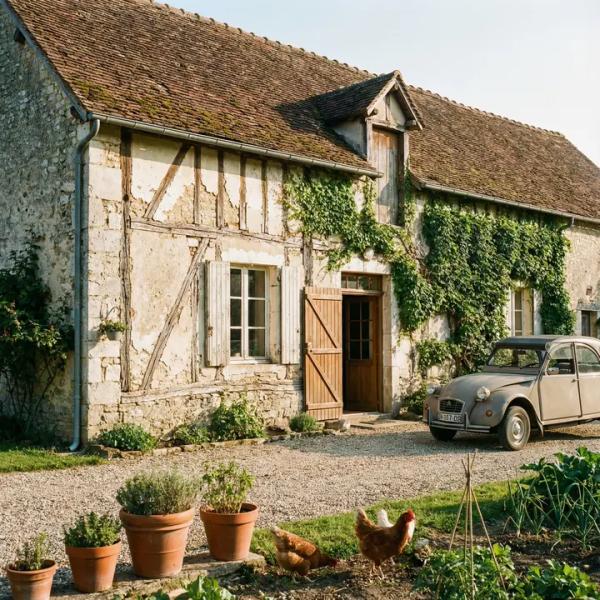
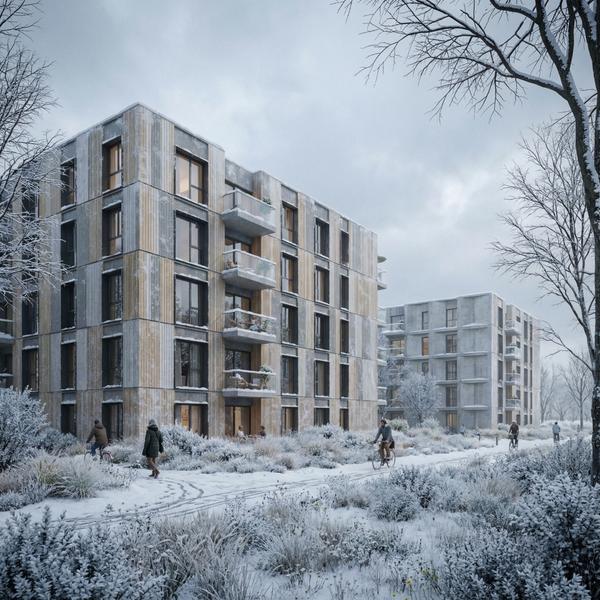
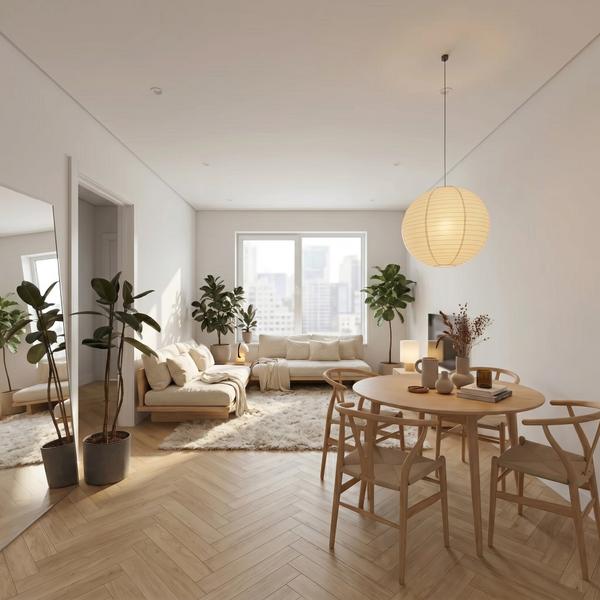 Template · Virtual Home Staging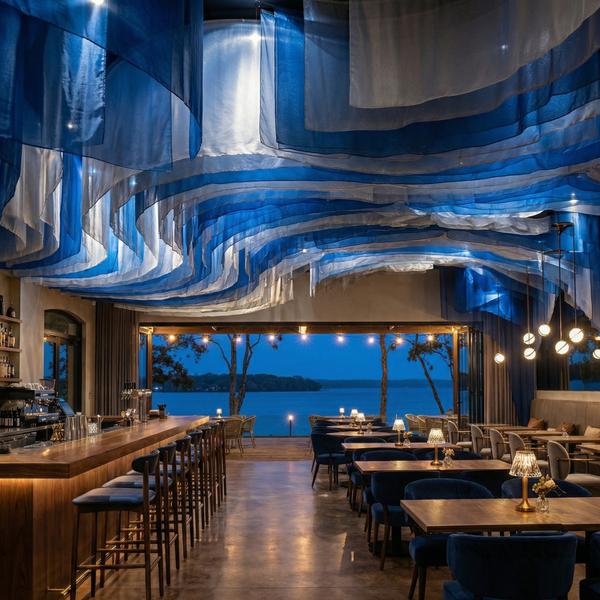
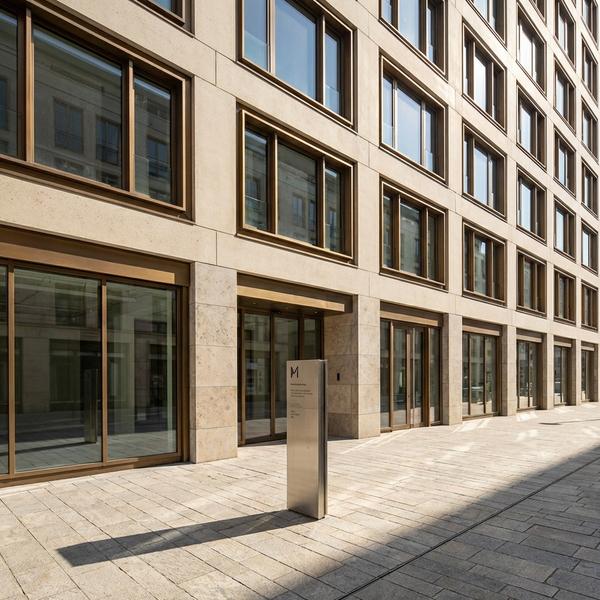
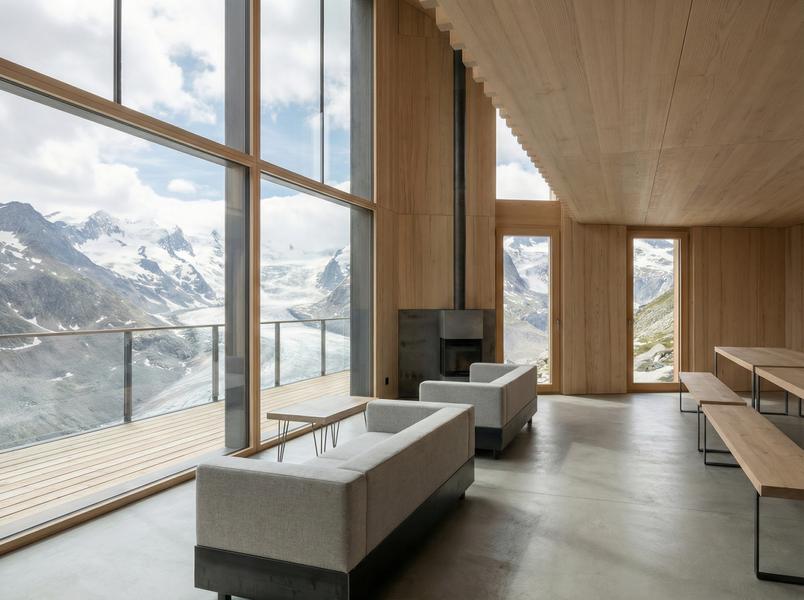
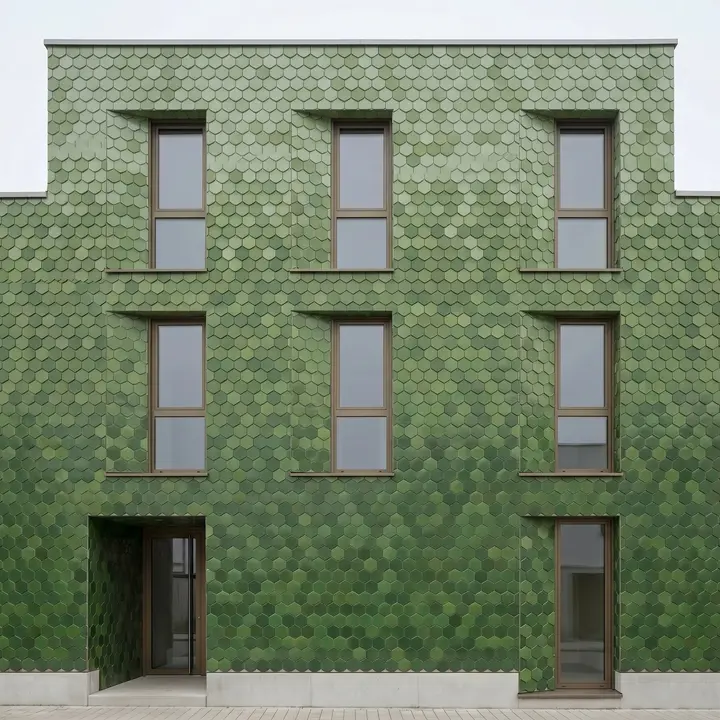
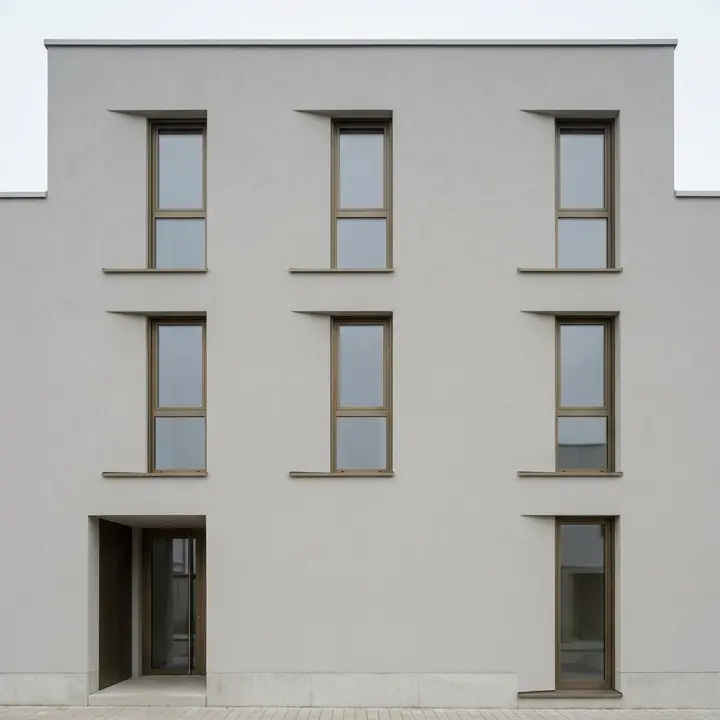
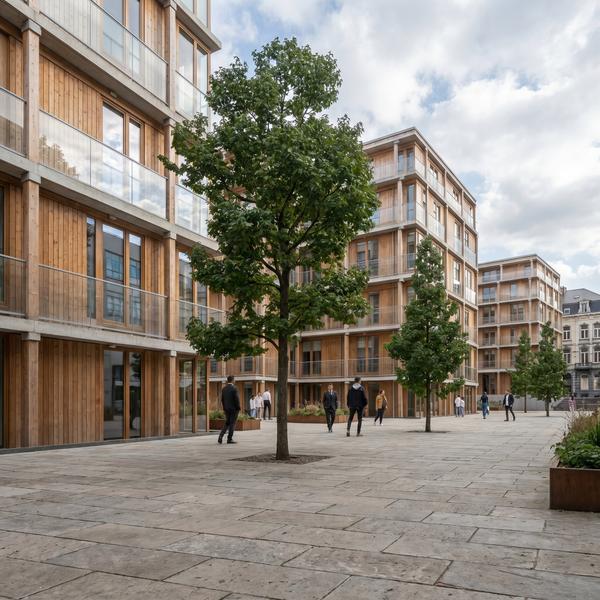 Template · Photoreal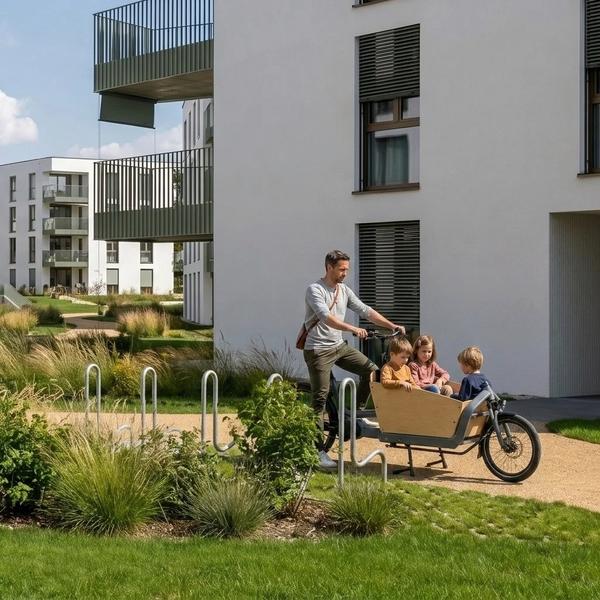
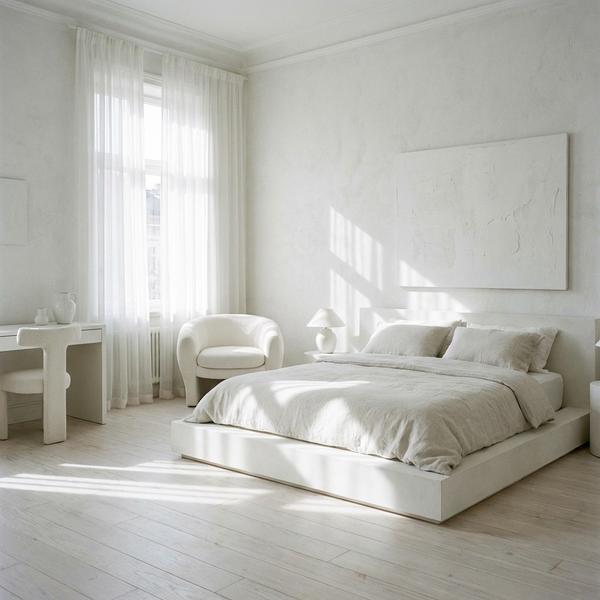
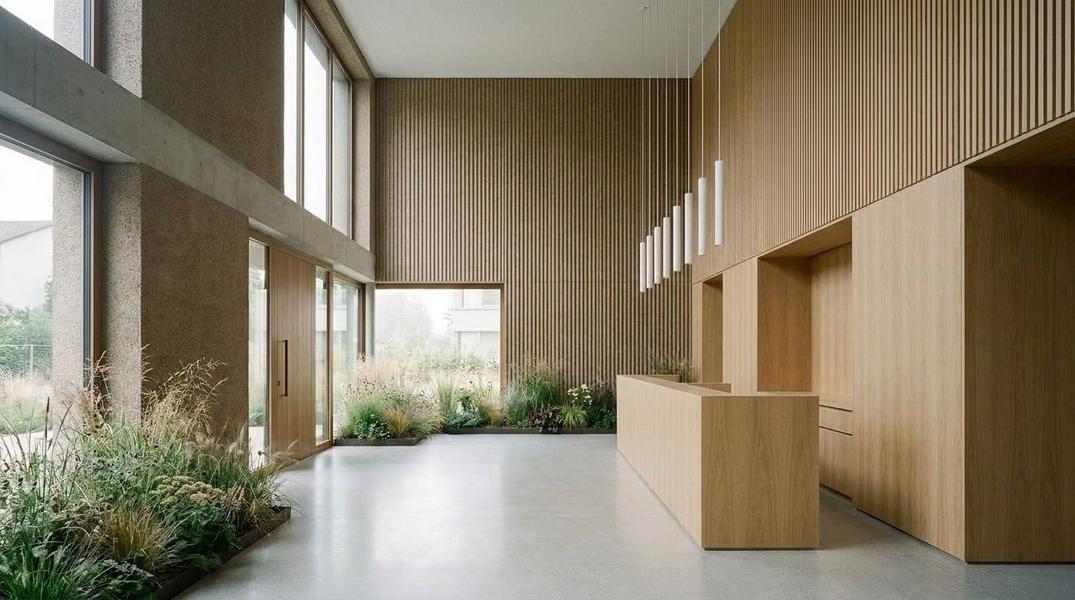 Nodes · 6 nodes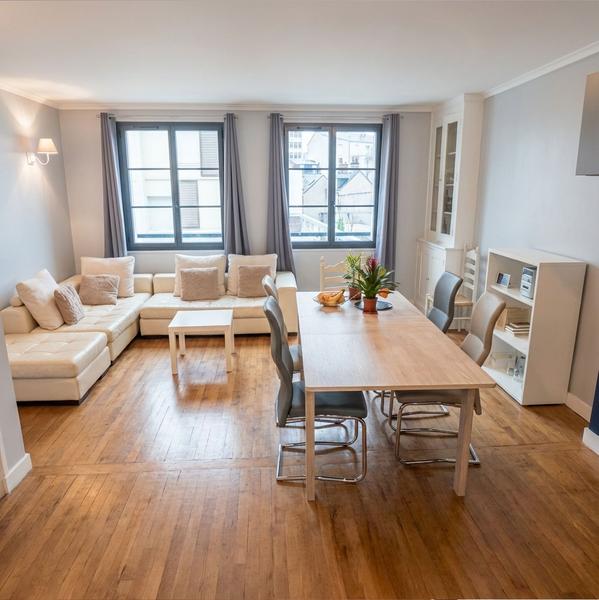
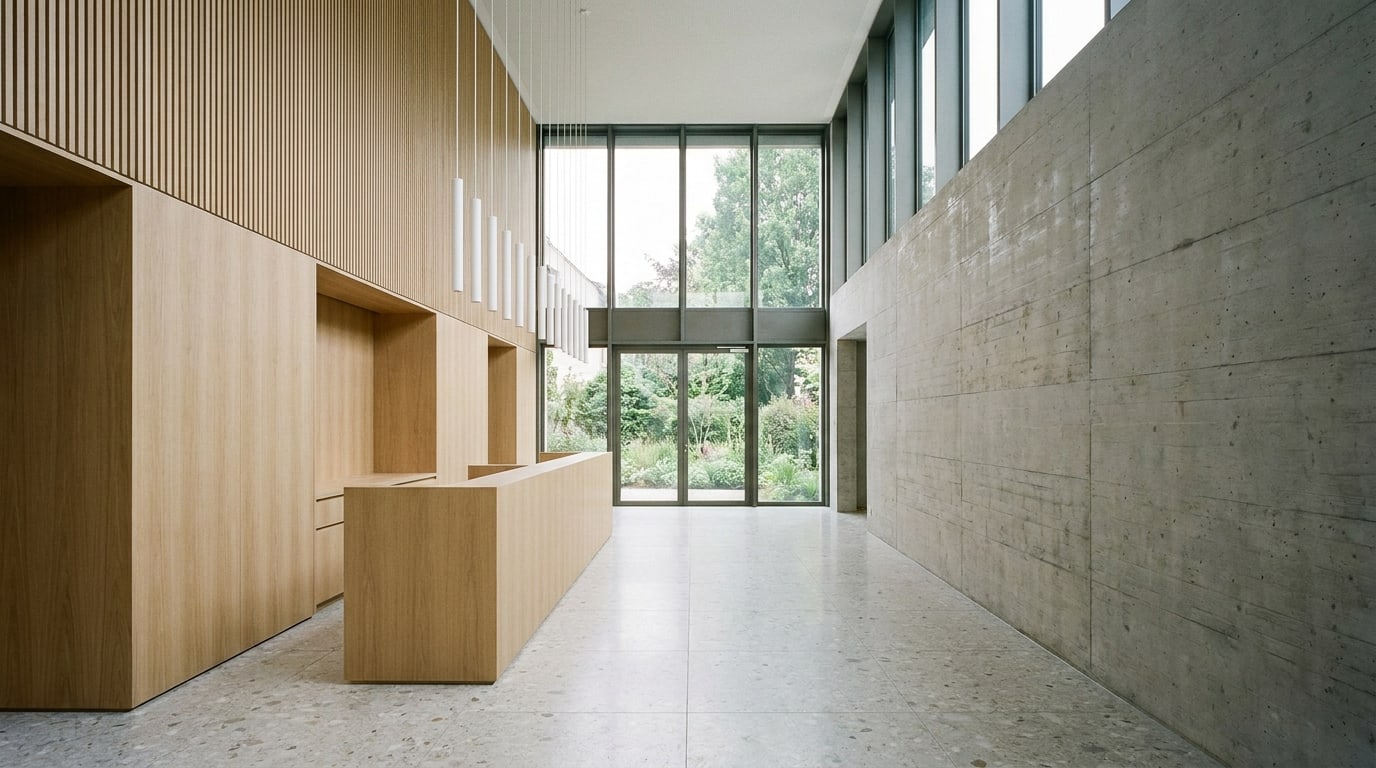
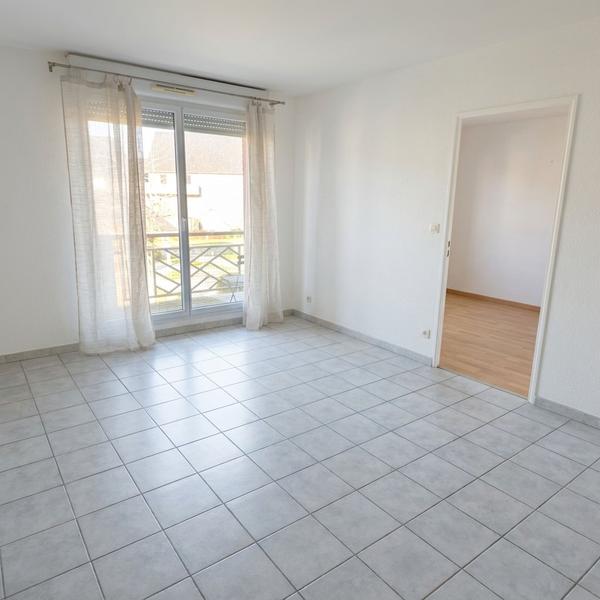 Template · Empty the Room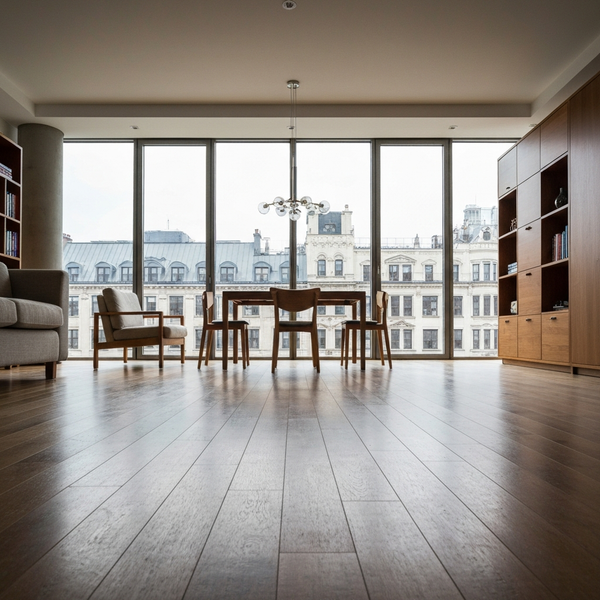
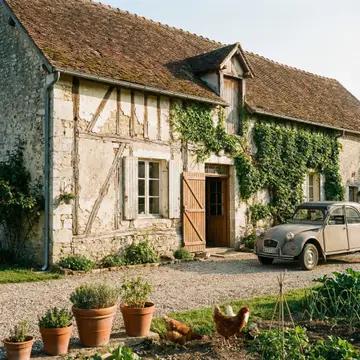
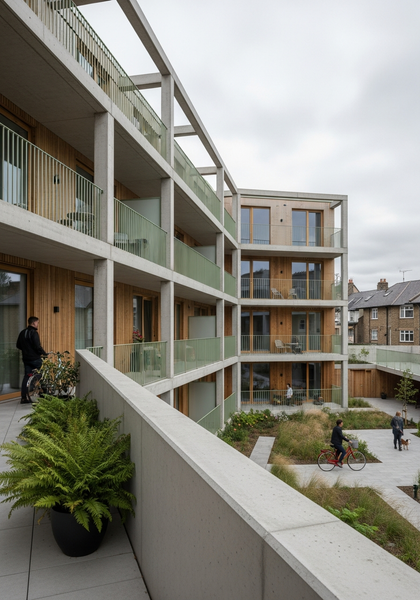
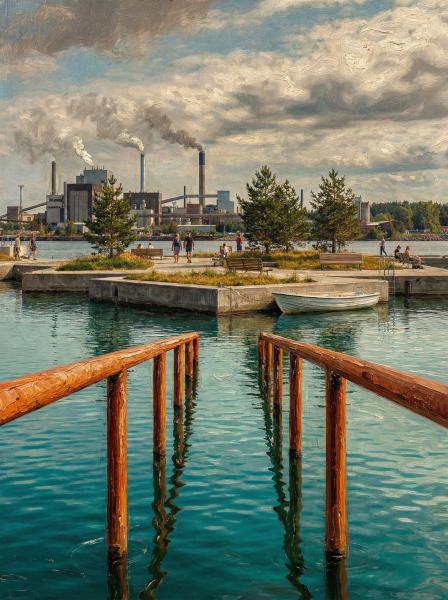
Four practices. Four disciplines. One common way of folding Arkia into their daily practice.
A master plan used to take three weeks of rendering. Now I iterate three times in an afternoon, with the client on the phone.
Three questions every practice asks before switching tools. Short answers — the long version lives on the pricing & FAQ page.
You do. Unlimited commercial use, full IP assignment included on every plan — no licensing fees, no attribution required.
Your uploads are never used to train models. Private by default, delete anytime. TLS 1.2+ in transit, AES-256 at rest.
Up to 4K native, with no watermark on paid plans. Used on live competition submissions — see the showcase.
| Compare plans | Free$0 | Explorer$15 | Creator$49 | Studio$149 |
|---|---|---|---|---|
| Credits / month | 75 / week | 2,000 | 5,000 | 14,000 |
| Flash images / month (1K) | ~5 / week | Up to 150 | Up to 500 | Up to 1,750 |
| Pro images / month (2K) | ~2 / week | ~75 | ~225 | ~820 |
| Cost per image | — | Entry | −20% | −36% |
| Beyond monthly credits | Upgrade | Pay-as-you-go | Pay-as-you-go | Pay-as-you-go |
| Resolution | Up to 4K | Up to 4K | Up to 4K | Up to 4K |
| Video (Animate) | Draft | Draft, Standard, Final | Draft, Standard, Final | Draft, Standard, Final |
| Template library | Full | Full | Full | Full |
| Commercial license | Standard | Standard | Standard | Extended |
| Team seats | 1 | 1 | 1 | Unlimited |
| Shared projects | — | — | — | ✓ |
| Team wallet & centralized billing | — | — | — | Included |
| Credits never expire | ✓ | ✓ | ✓ | ✓ |
Swipe to compare Creator and Studio →
An AI architectural visualization studio: production templates, a manual canvas and a node-based procedural pipeline — no prompt engineering required.
Up to 4K native, no watermark. Photorealistic renders ready for client presentations and planning submissions, and short video clips up to 1080p.
Upload, edit, export in three steps. Templates encode the expertise for each use case, so first drafts land in minutes, not hours.
Free forever: 200 bonus credits on signup plus 75 free credits every Monday. Paid tiers: Explorer $15 · Creator $49 · Studio $149 per month. Credits never expire, commercial license included on every plan.
You own every image you generate. Uploads are never used to train shared models. Private by default, delete anytime. TLS 1.2+ in transit, AES-256 at rest.
Arkia is an AI architectural visualization studio. It generates photorealistic renders, crowd-filled scenes, construction-execution views and before/after comparisons from purpose-built templates, and animates them into short video clips, so architects and design teams get production-ready output without prompt engineering.
Practicing architects, interior designers, real estate professionals and archviz teams who need repeatable, production-ready renders for client presentations, planning submissions and marketing material.
Midjourney and Krea are generic image models that require custom prompts for every render. Veras and similar tools focus on single-shot rendering from a 3D viewport. Arkia ships production templates — crowds, execution views, twilight, virtual staging, sky replacement — that encode the expertise for each architectural use case, inside a team workspace.
Yes. Animate turns any image into a short clip, or goes from a start frame to an end frame and transforms one into the other. Pick a camera move (orbit, push in, pull out, rise) and a scene (subtle life, day to night), or describe the motion in your own words. Draft gives a fast 768p preview on every plan, including Free; Standard (768p or 1080p) and Final (1080p, up to 30 seconds) come with a paid plan. Video is billed in credits per second of clip.
Arkia is free forever: 200 bonus credits the day you sign up, then 75 free credits every Monday — fungible across models, so one week can be five Nano Banana Flash previews, two Nano Banana Pro renders, or a single 4K hero shot. Paid subscriptions start at $15 per month (Explorer, 2,000 credits ≈ 75 images), with Creator at $49 (5,000 credits ≈ 225 images) and Studio at $149 per month (14,000 credits ≈ 820 images). All plans include a commercial license and credits never expire.
Renders return within minutes, scaling with the model and resolution (2K is faster than 4K, Nano Banana Flash is faster than Nano Banana Pro). Because templates encode the expertise for each use case, first drafts are usable without prompt engineering — iterations are visual, not verbal.
Inputs: JPG, PNG, WebP and TIFF for 2D images. Exports: PNG and JPG at up to 4K out of the box, and MP4 at up to 1080p for videos.
Your uploads and generated images are not used to train shared or foundation models. Fully anonymized data may be used internally to monitor quality — details are in the Privacy policy. Projects are private by default, deletable anytime, encrypted in transit (TLS 1.2+) and at rest (AES-256).
Yes, on the Studio tier: an organization with unlimited team seats, invite-only membership, a shared team wallet with per-member spending caps, and centralized billing. For larger deployments or custom procurement, contact hello@arkia.app. For help with your account, write to help@arkia.app.
We use cookies to measure how arkia is used so we can improve it. Nothing is tracked until you agree.