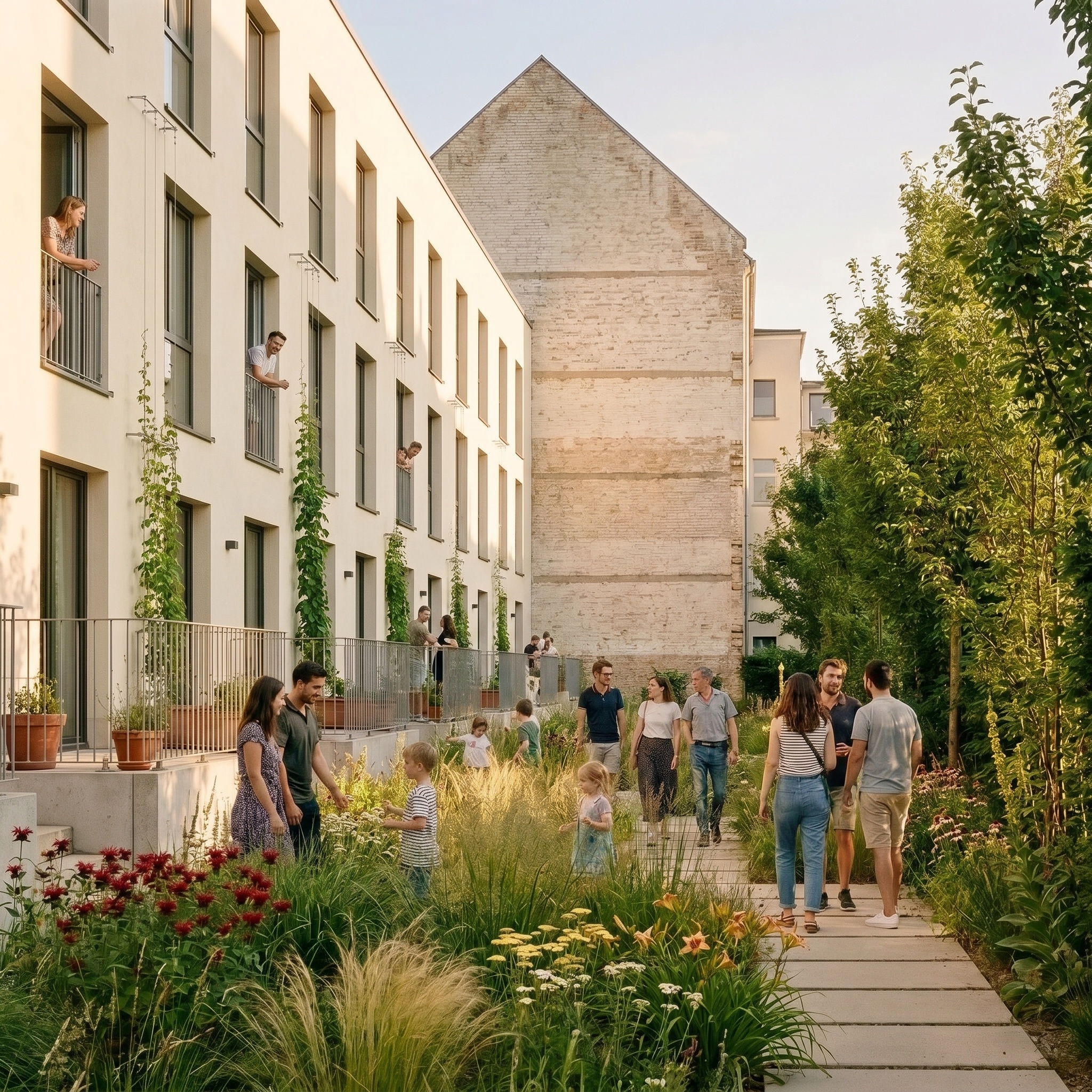
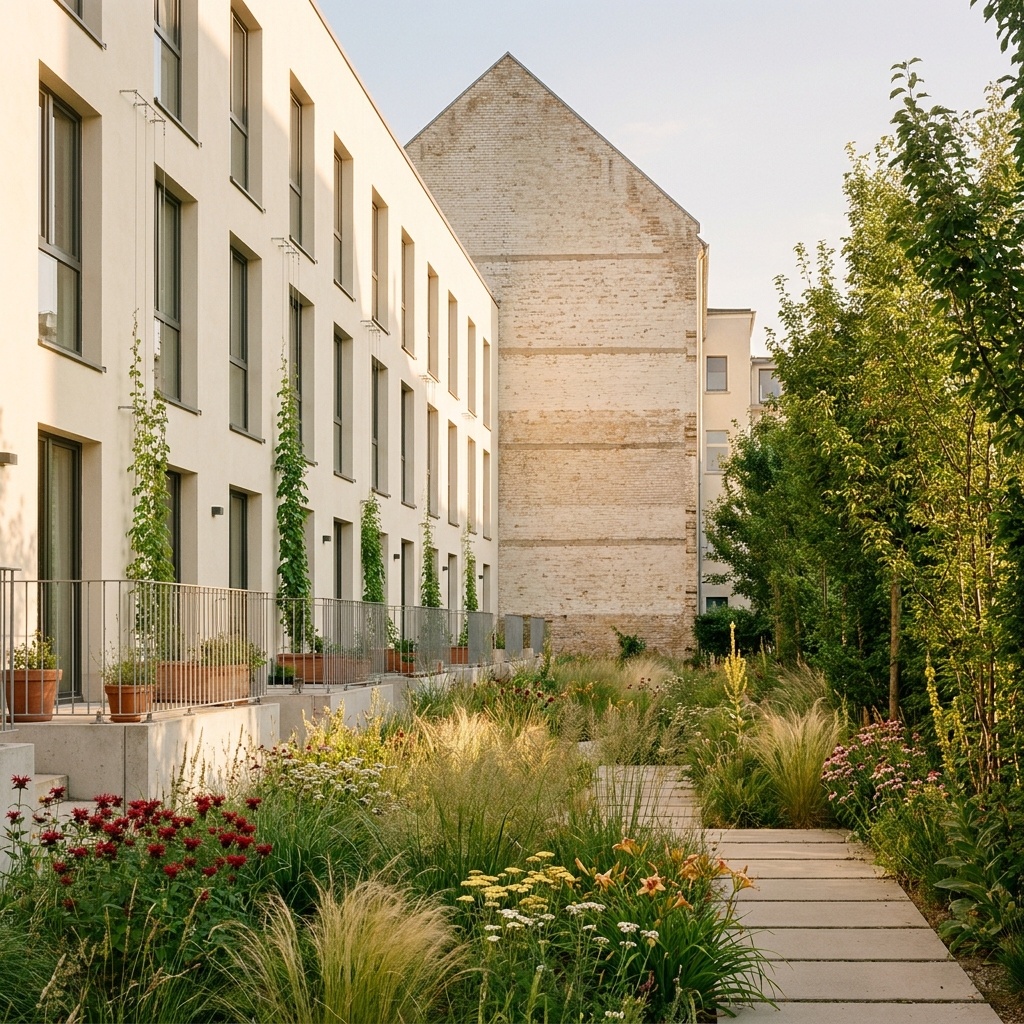
Google Maps to Drone Photo
Turn a Google Maps capture into a realistic drone-style aerial view.
- Free to try
- No plugin
- No credit card
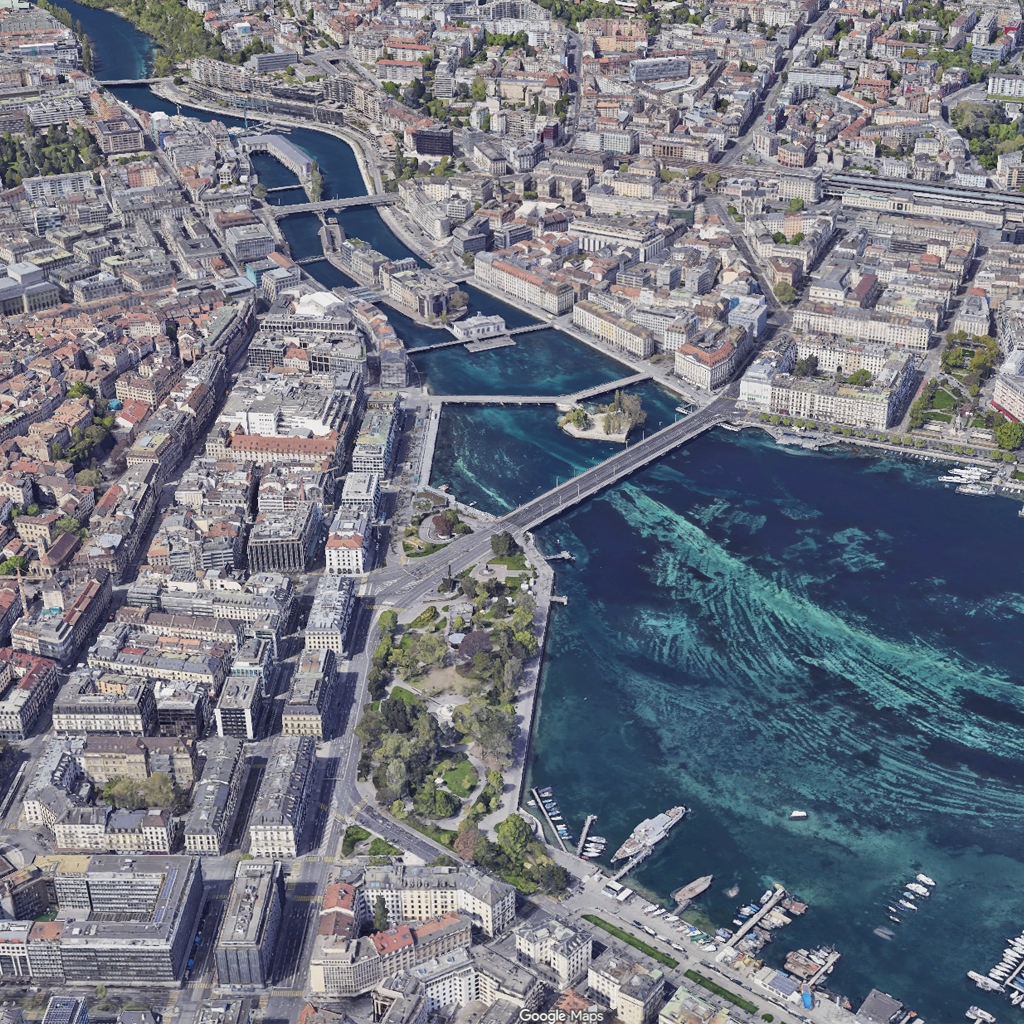
Nano Banana Pro
Sample input · click Generate to see the result
About this model
Turns a Google Maps 3D capture into a photorealistic aerial drone photograph of the same site, from the same viewpoint. The search bar, buttons, place pins, street and business names and the Google logo are erased and rebuilt; building footprints and heights, vegetation, road geometry and framing stay as they are. The output reads as a sunny-day drone shot over the actual location, in the materials and vegetation of the place. Cinematic mode switches to late-afternoon light: a low warm sun, long shadows and a soft haze, with the same site and framing. Standard mode gives a clear daylight aerial document. Useful for urban planners, architects and developers who need an aerial visualisation of a project site without commissioning a drone flight or paying for an orthophoto licence.
When to use it
An urban planning office is preparing a feasibility study for a new mixed-use development on a 3-hectare site at the edge of a mid-sized European town. The deck needs an aerial view of the existing site, and a commissioned drone flight costs four figures plus two weeks of waiting on weather. The team takes a Google Maps screenshot of the parcel, runs it through Google Maps to Drone Photo, gets a publishable aerial photograph in minutes, drops it on page two of the deck.
Building footprints from the map are preserved. Heights are inferred from Google Maps's 3D approximation when present; without 3D data, the model defaults to plausible heights for the building typology visible. For accurate heights on a specific project, use a 3D viewport screenshot through Photoreal.
The template visualises the existing site only. To show a new project on that site, run Google Maps to Drone Photo first to get the as-is aerial, then composite the new building visualisation on top in your editing tool.