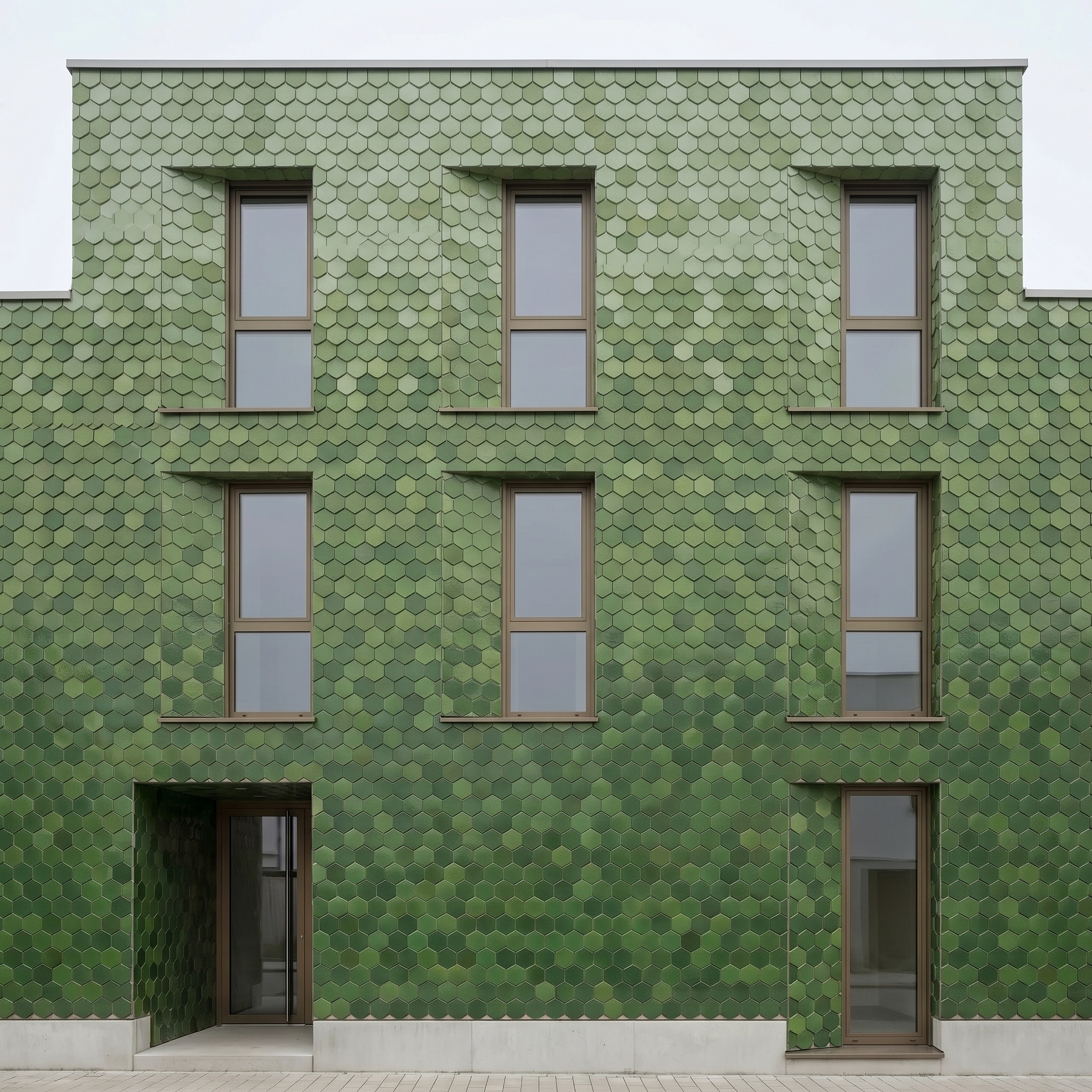
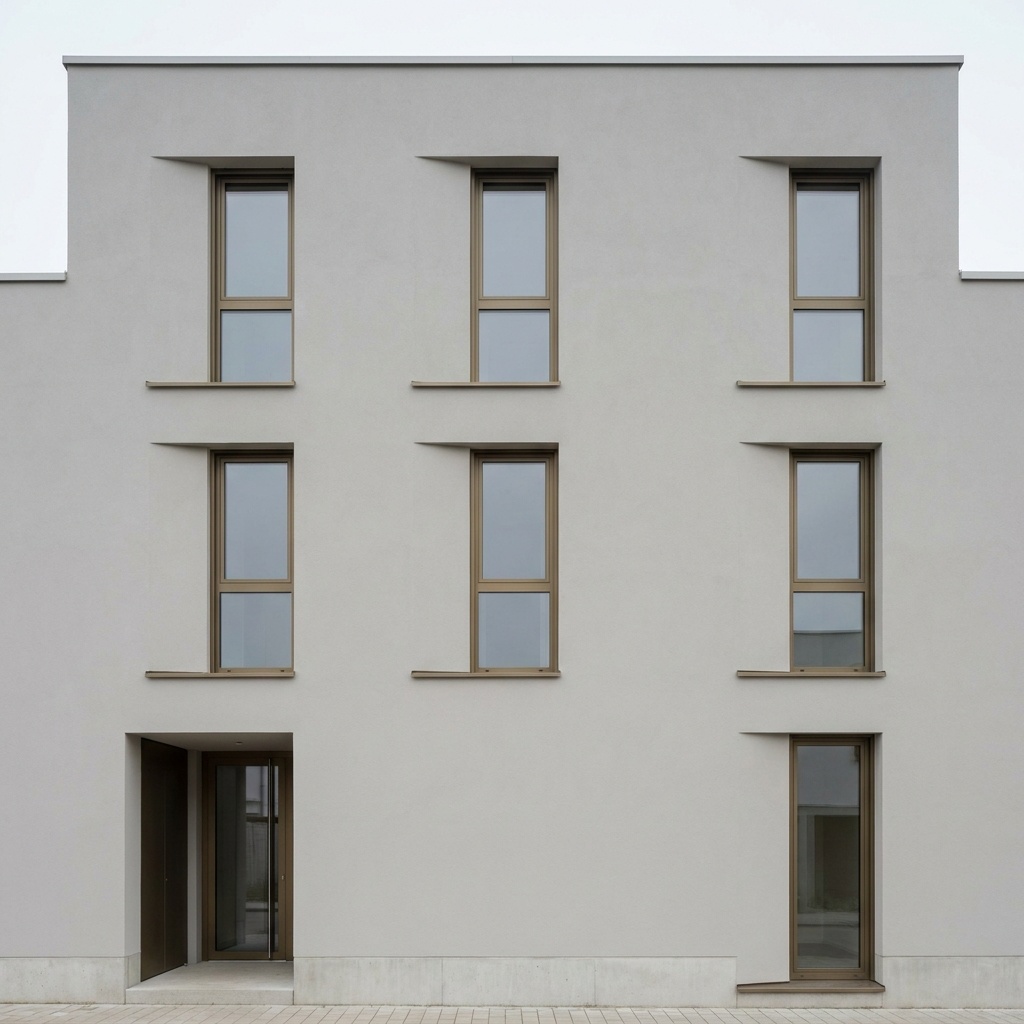
Image to Photo Model
Give a realistic physical-model look to a 3D view or plan.
- Free to try
- No plugin
- No credit card
Nano Banana Pro
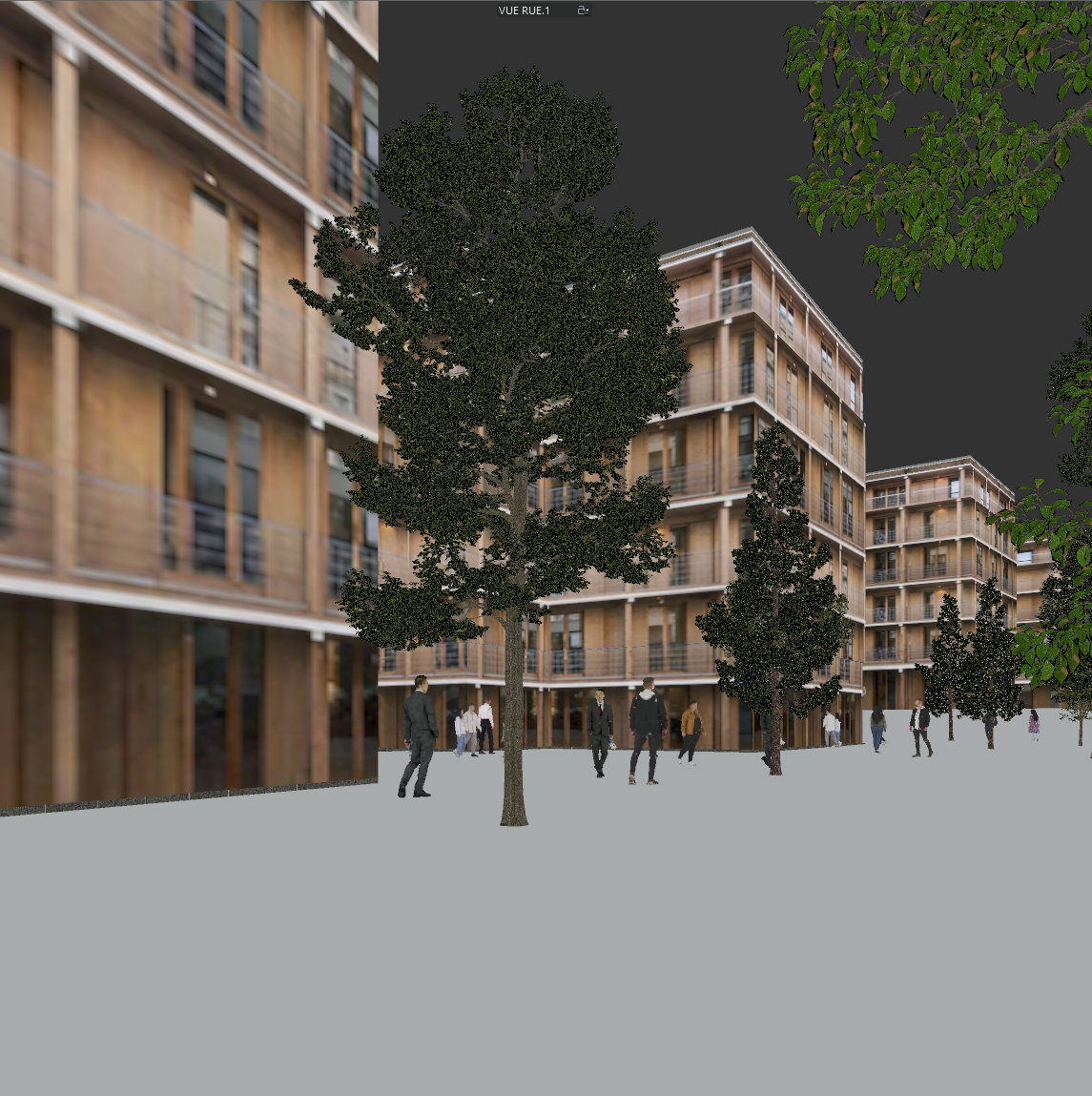
Sample input · click Generate to see the result
About this model
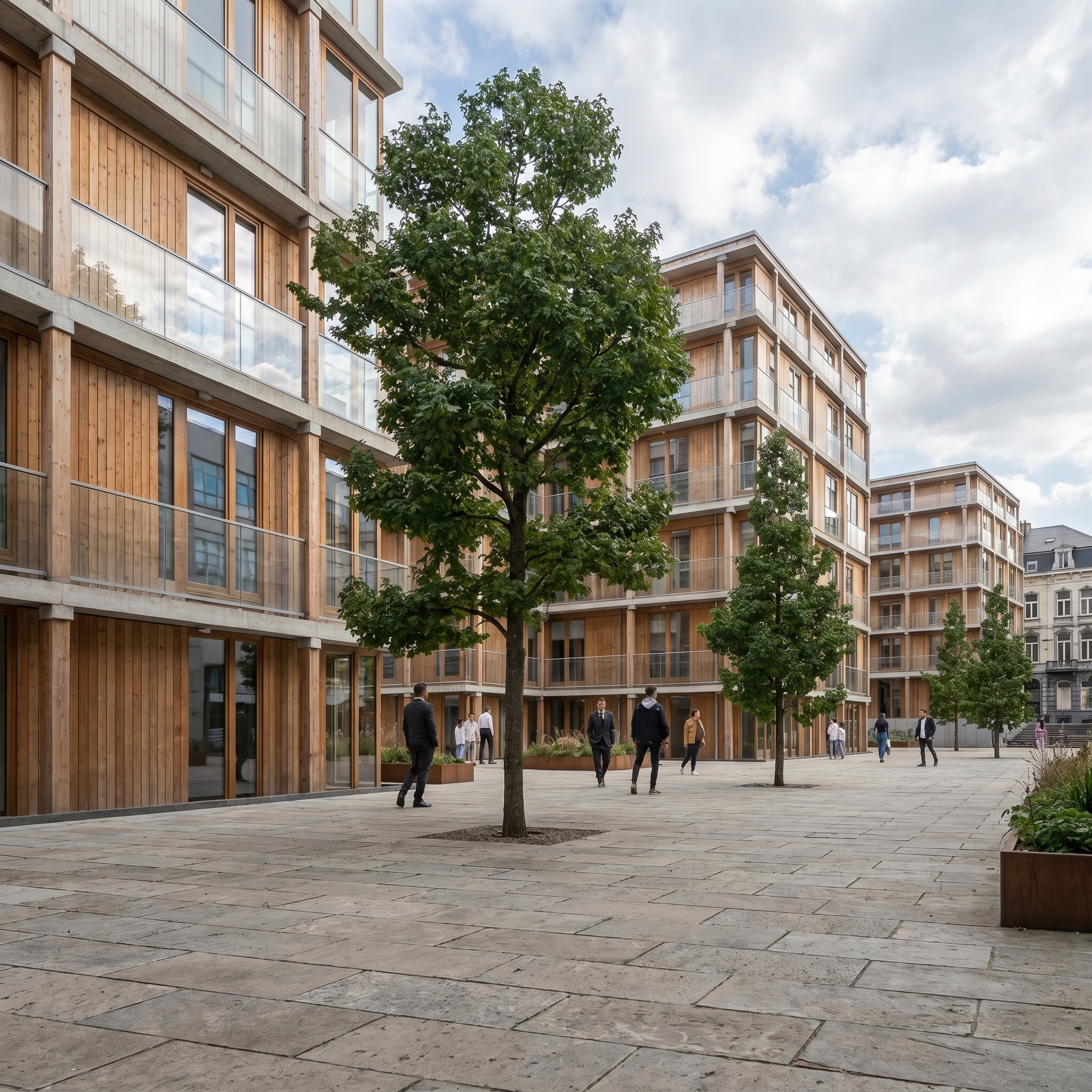
Turns a 3D viewport, plan view or rendered image into a photorealistic photograph of a physical architectural model — as if the project had been laser-cut, 3D-printed or hand-built and shot in a studio. Three styles are available: 3D Print (white PLA/ABS, visible layer striations, monochromatic surgical white), Competition (laser-cut topographical layers, light wood veneer, warm interior LEDs, abstract scale figures), and Commercial (realistic facade textures, hand-painted figures, hyper-detailed landscaping, marketing brochure register). Building geometry, composition and overall siting are preserved from the source; only the materiality, lighting and presentation register change. Useful for competition boards where a model photograph reads more credibly than a render, for client presentations where the physical-model aesthetic conveys care and craft, and for marketing brochures where the Commercial register positions the project as a tangible product.
When to use it
An architecture studio submits a competition for a 4-storey civic centre. The competition rules ask for "physical models or sketches only" — photorealistic renders are out. The studio's BIM model is built and the deadline is in two days; commissioning a real laser-cut model is impossible at that pace. The studio takes the BIM viewport, runs Image to Photo Model in "Competition" style, gets a competition-grade physical-model photograph indistinguishable from a real laser-cut original, and submits within the brief.
Yes — building massing, openings and overall composition are extracted from the source. The model adds the material register, the staging (base, scale figures, background) and the studio lighting on top.
The output is a presentation visual, not a measured drawing. Dimensions are realistic but the file is not a substitute for technical documentation. Use it for boards, decks and marketing — and pair with Photoreal when the same project also needs a magazine-grade architectural photograph.