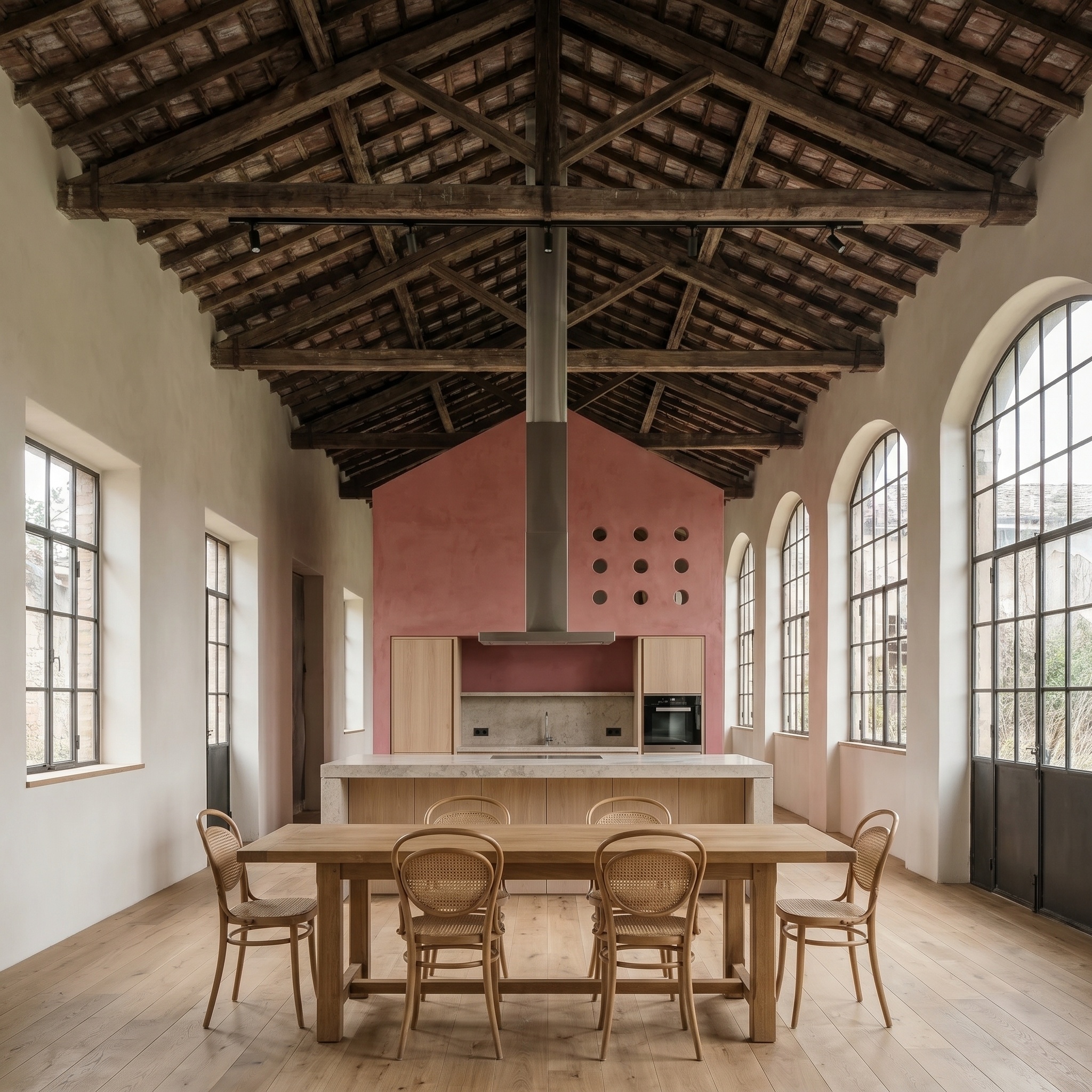
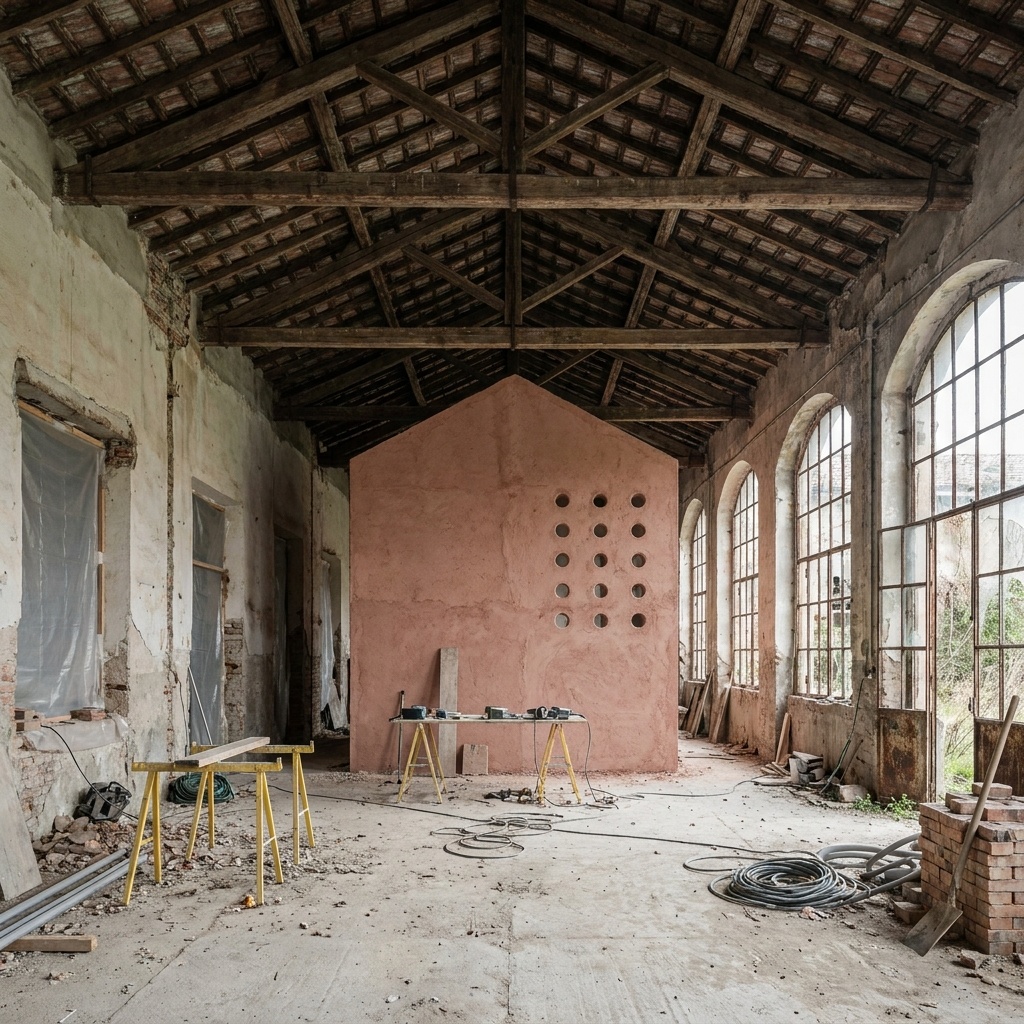
Material Swap
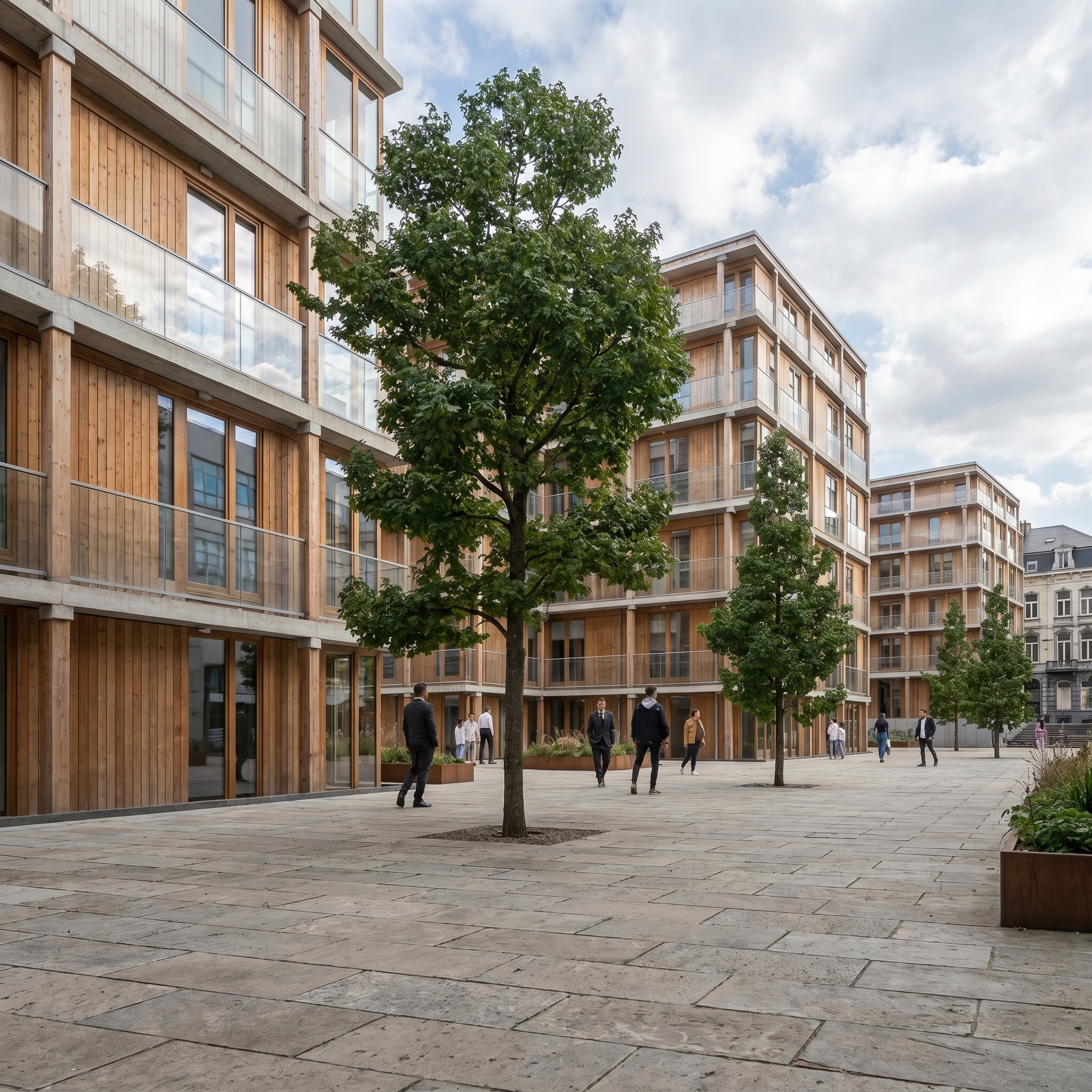
Test a different facade material (concrete, charred wood, brick, stone) on your modelled facade.
- Free to try
- No plugin
- No credit card
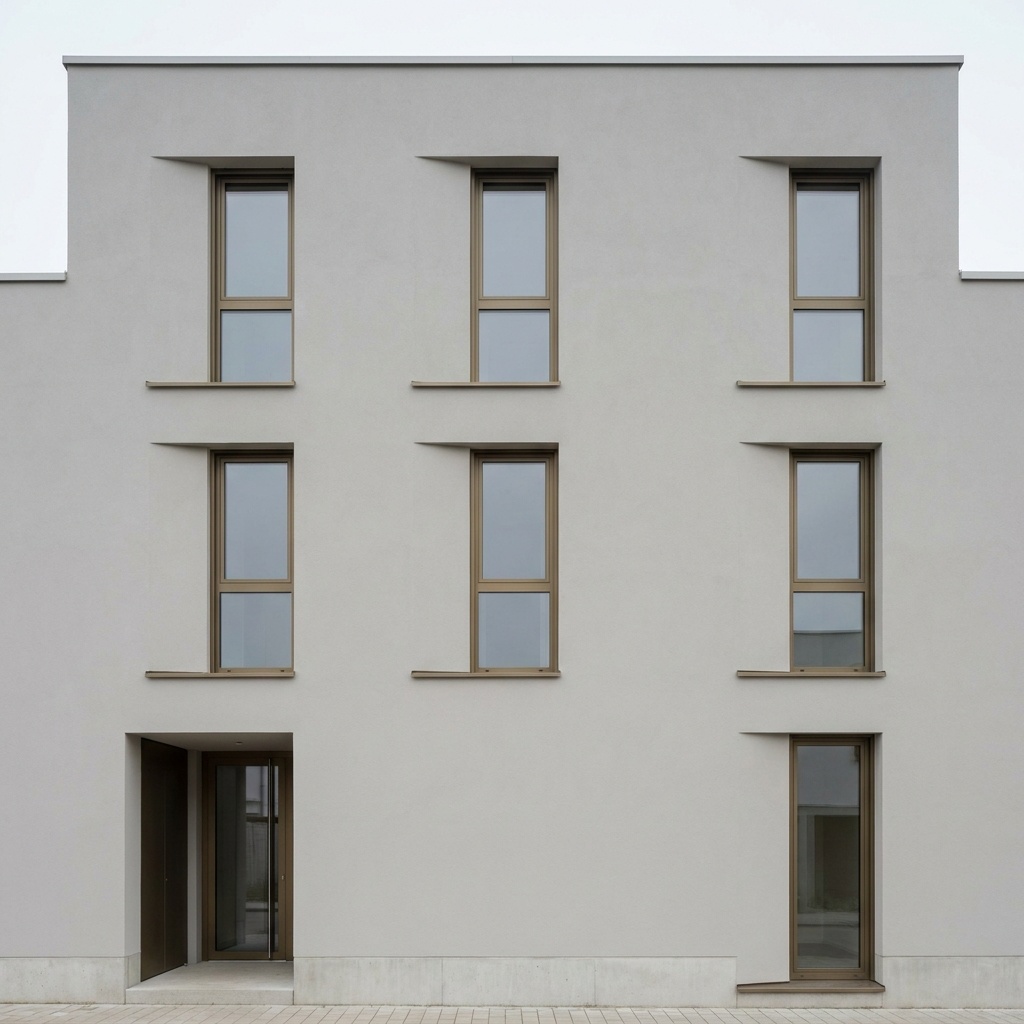
Nano Banana Pro
Sample input · click Generate to see the result
About this model
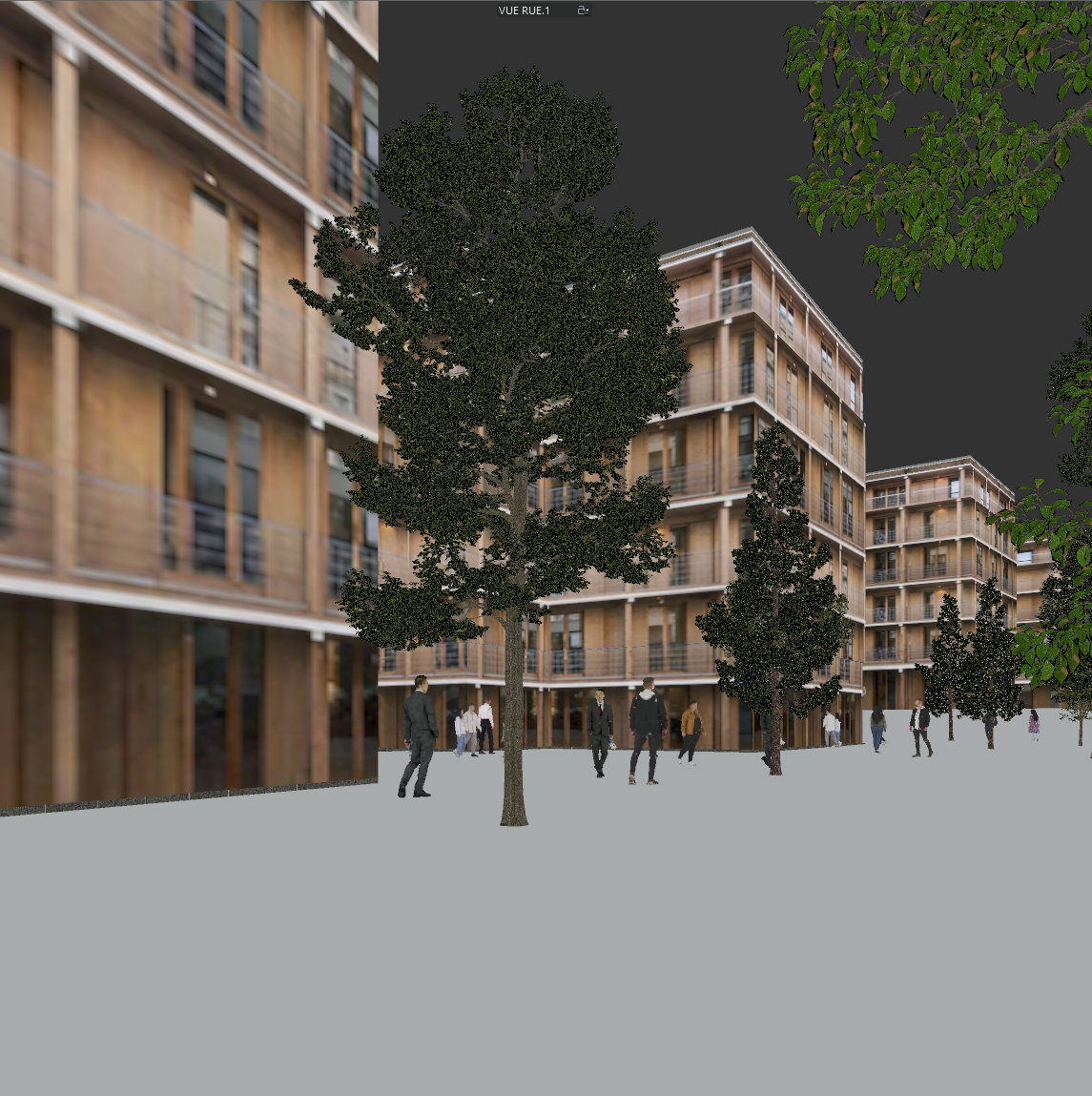
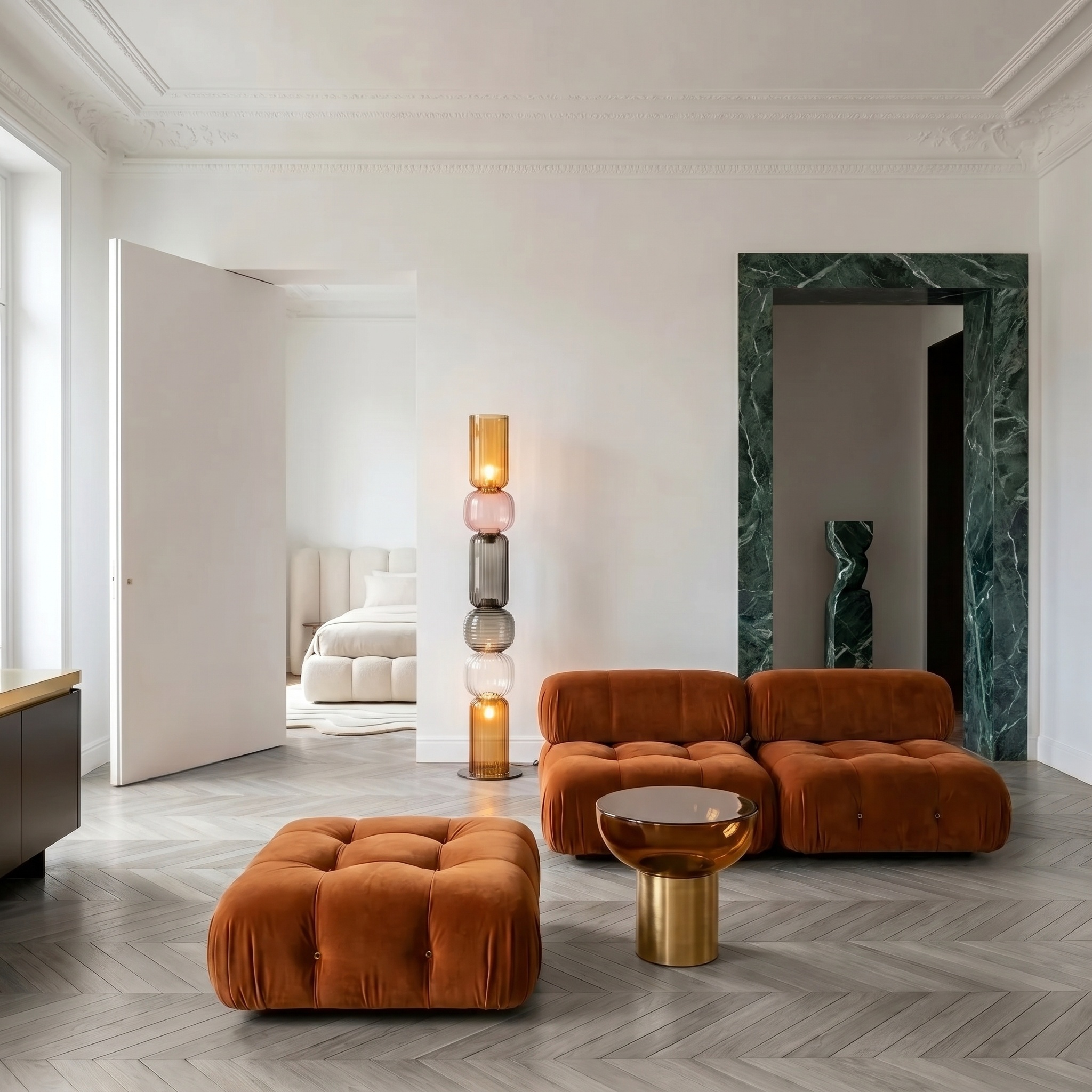
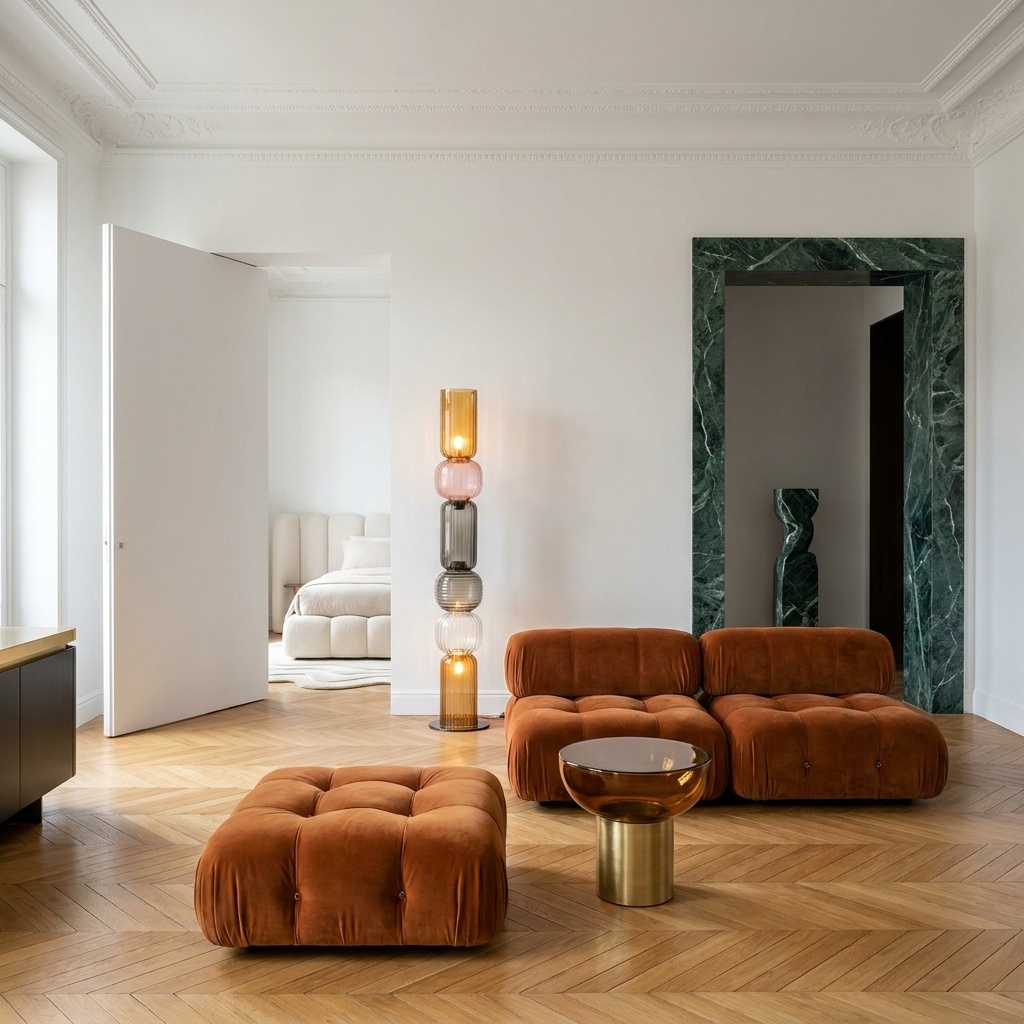
Tests a different facade material on the same modelled building. Concrete, charred wood (shou-sugi-ban), brick, cut stone, fluted metal, terracotta cladding — any material that can be expressed as a flat swatch is fair game. The new material is laid across the facade with realistic application logic: joint module aligned to architectural rhythm, course alignment to floor lines, surface relief tactile at scale, weathering subtly varied across the elevation. Building massing, openings, balconies, parapets and copings stay exactly where they are. The swatch's lighting and color cast are not imported — only its surface grammar and material character. Useful when the design is locked but the facade material is still in discussion with the client or the planning authority. Generating four material variants takes seconds; re-rendering them in the BIM workflow takes the rest of the day.
When to use it
An architecture studio is deciding the cladding for a 6-storey residential block. Three options on the table: zinc standing seam, charred Siberian larch, brick. The 3D model is built and the cameras are set. The studio takes one viewport screenshot, runs Material Swap three times with each swatch, drops the three variants in the planning meeting. Decision made in twenty minutes, full re-rendering avoided.
One material per pass — the model treats the whole facade as a single material zone. For a two-material composition (stone base, metal upper floors), run one swap per material and composite the two results.
Yes, but the cleaner the source the better. Photographs of finished buildings with very strong existing texture (heavy brick, deeply carved stone) can confuse the model. 3D viewport screenshots produce the most predictable results.