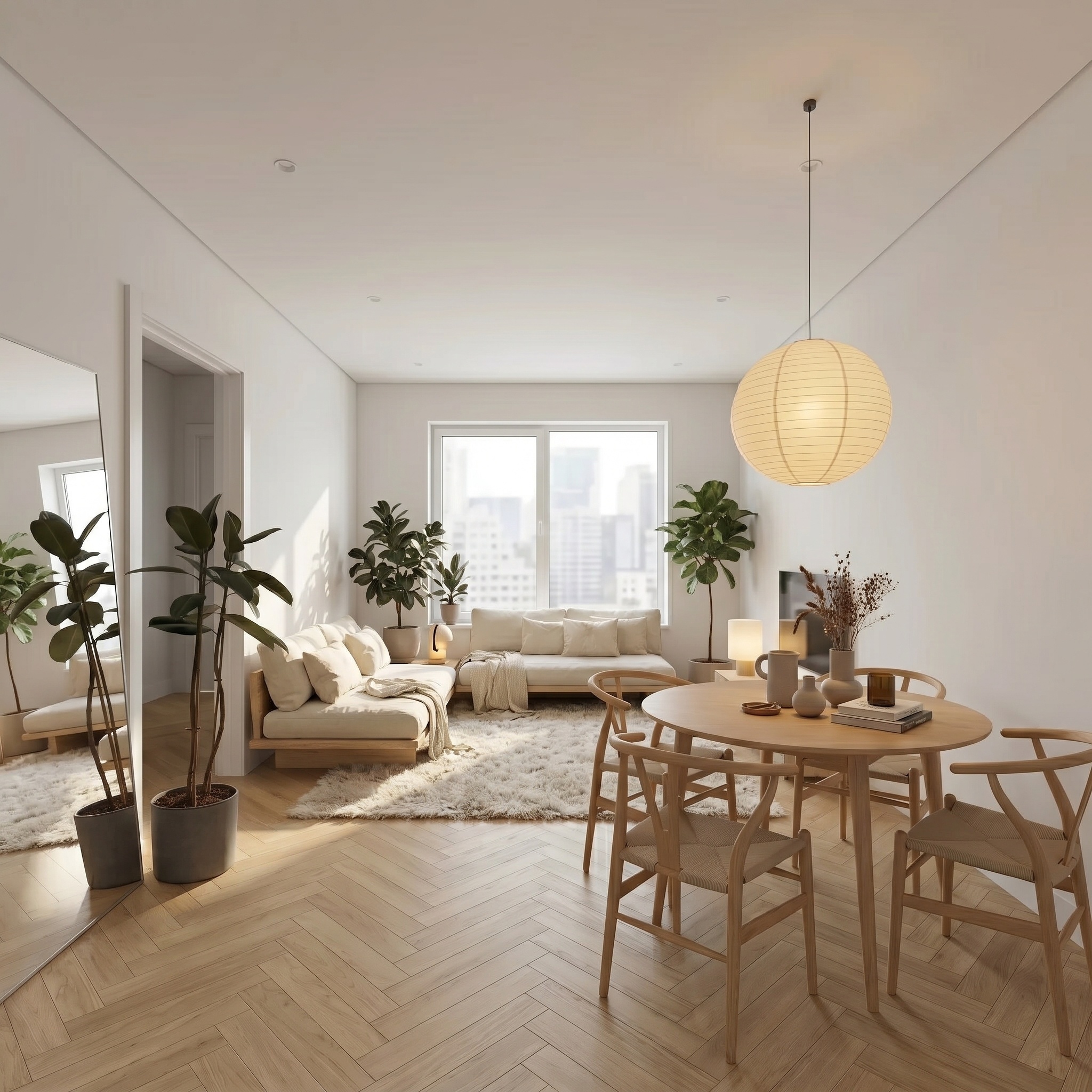
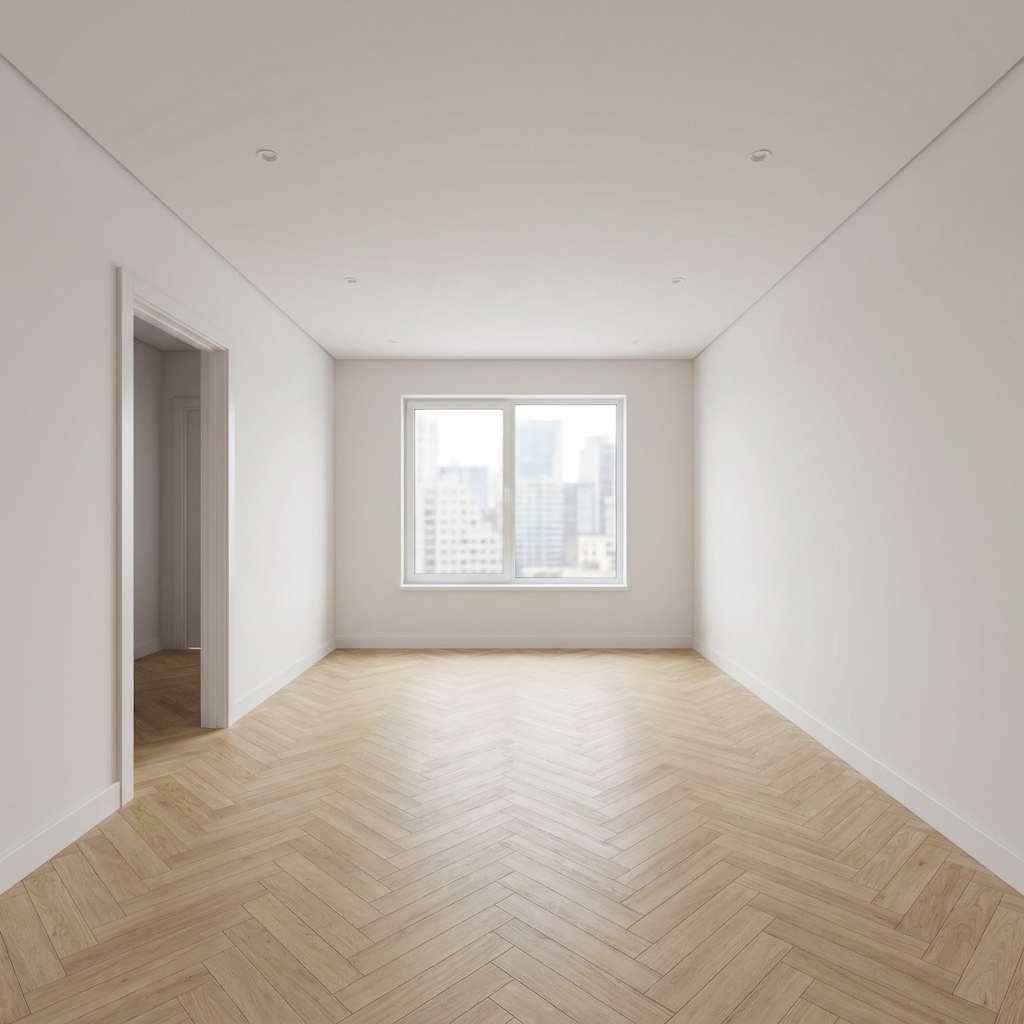
Virtual Renovation
Simulate major works: open-plan kitchen, floor swap, fireplace removal...
- Free to try
- No plugin
- No credit card
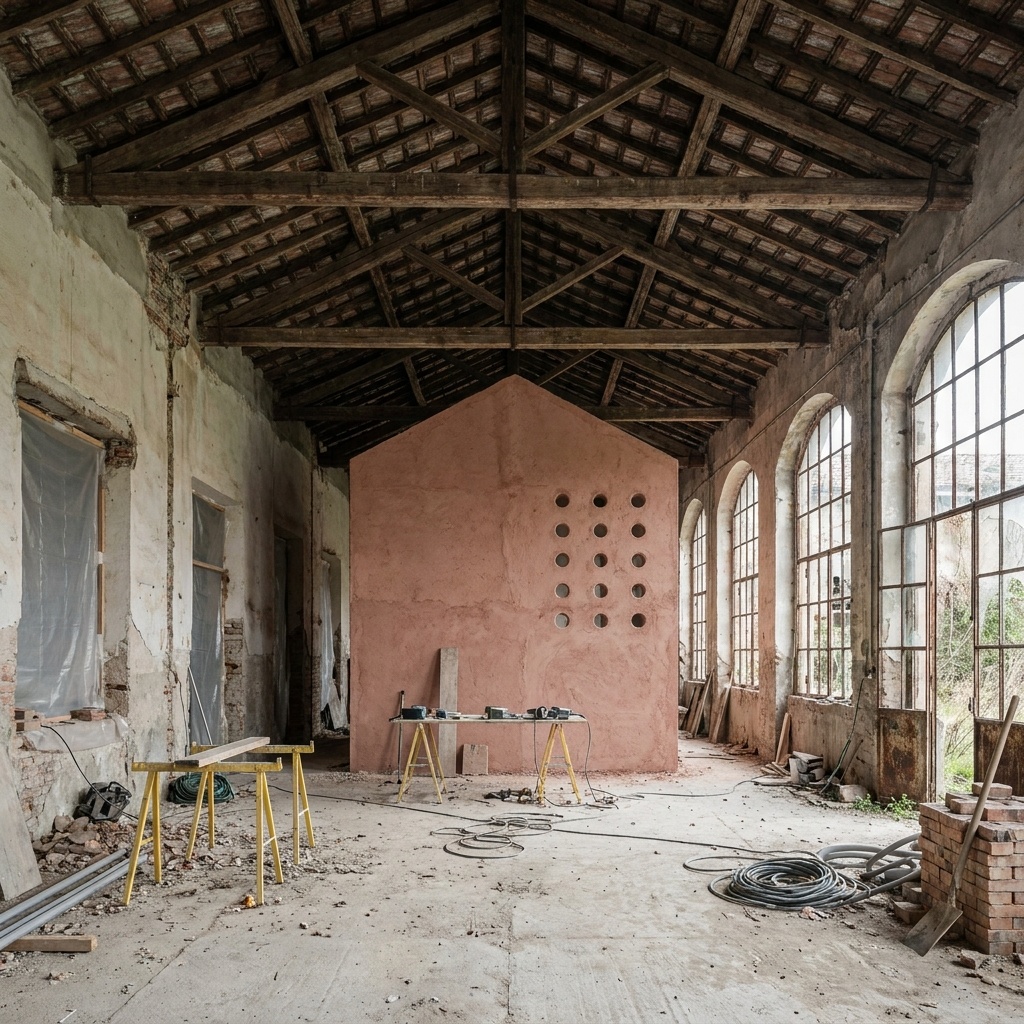
Nano Banana Pro
Sample input · click Generate to see the result
About this model
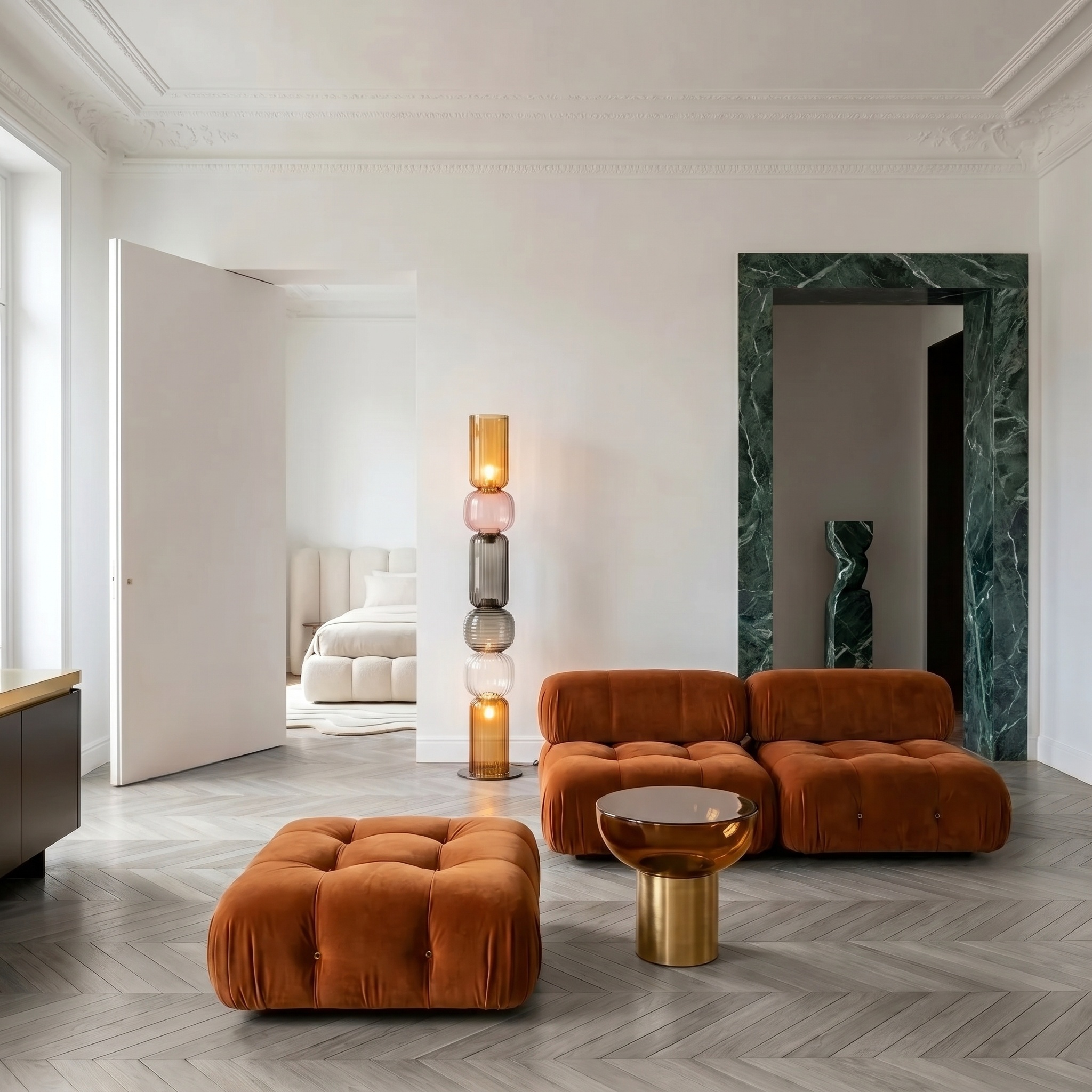
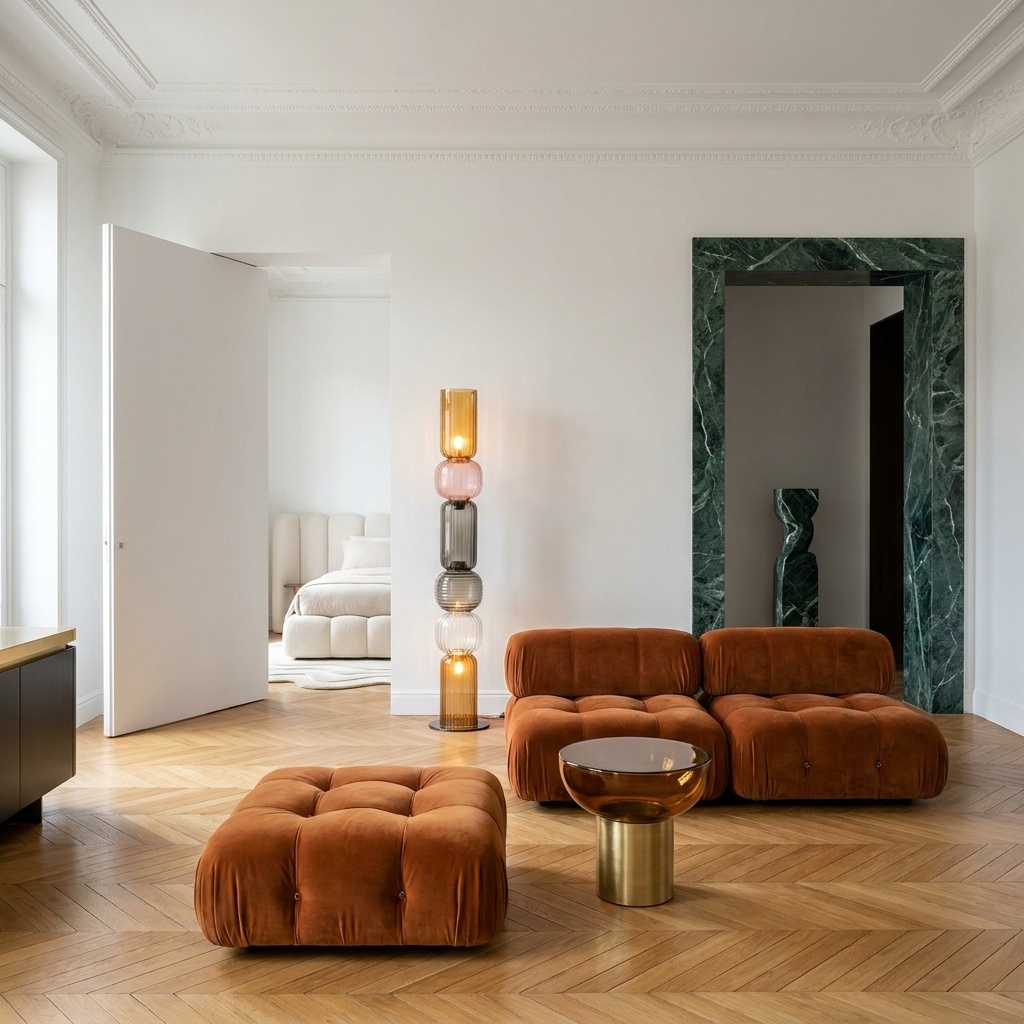
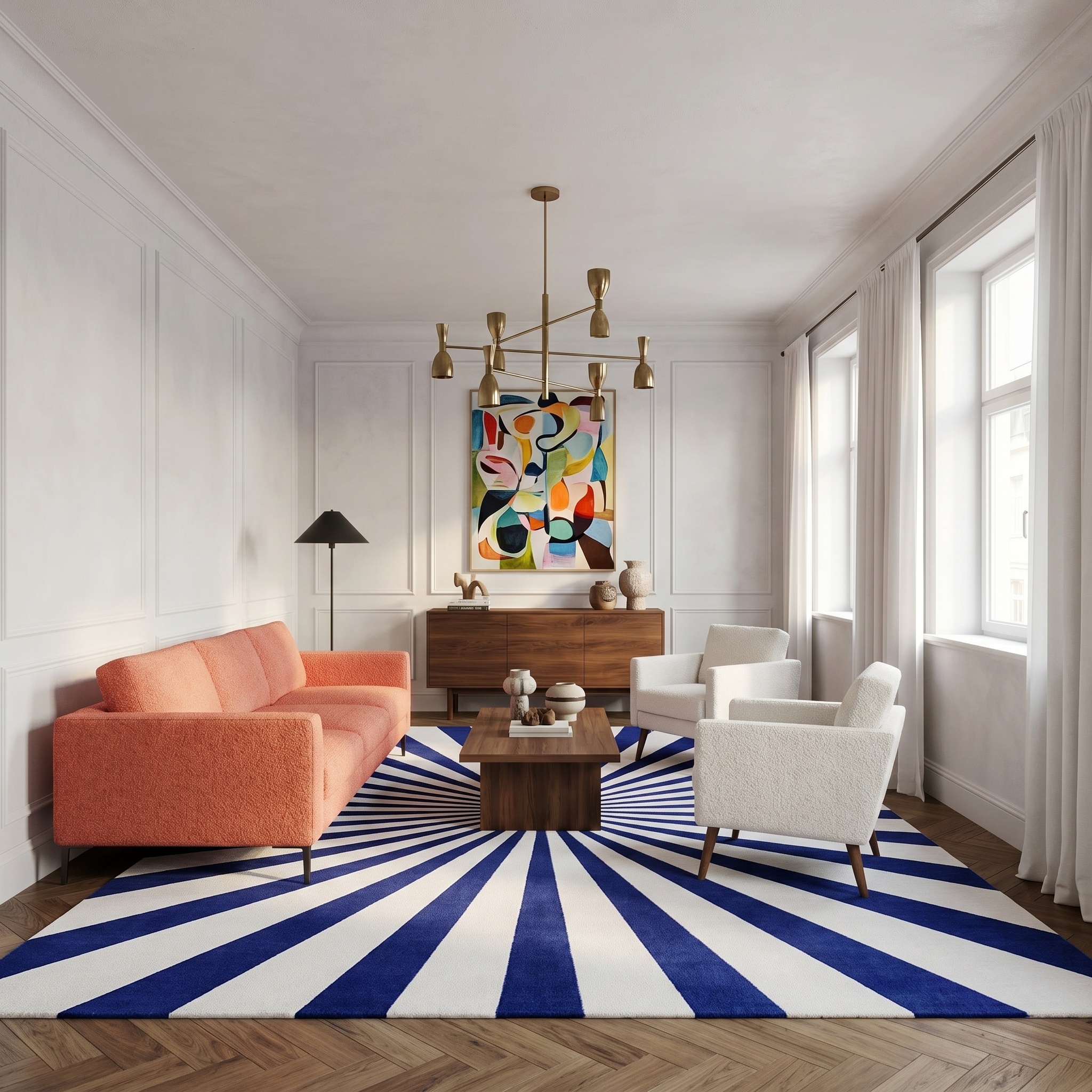
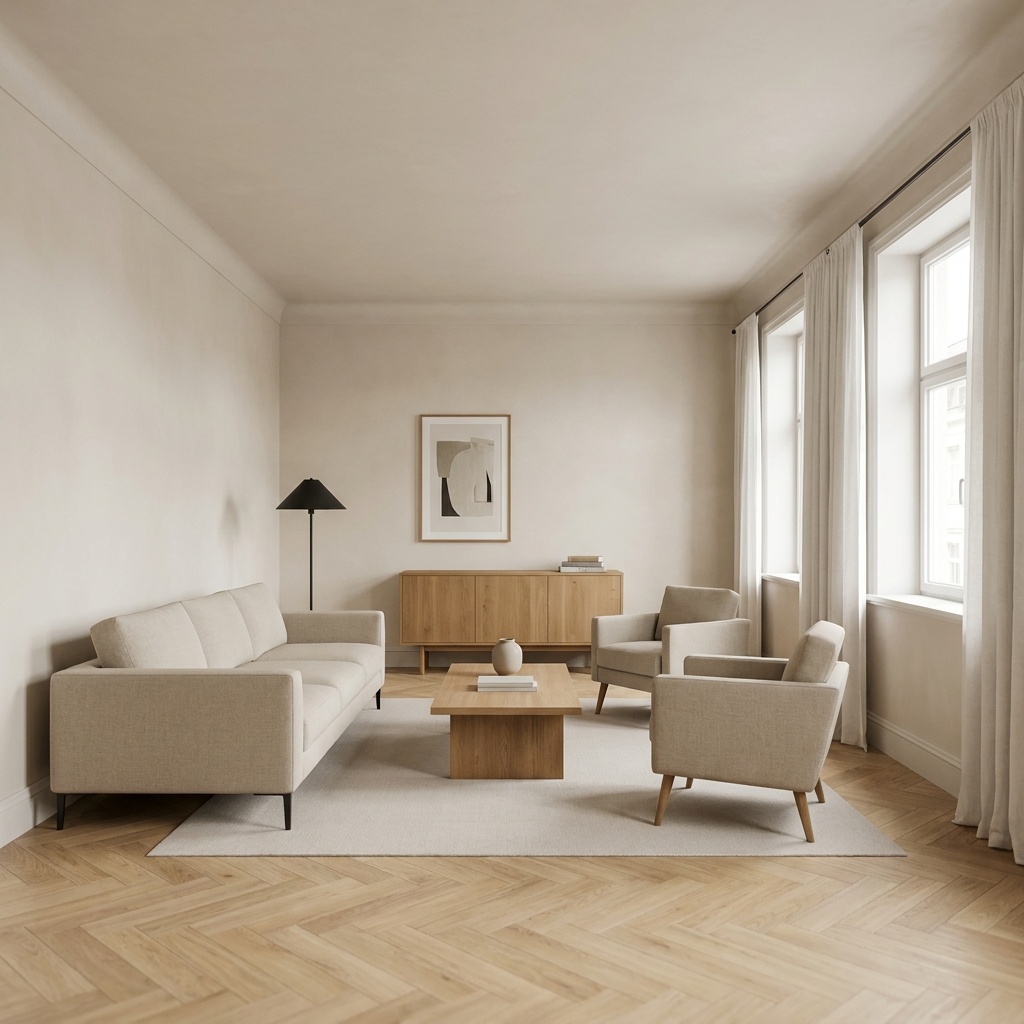
Simulates major renovation work on an interior photo: knocking down a partition, opening a kitchen onto the living room, swapping a tired floor for new oak parquet, removing a fireplace, adding built-in shelving. The brief is given in plain language, the model executes each item literally, and the output reads as a photograph of the same space after the work has been done. Camera angle, framing and existing daylight are locked. Window and door openings are preserved unless the brief explicitly removes them. Material choices default to a clean editorial register — oak parquet, lime render, oiled wood, brushed metal — unless an inspiration photo is provided to steer the palette. Useful for listings where the property has potential but needs work to reach its market price, or for buyers wanting to visualise their renovation before committing the budget. Pairs with Floor / Wall Swap when the question is just one surface, and with Virtual Home Staging when the room is empty.
When to use it
A 75 m² apartment is on the market with a tired 1990s kitchen closed off from the living room. Buyers visit, frown at the layout, walk away. The estate agent runs the kitchen and living photos through Virtual Renovation with the brief "knock down the partition, open kitchen onto living room, oak parquet throughout, white lacquer kitchen with brass handles". Two reno-vision images go alongside the as-is photos in the listing. The next visit is a serious offer.
Yes — the brief field accepts up to 400 characters, enough for several work items at once. For very ambitious renovations spanning multiple rooms, run one pass per room and keep each brief focused on what is visible in that frame.
Window and door openings are preserved unless your brief explicitly modifies them. Ceiling height is preserved by default. To change either, write the change into the brief ("add a third window to the south wall", "expose the ceiling beams").