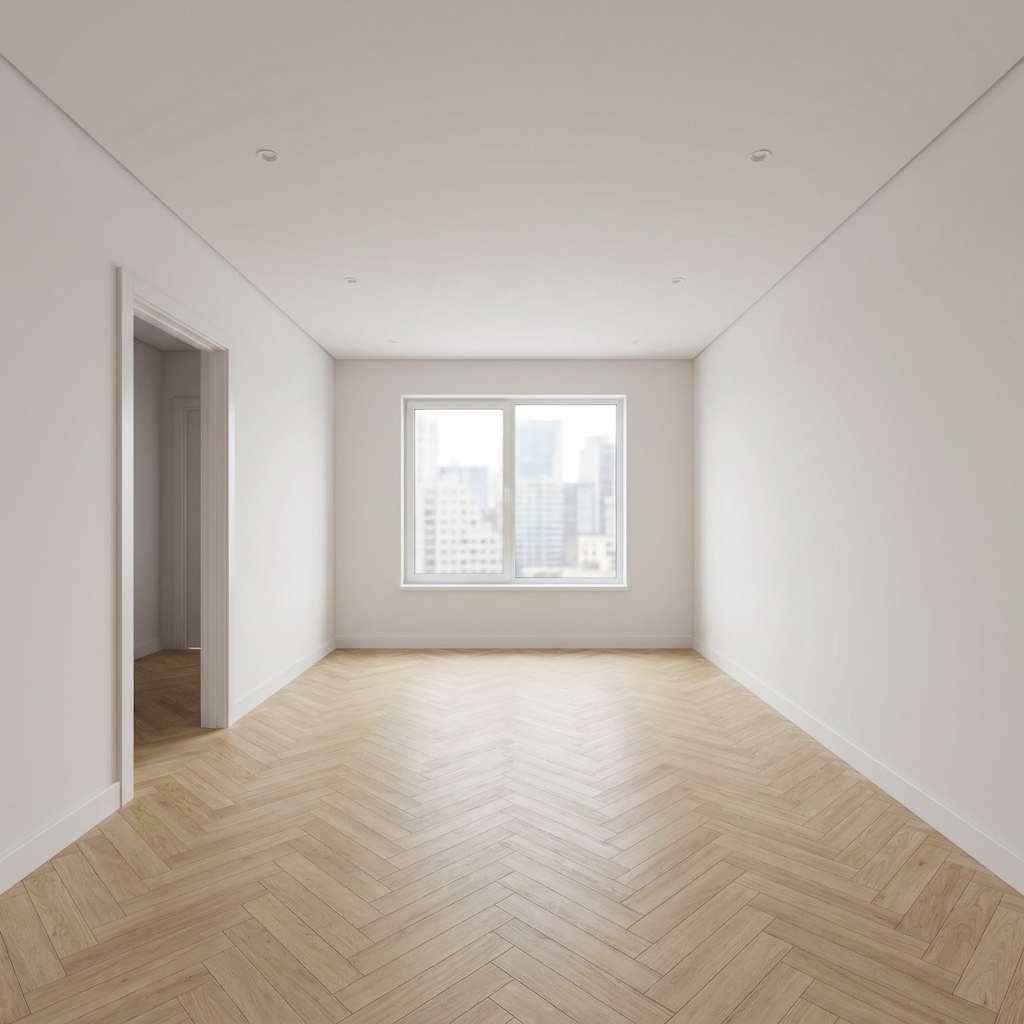
Floor / Wall Swap
Change only the flooring or wall finish to match a target swatch.
- Free to try
- No plugin
- No credit card
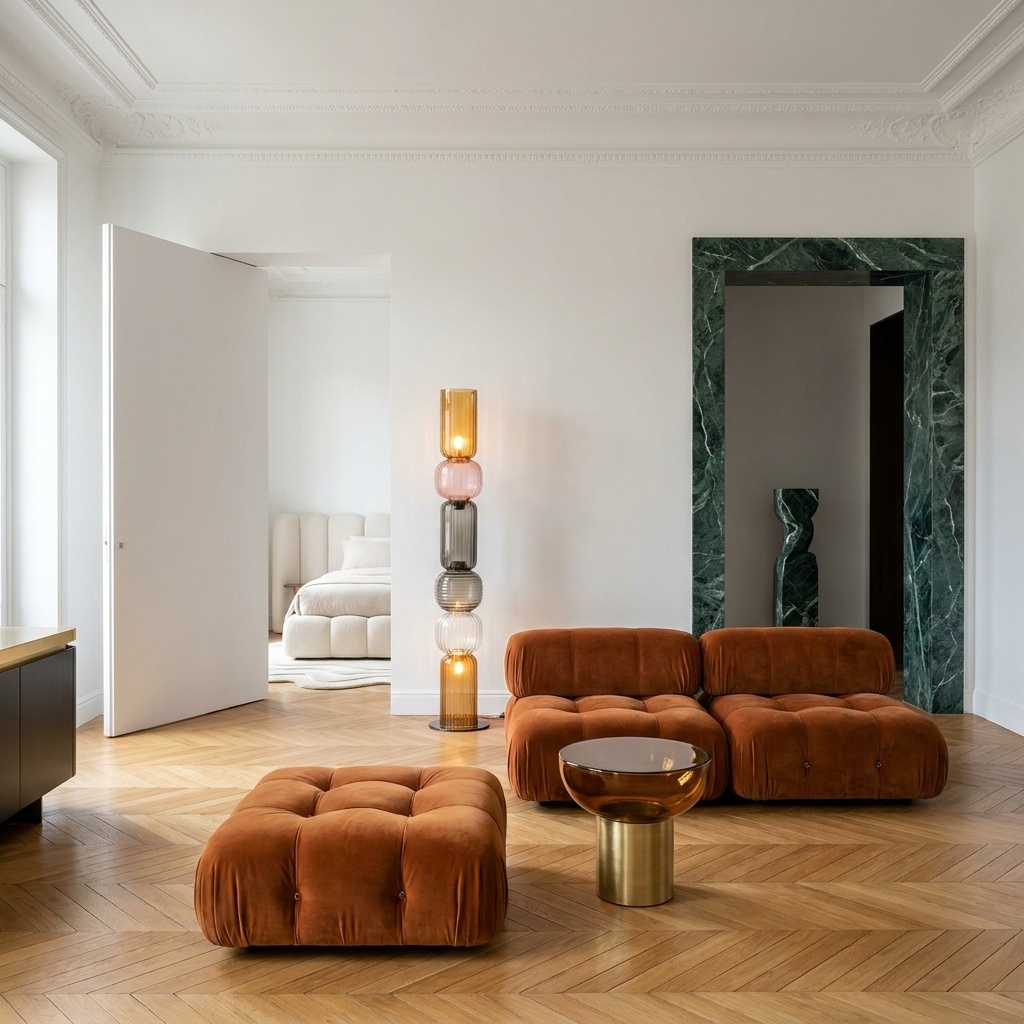
Nano Banana Pro
Sample input · click Generate to see the result
About this model
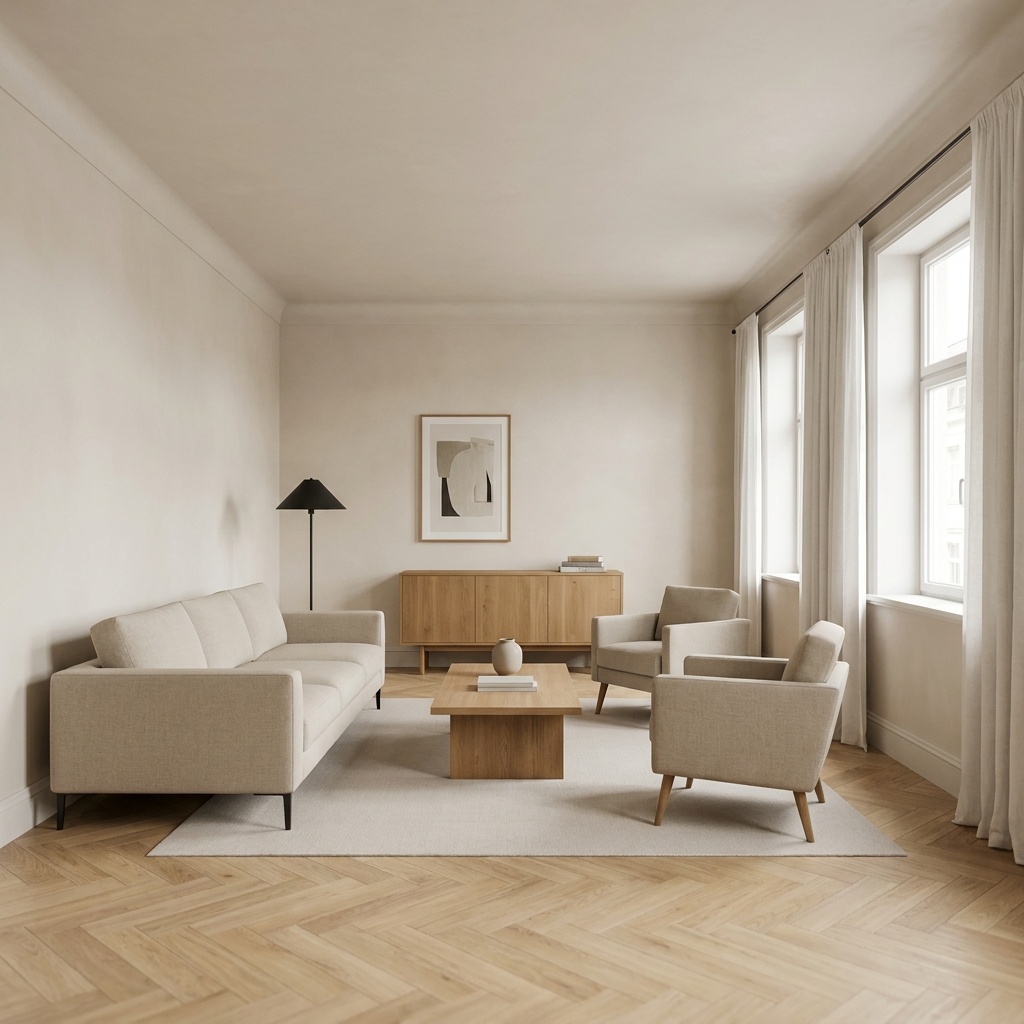
Replaces a single surface — floor or wall — with a target material specified by a swatch. Plank parquet, herringbone oak, terrazzo, polished concrete, lime render, micro-cement, fluted wood: any material that can be expressed as a flat sample is fair game. The new surface is laid into the room with realistic application logic — planks aligned to the dominant axis, joints respecting a sensible module, patina at high-traffic zones, ambient occlusion against furniture legs. Everything else is locked: the other surfaces, the furniture, the camera, the light. The output is a clean before/after of one renovation decision, not a redesign of the space. Useful for material-driven proposals where the question is "what does this floor look like in this room?" or "what does this wall plaster do to the light?" before ordering samples or committing to the contractor.
When to use it
A renovation contractor presents three flooring options to a client for a 60 m² loft: wide oak plank, polished concrete, dark terrazzo. The client cannot visualize from samples alone. The contractor takes one wide photo of the loft, runs Floor / Wall Swap three times with each swatch, drops the three variants in the same email. The client answers within an hour: oak plank. The order goes in the same day.
One surface per pass. To swap both, run twice: floor first, then take the output and run again with the wall. This gives sharper results than asking the model to handle both at once.
Yes — ambient occlusion under furniture legs and against walls is reconstructed for the new material. Specular reflection in glossy surfaces is also reconstructed coherently.