Recolor
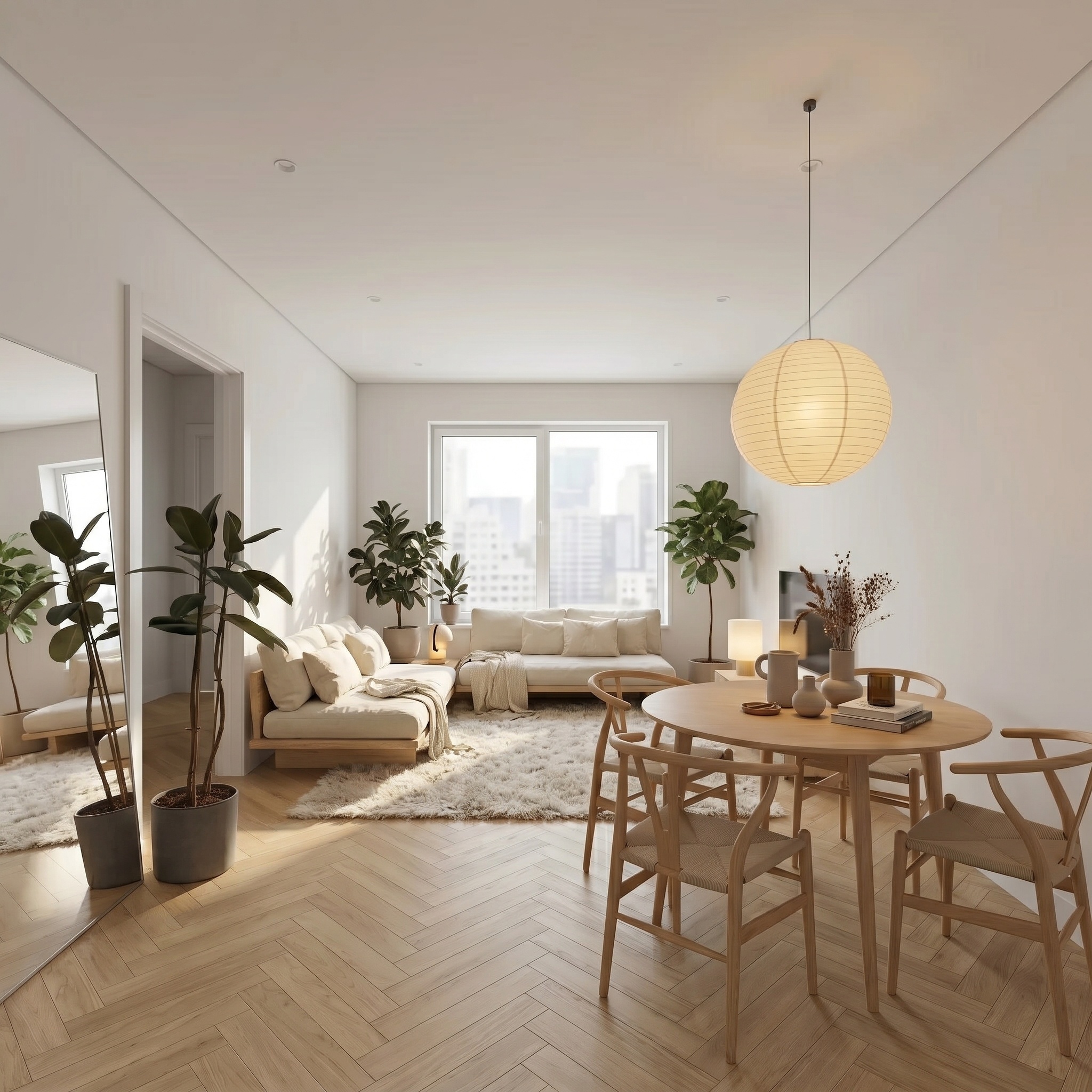
Change the color of a specific element (e.g. sofa, rug).
- Free to try
- No plugin
- No credit card
Nano Banana Pro
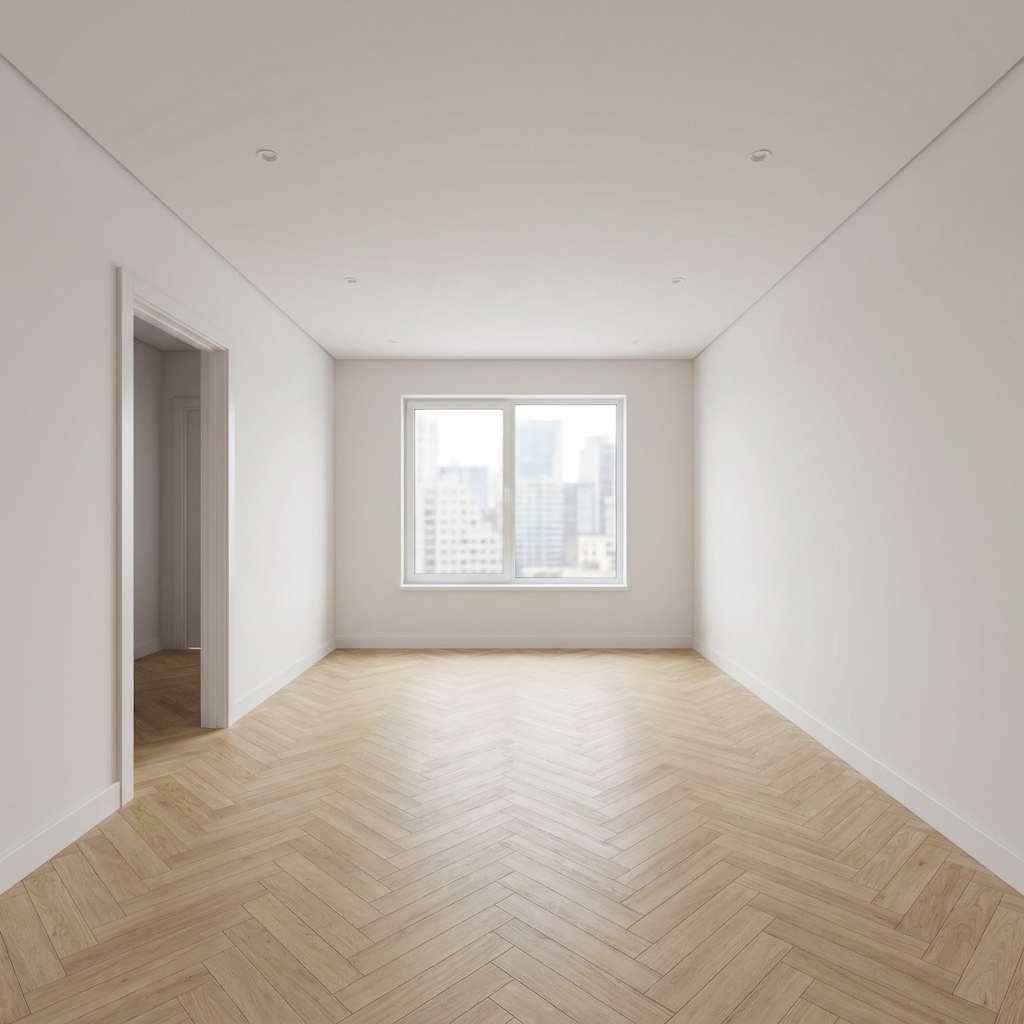
Sample input · click Generate to see the result
About this model
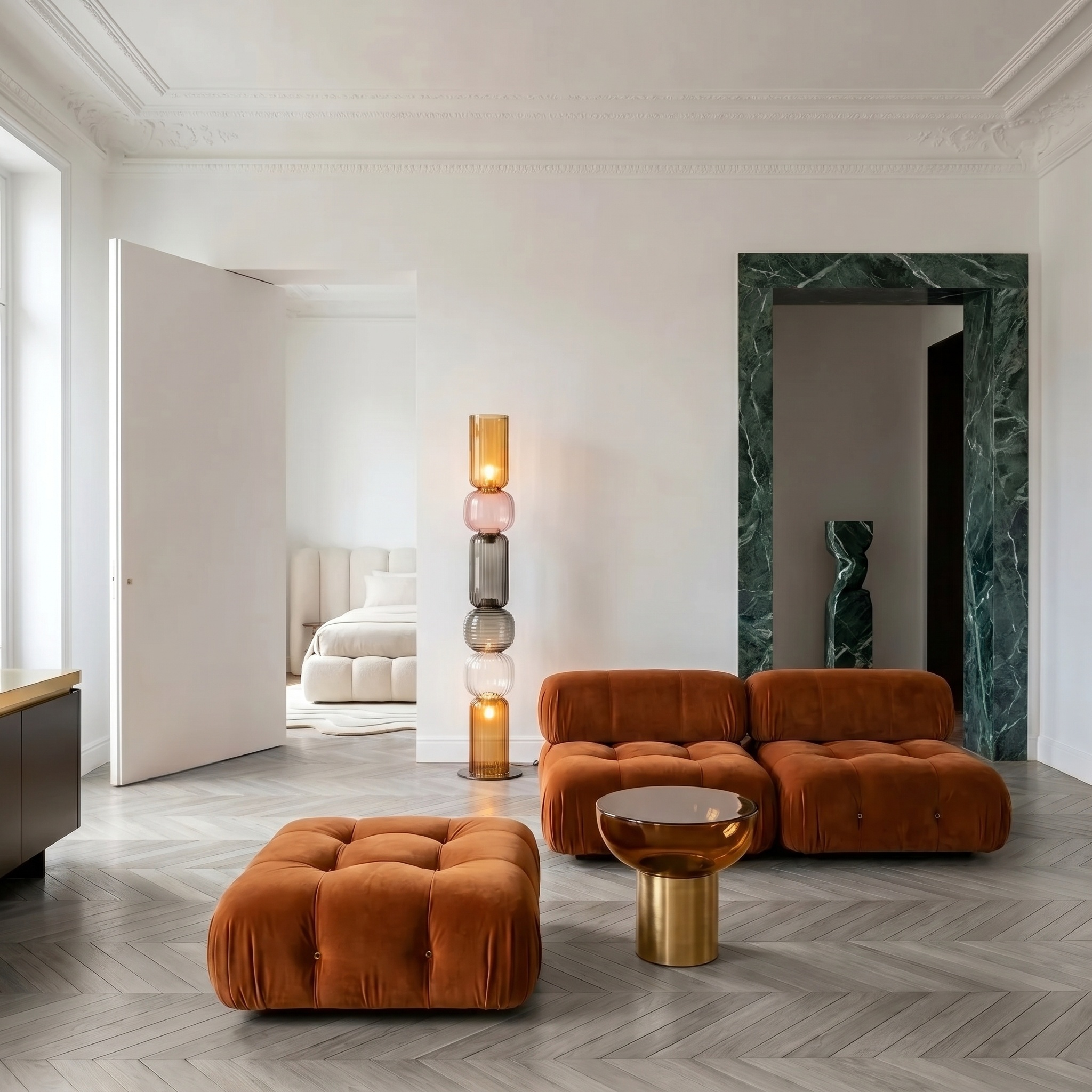
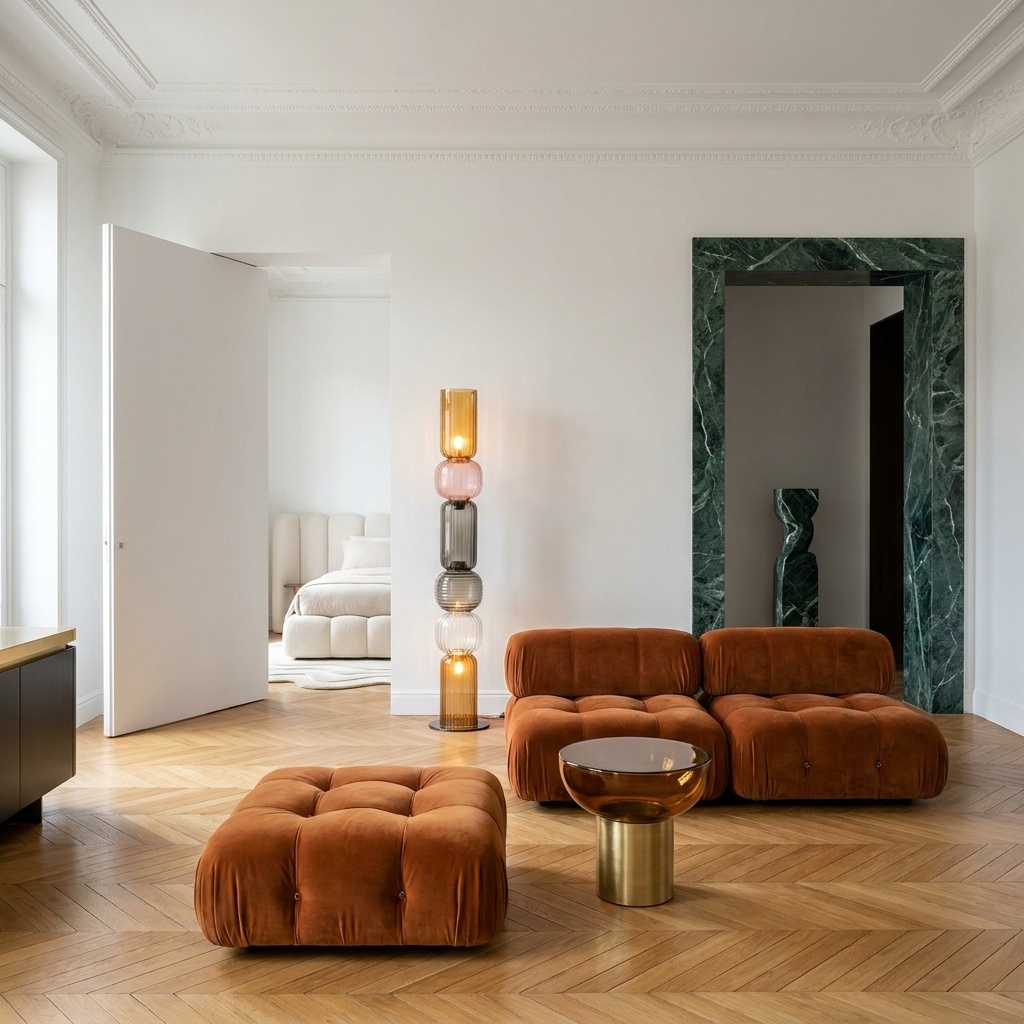
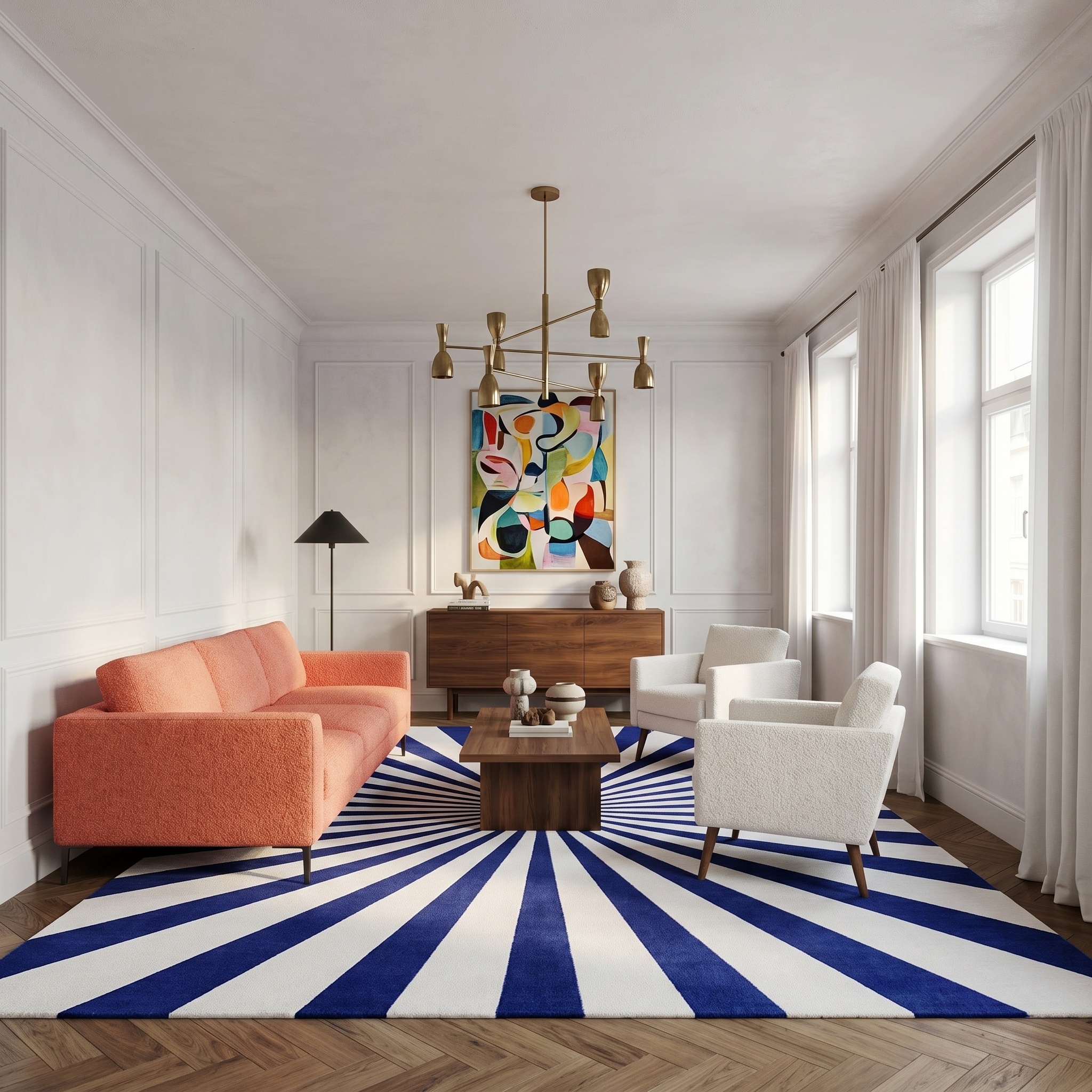
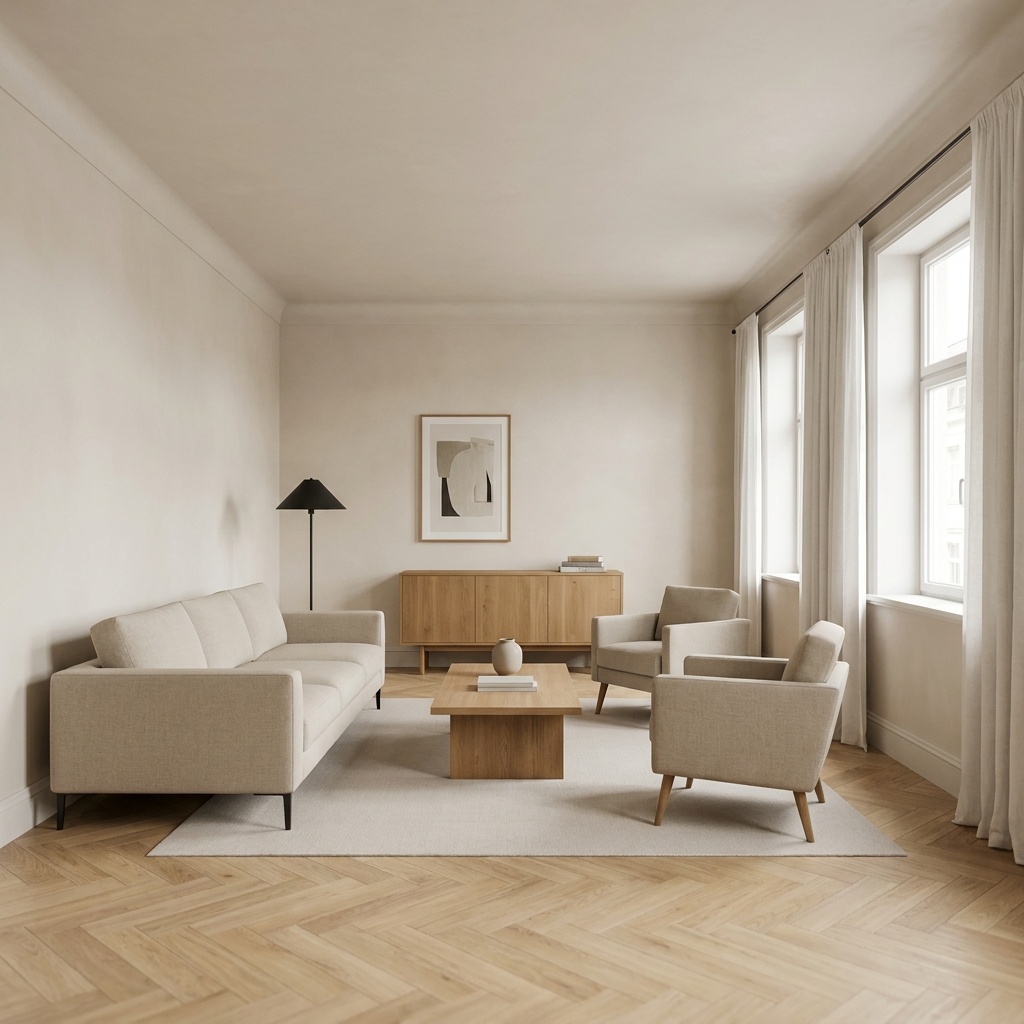
Changes the color of one named element in an interior photo — a sofa, a rug, curtains, kitchen cabinets — and leaves everything else untouched. The material stays the material: a linen sofa stays linen, a velvet curtain stays velvet, only the dye changes. Existing shadows and highlights are reapplied to the new base color so the recoloring reads as an actual repaint or reupholstery, not a flat color overlay. Camera, perspective, lighting and every adjacent surface are frozen. No bleed onto walls, no shifted white balance, no relighting of the broader scene. Edges of the recolored element are clean. Useful for client presentations comparing finish options before commissioning the work — three sofa colors side by side, two cabinet finishes against the same kitchen, the same curtain in five tones. Color can be specified in plain language ("forest green", "dusty pink", "charcoal") or picked from a swatch.
When to use it
An interior designer presents a renovation deck for a 90 m² apartment. The client is on the fence about the existing burgundy sofa. Three options need testing for the meeting tomorrow: deep navy, sand beige, charcoal. Reupholstering for a presentation is impossible. Run the photo through Recolor three times, name "the sofa", pick each color, drop the three variants into the deck side by side. The client picks one and the project moves forward.
No — Recolor is color only. A linen sofa stays linen, just in a new color. To change the material itself, use Style Transfer (whole-room atmosphere) or Floor / Wall Swap (single surface).
One element per pass. To change two elements (e.g. sofa and rug), run Recolor twice — first the sofa, then feed that output back as the input for the second pass on the rug.