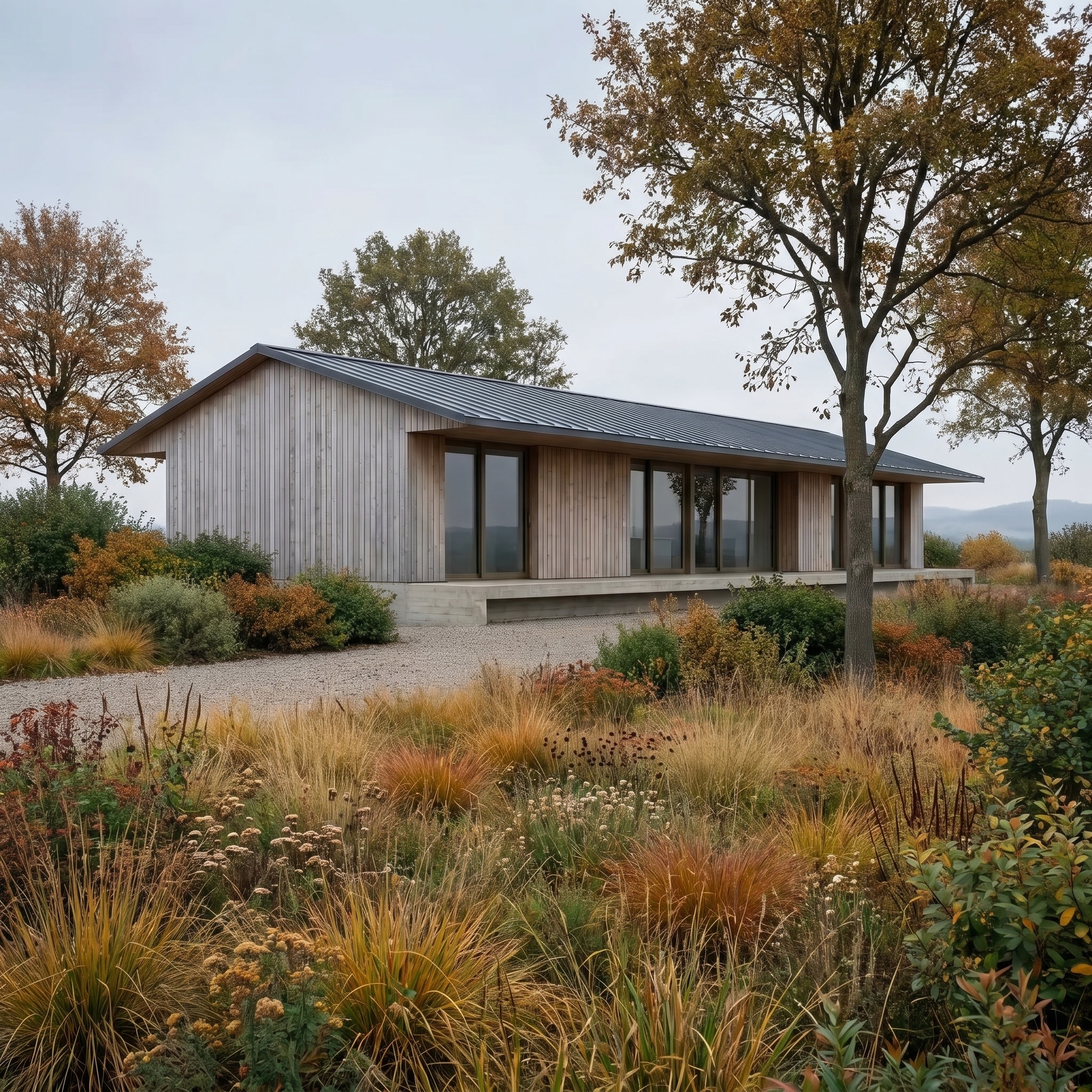
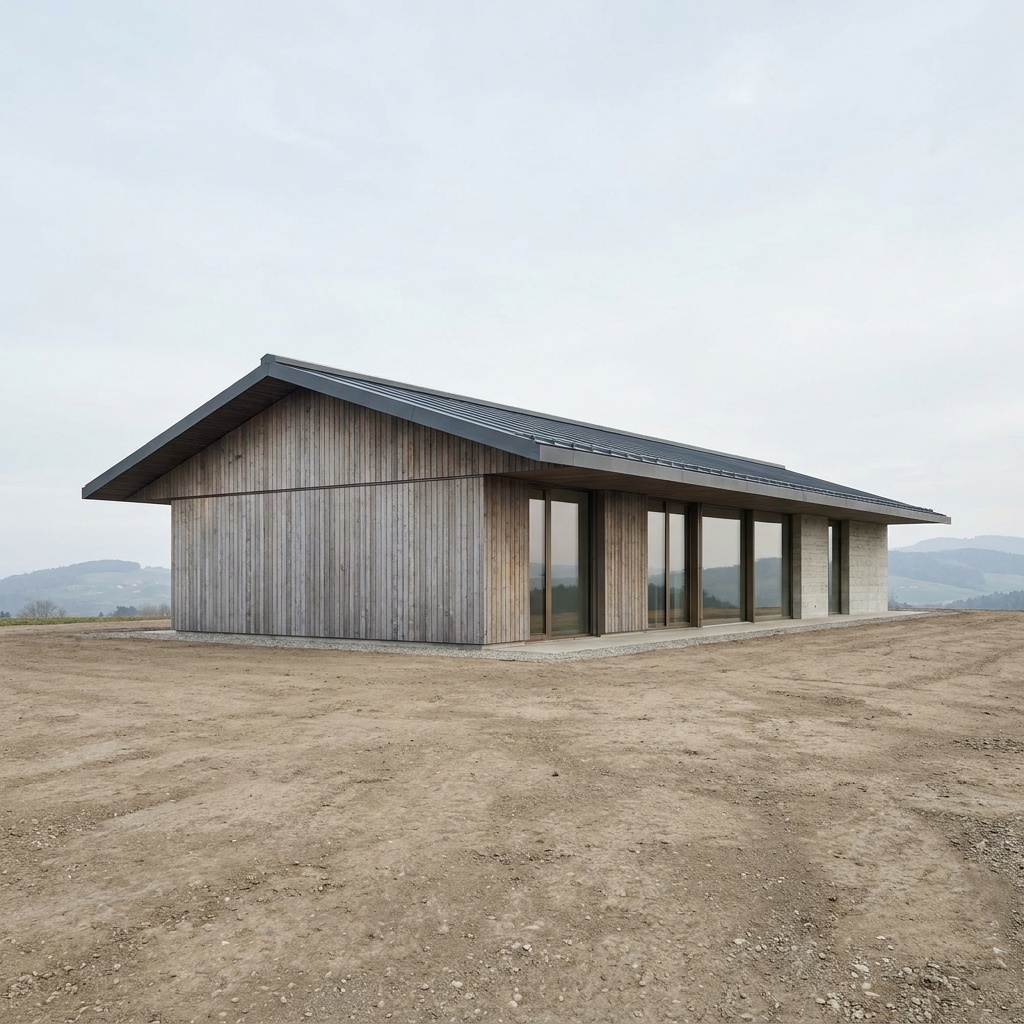
Season Change
Adapt vegetation and mood to simulate winter (snow), autumn, and more.
- Free to try
- No plugin
- No credit card
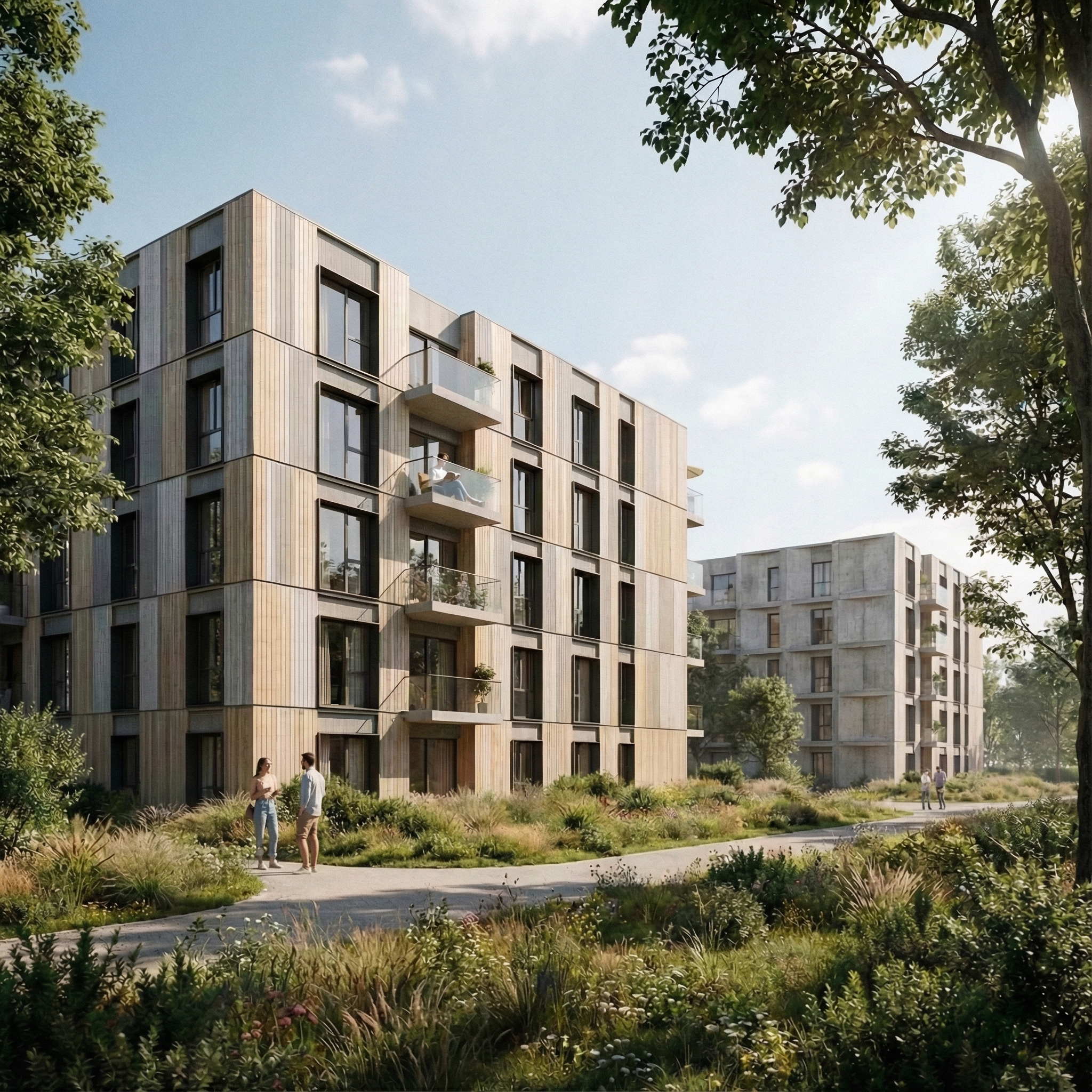
Nano Banana Pro
Sample input · click Generate to see the result
About this model
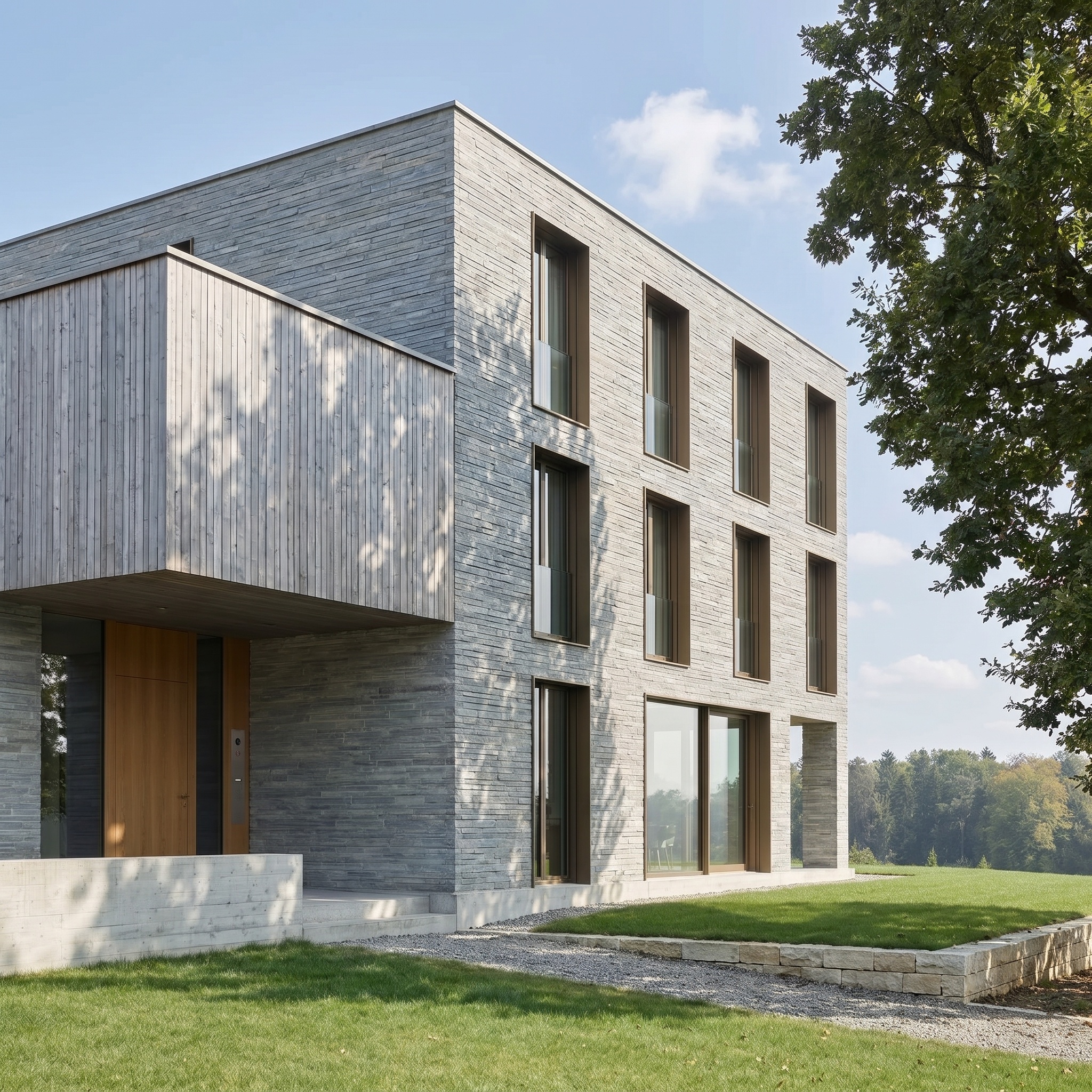
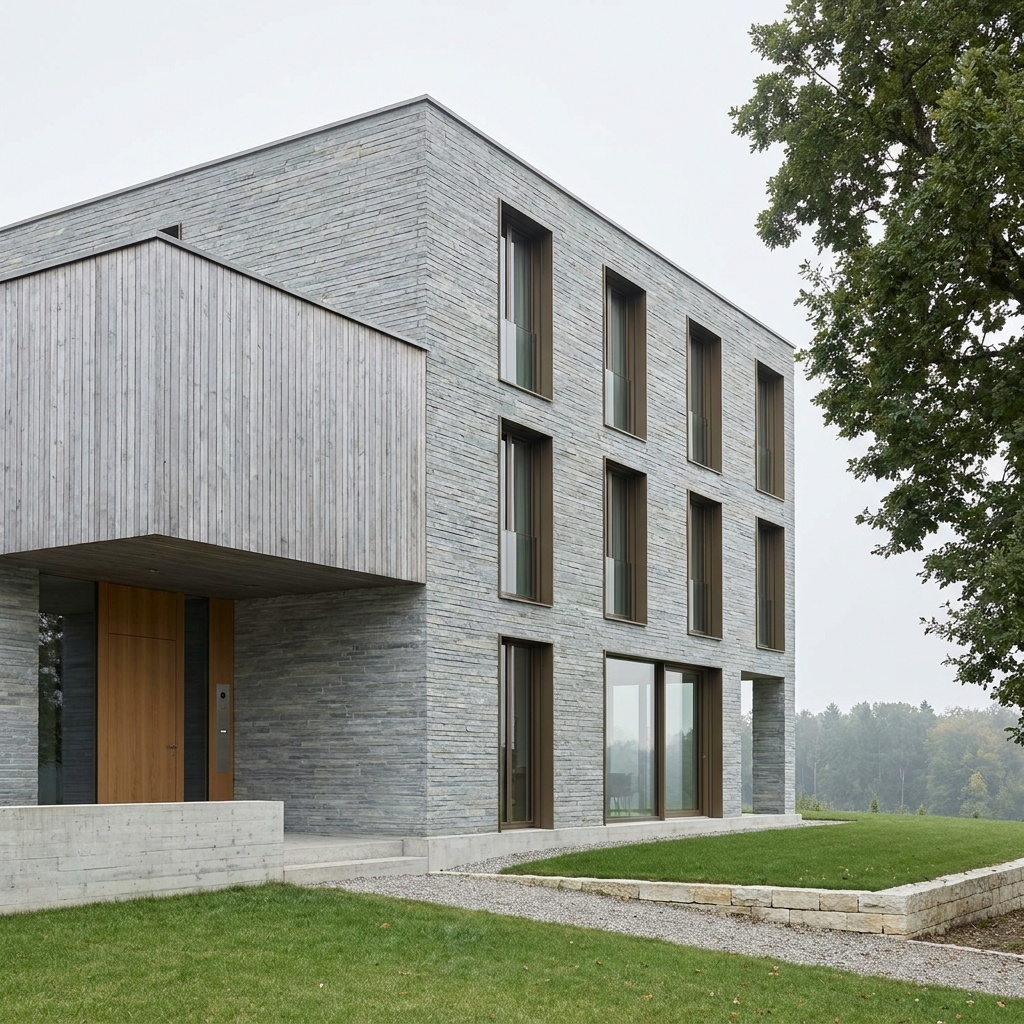
Adapts vegetation, ground cover, sky and ambient mood to a chosen season — spring, summer, autumn, winter (snow). Building geometry, camera and architectural materials are preserved exactly. Only the seasonal envelope changes: foliage color and density, ground texture (grass, fallen leaves, snow cover), sky character, ambient temperature, atmospheric register. Useful for testing how a project reads across the year before sending the deck or planning application. Many sites are far more attractive (or far more difficult) in one season than another, and seeing the building under realistic seasonal load is part of due diligence — both visually and in terms of how the architecture performs in the public's reading.
When to use it
An architecture studio designs a mountain refuge in the Alps. The 3D renders are all summer — green meadow, blue sky. The client approval meeting needs a winter view: same building, snow on the roof, snow-covered ground, deep blue sky. Re-rendering with snow scatter assets is a half-day's work. The studio runs the summer render through Season Change with "Winter", gets a coherent winter version in minutes.
Yes — winter passes accumulate snow on horizontal surfaces (roof, terraces, paving) and bare branches. Vertical glazing and walls stay clear. If the snow load looks too heavy, pick Autumn instead, or clean the roof afterwards with Erase in the viewer.
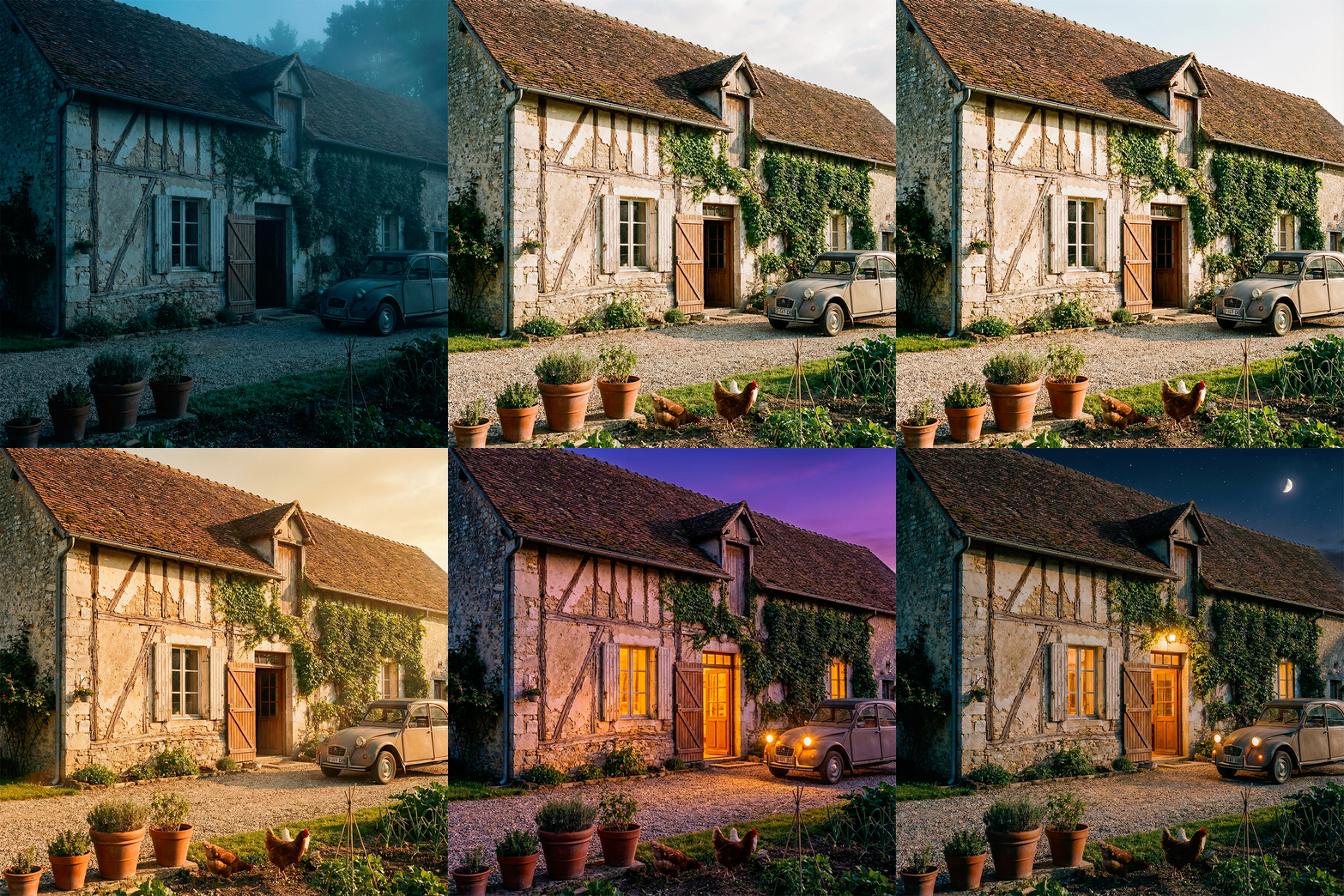
The selector picks four discrete seasons. For more granular control over color temperature and palette, chain Season Change with Lighting Change to dial in the time of day matching the season's typical light register.