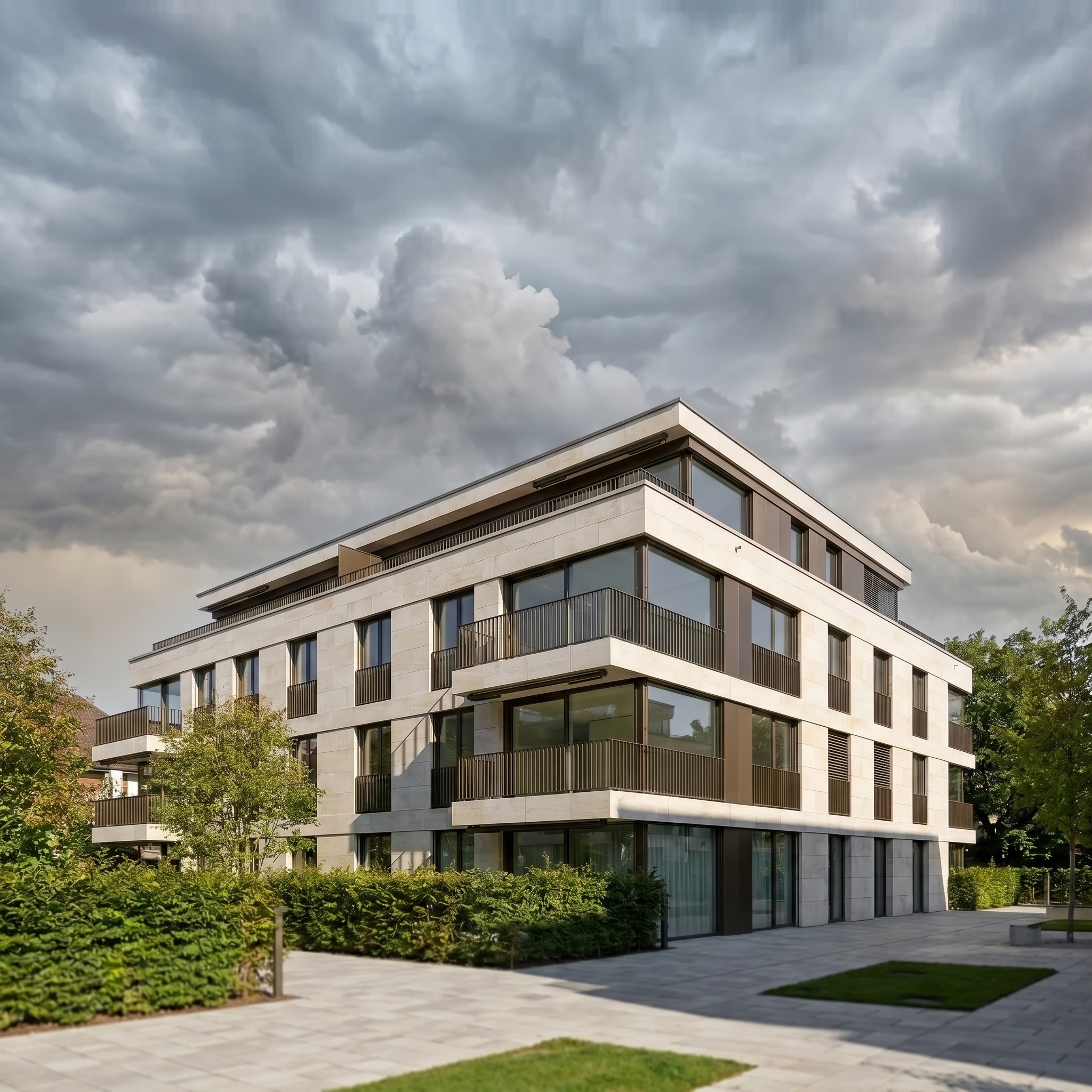
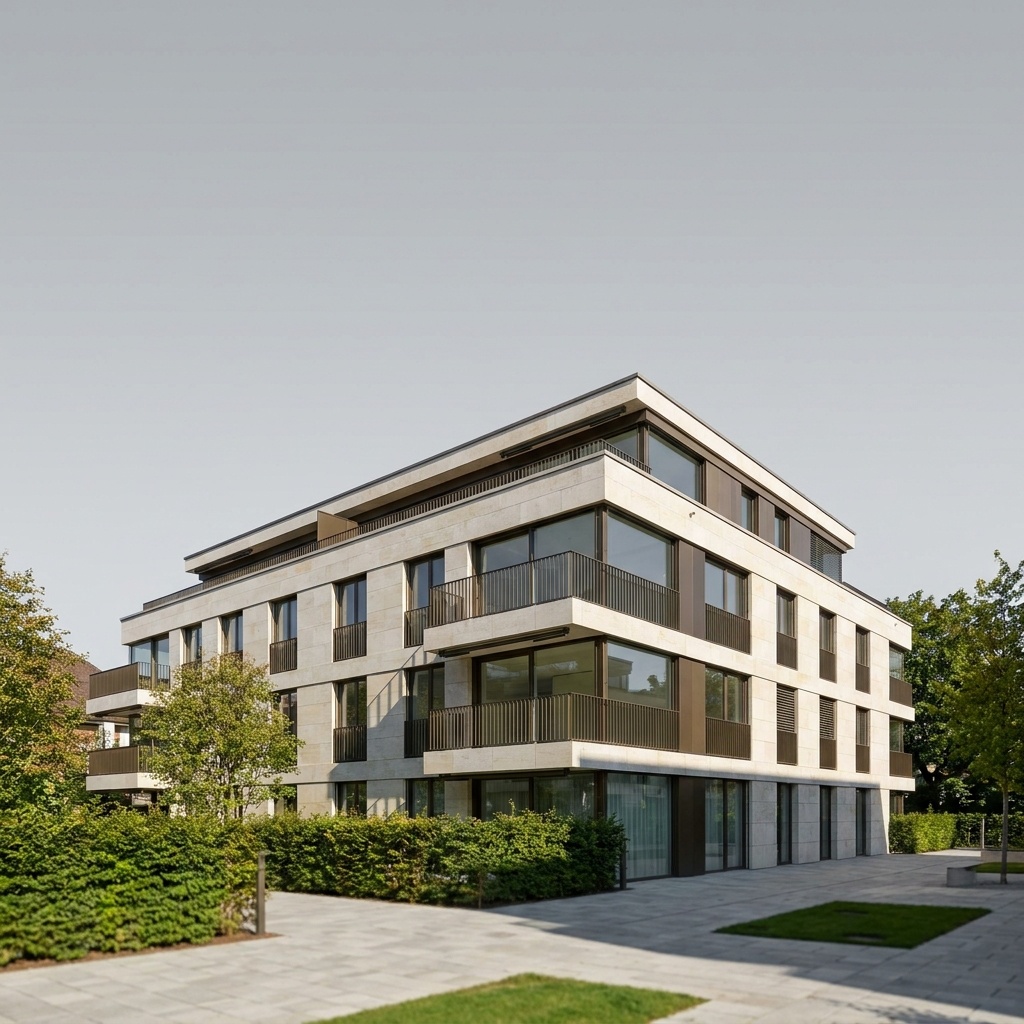
Weather Conditions
Simulate rain, fog, or overcast skies.
- Free to try
- No plugin
- No credit card
Nano Banana Pro
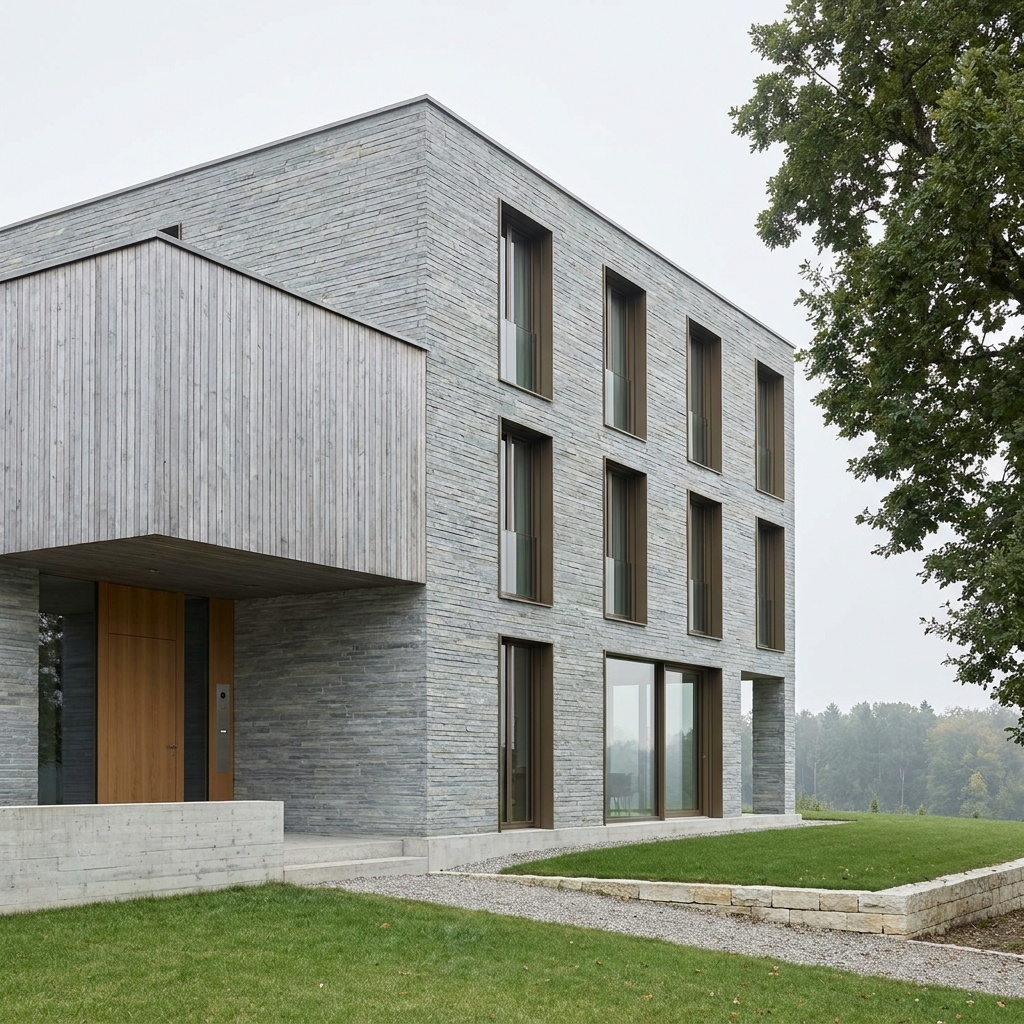
Sample input · click Generate to see the result
About this model
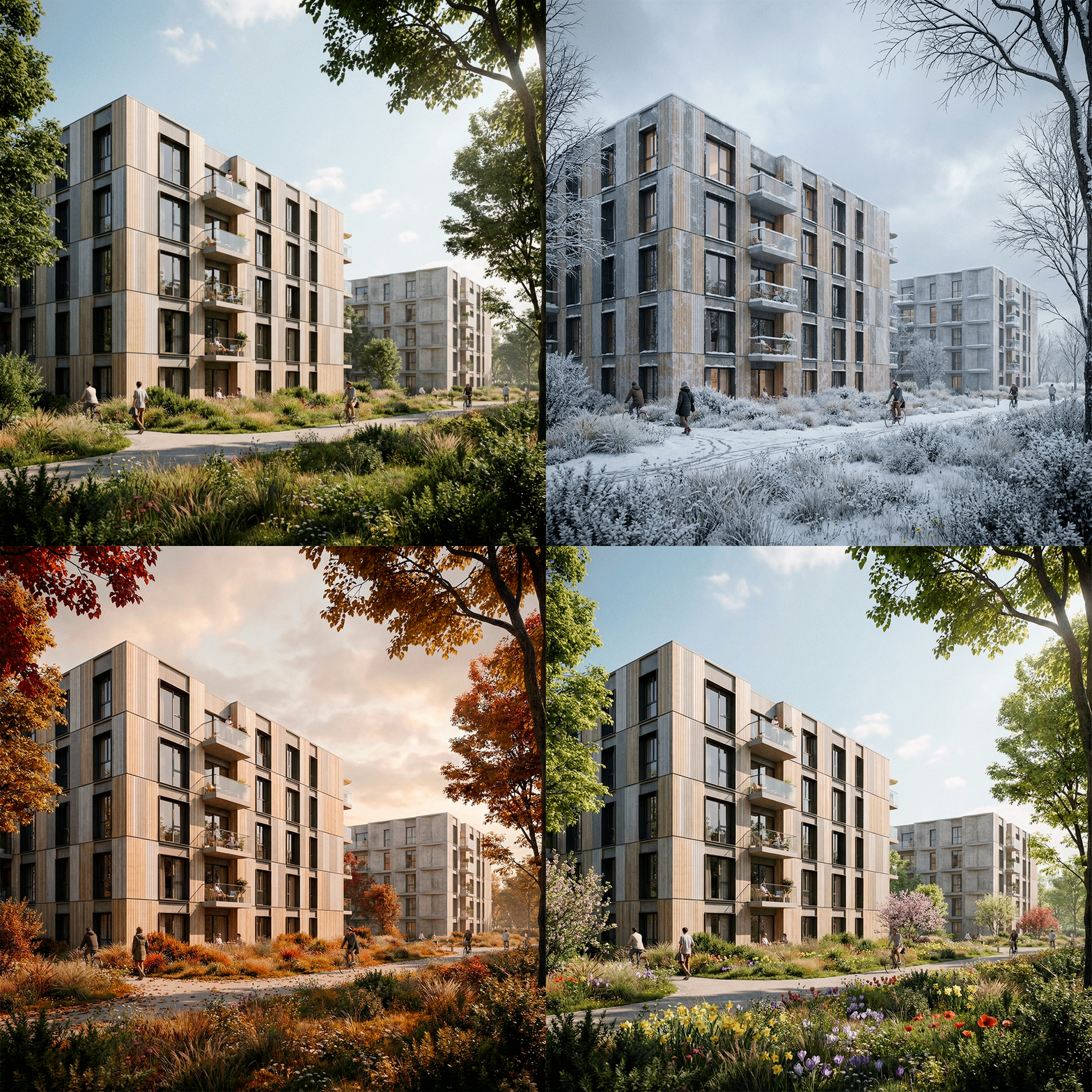
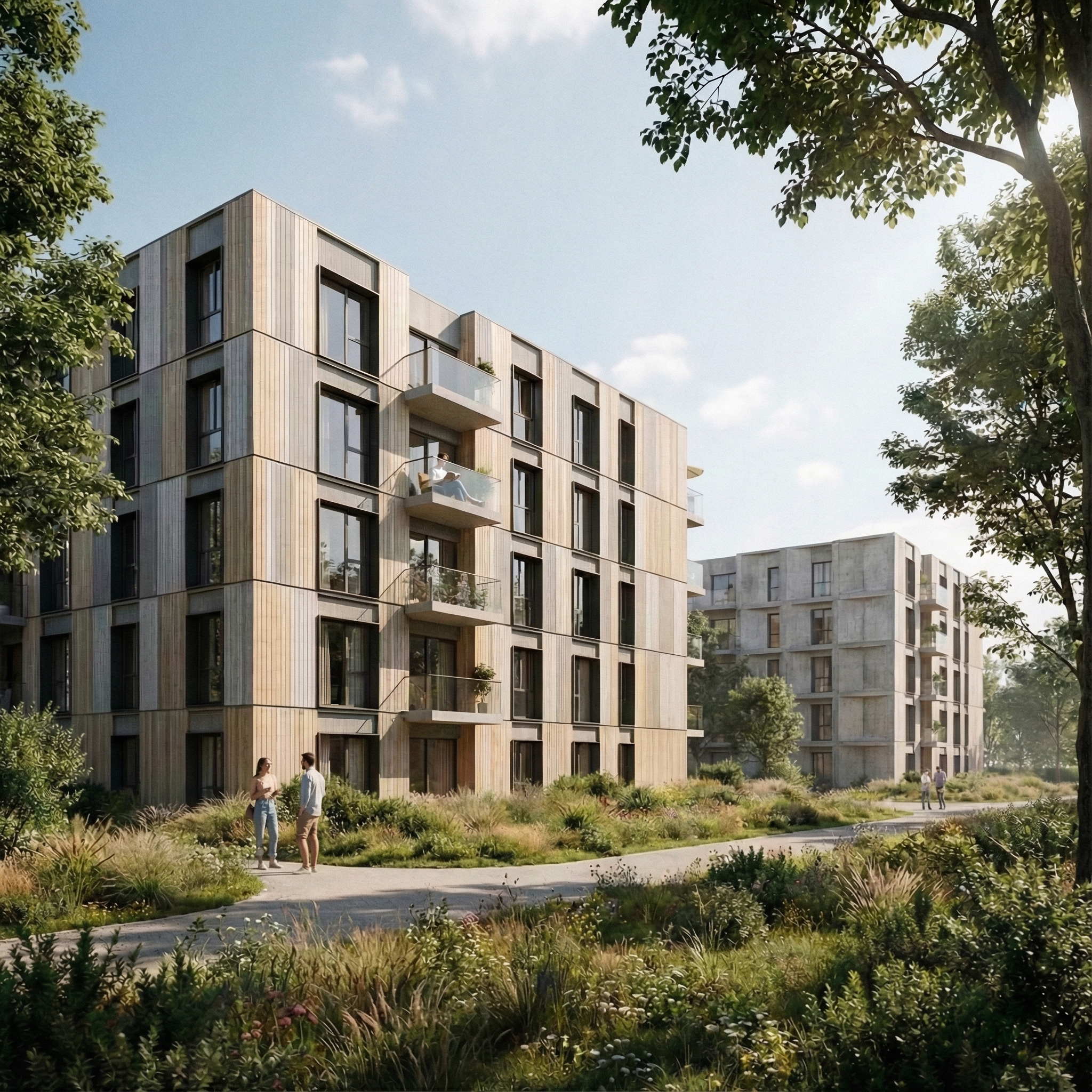
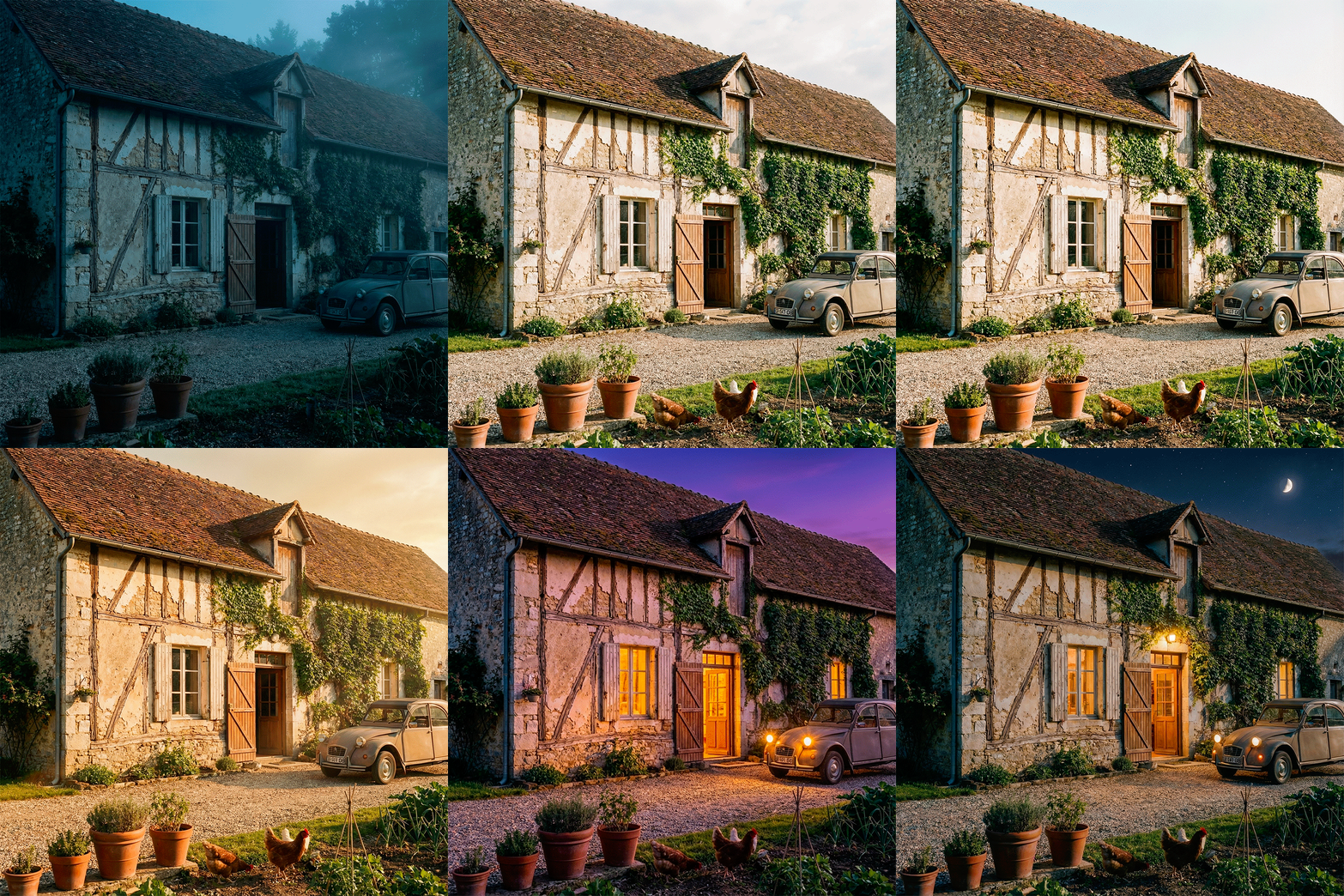
Recomputes the atmospheric conditions of an architectural render or photograph: rain, fog, overcast, sunny. Building geometry, camera and material assignments are locked; the sky, ambient light, shadow direction, surface response and atmospheric register all change to match the chosen weather. Wet asphalt with realistic specular reflection under rain, ground-hugging mist softening the middle ground under fog, uniform shadowless light under overcast, hard directional shadows under sunny — each condition is reconstructed photographically, not stylised. Useful for testing how a project reads under realistic site conditions before publishing the hero deck. A building that looks great in mid-day sun can be unforgiving under heavy overcast — better to know in design phase than at the planning panel.
When to use it
A studio designs a coastal community building in northern Europe. The 3D renders are all in clear-sky summer light — but the site is overcast 200 days a year. The planning panel is unlikely to see it any other way. The studio runs the hero shot through Weather Conditions with "Overcast" to honestly represent how the building will read most of the time, and reveals an atmospheric register the panel respects.
For rain, surfaces darken and become specular, with subtle water beading on horizontal planes and soft falling streaks at distance. The building does not get explicitly "wet textured" — the response is photographic, not stylised.
Run Lighting Change first to set the time of day, then Weather Conditions to set the atmosphere — Weather keeps the time of day of its source. Doing both in one prompt produces less predictable output than two passes.