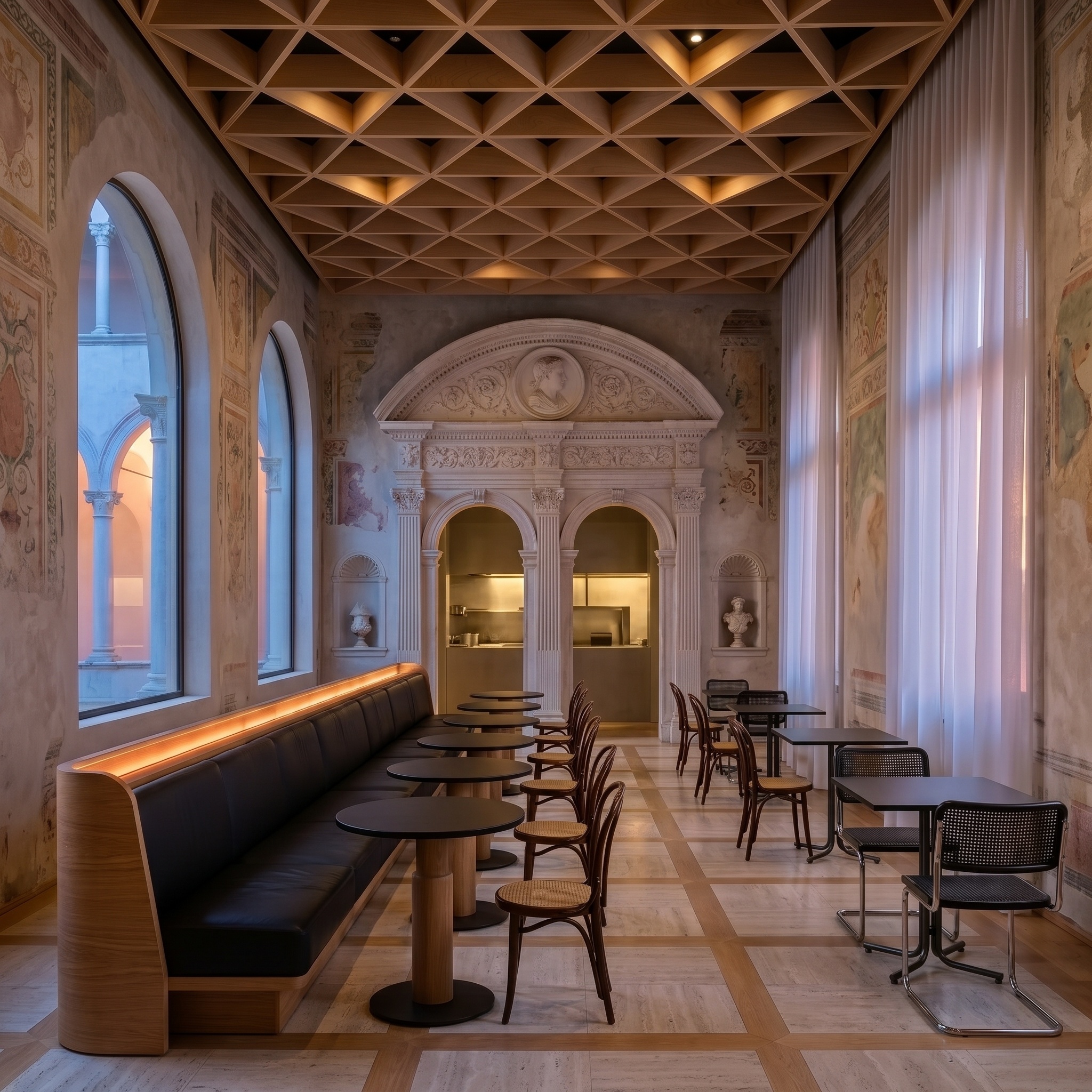
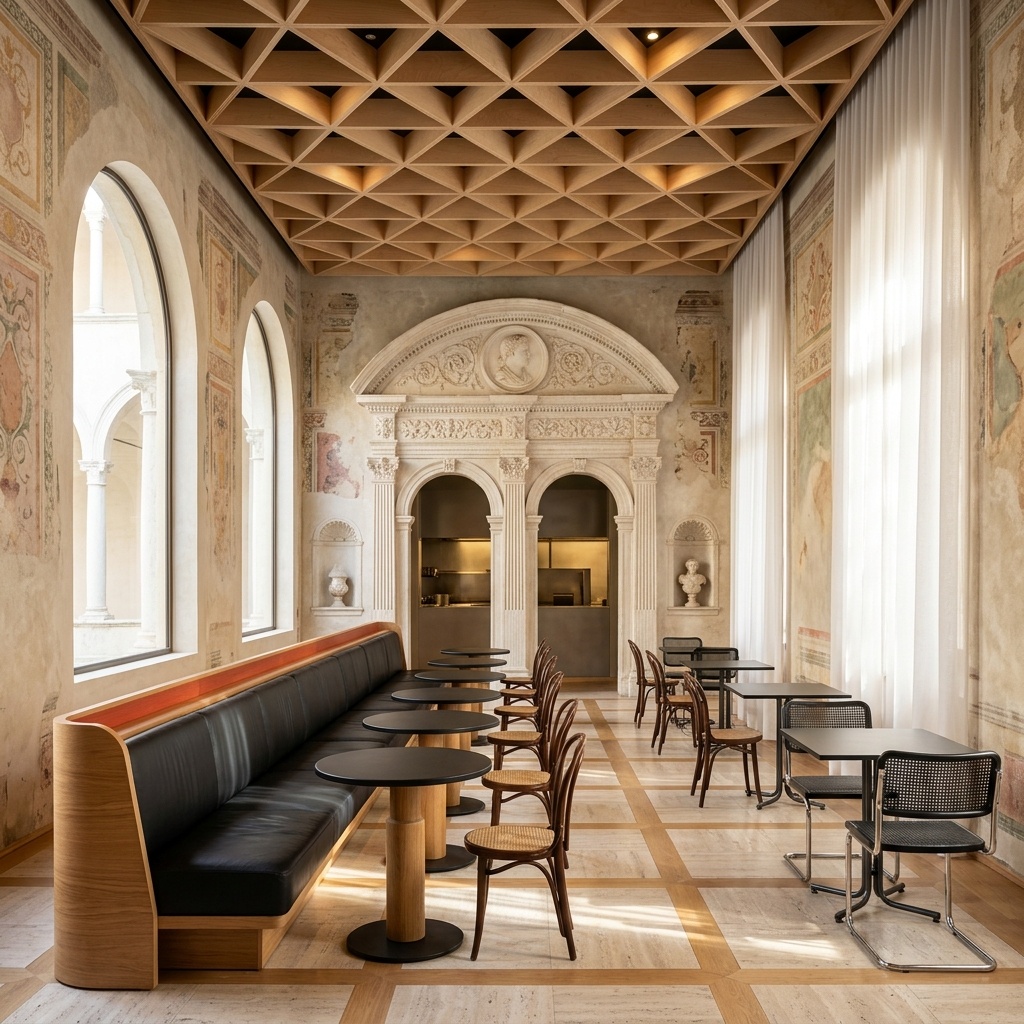
Lighting Change
Relight the same view at any time of day, from dawn and midday to golden hour, blue hour and night, without altering geometry.
- Free to try
- No plugin
- No credit card
Nano Banana Pro
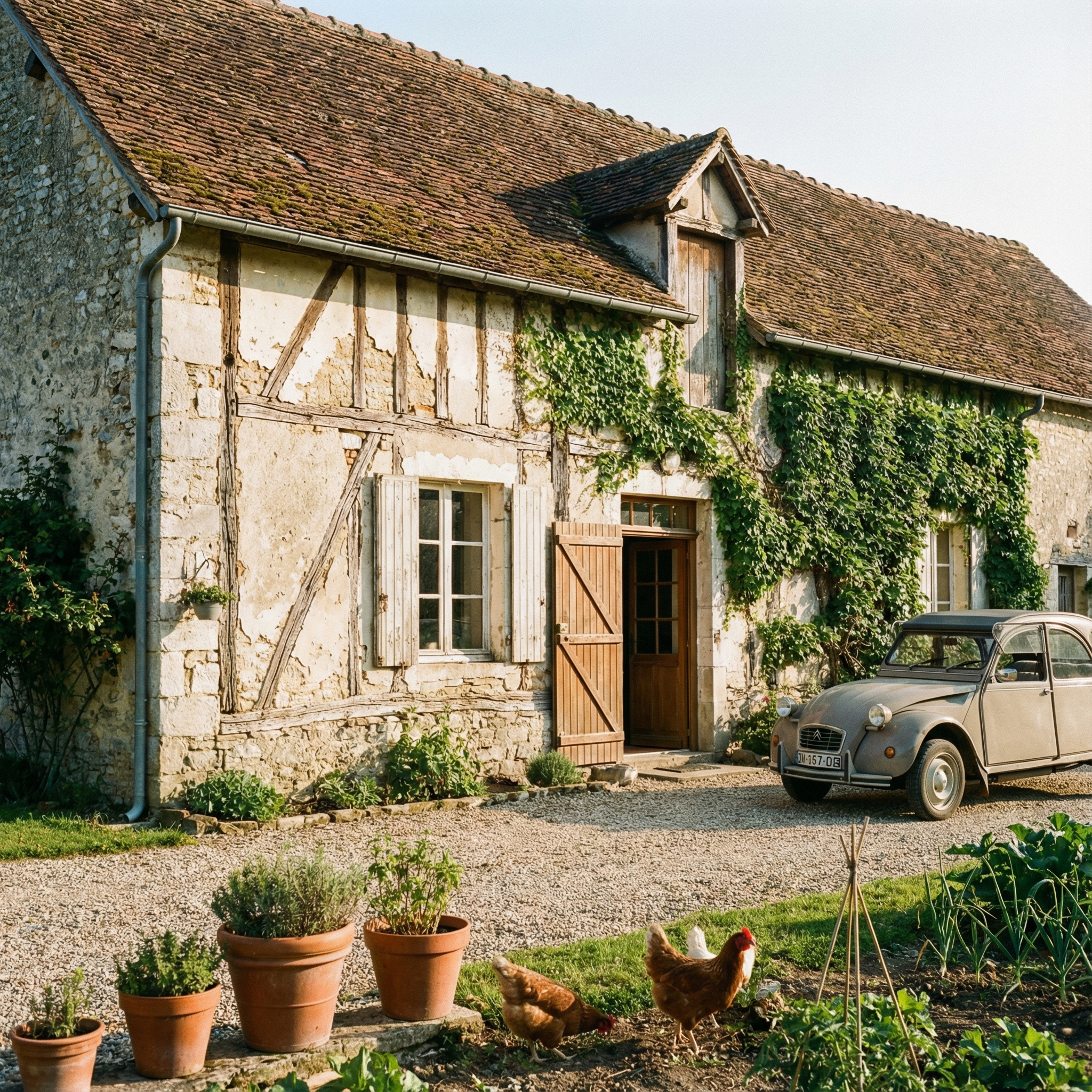
Sample input · click Generate to see the result
About this model
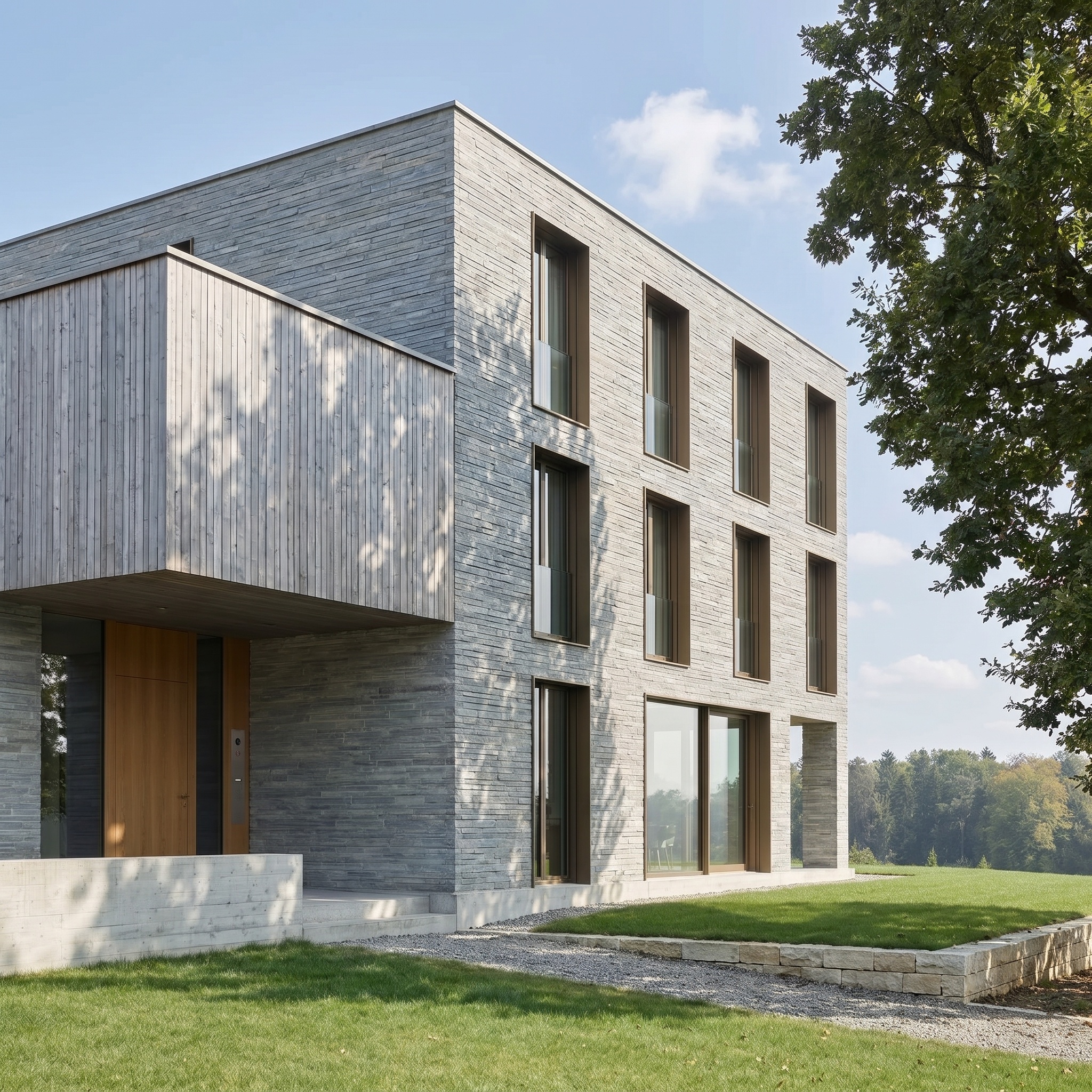
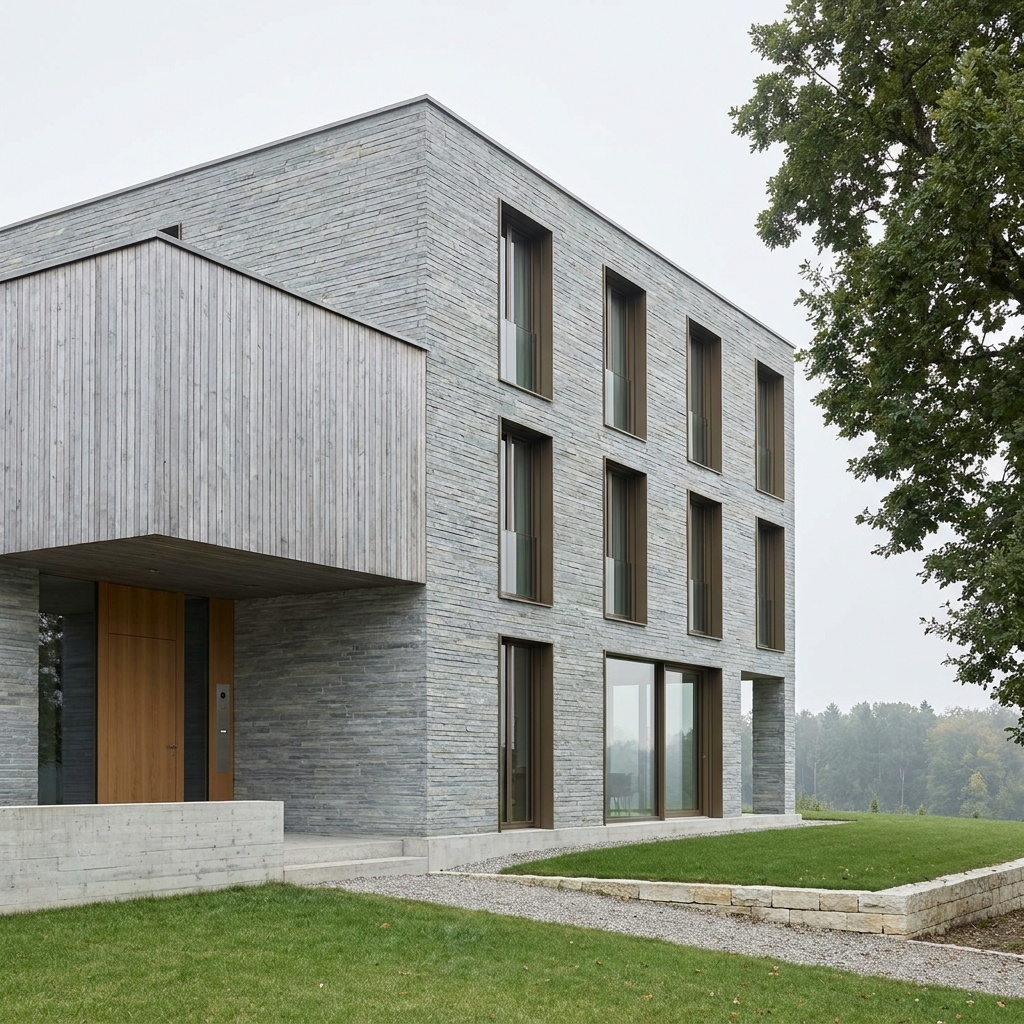
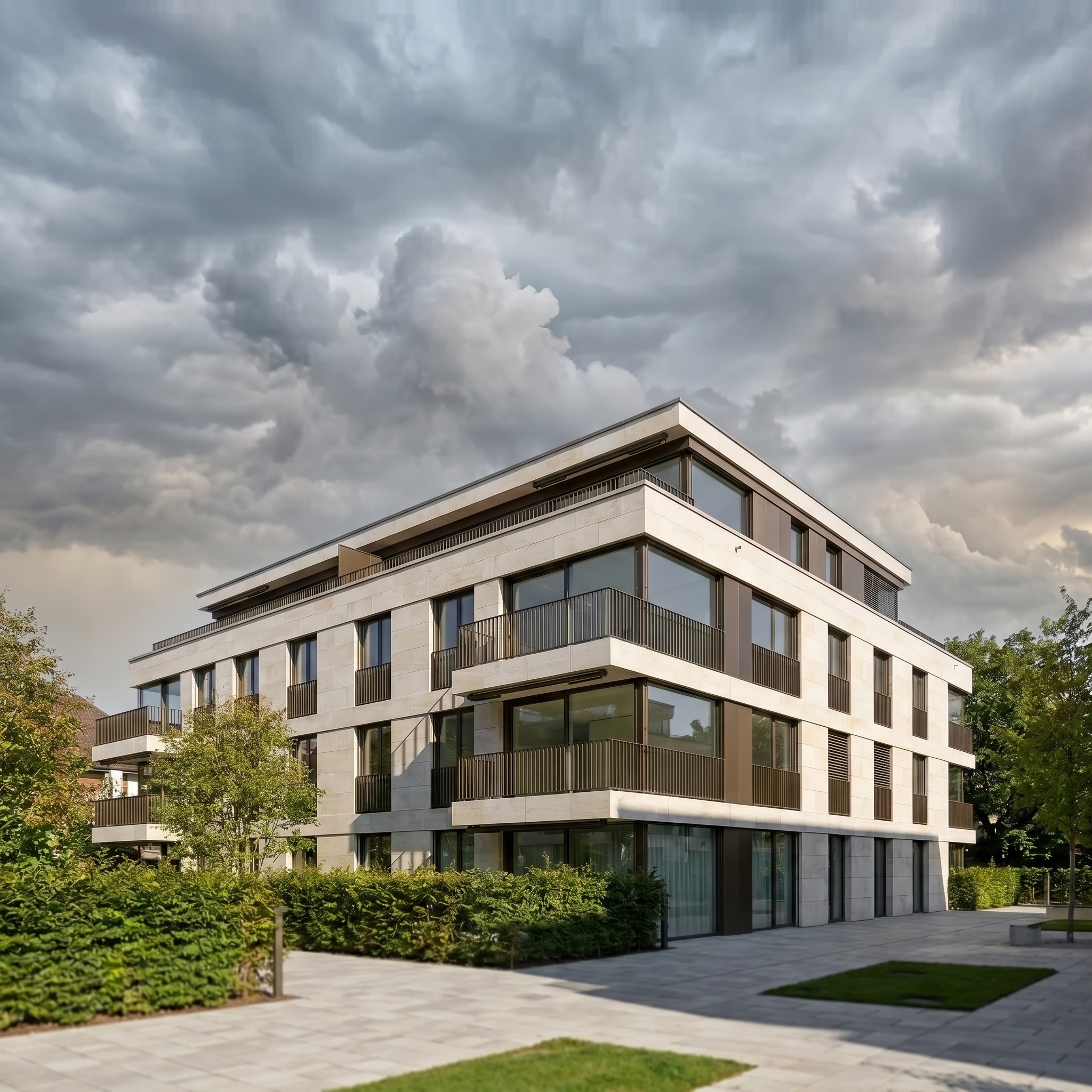
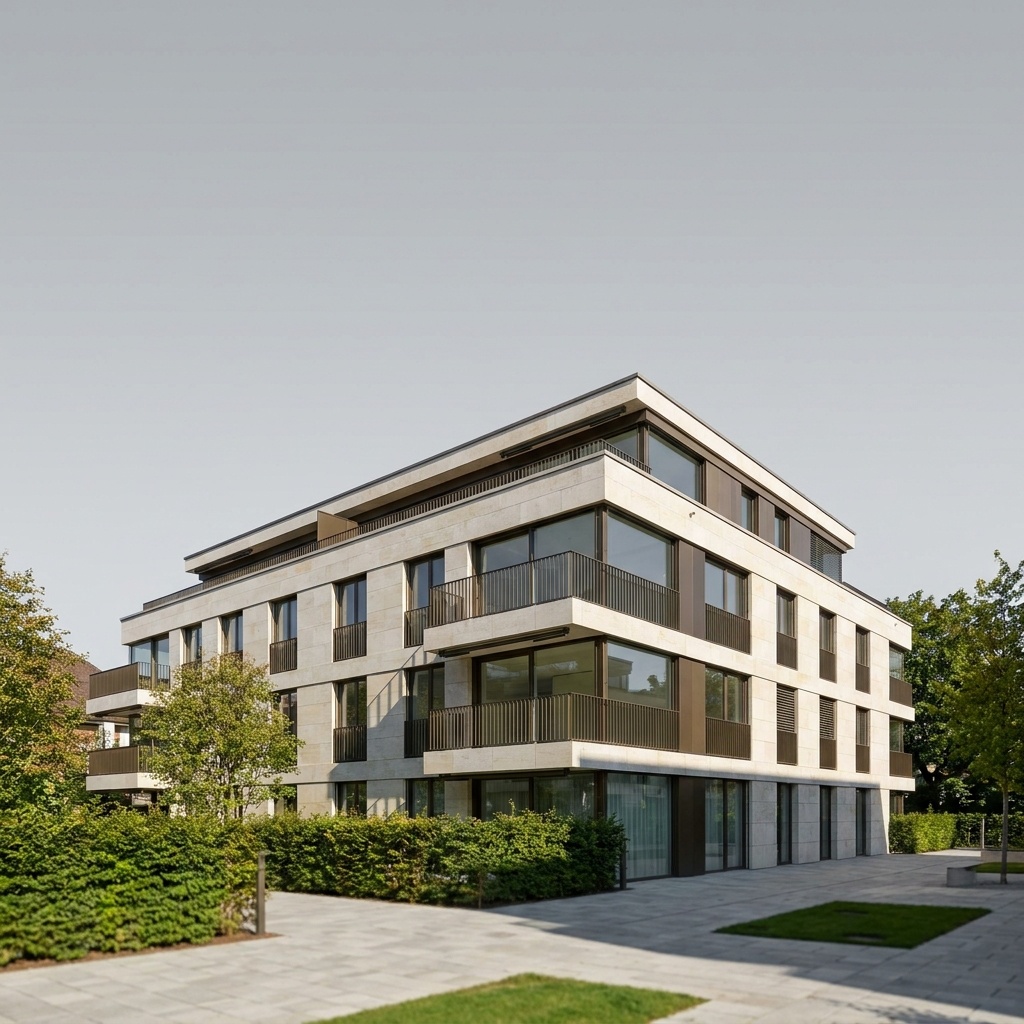
Changes the time of day and the corresponding lighting mood of an architectural render or photograph — Golden Hour, Night, Dawn, mid-day. Geometry, camera position, framing and existing materials are preserved exactly. Only the sun position, sky, ambient color temperature, shadow direction and atmospheric register change. The time-of-day selector drives a sun-position-aware prompt that recomputes shadows coherently across the building, foreground and background. Window reflections and facade specular response are reconstructed for the new condition. Useful for quickly testing how the same project reads at different moments of the day, or for choosing the right hero shot light for a presentation deck — without re-rendering each pass at 40 minutes a frame on the studio workstation.
When to use it
An architecture studio has a 3D render of a contemporary residential project, locked in mid-day light, but the client deck needs three options: morning, golden hour, night. Re-rendering each pass takes 40 minutes per frame on the studio's workstation. The studio runs the existing render through Lighting Change three times with different sun positions, gets three coherent atmospheric variants in minutes, drops them on the deck side by side.
Yes — pick the night setting from the sun selector. Interior windows are lit warmly, exterior fixtures glow if architectural lighting is implied in the source. For a polished hero blue-hour shot of a property, see Virtual Twilight.
Materials stay the same; only their light response changes. A warm tungsten facade at sunset looks warmer because the sun is warmer, not because the model retouched the material.