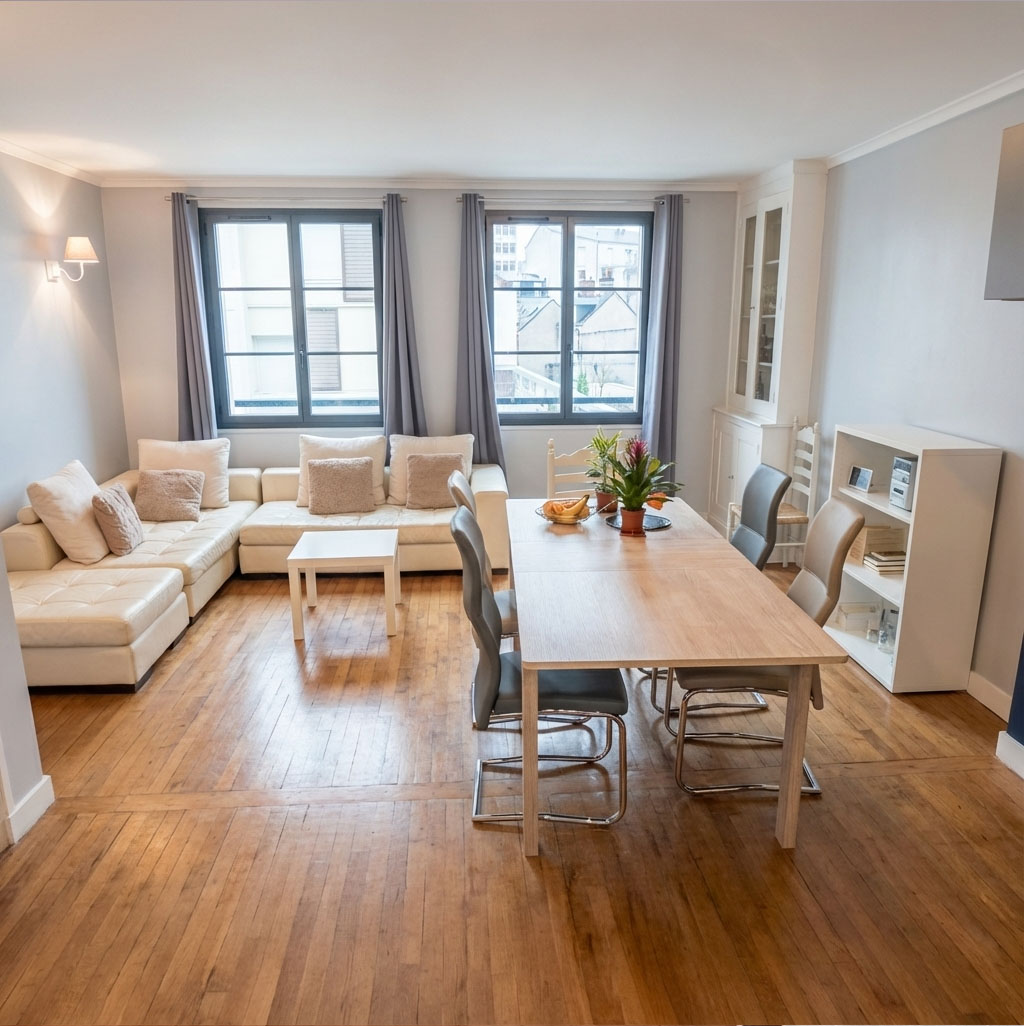
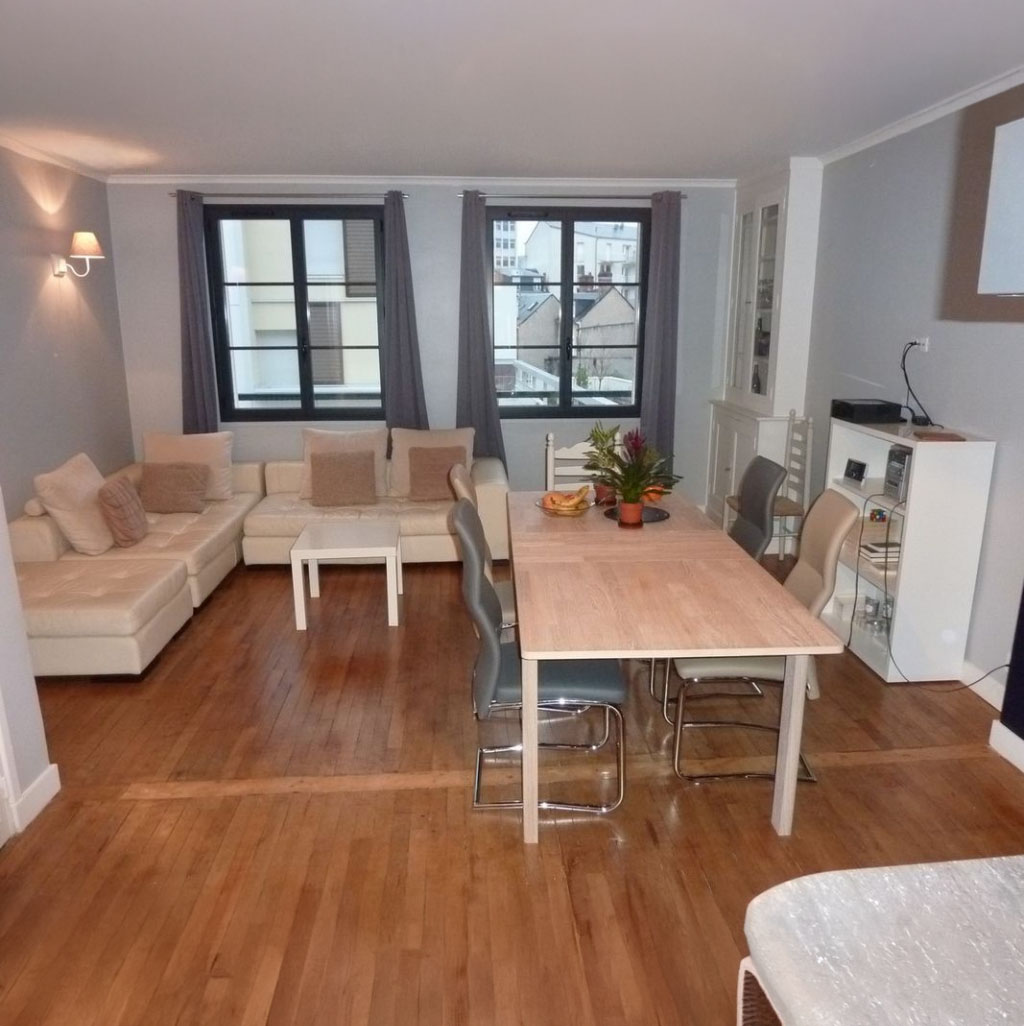
Rendered Floor Plan
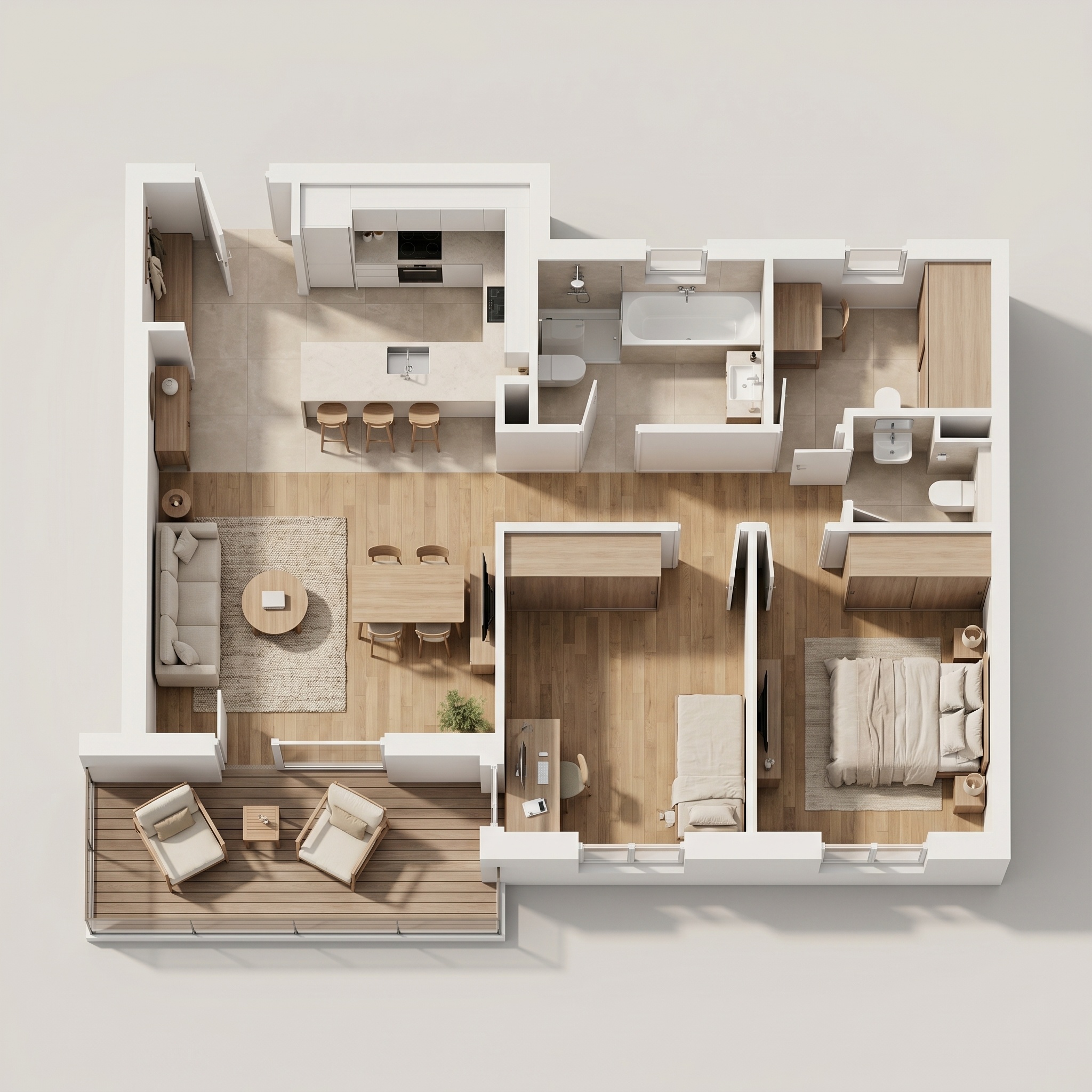
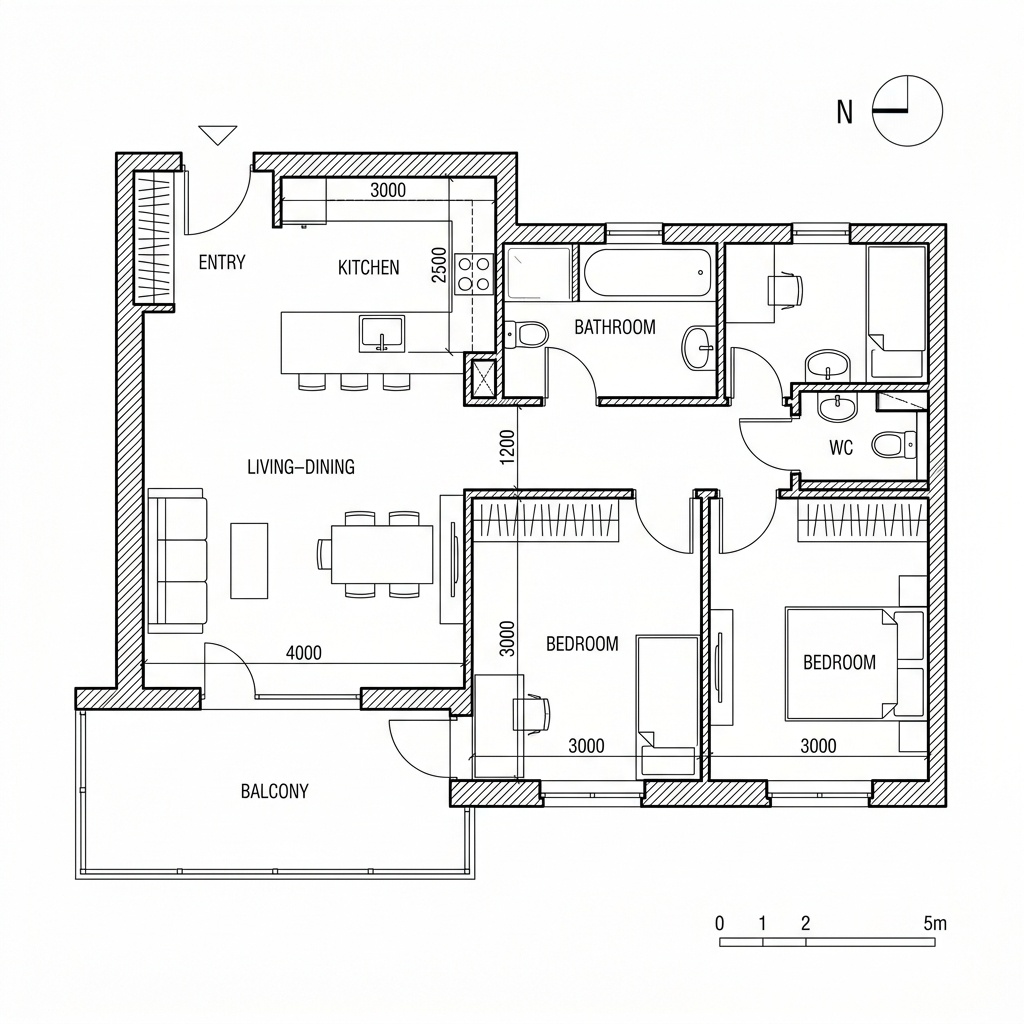
Turn a line floor plan into a furnished, textured top-down plan for listings.
- Free to try
- No plugin
- No credit card
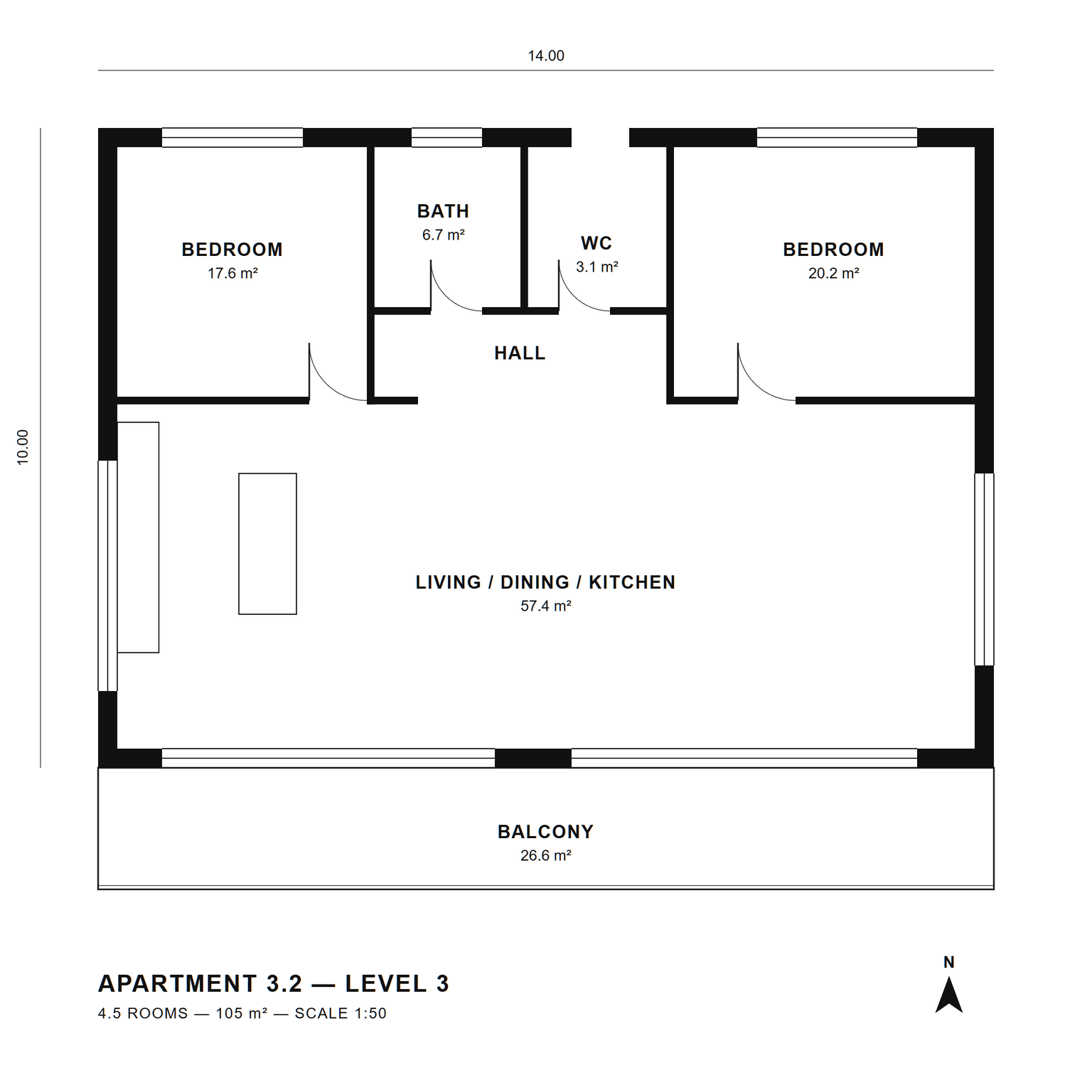
Nano Banana Pro
Sample input · click Generate to see the result
About this model
Turns a black-and-white line floor plan into a furnished, textured top-down presentation plan, the kind used in sales brochures and listings. It stays a 2D plan: a strict orthographic top view, with no tilt and no perspective. For a 3D isometric version of the same apartment, use 2D Plan to 3D Isometric. The drawing is frozen. Every wall, opening, door swing, window and room boundary keeps its position and thickness; the sheet framing, margins and scale do not move; room labels, areas, dimensions, title and north arrow stay legible, in clean dark grey type. Scan noise and faint construction lines are cleaned up. The plan is then dressed. Walls become solid charcoal poché. Each room gets a floor that fits its use: light oak or herringbone parquet in living rooms and bedrooms, pale stone or terrazzo tiles in bathrooms, WC and kitchen, fine timber decking on balconies. Furniture is drawn from directly above in the chosen style (Scandinavian, Contemporary, Warm Minimal or Classic), sized for the drawn scale and kept clear of door swings and windows, with soft contact shadows. Everything outside the plan stays pure white. Useful for real-estate agents, developers and architects who need a readable rendered floor plan for a listing or a sales brochure, from a CAD export or a scan, without redrawing it in a graphics program.
When to use it
A developer is launching sales for twelve apartments. The architect's plans are CAD exports with thin lines, white rooms and dimension strings: correct, but hard for buyers to read. The marketing team screenshots each plan, runs it through Rendered Floor Plan in Warm Minimal, and gets brochure plans with floors, furniture and labels in place. Buyers see at a glance where the sofa goes and how big the second bedroom is, and the walls still match the architect's drawing.
The template is built to keep every wall, door and window in place at the same thickness, and the sheet scale does not change. Treat the output as a marketing plan: check it against the original and keep the CAD drawing as the reference for dimensions.
Yes, with 2D Plan to 3D Isometric, which extrudes the same plan into a furnished isometric cutaway. Rendered Floor Plan stays flat on purpose, for brochures and listing pages.