Blueprint
Transform an elevation drawing into a heritage cyanotype blueprint sheet.
- Free to try
- No plugin
- No credit card
Nano Banana Pro
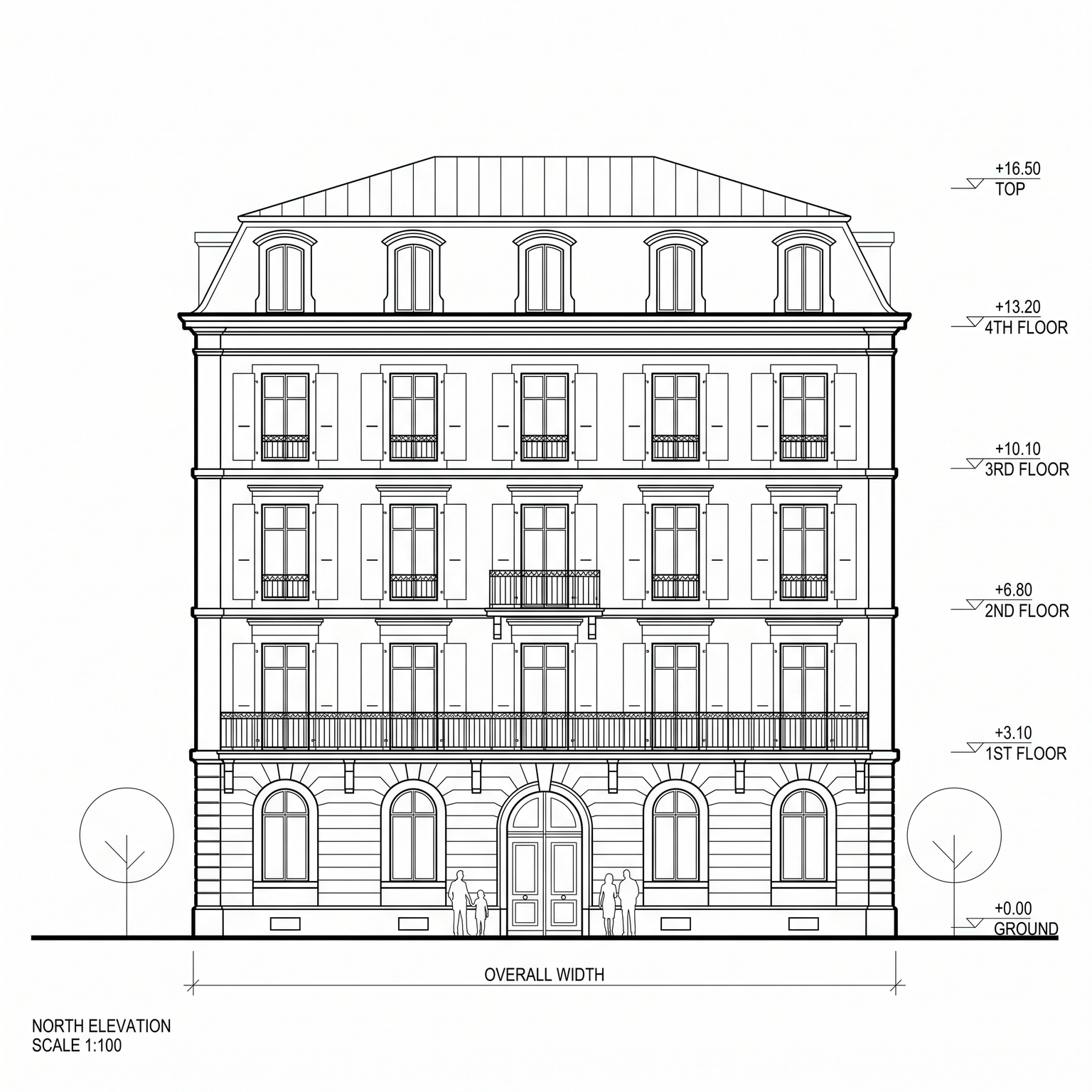
Sample input · click Generate to see the result
About this model
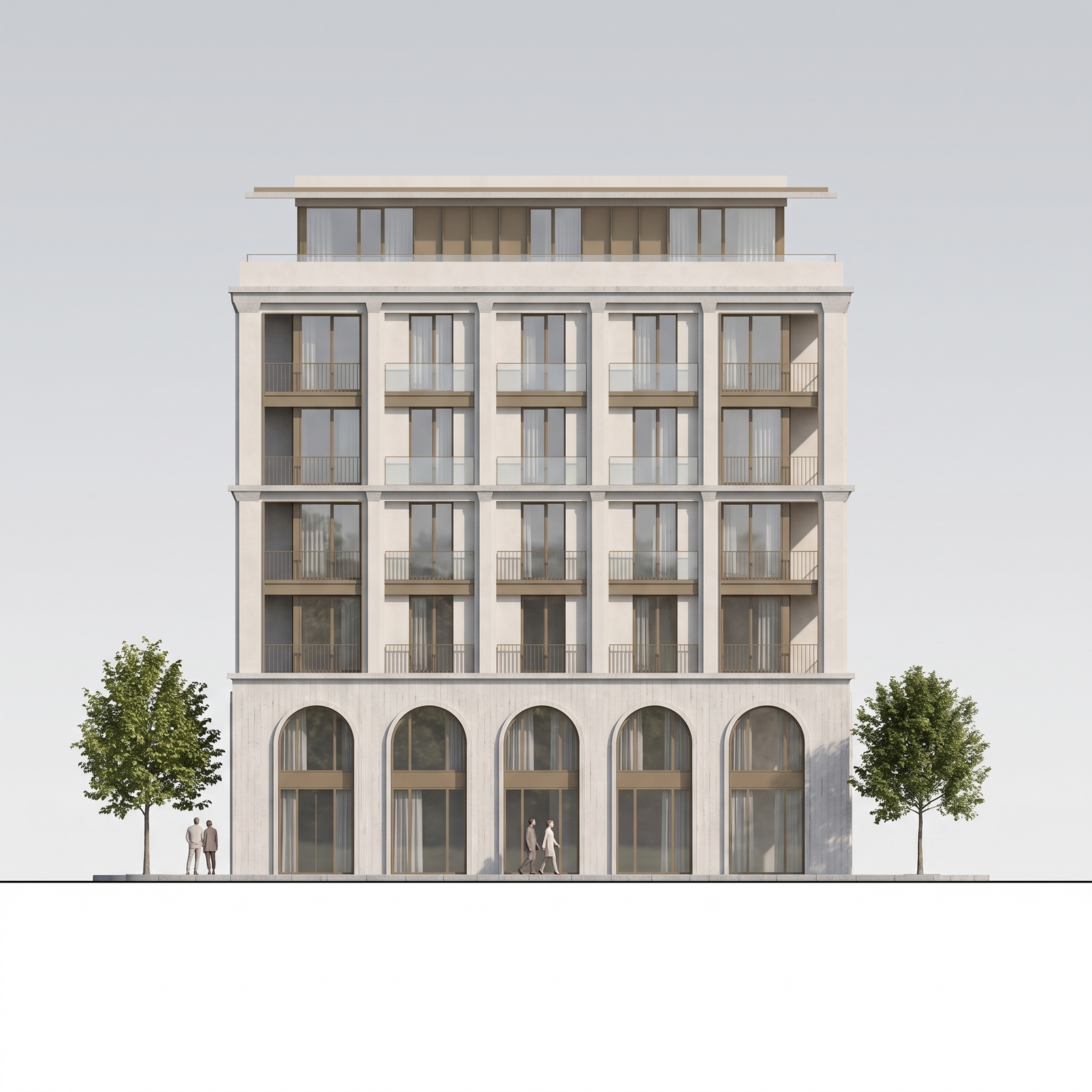
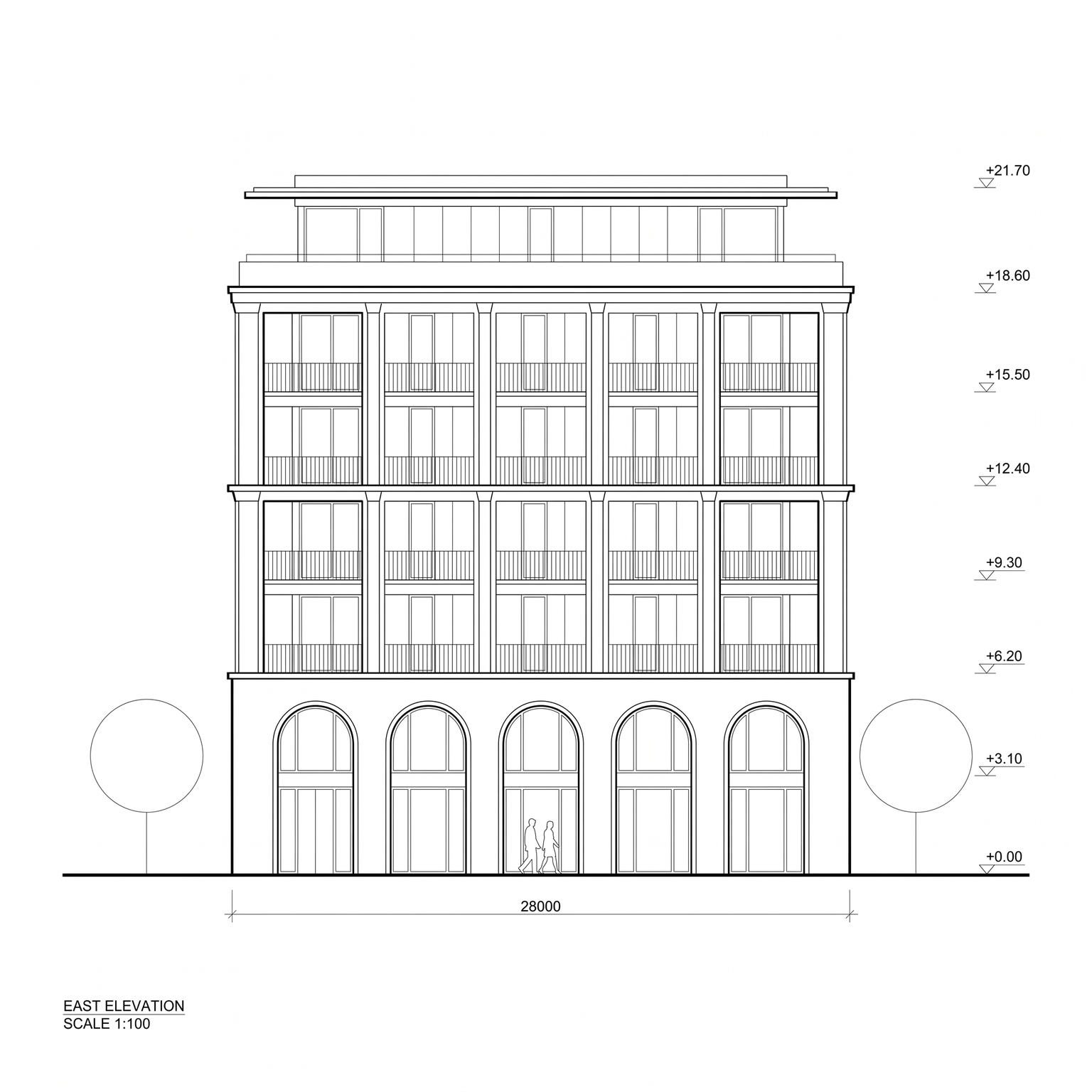
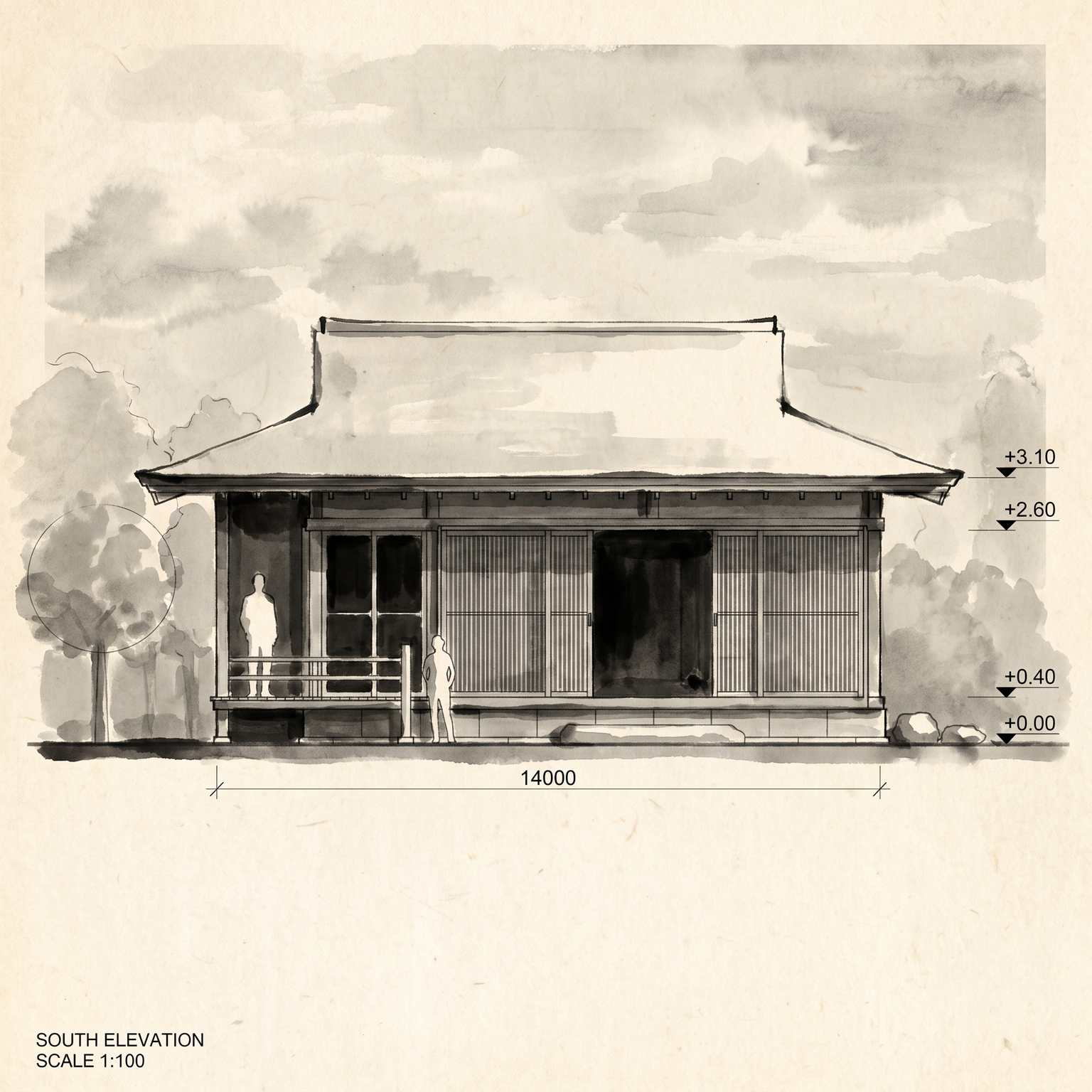
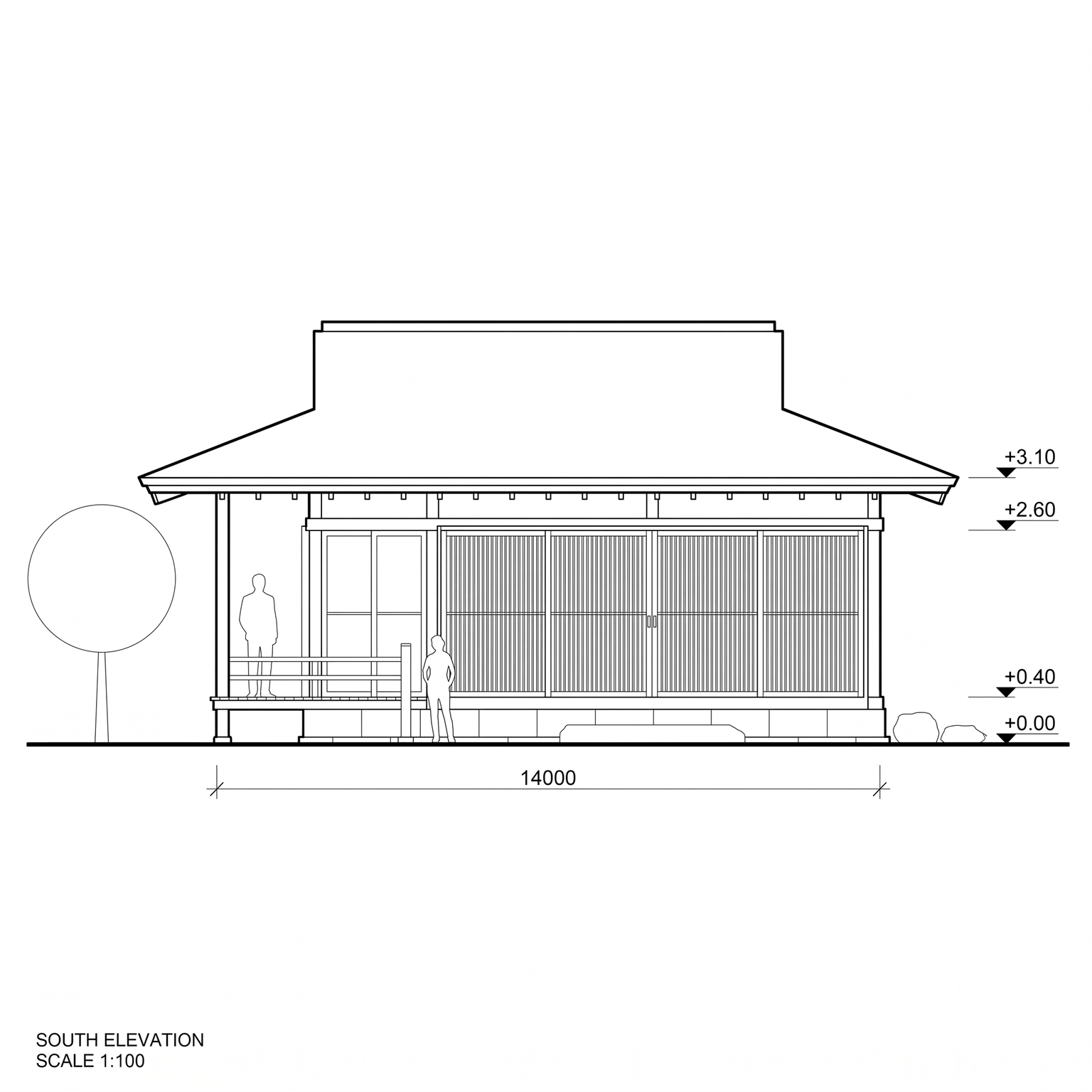
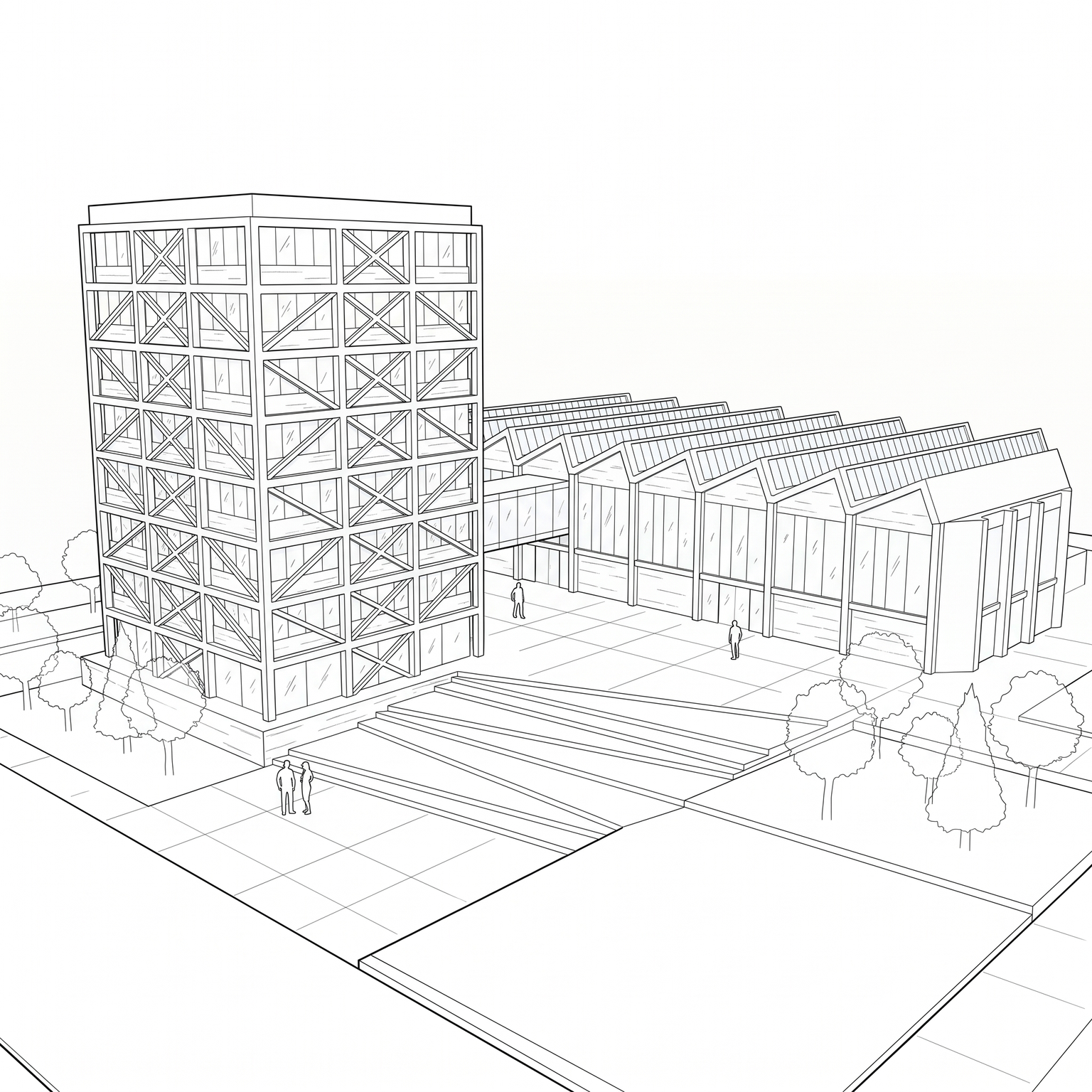
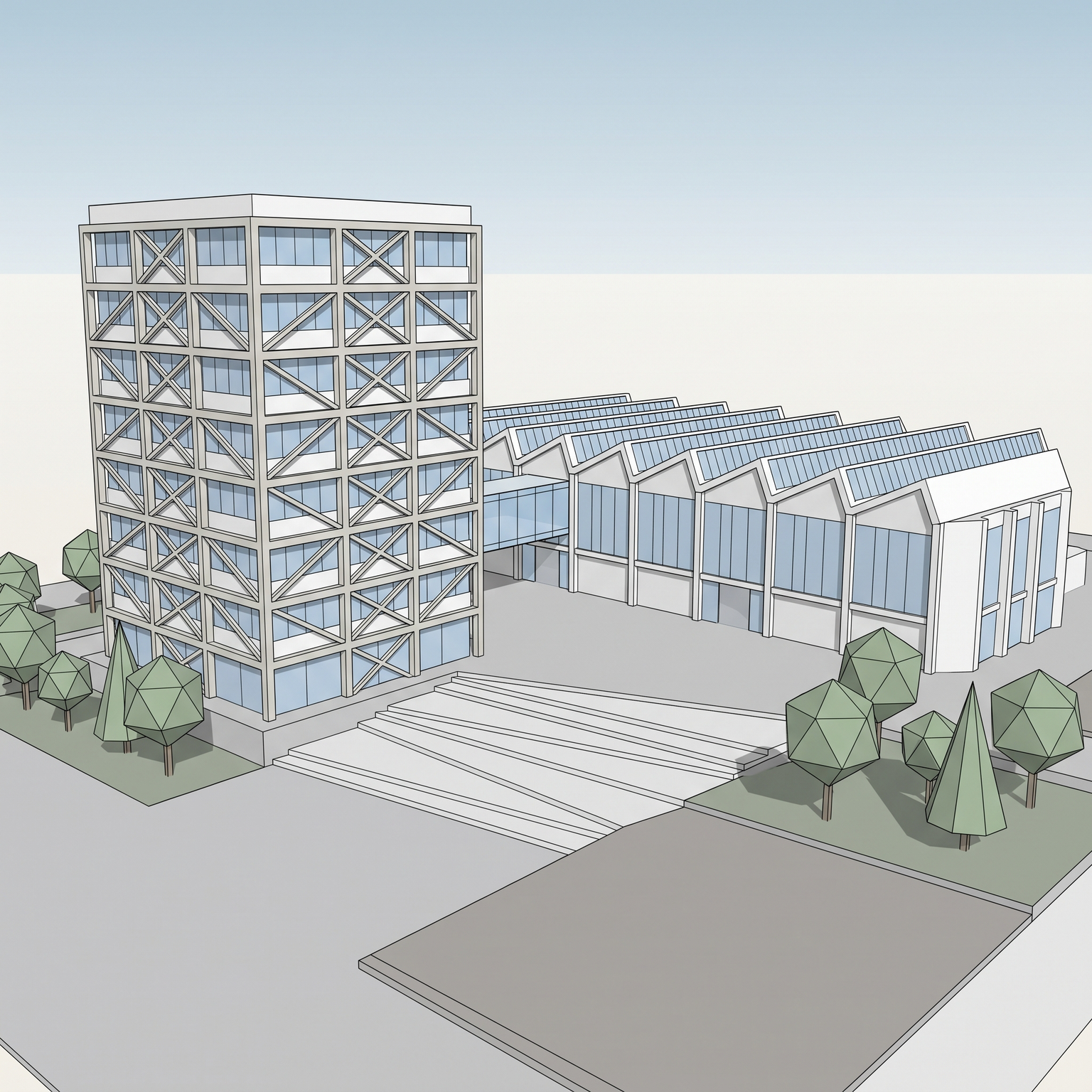
Turns a 2D elevation drawing into a cyanotype blueprint sheet: a deep Prussian blue ground, white lines, the look of the reproduction prints architects used before plotters. The drawing itself is untouched. Every line, its position and its weight hierarchy are kept, and existing text, dimensions and the title block stay where they are, converted to white. What changes is the medium. The white background becomes an uneven cyanotype blue, with subtle mottling where the chemistry would have run thicker or thinner, and black ink becomes clean white line work. A fibrous paper grain runs across the sheet, a few lines soften where the print fades, and small archival marks (dust, a fold, a faint scan halftone) make it read as a scanned original rather than a digital filter. There is no dimensional rendering, no shadow and no added annotation. A blueprint effect on an elevation drawing is mostly a presentation and identity choice: a cover sheet for a competition entry, a heritage feel for a renovation project, a print for an exhibition wall, a divider slide in a client deck. Done by hand in Photoshop, it means inverting, recolouring, then building the paper and its irregularities layer by layer; here it takes one upload. Start from a clean export of your drawing. If you want the elevation as a photoreal facade instead, use Elevation to Render.
When to use it
An architect renovating a 1930s school is preparing the cover of the client presentation. The client loves the original archive drawings, but they are too damaged to reuse. The architect exports the new elevation from Vectorworks as a clean black-on-white image, runs it through Blueprint, and opens the deck with a sheet that echoes the archive while showing the project as it will be built.
Yes. Existing text, dimensions and the title block stay in place and turn white with the rest of the line work. The template never adds text that is not in your drawing.
It is designed for flat 2D line drawings. A 3D view would be recoloured but would not read as a blueprint; for a technical look from a 3D view, try Line Drawing or Axonometric.