Line Drawing
Turn a 3D view into a clean black-ink line drawing for boards and planning files.
- Free to try
- No plugin
- No credit card
Nano Banana Pro
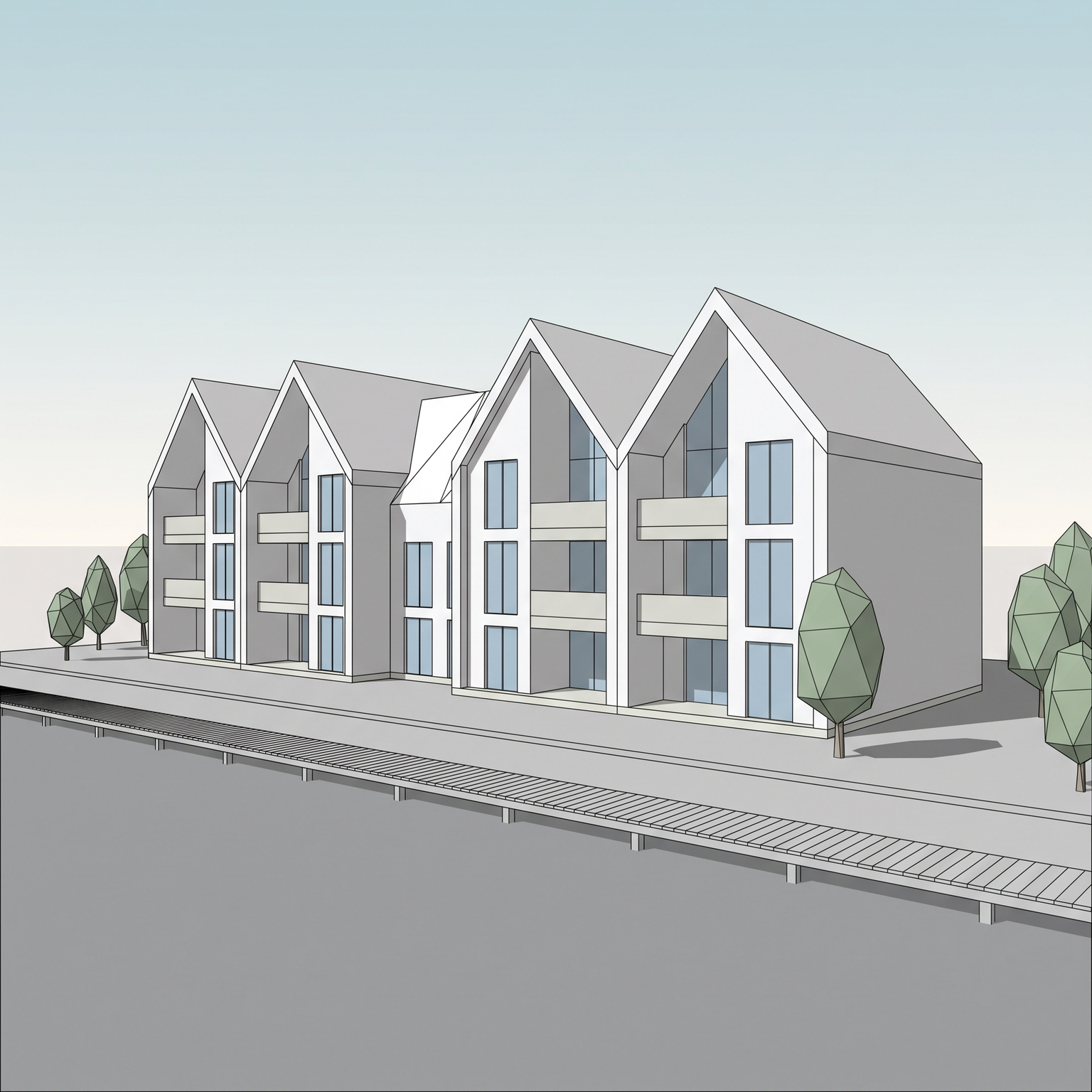
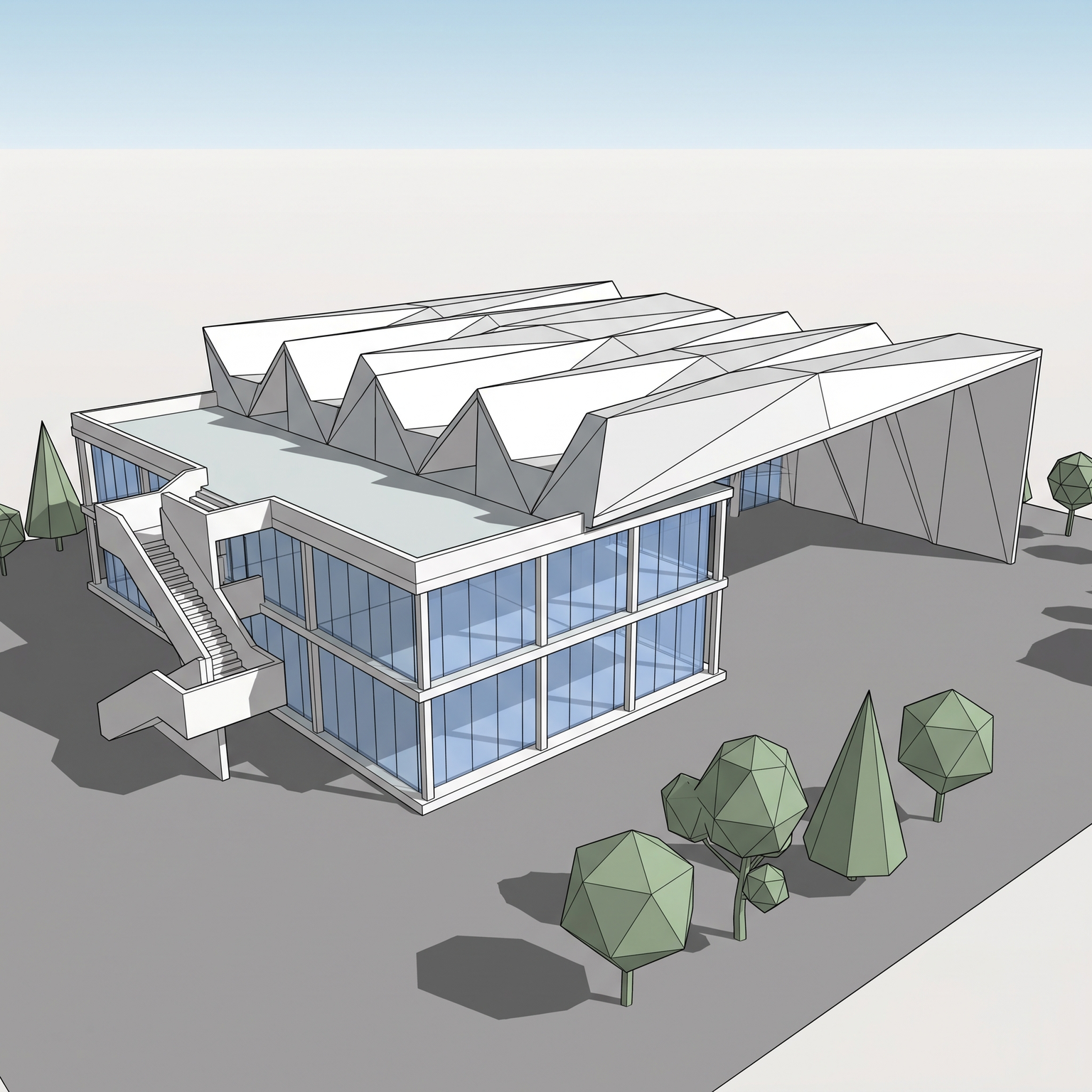
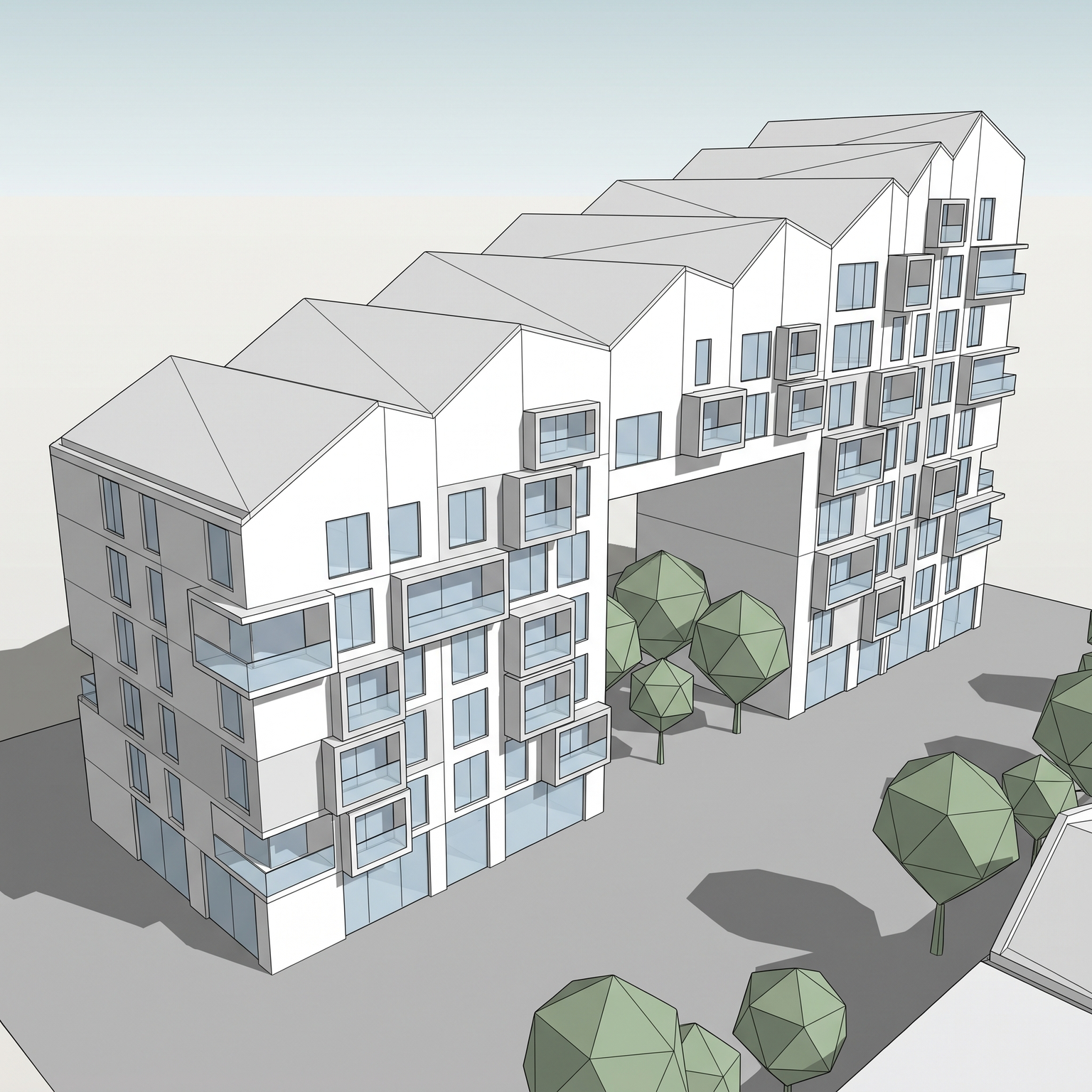
Sample input · click Generate to see the result
About this model
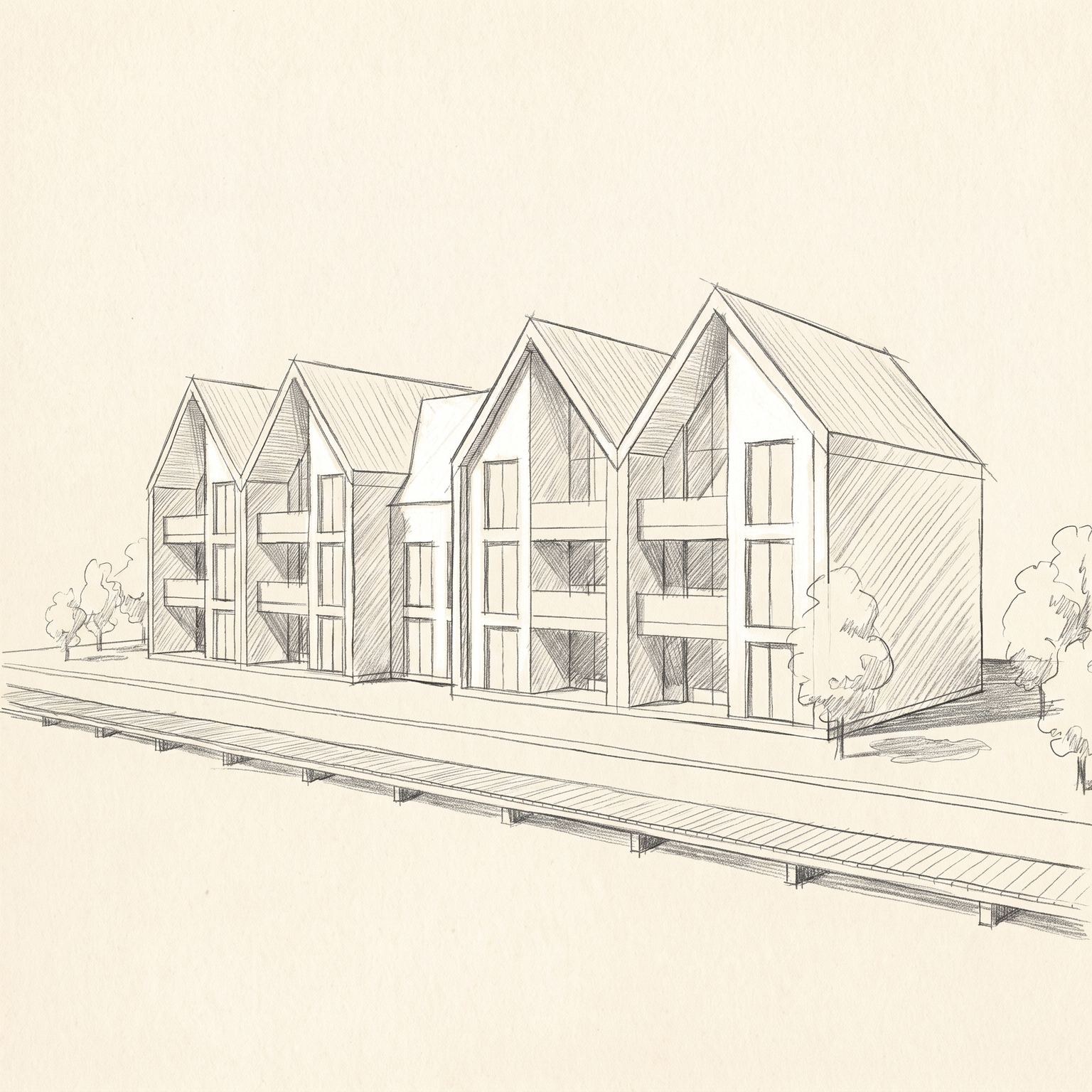
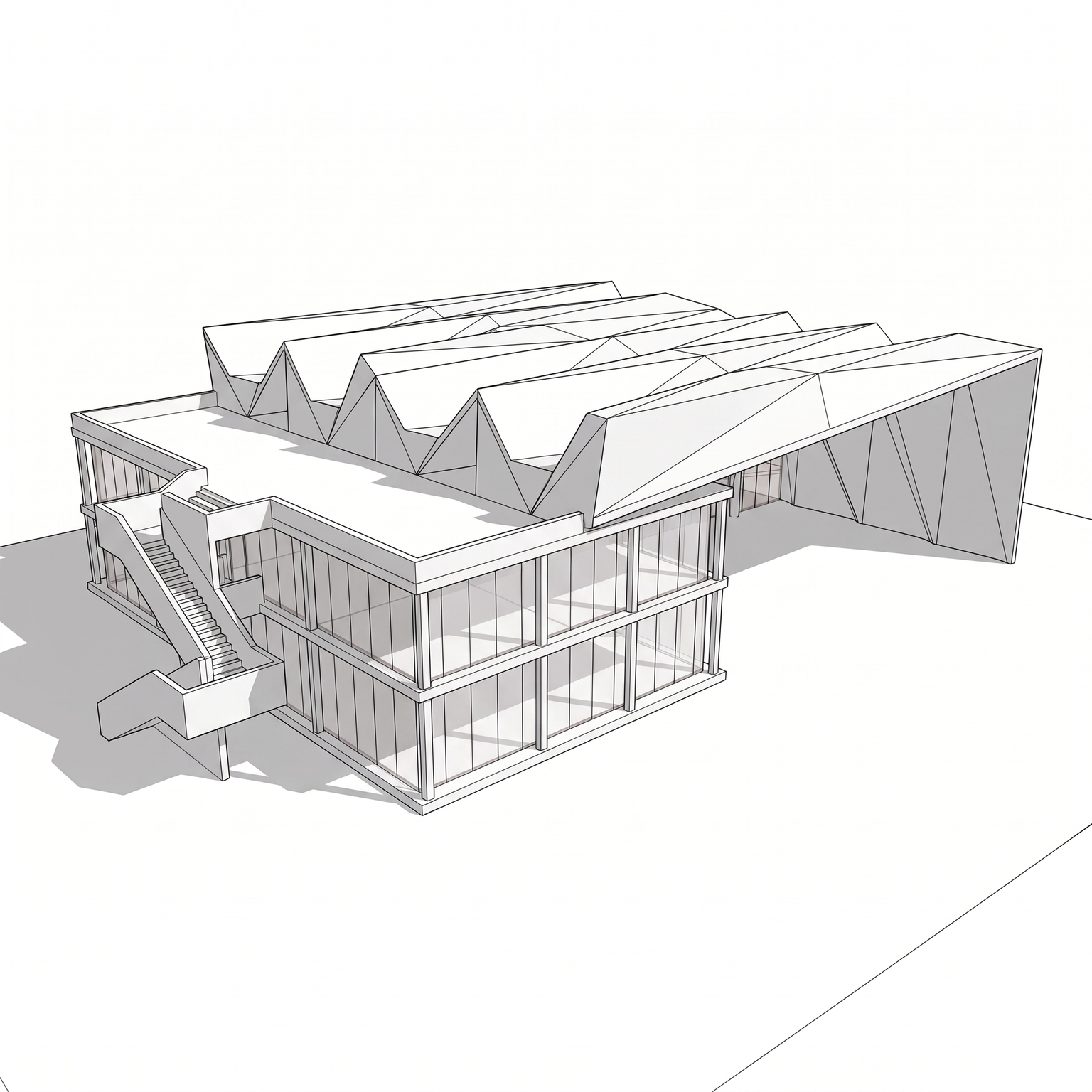
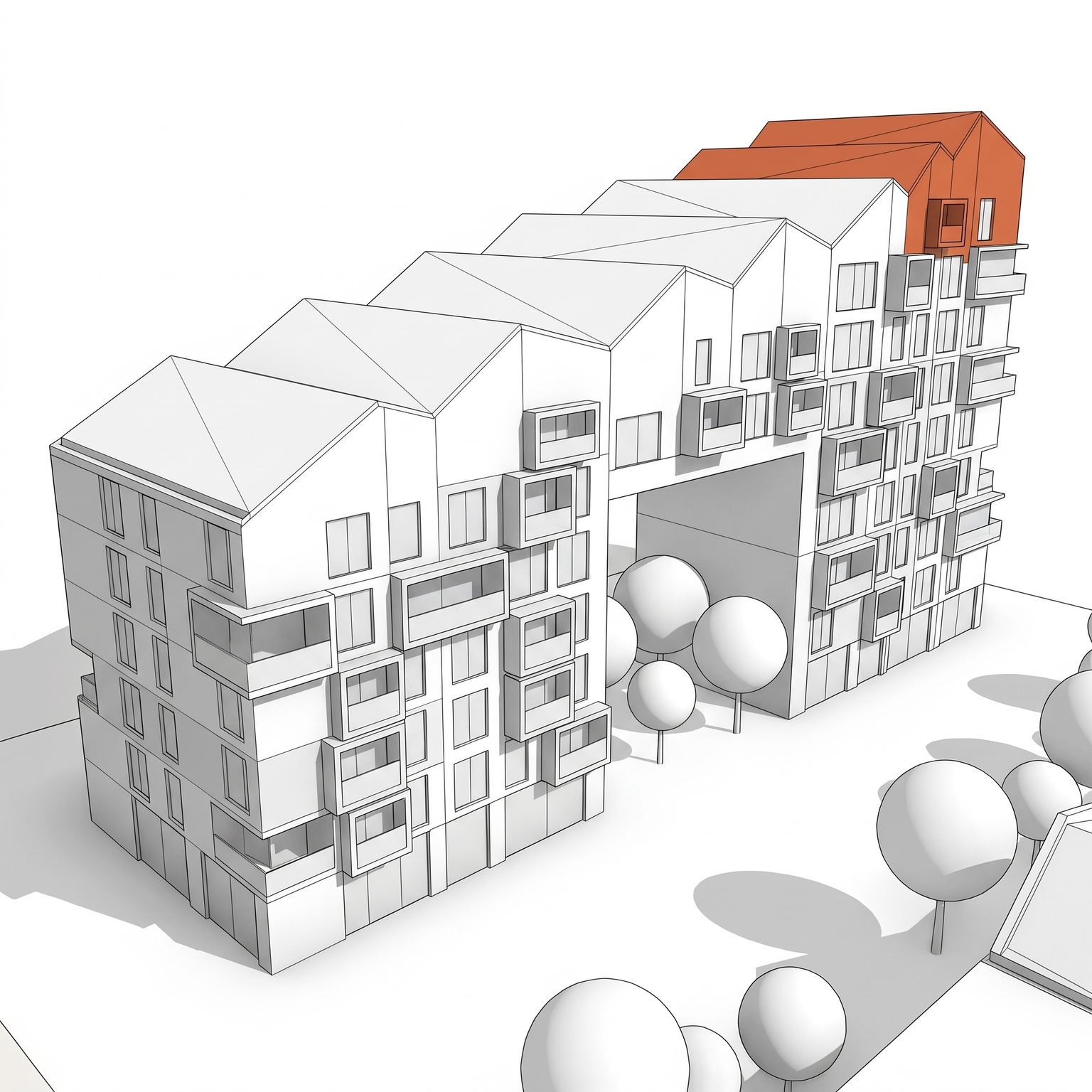
Turns a 3D view of your model into a precise black-ink line drawing on pure white, in the hidden-line style of an architectural office plate. The camera and the geometry are locked: every edge, opening, slab, fin, railing and roof step stays at its exact position and count. Everything else goes: color, shading, textures, sky, glass tint and viewport artifacts. Lines are drawn in three weights: heavy for the building silhouette and the ground line, medium for volume and slab edges, fine for mullions, railings and joints. Hidden lines are removed. Glazing keeps its frames, with a few short reflection strokes on large panes. Materials are suggested by sparse line texture only, such as render joints or a paving grid. Low-poly CG trees are redrawn as light organic outlines that never hide the facade, and a few fine-line figures may be added for scale. Depth comes from line weight, with at most a light hatch under slabs. It is a quick way to get a line drawing from a 3D model without setting up a hidden-line export or redrawing over a render: one screenshot of the viewport gives one clean perspective line drawing for a board, a planning file or the base of a diagram.
When to use it
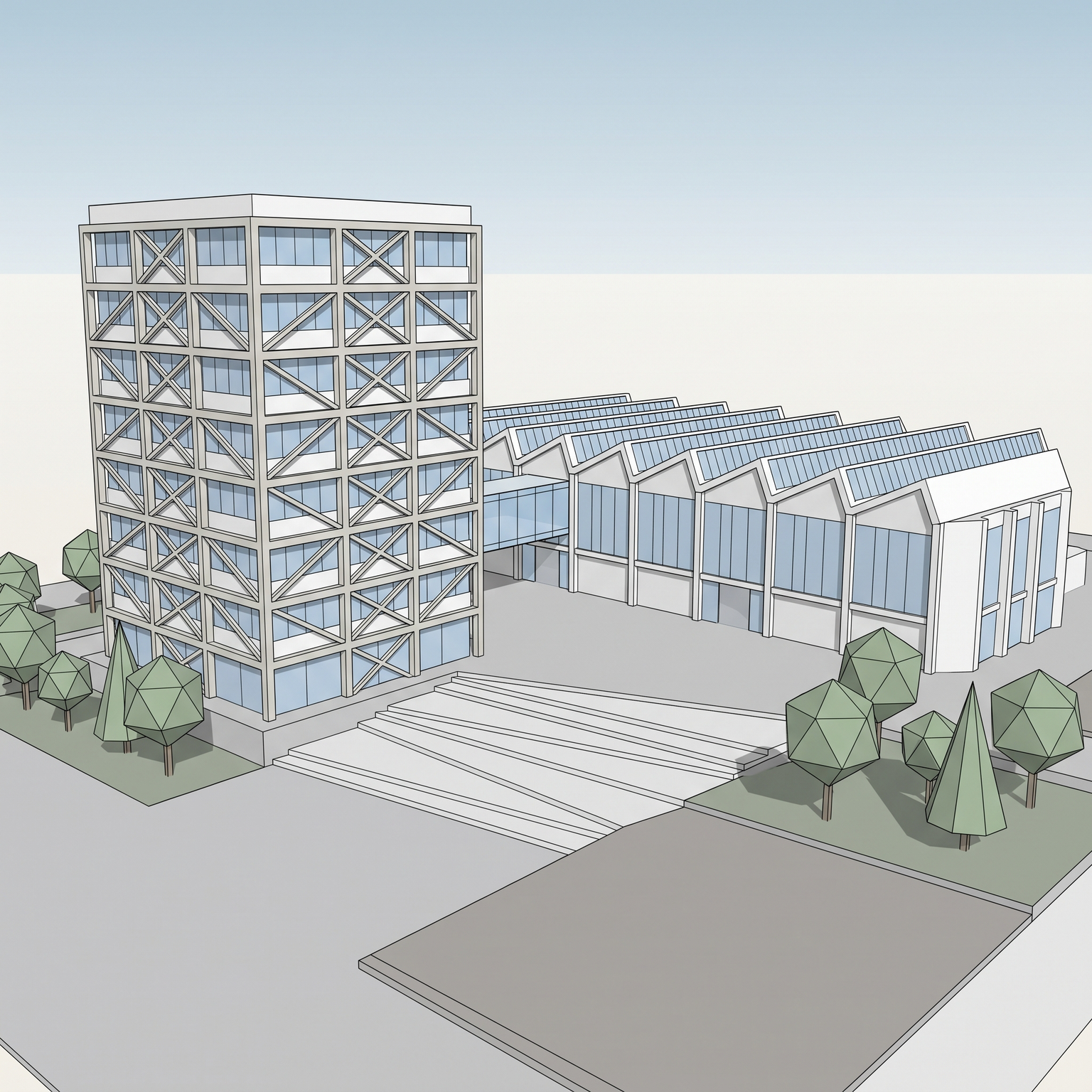
A studio needs a set of perspective line drawings for a competition board, to sit next to two photoreal renders. The hidden-line export from its modelling software gives uneven line weights, faceted trees and stray edges that would take an afternoon to clean in a vector editor. The team takes viewport screenshots of the three perspectives, runs them through Line Drawing, and gets three consistent plates with the same line hierarchy, ready to place on the board.
No. The result is a high-resolution image that looks like a vector drawing. It places cleanly on a board or in a document; if you need editable lines, export them from your model or trace the image.
Line Drawing produces precise, straight office lines with no shading. Pencil Sketch is loose and hand-drawn, with graphite hatching for shadows. Use Line Drawing for technical plates and Pencil Sketch for early conversations.