Diagram
Convert a 3D view into a white volumetric massing diagram with a single accent color, for explanatory boards.
- Free to try
- No plugin
- No credit card
Nano Banana Pro
Sample input · click Generate to see the result
About this model
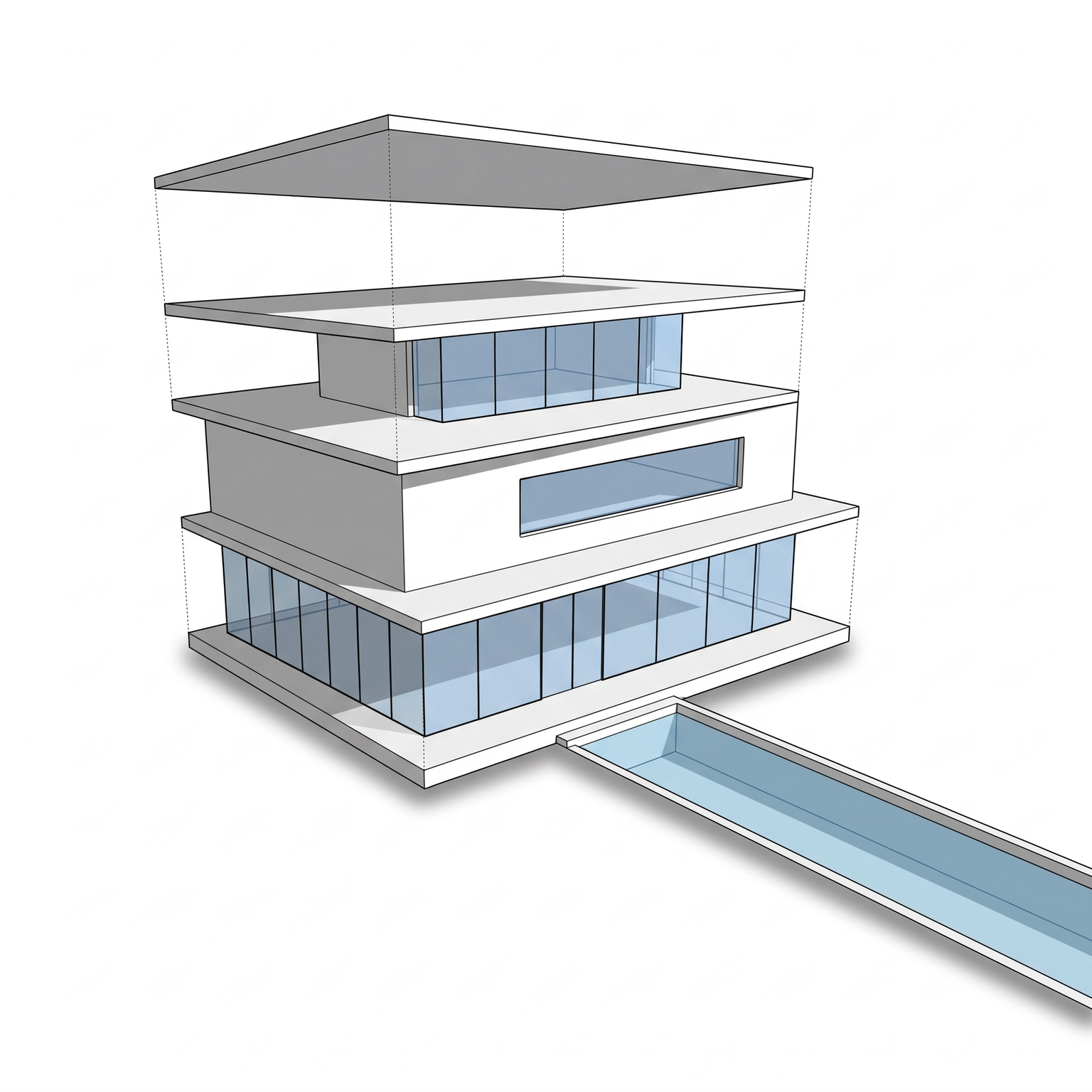
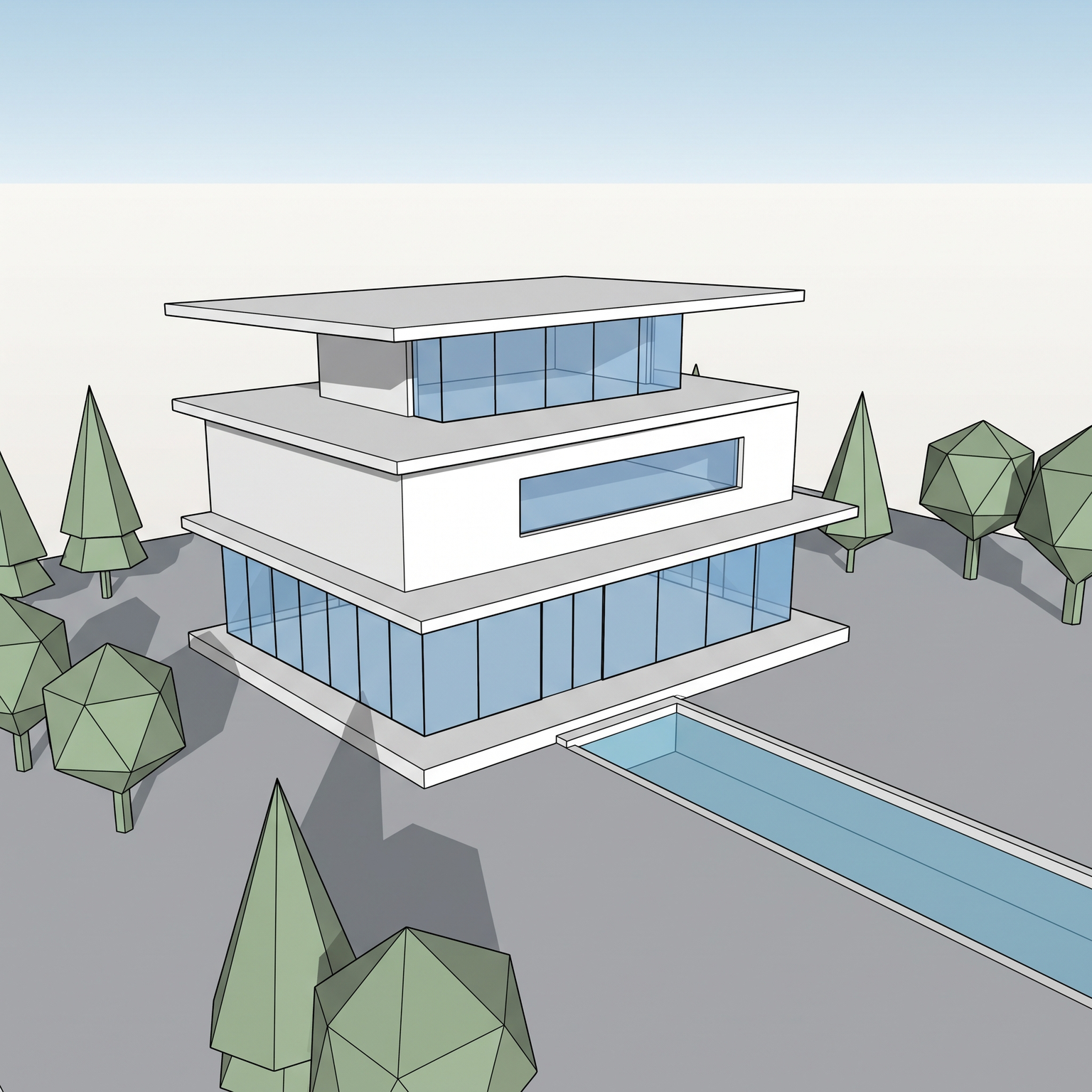
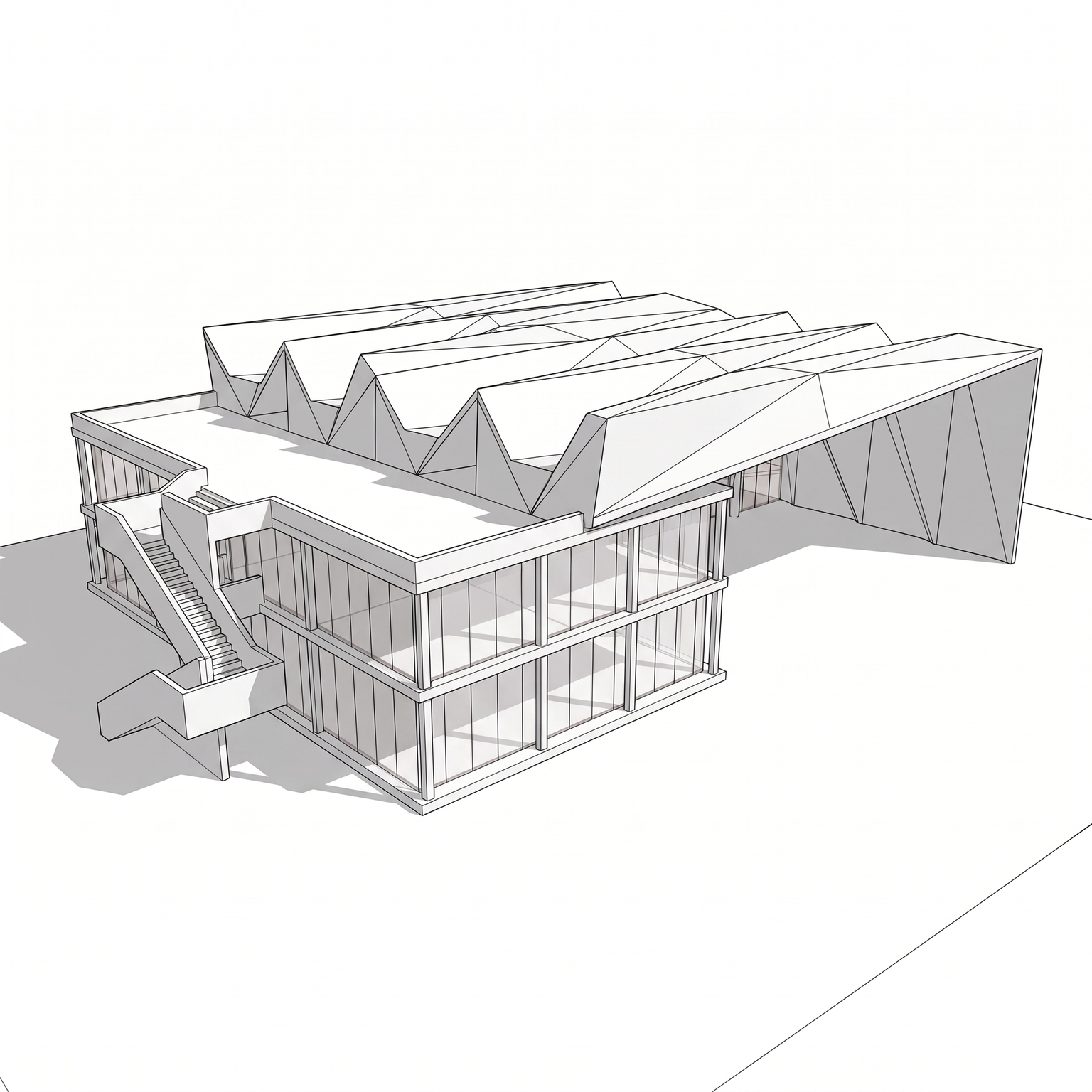
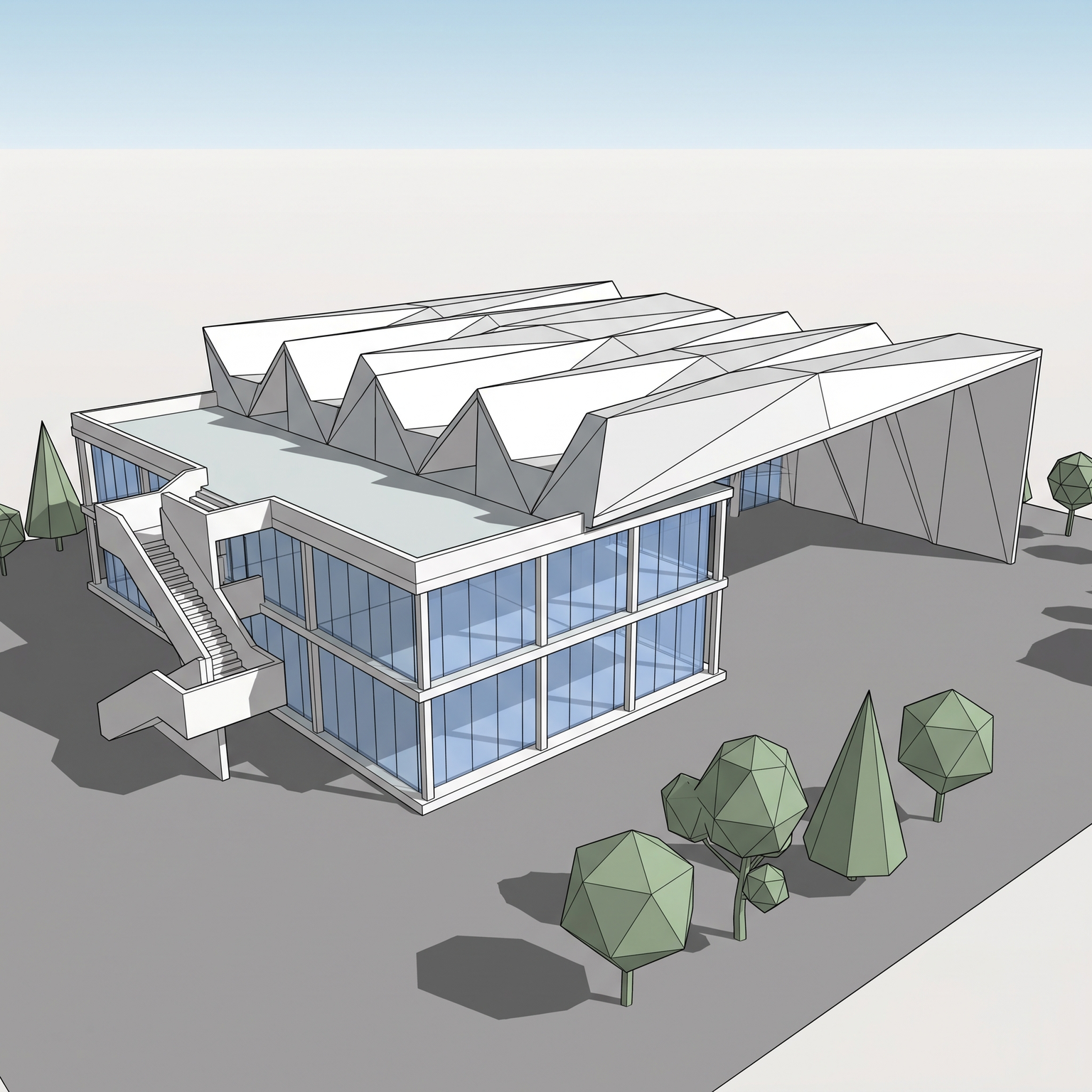
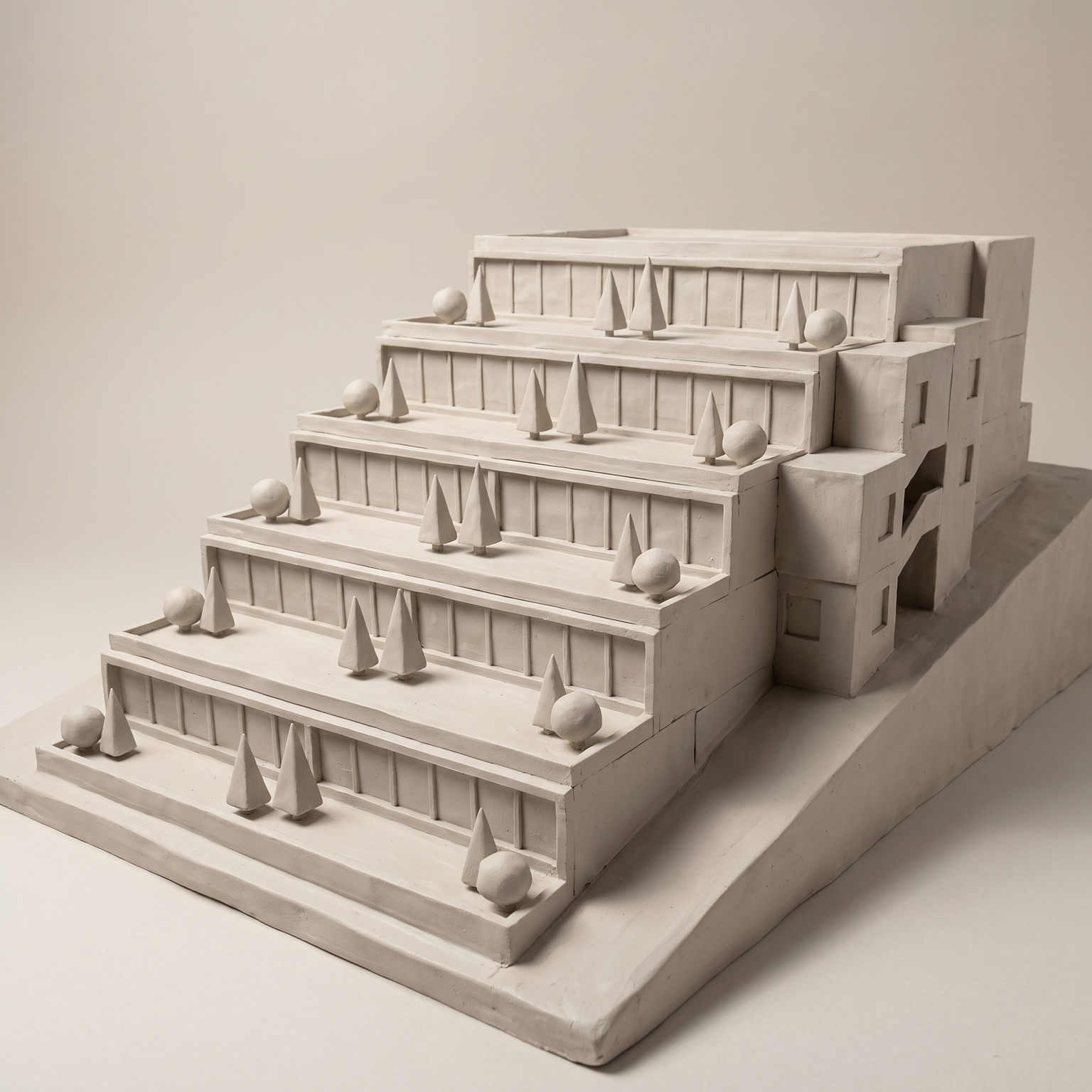
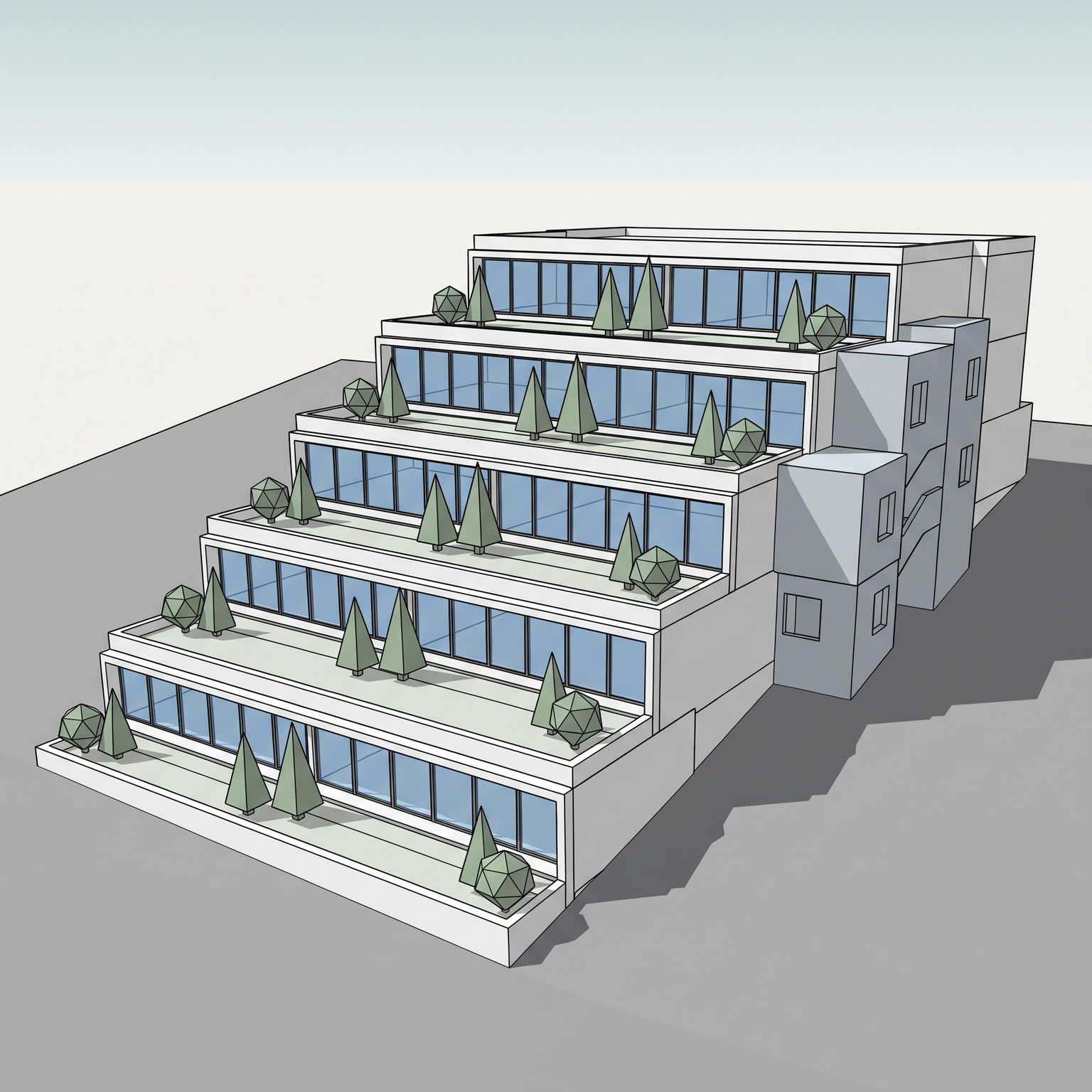
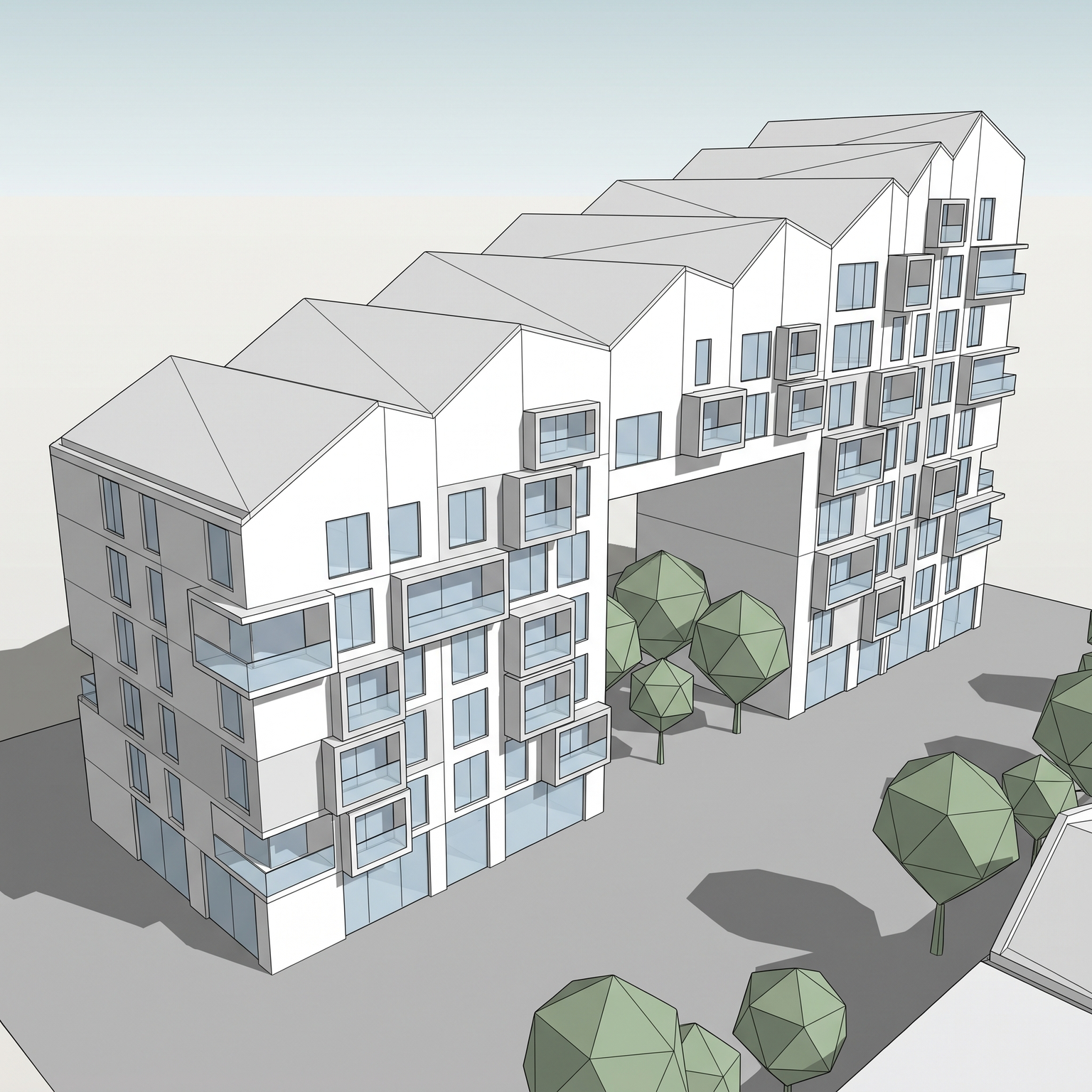
Turns a 3D view of your project into a white volumetric massing diagram, the clean board graphic that explains a scheme at a glance. Every volume, setback, cantilever, void and roof step keeps its footprint, height and position, and the camera stays locked. Everything that is not mass goes: materials, glazing, railings, frames, rooftop equipment, trees, paving, street and sky. The volumes are rebuilt in one matte white card-like material with three face values only: roof white, lit face light grey, shaded face mid grey. Openings become shallow recessed planes one tone darker, balcony slabs and fins stay as thin white planes, and thin black contours mark the silhouette and volume edges. The ground is a pure white plane with a soft contact shadow, the background plain white with no horizon. Soft studio light from the upper left adds ambient occlusion in corners and under slabs. A single volume carries colour: the uppermost one (attic or top setback) in flat terracotta orange, while everything else stays white. This is the register of competition boards from offices such as OMA, BIG or Herzog & de Meuron, where one coloured element tells the reader where to look. A massing diagram generator is useful at feasibility and competition stages, in presentations that compare options, and as a base for annotated diagrams: add arrows, labels and programme colours on top of the output in your layout software.
When to use it
An architect is presenting a rooftop extension on a 1970s office building to its owners and wants the new top floor to be obvious at once. She runs a Revit view through Diagram: the existing building comes back as clean white volumes and the extension, the uppermost volume, in terracotta. The owners understand the project before she says a word, and she adds the key dimensions on top in her layout software.
Not at the moment. The accent always goes to the uppermost volume (attic or top setback) in terracotta orange, and every other volume stays white. To highlight another element, colour it afterwards on top of the white output.
No. The diagram comes back clean, without text, so you can annotate it in your own layout software with your board's fonts and conventions.