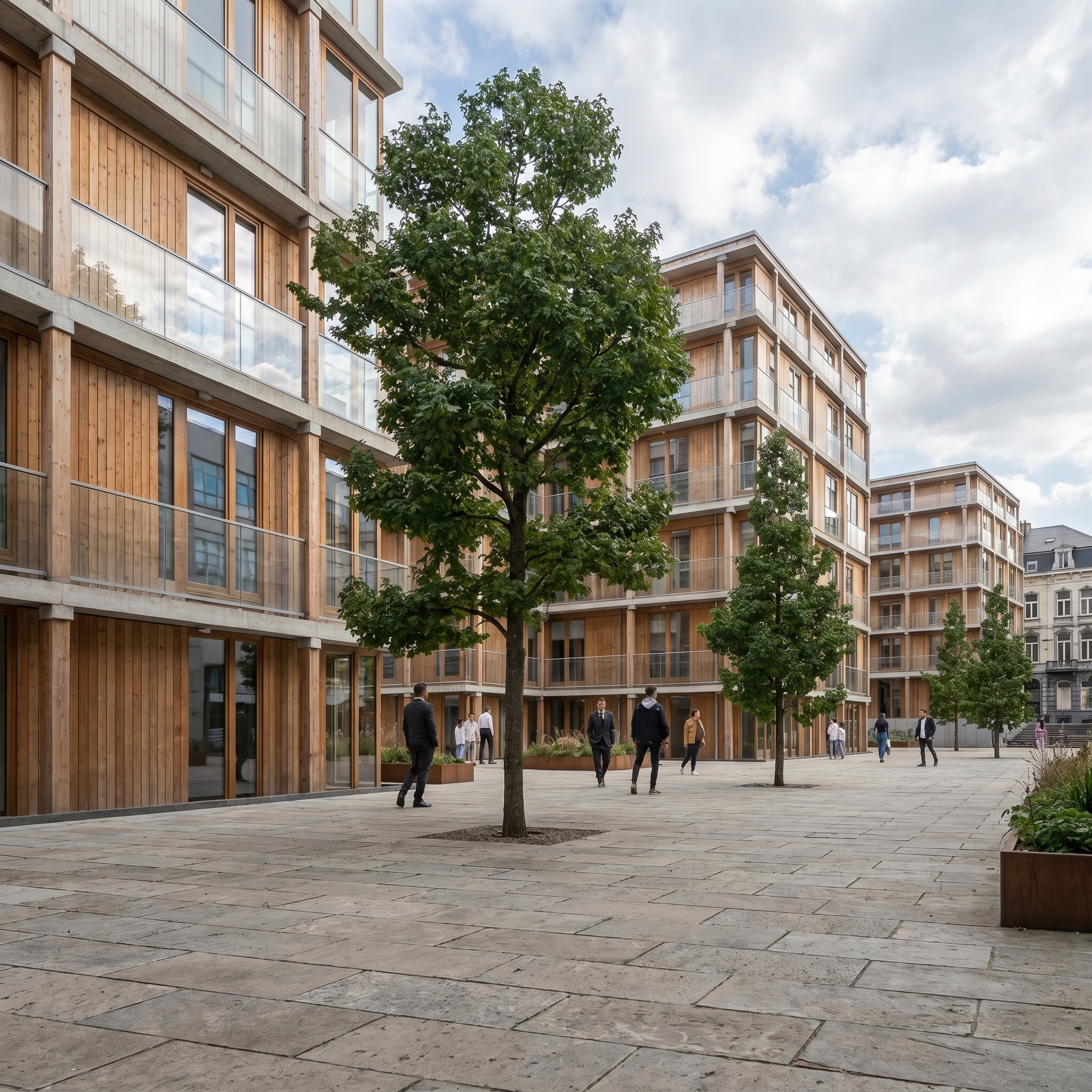
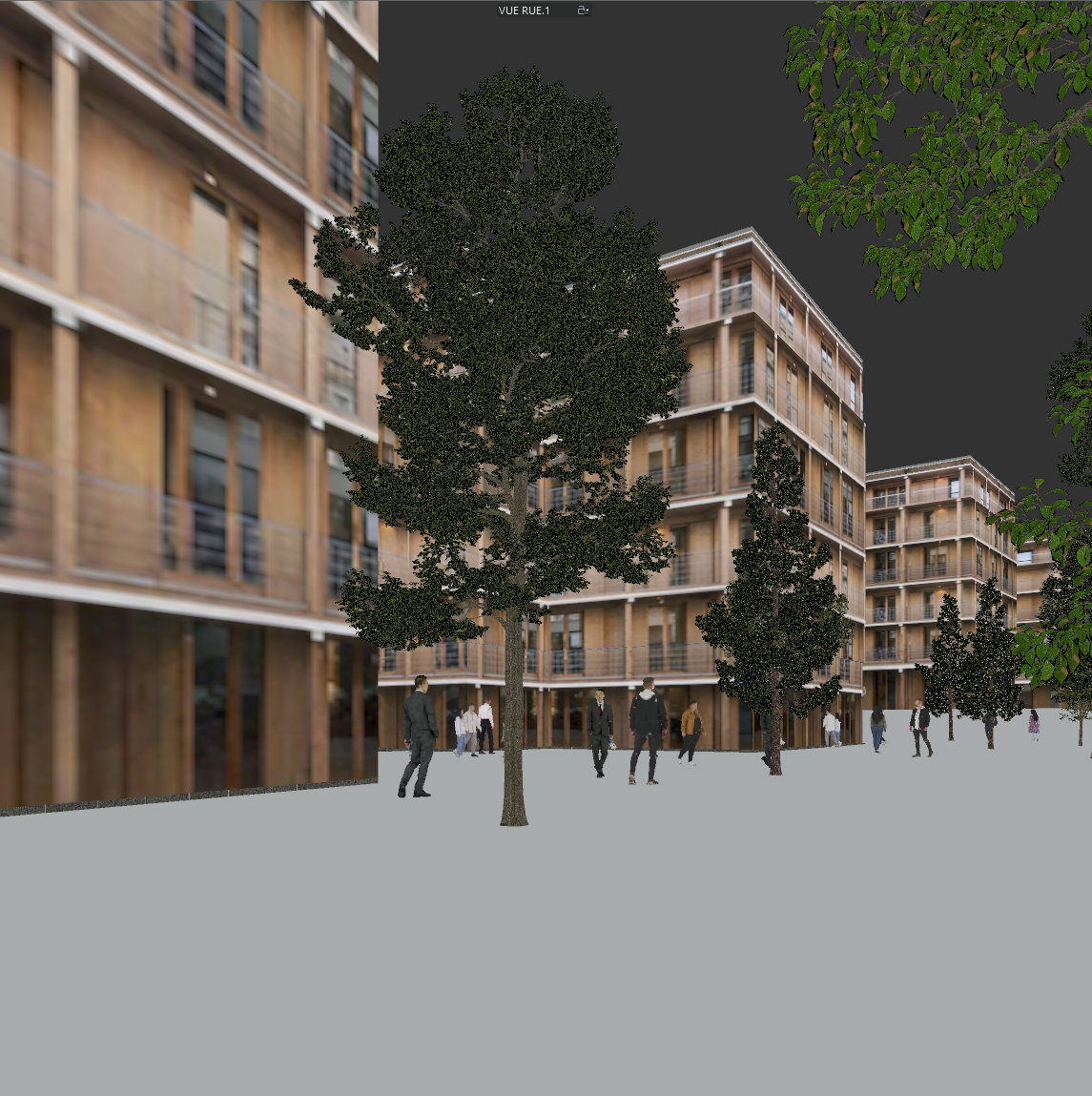
Clay Model
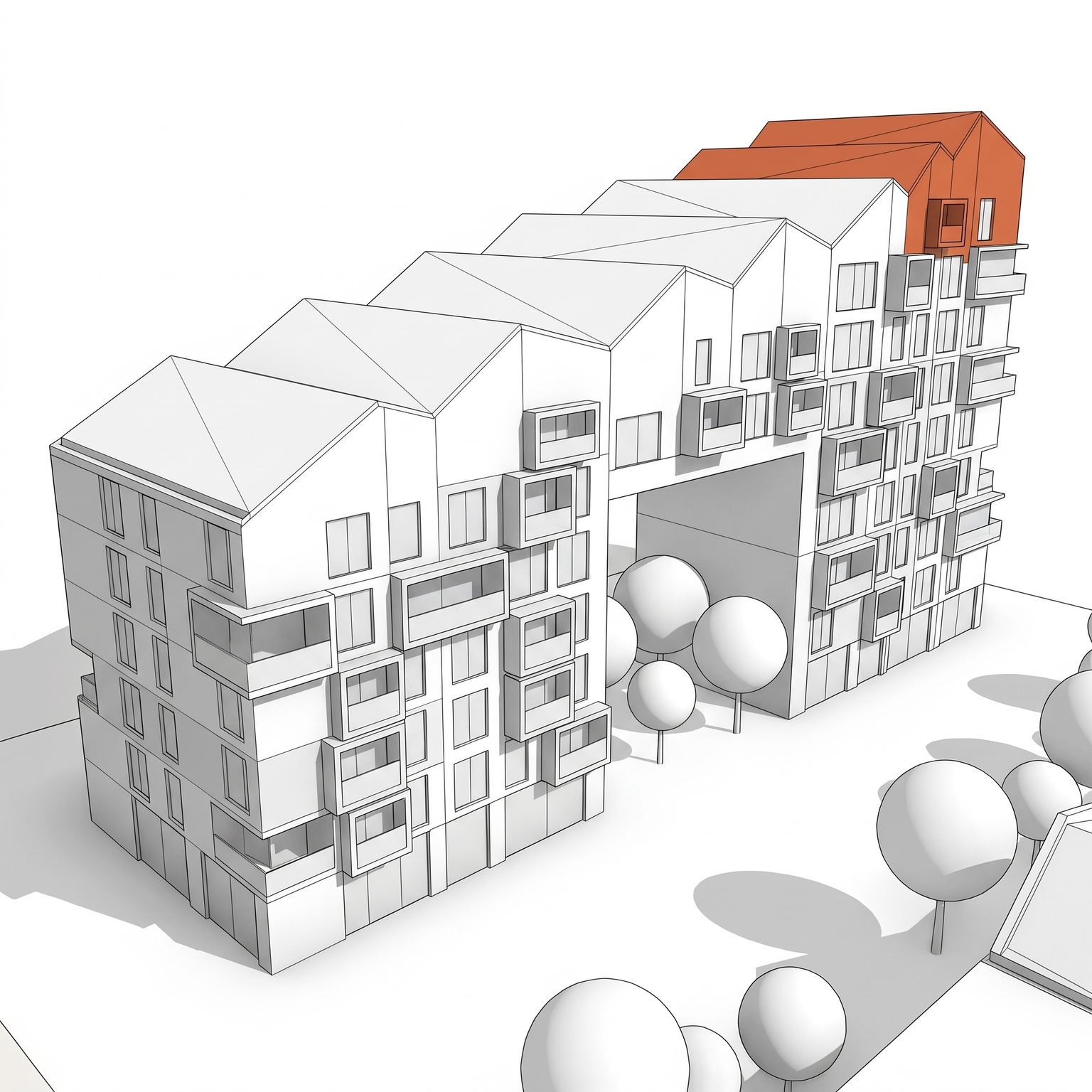
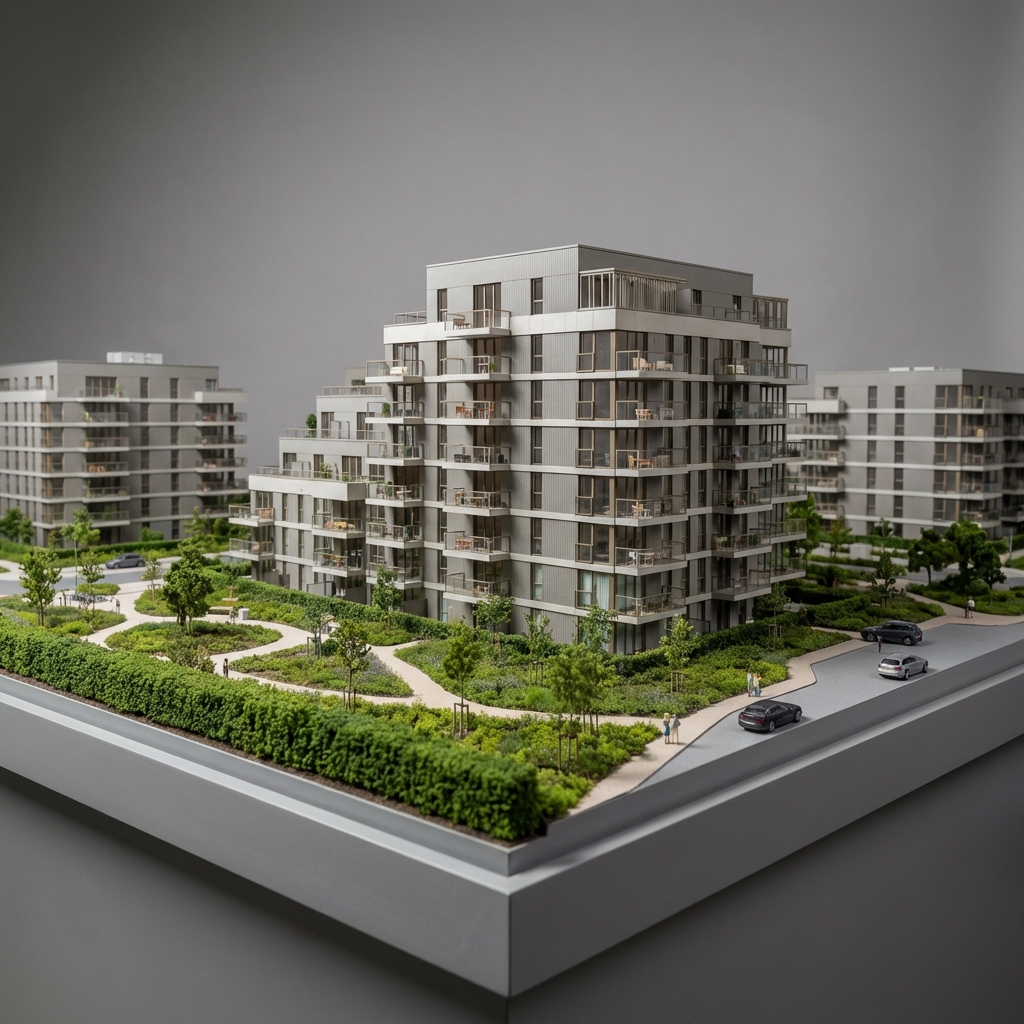
Present the project as a monochrome clay mass model with clean shadows, no materials.
- Free to try
- No plugin
- No credit card
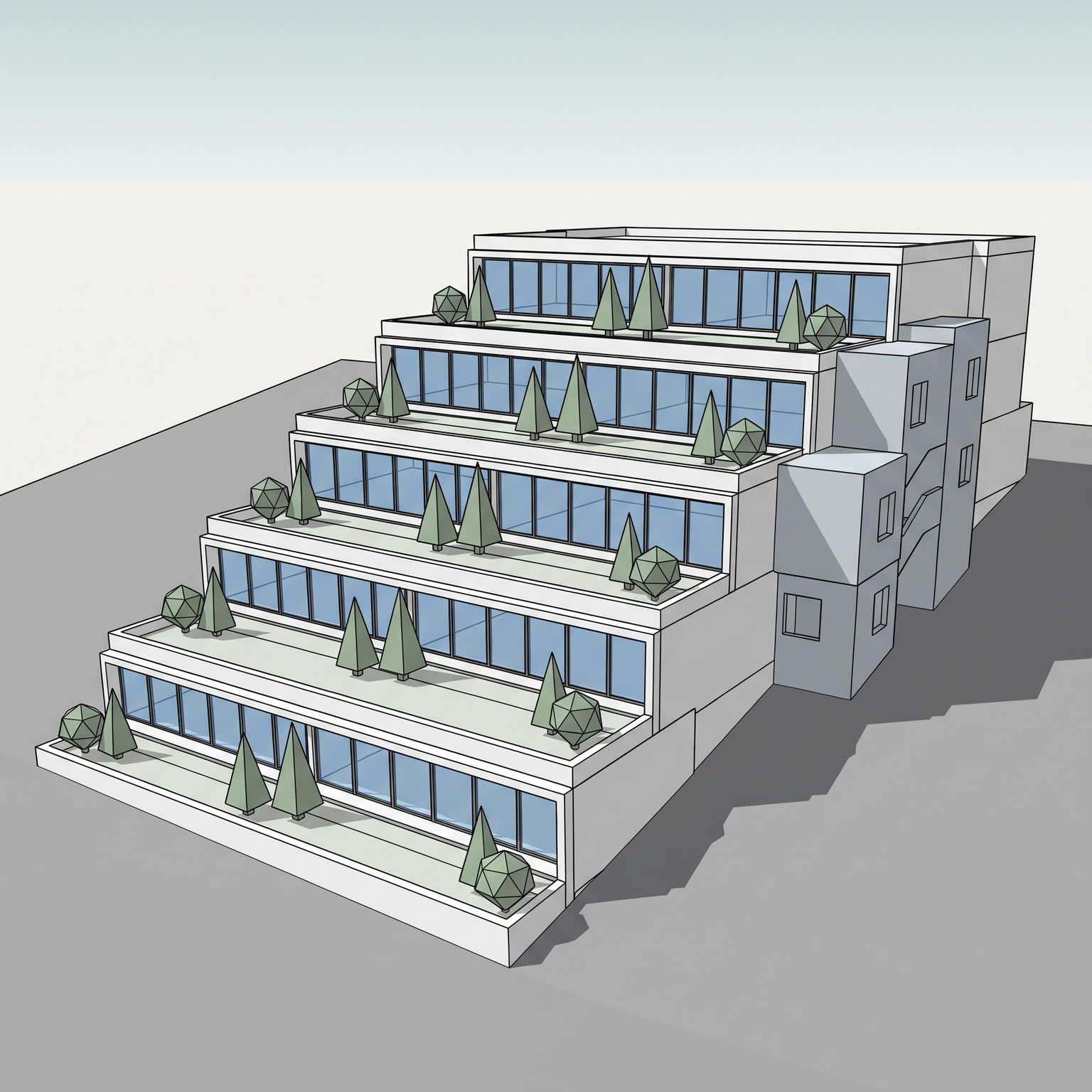
Nano Banana Pro
Sample input · click Generate to see the result
About this model
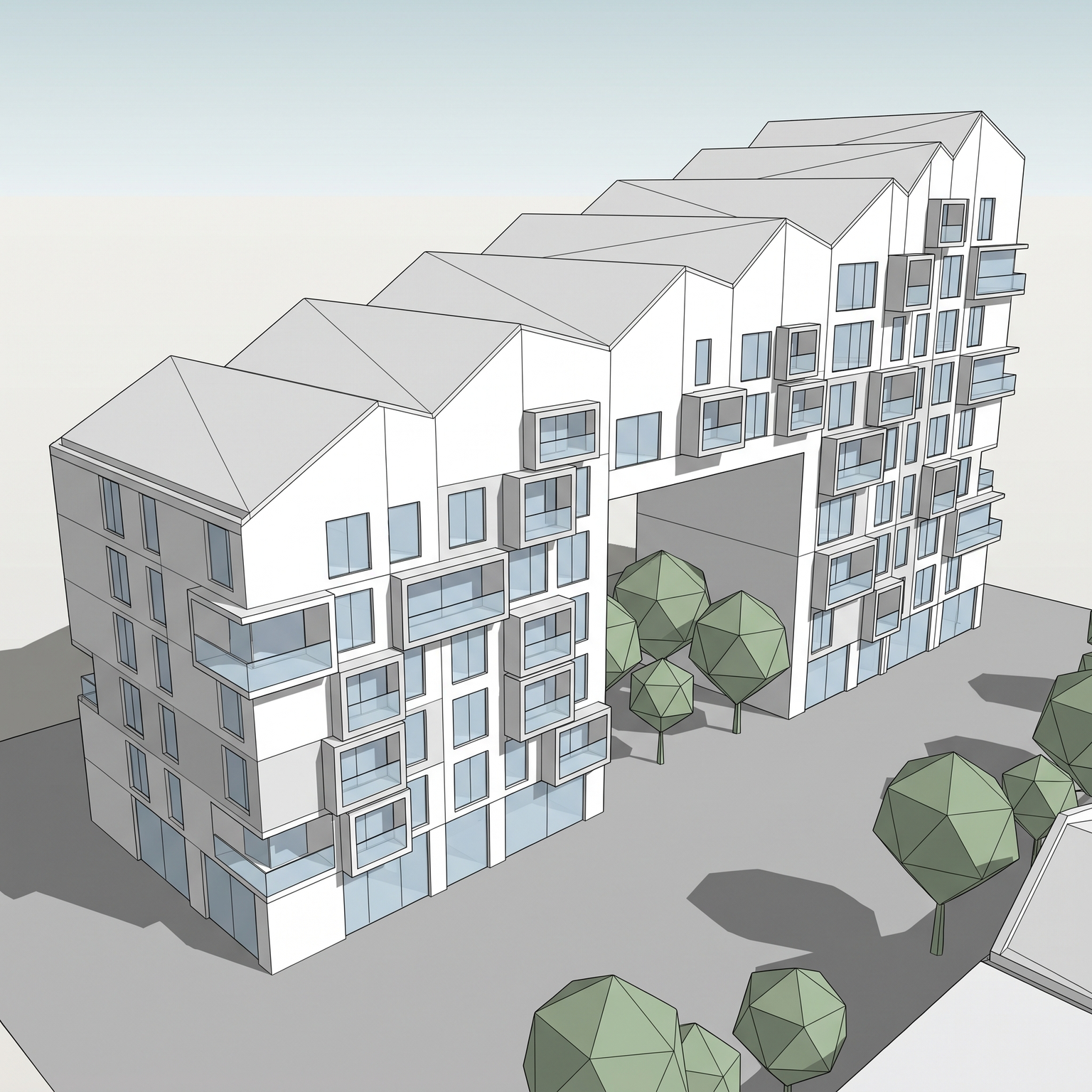
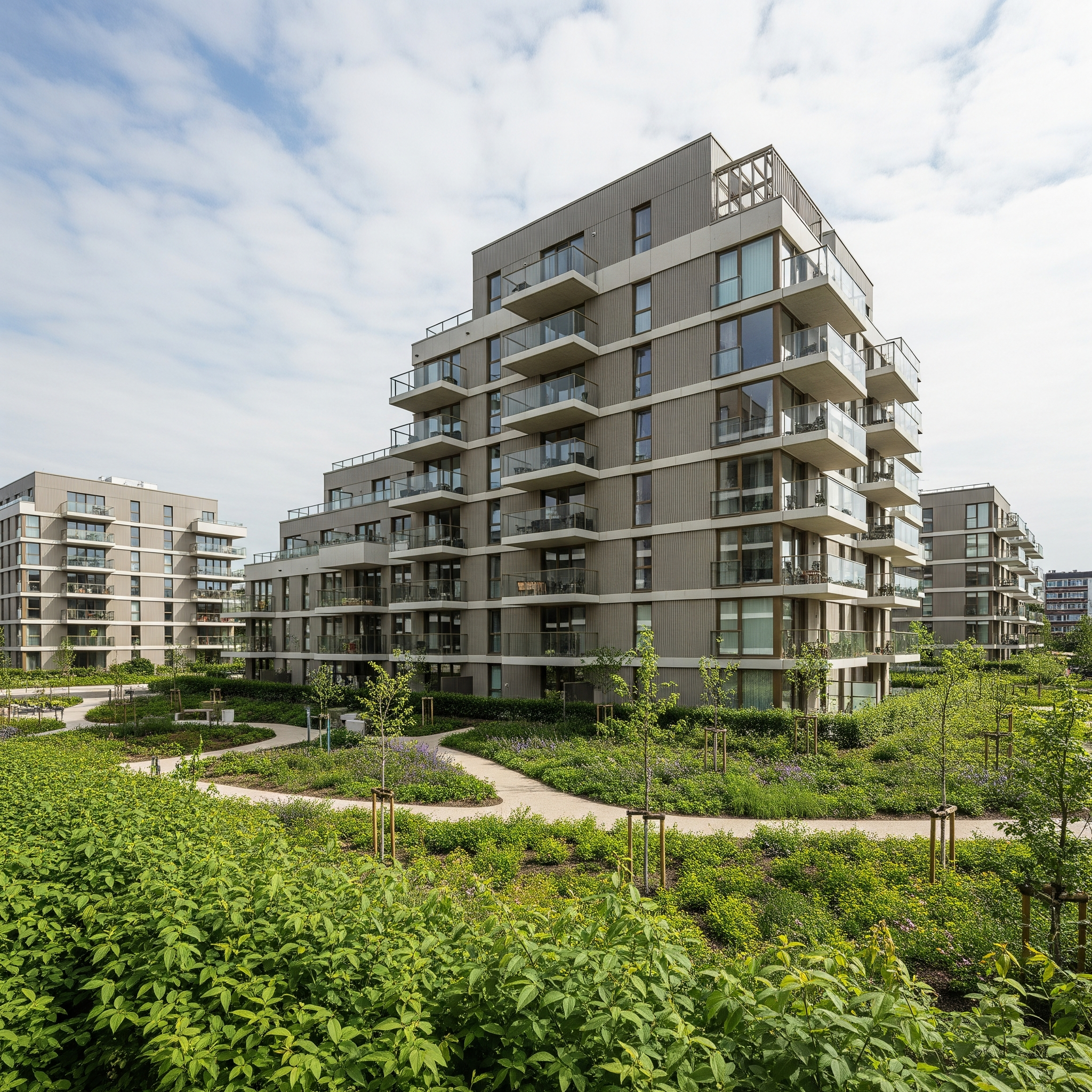
Shows your project as a physical clay study model photographed in a studio. Geometry, massing, openings, roof composition and the camera angle come from your 3D view; everything else is remade in a single material, a pale off-white modelling clay with a matte, slightly hand-tooled surface. Not brown, not terracotta: the pale neutral clay of architectural study models. The whole scene follows the same logic. The building sits on a clay base with a bevelled edge, trees become soft clay spheres on thin trunks, hedges become clay blocks, and the surroundings give way to a seamless pale studio backdrop. Light is a soft studio setup from the upper front, with gentle shadows on the base and a faint rim on the edges, photographed sharp front to back with straight verticals. A clay render usually means setting up a material override and a studio light rig in Blender, D5, Enscape or V-Ray. With this clay render AI there is no engine to configure: you upload a viewport screenshot and get the clay version. With colour and material gone, the eye goes to proportion, volume and light, which is why clay images work so well in early design reviews, for comparing massing options side by side, or on a board next to more atmospheric views. For a fully abstract white diagram, use Diagram; for the look of a specific model type such as a 3D print or a competition model, use Image to Photo Model.
When to use it
A design team is choosing between three massing options for a mixed-use block and wants the client to judge volumes, not facades. Their current views carry placeholder materials that keep derailing the discussion. They screenshot the same camera for each option and run all three through Clay Model. The client sees three pale study models under the same studio light, and the meeting is spent on height, setbacks and courtyard proportions.
Yes. You upload an image, so any modelling software works, with no plugin and no render settings. Materials in the screenshot are ignored; only the geometry and the camera are used.
No. The template locks a pale off-white clay, the classic colour of architectural study models, so the image reads as a design study and several views stay consistent. There is no colour option.