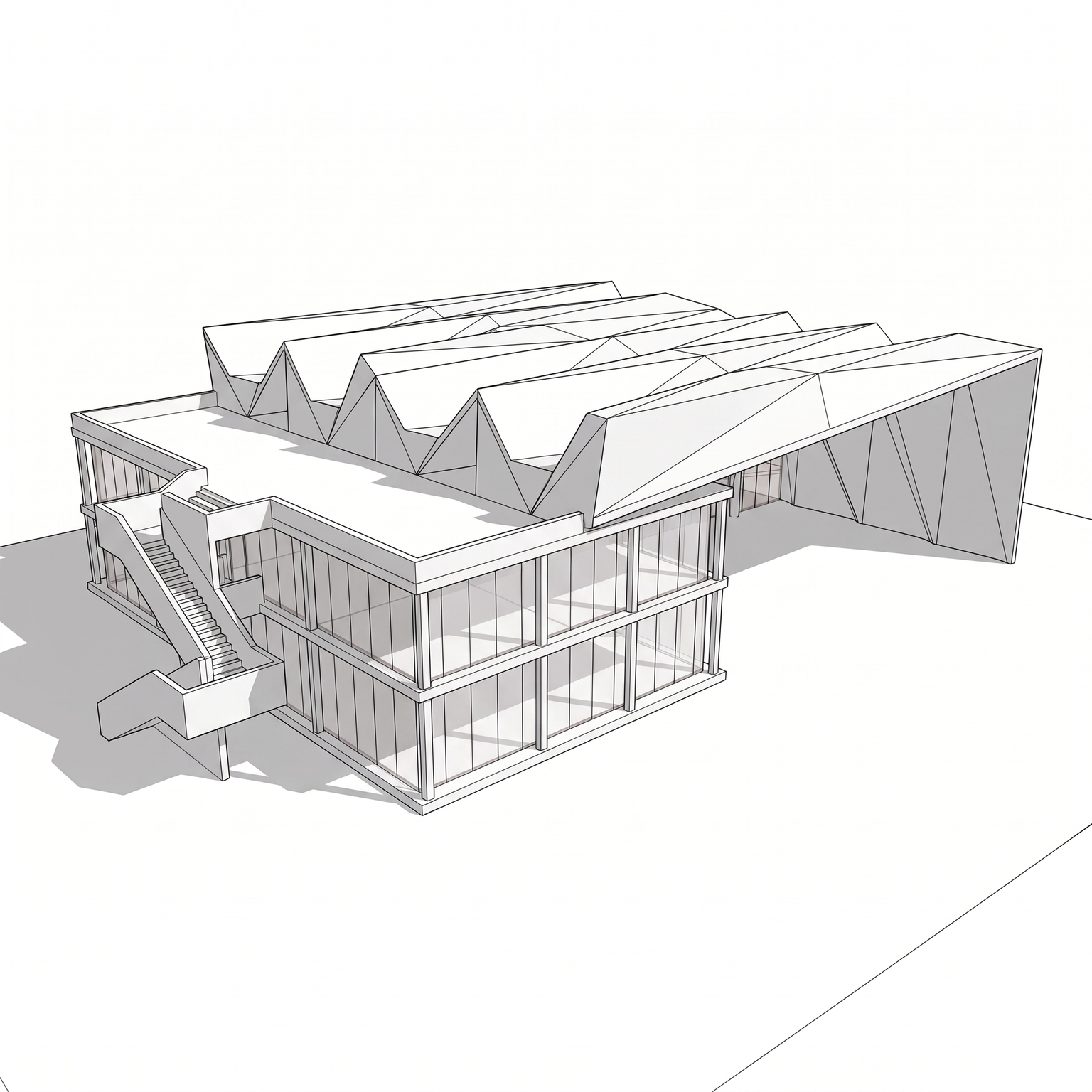
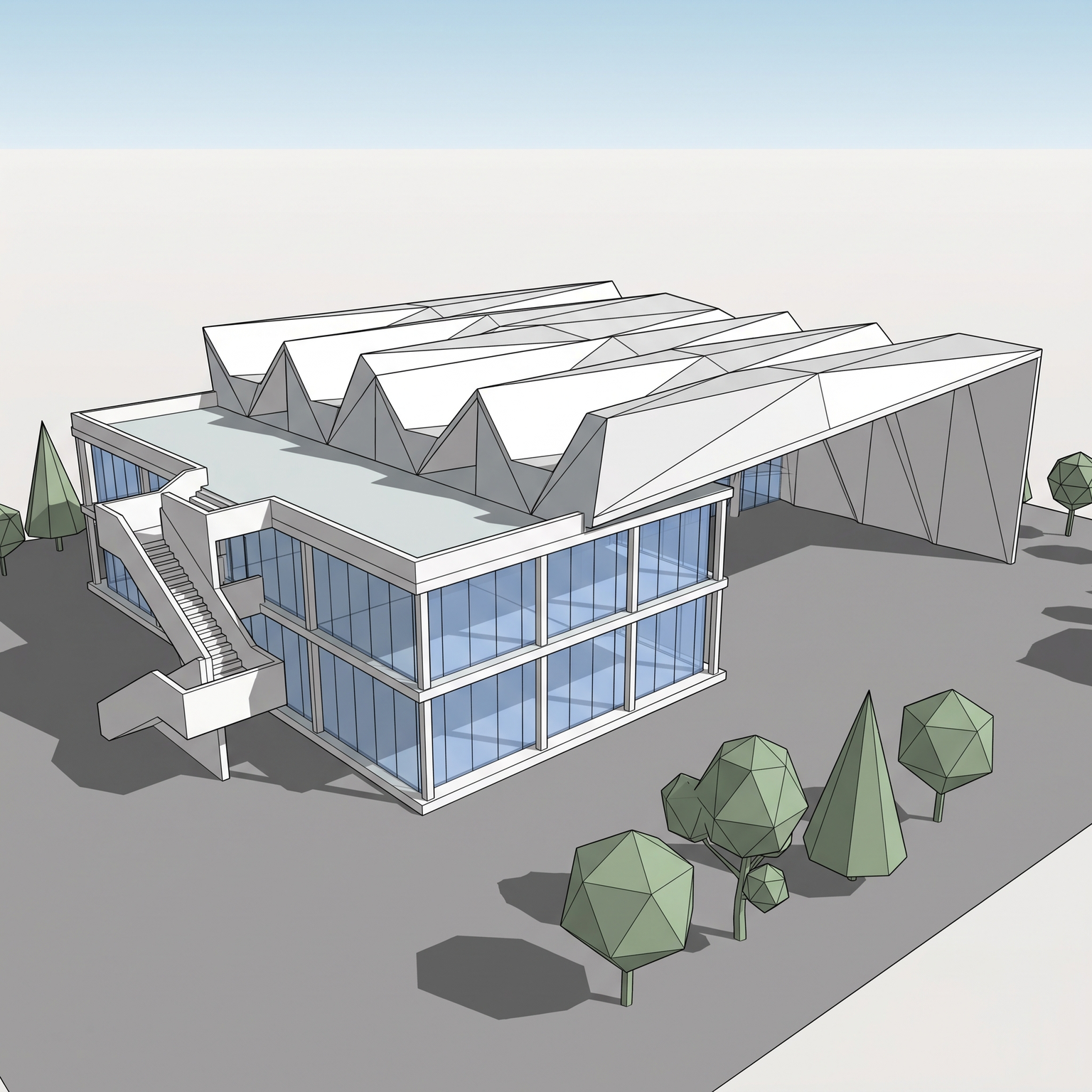
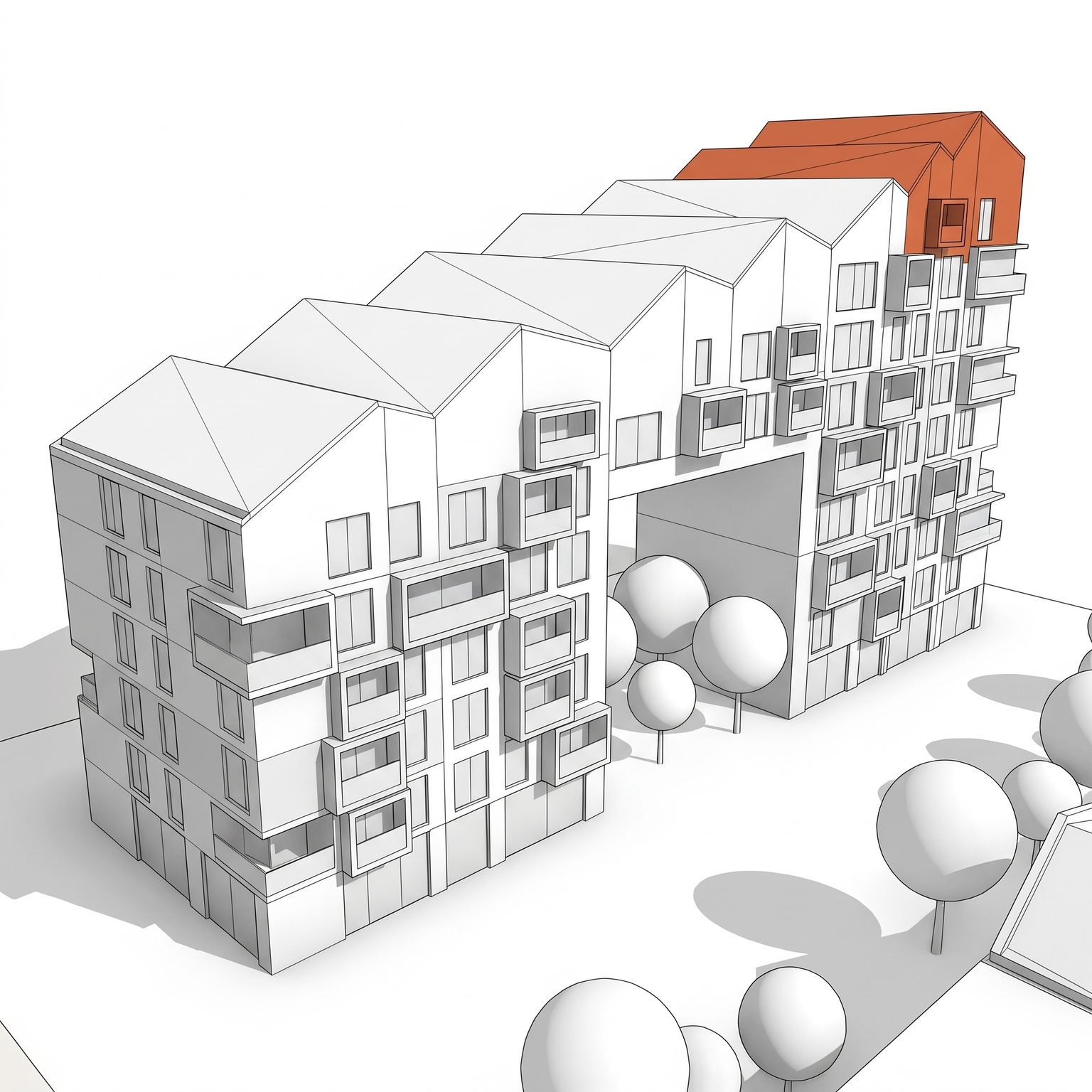
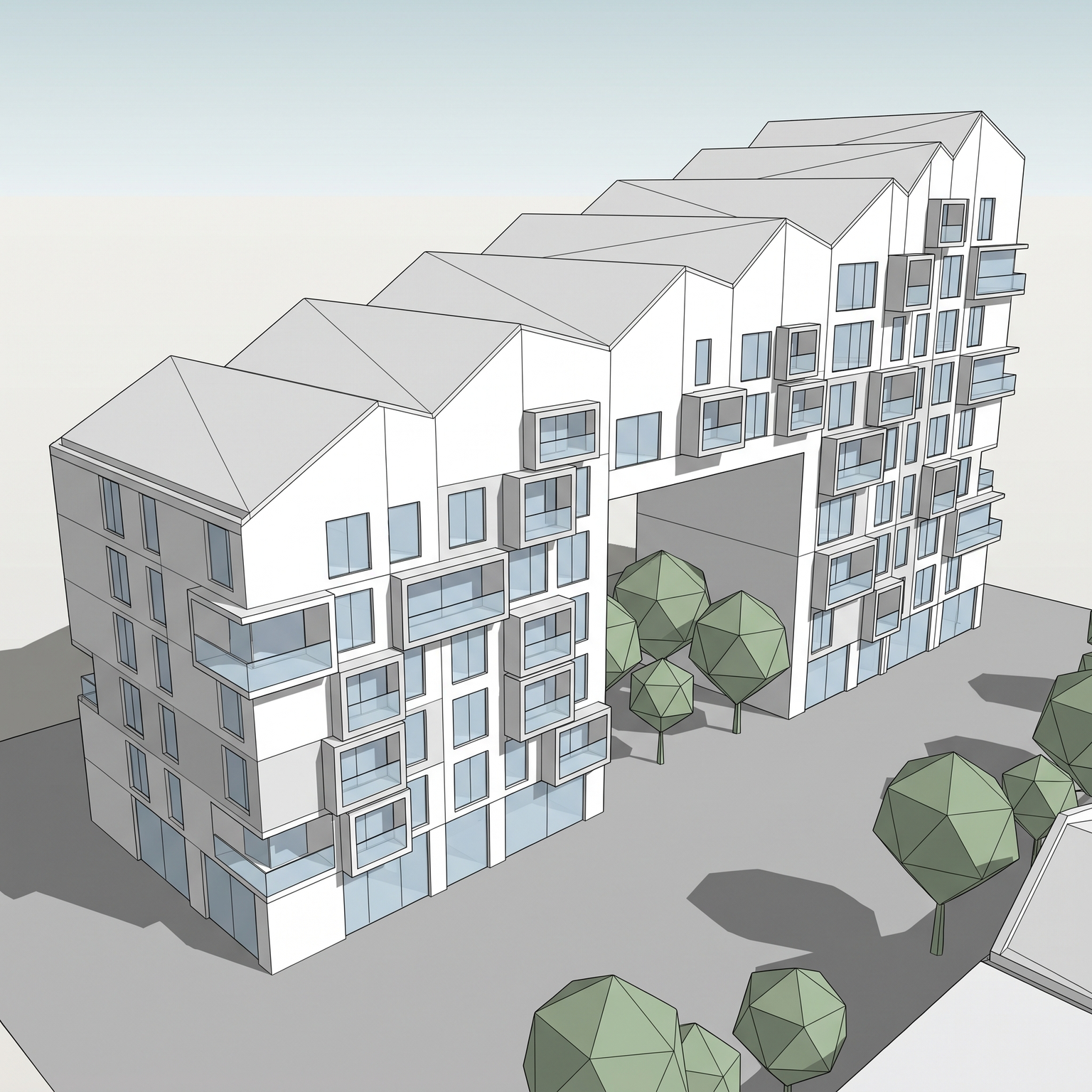
Exploded Axonometric
Separate the building into floors and volumes stacked along a vertical axis for a didactic exploded view.
- Free to try
- No plugin
- No credit card
Nano Banana Pro
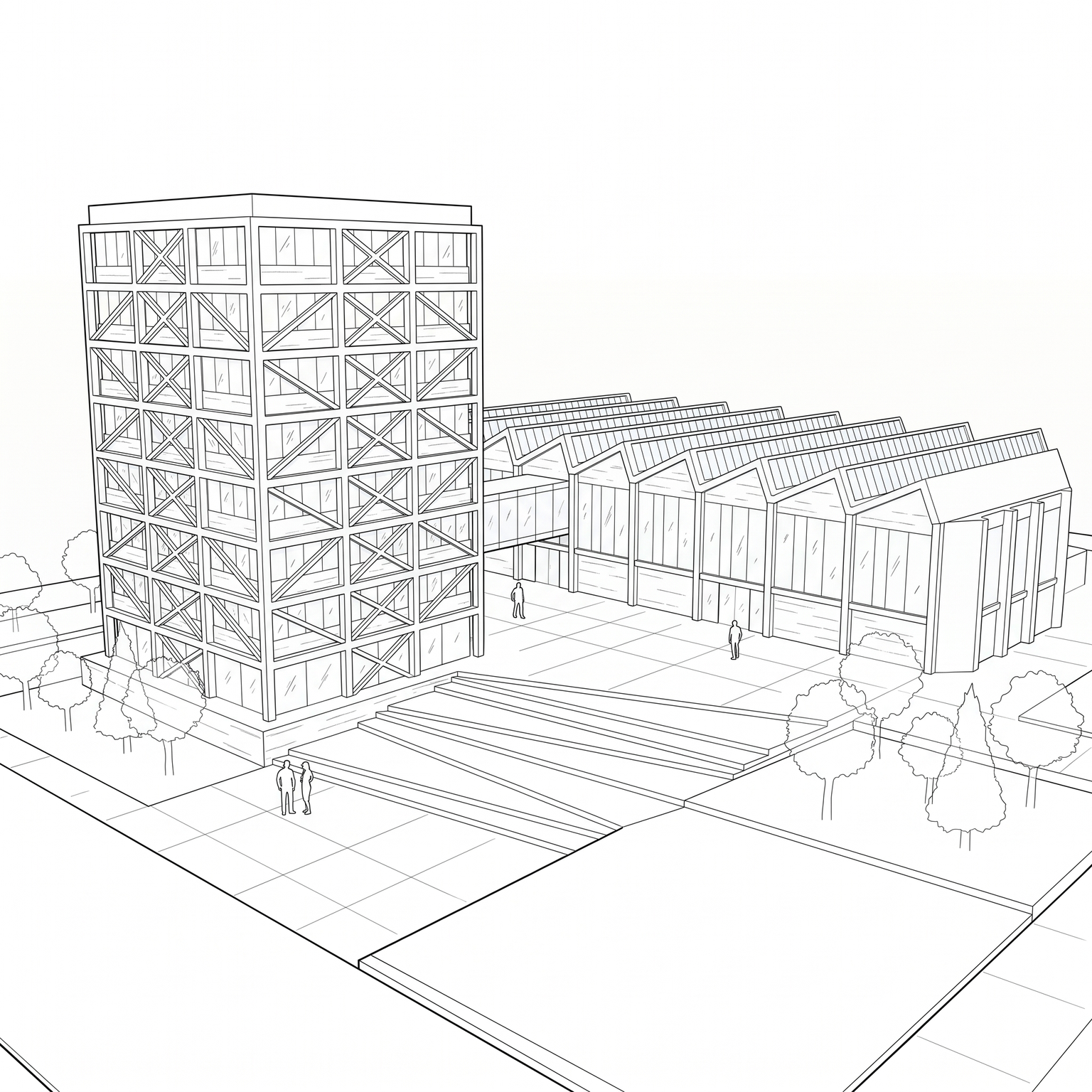
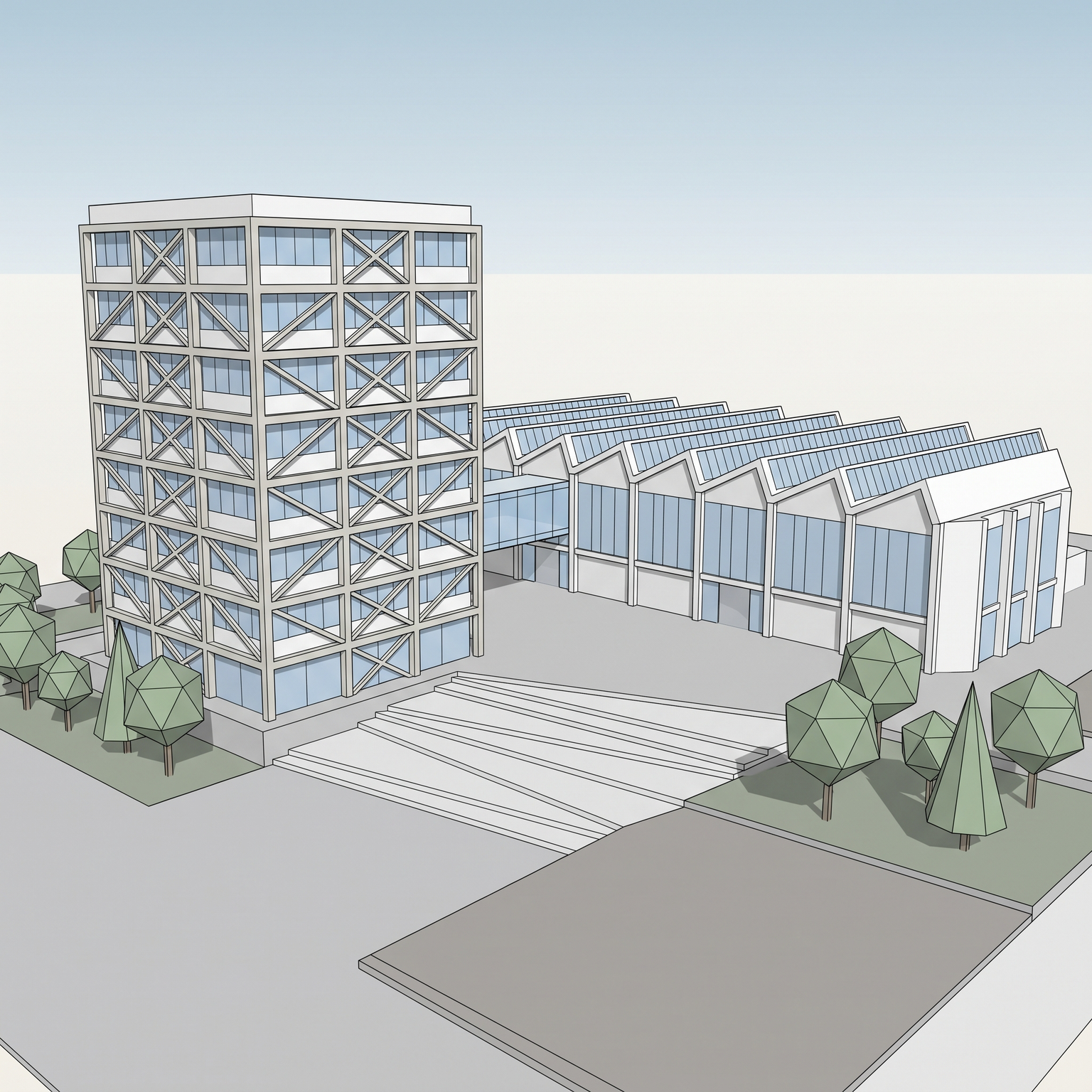
Sample input · click Generate to see the result
About this model
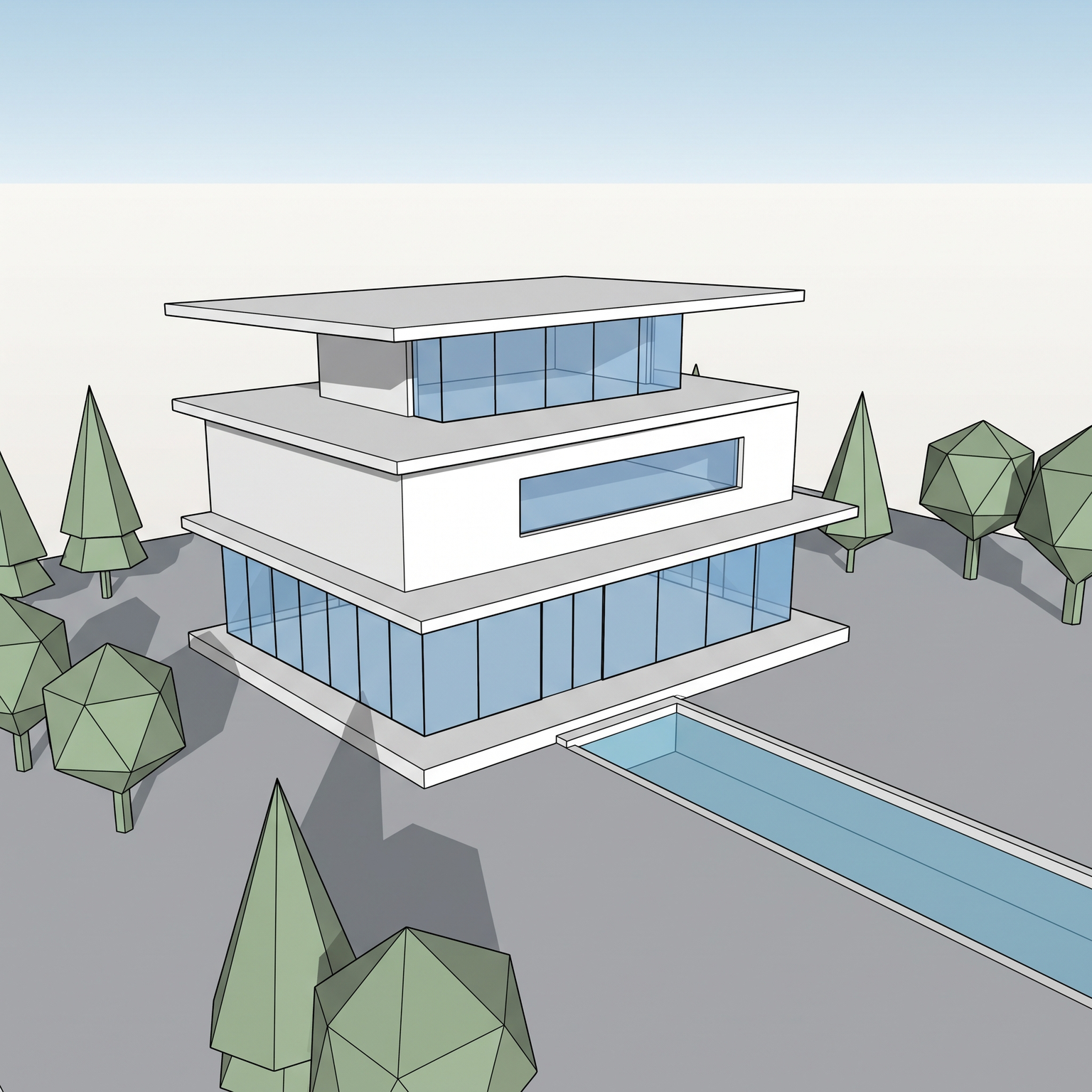
Turns a 3D view of your building into an exploded axonometric: the floors are separated and lifted along a vertical axis, so the reader sees how the building is stacked, level by level. The drawing is a strict 30°/60° projection with no perspective, every level shares the same angle, and the stacking order is kept, ground floor at the bottom, roof at the top. Each level is lifted by the same gap, roughly half to one and a half floor heights, and rendered with consistent three-tone shading: top faces lightest, front faces medium, side faces darkest, lit from the top-front-left. Thin dotted guide lines connect matching corners between levels, light enough not to dominate. The terrain or basement sits at the bottom as a flat ground plate, and a soft shadow under the whole composition grounds it on a clean white or neutral background. Materials, textures and surroundings are removed. Drawing an exploded axonometric by hand means splitting the model into floors in SketchUp, Rhino or Revit, moving each one up by the same distance, setting a parallel view, then cleaning everything in a vector editor. This template gives you an exploded axonometric diagram with AI from a single screenshot: a fast way to explain a stacking principle, a mixed-use programme or a sequence of setbacks on a competition board or in a client deck. For the same drawing without the separation, use Axonometric; for a white massing with one highlighted volume, use Diagram.
When to use it
A student is preparing a final review for a building with shops, offices and housing stacked on a podium. The jury needs to see how each level differs, but splitting the Revit model and rebuilding an exploded view would take the whole night. He runs a raised view of the model through Exploded Axonometric, gets the levels separated in one drawing, and spends the night on annotations instead.
No. The template works from one exterior view and is told not to invent details, so each level appears as its outer volume with its openings. To show interior layouts, export plan views from your model and combine them with the exploded drawing.
Not at the moment. The template separates the building floor by floor along the vertical axis; other decompositions, such as structure, envelope and cores, are not supported.