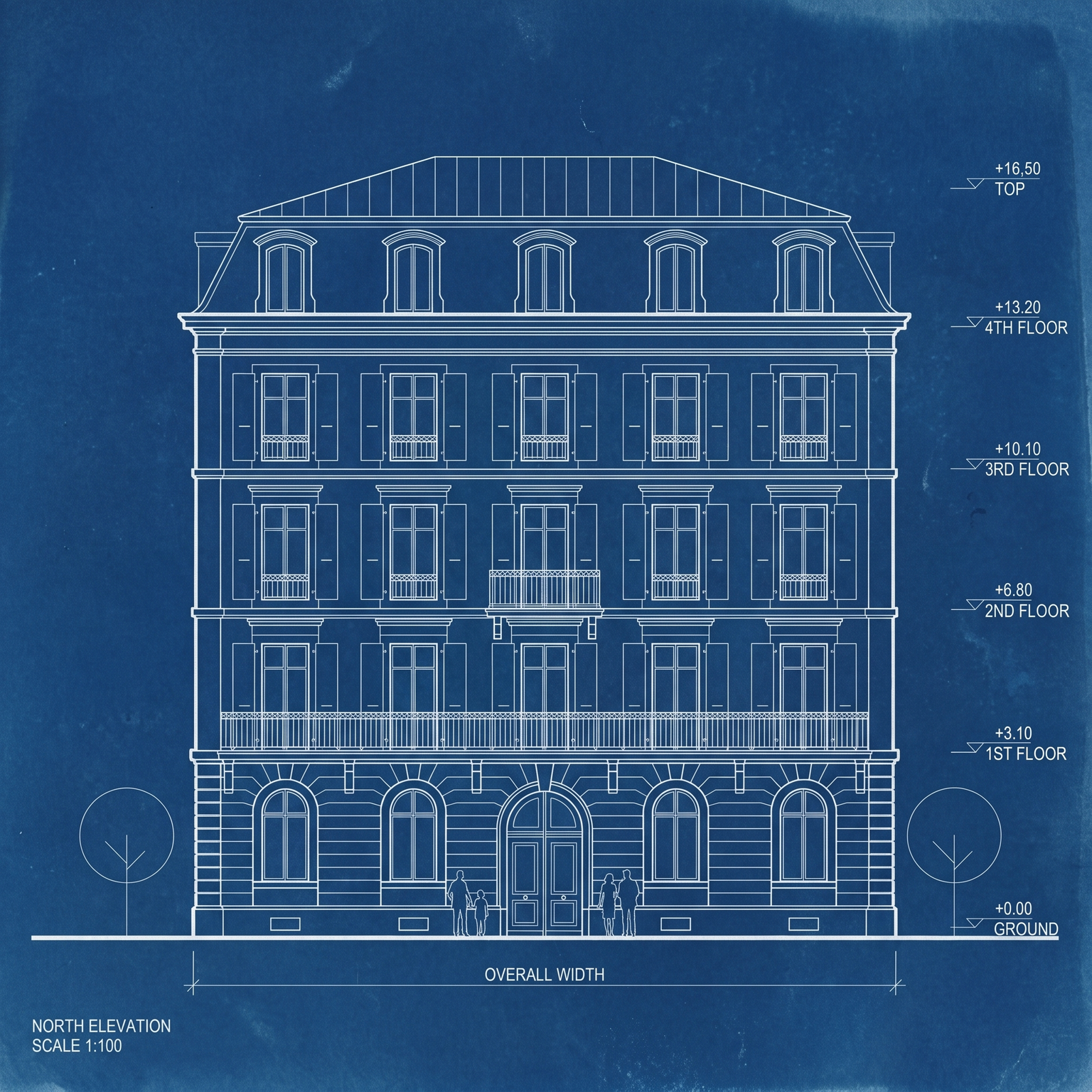
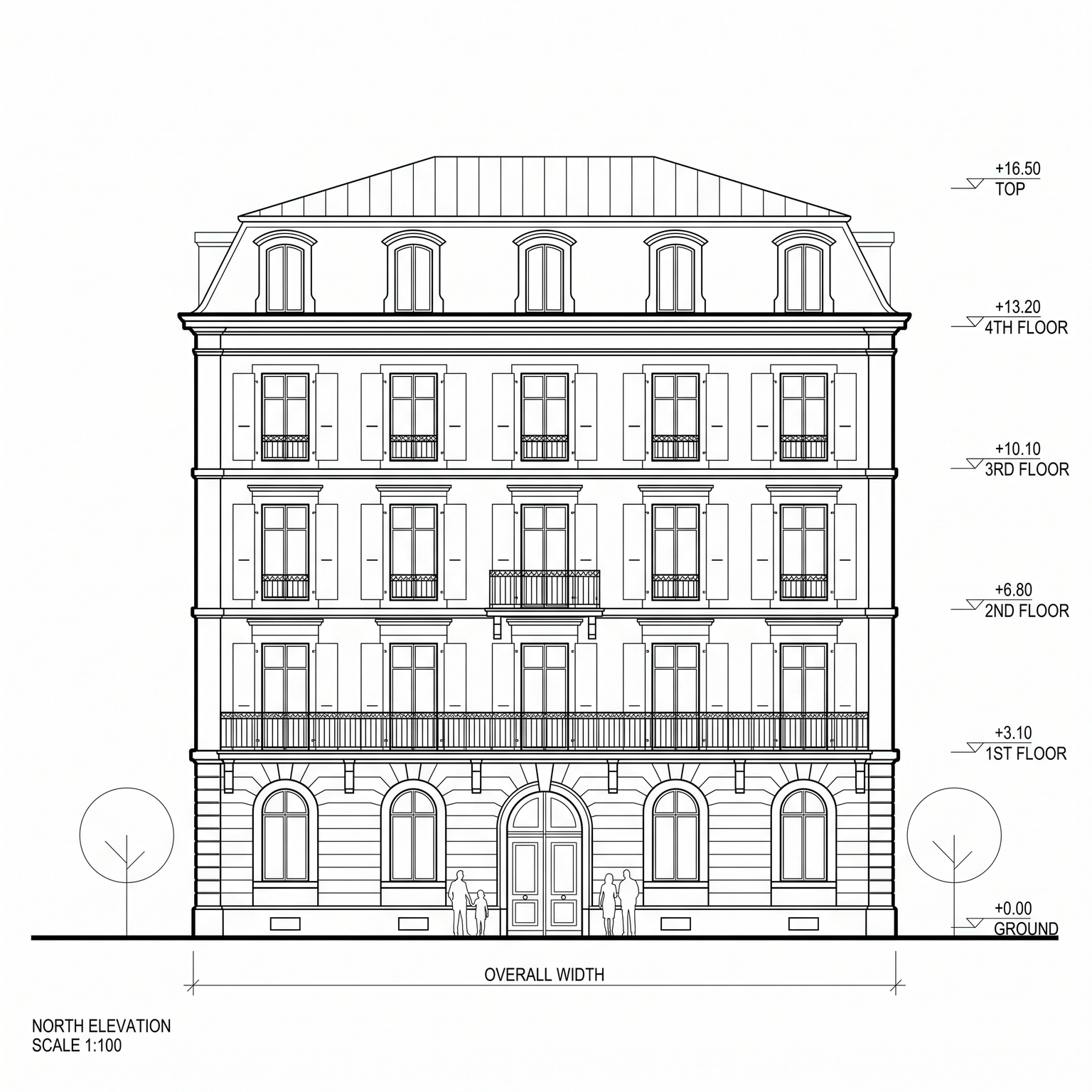
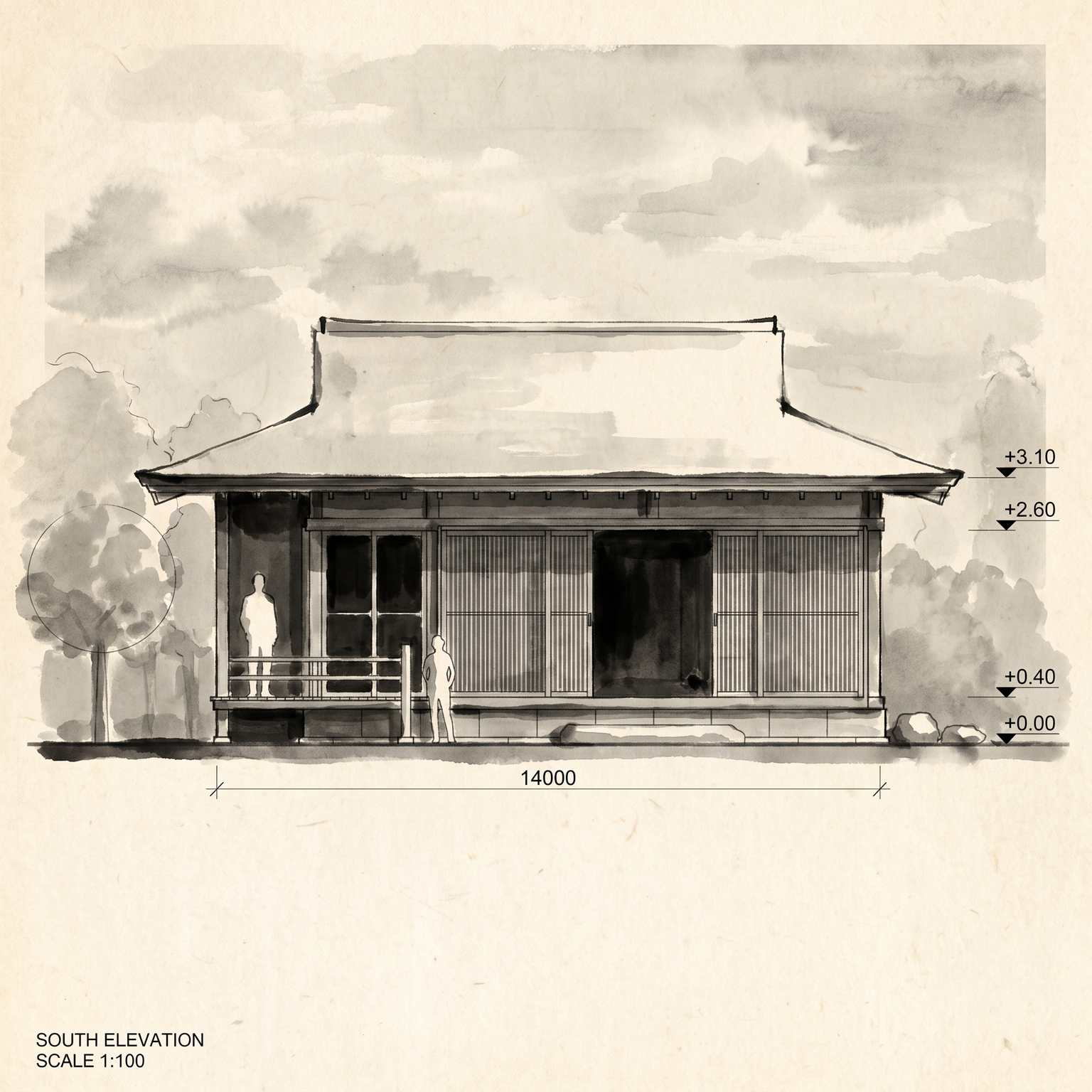
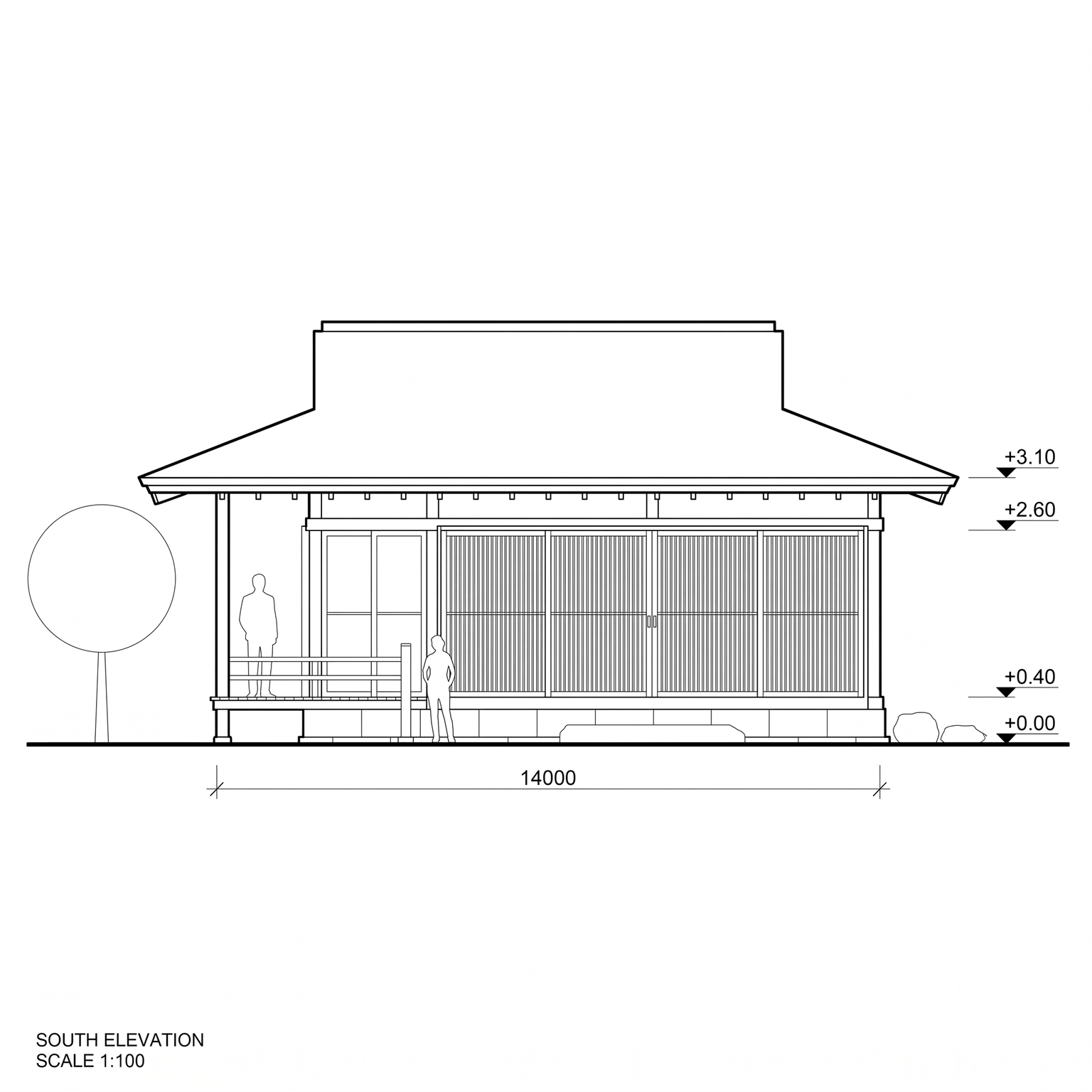
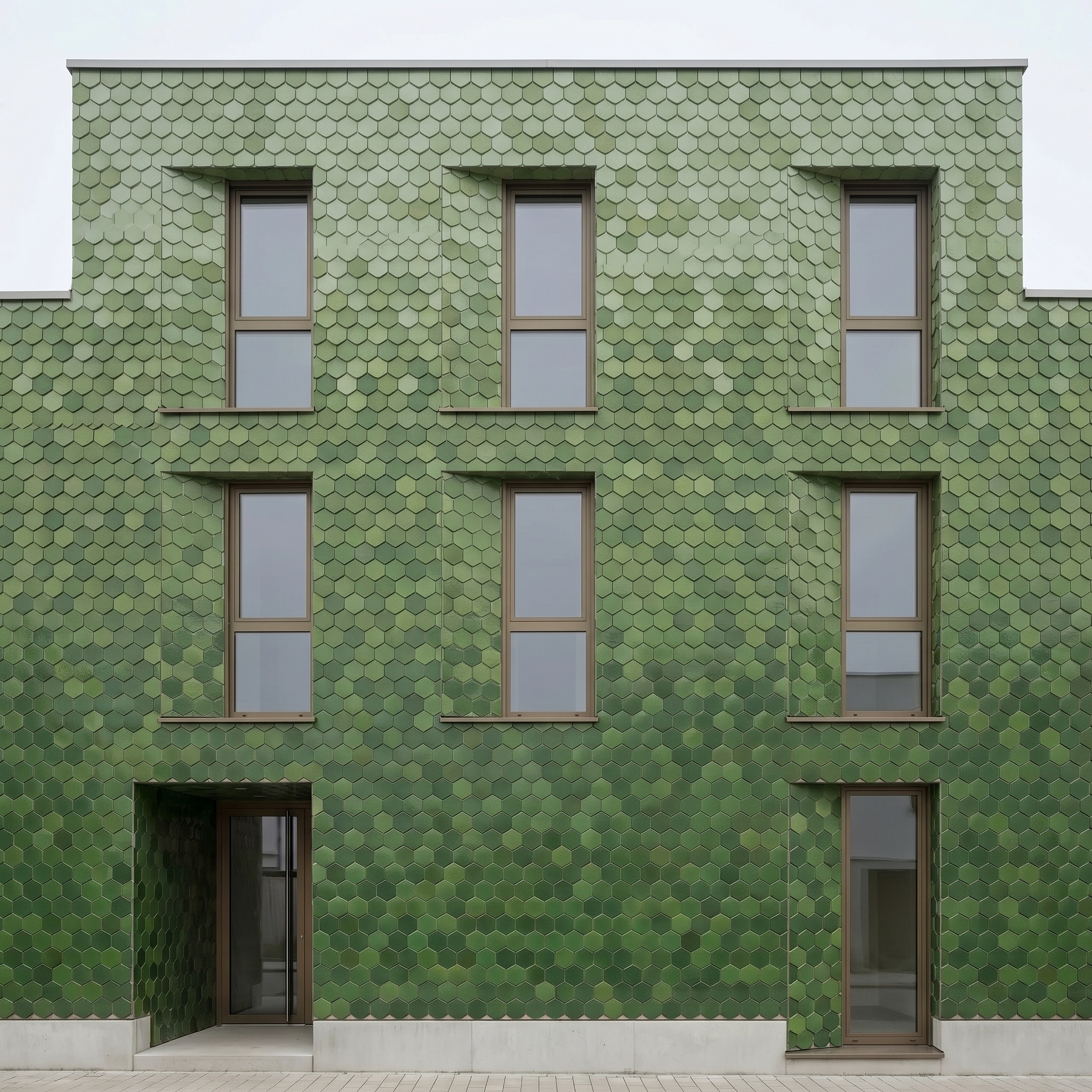
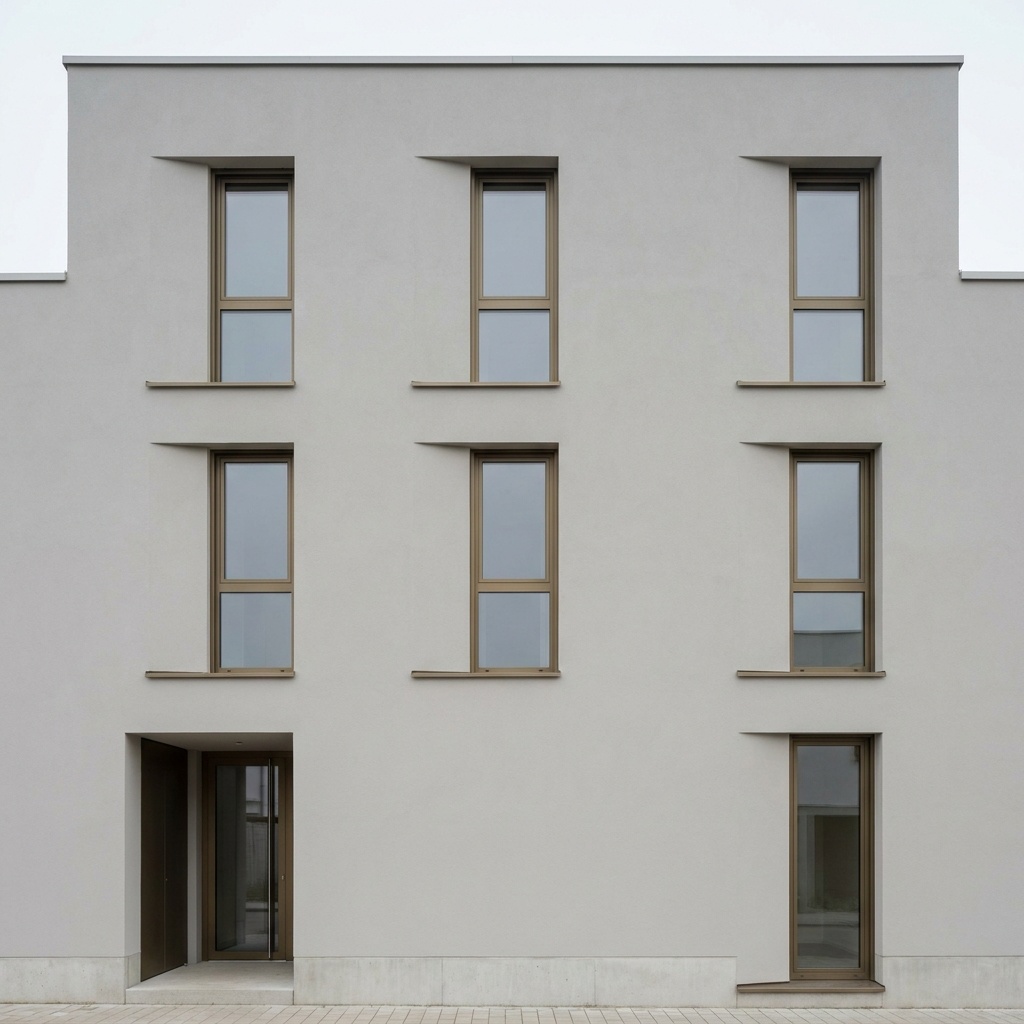
Elevation to Render
Turn a 2D line elevation into a photoreal orthographic facade for competition boards.
- Free to try
- No plugin
- No credit card
Nano Banana Pro
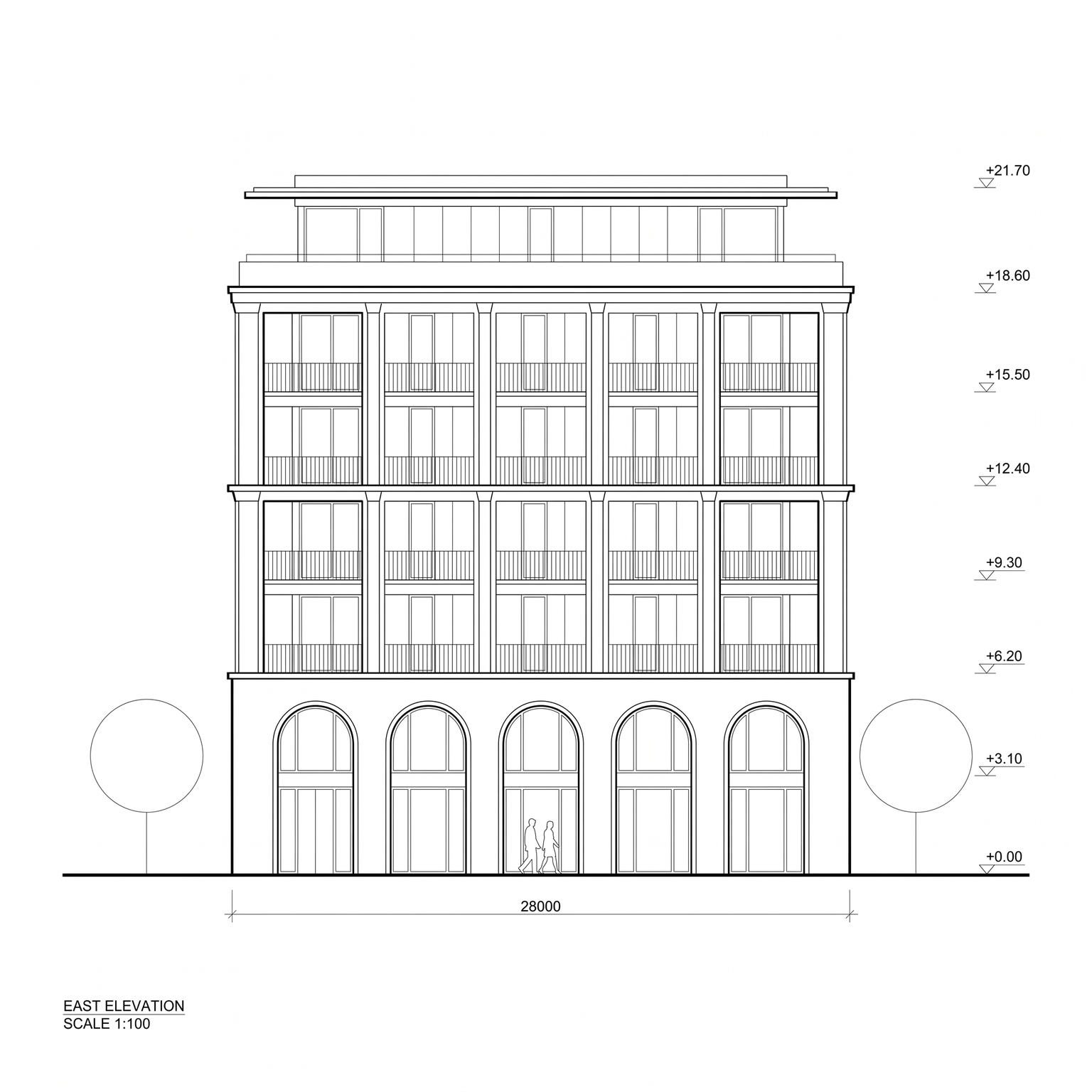
Sample input · click Generate to see the result
About this model
Turns a 2D line elevation into a photoreal facade, as if the finished building had been photographed straight on with a perfectly corrected camera. The projection stays strictly orthographic: no perspective, no vanishing point, every vertical and horizontal parallel. The drawing is the geometry, so floor levels, openings, mullions, slabs, fins, railings, roof edges and the framing of the sheet stay exactly where you drew them. Every line becomes a built edge. Level markers, dimension lines, hatching, the north arrow and the title block are erased. Outline trees and stick figures are rebuilt as real deciduous trees and real people, in side or front view, at their drawn positions. A thin strip of paving and a curb run along the ground line, and the background becomes a soft pale sky, or stays white if your drawing had none. Materials come from a short brief you type, for example "board-formed concrete, oak windows, zinc attic". Leave it empty and the template applies a restrained default palette: pale mineral render, bronze anodized window frames, board-formed concrete slab edges, clear glass railings. Material behaviour is real (render grain, formwork imprint, satin metal, glazing showing curtains and interior depth), with thin shadow gaps under slabs and inside reveals to give depth to a flat projection. Rendering an elevation by hand means hours of texture work in Photoshop on top of a CAD export. With elevation render AI, you upload the drawing and get a board-ready facade without building a 3D model first.
When to use it
A practice is in the final week of a housing competition. Plans and sections are done in Archicad, but the 3D model is behind and the board needs a street elevation that reads as a real facade. The team exports the elevation as a black-on-white image, types "light brick, bronze frames, timber soffits" in the Materials field, and gets a photoreal orthographic facade the same evening, aligned with the drawing so it drops straight onto the board.
No. The template works from the 2D elevation alone. That is the point: you get a rendered facade at stages where the 3D model does not exist yet or is out of date.
A short list of materials in plain words, ideally from the base up: for example "board-formed concrete base, white render above, oak windows, zinc attic". Keep it to one line. If the field is empty, a restrained default palette is applied.