Vintage Archival
Give a finished render a 1960s archival magazine feel — faded Ektachrome color, film grain, period optics.
- Free to try
- No plugin
- No credit card
Nano Banana Pro
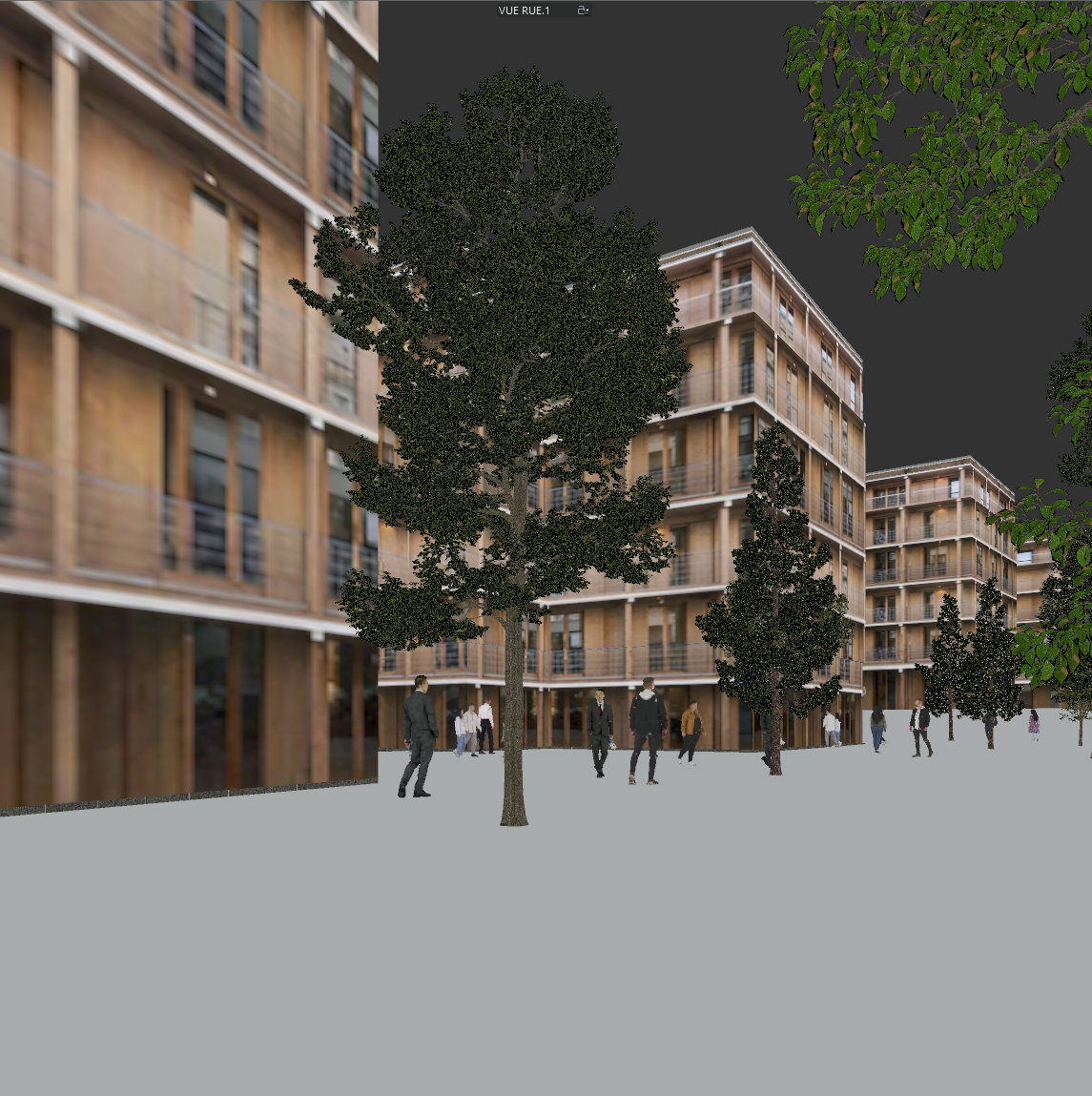
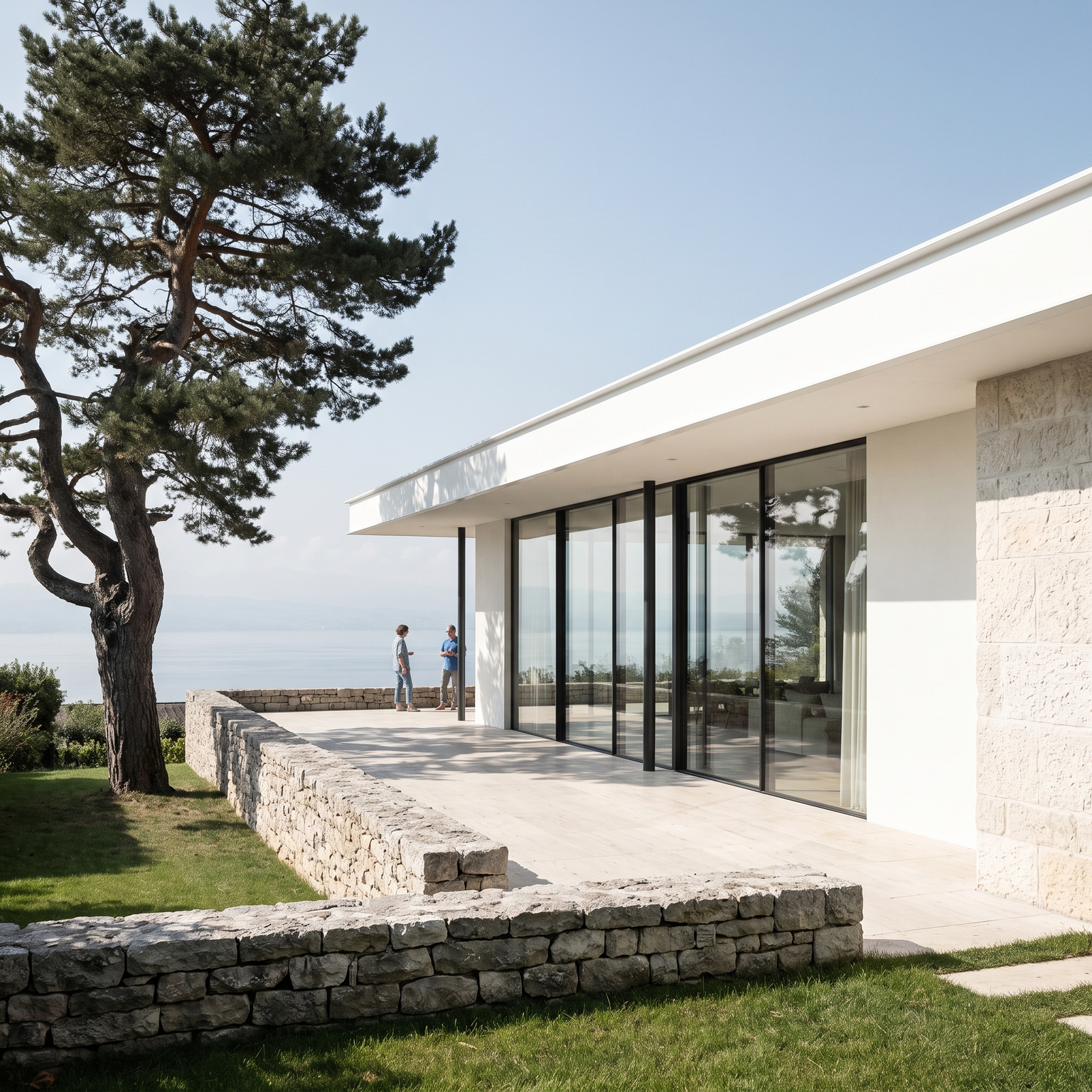
Sample input · click Generate to see the result
About this model
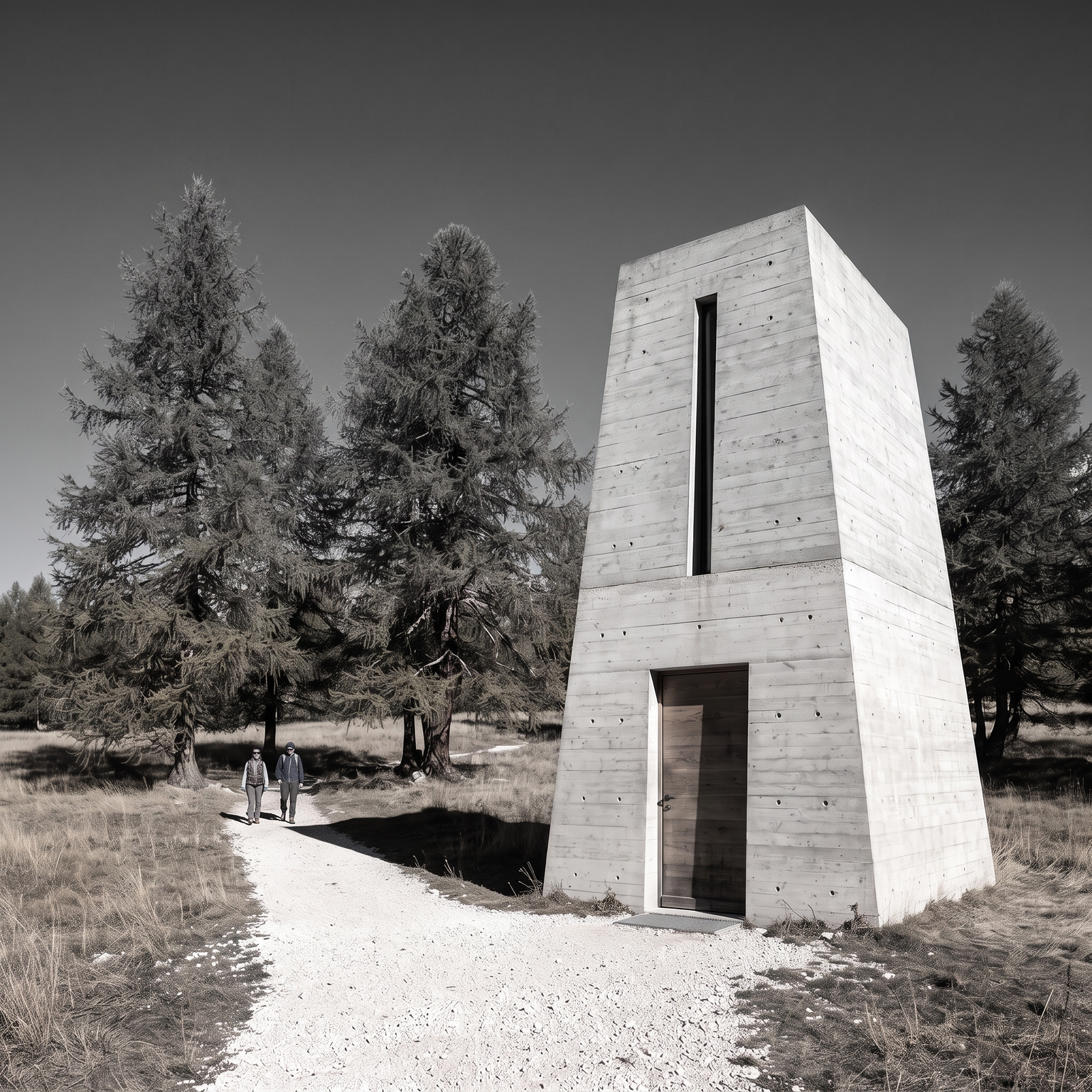
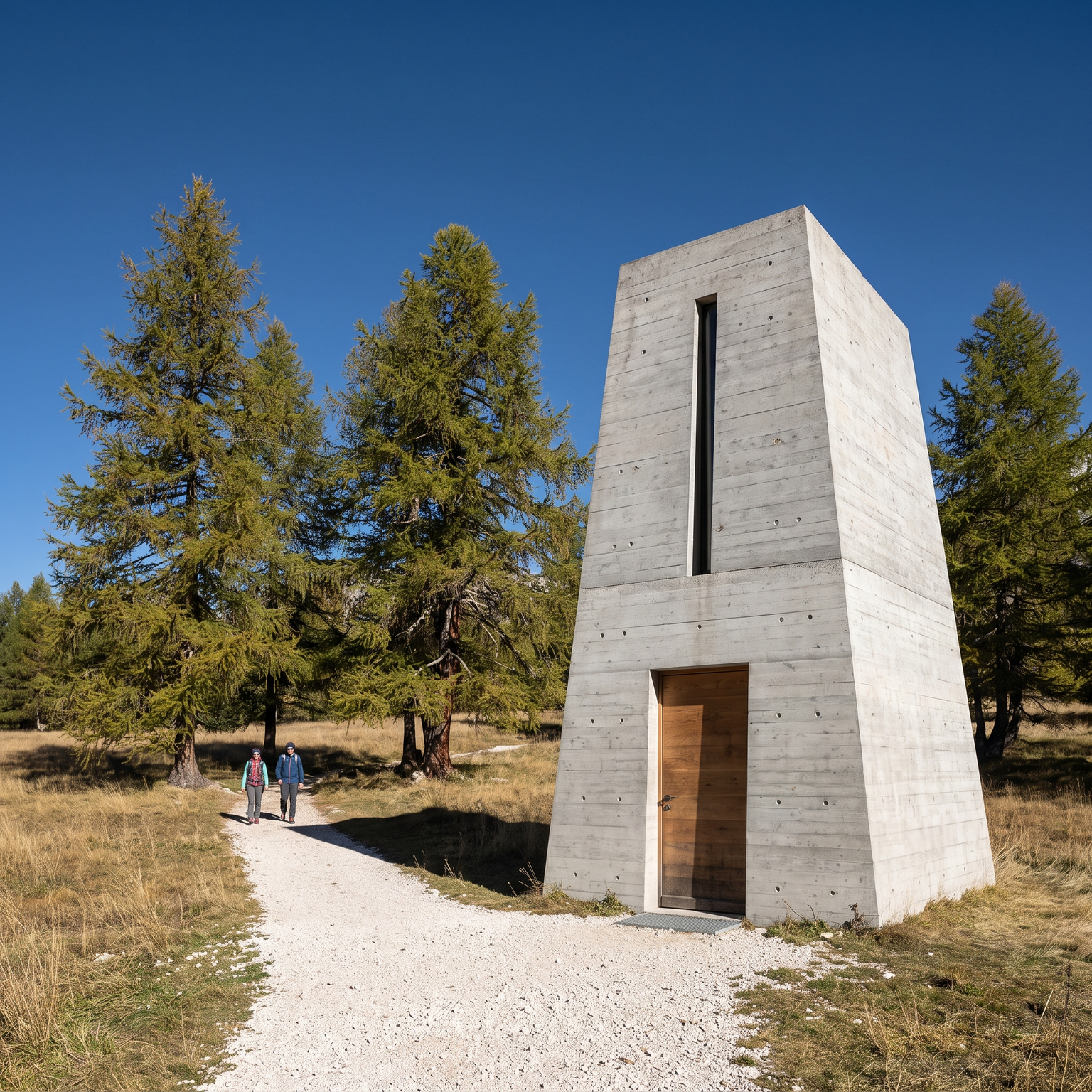
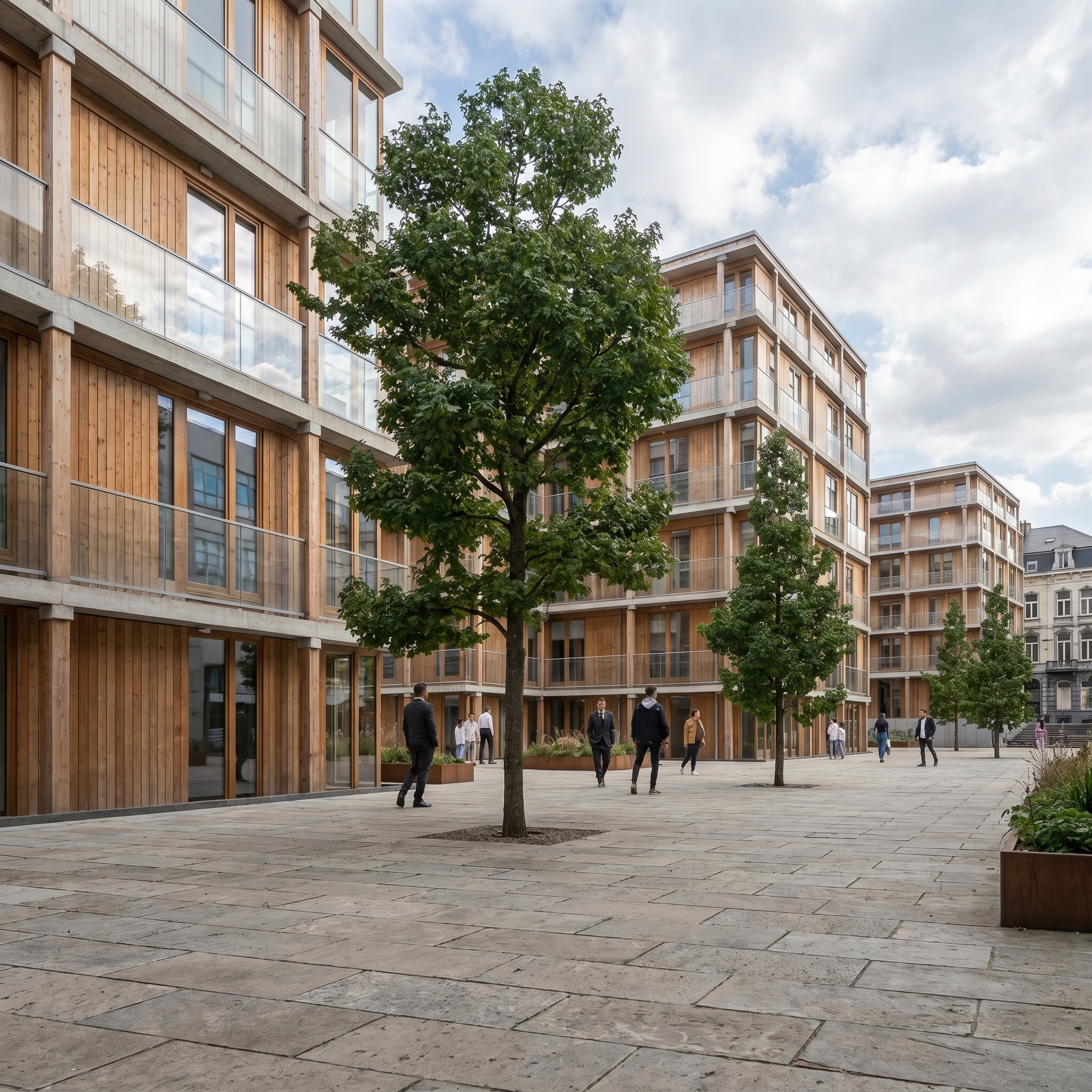
Gives a finished render the look of a 1960s architectural magazine plate: a photograph shot on medium-format transparency film and scanned from the original slide. The content of your image is frozen, from the camera and framing to the building, materials, vegetation and sky shapes; nothing is added or removed. What changes is everything that makes the image read as digital. The template applies a period film response that is visible at first glance: an overall warm yellow-amber cast, reds and magentas fading in the shadows, greens shifting toward olive, a slightly cyan-faded blue sky. Blacks lift and turn milky, contrast compresses and whites take a cream tone, as on a fifty-year-old slide. Organic grain runs across the whole frame, stronger in the sky and shadows. A period lens adds gentle softness, light corner vignetting and faint halation around bright edges, and the scan leaves a few dust specks. Light direction and shadow shapes stay as in your render. A vintage film look for architectural renders is useful for storytelling: imagining a project as if it had stood for decades, setting a mood on a cover or in an exhibition, or pairing a contemporary building with the visual language of the modernist photographs it draws on. The result is in color; for a monochrome print, use Black & White.
When to use it
A studio has designed a new wing for a 1960s school and wants its competition board to tell a story of continuity. Next to the archival photographs of the original building, a crisp render looks out of place. The team runs its hero render through Vintage Archival and places the result beside the archive images: the new wing reads as part of the same campus history, and the board makes its argument without a word.
No. The building, vegetation, framing and everything in the scene stay as they are. Only the photographic look changes: color, grain, contrast and optics.
This template is color only, in the faded slide-film register. For a monochrome print look, run the Black & White template on the same render.