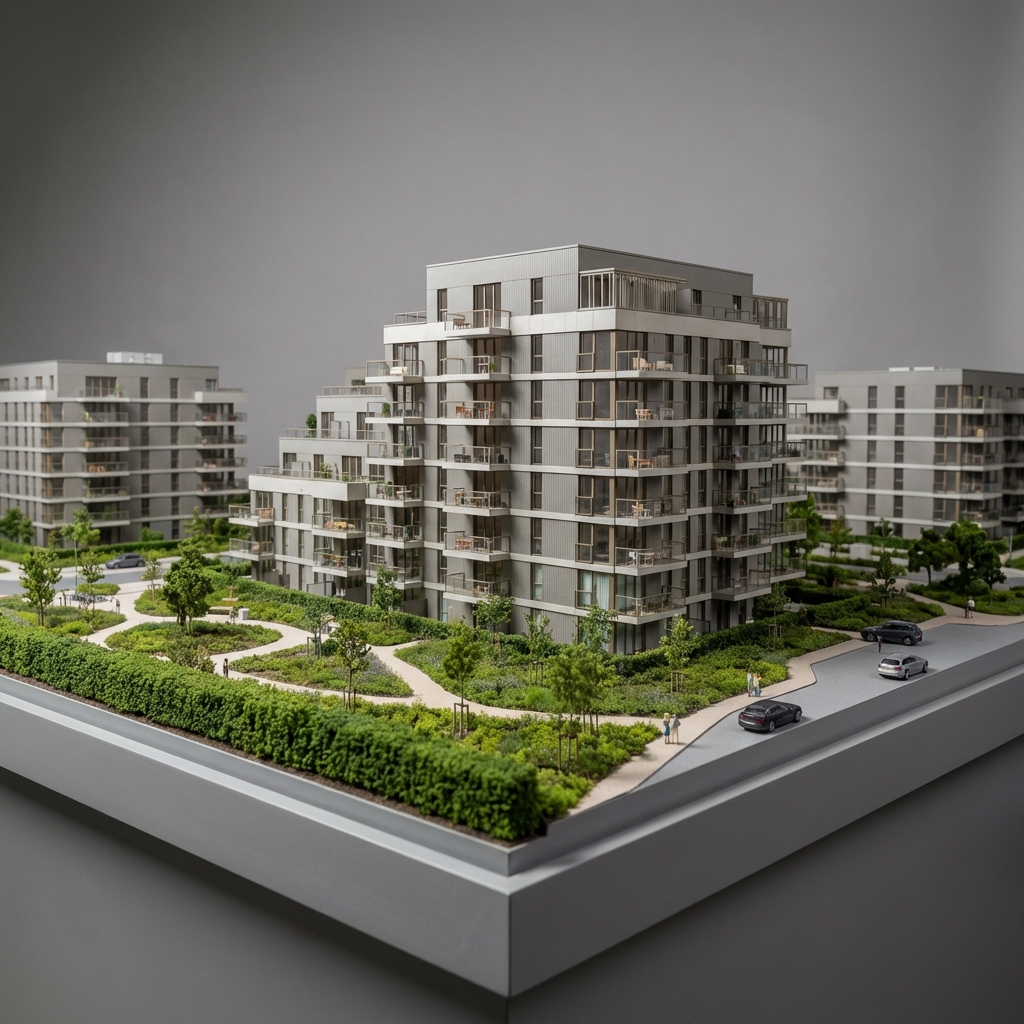
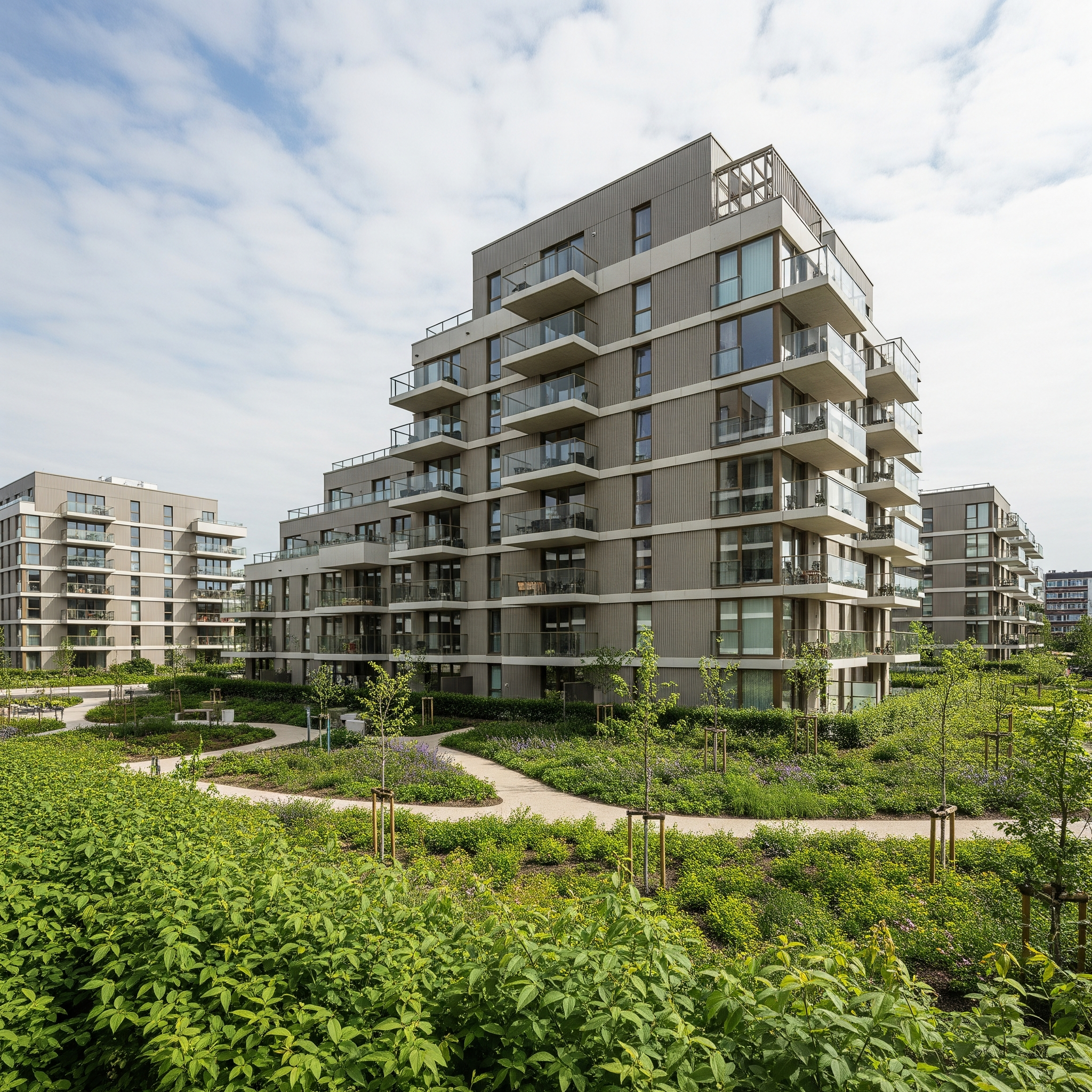
CAD Plan to Render
Turn a wireframe CAD plan into a textured, landscaped site plan.
- Free to try
- No plugin
- No credit card
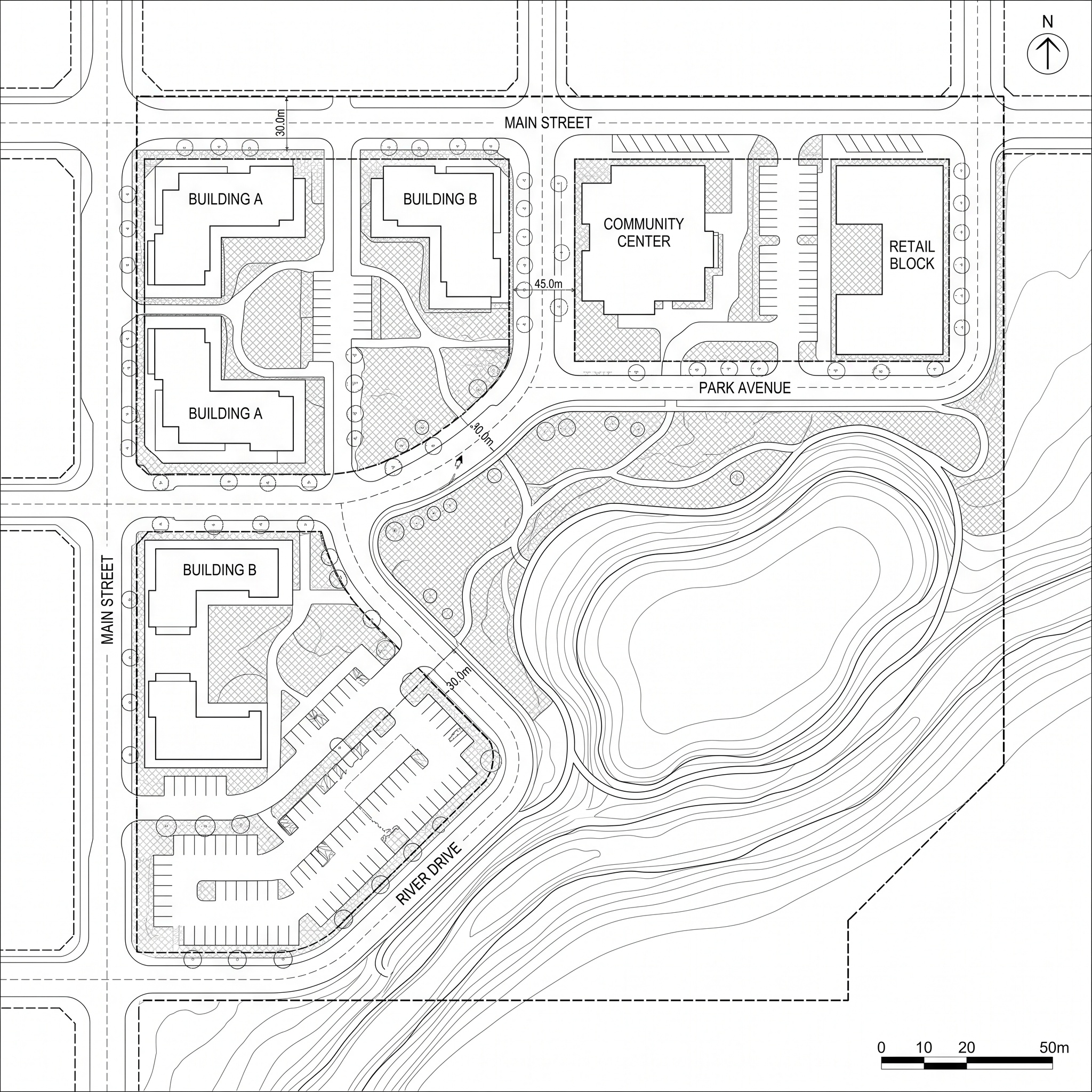
Nano Banana Pro
Sample input · click Generate to see the result
About this model
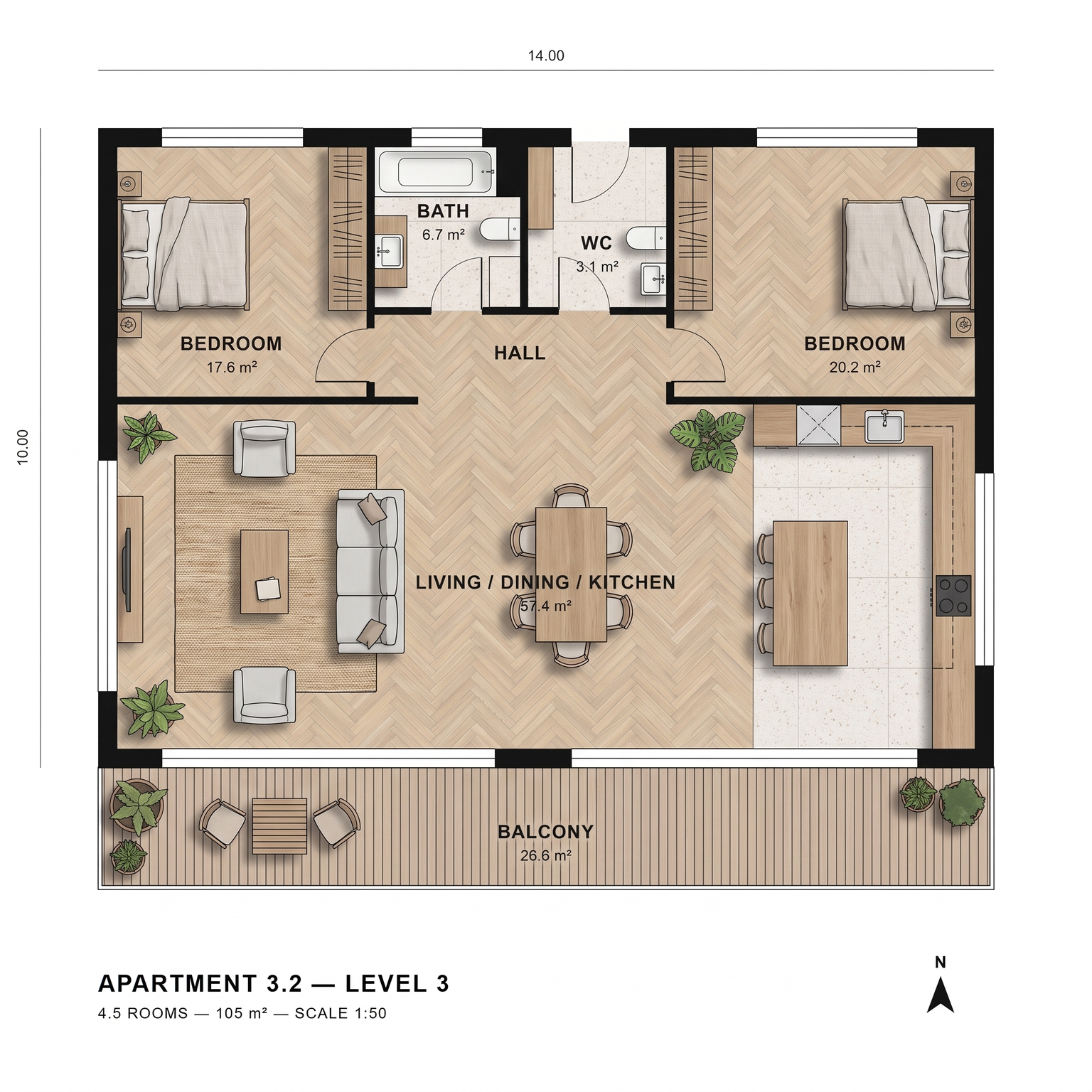
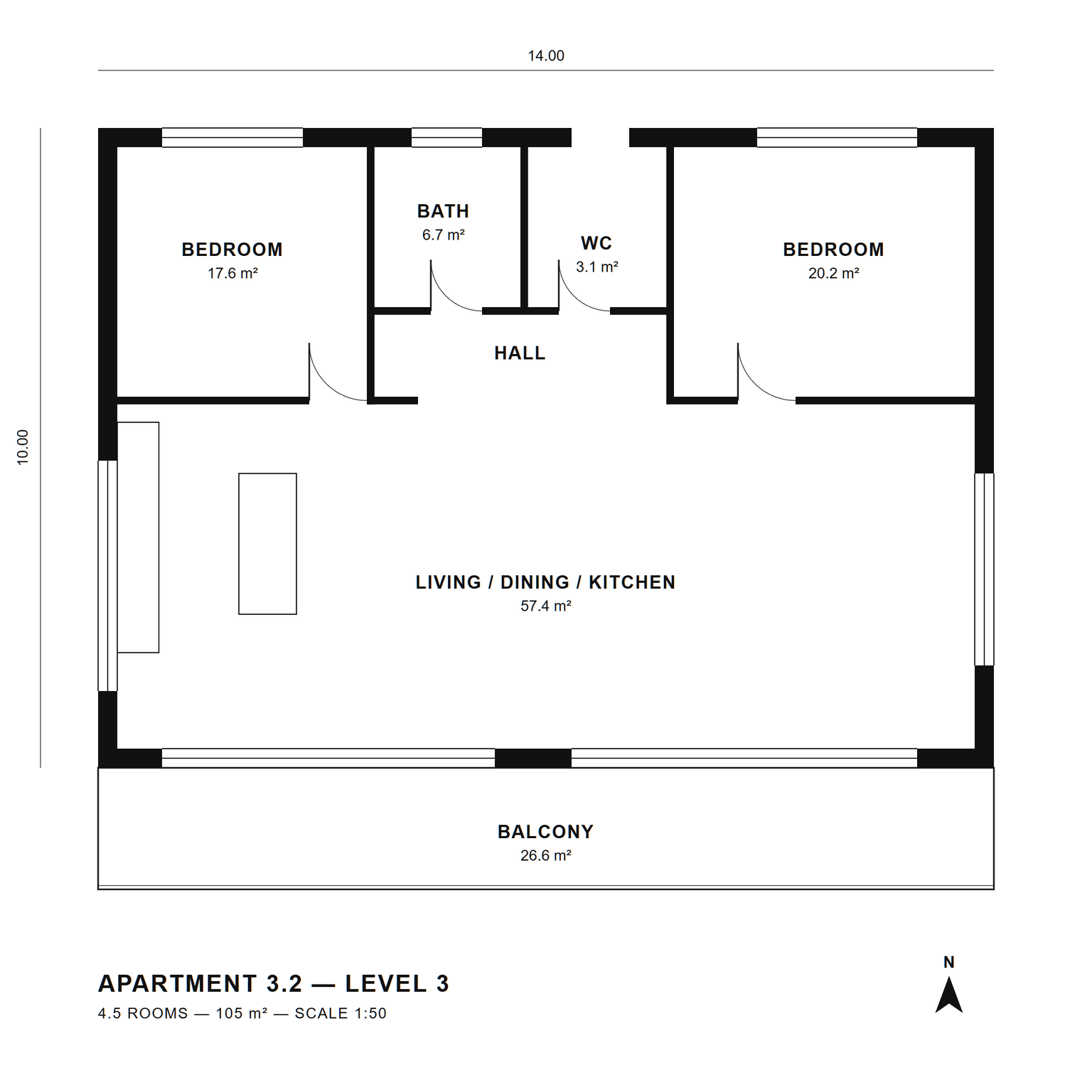
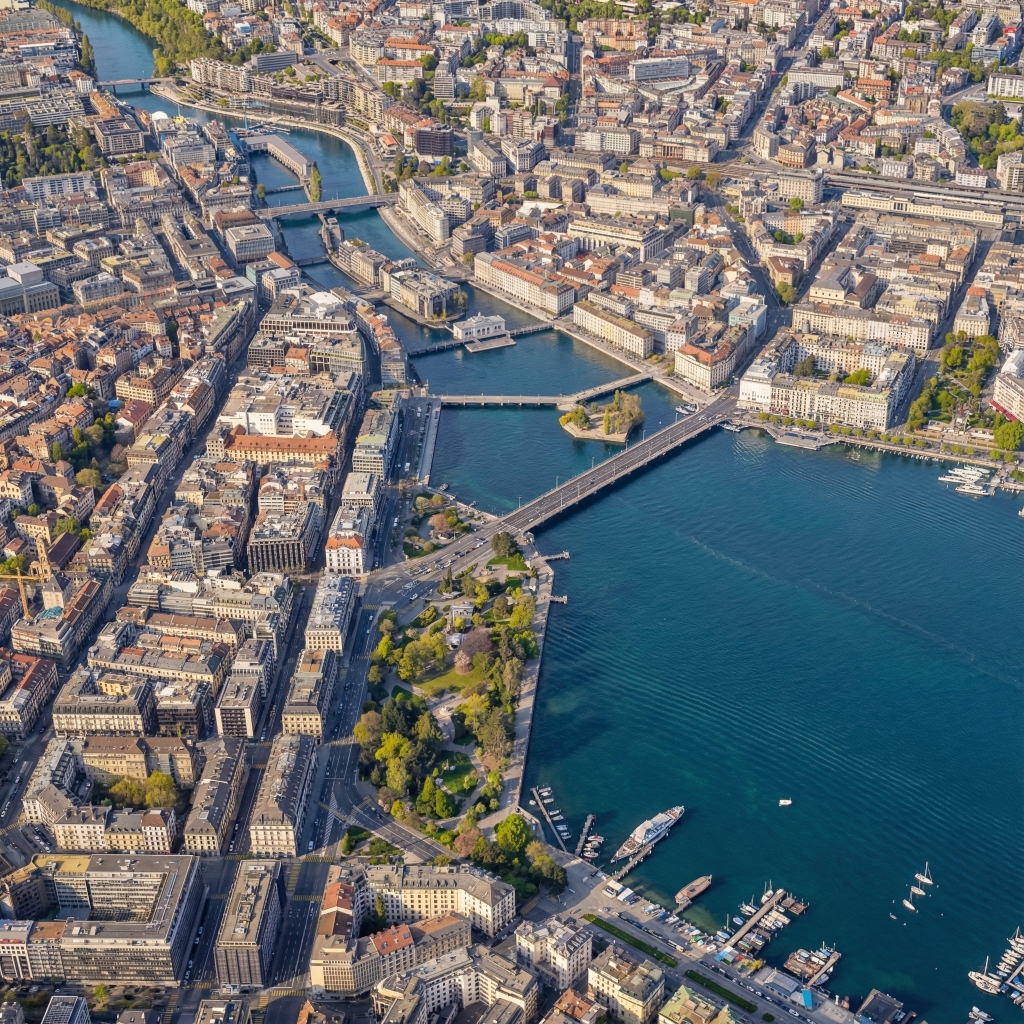
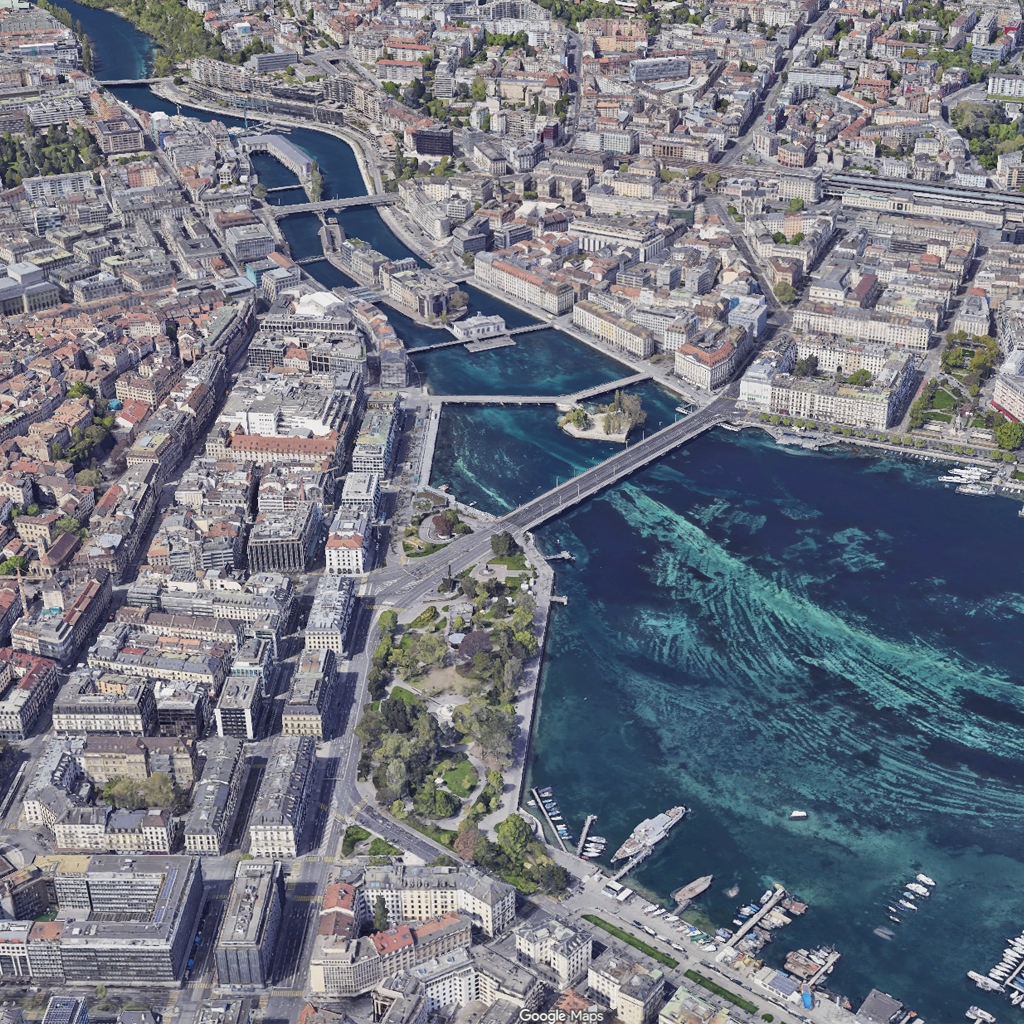
Turns a wireframe CAD plan into a textured, landscaped top-down site plan with a photographic finish. The plan geometry is frozen: building footprints, parcel boundaries, road geometry, paths, water bodies and plot edges stay where they are, with the same orientation, scale and framing. Line work, layer artifacts, annotations, dimensions, leader lines, hatching, grids and the white paper background are removed. The site is then rebuilt as a real orthographic plan. Roofs get materials that fit the building type: gravel, zinc, terracotta tile, green roof or photovoltaics. Roads become asphalt, pedestrian paths stone or concrete pavers, service routes gravel. Trees become individual canopies of varied species and sizes, each with its own shadow; lawns, meadows, shrub masses and hedges read as planting; water gets a subtle reflective surface. Plazas, parking markings and site furniture such as benches and lamp posts appear where the plan implies them. One sun direction runs across the whole plan, with mid-morning or mid-afternoon shadow lengths and soft ambient occlusion at building bases. The projection stays strictly orthographic, and nothing that is not in the drawing is invented. Useful for urban planners, landscape architects and architects who need site plan rendering for a competition board, a masterplan report or a client meeting, starting from the CAD drawing they already have.
When to use it
A small urban design office is finishing a competition entry for six residential buildings around a shared garden. The site plan exists as a CAD drawing, but rendering it by hand in an image editor would cost a full day of the deadline week. The team exports the plan view as an image, runs it through CAD Plan to Render, and gets a textured site plan with roofs, trees, paving and shadows in place, ready to lay out on the main board.
No. Annotations, dimensions and grids are removed on purpose to get a clean image. Add text, a scale bar and a north arrow on top in your layout software.
Not in the form: the model picks materials that fit each building type and use. To test a specific facade material on one building, run a 3D view of it through Material Swap.