Sketch to Render
Turn a freehand sketch into a photorealistic image.
- Free to try
- No plugin
- No credit card
Nano Banana Pro
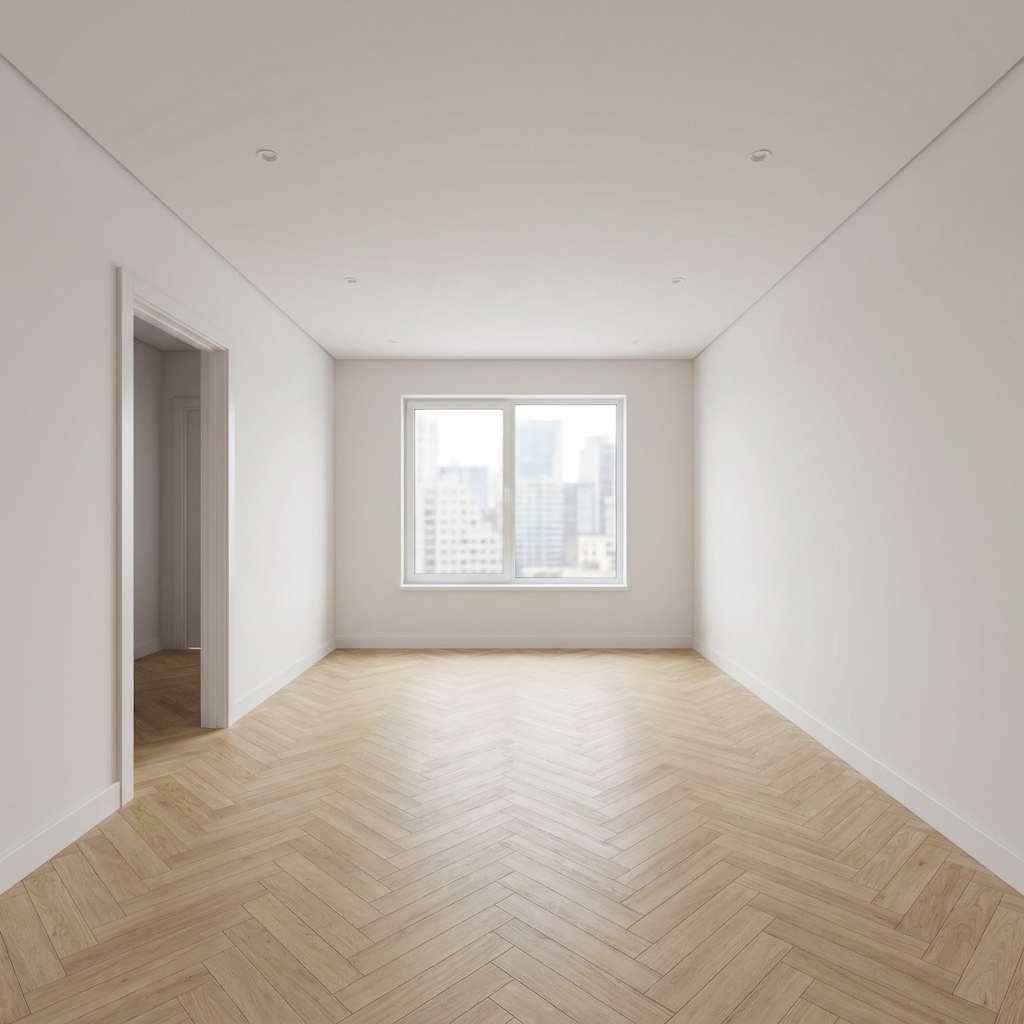
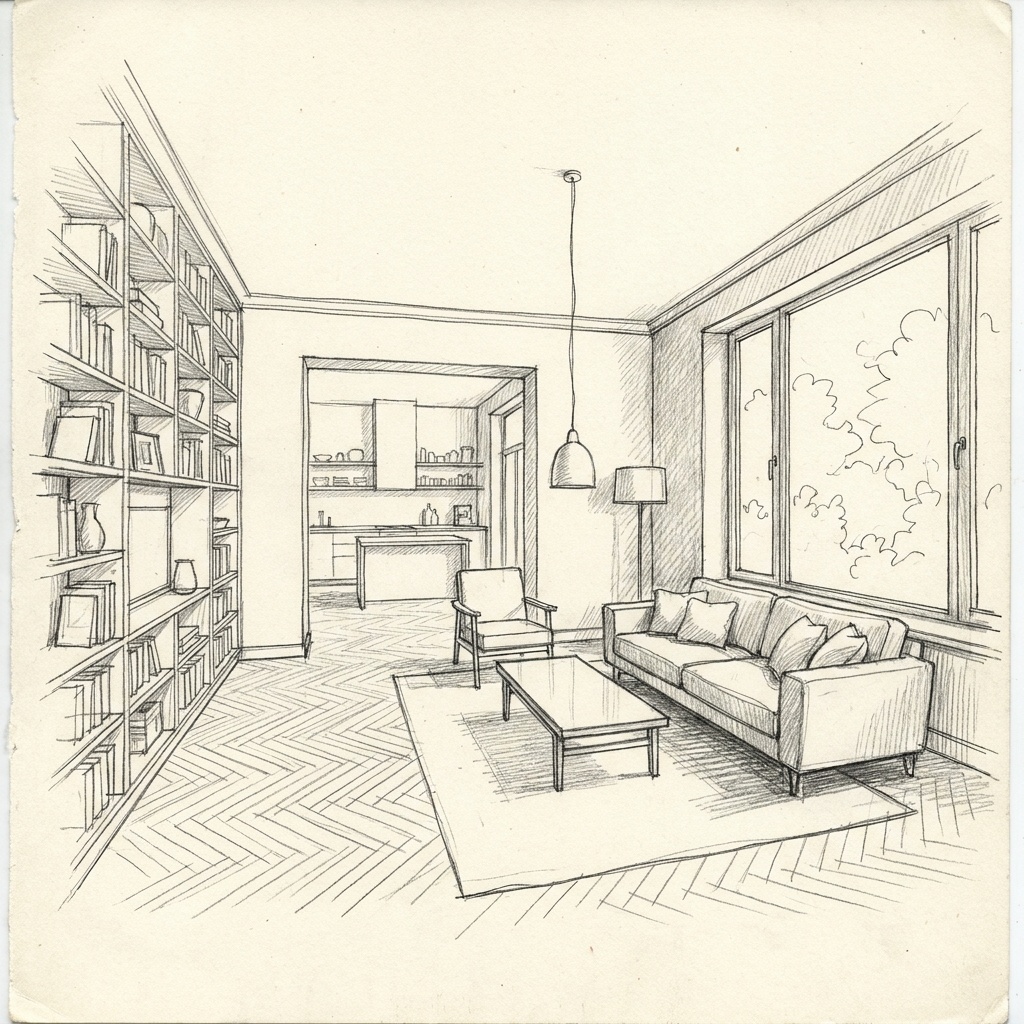
Sample input · click Generate to see the result
About this model
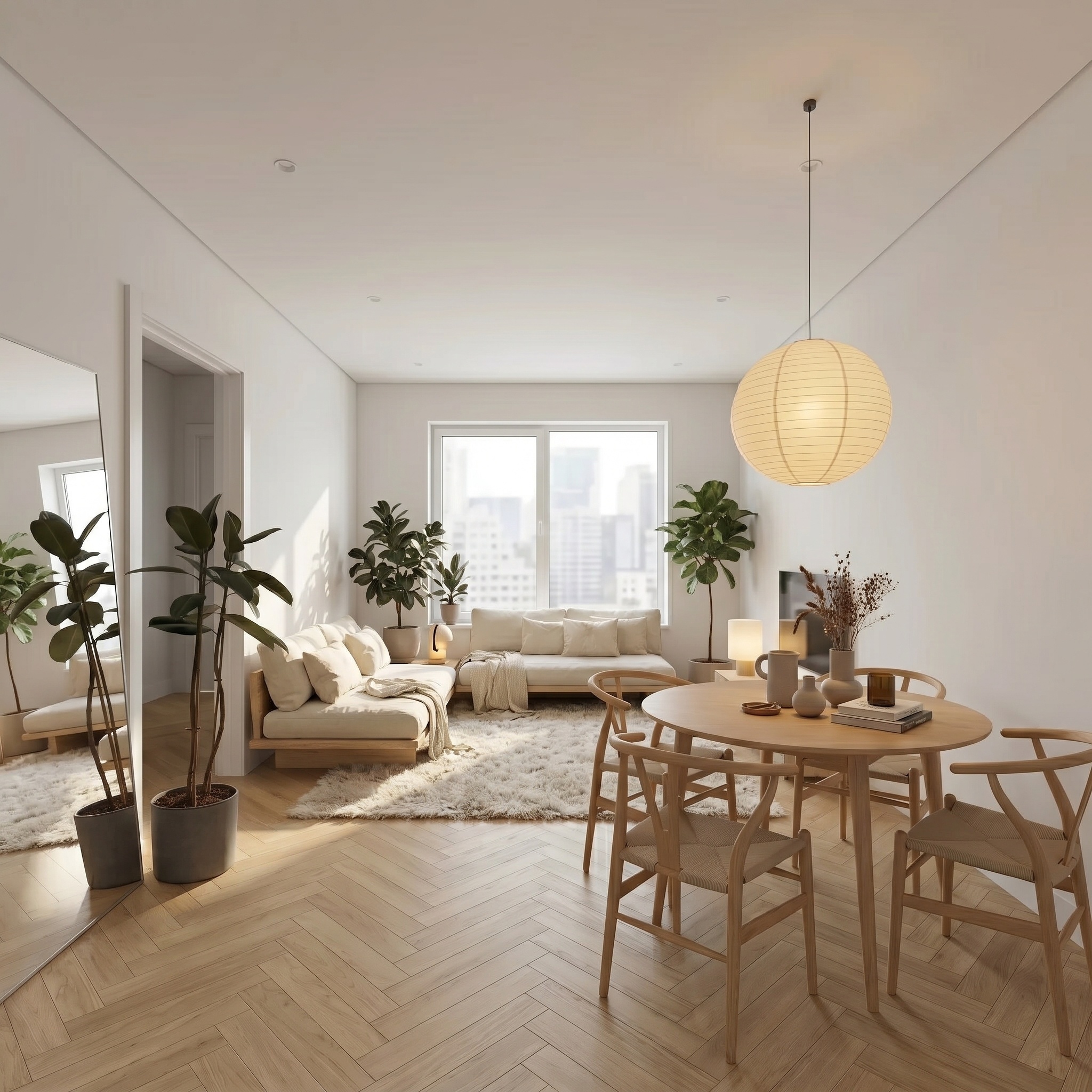
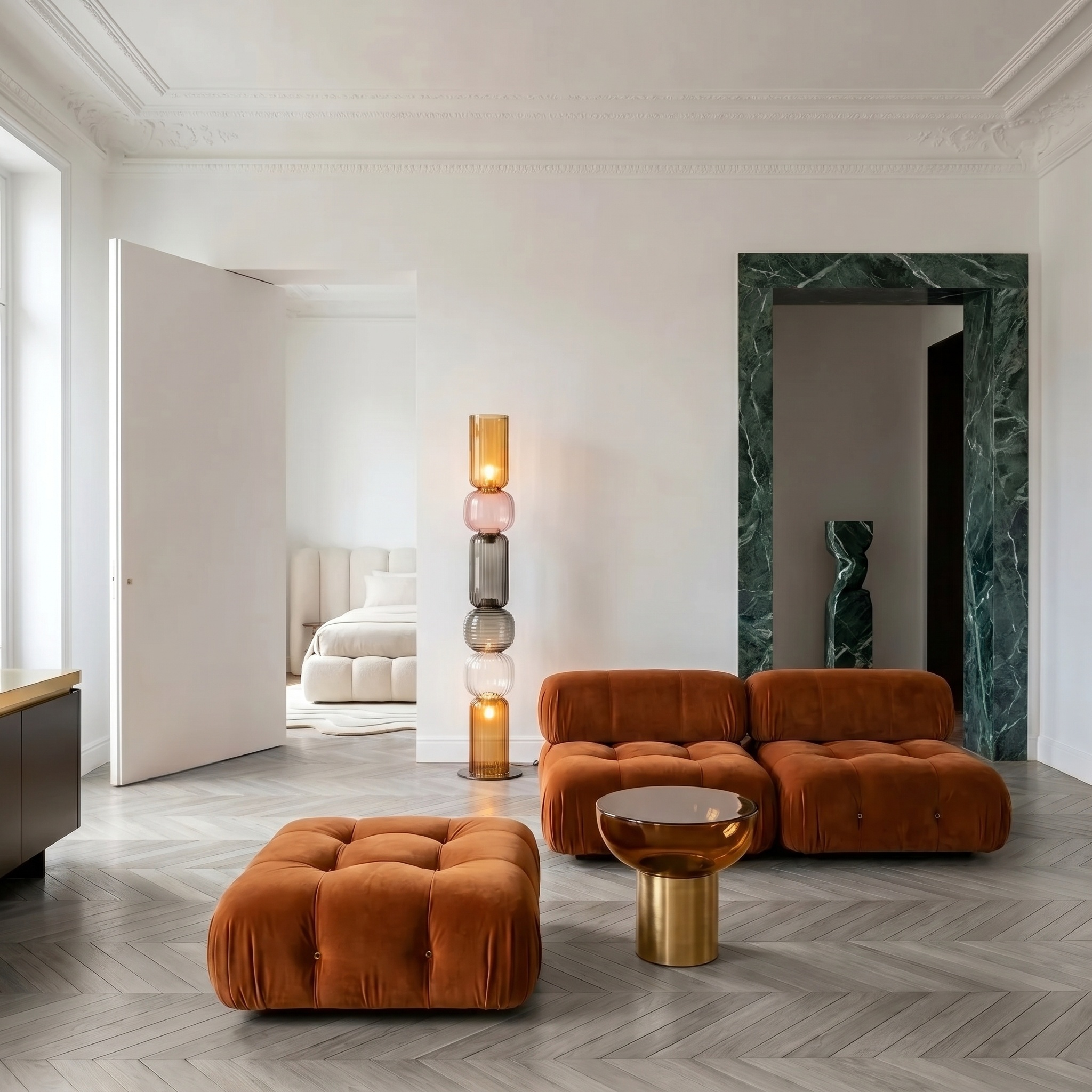
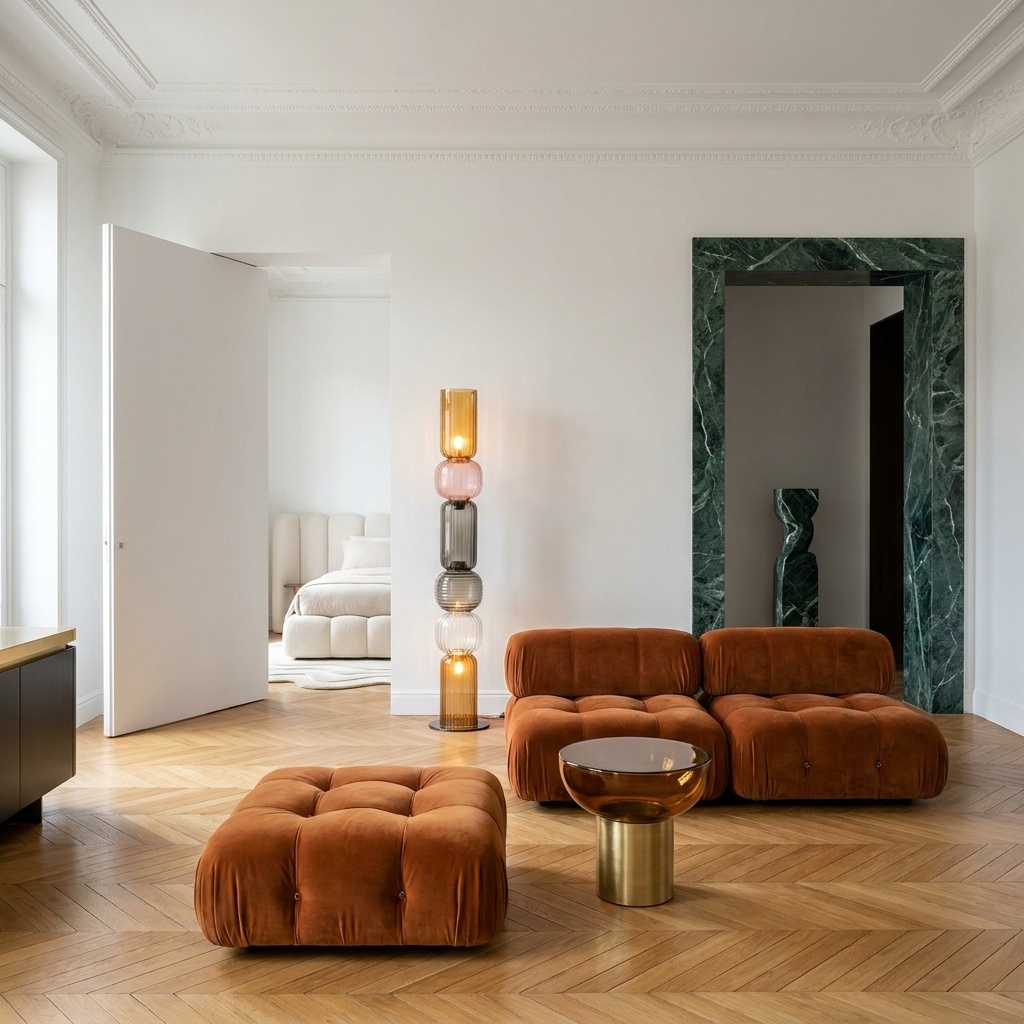
Turns a freehand interior sketch into a photorealistic editorial photograph that respects the spatial intent of the drawing. Wall positions, openings, ceiling height, major furniture footprint, and the camera viewpoint are all extracted from the sketch and held in place. Everything else — wall finish, floor finish, fabric, plants, light quality — is reconstructed at photographic fidelity. Hand-drawn artefacts (pencil hatching, marker bleed, paper texture) are eliminated, but the perspective and proportions of the original drawing are preserved exactly. The output reads as a magazine-grade interior photo of the room you drew, not an interpretation of it. Useful when a designer wants to discuss spatial intent with a client before committing to specific finishes, or when an architect needs a fast hero image for a feasibility deck. The sketch can be a quick perspective study or a developed elevation — both work, as long as the geometry is unambiguous.
When to use it
An interior architect has a presentation in three days for a 95 m² loft conversion. The plans are agreed but the client cannot read elevations, and the rendering studio is booked for next week. The architect sketches a perspective of the living zone in twenty minutes — pen on tracing paper — and runs it through Sketch to Render. The output goes on the cover of the deck. The client reacts to the spatial composition, not the finishes — exactly the conversation the architect wanted.
The model needs clear wall positions, opening locations, and furniture footprint. A 20-minute perspective study with confident lines works fine. Highly schematic stick-figure sketches will work too but the model takes more interpretive liberty on furniture and finishes.
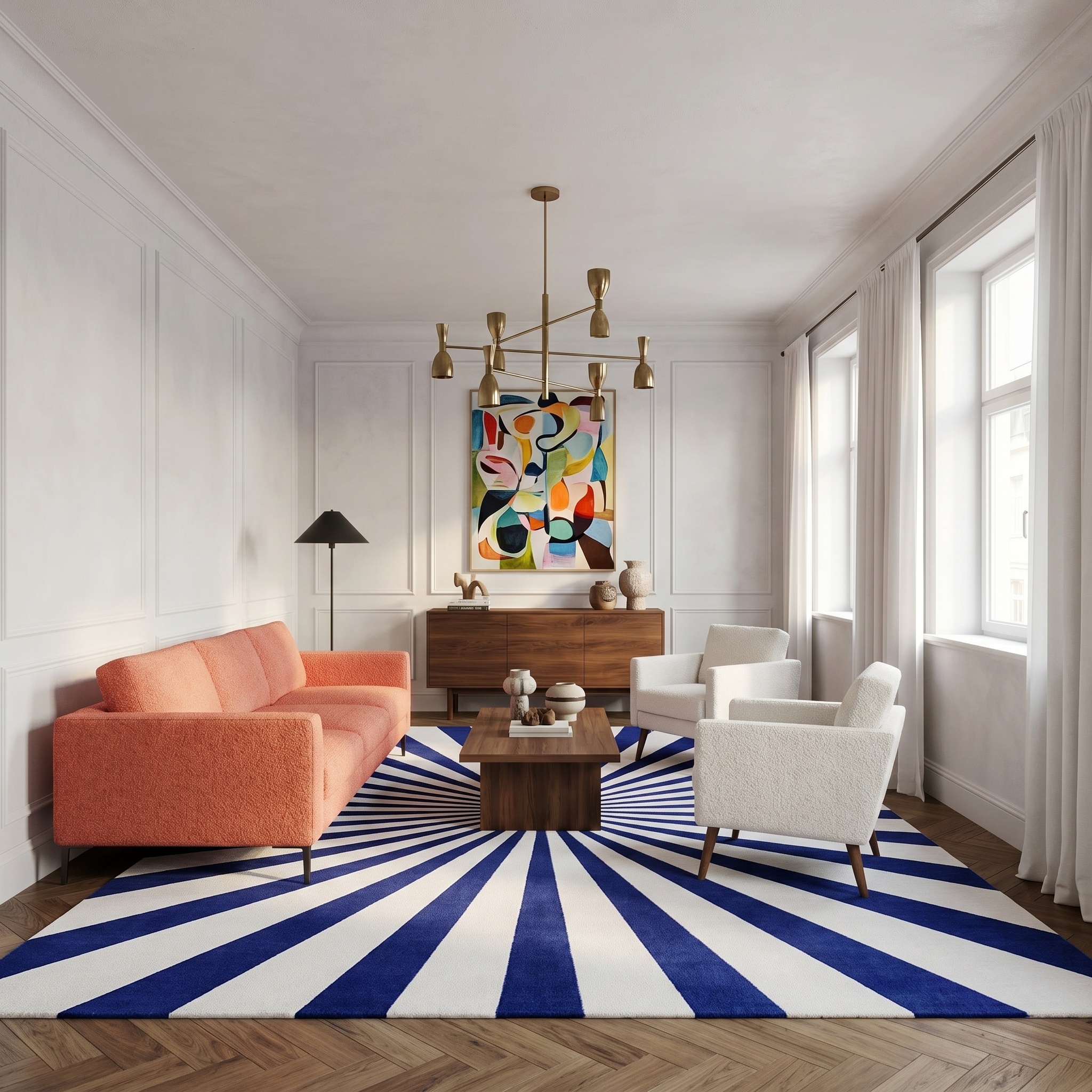
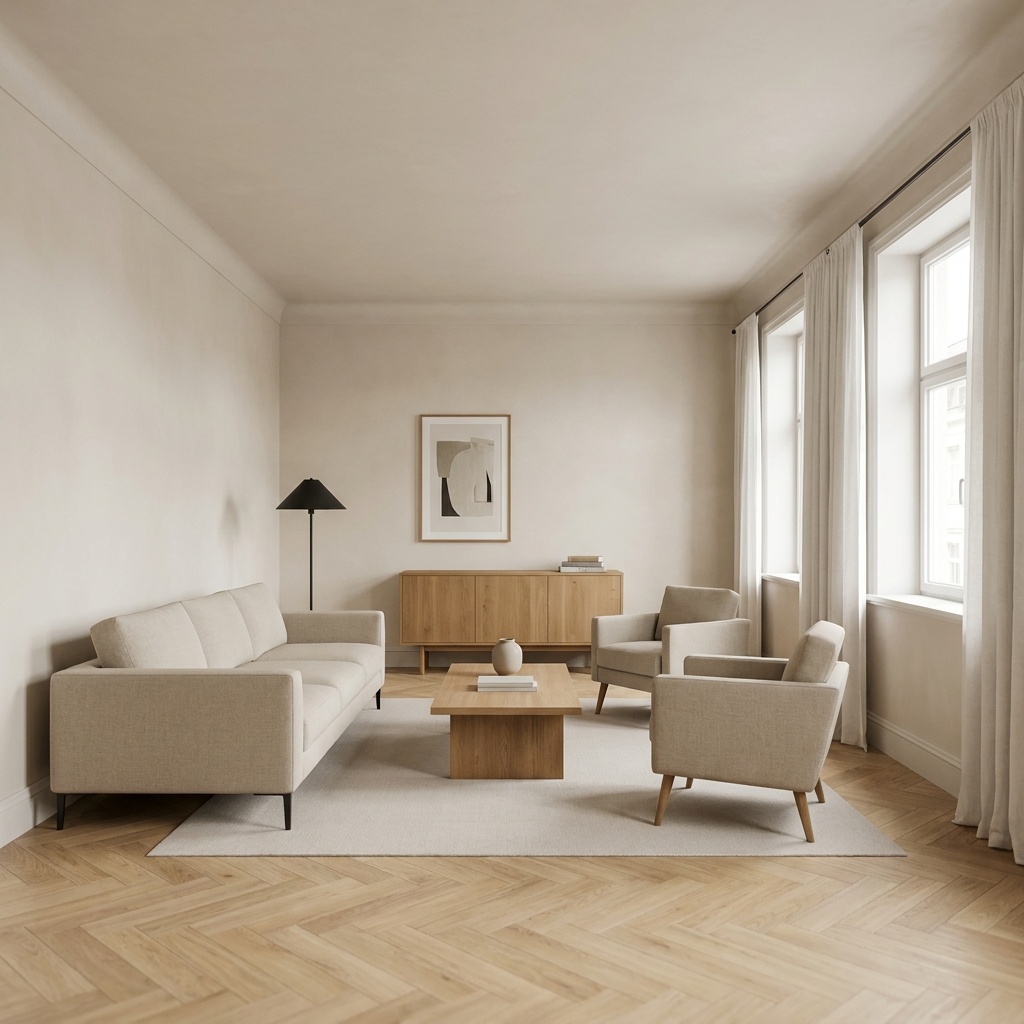
Not in this template — Sketch to Render uses an editorial neutral palette by default. To direct the materials, generate the photoreal image first, then pipe it through Style Transfer or Floor / Wall Swap with your reference.