Photo to PBR
Turn a photo of a material into a flat, seamless diffuse texture for your 3D scenes.
- Free to try
- No plugin
- No credit card
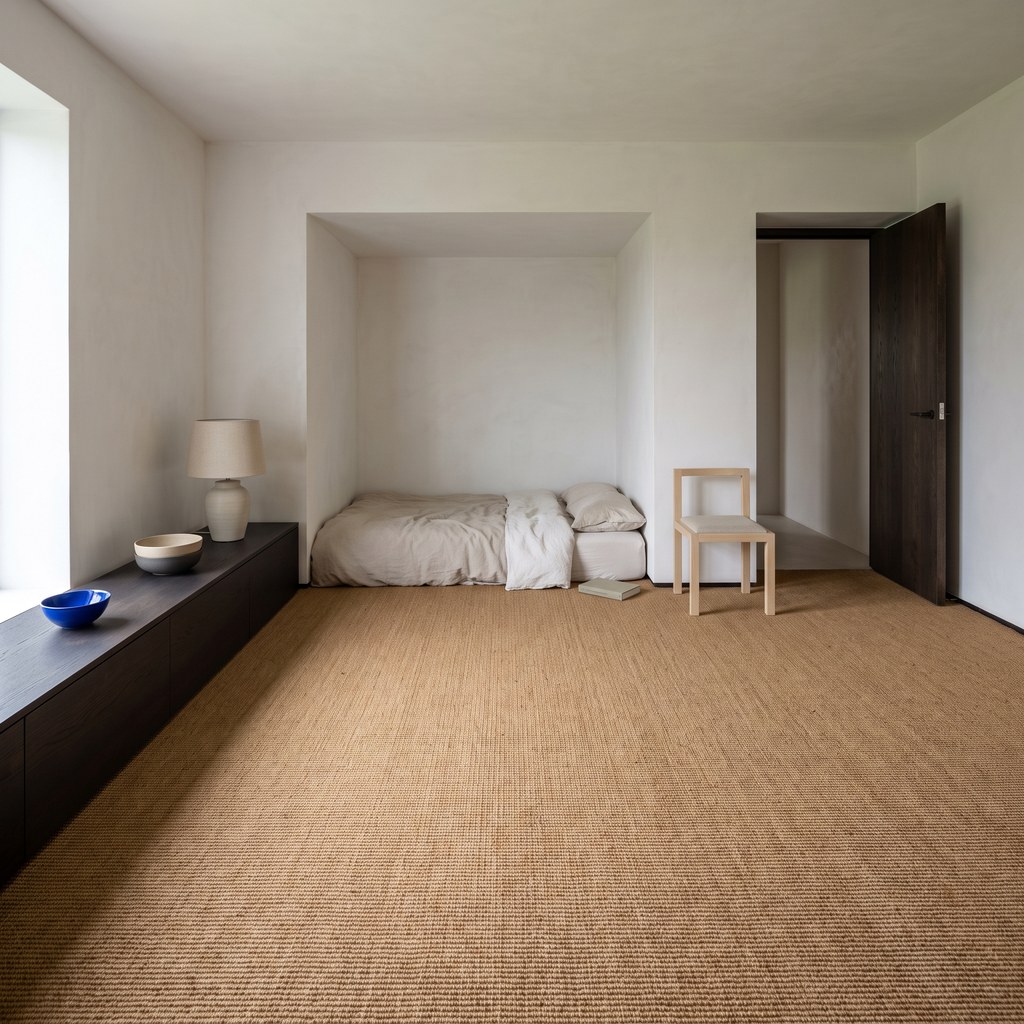
Nano Banana Pro
Sample input · click Generate to see the result
About this model
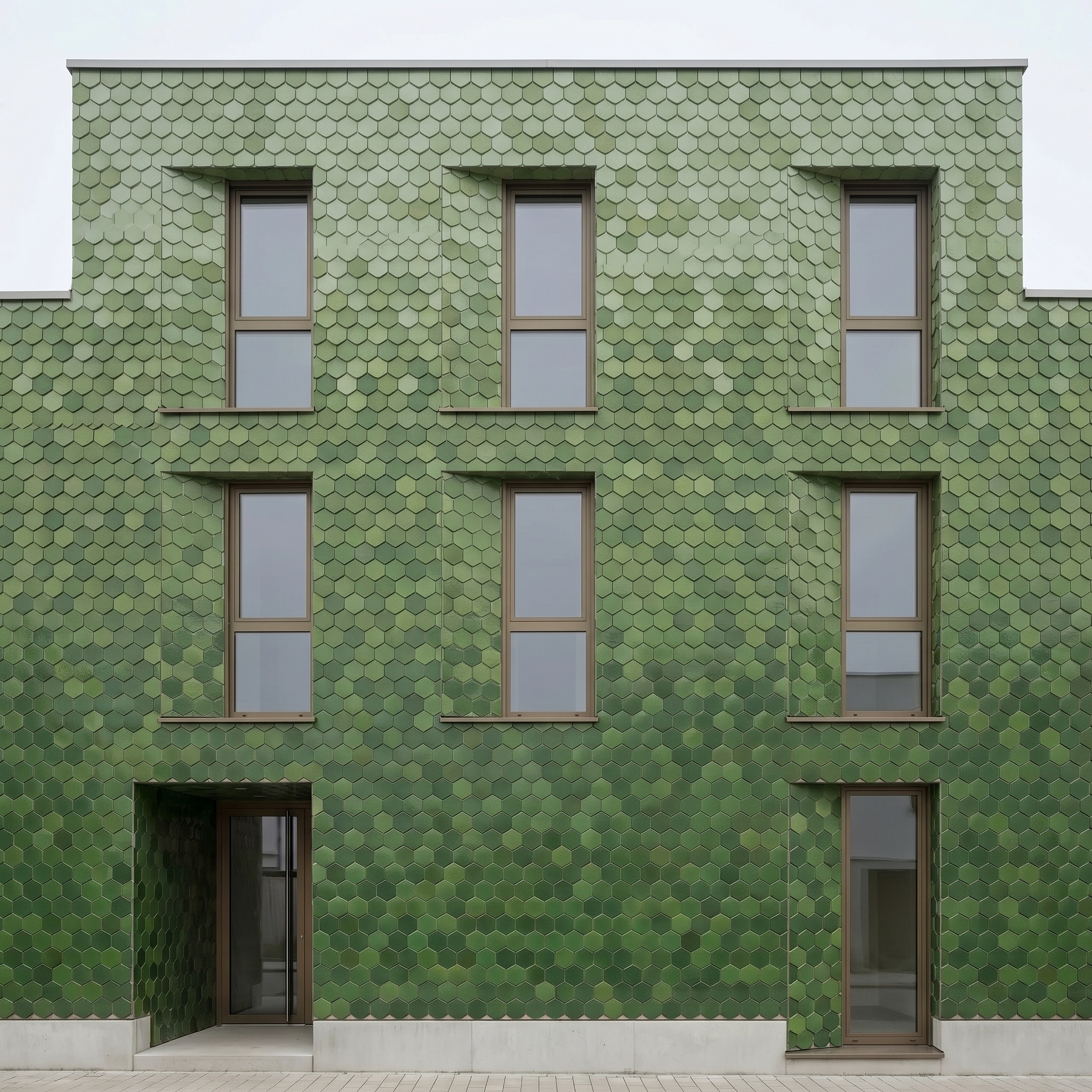
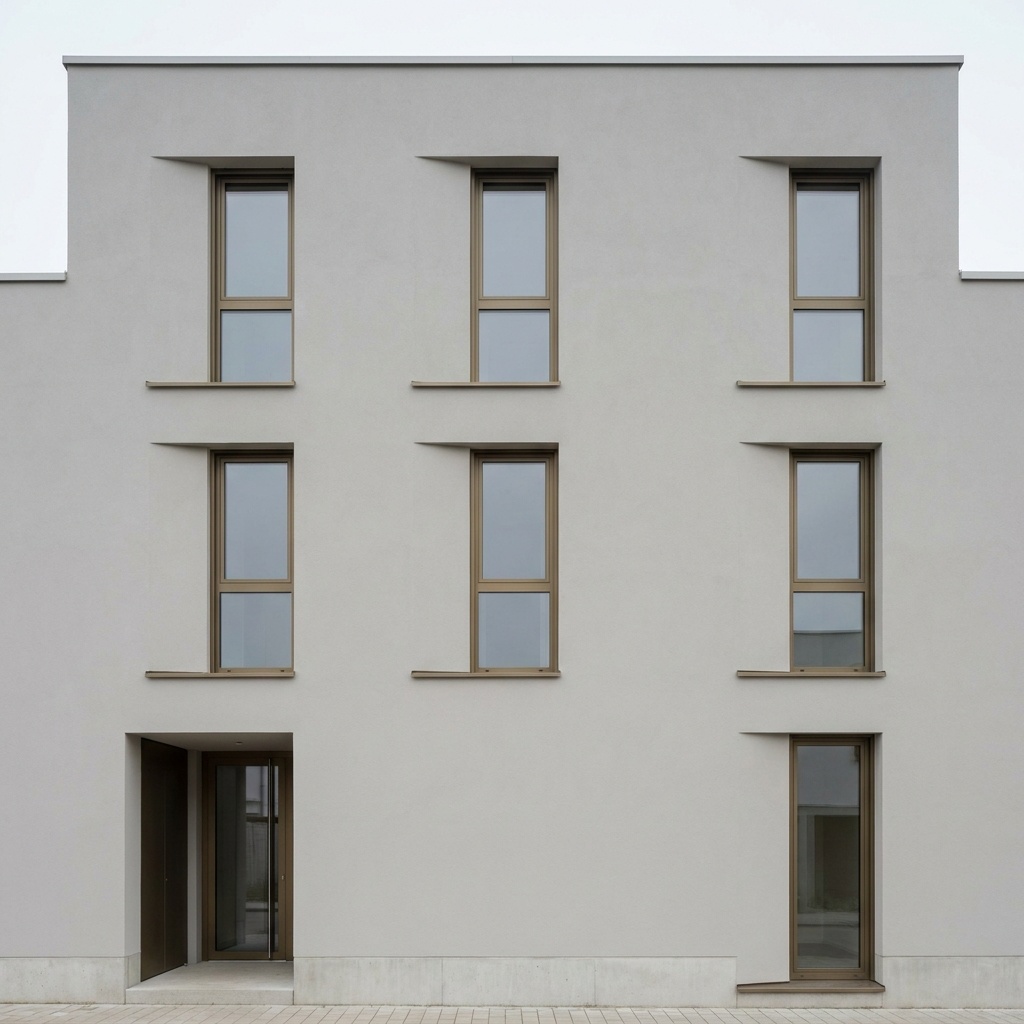
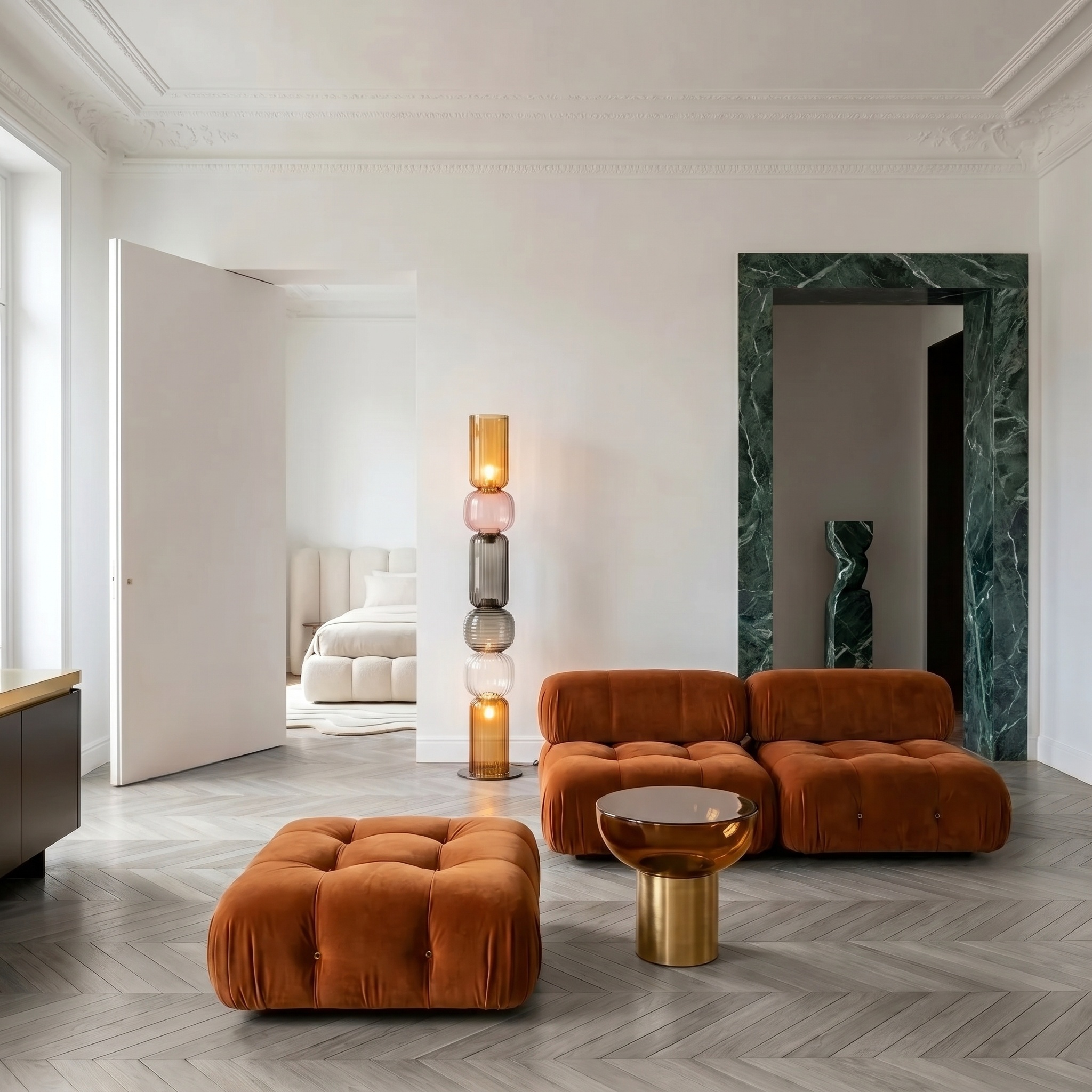
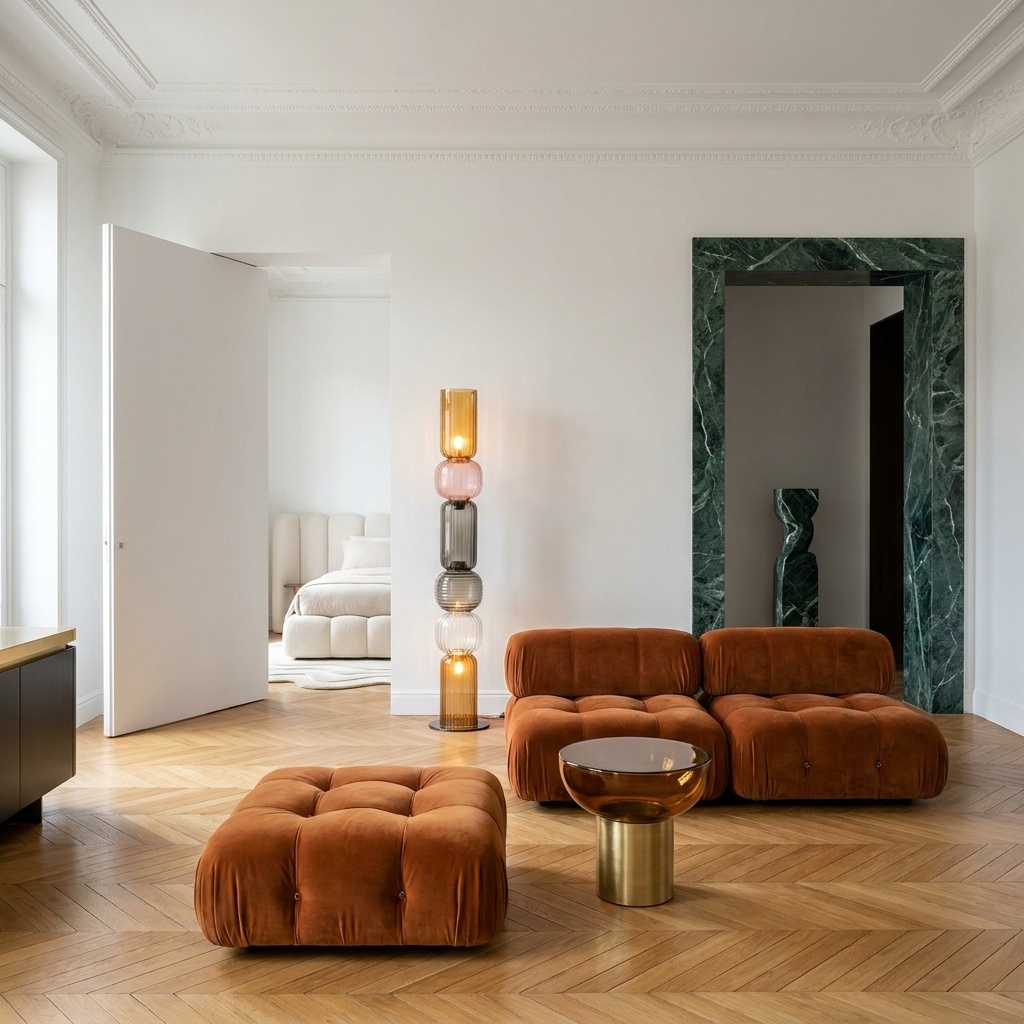
Turns a photo of a real material (a brick wall, a timber floor, a stone slab, a plastered wall, a fabric) into a flat, seamless diffuse texture: the base colour of the material, seen straight on, evenly lit, without shadows or reflections, and tileable on every edge. When the photo shows several materials, name the one you want (the oak floor, the stone wall, the sisal rug); leave the field empty and the template takes the material that covers most of the frame. Then choose the scale. Material detail gives a close, sharp patch where every grain, fibre and joint is large. Large surface gives a wider tile that carries the material's natural variation in tone and wear, so a big wall or floor never looks like a repeated stamp. The output is always square, with joints and patterns aligned to its edges, and the colour stays true to the photo. Creating a seamless texture from a photo is useful when a project needs a specific local material that no texture library has: photograph it on site, get a diffuse map that repeats cleanly, and use it in your 3D scene. This version produces the diffuse map only; derive normal or roughness maps in your usual texture tools if your scene needs them.
When to use it
A studio renovating a farmhouse wants to show the existing local stone in its 3D views. No library texture matches it. The architect photographs a patch of the old wall on site, runs Photo to PBR, and applies the seamless diffuse map to the facade in the 3D model the same afternoon.
Not yet: this version produces the diffuse (albedo) map. The other PBR maps are planned.
Yes. Type the material in the Material to extract field, for example the oak floor or the stone wall, and the rest of the photo is ignored. Results are sharper when that material fills a large part of the frame.