Collage
Compose a Dogma-style architectural collage with real texture cutouts on a flat sky plate.
- Free to try
- No plugin
- No credit card
Nano Banana Pro
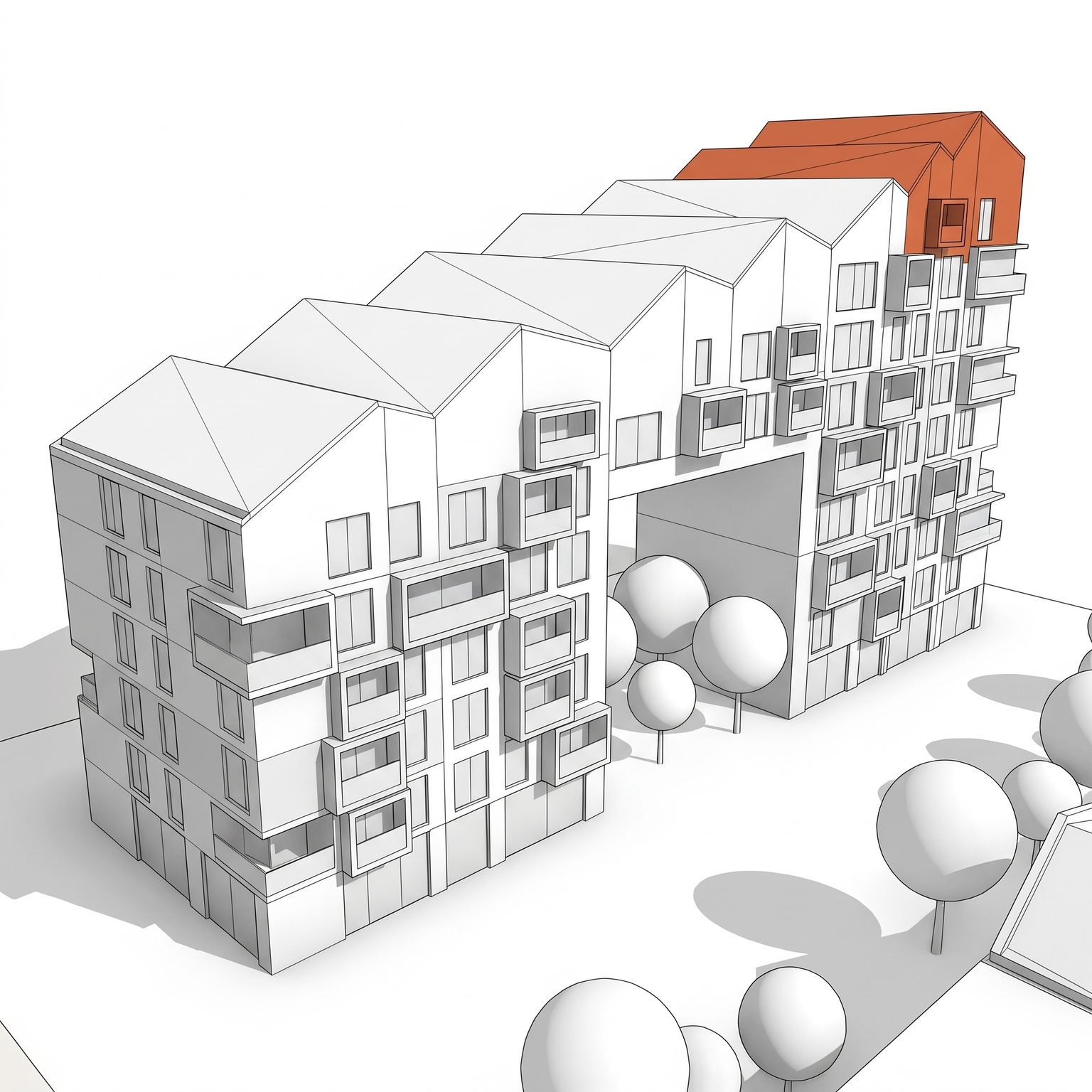
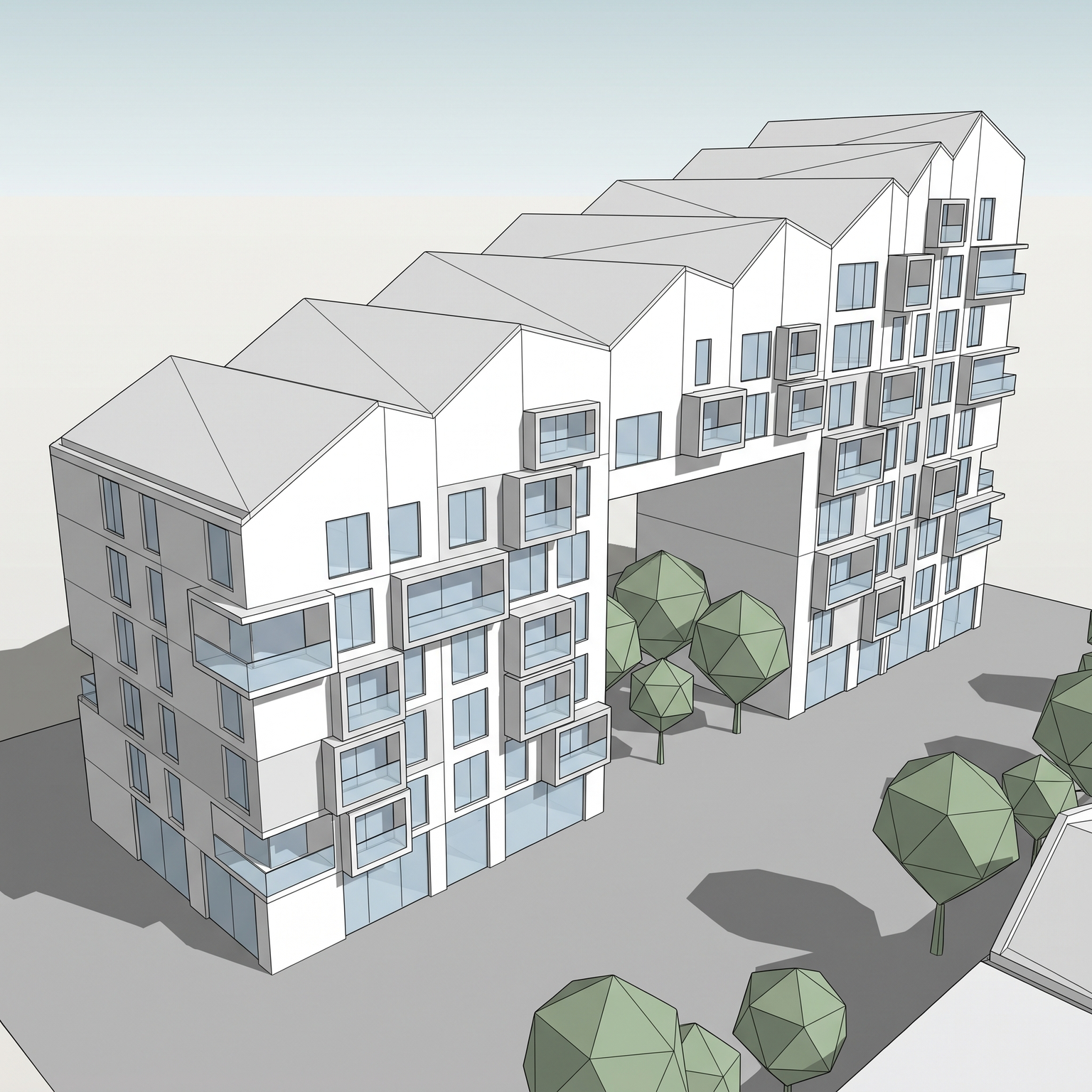
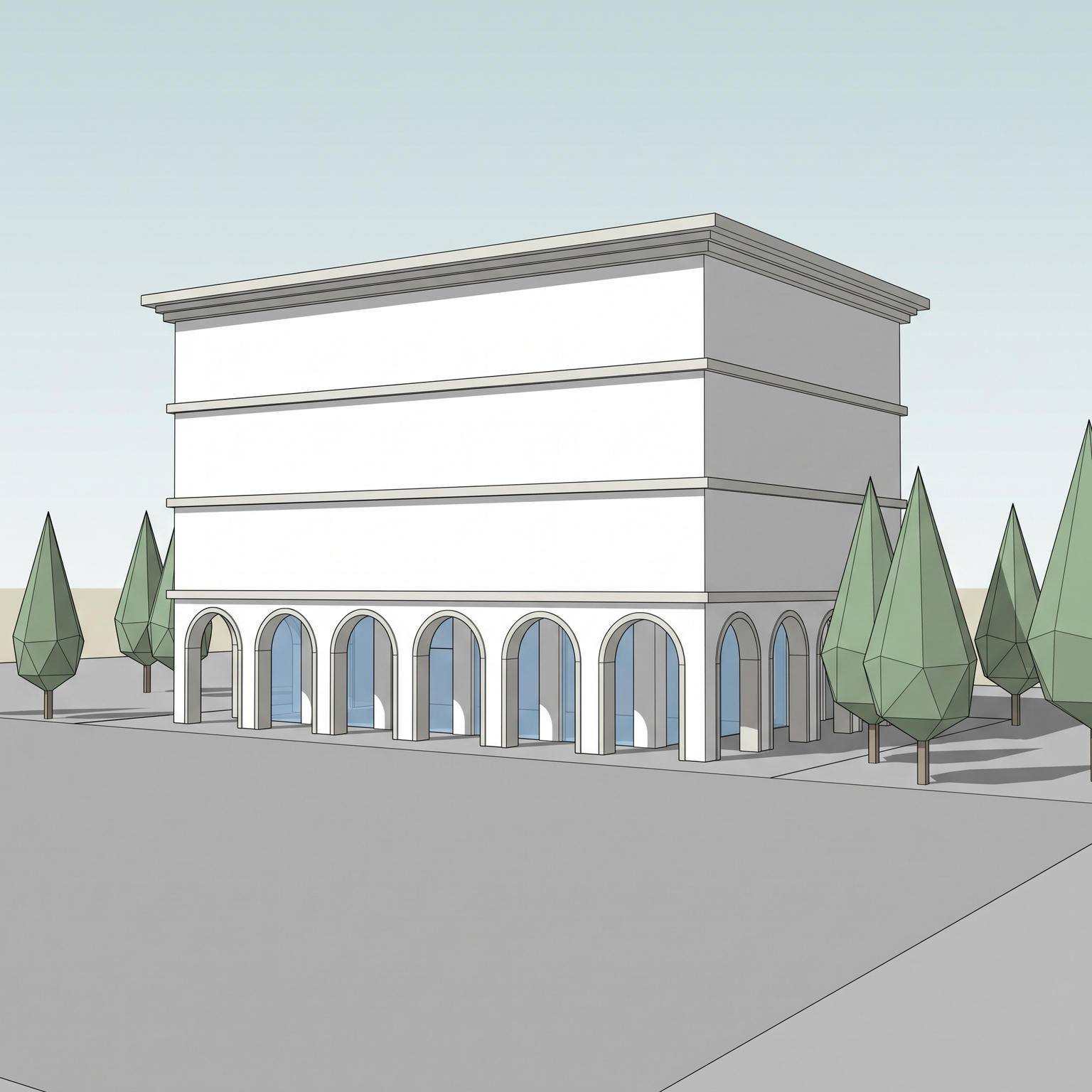
Sample input · click Generate to see the result
About this model
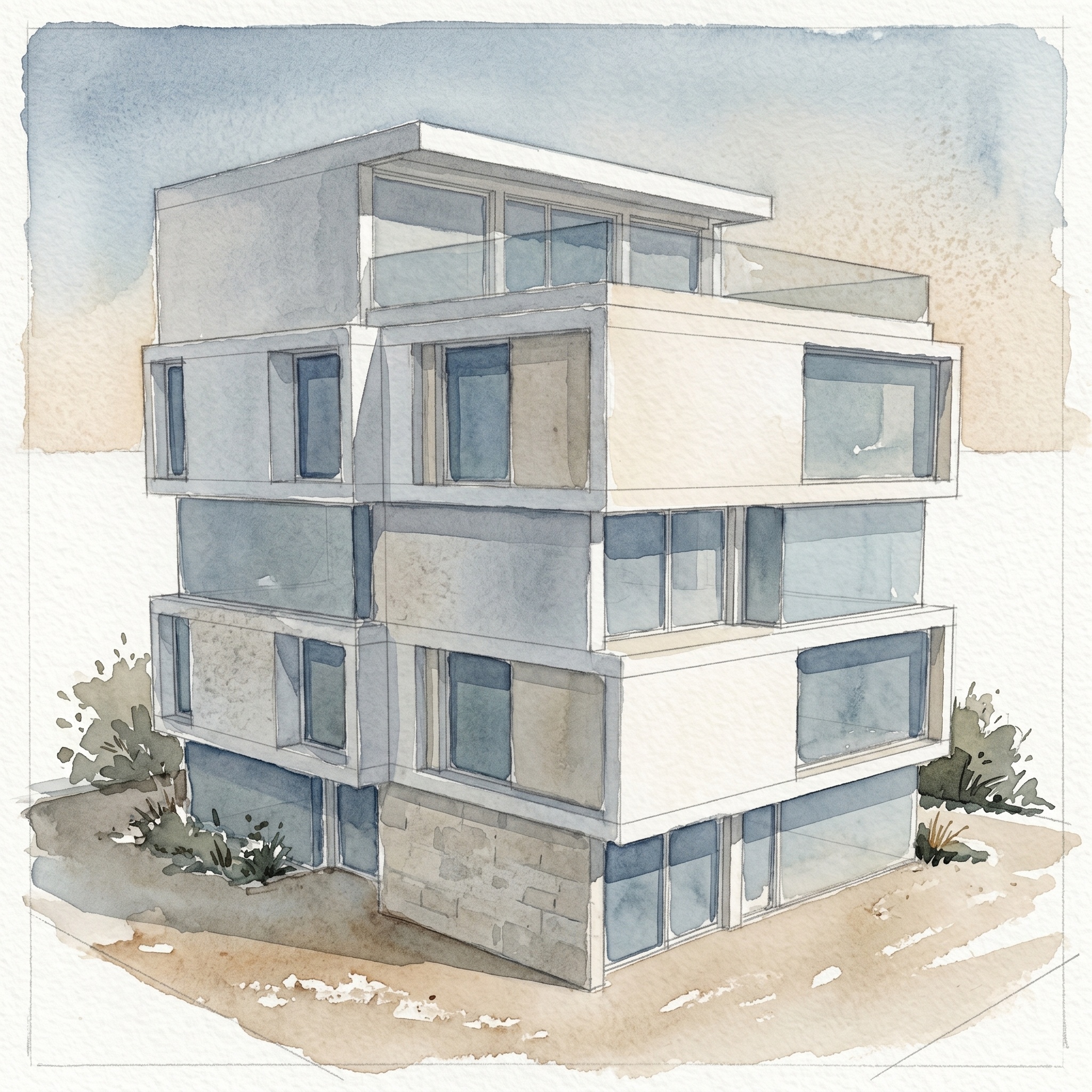
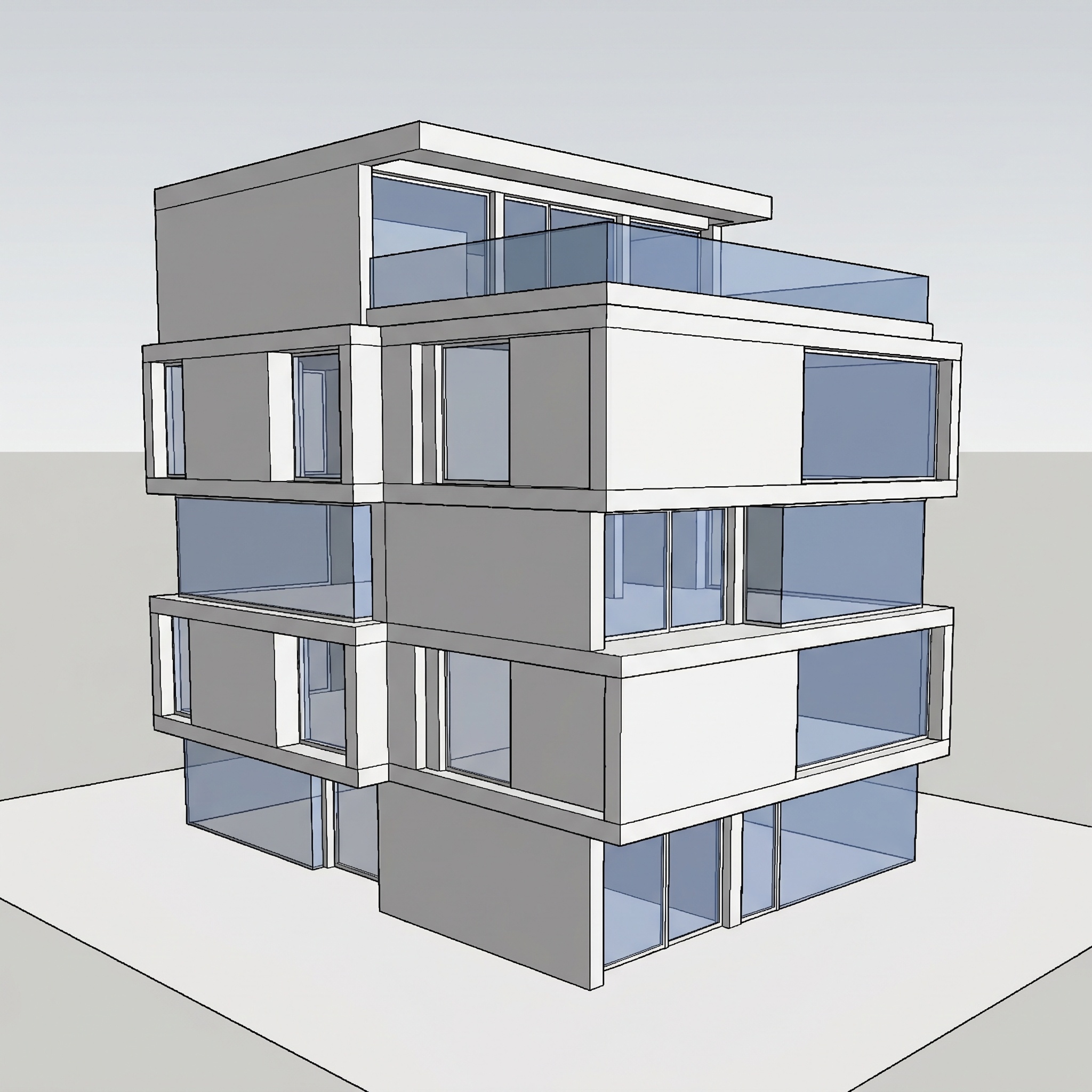
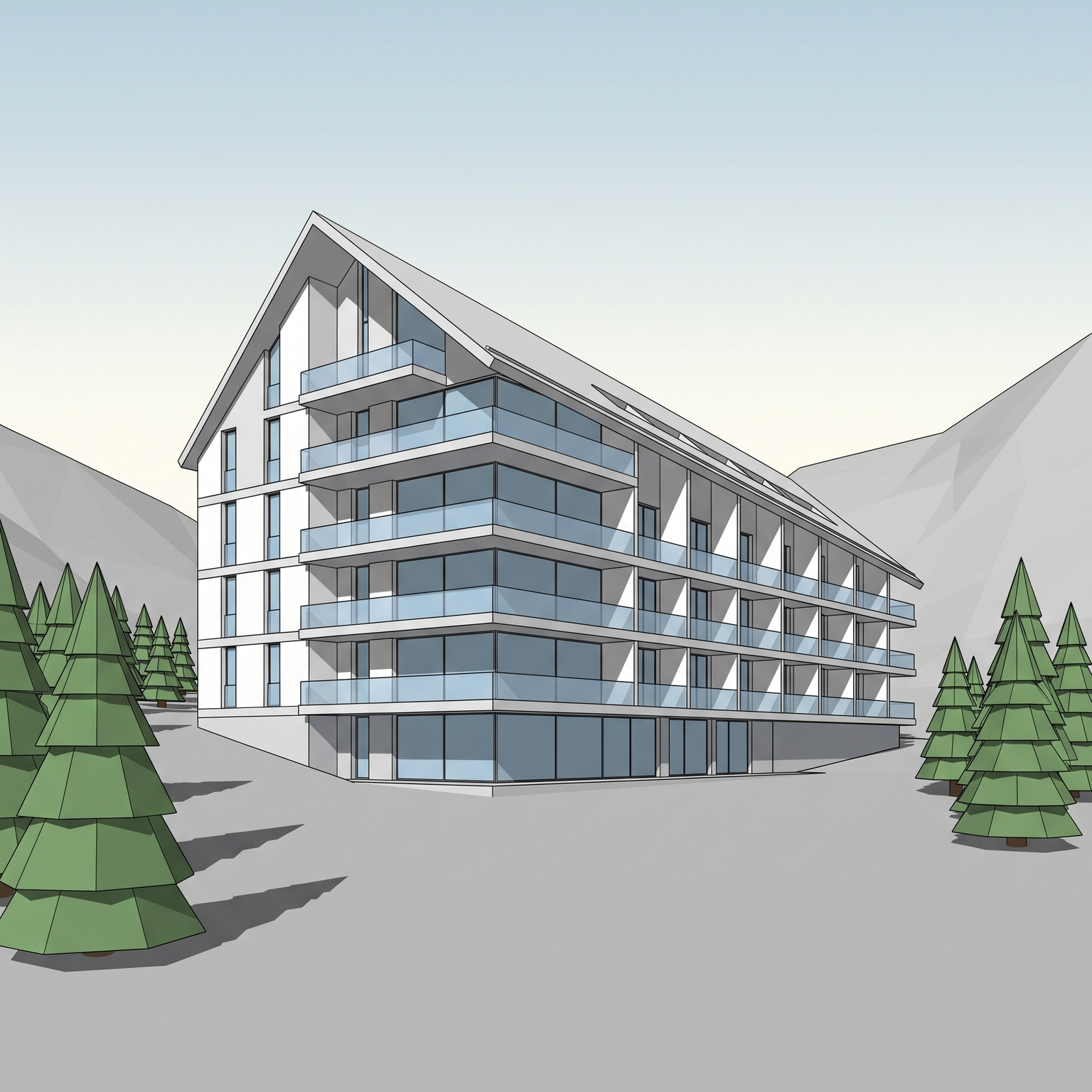
Builds a flat architectural collage from a 3D view of your project, in the post-digital tradition made familiar by Dogma and the competition boards that followed. The camera is locked: the building keeps the same position, size and perspective as in your view, isolated from its context and laid on white or off-white paper. Its faces are filled with cut textures instead of rendered materials: board-formed concrete on one plane, pale travertine or Carrara marble on another, raw linen elsewhere, each with visible cut edges and a flat, shadowless application. The sky becomes a hard-edged panel of pale-blue photographic sky behind the building, and the ground shrinks to a simple strip or horizon line. Optional elements such as flat human silhouettes or vegetation cutouts stay sparse. Small physical traces, faint paper-edge shadows and micro-tears at the cuts, suggest a sheet assembled by hand. You can upload your own texture board, one image gathering the materials you want. The template cuts individual textures from it and recombines them on the facades. Without a board, it uses the restrained default library above. Making an architectural collage by hand means cutting out each face in Photoshop, masking textures, flattening the light and arranging fragments. This architectural collage maker does that assembly from one screenshot, which makes collage practical for a competition, an early concept board or a publication image where the idea matters more than realism.
When to use it
Two young architects are entering an ideas competition for a civic hall. They want the board to feel conceptual and calm, not like a sales brochure. They screenshot the main view of their Rhino model, photograph the concrete, marble and fabric samples lying around the studio into one texture board, and run both through Collage. The facades come back cut from their own samples, under a flat sky, ready to sit next to the plan and a short text.
Not directly. The model distributes the textures across the faces. To steer it, put only the textures you want on your texture board, and run it again if the distribution does not suit you.
No. The building stays exactly where it is in your view, with the same perspective and proportions. Only the materials, the sky and the surroundings are replaced.