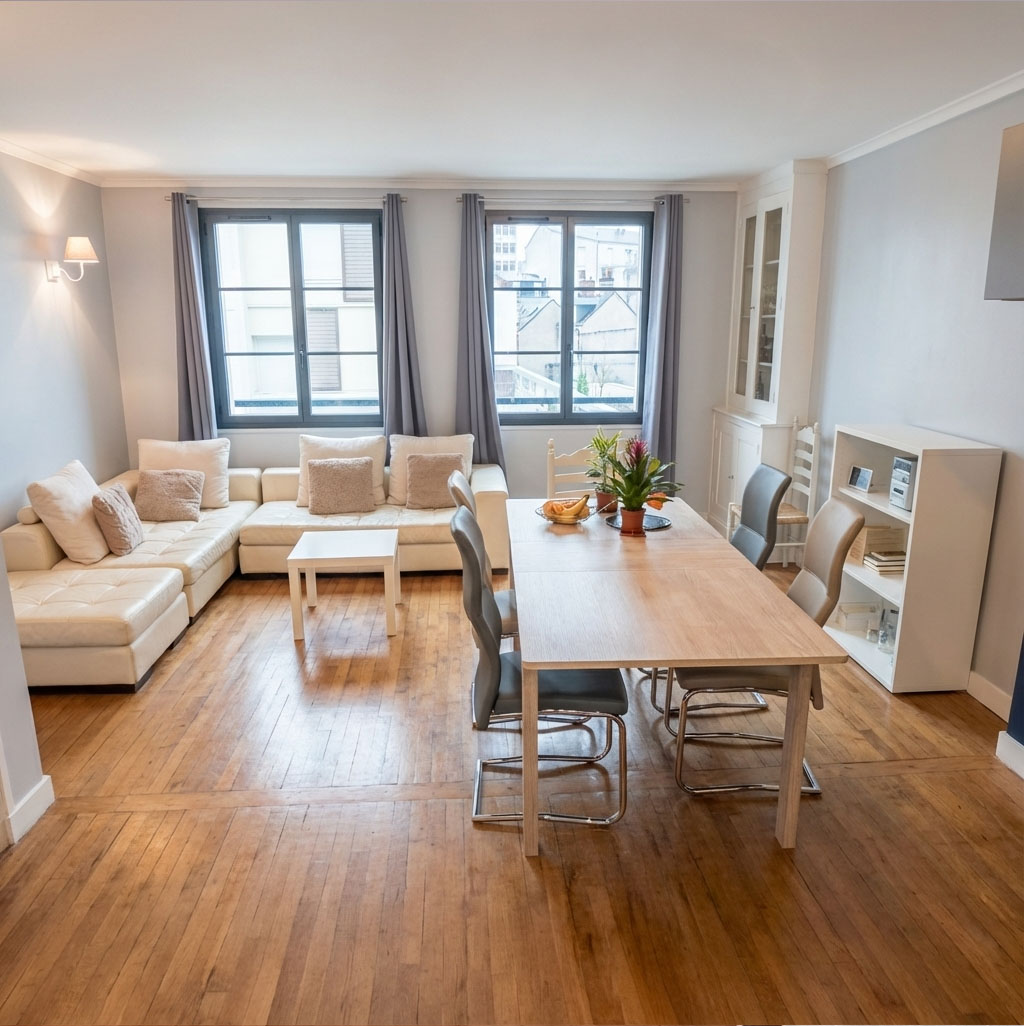
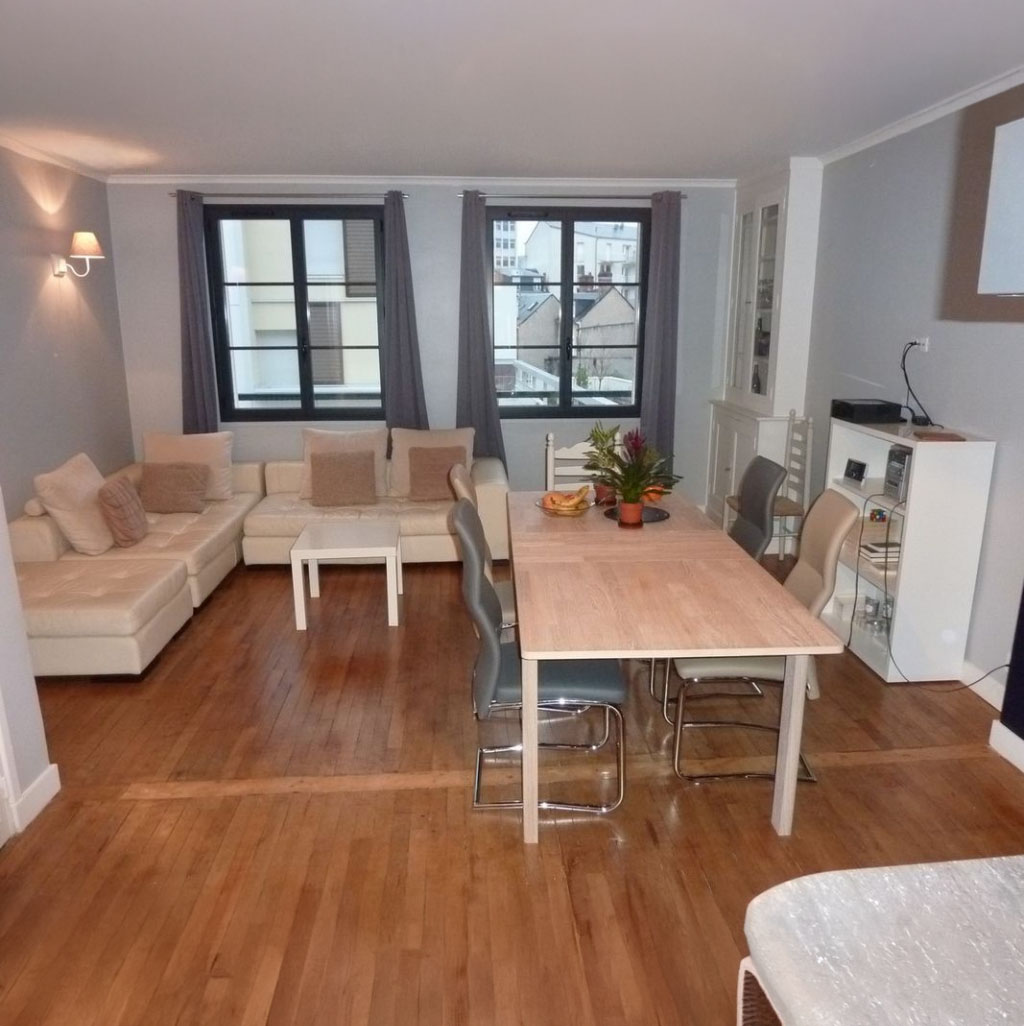
Empty the Room
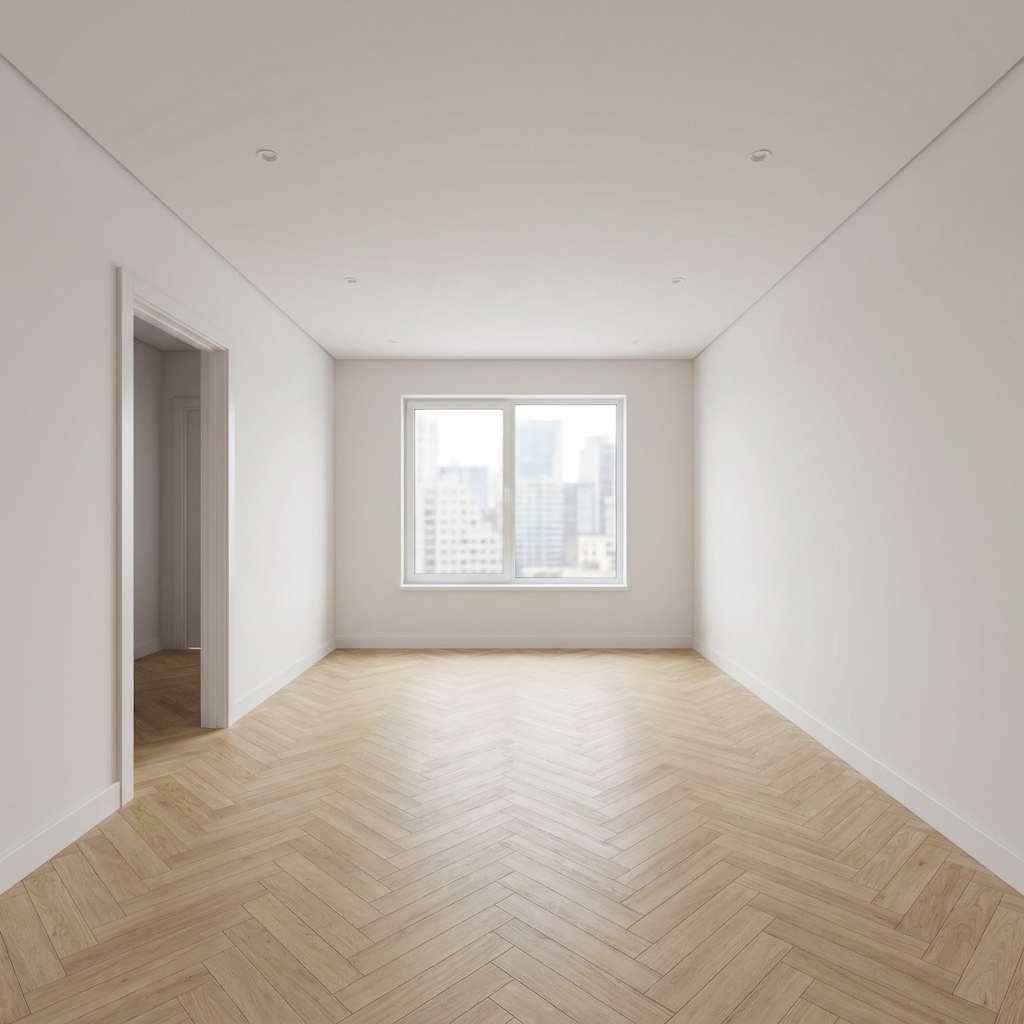
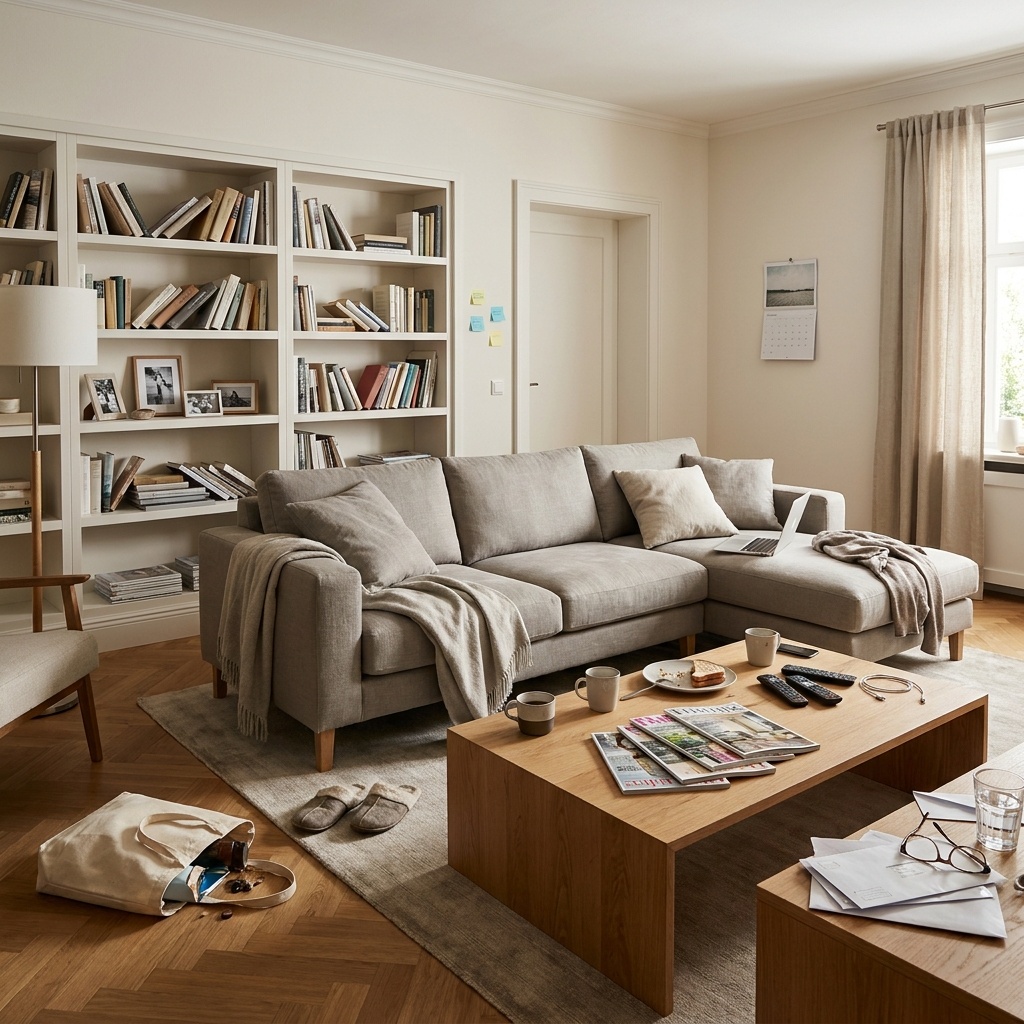
Remove all existing furniture to get an empty room.
- Free to try
- No plugin
- No credit card
Nano Banana Pro
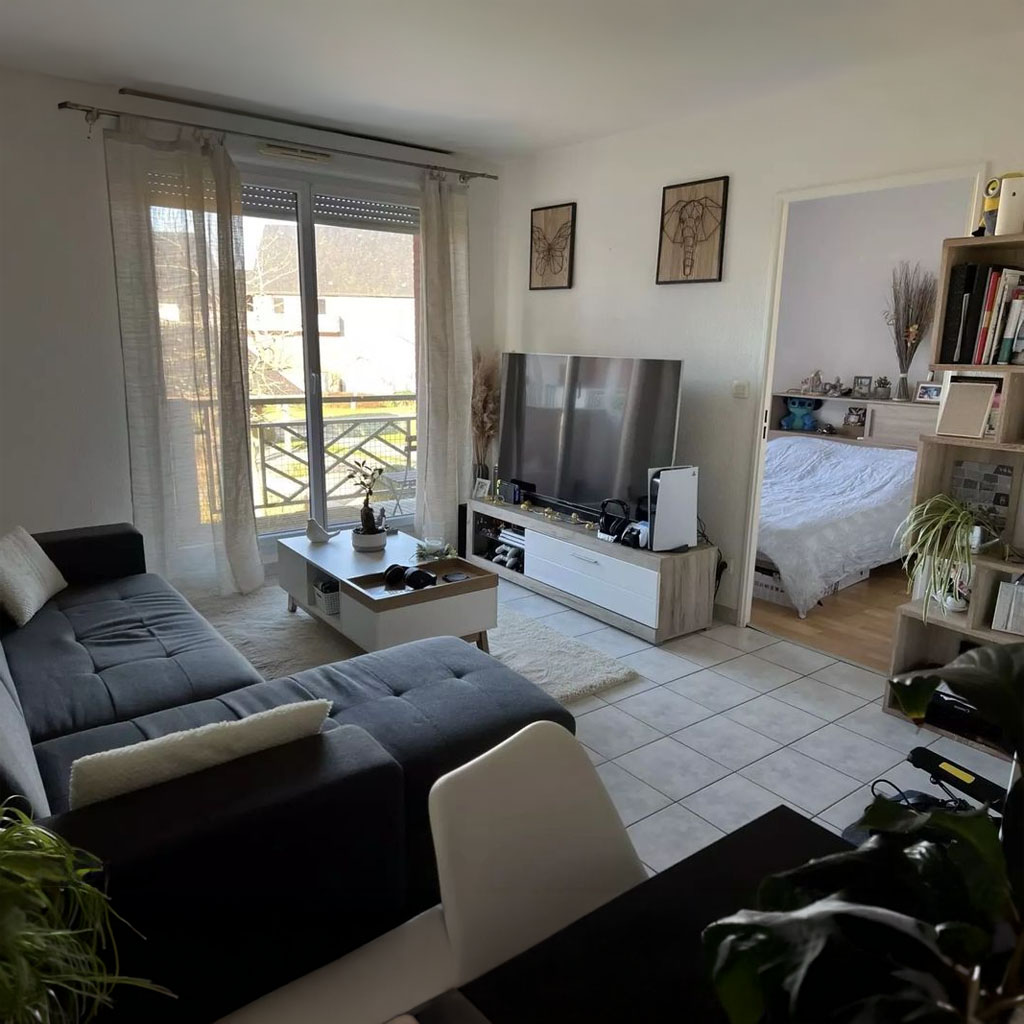
Sample input · click Generate to see the result
About this model
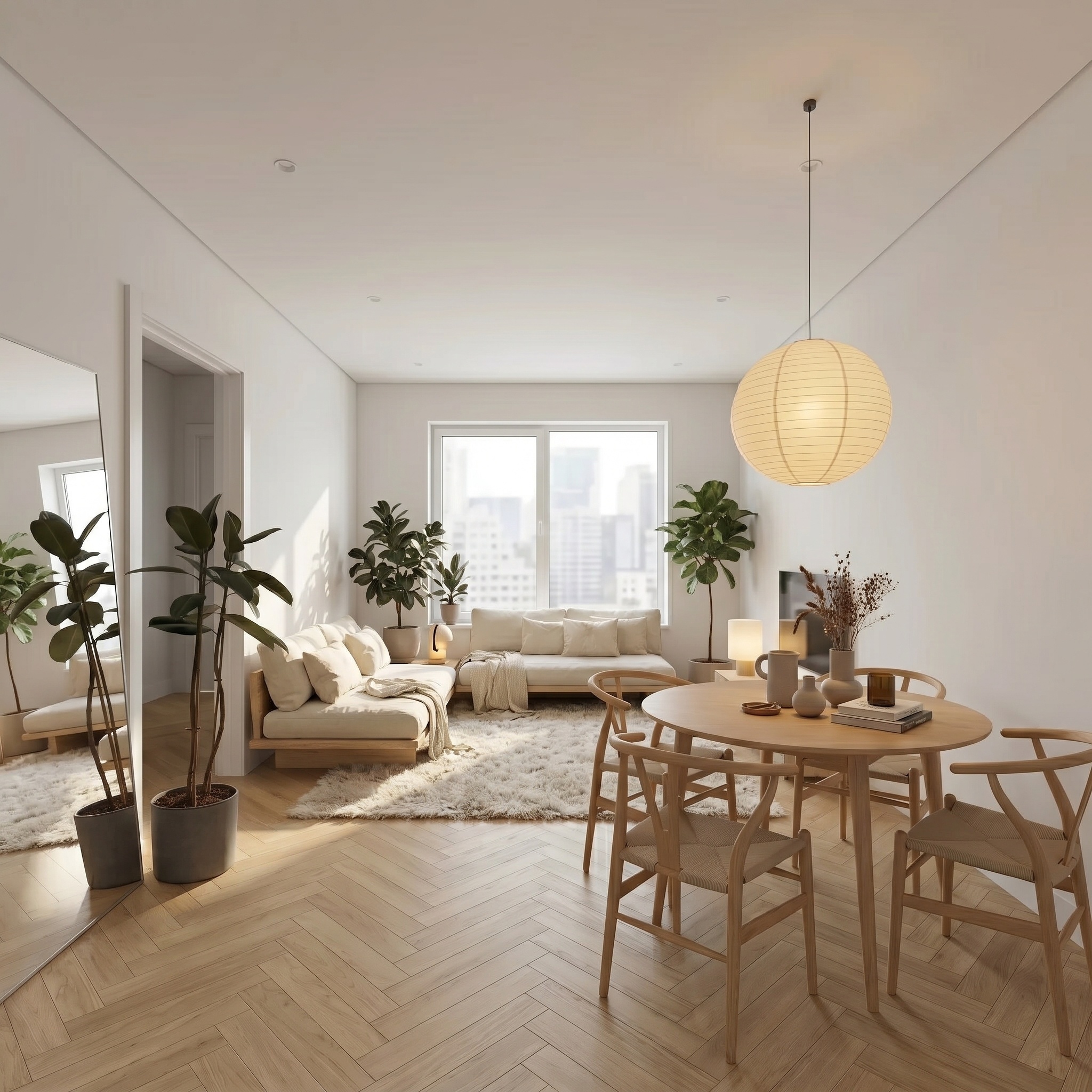
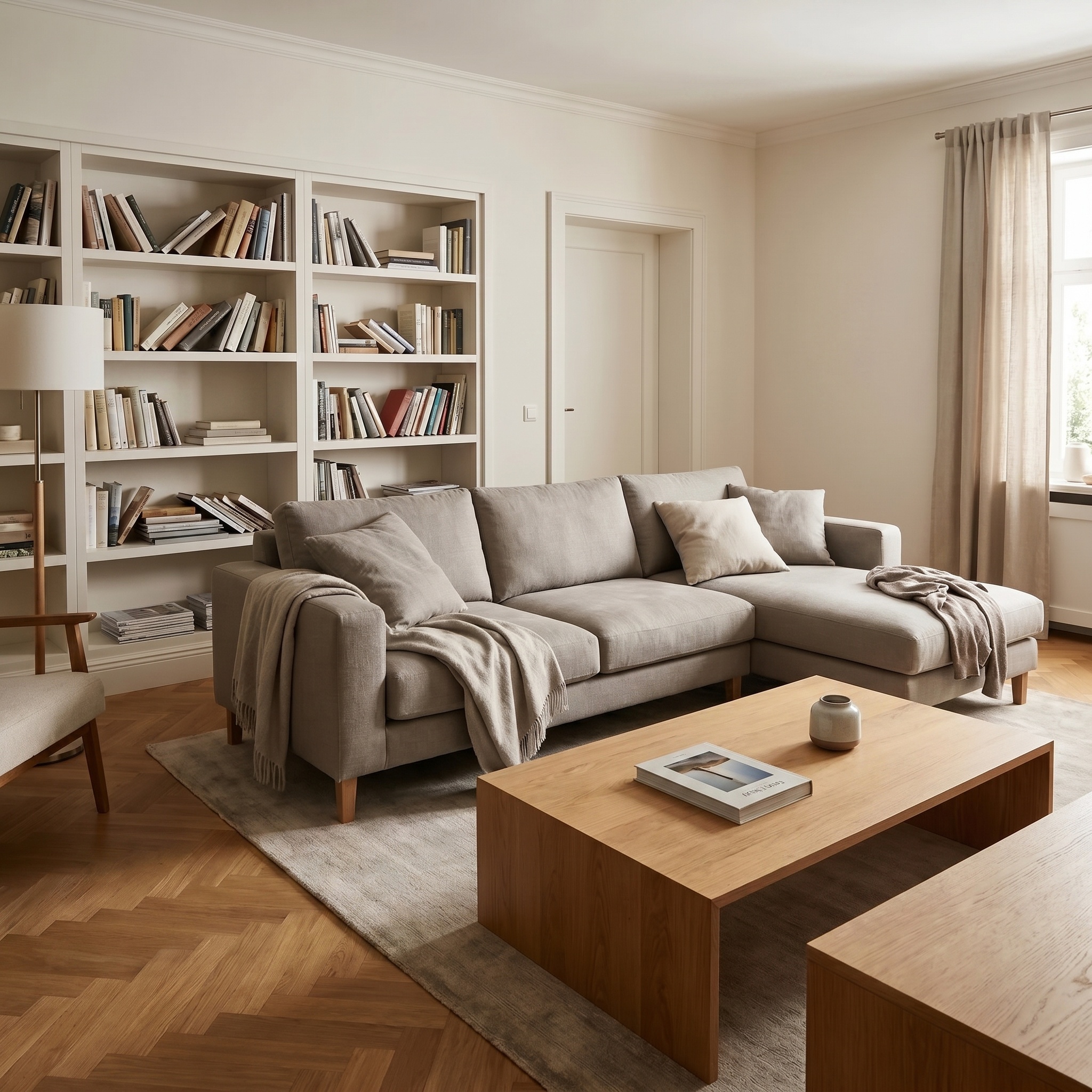
Removes every piece of furniture, every decorative object and every visible clutter from a photo of an interior. The architecture stays untouched — walls, floor, ceiling, mouldings, radiators, built-in cabinetry. What disappears is everything that can be picked up and carried out. The camera and perspective are locked to the source; the light is evened out into soft, bright daylight from the existing windows. The output is a drop-in replacement for the original photo: ready for a listing, a renovation deck, or as the empty plate before running Virtual Home Staging on the same room. Splitting clearing and staging into two passes gives sharper results than asking one model to do both. Works on smartphone shots, professional photography, and listing exports. Generation takes a few seconds.
When to use it
A listing on a 70 m² apartment, but the current tenants are still in. Photos unusable: personal furniture everywhere, family pictures on the walls. Reshooting after move-out would push the listing back two weeks. Run each room through Empty the Room, get clean architectural shots in minutes, publish the same evening — or feed the empty plates into Virtual Home Staging to show the apartment in three different decor styles.
No. Anything anchored to the architecture — kitchens, fitted wardrobes, radiators, fireplaces — is treated as part of the room itself. Only movable furniture and decorative objects are cleared.
Yes — that's the recommended workflow. Empty first, then feed the result into Virtual Home Staging to test multiple decor styles on the same clean plate.