ReRender AI alternative: arkia compared.
ReRender AI turns a 3D capture, a sketch or a photo into rendered variants, with a flat monthly price for unlimited renders. arkia is built for a different job: a whole series of images from one project, with templates for each use, a shared team space and video clips of 1 to 30 seconds. This page compares the two on facts you can check, with sources and dates.
- Free to try
- No plugin
- No credit card
Nano Banana Pro
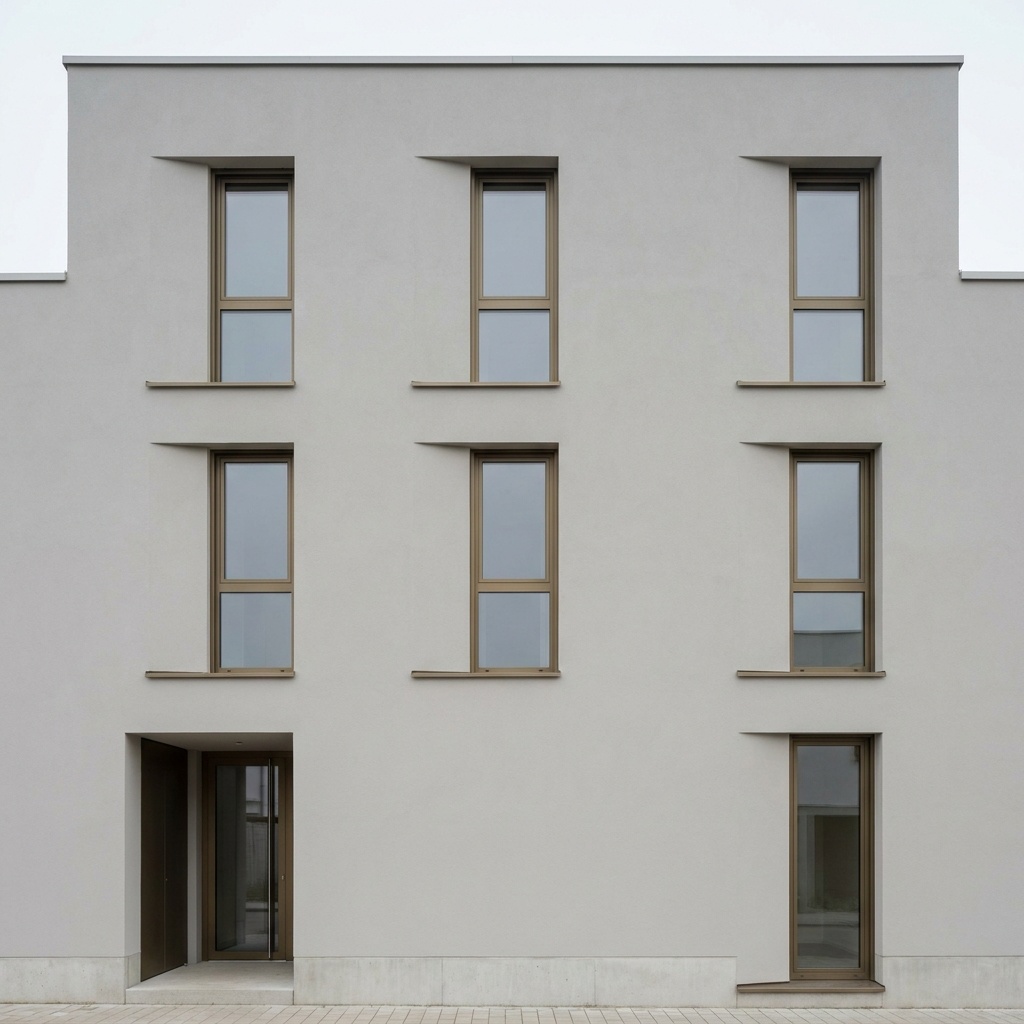
Sample input · click Generate to see the result
Try arkia on the image you gave ReRender
Take the same input
Use the 3D screenshot, sketch or photo you already rendered elsewhere. Nothing needs converting.
Run Photoreal
Upload it to the Photoreal template and run it. The camera and the composition of your view stay as they are.
Compare, then keep going
Put the two results side by side. If arkia fits, chain other templates on the result: people, landscape, materials, lighting, or a short video.
What ReRender AI does well
ReRender AI's Pro plan is a flat monthly price for unlimited renders, and its free plan allows 3 renders a day. If you render a lot of single images and want a predictable bill, that is the case it is priced for.
It also offers multi-angle input, and rendering workflows for exterior, interior and sketch to image.
What arkia does differently
arkia is organised around uses rather than a single render button. There are templates for the situations an architecture office meets: add people, change the season, show the building at dusk, swap a facade material, turn a plan into a render. Each template is a recipe, so you pick the job instead of writing the instruction.
Remix replays the recipe of a past render with one input changed. The template, the inputs and the intermediate steps are kept with every result, so a second image of the same project starts from the first one instead of from a blank prompt.
On a team, all renders land in a shared gallery, and the Studio plan includes unlimited seats. Credits do not expire, and the same credits pay for images and for video clips of 1 to 30 seconds depending on the quality level (Draft and Standard up to 15 s, Final up to 30 s), up to 1080p.
Which one fits you
ReRender AI fits if you work alone, produce one-off images, and want one flat price. arkia fits if you deliver a series of images for one project, want a template for each task, work with colleagues in one space, or need video clips of up to 30 seconds.
The pricing models differ: ReRender AI's Pro plan is $45/mo for unlimited renders, and arkia charges by credits so that volume, video and team use are paid for as used.
How to switch
There is nothing to export from ReRender: your inputs are the same 3D captures, sketches and photos you already have. Start on the free plan, run the Photoreal template on one of them, and compare. Free accounts get 200 credits at signup and 75 more every Monday.
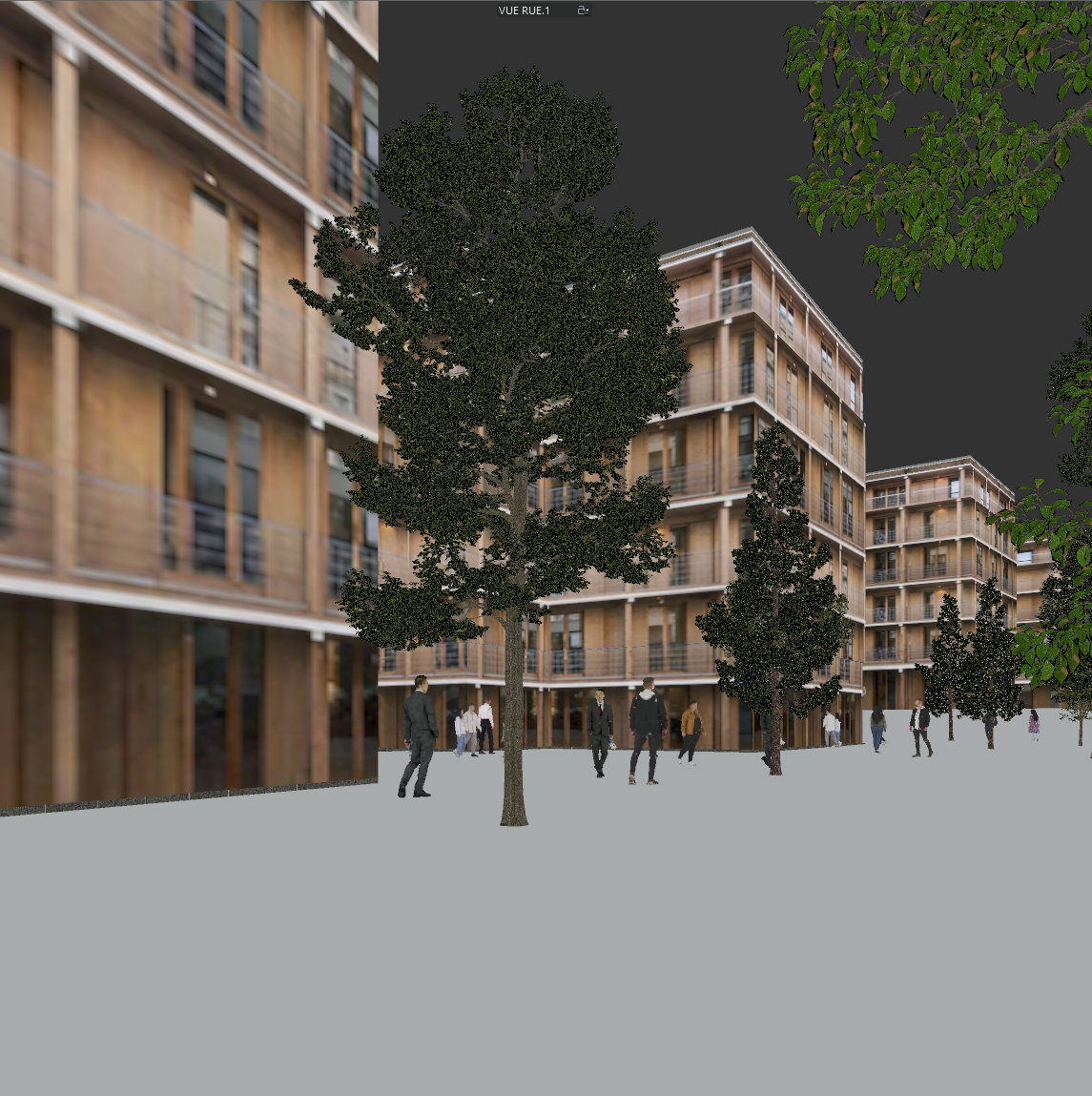
Same view. Now a photograph.
A sample 3D view and the Photoreal render of the same view. Camera and geometry unchanged.
Drag the slider to compare
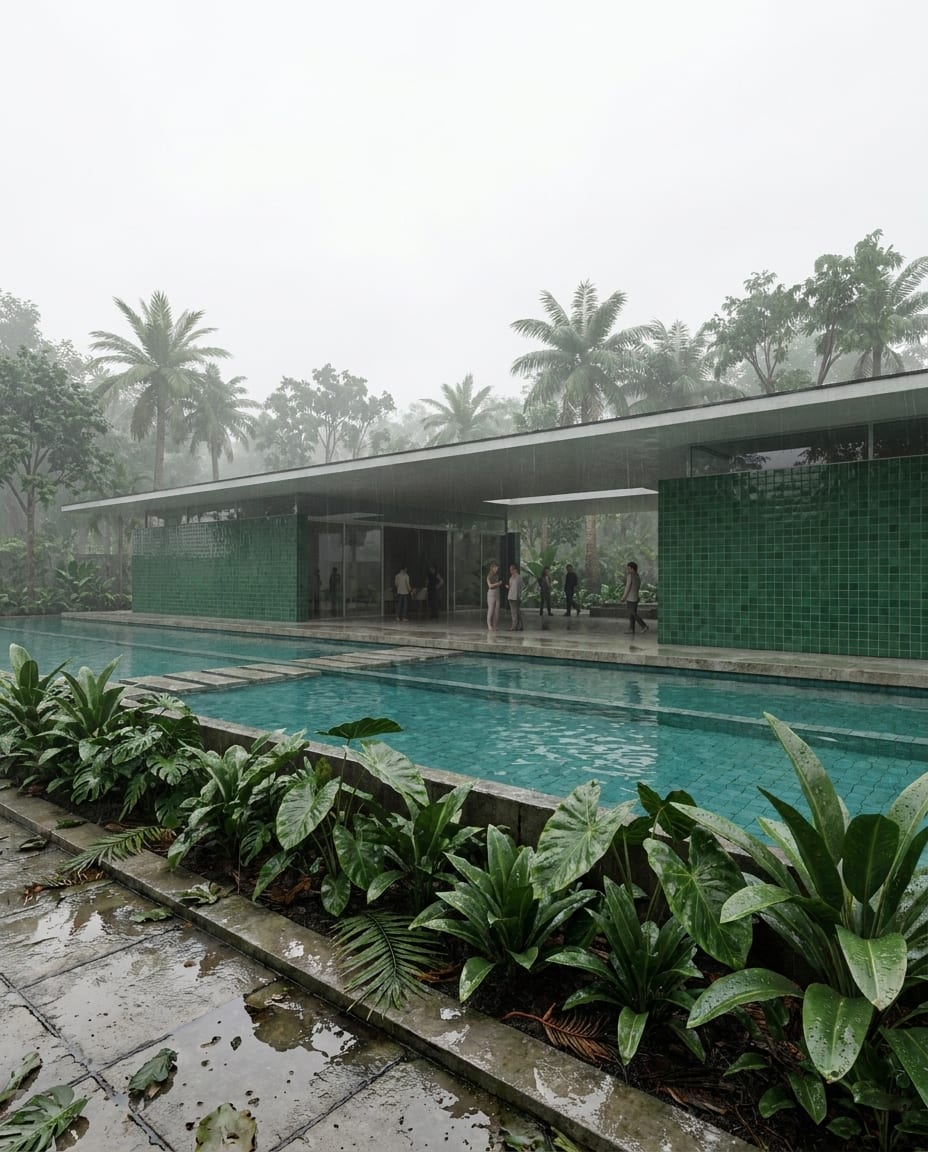
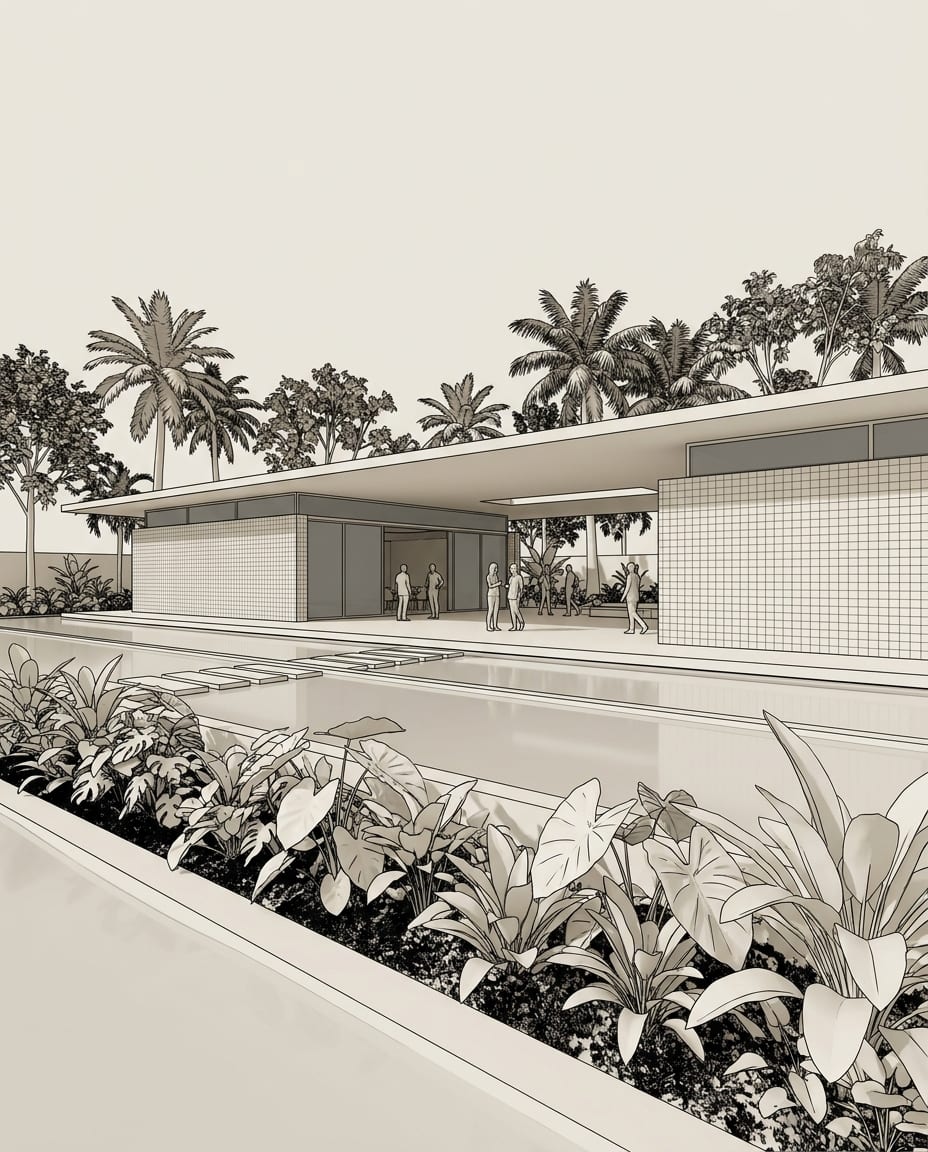
The facts, compared.
| Feature | arkia | ReRender AI |
|---|---|---|
| Main individual plan, monthly | From $15/mo (Explorer), $49/mo (Creator), $149/mo (Studio) | $45/mo, unlimited renders |
| Main individual plan, annual | No annual plan; monthly billing, credits never expire | $38/mo billed annually ($450 a year) |
| Free tier | 200 credits at signup, then 75 every Monday | 3 renders a day (watermarked, non-commercial) |
| Video | 1 to 30 seconds depending on the quality level (Draft and Standard up to 15 s, Final up to 30 s), up to 1080p; billed in credits per second | Monthly video generation credits on Pro |
| Templates by use | Over 50 templates (people, seasons, dusk, materials, plan to render and more) | Rendering workflows and theme-based styles (exterior, interior, sketch to image, multi-angle) |
It depends on how much you render. ReRender AI's Pro plan is $45/mo for unlimited renders. arkia uses credits that never expire, with plans from $15/mo and Studio at $149/mo for a whole team with unlimited seats.
Yes. arkia gives 200 credits at signup and 75 more every Monday, enough to run templates on your own images. ReRender AI's free plan allows 3 renders a day (watermarked, non-commercial).
With arkia, Remix relaunches a past render with one input changed, keeping the template and the other inputs. That is how you carry a result across a series of images. It does not guarantee identical output, so check each image.
arkia animates an image, or goes from a start frame to an end frame, in clips of 1 to 30 seconds depending on the quality level (Draft and Standard up to 15 s, Final up to 30 s), up to 1080p. Video is billed in credits per second, and the cost is shown before you launch.
Templates that pair well.
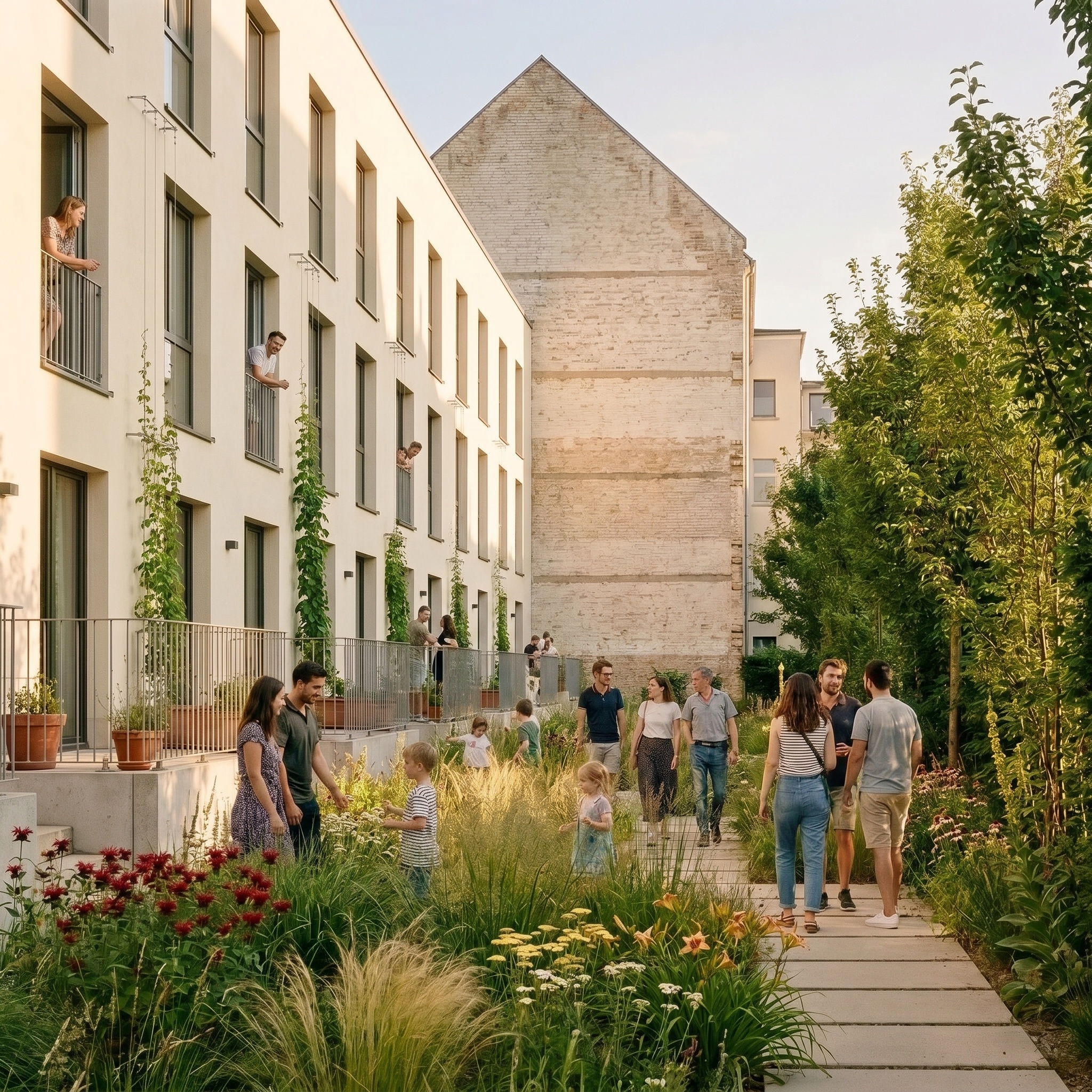
Run your own image through arkia.
Free to try. No credit card, nothing to install.