A Veras alternative that runs in your browser.
Veras is an AI rendering plugin from Chaos that works inside tools such as Revit, SketchUp and Rhino. If you already work in Enscape or V-Ray, Veras is available inside them. arkia starts from an image instead: nothing to install, one workspace for the whole team, and credits that never expire. Here is how the two compare, with sources and a date.
- Free to try
- No plugin
- No credit card
Nano Banana Pro
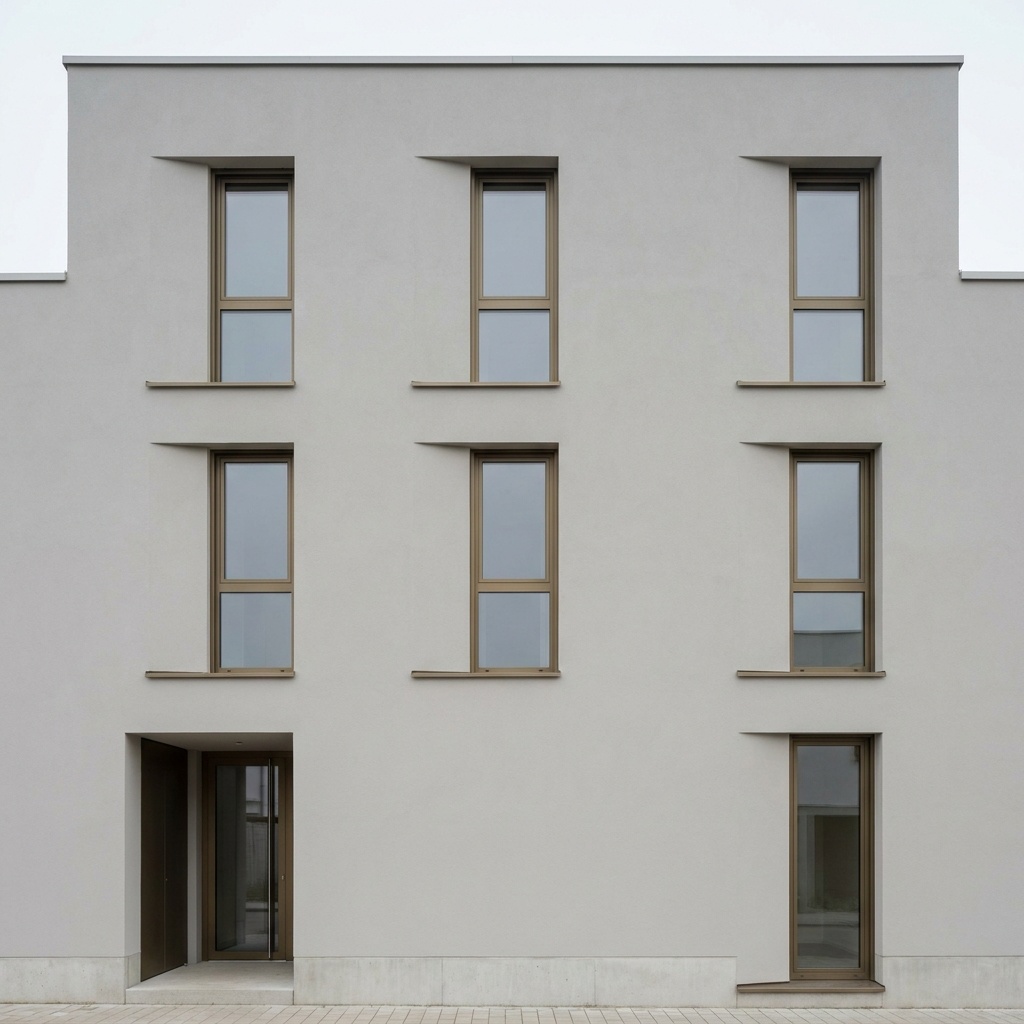
Sample input · click Generate to see the result
Moving from Veras to arkia in four steps
Keep your Veras workflow for the model
There is nothing to uninstall. Your plugin and your Veras renders stay where they are, and you can keep using them for views you want to render from inside your design software.
Bring an image, not a plugin
Export a view from your design software, or take any render or sketch you already have, and upload it to arkia in your browser. A render from Enscape, V-Ray or Veras itself works the same way.
Pick the template for the deliverable
Start with Photoreal for a photographic render, then chain other templates on the result: add people, planting, another material or a different hour of the day. Each template is built around one task.
Share it with the team
On Studio, every teammate gets a seat in the same workspace, so renders, projects and credits are shared without handing out licenses one by one.
What Veras does well
Veras lives where the model lives. It is available as a plugin for Revit, SketchUp, Rhino, Archicad, Vectorworks, Forma and Allplan, and it is also offered inside Enscape, V-Ray and Corona. You render the view you have open in your model, without exporting an image first.
It also covers video, with Veo 3.1 clips of 4, 6 or 8 seconds, up to 4K, with audio. For a team that already works in the Chaos ecosystem, it is already part of the tools they use.
What arkia does differently
arkia works from an image in the browser. That means any design tool, any renderer, a site photo or a hand sketch can be the starting point, on any computer, with no plugin to keep in step with your software version.
It is organised around deliverables. Templates cover specific jobs for architects: a photoreal render, people, landscape, materials and more. Every result keeps its full recipe, so you can remix a past render with one input changed instead of starting again.
Credits never expire, so a quiet month does not cost you anything. Video runs from 1 to 30 seconds depending on the quality level (Draft and Standard up to 15 s, Final up to 30 s), up to 1080p. Studio is $149/mo with unlimited seats, a shared workspace and a team wallet.
Who should pick which
Choose Veras if you want to render straight from inside Revit, SketchUp, Rhino or Enscape and render the view you have open in your model.
Choose arkia if you start from images, work across several tools, want one workspace for a whole team, or prefer credits that carry over from month to month. You can use both: Veras for quick views from the model, arkia to take an image further.
Same view. Now a photograph.
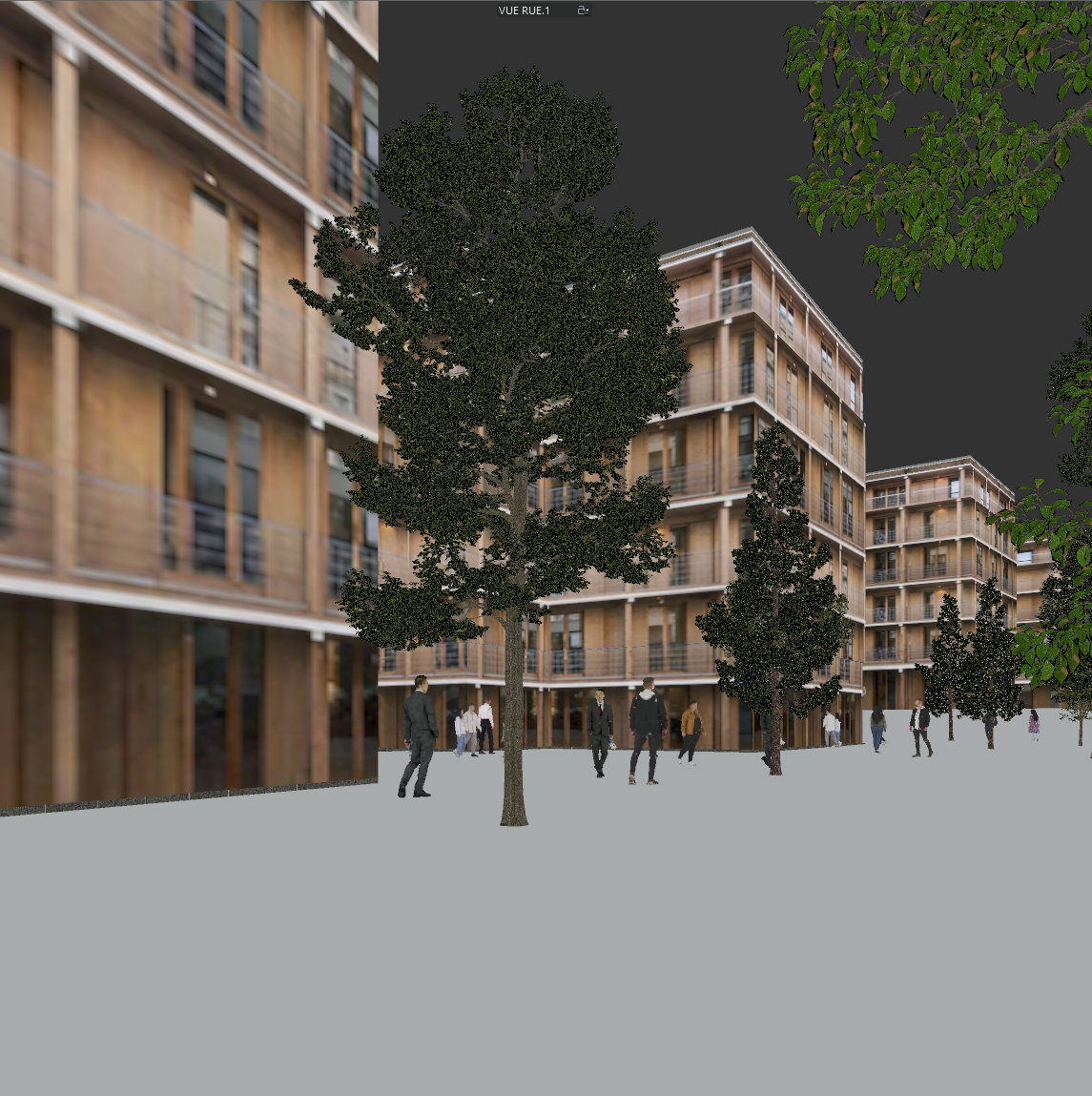
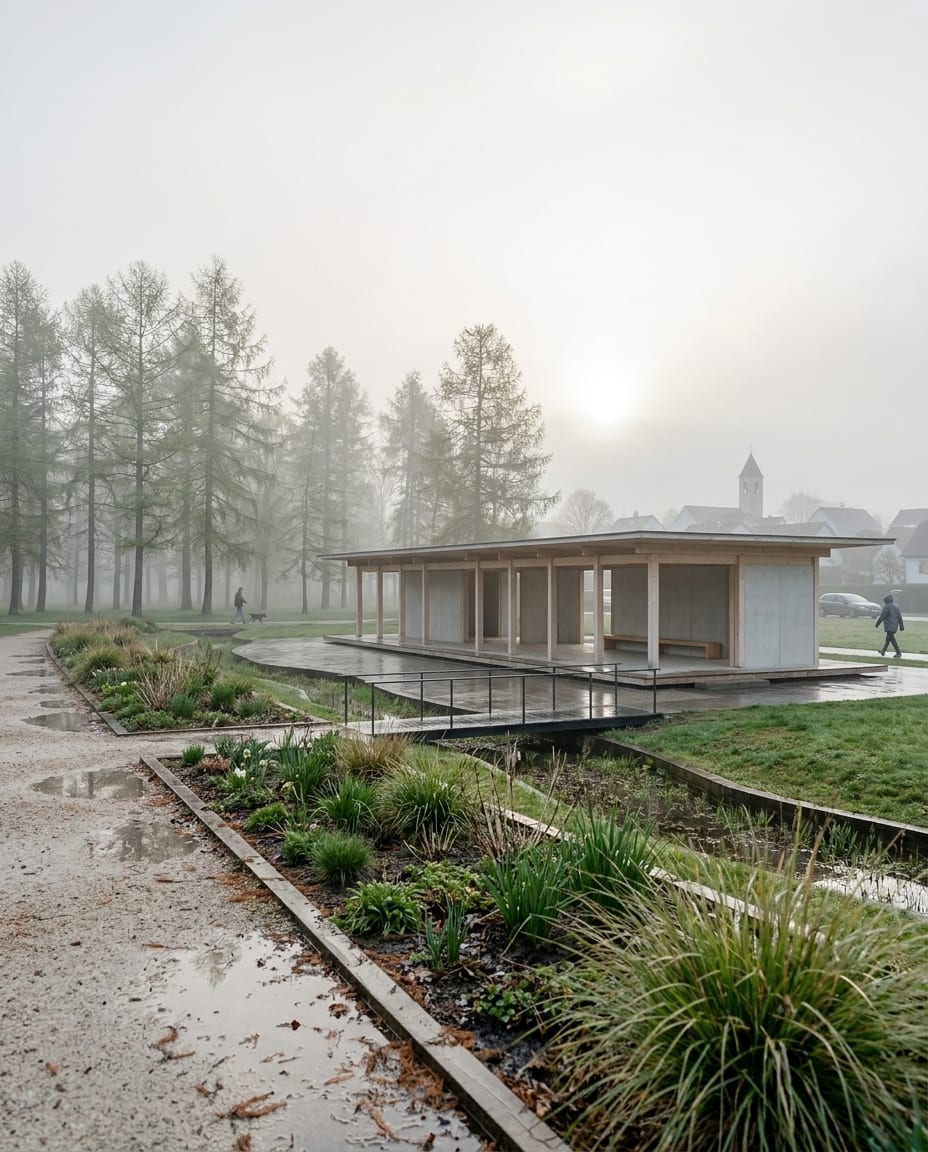
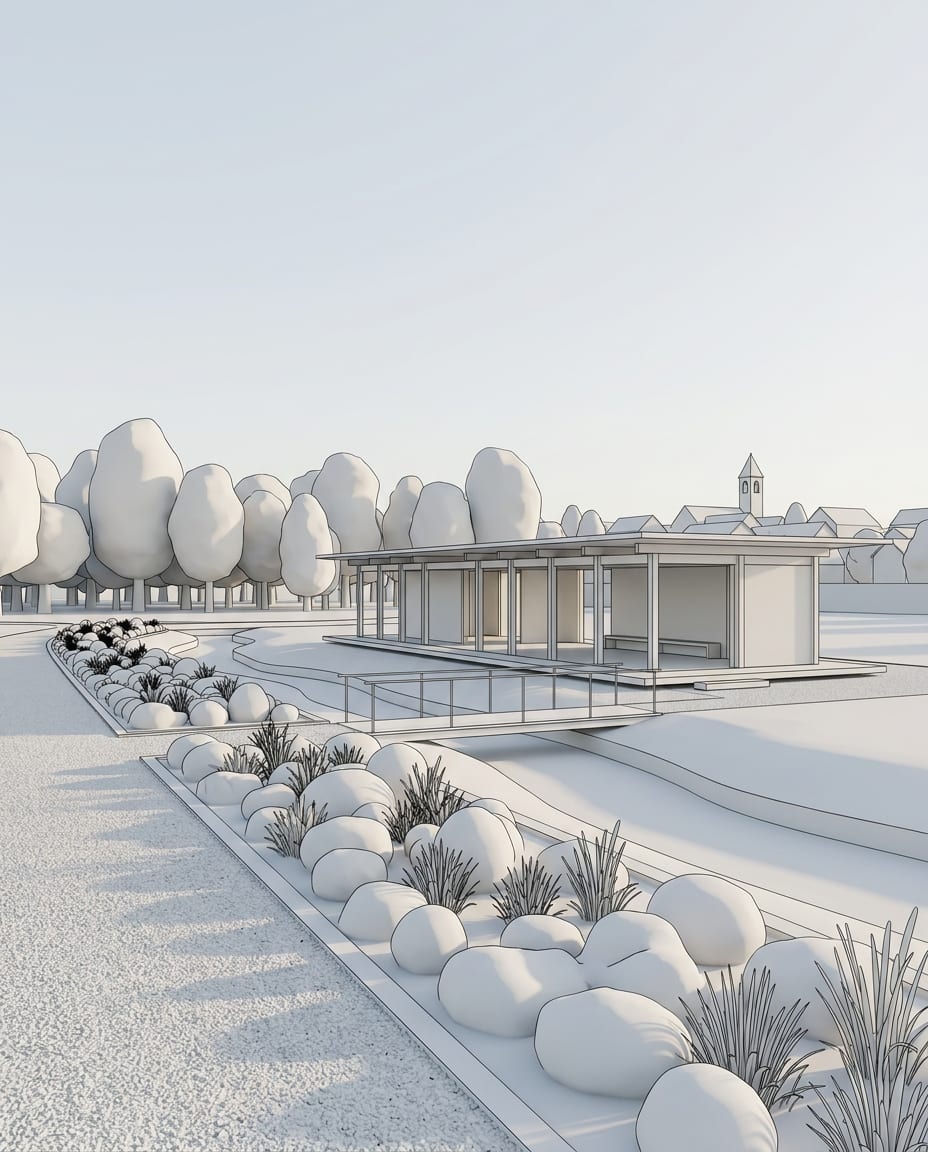
A sample 3D view and the Photoreal render of the same view. Camera and geometry unchanged.
Drag the slider to compare
The facts, compared.
| Feature | arkia | Veras |
|---|---|---|
| How you use it | In the browser, from any image you upload | Plugin for Revit, SketchUp, Rhino, Archicad, Vectorworks, Forma and Allplan; also in Enscape, V-Ray and Corona; web app |
| Monthly credits on paid plans | 2,000 (Explorer), 5,000 (Creator), 14,000 (Studio) | 500 (Starter), 2,000 (Pro); a 6,000-credit Ultra plan is listed but not currently available |
| Unused credits | Never expire | Monthly Chaos credits reset at the start of each billing cycle and do not roll over |
| Task-based templates | Yes, a library organised by deliverable (photoreal, people, landscape, materials and more) | Prompts and presets |
| Video | 1 to 30 seconds depending on the quality level (Draft and Standard up to 15 s, Final up to 30 s), up to 1080p | Veo 3.1 clips of 4, 6 or 8 seconds, up to 4K, with audio |
| Team access | Studio ($149/mo): unlimited seats, shared projects, team wallet | Named license per user, or a floating team license shared among users, with a shared credit pool |
It depends on how you work. If you want to render from inside your design software, Veras is built for that and arkia is not a plugin. If you start from an exported image, want templates for specific deliverables, or need a shared team workspace with credits that never expire, arkia is worth trying. You can run the Photoreal template on one of your own images for free.
Yes. They do not conflict. A common split is to use Veras for views rendered from the model and arkia to take any image further: add people, change materials, test another hour of the day or animate the result.
Yes. arkia takes any image as a starting point, including renders from Veras, Enscape, V-Ray or any other tool. Upload the image and run the template you need on it.
No. arkia runs in your browser. Export a view or a render from your design software and upload it. There is no plugin and no version to match.
Templates that pair well.
Try arkia on one of your own images.
Free to try. No credit card, nothing to install.