Rhino viewport to photoreal render, no plugin.
Capture the viewport you already framed in Rhino and turn it into a photoreal render. Your camera and your geometry, free-form surfaces included, stay as modelled. Nothing to install, so it works with Rhino 7, Rhino 8, on Windows and Mac.
- Free to try
- No plugin
- No credit card
Nano Banana Pro
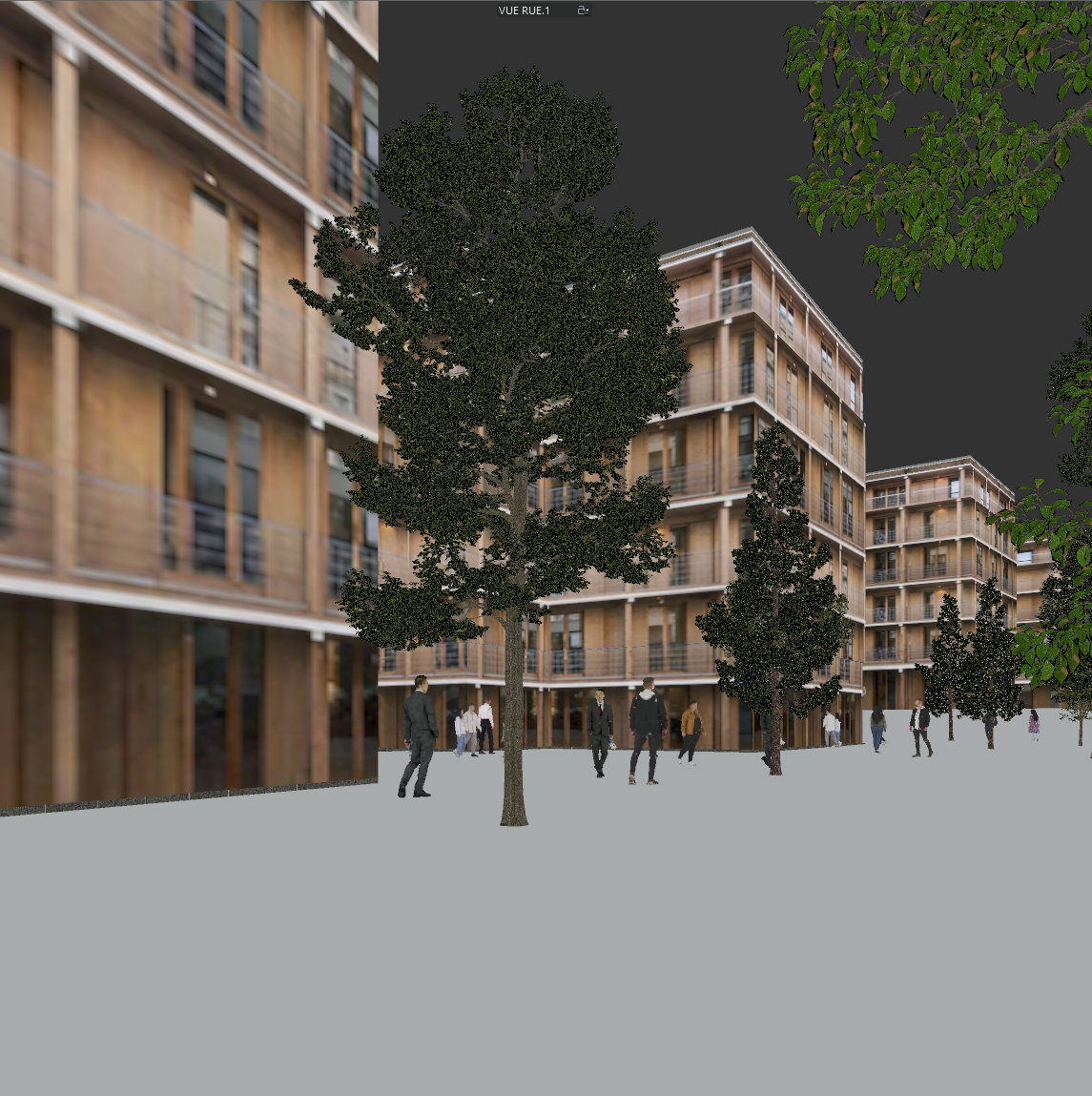
Sample input · click Generate to see the result
From Rhino to render in five steps
Frame the Perspective view and save it
Set up the Perspective viewport where you want the photograph, and adjust the lens length in the viewport properties to get the framing you want. Run NamedView and save the view, so you can restore the exact same camera after a design change.
Choose a clean display mode
Shaded or Rendered give the model clear volumes. Arctic, a white model with soft shadows, is a good neutral choice when materials are not decided yet. Avoid Wireframe and Pen: line drawings tell the render far less about volume and material.
Set the light you want to see
In Rendered mode, open the Sun panel and set the date, time and location: the direction of the shadows in your capture guides the light of the render. Turn the ground plane or a simple ground surface on so the building sits on something.
Capture the viewport with ViewCaptureToFile
Run -ViewCaptureToFile (with the hyphen, to get the options on the command line). Set a width of 3,000 to 4,000 pixels, a Scale of 1 or more for extra resolution, and leave the transparent background off so the sky colour stays. Save as PNG or JPG. Grasshopper is not needed at any point.
Drop it into Photoreal
Upload the image to the Photoreal template and run it. You can run the same view again to compare variants.
What Photoreal keeps from your model
Your Rhino capture is a precise picture of the model, and the render is built on it: the camera, the silhouette of the form and the composition stay as captured. What it rebuilds is the photographic layer: light, material texture, reflections, depth and grading.
That includes the shapes Rhino is known for. Double-curved roofs, lofted facades, ribbed shells and other free-form surfaces keep their outline and their curvature, because the render starts from your exact capture. A clean display mode helps: smooth shading shows the curvature, and a clear horizon and ground tell the model where the building stands.
Why start from an exported image
A plugin has to support the Rhino release you run, on the platform you run it, and it needs updating when that release changes. arkia starts from a captured image instead, so any Rhino version works, on Windows or on Mac, and there is nothing to install or keep in step with Rhino.
It also means the same workflow covers the rest of the office. A SketchUp, Revit or Archicad view goes through the same template, and the renders land in a shared team gallery.
After the first render
Form studies in Rhino come in many iterations. However a variant was produced, by a parametric definition or by a hand edit, you capture it the same way and run it through Photoreal, then compare the renders side by side. arkia does not read your Grasshopper definition; it only sees the picture you capture. On the iteration you keep, chain other templates: add people for scale, add planting around the building, or test another material on the envelope before you change the geometry.
Same view. Now a photograph.
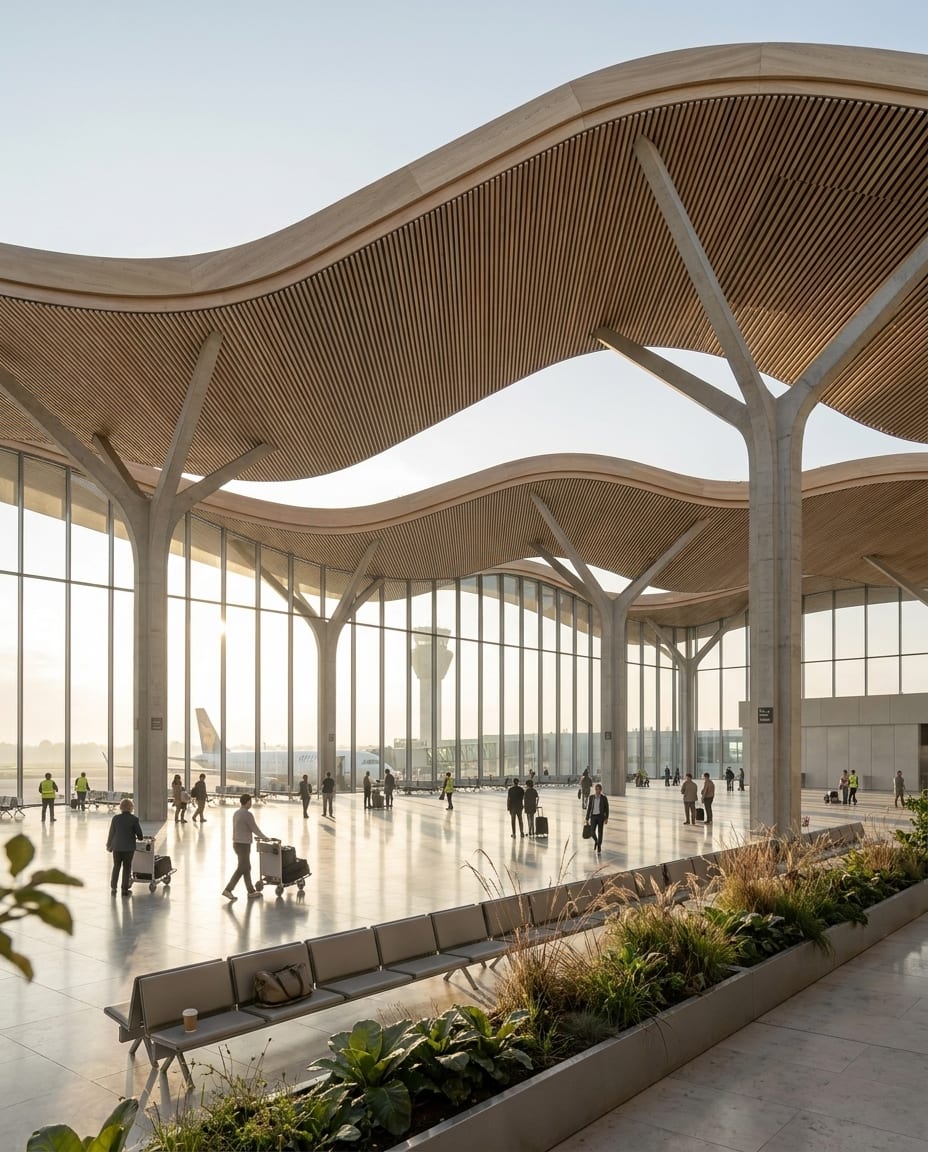
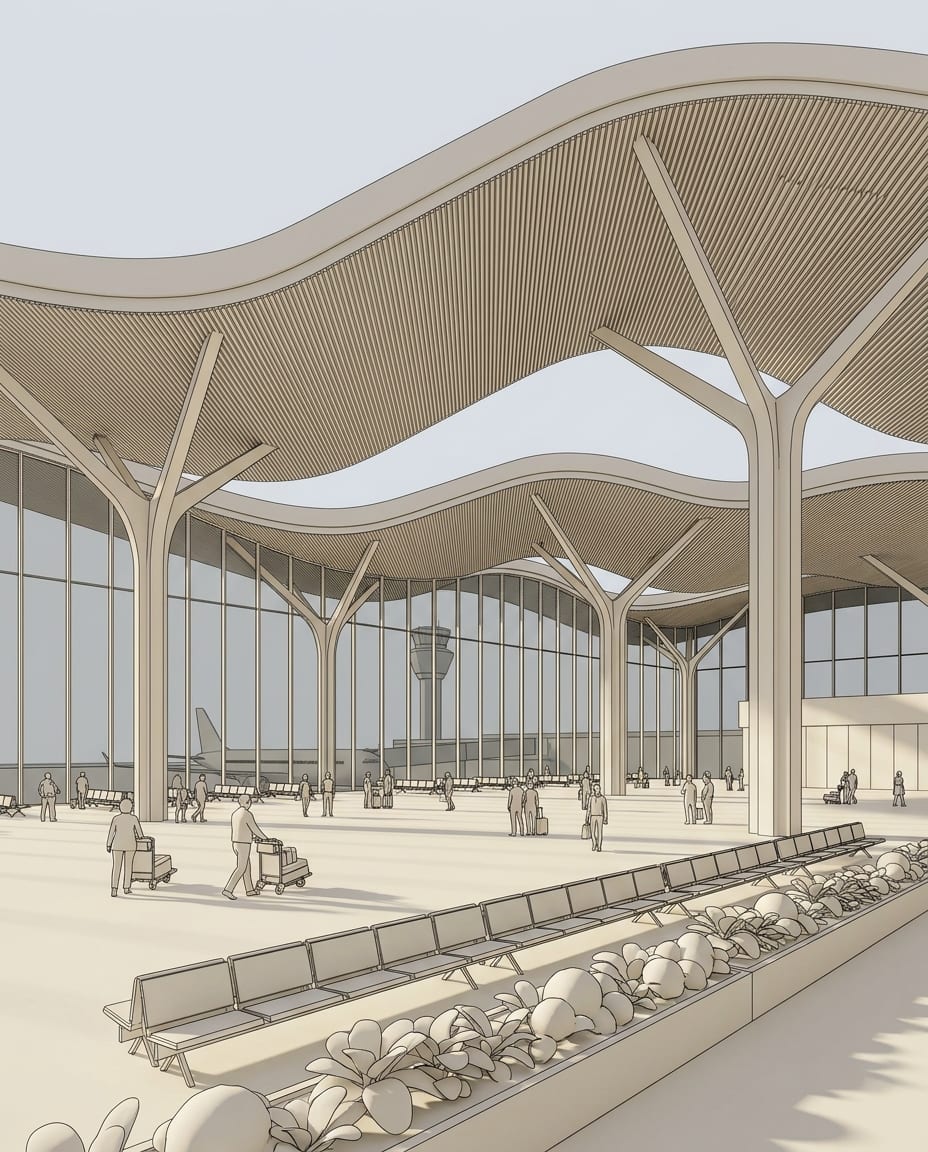
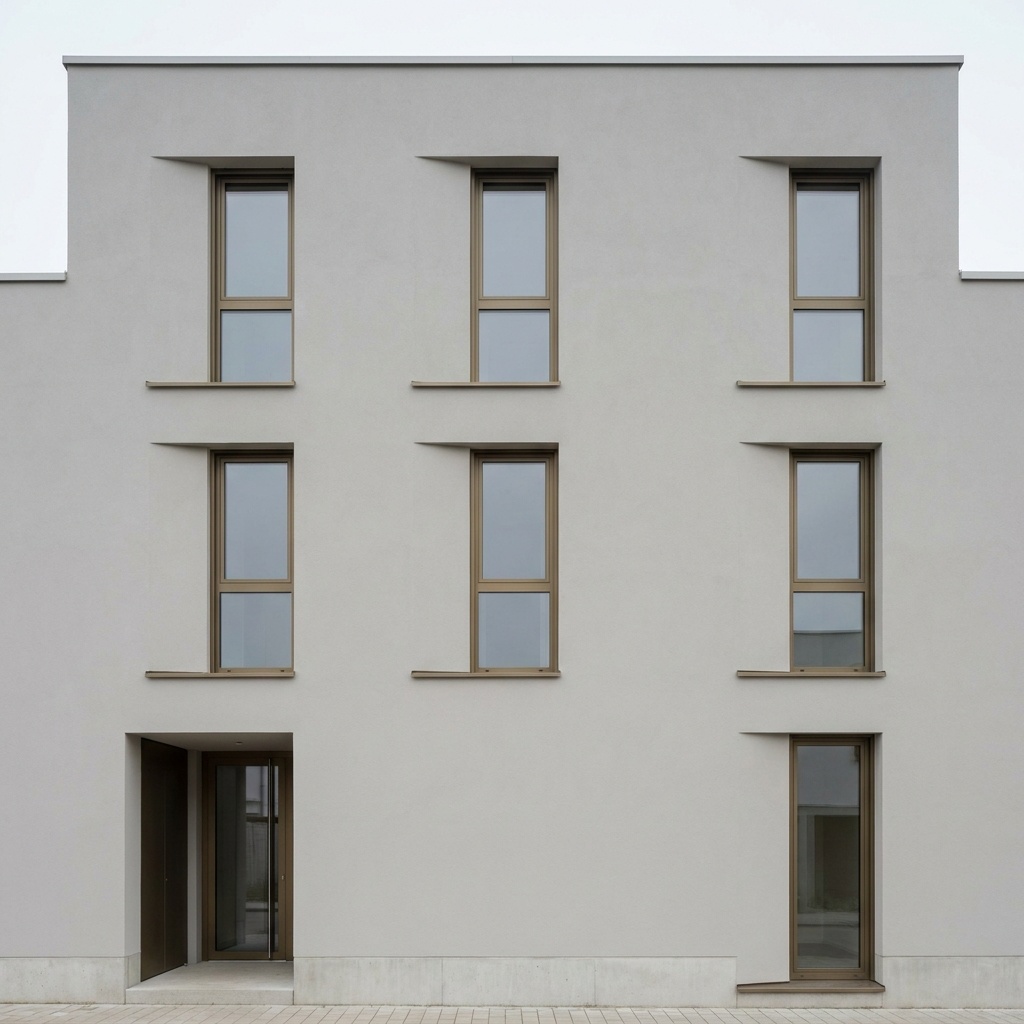
A sample 3D view with a free-form roof, and the Photoreal render of the same view. Camera and geometry unchanged.
Drag the slider to compare
No. arkia works from an image captured in Rhino, so there is no plugin to load in Rhino and nothing to update when a new Rhino version comes out. You upload the capture in your browser and run the Photoreal template.
Any version that can save a viewport as an image, which is why the spec says Any: Rhino 7, Rhino 8 and others, on Windows and on Mac. A plain screenshot of the viewport also works, at a lower resolution.
Yes. Photoreal keeps the shape it sees in your capture, so curved roofs, lofted surfaces and organic forms keep their outline. Choose Shaded, Rendered or Arctic so the curvature is readable in the image.
No. You do not need Grasshopper, and you do not need to set up materials or a render engine in Rhino. If you use Grasshopper to generate variants, capture each one as an image like any other view. A capture of the viewport is enough, and Photoreal adds the materials and the light.
Templates that pair well.
Your Rhino viewport is one upload away.
Free to try. No credit card, nothing to install.