Material Palette
Pull the real materials and colours from an image and compose the project's material board.
- Free to try
- No plugin
- No credit card
Nano Banana Pro
Sample input · click Generate to see the result
About this model
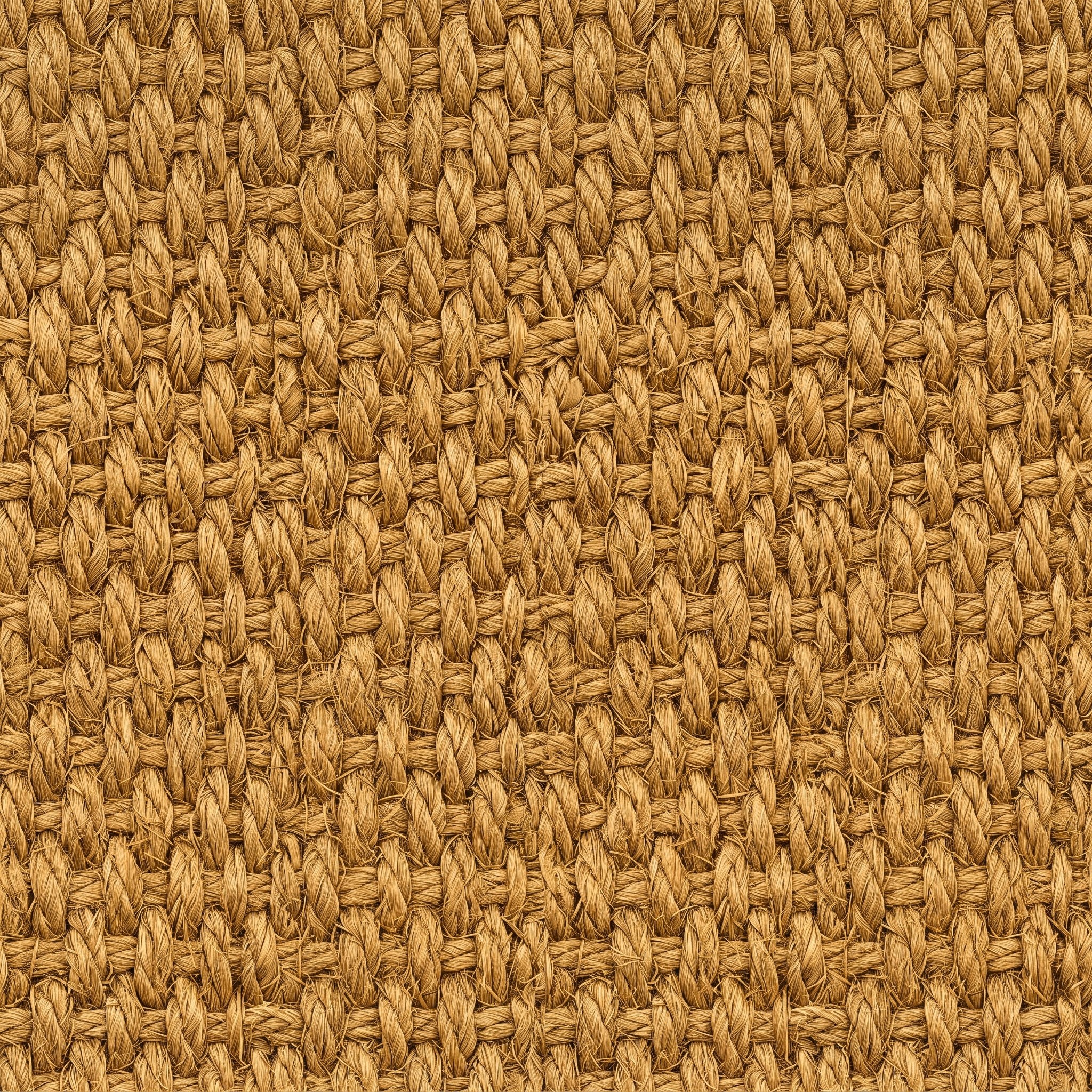
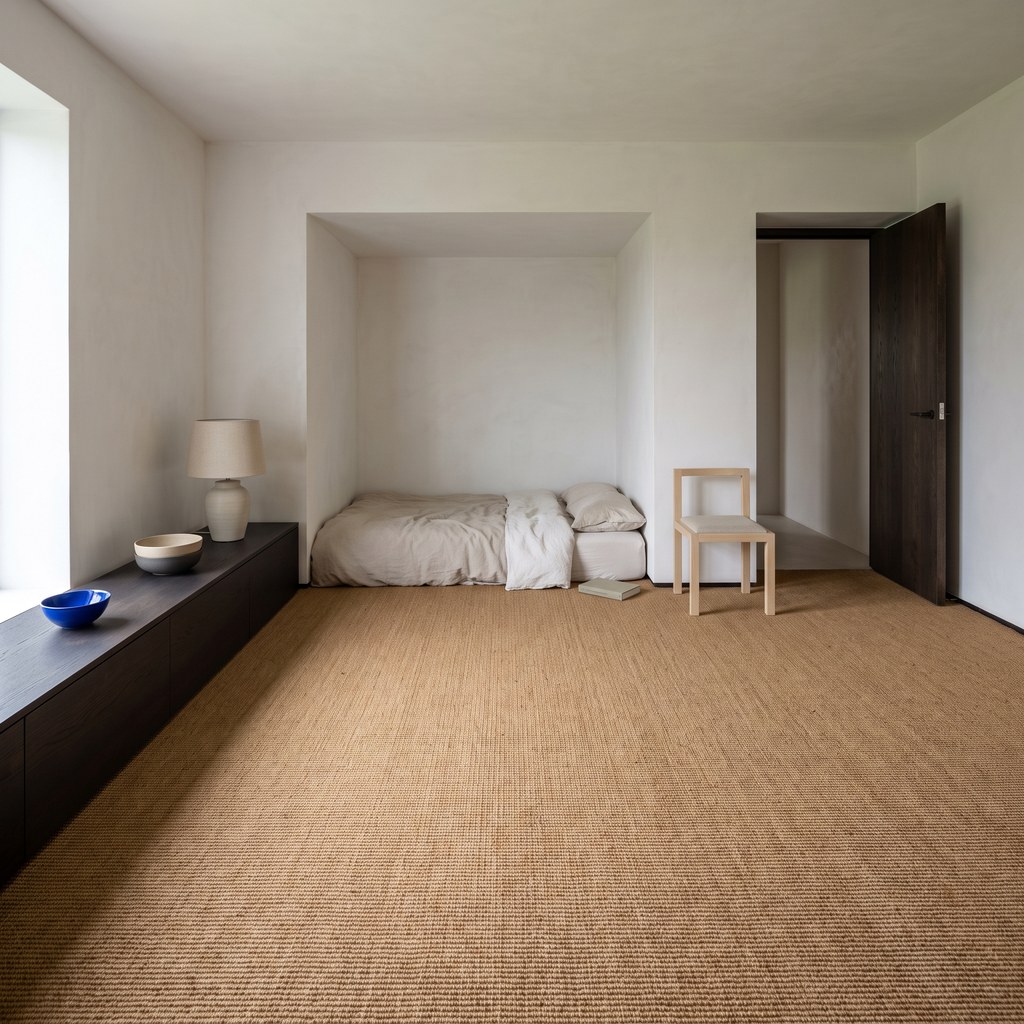
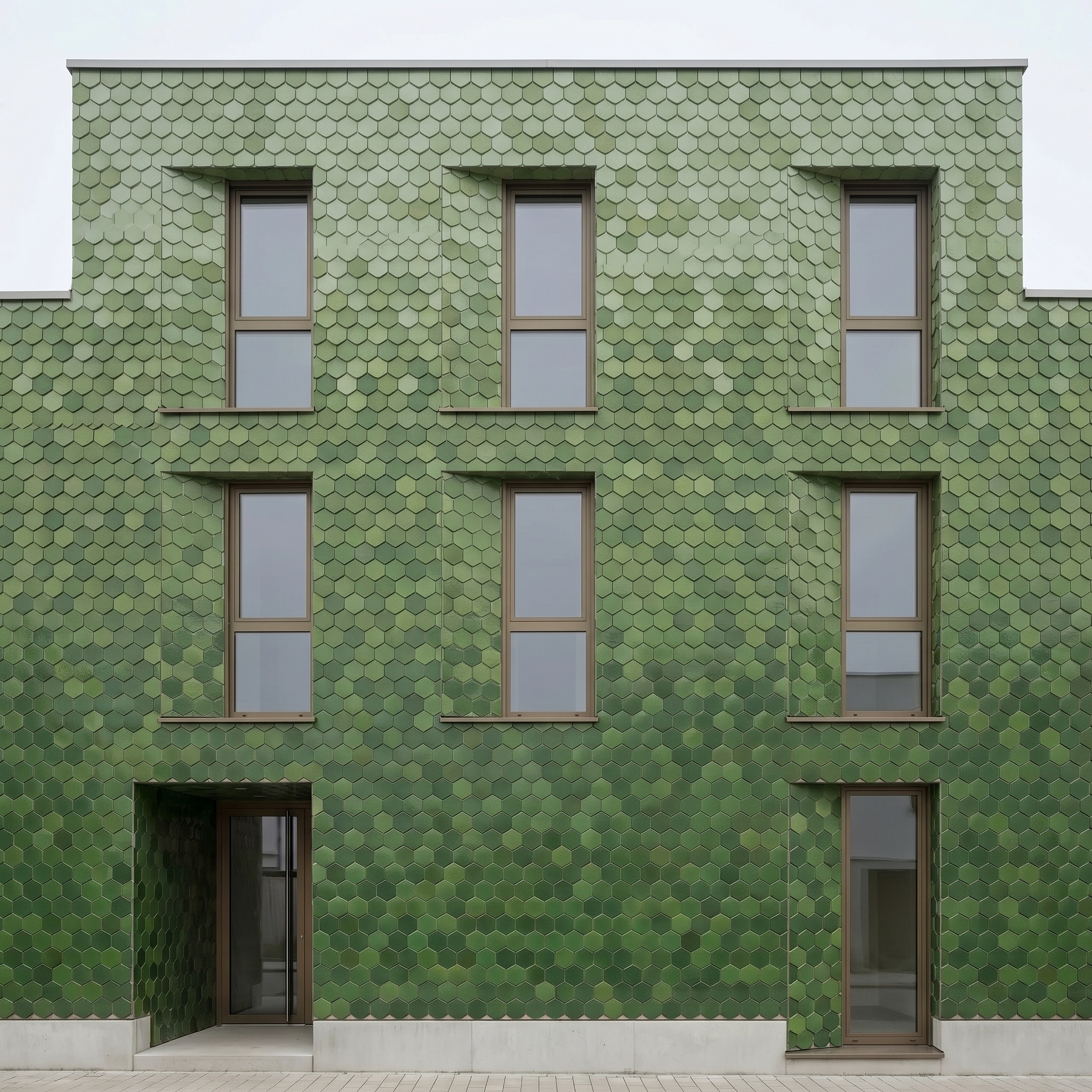
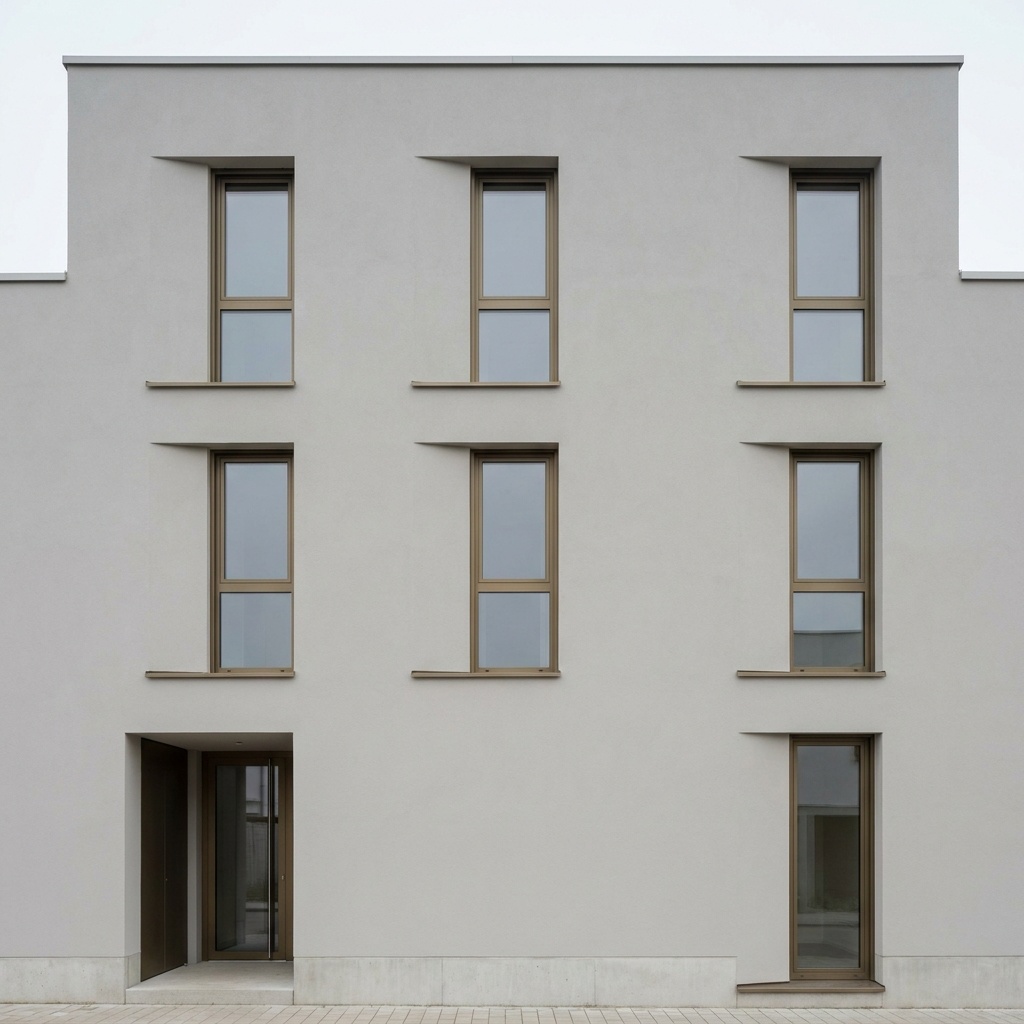
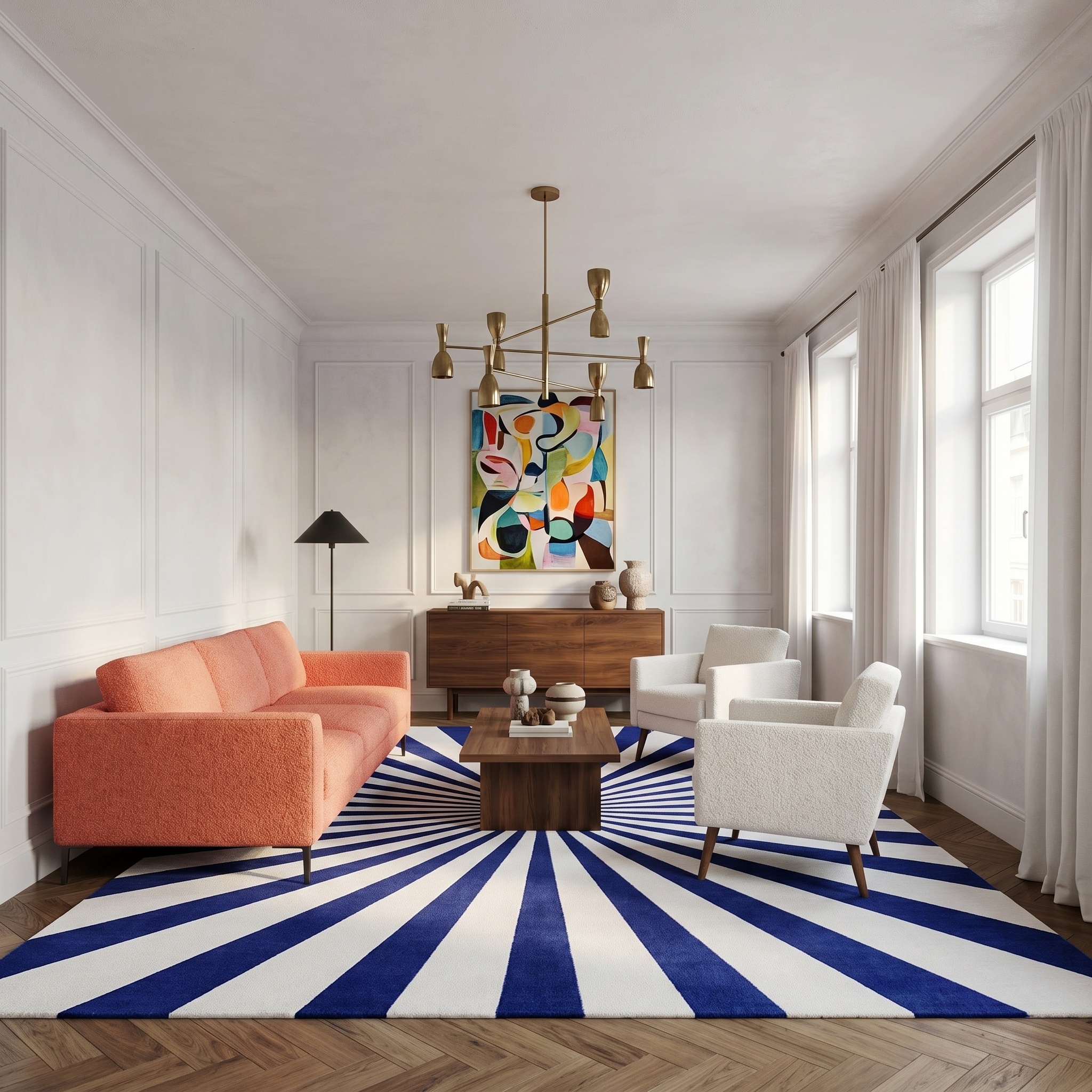
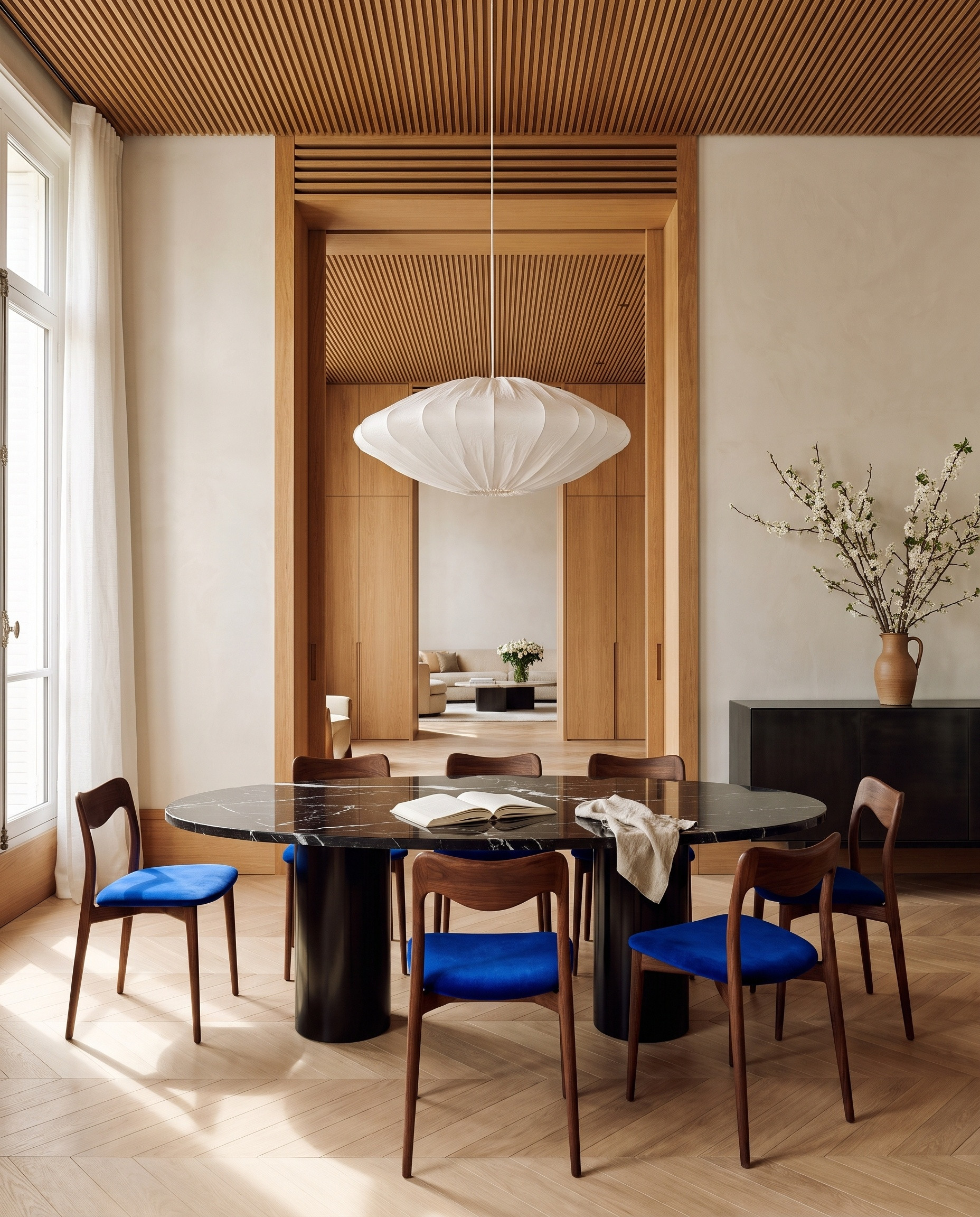
Turns an image of an interior or a facade (a render, a site photo, a reference) into the project's material board: an editorial still-life photograph of thick, physical samples of its materials, mounted in relief on a board and seen straight on. The room, the furniture and the viewpoint disappear; what stays is every material of the image, with its exact colour, tone, grain, pattern, sheen and texture. The template first takes an inventory of the image by surface: walls and ceiling, floor, joinery, furniture and upholstery, fabrics, metals, lacquers, stone, glass. Each material that covers a large part of the image or dresses a repeated piece of furniture gets its own sample, and so do the darkest material and the metal or lacquered finishes, even when small. Two tones of the same species, such as a pale oak and a honey oak, become two samples. Only materials visible in the image are used: 5 to 8 samples, never more than the image really shows. Each one takes the natural form of its type: a thick stone slab, a wood moulding or a panel of the floor pattern, a metal disc, a paint chip, a folded fabric with its true weave or pile. The samples overlap in an asymmetric, architectural arrangement on a backing board finished in the main wall material, under low, warm window light that casts long, crisp shadows and shows the thickness of each layer. The board is a portrait 4:5 image with no text, labels or lettering, ready to drop into a presentation, a mood board or a client deck next to the render it comes from.
When to use it
An interior designer has a finished render of a living room and needs the material board for the client presentation. Instead of ordering samples and setting up a photo shoot, she runs the render through Material Palette: the oak floor, the velvet sofa, the travertine table, the brushed brass and the limewash walls come back as a single editorial board, in the same colours as the render, ready to sit next to it on the slide.
No. Samples are taken only from the materials visible in the source image, and the count never exceeds what the image really shows. Two tones of the same material, such as a light and a dark wood, become two separate samples.
No. The output is a photograph of the samples only, with no text, labels or lettering, so you can annotate it in your own layout.
It points the template to one part of the image, for example the living area of an open-plan render or the facade of a building photo. Use it to name a zone, not to describe materials: every sample is read from the image itself.