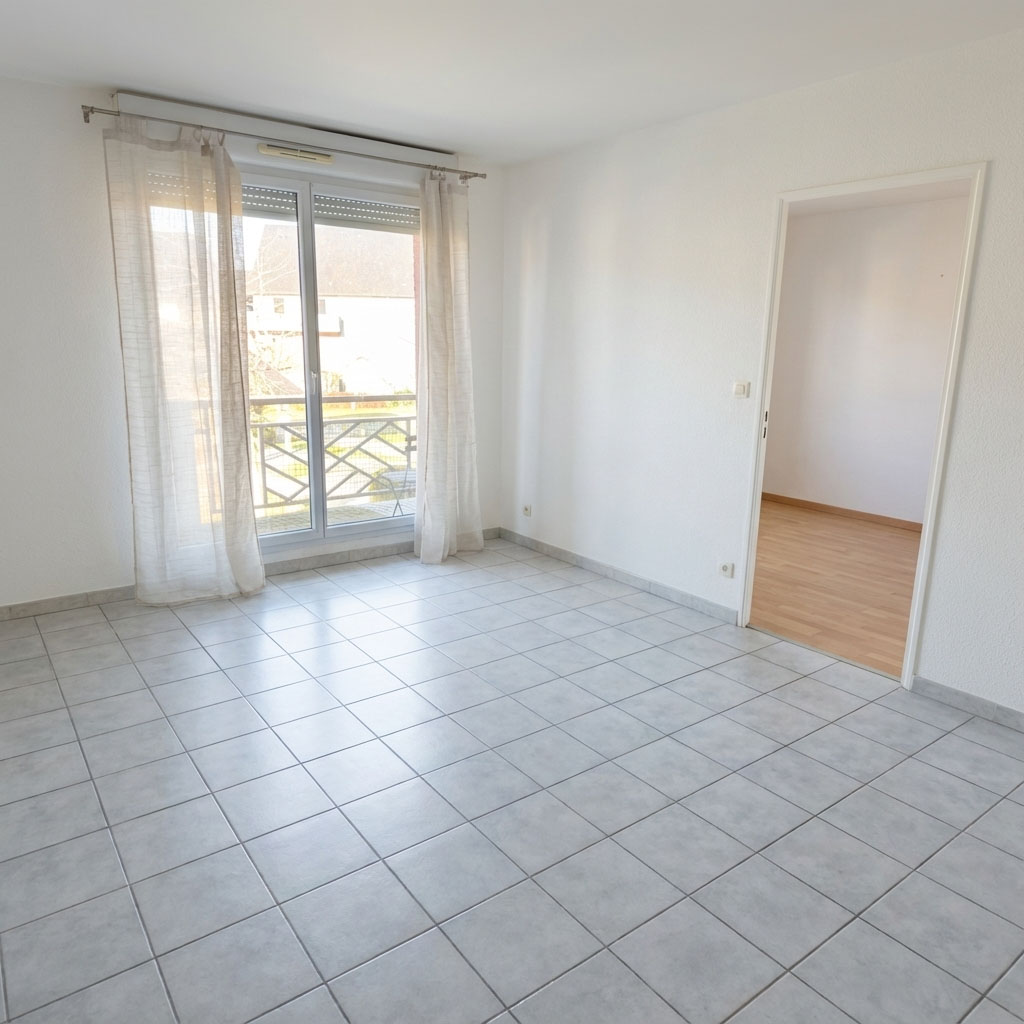
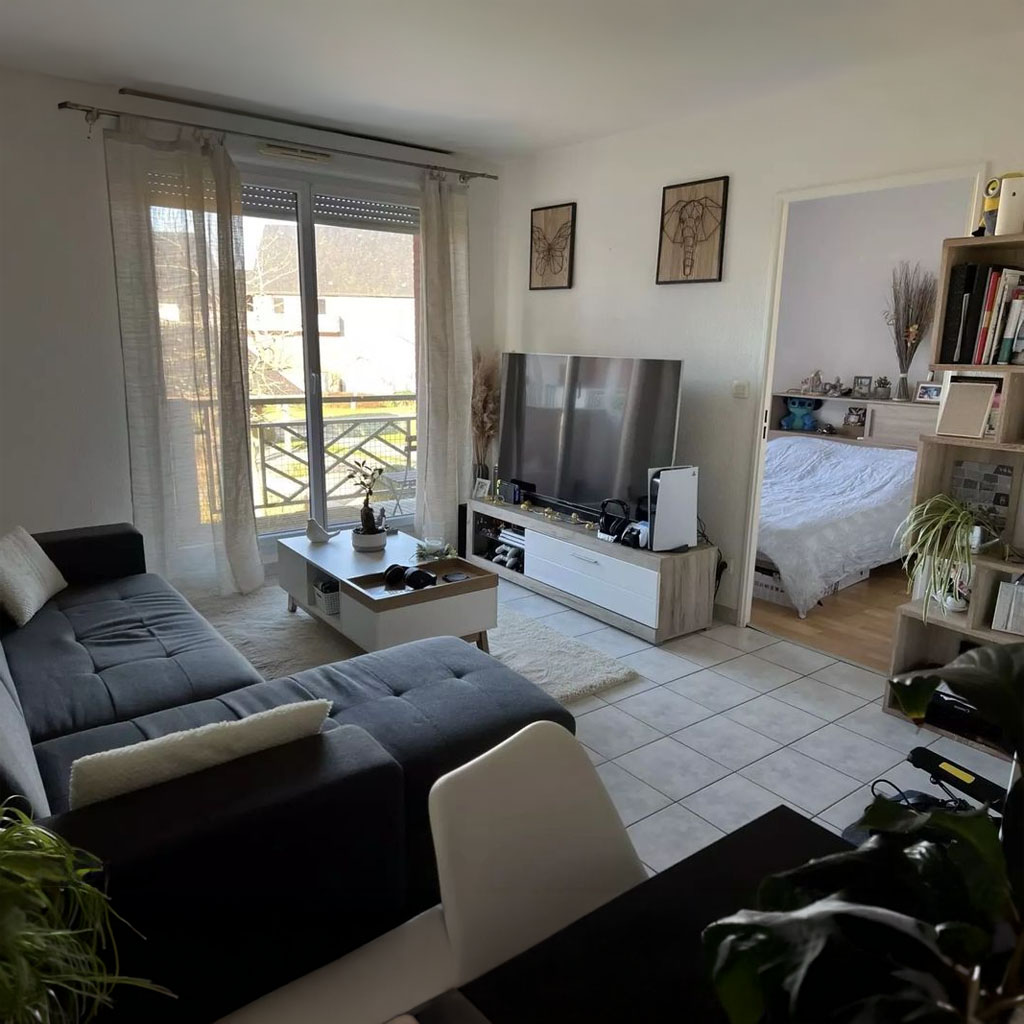
Moodboard to Room
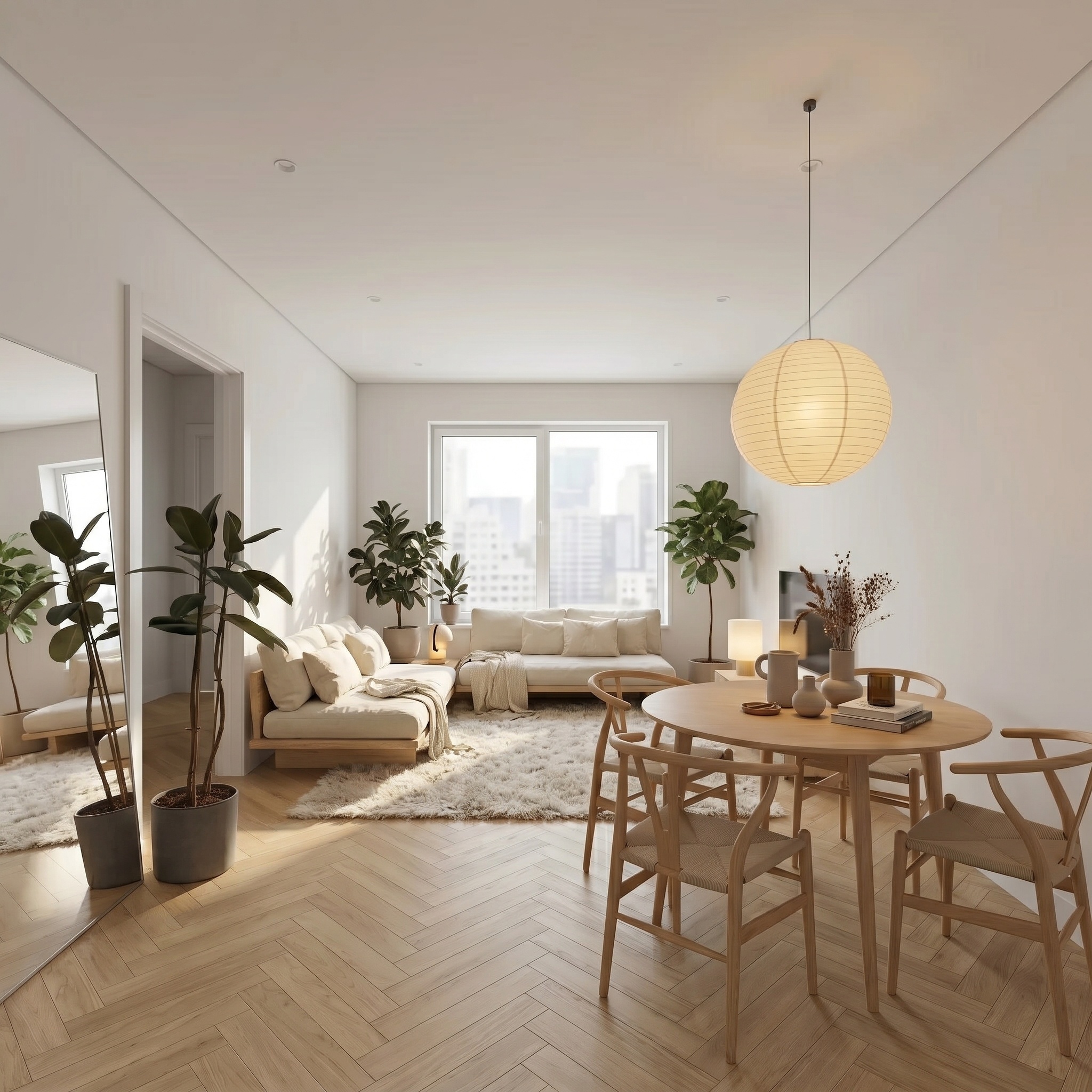
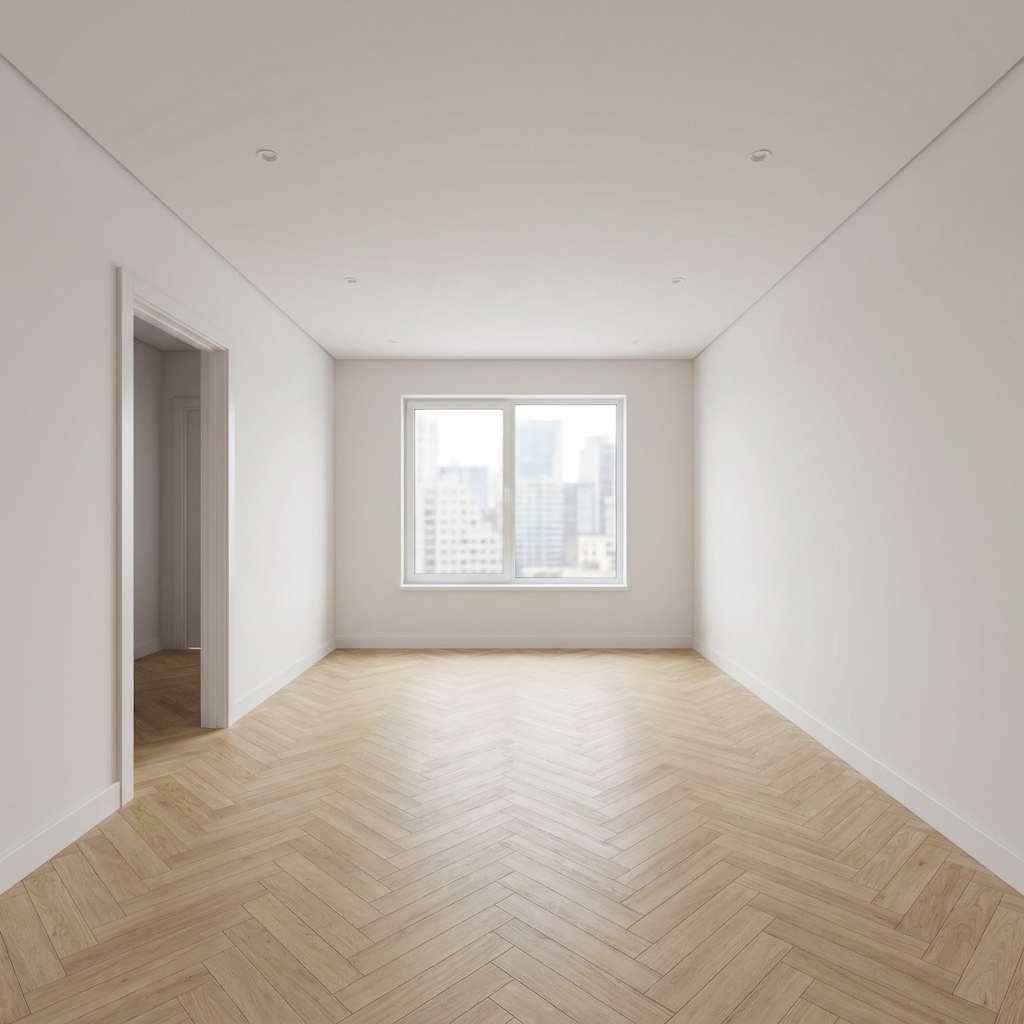
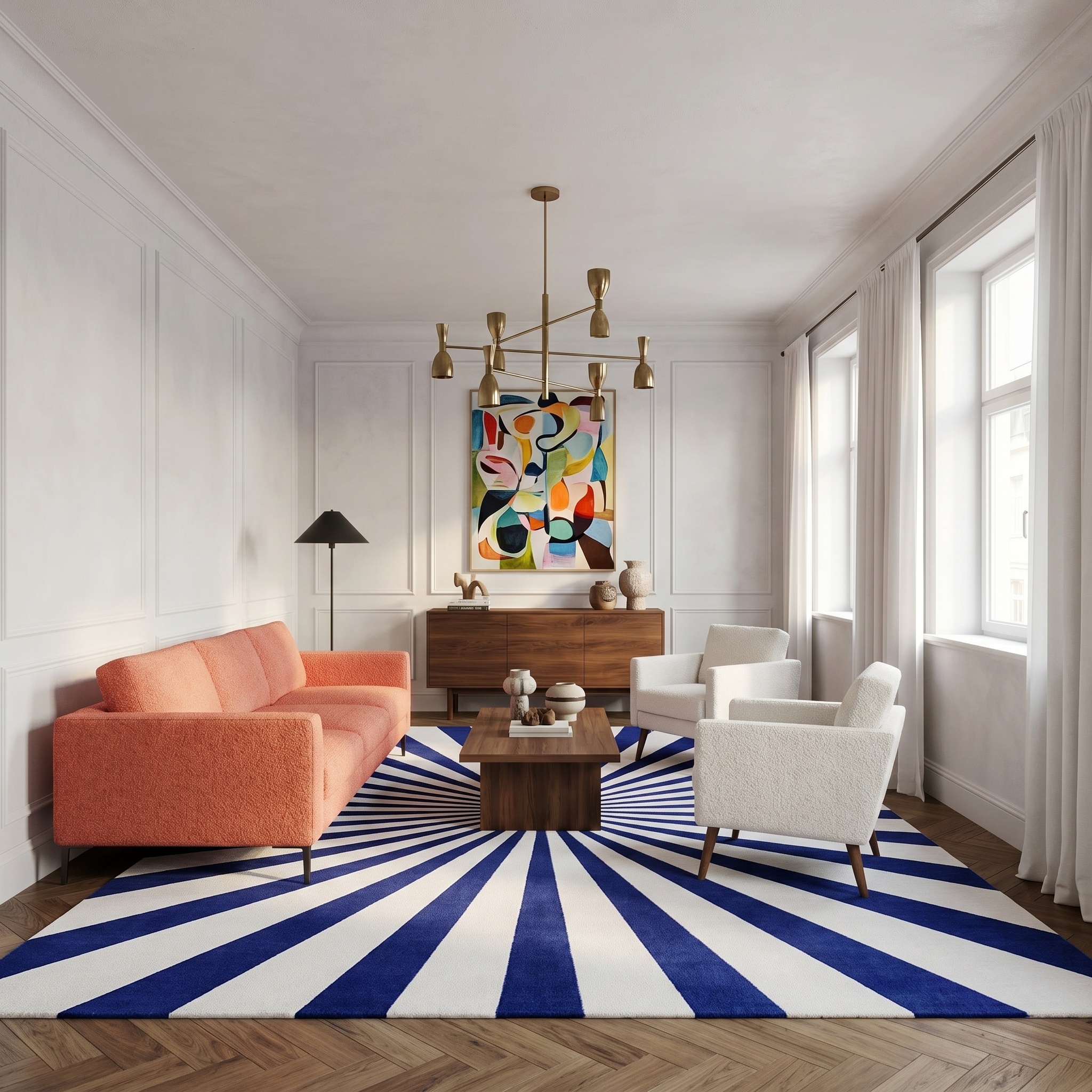
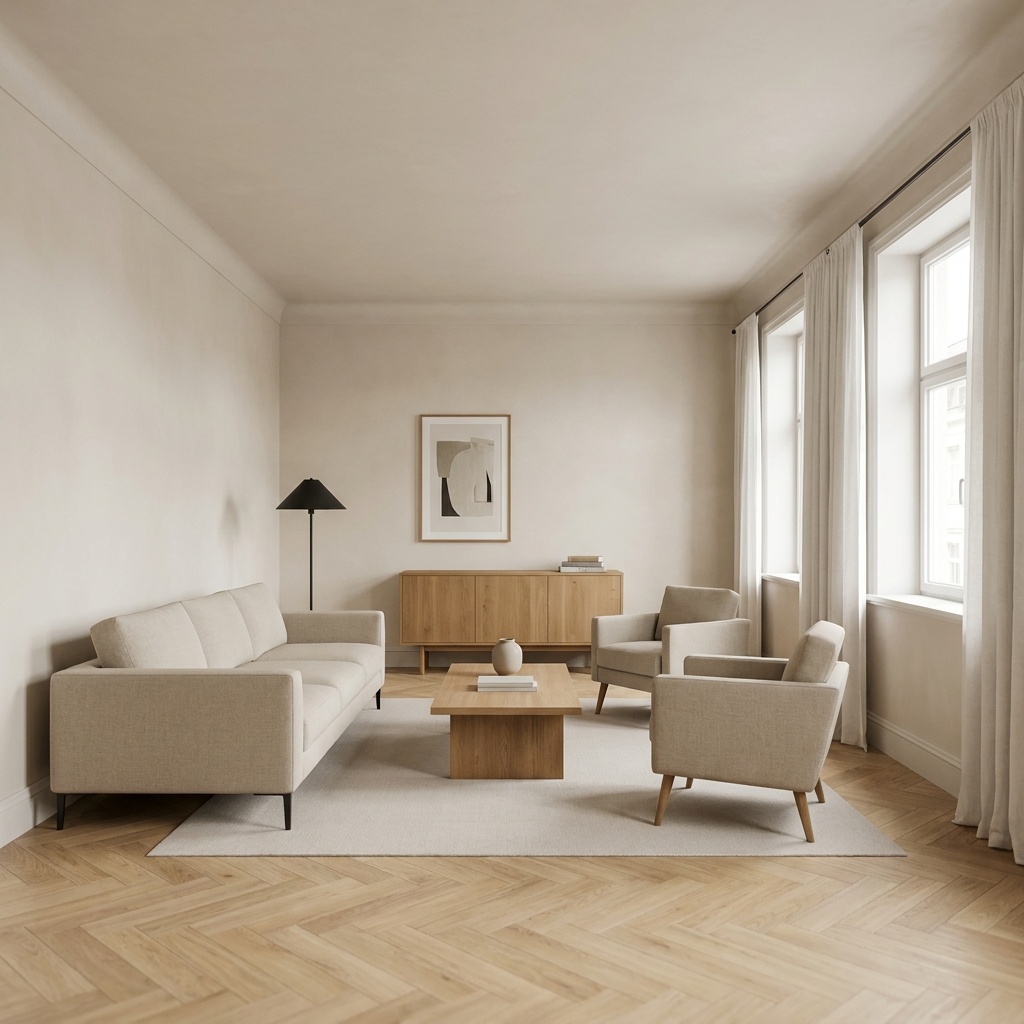
Drop a furniture moodboard into a photo of a room: the same room, furnished with those exact pieces.
- Free to try
- No plugin
- No credit card
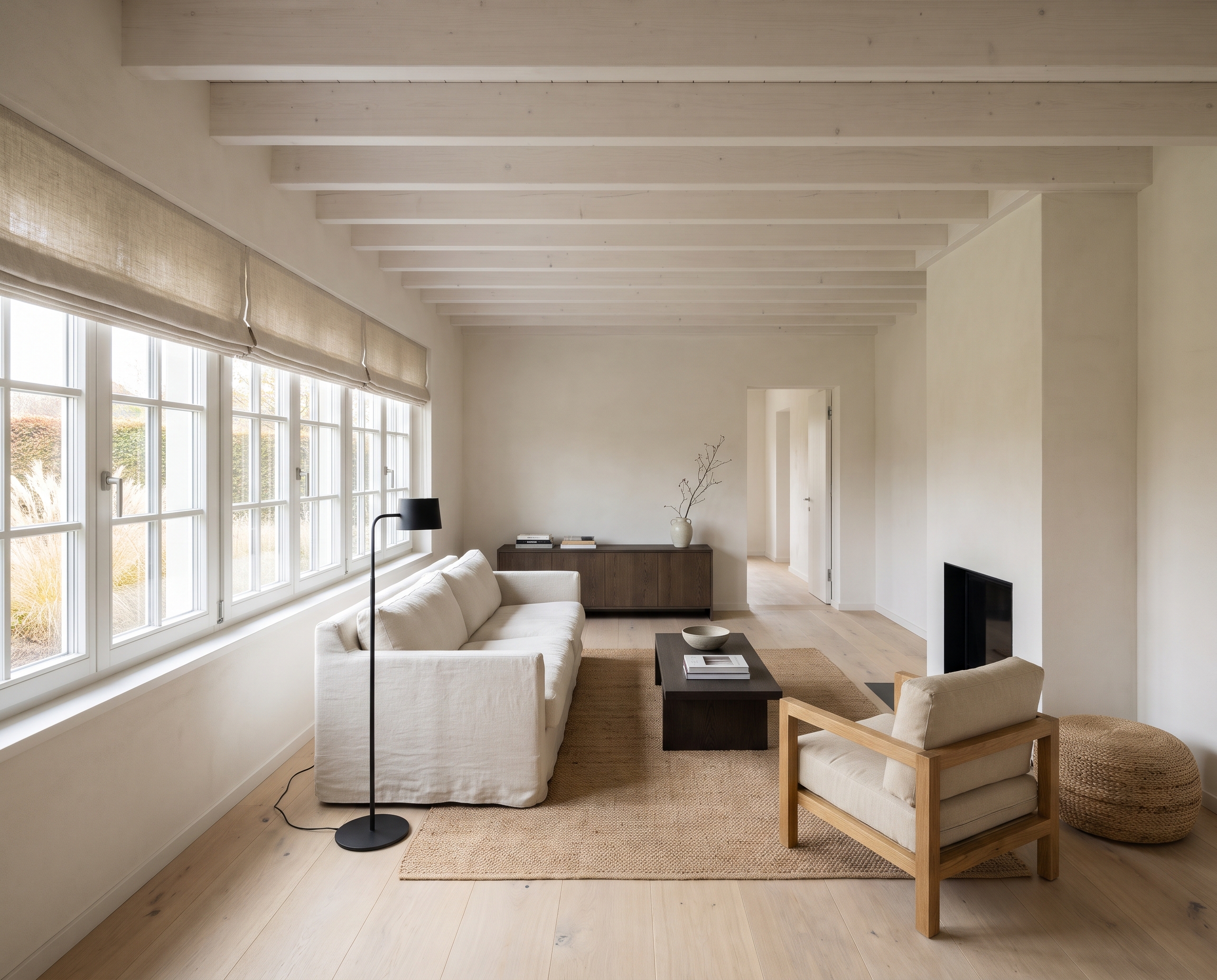
Nano Banana Pro
Sample input · click Generate to see the result
About this model
Shows a furniture selection inside the real room before anything is ordered. You give two images: a photo of the room as it is today, and a moodboard of the pieces you have in mind, such as a Pinterest board, a product collage or a supplier's lookbook. The result is the same photograph, same camera, same walls, floor and daylight, with the loose furniture swapped for the pieces of the moodboard. Each new piece takes the place of the piece that does the same job: the moodboard sofa where the sofa was, its armchair where the armchair was, its rug under the seating group. Shapes, colours and materials are copied from the moodboard rather than reinterpreted, and every piece is relit with the room's own light, with contact shadows and reflections, so it reads as one photograph and not a collage. Pieces of the room with no counterpart in the moodboard stay where they are, and everything fixed to the building (built-ins, fireplace, kitchen, curtains, artworks) is kept.
When to use it
An interior designer has picked a sofa, two armchairs, a rug and a pendant for a client's living room and gathered them on a Pinterest board. Instead of describing the selection, she runs Moodboard to Room on a photo of the client's living room and shows the room furnished with those pieces in the next meeting. Swapping the board for an alternative selection gives a second version of the same room to compare side by side.
Style Transfer keeps your furniture and changes the finishes around it to match a mood. Moodboard to Room keeps the room and its finishes, and swaps the furniture for the exact pieces in your moodboard.
Yes. Any image showing the pieces works. Cut-out products on a plain background give the most faithful copies; a photo of a furnished room also works, but its walls and floor are ignored.
No. Each piece takes the place of an existing piece that does the same job, so the room keeps a believable amount of furniture. To see a specific piece, make sure the room has something of the same kind in that spot.
No. The camera, framing, walls, floor, windows and daylight are kept. Only the loose furniture changes.