Best AI tools · Architects

The best AI tools for architects in 2026

Short answer: to render the views you already have, look at arkia, Veras, mnml or LookX. For concept images from a prompt, Midjourney or Krea. To test massing on a site, Autodesk Forma, TestFit, Finch or Maket. To upscale or animate a render, Magnific or Runway. For writing, briefs and code, ChatGPT or Claude. Below, 14 tools sorted by the job they do, with what you put in, who each one fits and what it costs, with dated sources.

We make arkia, and it is first on this list. The others are sorted by the job they do, not scored.

Facts and prices checked Oct 18, 2026

  • Free to try
  • No plugin
  • No credit card
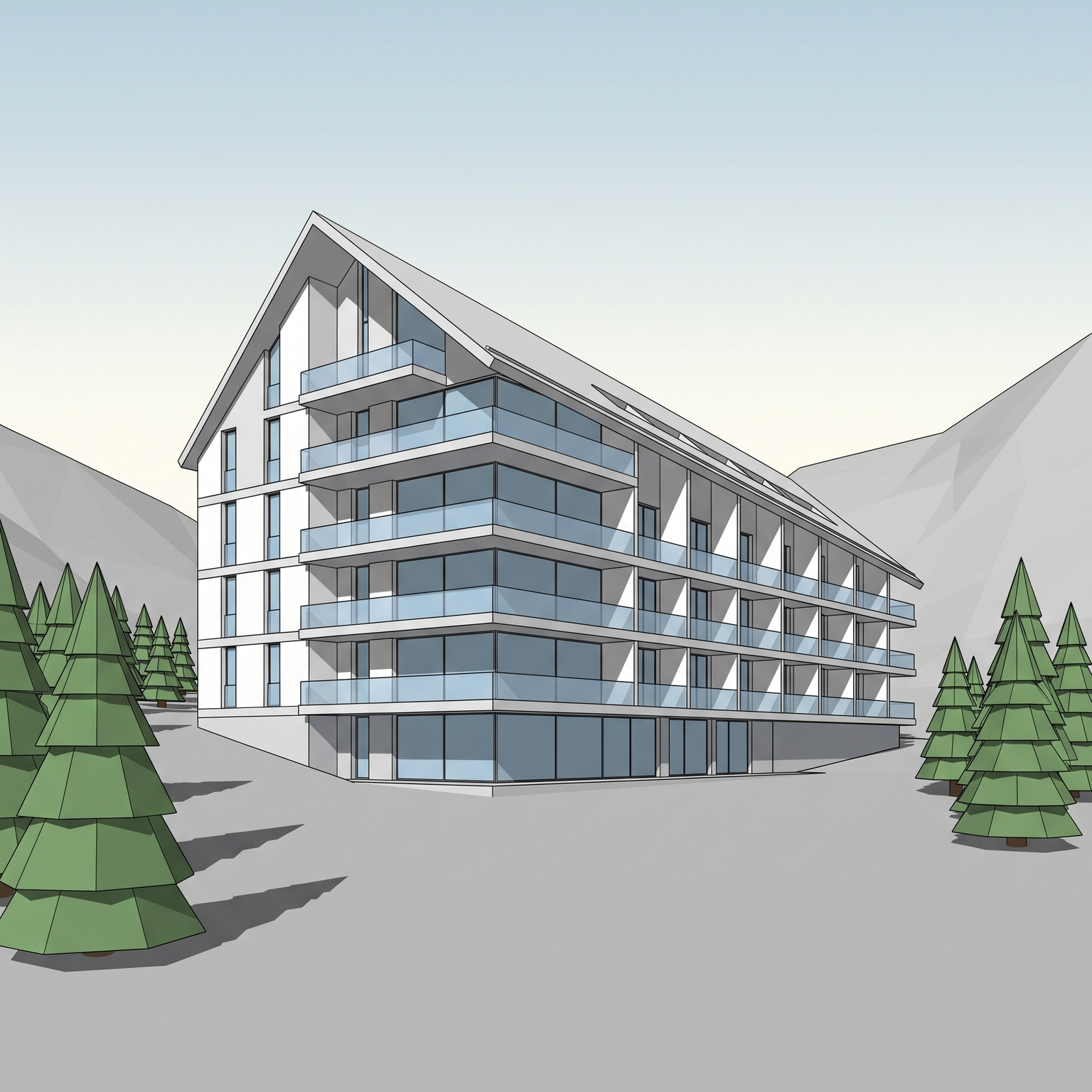
Photoreal — input

Nano Banana Pro

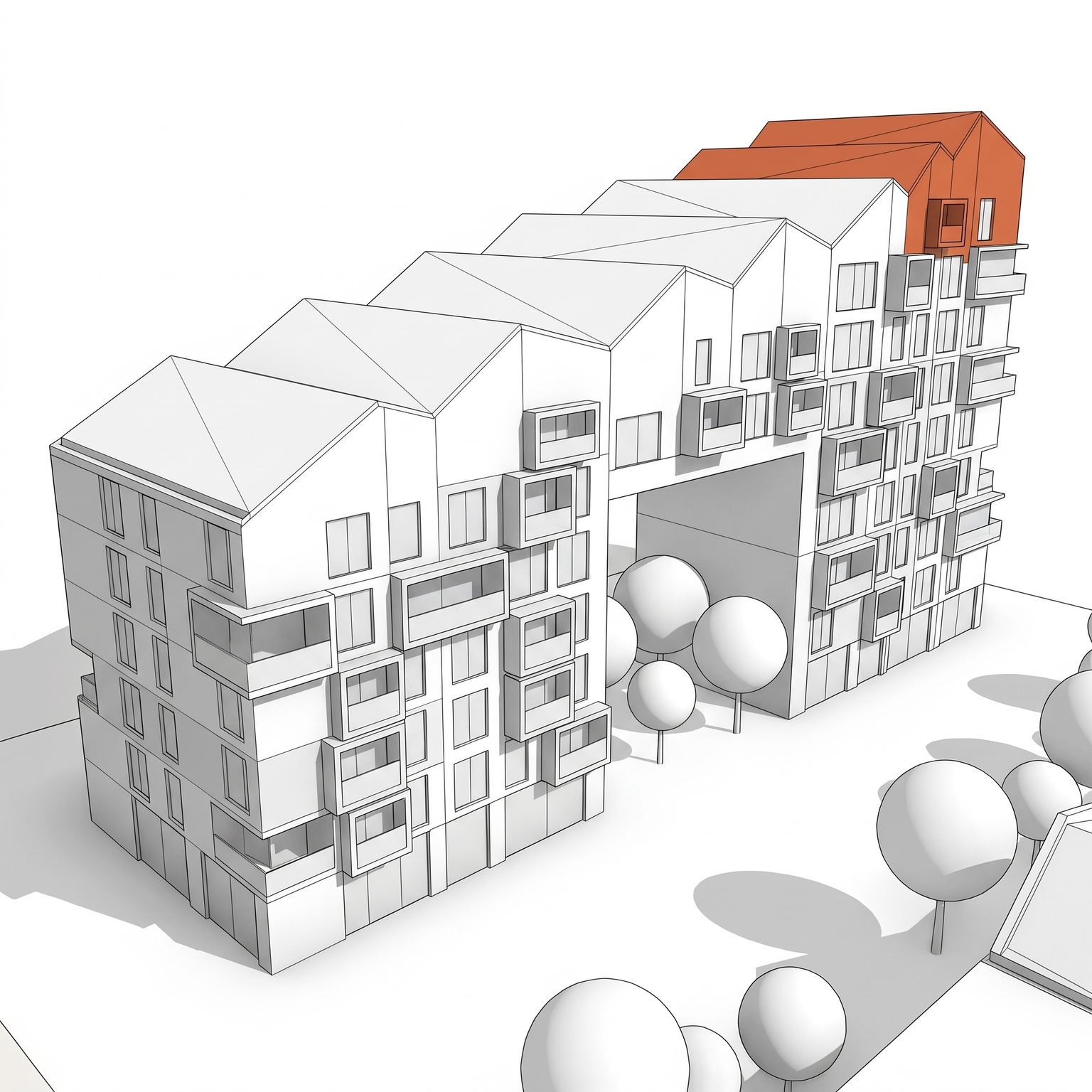
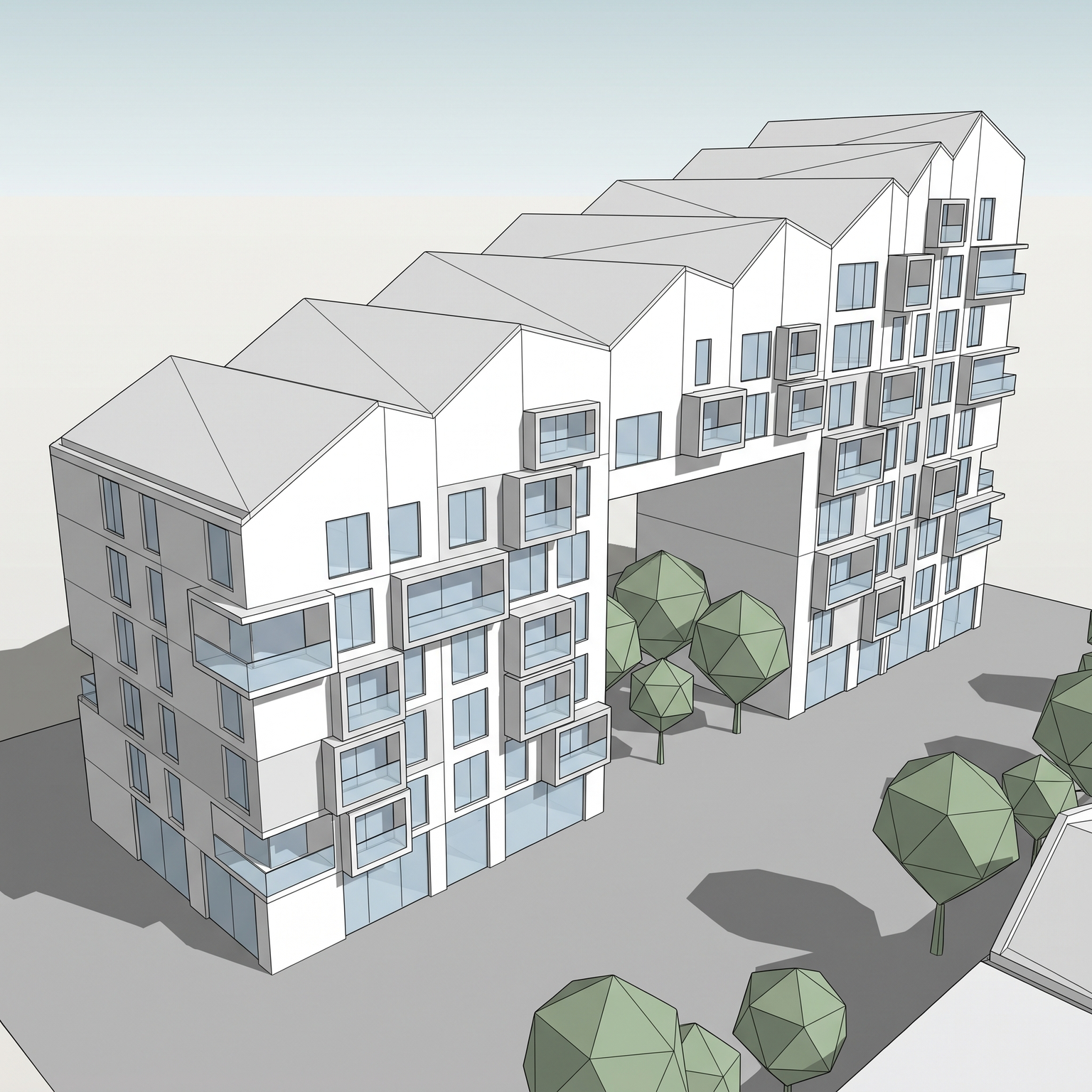
Sample input · click Generate to see the result

BrowserNothing to install
FreeTier to try it
PreservedSame view
Runs the Photoreal template

How we chose

We started from the tools that come up again and again in the lists architects read, then kept the ones that do a job in a practice: rendering a view, making a concept image, testing massing on a site, upscaling or animating an image, and writing. Each tool had to have a public product page we could read, and published plans or prices.

For each tool we checked the same things: what you put in (a 3D view, a sketch, a plan, a photo or text), what comes out, whether the maker states that your geometry is kept, whether it runs as a plugin or in the browser, whether there is a free tier, the entry price and the team plan.

Prices are in USD, as the maker publishes them. When a maker shows another currency, or a limited-time offer, we say so instead of converting it. "Keeps your geometry" reflects what the maker's own pages say: "Not stated" means we did not find it written, not that the tool cannot do it.

Every fact links to the maker's page, with the date we read it. There are no scores and no ranking between the tools after arkia: the right one depends on what you start from and what you need to deliver.

The list

14 tools, sorted by job.

We make it · Rendering from your model

arkia

arkia runs in the browser from any image: a render, a viewport capture, a sketch or a photograph. Over 50 templates each do one job, such as a photoreal render, people, planting or another material, and Animate turns a result into video.

Works from
Render, viewport capture, sketch or photo
Keeps your geometry
Yes
Price
Free: 200 credits at signup, then 75 every Monday, no cardFrom $15/mo (Explorer)Teams: $149/mo (Studio)

Fits if you want one browser workspace for the whole team, starting from the views you already have.

  • Credits never expire
  • Studio has unlimited seats, shared projects and a team wallet
  • Video from 1 to 30 seconds depending on the quality level (Draft and Standard up to 15 s, Final up to 30 s), up to 1080p
  • Photoreal keeps the camera and the geometry of the view you upload
Rendering from your model

Veras

chaos.com(opens in a new tab)

An AI rendering plugin from Chaos that renders the view you have open in your design software. It is available for Revit, SketchUp, Rhino, Archicad, Vectorworks, Forma and Allplan, inside Enscape, V-Ray and Corona, and as a web app that takes sketches, images and prompts.

Works from
The open view in Revit, SketchUp, Rhino, Archicad, Vectorworks, Forma or Allplan; sketch, image or prompt
Keeps your geometry
Not stated
Price
Free: 14-day trial with 100 creditsPlans and credits are listed on Chaos's site, with prices shown in your local currency.

Fits if you want to render the view open in Revit, SketchUp, Rhino, Archicad or Enscape without exporting an image.

  • Chaos states that edits change only the geometry and materials you specify, "keeping your massing intact"
  • Veo 3.1 video clips of 4, 6 or 8 seconds, up to 4K, with audio
  • Named license per user, or a floating team license shared among users
Rendering from your model

mnml

mnml.ai(opens in a new tab)

An AI rendering studio with tools by input (exterior, interior, sketch, landscape, masterplan, floor plan) and controls for style, camera angle, time of day, weather and people. It runs in the browser, with free plugins and a connector for AI assistants.

Works from
Sketch, 3D view, plan or photo; free plugins for SketchUp, Revit, Rhino and Grasshopper; AI assistant through MCP
Keeps your geometry
Not stated
Price
Free: 100 credits at signup, no cardFrom $29/mo (Lite, 1,000 credits)Teams: $179/mo (Team Starter, 3 seats plus an IT admin)

Fits if you want to render from inside SketchUp, Revit, Rhino or Grasshopper, or from an AI assistant, with team plans published on the site.

  • Masked edits by polygon, rectangle, lasso or brush, and upscaling to 8K; mnml states the rest of the image is not touched
  • Video clips of 10 or 15 seconds, priced by the second
  • Unused plan credits roll over, up to two months of credits
Rendering from your model

LookX

lookx.ai(opens in a new tab)

An AI platform for architects and designers that turns text and sketches into renders, with a style adapter for reference images, video from an image or text, upscaling and custom models trained on your own images.

Works from
Text, sketch or reference image; plugins for SketchUp and Rhino
Keeps your geometry
Not stated
Price
Free: Basic plan with 100 creditsFrom $20/mo (580 credits a month, 7-day trial) or $199 a yearTeams: $269/mo (5 seats)

Fits if you work in SketchUp or Rhino and want to train a model on your own style of images.

  • Video generated from an image or from text
  • Team plan with a credit balance shared by all members
Concept images

Midjourney

midjourney.com(opens in a new tab)

Generates images from a text prompt, with image references, and animates an image, including one you upload, into a short video (Animate Image).

Works from
Text prompt; an image to animate
Keeps your geometry
Not stated
Price
From $10/mo (Basic), $8/mo billed yearly

Fits if you want concept and mood images from a prompt, early in a project or for a competition board.

  • Unlimited image generations in Relax Mode from the Standard plan ($30/mo)
  • Stealth Mode, which keeps images and videos private, on the Pro and Mega plans
  • Companies with more than $1,000,000 in gross yearly revenue must buy Pro ($60/mo) or Mega ($120/mo)
Concept images

Krea

krea.ai(opens in a new tab)

A browser suite that generates and edits images and video with Krea's own models and third-party ones, with a real-time mode, an upscaler and LoRA training. Its architecture page shows views exported from Revit, Rhino, SketchUp and other tools as starting points.

Works from
Exported views, a shared viewport, a hand sketch, an image or text
Keeps your geometry
Not stated
Price
Free: 100 units a dayFrom $9/mo (Basic), $5.25/mo billed yearlyTeams: Business $200/mo, up to 50 members

Fits if you start from your own exported views and want images, video and upscaling in one subscription.

  • Turns stills into flythrough and walkthrough clips
  • Upscales frames to print resolution for boards and decks
  • Commercial license on every paid plan
Early design and massing

Autodesk Forma (Site Design, Building Design)

autodesk.com(opens in a new tab)

Forma Site Design is a cloud tool for site planning, feasibility and early design: geolocated site context, drawn or generated massing with automatic area metrics, and sun, daylight, wind and noise analyses, including AI wind and noise analyses. Forma Building Design takes schematic design (facades, floor plans, units) to Revit.

Works from
A site location and drawn or generated massing; Revit, Rhino, Dynamo, IFC and OBJ
Keeps your geometry
Not applicable
Price
Free: Free trialIncluded with Revit subscriptions and the AEC Collection; also sold on its own (price on Autodesk's store).

Fits if you already work in Revit or the AEC Collection and want site context, massing and environmental analysis before modeling in Revit.

  • Runs in a web browser, with nothing to install
  • Every Revit subscription includes Forma Site Design and Forma Building Design
  • A Revit license is not needed to use Forma Site Design
Early design and massing

TestFit

testfit.io(opens in a new tab)

A real estate feasibility platform that generates site plans with unit mix and parking counts, 2D and 3D massing and parking layouts, and links a pro forma to the site plan.

Works from
A site and a program; Revit add-in, SketchUp and DXF export
Keeps your geometry
Not applicable
Price
From $195/mo (Parking Solver)

Fits if you run feasibility on multifamily, parking or mixed-use sites and need unit counts, parking and a pro forma from one site plan.

  • Site Solver from $15,000 a year, billed annually
  • An MCP connection lets you prompt site plans from an AI assistant (+$100/mo, included in Site Solver)
  • Revit and SketchUp integrations on every plan
Early design and massing

Finch

finch3d.com(opens in a new tab)

A platform for building design that generates design options and shows building performance metrics in real time as you explore them, with floor plans, area calculations and BIM geometry.

Works from
Design options in a web app, from concept to schematic design
Keeps your geometry
Not applicable
Price
Free: Single user, editing tools and real-time metricsPaid plans priced in EUR on their site.

Fits if you want to generate and compare housing or office layouts with live area and performance metrics before moving to BIM.

  • Enterprise adds AI floor plan generation and an AI agent for design workflows
  • 14-day free trial on the Basic plan
Early design and massing

Maket

maket.ai(opens in a new tab)

Generates residential floor plans, furnished layouts and 3D renders from a plain-language description. You start from a new concept, an uploaded plan or a blank canvas, then edit by text or by moving walls and openings.

Works from
A text description, an uploaded plan or a blank canvas
Keeps your geometry
Not applicable
Price
Free: 30 one-time credits, no cardFrom $20/mo (300 credits)

Fits if you design single-family homes and want floor plan options to start from.

  • PDF and DXF export on paid plans
  • Pro at $100/mo with 3,000 credits; Scale on request, with an API
Upscale and video

Magnific (formerly Freepik)

magnific.com(opens in a new tab)

A platform that brings together image, video, audio and 3D models, the Magnific upscaler, editing tools such as relight and change camera, and a library of over 250 million stock assets. Freepik is now called Magnific.

Works from
Image, video or text
Keeps your geometry
Not stated
Price
Free: 10 stock downloads a dayPlans billed annually; the prices shown when we checked were a limited-time offer, so check the current price on their site.

Fits if you want an upscaler, third-party image and video models and a stock library in one annual subscription.

  • Magnific and Topaz upscalers from the Premium+ plan
  • Credits valid for one year, with no monthly reset
  • 30-day refund guarantee
Upscale and video

Runway

runway.com(opens in a new tab)

Generates and edits video and images with Runway's models (Gen-4.5, Gen-4, Aleph) and third-party models such as Nano Banana Pro.

Works from
Image, video or text
Keeps your geometry
Not stated
Price
Free: 125 one-time creditsFrom $15/mo (Standard), $12/mo billed yearlyTeams: $69 per seat a month, $55 billed yearly (2 to 9 people)

Fits if you want to animate or edit renders as video, with a credit pool shared by two to nine people.

  • Team credits are pooled across the workspace, with one month of rollover
  • Credits you buy on top of a plan never expire
Assistants

ChatGPT

chatgpt.com(opens in a new tab)

OpenAI's assistant. Beyond text, it creates and edits images from a prompt and from the images you upload.

Works from
Text and uploaded images
Keeps your geometry
Not stated
Price
Free: Limited image creationFrom $20/mo (Plus)

Fits if you already use ChatGPT for writing and want ideation images without another subscription.

  • Image creation on the Free, Go, Plus and Pro plans, unlimited on Pro
  • Paid plans (Go, Plus, Business and Enterprise) are priced per user per month
Assistants

Claude

claude.com(opens in a new tab)

Anthropic's assistant. It reads the PDFs and images you upload, searches the web, writes code, and produces files such as documents, spreadsheets and slides.

Works from
Text, PDFs, images and other files
Keeps your geometry
Not applicable
Price
Free: Free plan on web, desktop and mobileFrom $20/mo (Pro), $17/mo billed yearlyTeams: $25 per Standard seat a month, $20 billed yearly (2 to 150 people)

Fits if you want help with briefs, reports, schedules and scripts, working from the PDFs and images you already have.

  • Projects keep files and instructions together, up to 5 projects on the free plan
  • Max plans from $100/mo for more usage
At a glance

The same tools, side by side.

The best AI tools for architects in 2026: category, input, geometry, free tier and entry price of each tool.
ToolCategoryWorks fromKeeps geometryFree tierFrom
arkiaRendering from your modelRender, viewport capture, sketch or photoYes200 credits at signup, then 75 every Monday, no card$15/mo (Explorer)
VerasRendering from your modelThe open view in Revit, SketchUp, Rhino, Archicad, Vectorworks, Forma or Allplan; sketch, image or promptNot stated14-day trial with 100 creditsPlans and credits are listed on Chaos's site, with prices shown in your local currency.
mnmlRendering from your modelSketch, 3D view, plan or photo; free plugins for SketchUp, Revit, Rhino and Grasshopper; AI assistant through MCPNot stated100 credits at signup, no card$29/mo (Lite, 1,000 credits)
LookXRendering from your modelText, sketch or reference image; plugins for SketchUp and RhinoNot statedBasic plan with 100 credits$20/mo (580 credits a month, 7-day trial) or $199 a year
MidjourneyConcept imagesText prompt; an image to animateNot stated—$10/mo (Basic), $8/mo billed yearly
KreaConcept imagesExported views, a shared viewport, a hand sketch, an image or textNot stated100 units a day$9/mo (Basic), $5.25/mo billed yearly
Autodesk Forma (Site Design, Building Design)Early design and massingA site location and drawn or generated massing; Revit, Rhino, Dynamo, IFC and OBJNot applicableFree trialIncluded with Revit subscriptions and the AEC Collection; also sold on its own (price on Autodesk's store).
TestFitEarly design and massingA site and a program; Revit add-in, SketchUp and DXF exportNot applicable—$195/mo (Parking Solver)
FinchEarly design and massingDesign options in a web app, from concept to schematic designNot applicableSingle user, editing tools and real-time metricsPaid plans priced in EUR on their site.
MaketEarly design and massingA text description, an uploaded plan or a blank canvasNot applicable30 one-time credits, no card$20/mo (300 credits)
Magnific (formerly Freepik)Upscale and videoImage, video or textNot stated10 stock downloads a dayPlans billed annually; the prices shown when we checked were a limited-time offer, so check the current price on their site.
RunwayUpscale and videoImage, video or textNot stated125 one-time credits$15/mo (Standard), $12/mo billed yearly
ChatGPTAssistantsText and uploaded imagesNot statedLimited image creation$20/mo (Plus)
ClaudeAssistantsText, PDFs, images and other filesNot applicableFree plan on web, desktop and mobile$20/mo (Pro), $17/mo billed yearly

Facts as of October 2026 · Sources in each card · — means not stated on the pages we read

Before you choose: three things to check

What you start from. Most rendering tools on this list take an image: a viewport capture, a white model, a sketch or a photo. Some also run as a plugin inside your modeling software: Veras and mnml render the view you have open, and LookX has plugins for SketchUp and Rhino. Massing tools start further upstream, from a site and a program (Autodesk Forma, TestFit, Finch) or a description of a house (Maket). Concept tools start from a prompt (Midjourney) or from your own exported views (Krea).

Whether your design stays your design. For a client image, the camera, the massing and the openings of your view must survive the render. Few makers state it plainly. arkia keeps the camera and the geometry of the view you upload. Chaos states that Veras edits change only the geometry and materials you specify, and mnml that masked edits leave the rest of the image untouched. For the other tools we did not find it written: test one of your own views before you commit.

How credits behave. Most tools sell monthly credits, and the rules differ. arkia credits never expire. mnml rolls unused plan credits over for up to two months. Chaos credits reset at the start of each billing cycle. Magnific credits are valid for one year. Runway credits bought on top of a plan never expire.

Free options

arkia: 200 credits at signup, then 75 free credits every Monday, with no card.

Veras: a 14-day trial with 100 credits, including video renders.

mnml: 100 credits at signup, with no card required.

LookX: a free Basic plan with 100 credits.

Krea: a free plan with 100 compute units a day.

Autodesk Forma: a free trial, and Forma Site Design is included in every Revit subscription.

Finch: a free plan for a single user, with editing tools and real-time metrics.

Maket: 30 one-time credits, with no card.

Magnific: a free plan with 10 stock downloads a day.

Runway: 125 one-time credits to try its tools.

ChatGPT: a free plan with limited image creation.

Claude: a free plan on web, desktop and mobile, with up to 5 projects.

For students: arkia Explorer, listed as "Student & curious", costs $15/mo.

How to pick

You model in Revit, SketchUp or Rhino and need images this week. If you want to render from inside the software, Veras and mnml have plugins for all three, and LookX for SketchUp and Rhino. If you would rather export a view and work in the browser, arkia takes the image from any software and version, and its templates add people, planting or another material on the result.

You only have sketches. arkia, mnml, LookX and Veras all start from a sketch. For concept images, Midjourney works from a prompt and Krea from a hand sketch or an exported view. When the concept is settled, run the same sketch through a rendering template to get a client image.

You test massing on a site. Autodesk Forma Site Design gives site context, massing and sun, daylight, wind and noise analyses, and Forma Building Design takes the scheme to Revit. TestFit generates site plans with unit mix, parking and a pro forma. Finch generates layouts with live area and performance metrics. For single-family homes, Maket generates floor plan options from a description.

You need a moving image for a presentation. arkia animates a result into a clip of 1 to 30 seconds. Runway generates and edits video from images. Veras makes Veo 3.1 clips of 4, 6 or 8 seconds, mnml clips of 10 or 15 seconds, and Midjourney animates an image into a short video.

You are equipping a whole team. arkia Studio is $149/mo with unlimited seats and a shared workspace. mnml team plans start at $179/mo (Team Starter, 3 seats plus an IT admin). LookX Team is $269/mo for 5 seats. Krea Business is $200/mo for up to 50 members. Runway Team is $69 per seat a month for 2 to 9 people. For text work, ChatGPT and Claude both have team plans priced per seat.

You need diagrams or presentation graphics. arkia has templates that turn a 3D view into a Diagram (a white massing diagram with one accent color), an Axonometric, an Exploded Axonometric or a Watercolor, and a Collage template that composes a Dogma-style collage for a board.
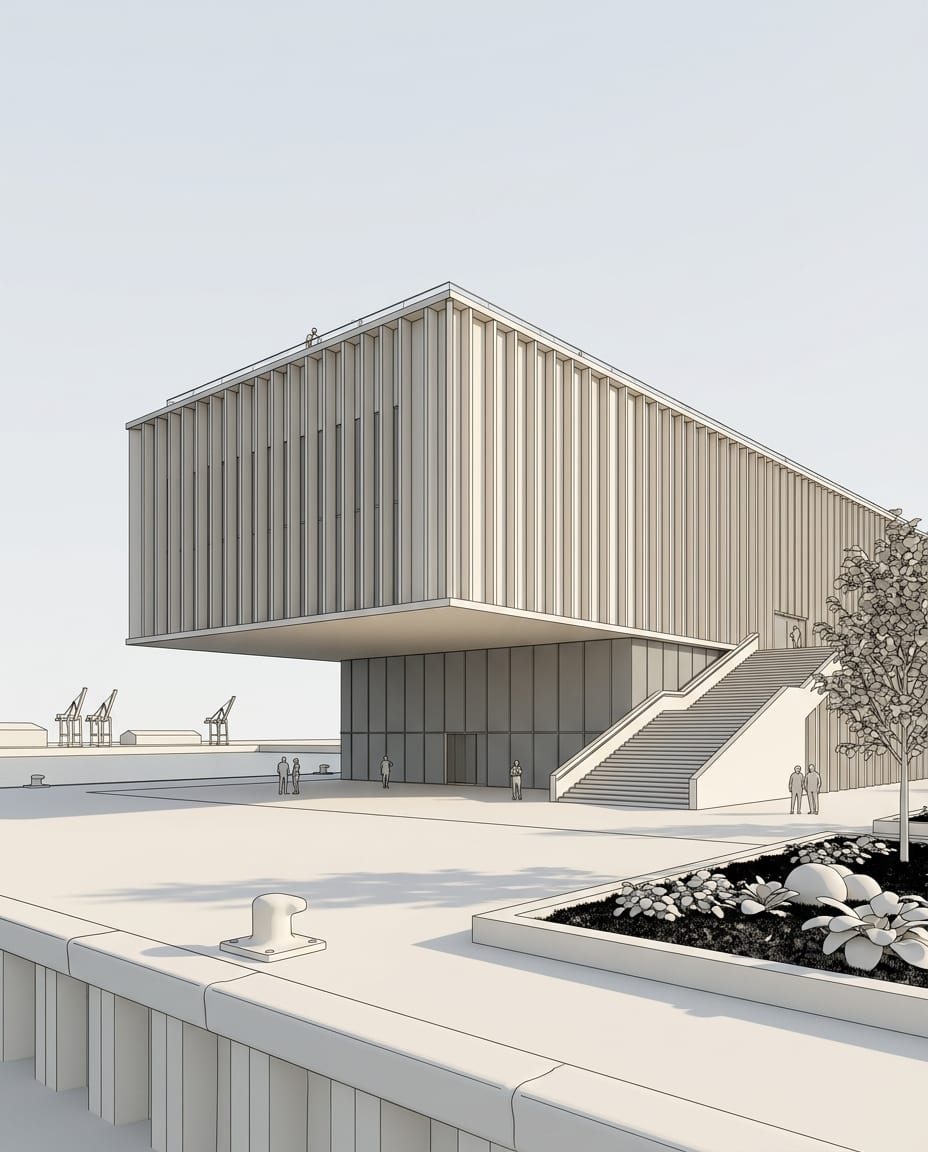
Before / after

Same view. Now a photograph.

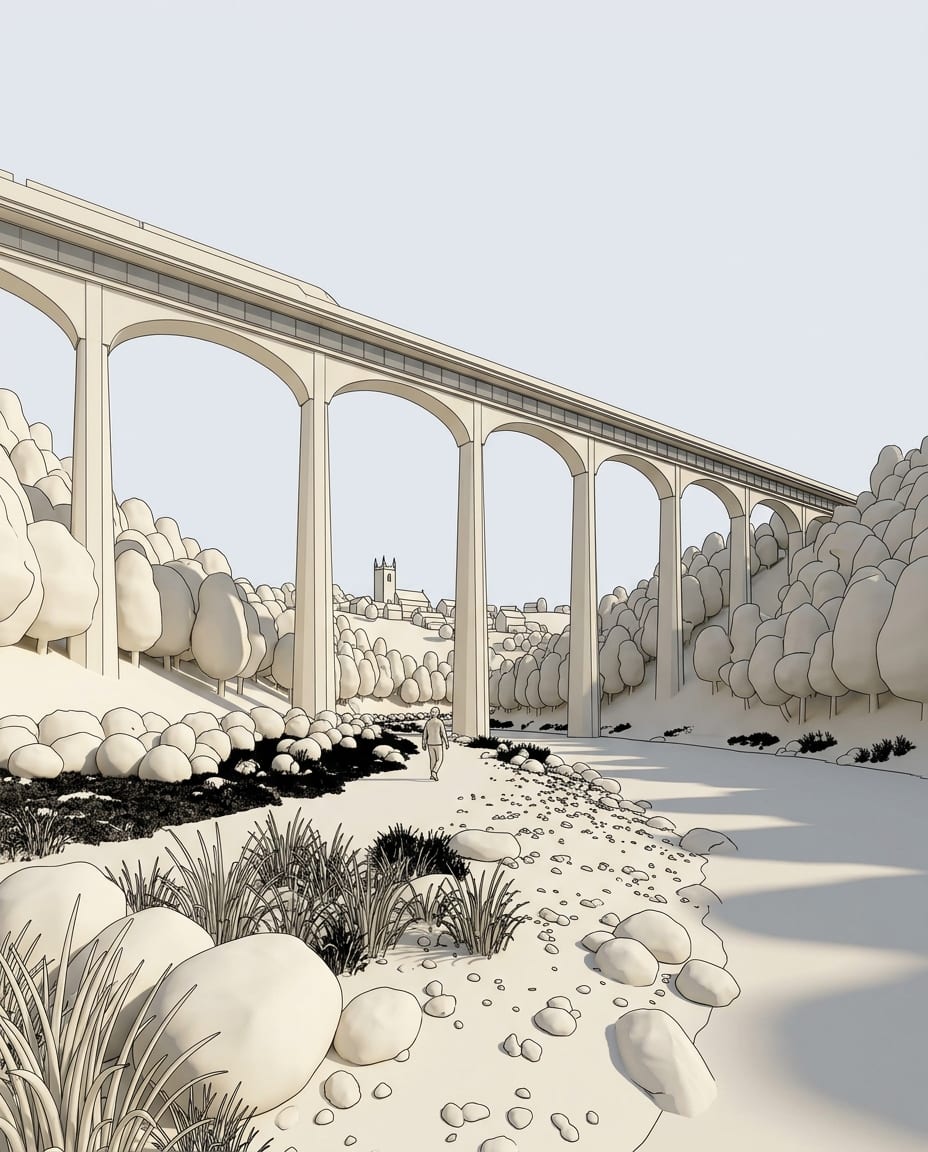
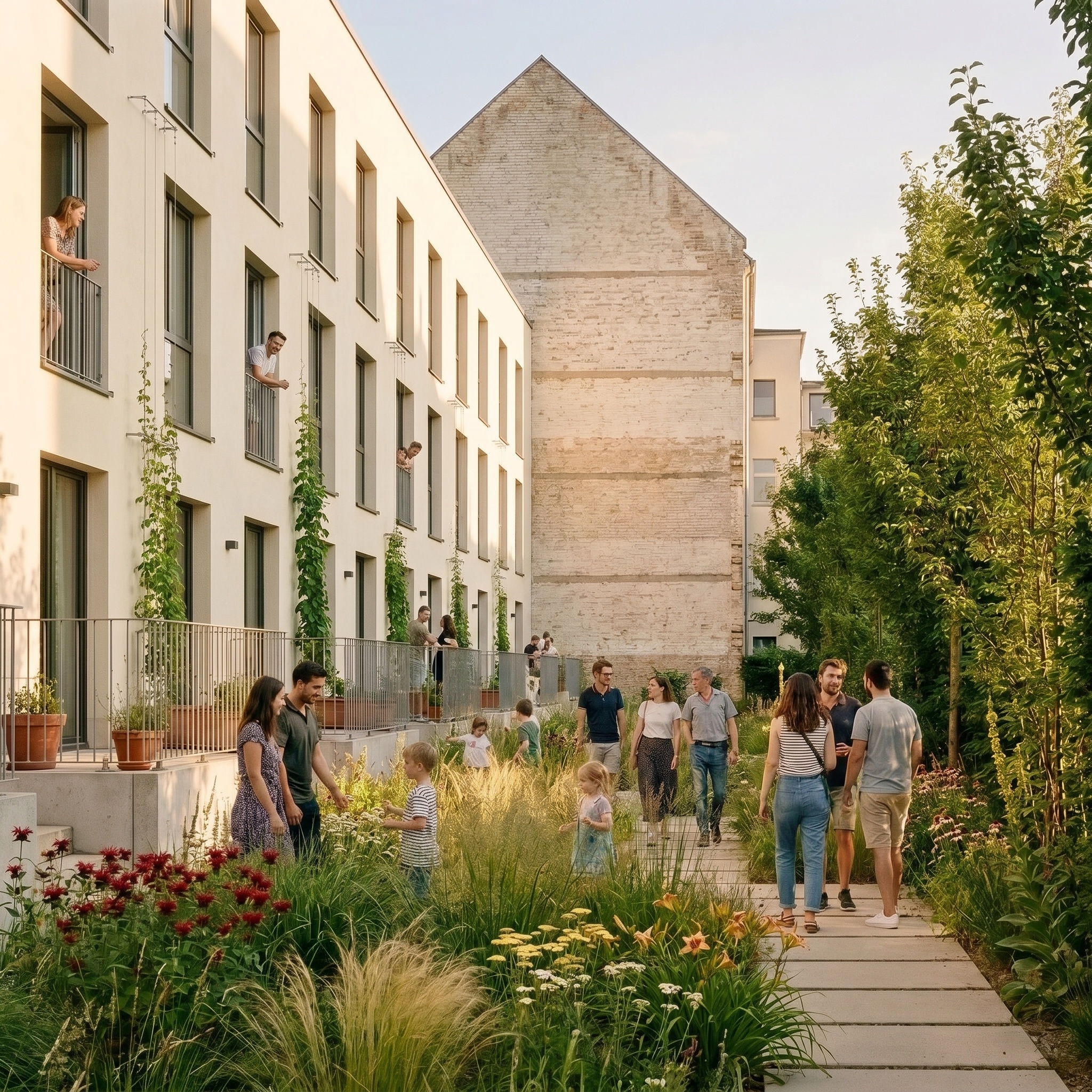
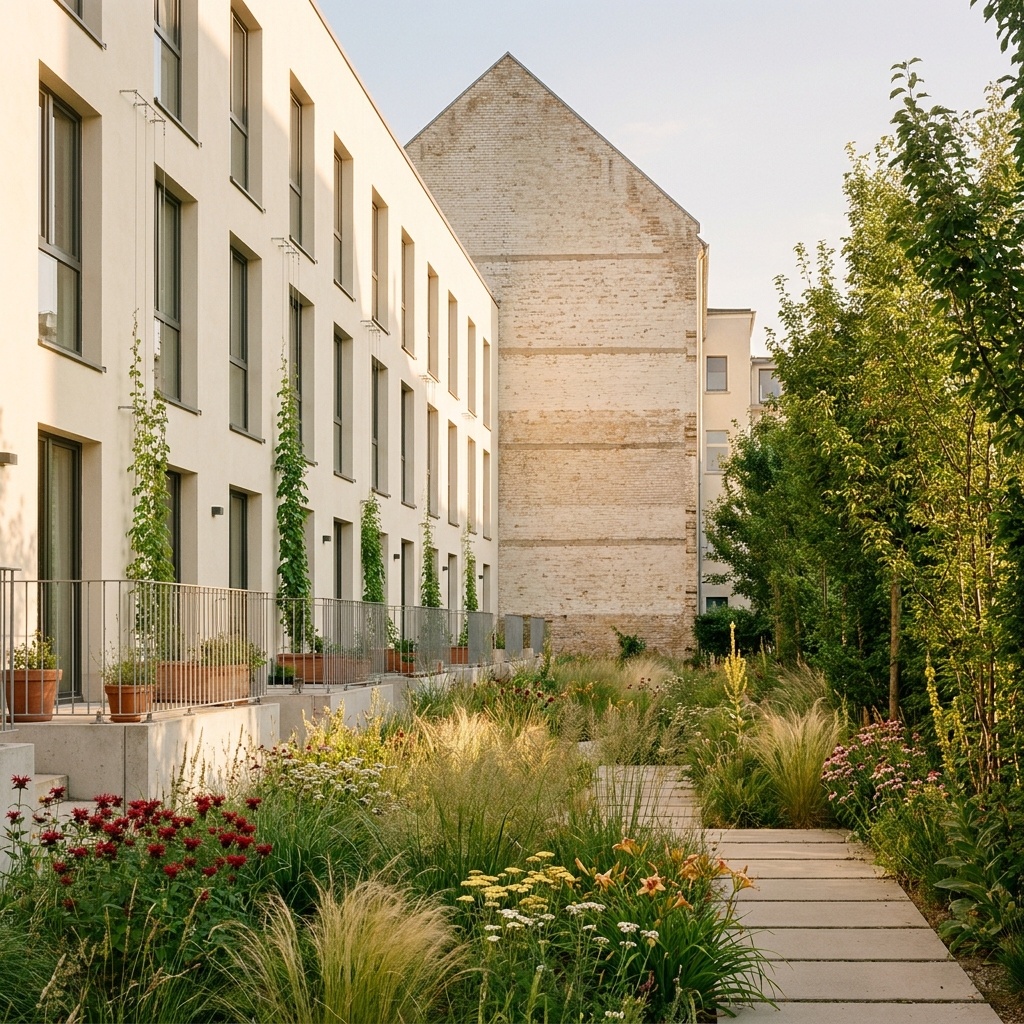
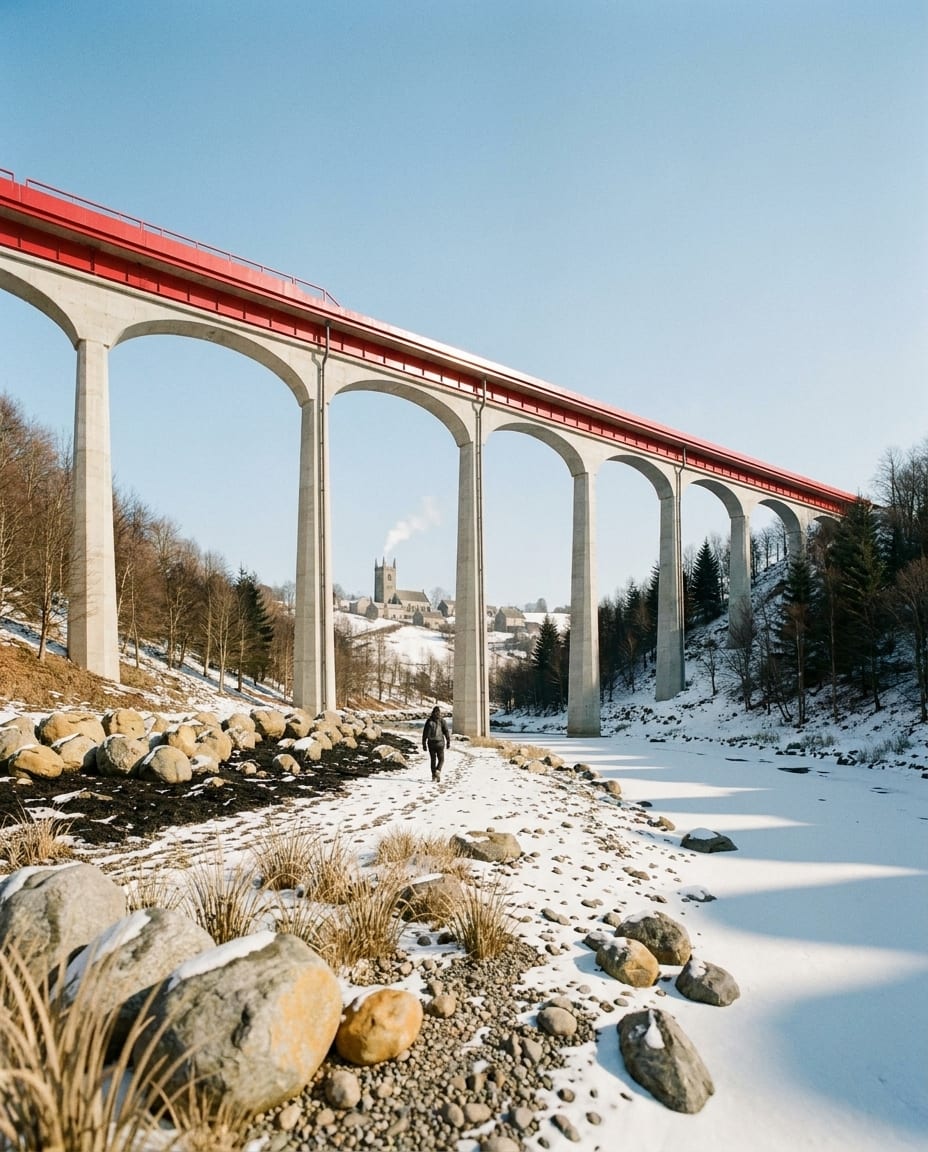
A sample 3D view and the Photoreal render of the same view. Camera and geometry unchanged.

Drag the slider to compare

Sample 3D view of a viaduct (white model), and the same view rendered with arkia Photoreal — after
Sample 3D view of a viaduct (white model), and the same view rendered with arkia Photoreal — before
Before
After
Questions

Frequently asked.

Something else on your mind? Write to us.

Your next render is one upload away.

See plans