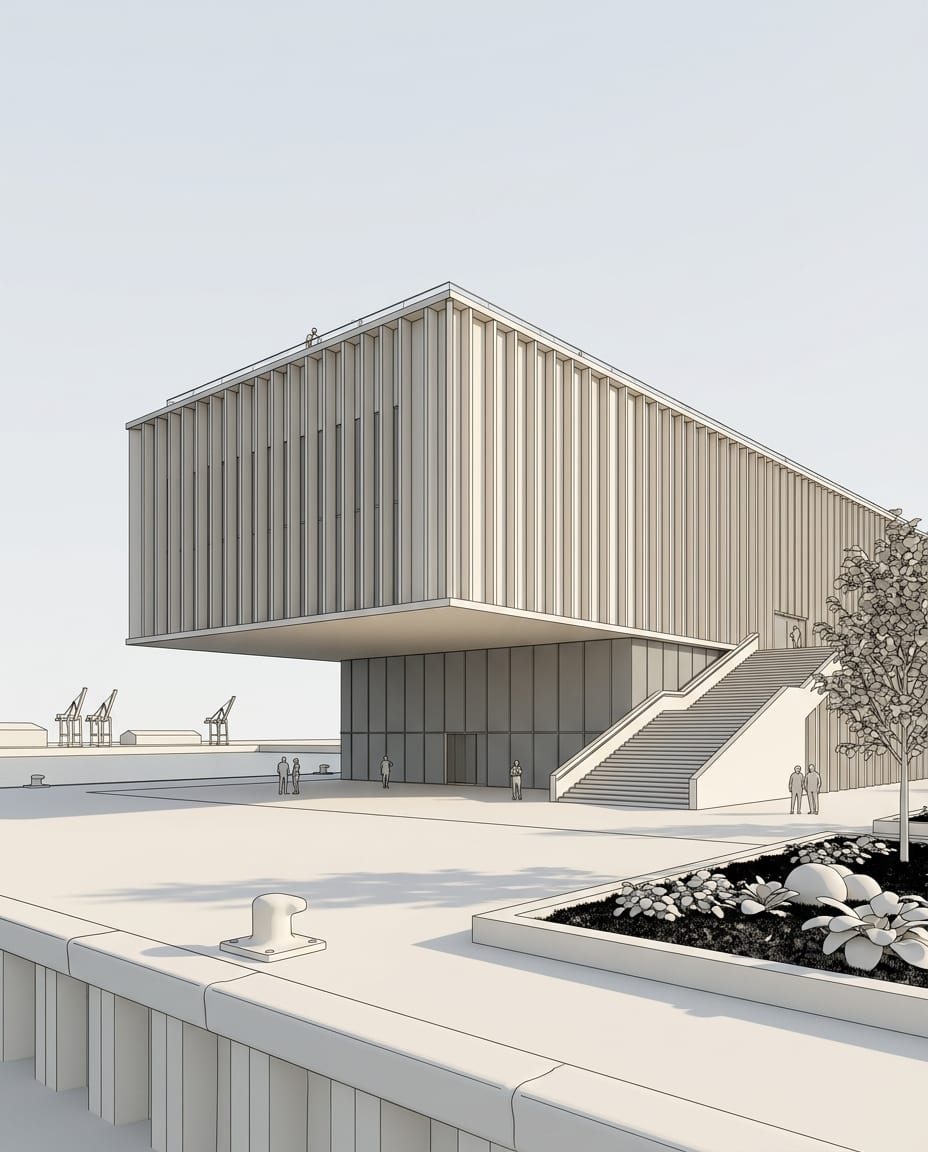
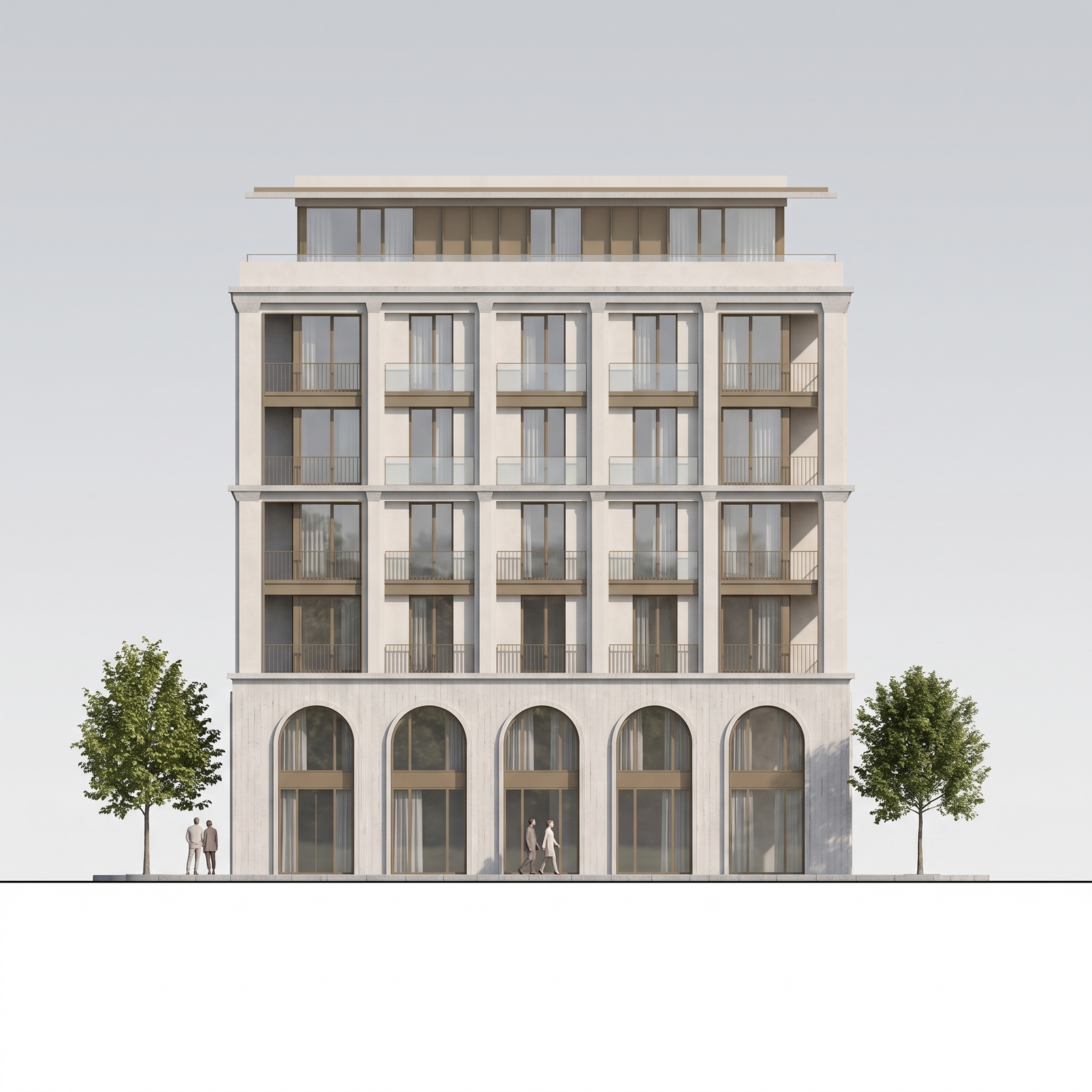
Best AI tools · Rendering

The best AI rendering software for architects in 2026

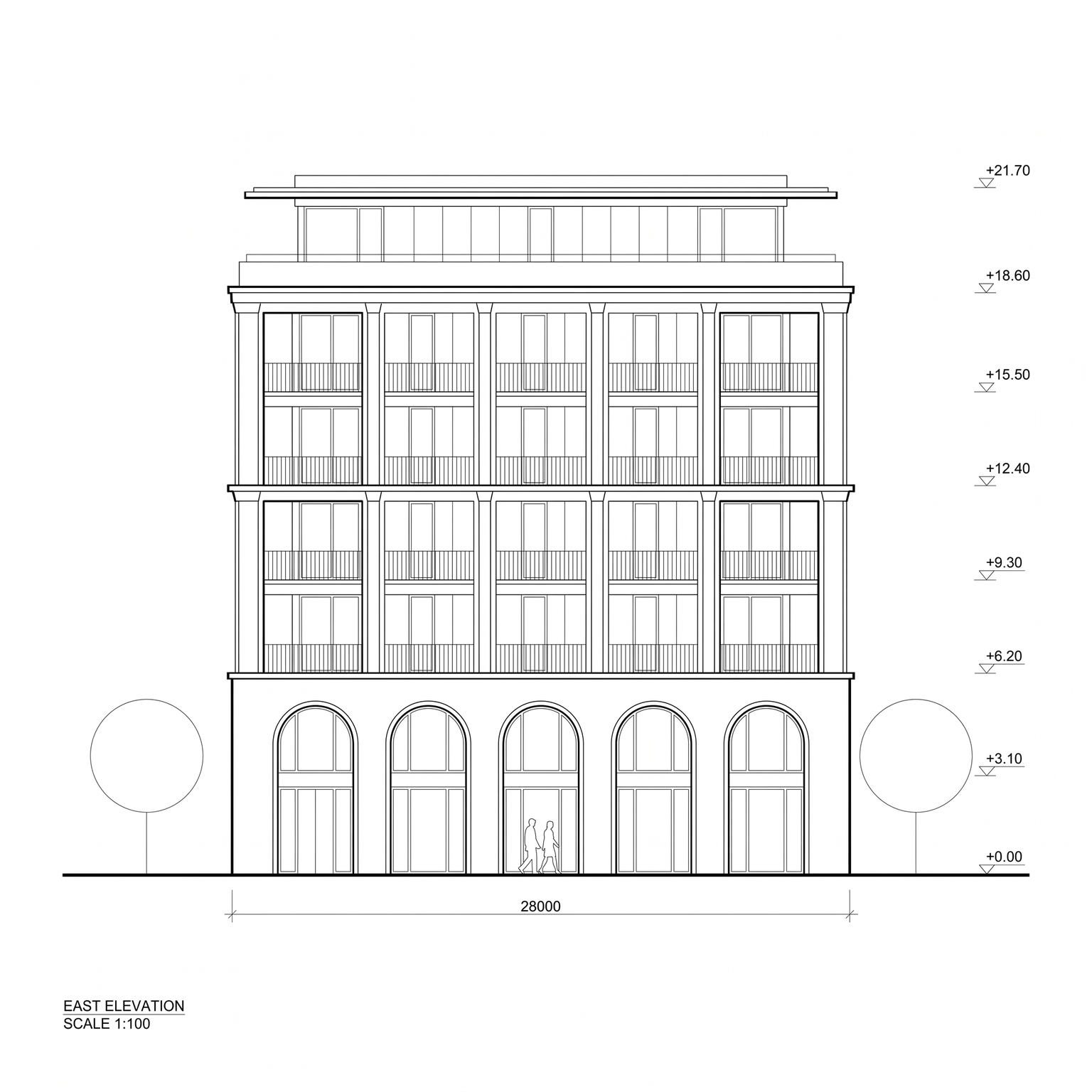
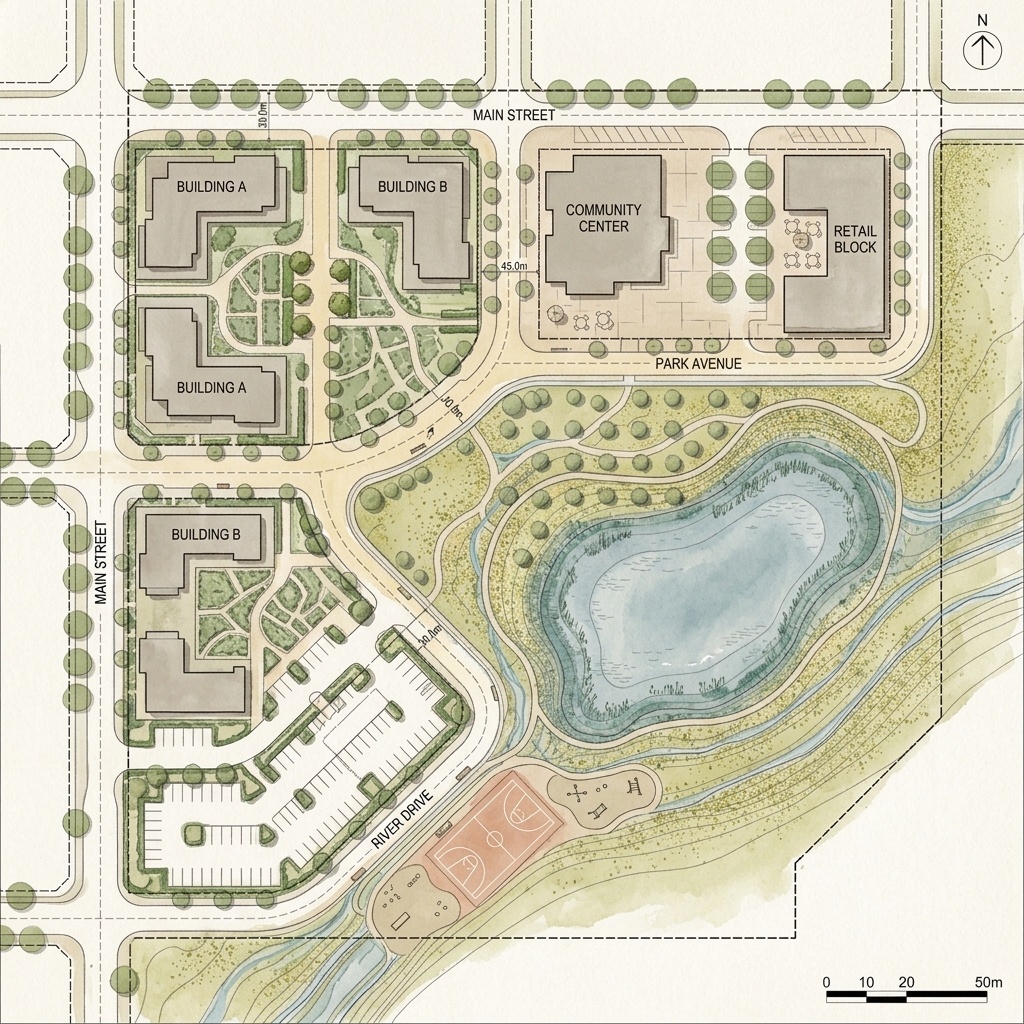
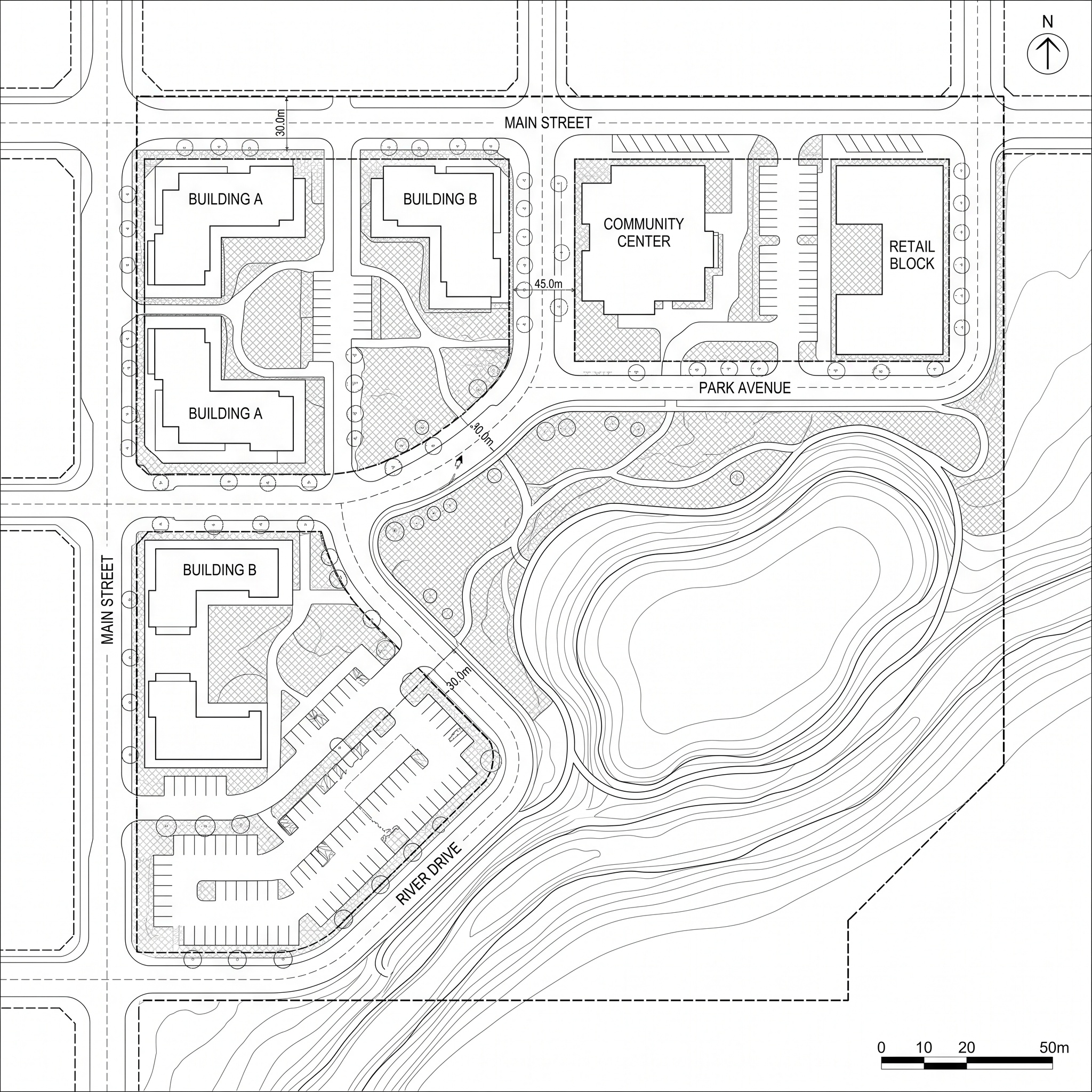
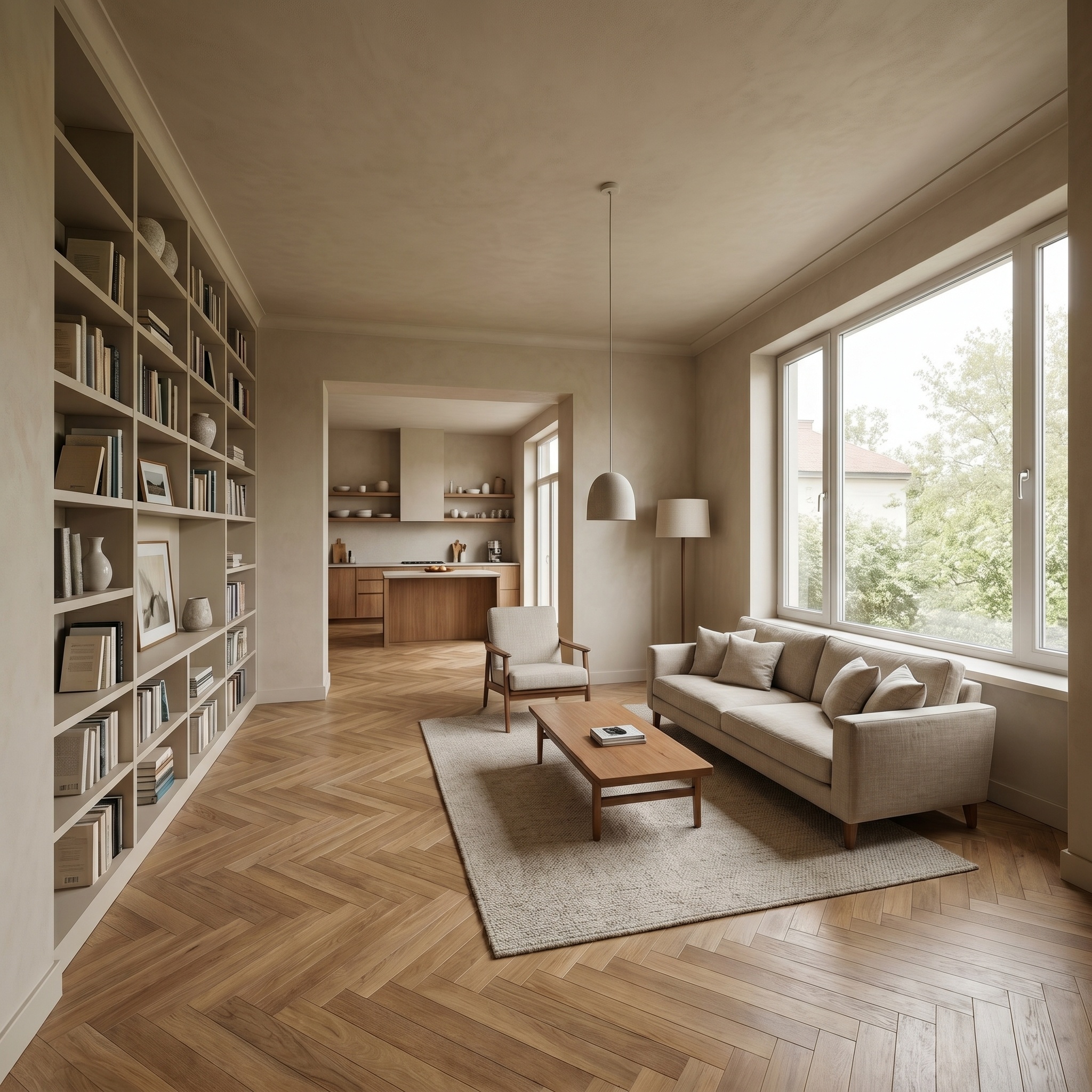
Short answer: to render without leaving Revit, SketchUp, Rhino or Archicad, look at Veras, mnml or LookX (plugins for your modeling software), or SketchUp's own AI Render. To start from a section, an elevation or a CAD drawing, look at Rendair. To upload the 3D file itself, KickRender or Fenestra. For concept images from text, Midjourney. arkia, which we make, works in the browser from any image of your project. Below: 12 tools, what goes in, what comes out, whether your geometry stays, and what each one costs, with dated sources.

We make arkia, and it is first on this list. The others are sorted by the job they do, not scored.

Facts and prices checked Oct 18, 2026

  • Free to try
  • No plugin
  • No credit card
Photoreal — input

Nano Banana Pro

Sample input · click Generate to see the result

BrowserNothing to install
FreeTier to try it
PreservedSame view
Runs the Photoreal template

How we chose

We started from the tools that the pages ranking for "best AI rendering software" cite (Veras, Midjourney and MyArchitectAI appear on most of them), added the renderers we already compare arkia with, and a few tools that take a 3D file directly. Generators that are not built for architecture appear once, for concept images.

For each tool we looked at what it takes in (a 3D view, a 3D file, a sketch, a plan, a photo or text), whether it runs in the browser or inside your modeling software, whether the maker says it keeps your geometry, what the free tier allows, and the entry price in USD.

"Keeps your geometry" answers one question: does the maker say that the render keeps the camera, the massing and the openings of what you gave it? "Yes" means we found that statement on the maker's own page, and the card quotes it. "Not stated" means we did not find a statement either way; it does not mean the tool changes your design.

Every fact links to the maker's own page, with the day we read it. When a site blocked direct reading, we used its most recent archived copy and give that copy's date in the source. Prices published in another currency are not converted: the card says so. Nothing here is scored or ranked, and no maker paid to be listed.

The list

12 tools, sorted by job.

We make it · From a view, sketch or drawing

arkia

arkia runs in the browser from any image: a render, a viewport capture, a sketch or a photograph. Over 50 templates each do one job, such as a photoreal render, people, planting or another material, and Animate turns a result into video.

Works from
Render, viewport capture, sketch or photo
Keeps your geometry
Yes
Price
Free: 200 credits at signup, then 75 every Monday, no cardFrom $15/mo (Explorer)Teams: $149/mo (Studio)

Fits if you want one browser workspace for the whole team, starting from the views you already have.

  • Credits never expire
  • Studio has unlimited seats, shared projects and a team wallet
  • Video from 1 to 30 seconds depending on the quality level (Draft and Standard up to 15 s, Final up to 30 s), up to 1080p
  • Photoreal keeps the camera and the geometry of the view you upload
From a view, sketch or drawing

Veras

chaos.com(opens in a new tab)

An AI rendering plugin from Chaos that renders the view you have open in your design software. It is available for Revit, SketchUp, Rhino, Archicad, Vectorworks, Forma and Allplan, inside Enscape, V-Ray and Corona, and as a web app that takes sketches, images and prompts.

Works from
The open view in Revit, SketchUp, Rhino, Archicad, Vectorworks, Forma or Allplan; sketch, image or prompt
Keeps your geometry
Not stated
Price
Free: 14-day trial with 100 creditsPlans and credits are listed on Chaos's site, with prices shown in your local currency.

Fits if you want to render the view open in Revit, SketchUp, Rhino, Archicad or Enscape without exporting an image.

  • Chaos states that edits change only the geometry and materials you specify, "keeping your massing intact"
  • Veo 3.1 video clips of 4, 6 or 8 seconds, up to 4K, with audio
  • Named license per user, or a floating team license shared among users
From a view, sketch or drawing

mnml

mnml.ai(opens in a new tab)

An AI rendering studio with tools by input (exterior, interior, sketch, landscape, masterplan, floor plan) and controls for style, camera angle, time of day, weather and people. It runs in the browser, with free plugins and a connector for AI assistants.

Works from
Sketch, 3D view, plan or photo; free plugins for SketchUp, Revit, Rhino and Grasshopper; AI assistant through MCP
Keeps your geometry
Not stated
Price
Free: 100 credits at signup, no cardFrom $29/mo (Lite, 1,000 credits)Teams: $179/mo (Team Starter, 3 seats plus an IT admin)

Fits if you want to render from inside SketchUp, Revit, Rhino or Grasshopper, or from an AI assistant, with team plans published on the site.

  • Masked edits by polygon, rectangle, lasso or brush, and upscaling to 8K; mnml states the rest of the image is not touched
  • Video clips of 10 or 15 seconds, priced by the second
  • Unused plan credits roll over, up to two months of credits
From a view, sketch or drawing

Rendair

rendair.ai(opens in a new tab)

An AI rendering assistant for architects, with one tool per type of drawing: sketch, floor plan, 3D model, elevation, section, image and CAD. Rendair Chat generates and edits renders in natural language.

Works from
Sketch, plan, elevation, section or 3D screenshot; DWG and DXF in the CAD tool
Keeps your geometry
Not stated
Price
Prices published in EUR

Fits if you start from 2D drawings such as sections, elevations, plans or CAD files, and want a tool for each type of drawing.

  • 1:1 training or support sessions on the Pro and Team Pro plans
  • 5-second video clips (per Rendair's FAQ, updated December 2025)
  • Credits do not expire while the subscription stays active
From a view, sketch or drawing

ReRender AI

rerenderai.com(opens in a new tab)

Turns a screenshot of your model, a sketch or a photo into a photoreal render. Its tools cover exterior, interior, style reference, sketch to image, multi-angle rendering, an image editor and upscaling.

Works from
Model screenshot, sketch or photo; SketchUp plugin on Pro
Keeps your geometry
Yes
Price
Free: 3 renders a day (watermarked, non-commercial)From $45/mo (Pro, unlimited renders)

Fits if you want one flat monthly price for unlimited renders from model screenshots, with multi-angle rendering.

  • ReRender states: "Your design and materials stay the same."
  • $38/mo billed annually ($450 a year)
  • 4x image upscaling and monthly video generation credits on Pro
From a view, sketch or drawing

MyArchitectAI

myarchitectai.com(opens in a new tab)

Renders in the browser from an uploaded image: CAD exports (except floor plans), line drawings and hand sketches. A render editor changes materials, objects and light from a text instruction, with an enhancer, style transfer and animations.

Works from
JPEG, PNG or WEBP: CAD export, line drawing or sketch
Keeps your geometry
Not stated
Price
Free: 10 rendersFrom $29/mo (Starter, unlimited renders)

Fits if you want unlimited still renders at a fixed monthly price, in the browser, without a plugin.

  • 50 animations a month on Studio; 4K and 8K downloads
  • Revit add-on and SketchUp plugin listed as coming soon
From a view, sketch or drawing

Gendo

gendo.ai(opens in a new tab)

A shared canvas for AI rendering and design exploration. You upload sketches and generate photoreal renders, then use material transfer, enhance and upscale, Populate and text to image on the same canvas.

Works from
Sketch or image (SketchUp exports shown as examples)
Keeps your geometry
Not stated
Price
Free: Free plan: one canvas, watermarked, 1K exportPrices published in GBP

Fits if a team wants to explore options together on a shared canvas, with generations that are not counted against a credit balance.

  • Free plan: "Free, unlimited generations" on one canvas, watermarked, 1K export
  • 2x and 4x upscaling on Studio; unlimited video generation on Studio Scale
From a view, sketch or drawing

LookX

lookx.ai(opens in a new tab)

An AI platform for architects and designers that turns text and sketches into renders, with a style adapter for reference images, video from an image or text, upscaling and custom models trained on your own images.

Works from
Text, sketch or reference image; plugins for SketchUp and Rhino
Keeps your geometry
Not stated
Price
Free: Basic plan with 100 creditsFrom $20/mo (580 credits a month, 7-day trial) or $199 a yearTeams: $269/mo (5 seats)

Fits if you work in SketchUp or Rhino and want to train a model on your own style of images.

  • Video generated from an image or from text
  • Team plan with a credit balance shared by all members
From the 3D model

KickRender

kickrender.com(opens in a new tab)

A web-based AI rendering tool for architects: you upload a 3D model and describe the render you want. Regional prompting applies different prompts to specific objects or areas, and renders can be shared for comments.

Works from
3D model file: 3DM or FBX
Keeps your geometry
Yes
Price
From $29/mo (Starter, 1,800 credits, about 100 renders)

Fits if you model in Rhino (3DM) or export to FBX, and want a different prompt per object or area.

  • KickRender states: "Geometry preserved, no model distortion"
  • Credits never expire and stack with any subscription; pay as you go at $15 for 900 credits
  • Output at 1K, 2K or 4K, with version comparison
From the 3D model

Fenestra

fenestra.app(opens in a new tab)

AI rendering software for architects and interior designers. You make renders and animations in Studio, review them in Crit Space, or render from ChatGPT and Claude.

Works from
GLB, FBX or 3DM model; sketch or photo; AutoCAD drawing as a PDF
Keeps your geometry
Yes
Price
Free: 10 credits at signupFrom $10/mo (Individual, 200 credits; $8/mo billed annually)Teams: $250/mo (Teams, up to 5 seats, 5,000 shared credits)

Fits if you start from a 3D file (GLB, FBX, 3DM) or an AutoCAD PDF, and want to render from ChatGPT or Claude as well.

  • Fenestra states that rendering from a 3D model or CAD drawing "follows the geometry you drew"
  • Animated flythrough from a still render; masked edits change one part of an image
From the 3D model

SketchUp AI Render

sketchup.trimble.com(opens in a new tab)

Trimble's AI Render generates realistic visuals from SketchUp models, inside SketchUp. It runs in SketchUp for Desktop, SketchUp for iPad and SketchUp for Web.

Works from
Your SketchUp model, inside SketchUp
Keeps your geometry
Not stated
Price
From Included from SketchUp Go, $10.75/mo billed annually

Fits if you model in SketchUp and want an AI image without leaving it.

  • AI credits included every month: 100 on Go, 150 on Pro, 200 on Studio
  • Add-on: 1,500 extra AI credits for $11.99 a month
Concept images from a prompt

Midjourney

midjourney.com(opens in a new tab)

Generates images from a text prompt, with image references, and animates an image, including one you upload, into a short video (Animate Image).

Works from
Text prompt; an image to animate
Keeps your geometry
Not stated
Price
From $10/mo (Basic), $8/mo billed yearly

Fits if you want concept and mood images from a prompt, early in a project or for a competition board.

  • Unlimited image generations in Relax Mode from the Standard plan ($30/mo)
  • Stealth Mode, which keeps images and videos private, on the Pro and Mega plans
  • Companies with more than $1,000,000 in gross yearly revenue must buy Pro ($60/mo) or Mega ($120/mo)

More tools

  • AlphaRender (opens in a new tab): Concept variants for architects from in-app presets and reference images, with OBJ upload; plans from $9.99/mo (Starter).
  • Syntina (opens in a new tab): Renders from a sketch, photo, plan or model view, with SketchUp, Blender and 3ds Max plugins; 100 free credits, then Starter at $19/mo.
At a glance

The same tools, side by side.

The best AI rendering software for architects in 2026: category, input, geometry, free tier and entry price of each tool.
ToolCategoryWorks fromKeeps geometryFree tierFrom
arkiaFrom a view, sketch or drawingRender, viewport capture, sketch or photoYes200 credits at signup, then 75 every Monday, no card$15/mo (Explorer)
VerasFrom a view, sketch or drawingThe open view in Revit, SketchUp, Rhino, Archicad, Vectorworks, Forma or Allplan; sketch, image or promptNot stated14-day trial with 100 creditsPlans and credits are listed on Chaos's site, with prices shown in your local currency.
mnmlFrom a view, sketch or drawingSketch, 3D view, plan or photo; free plugins for SketchUp, Revit, Rhino and Grasshopper; AI assistant through MCPNot stated100 credits at signup, no card$29/mo (Lite, 1,000 credits)
RendairFrom a view, sketch or drawingSketch, plan, elevation, section or 3D screenshot; DWG and DXF in the CAD toolNot stated—Prices published in EUR
ReRender AIFrom a view, sketch or drawingModel screenshot, sketch or photo; SketchUp plugin on ProYes3 renders a day (watermarked, non-commercial)$45/mo (Pro, unlimited renders)
MyArchitectAIFrom a view, sketch or drawingJPEG, PNG or WEBP: CAD export, line drawing or sketchNot stated10 renders$29/mo (Starter, unlimited renders)
GendoFrom a view, sketch or drawingSketch or image (SketchUp exports shown as examples)Not statedFree plan: one canvas, watermarked, 1K exportPrices published in GBP
LookXFrom a view, sketch or drawingText, sketch or reference image; plugins for SketchUp and RhinoNot statedBasic plan with 100 credits$20/mo (580 credits a month, 7-day trial) or $199 a year
KickRenderFrom the 3D model3D model file: 3DM or FBXYes—$29/mo (Starter, 1,800 credits, about 100 renders)
FenestraFrom the 3D modelGLB, FBX or 3DM model; sketch or photo; AutoCAD drawing as a PDFYes10 credits at signup$10/mo (Individual, 200 credits; $8/mo billed annually)
SketchUp AI RenderFrom the 3D modelYour SketchUp model, inside SketchUpNot stated—Included from SketchUp Go, $10.75/mo billed annually
MidjourneyConcept images from a promptText prompt; an image to animateNot stated—$10/mo (Basic), $8/mo billed yearly

Facts as of October 2026 · Sources in each card · — means not stated on the pages we read

AI renderer or render engine?

Render engines such as D5 Render, Lumion, Enscape, Twinmotion and V-Ray compute the image from your 3D scene: the materials, lights, camera and entourage you set up in the model. An AI renderer starts from an image or a view and generates a picture from it, guided by a prompt, a preset or a template. The first asks for a prepared scene; the second asks for a view and a description of the result.

Some engines now include AI features. D5 has them inside its engine (AI Atmosphere Match, AI Enhancer, AI Style Transfer and AI texture tools), and D5 Lite is described by D5 as "the AI-native visualization plugin for the design phase", inside SketchUp, Rhino and Revit. Enscape renders in real time inside Revit, SketchUp, Rhino, Archicad and Vectorworks and includes Veras for AI images and image-to-video, and Veras is also available inside V-Ray and Corona.

You can use both: the engine for views where every material and light must be set by hand, an AI renderer for early options, quick variants of the same view, or an image taken further with people, planting, another season or a short video. arkia takes the output of any engine as its starting image.

Free AI rendering software

Most AI renderers on this list let you try them without paying. What the free tier allows differs from one tool to the next, so here are the limits each maker publishes.

Recurring free use: arkia gives 200 credits at signup, then 75 every Monday, with no card. ReRender AI allows 3 renders a day, watermarked and for non-commercial use. Gendo has a free plan with "Free, unlimited generations" on one canvas, with a watermark and 1K export.

One-off credits or trials: mnml gives 100 credits at signup with no card; LookX's Basic plan comes with 100 credits; MyArchitectAI offers 10 free renders; Fenestra starts every new account with 10 free credits; Veras has a 14-day trial with 100 credits; Syntina gives 100 credits, which it says is enough for about 6 standard image renders.

On the render engine side, D5 Render's Community edition is free and designed for non-commercial use, with 50 trial credits for its AI features.

A free tier is a good way to test a tool on one of your own views before paying. Check the watermark, the export resolution and the commercial-use terms before you put a free render in front of a client.

Video from a render

Ten of the twelve tools on this list also make video. What they publish about length and resolution:

arkia: clips of 1 to 30 seconds depending on the quality level (Draft and Standard up to 15 s, Final up to 30 s), up to 1080p, billed in credits per second. Veras: Veo 3.1 clips of 4, 6 or 8 seconds, up to 4K, with audio. mnml: 10- or 15-second clips with named shots such as walkthrough, drone view, pull back and hero shot, priced by the second. Rendair: 5-second clips, per its FAQ.

Others publish video without a length on the pages we read: ReRender AI includes video generation credits on Pro, MyArchitectAI includes animations on its Studio and Team plans, Gendo sells video seconds and includes unlimited video generation on Studio Scale, LookX generates video from an image or text, Fenestra makes an animated flythrough from a still render, and Midjourney animates an image with Animate Image.

AI rendering software for SketchUp

If you model in SketchUp, you have several routes. SketchUp's own AI Render works inside the program, with AI credits included in the Go, Pro and Studio plans. Veras, mnml, LookX and Syntina offer SketchUp plugins, ReRender AI includes a SketchUp plugin on its Pro plan, and Fenestra takes a SketchUp model exported as GLB or FBX. Browser tools such as arkia start from a view you export or capture from SketchUp, which also works for any other software. Our arkia for SketchUp page shows the workflow step by step.

AI rendering in Archicad

In Archicad, Graphisoft's AI Visualizer turns sketches, models and ideas into images directly from the program. Version 3.0 ships with Archicad 30 and is included in the Archicad Studio, Collaborate and Max plans. Veras also has an Archicad plugin, and Enscape renders inside Archicad. Our arkia for Archicad page shows how to render a saved Archicad 3D view, step by step.

How to pick

Start from what you hand over, not from the sample images on a landing page. Take one real view of a current project and run it through two or three tools on their free tier. On that test, check whether the camera and the openings stay where they were, whether the materials follow what you asked for, the export resolution, any watermark, and how many credits one image used.

You want to render without leaving your modeling software: Veras (Revit, SketchUp, Rhino, Archicad and more), mnml (SketchUp, Revit, Rhino, Grasshopper), LookX (SketchUp, Rhino), or SketchUp's own AI Render if you work in SketchUp.

You start from 2D drawings: Rendair has a tool per type of drawing, including sections, elevations and DWG or DXF files. MyArchitectAI takes CAD exports, line drawings and sketches. Fenestra takes AutoCAD drawings as a PDF.

You want to upload the 3D file itself: KickRender takes 3DM and FBX, Fenestra takes GLB, FBX and 3DM.

You render many single images and want a fixed bill: ReRender AI Pro ($45/mo) and MyArchitectAI Starter ($29/mo) both publish unlimited renders.

A team explores options together: Gendo is built around a shared canvas. For concept and mood images from text, before there is a model, Midjourney.

You deliver a series of images and short videos from the same project, as a team: arkia has a template for each job, Studio at $149/mo with unlimited seats, and credits that never expire.

Before / after

Same view. Now a photograph.

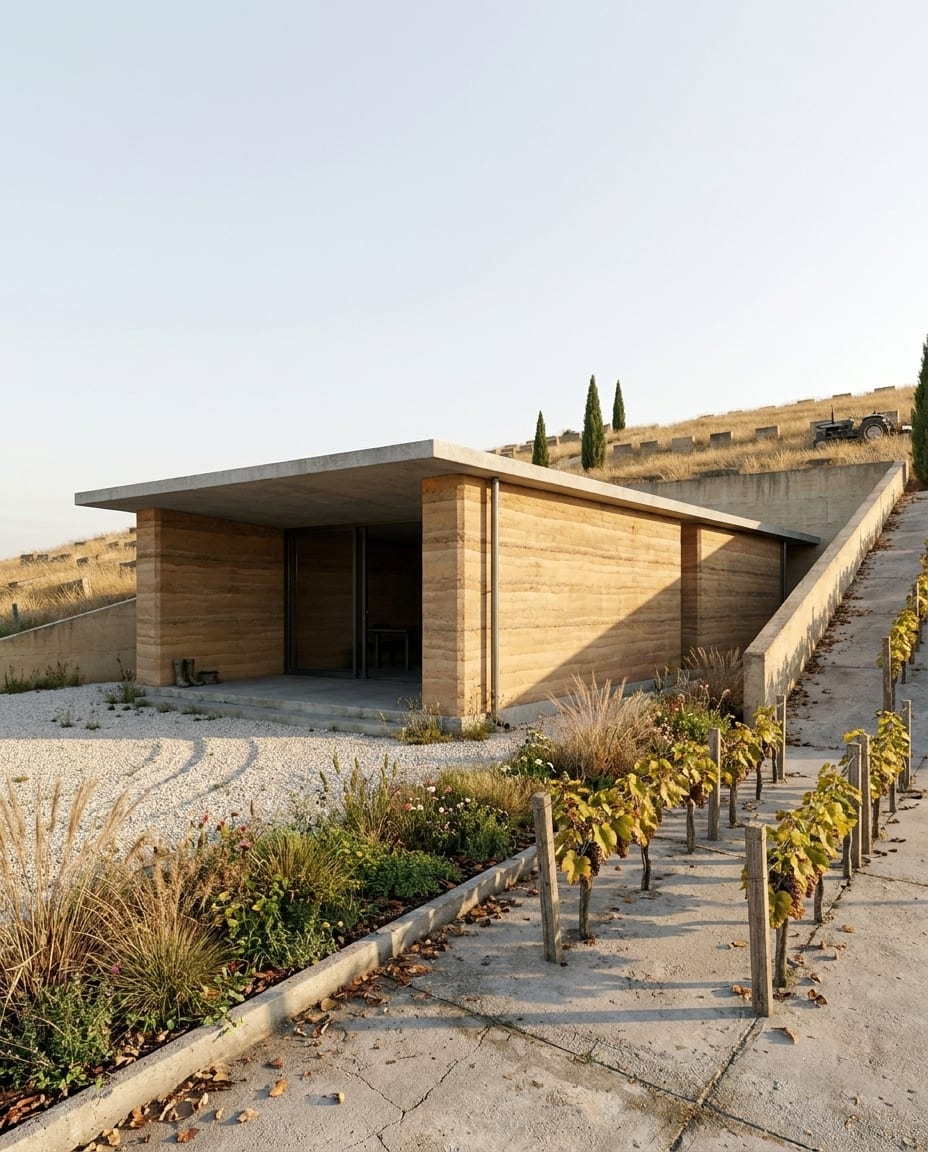
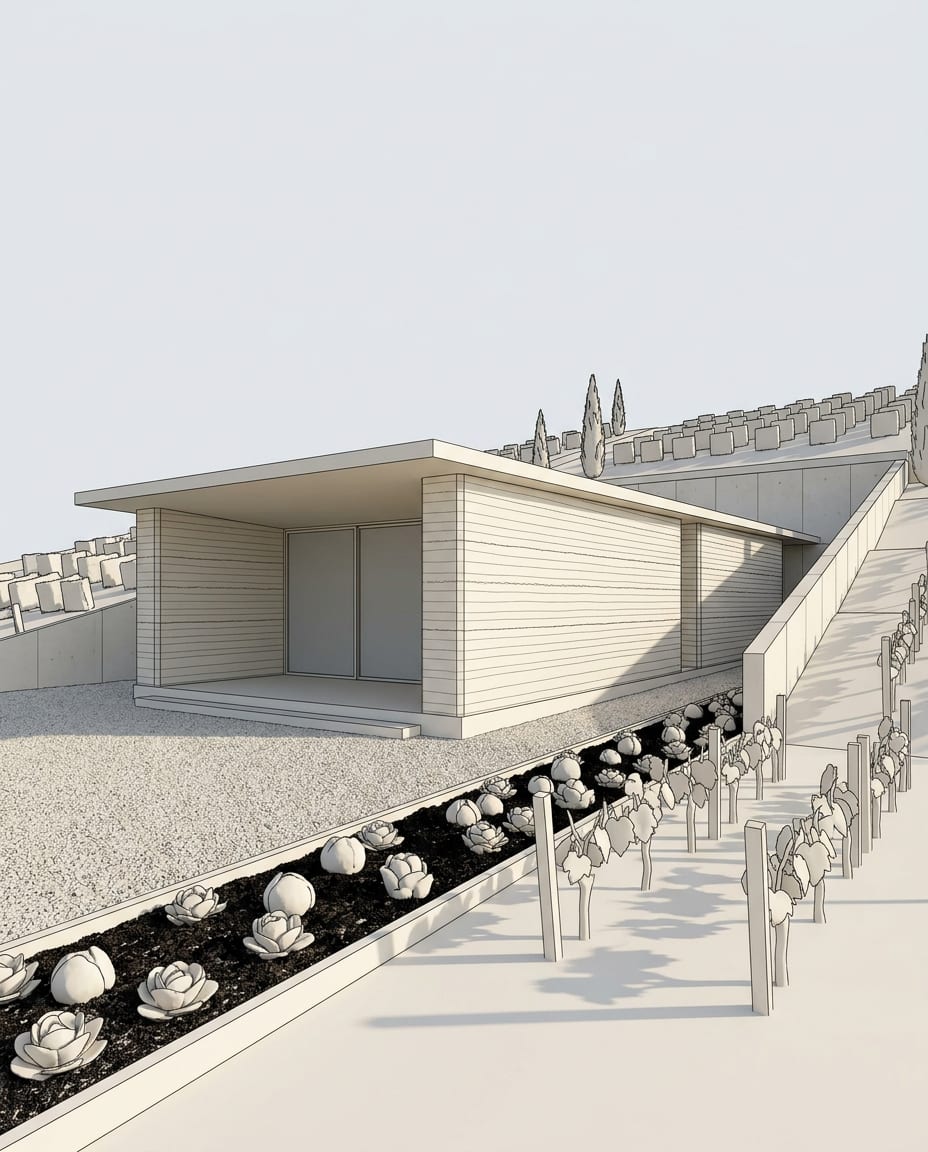
A sample 3D view and the Photoreal render of the same view. Camera and geometry unchanged.

Drag the slider to compare

Sample 3D view of a rammed earth house (white model), and the same view rendered with arkia Photoreal — after
Sample 3D view of a rammed earth house (white model), and the same view rendered with arkia Photoreal — before
Before
After
Questions

Frequently asked.

Something else on your mind? Write to us.

Your next render is one upload away.

See plans