A Rendair alternative for architects: arkia vs Rendair
Rendair is an AI rendering assistant for architects. It offers 1:1 training and live webinars, and an entry per type of drawing (section, elevation, plan, CAD files). arkia is built around purpose-built templates for each use, unlimited team seats on Studio and video clips of up to 30 seconds. Here is how the two compare, and how to try arkia on your own view.
- Free to try
- No plugin
- No credit card
Nano Banana Pro
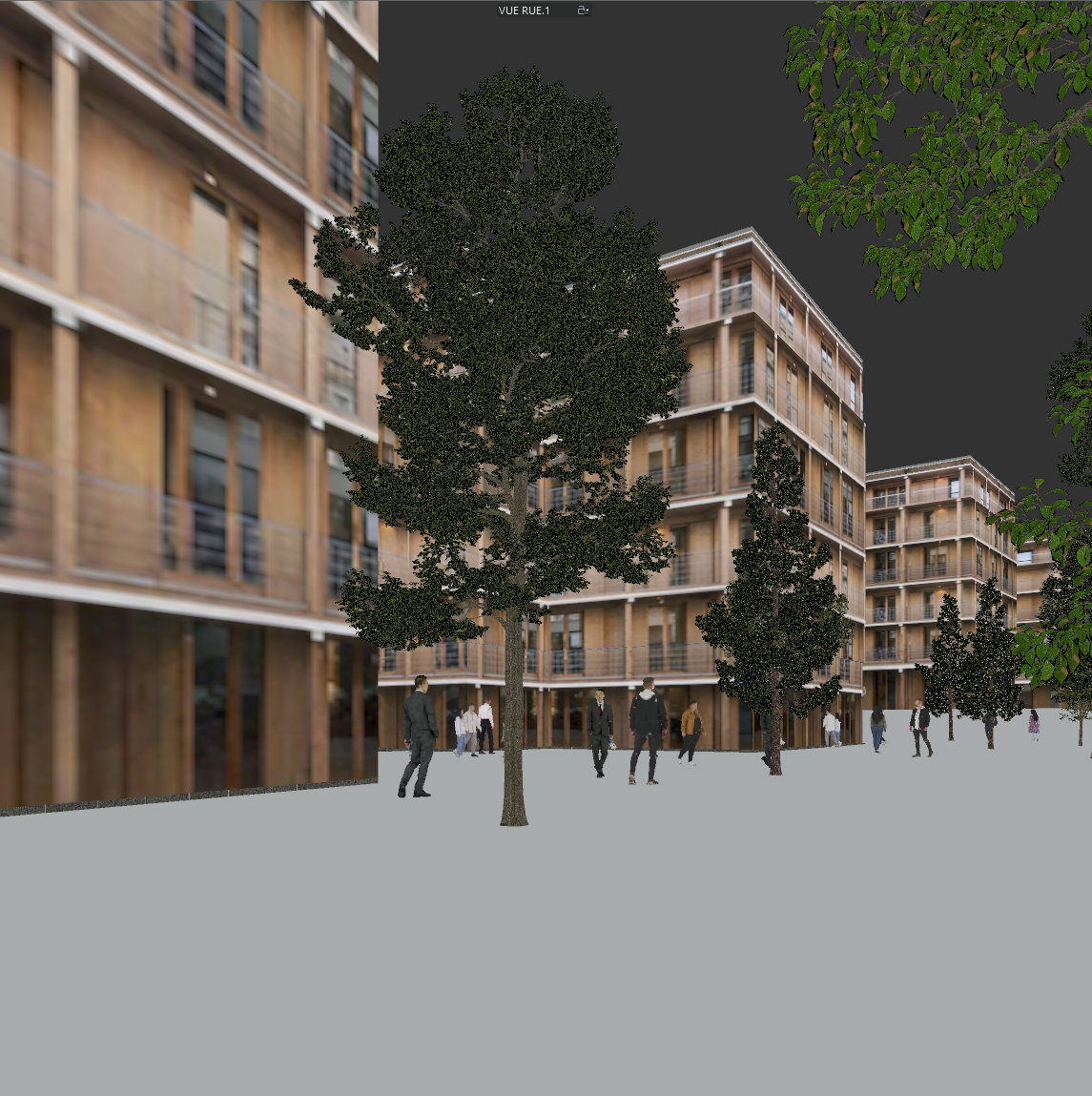
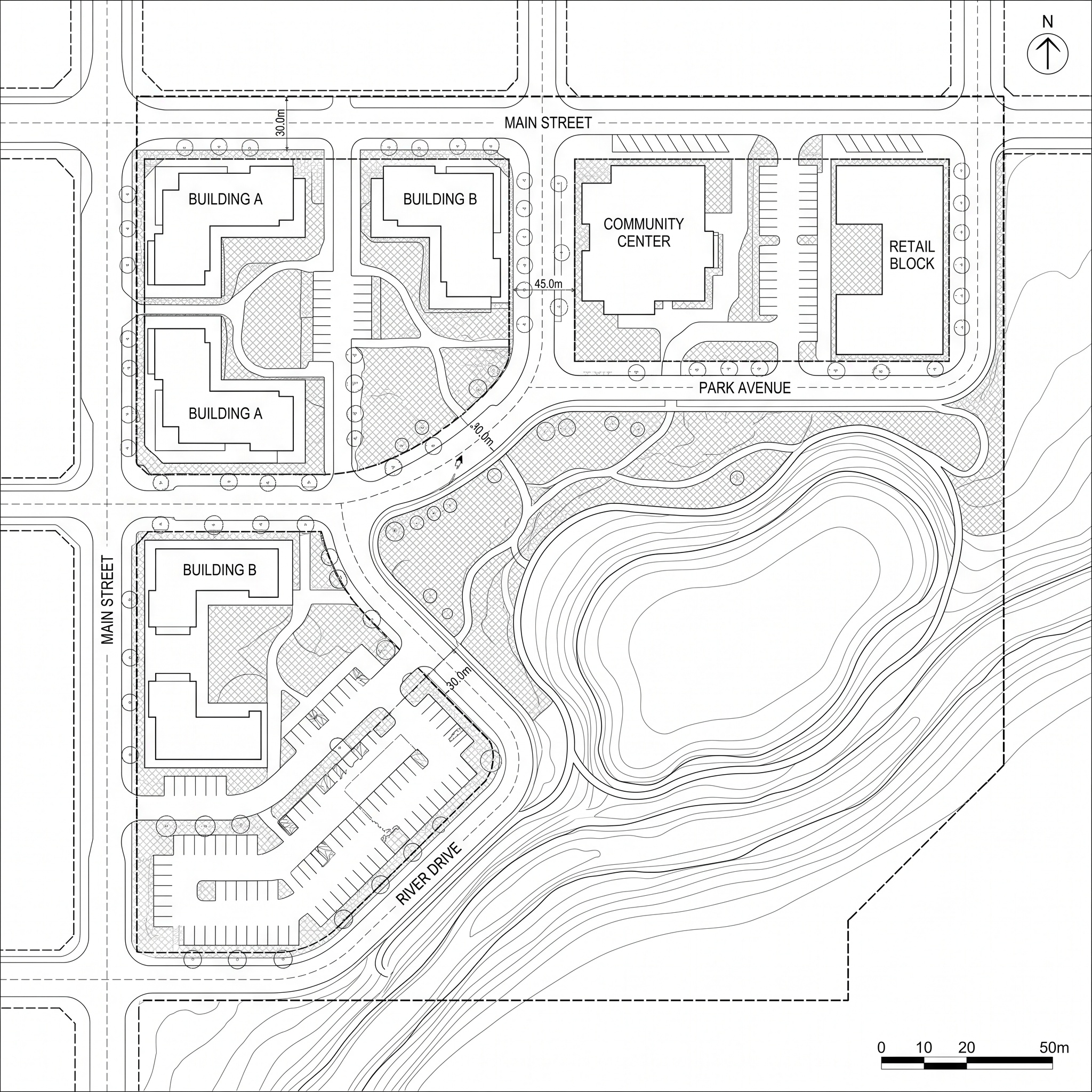
Sample input · click Generate to see the result
Switching from Rendair, step by step
Export the view you already render
Use the same image you would send to Rendair: a screenshot or export from SketchUp, Revit, Rhino or Archicad, a sketch or an elevation. arkia starts from an image, so there is nothing to convert.
Drop it into a template
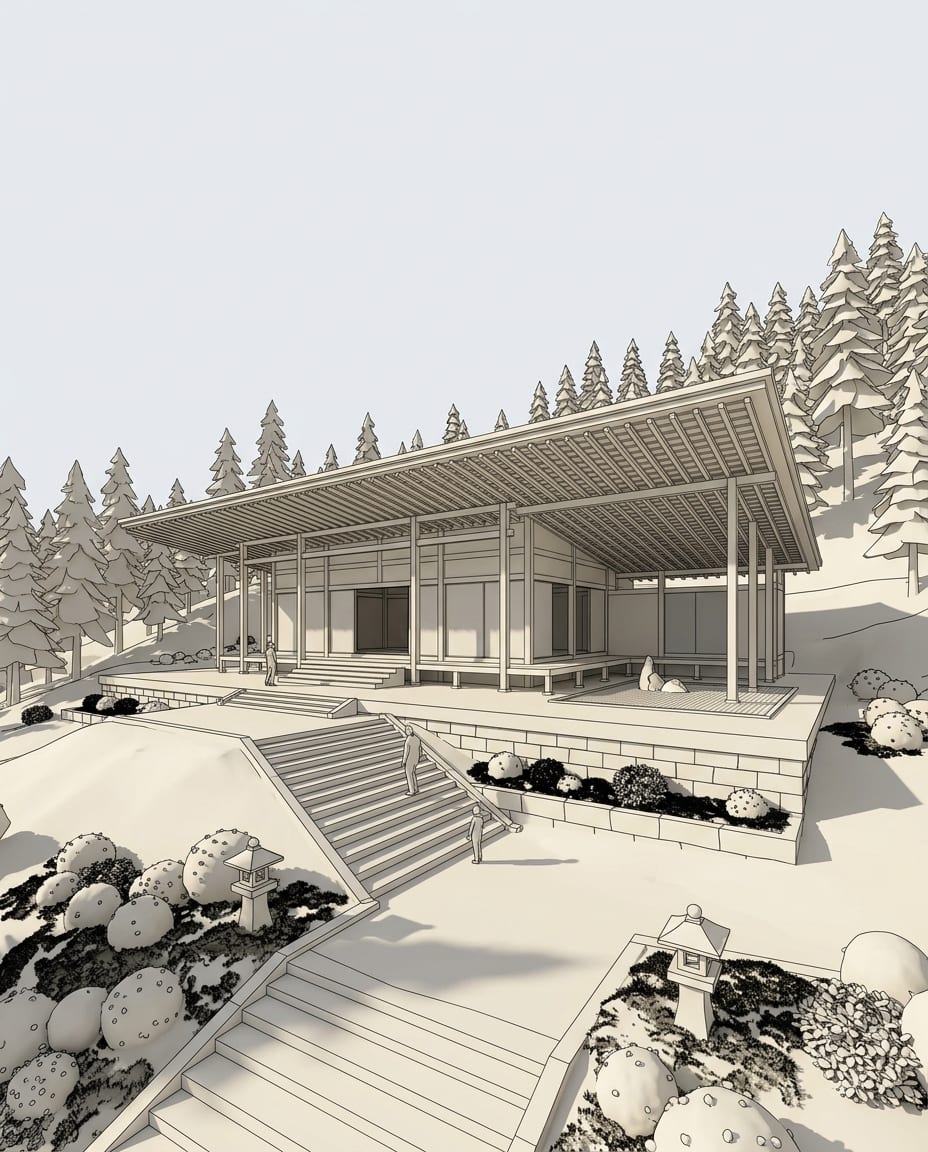
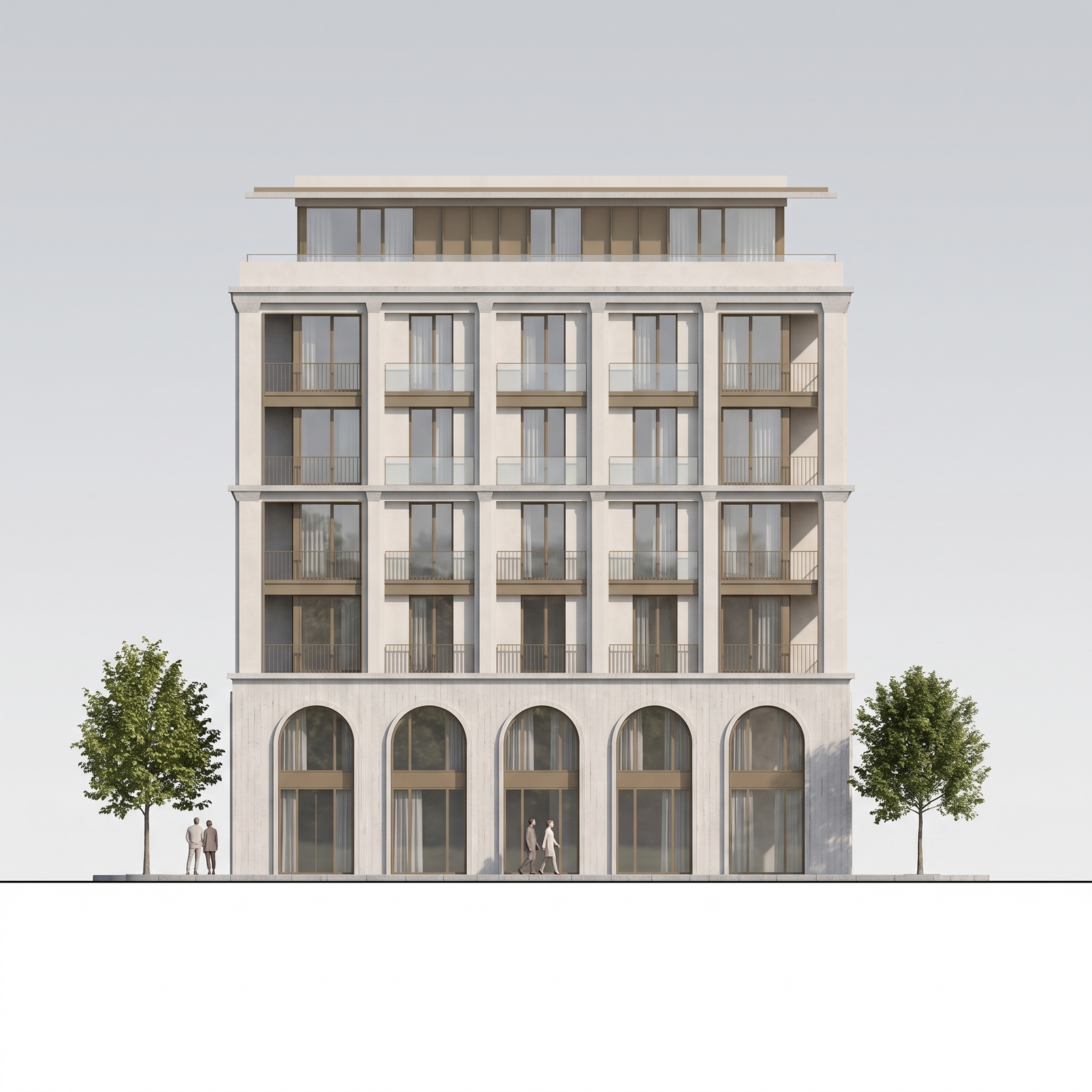
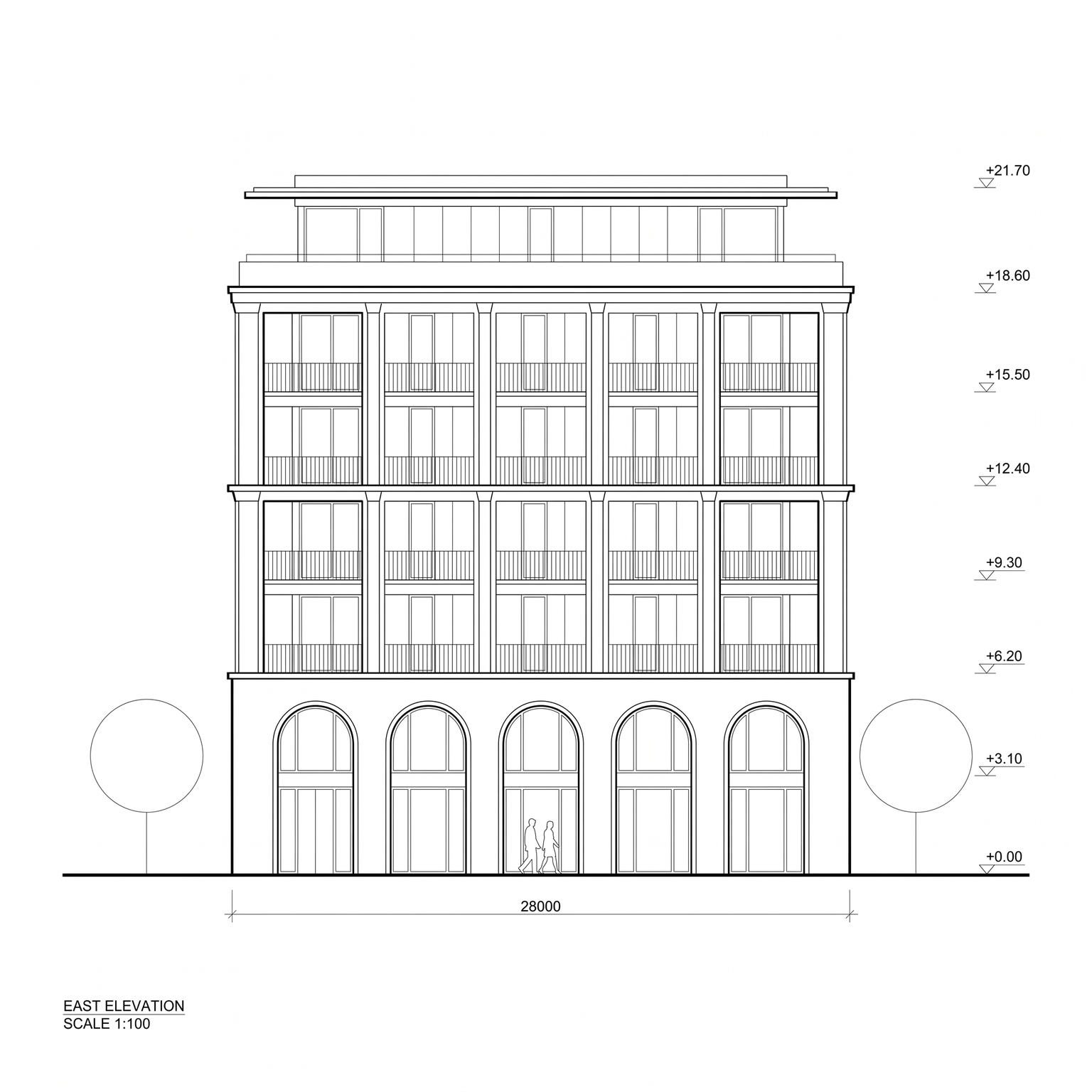
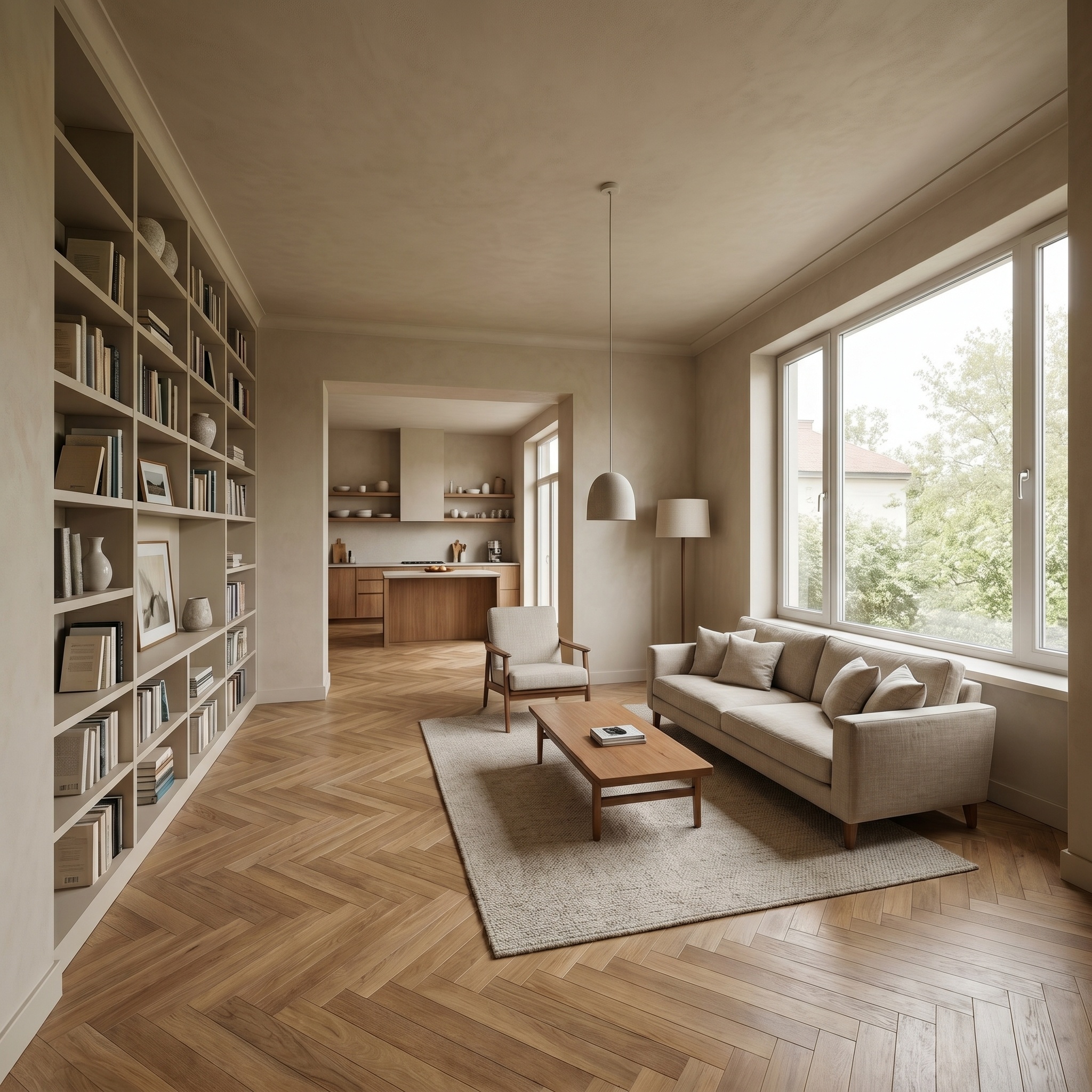
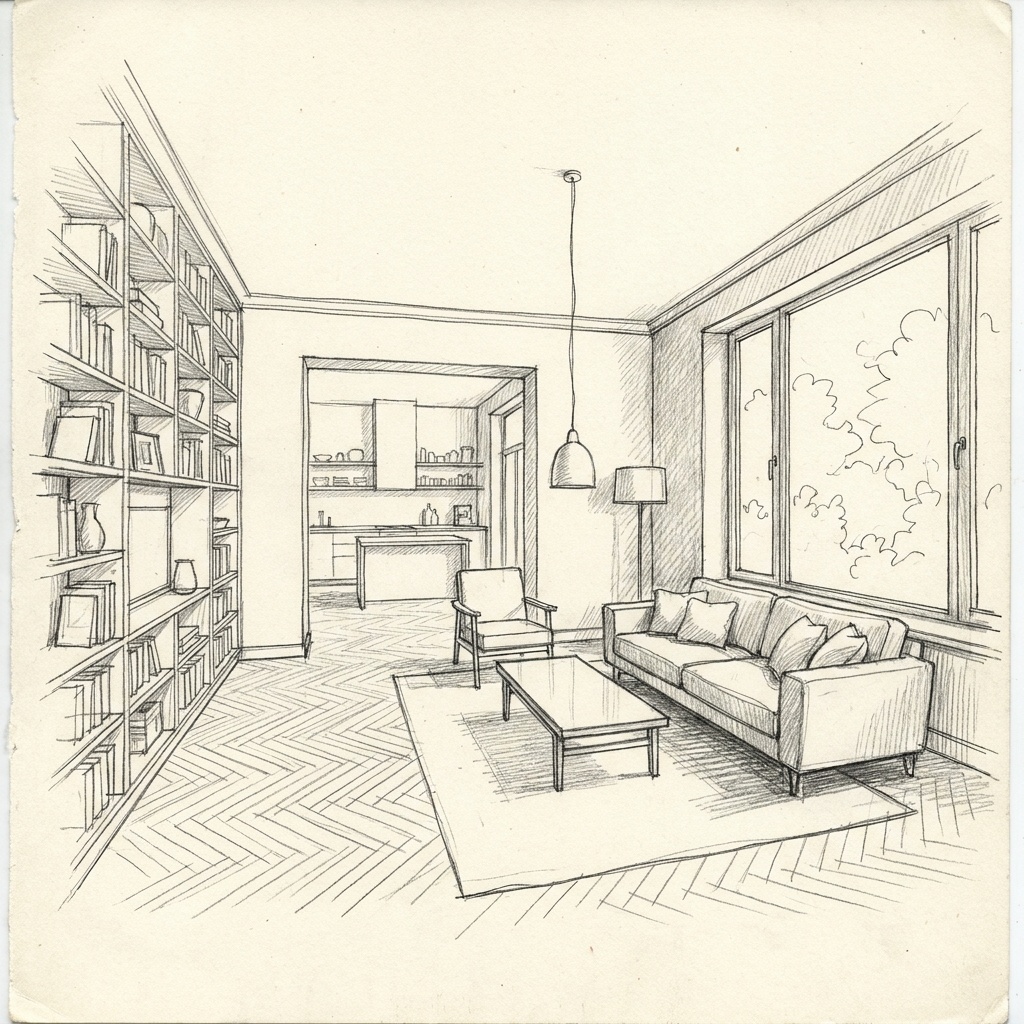
Try Photoreal above for a 3D view, Elevation to Render for a line elevation, or Sketch to Render for a hand drawing. Each template is built for one use, so there is no prompt to write first.
Chain templates on the result
Add people, change the light, test a facade material or follow with a short video. Each result feeds the next template, and Remix reuses the settings of a render you liked.
Bring the team in
On Studio, add every colleague without counting seats and work in shared projects with one team wallet. Credits never expire.
What Rendair does well
Rendair puts people next to the software. Its Pro and Team Pro plans include private training or support sessions, and it runs live webinars for architects. That suits teams who prefer to learn with a person.
It also meets architects at the drawing they already have: its tool pages cover sections, elevations, plans, sketches, 3D screenshots and CAD, and the CAD tool accepts DWG and DXF uploads directly.
What arkia does differently
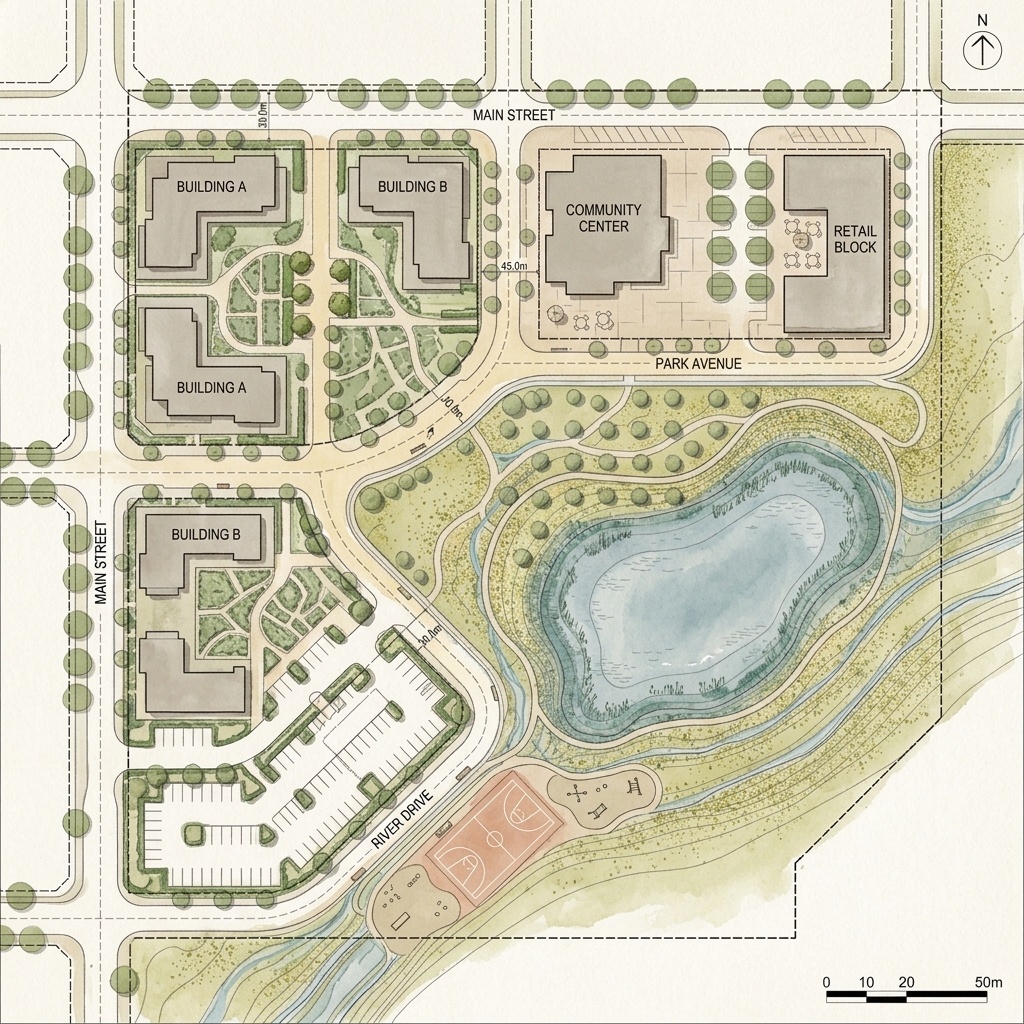
arkia is organised around templates for specific jobs: a photoreal render from a 3D view, people added to a render, a twilight version, a building under construction, a drone view from a map. Each template carries the instructions for its job, so you drop in an image and run it.
Teams are priced differently. Studio is $149/mo with unlimited seats, shared projects, a team wallet and centralised billing. Credits never expire, and the plans are listed on the pricing page.
Video runs from 1 to 30 seconds depending on the quality level (Draft and Standard up to 15 s, Final up to 30 s), up to 1080p, with named camera moves, and every render stays in your account: nothing you create is published or listed anywhere unless you share it.
When Rendair fits your workflow
If your workflow starts from DWG or DXF files, or from a section drawing, Rendair has a dedicated entry for both. arkia starts from an image, so a CAD file needs exporting to PNG or JPG first, and arkia has no section-to-render template today. If hands-on training matters more to you than templates, Rendair is built around it.
How to switch
There is nothing to migrate. Take the view you would have sent to Rendair, drop it into the widget on this page and run Photoreal. Signing up is free, with no credit card, and you keep the image you uploaded.
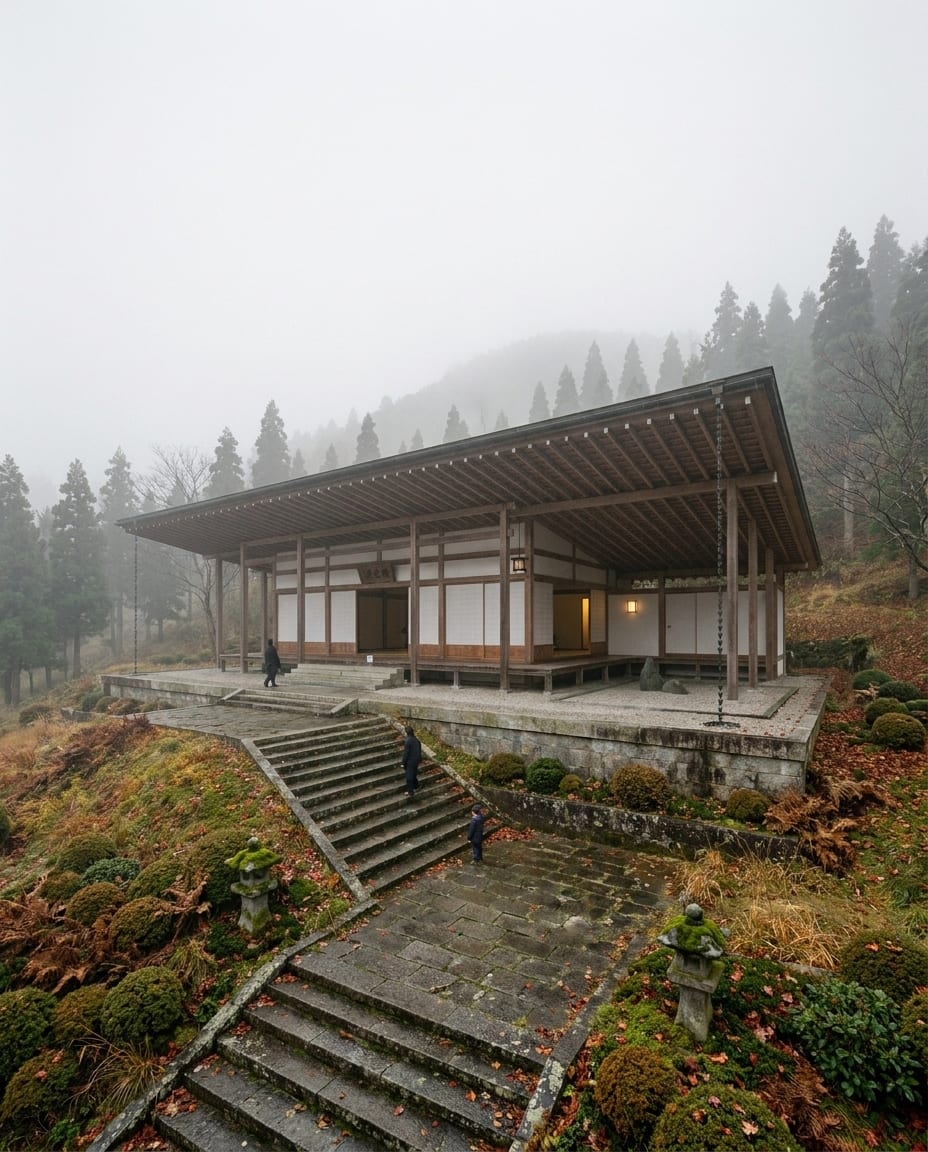
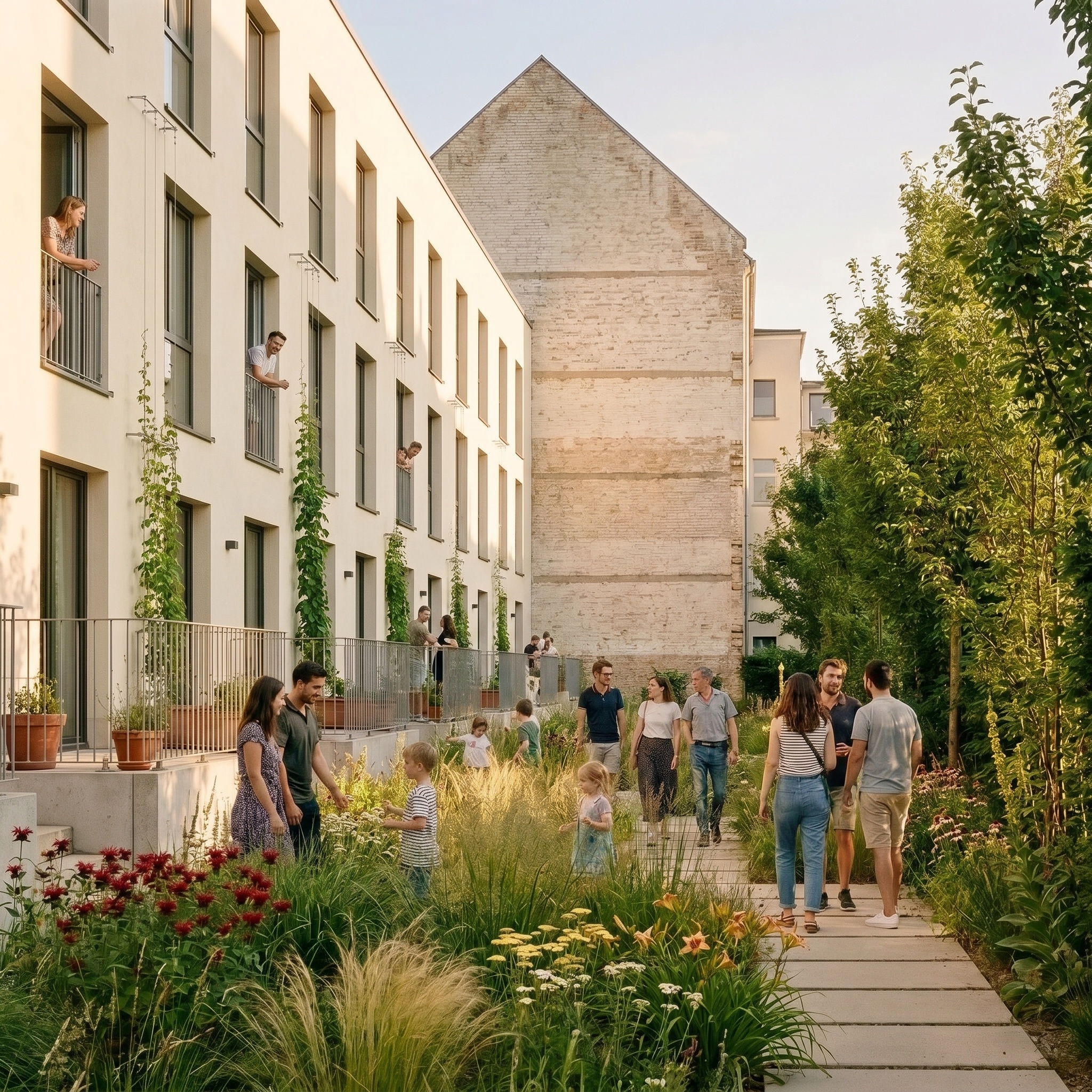
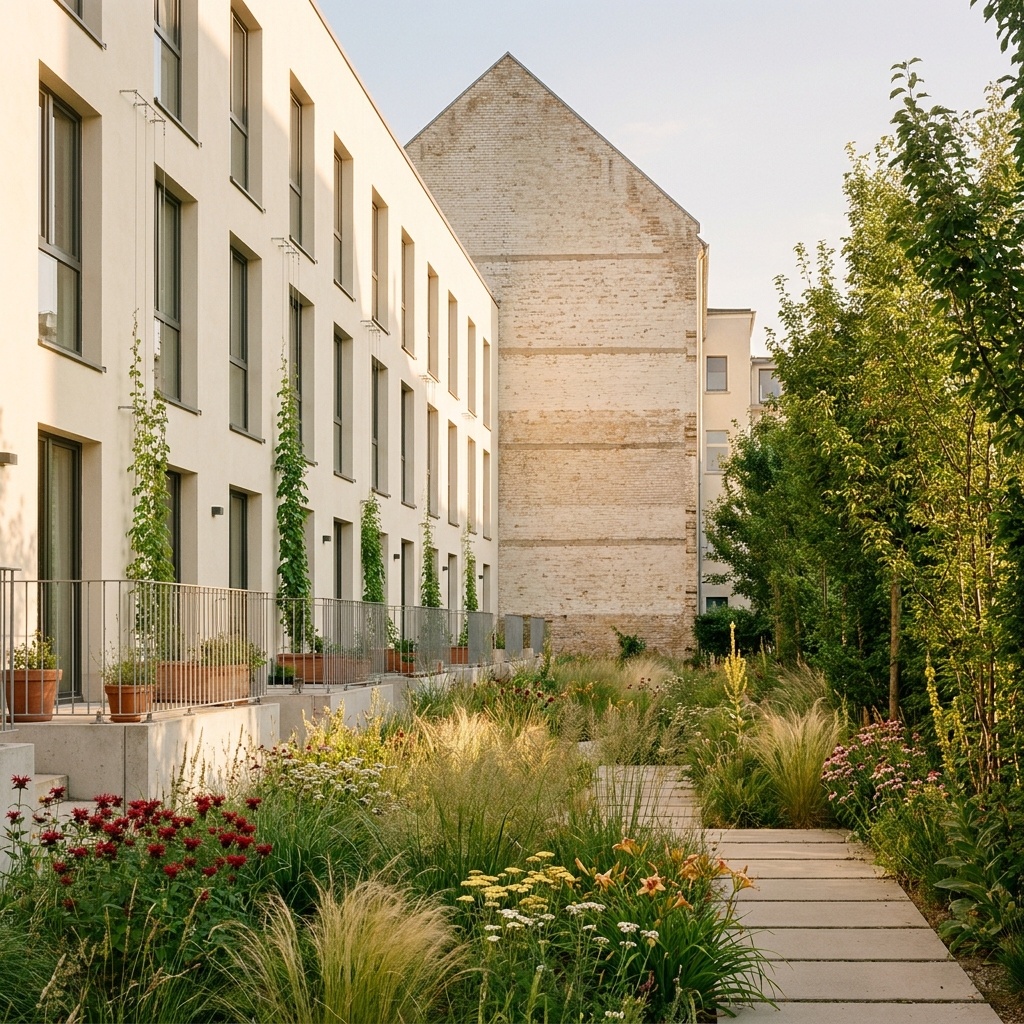
Same view. Now a photograph.
A sample 3D view and the Photoreal render of the same view. Camera and geometry unchanged.
Drag the slider to compare
The facts, compared.
| Feature | arkia | Rendair |
|---|---|---|
| Image visibility | Nothing you create is published or listed anywhere unless you share it | Private by default on Pro and Team Pro. Images on Student and AI Creator plans may be shown publicly |
| Team seats | Unlimited on Studio ($149/mo), with shared projects and a team wallet | Shared workspace on Team Pro; account owner controls billing and members |
| Credits | Never expire; your balance is kept even if you cancel | Do not expire while the subscription stays active |
| Video | 1 to 30 seconds depending on the quality level (Draft and Standard up to 15 s, Final up to 30 s), up to 1080p | 5-second clips (per Rendair's FAQ, updated December 2025) |
| Templates by use | Yes (photoreal, people, twilight, construction stage, drone view and more) | Tools organised by type of drawing |
| Accepted inputs | Images: sketches, elevations, plans, 3D views, photos | Sketches, elevations, sections, plans, 3D screenshots; DWG and DXF uploads in the CAD tool |
| Training | Written docs | 1:1 training sessions and live webinars |
- Rendair FAQ: What does Private Mode mean in Rendair? · archived copy
- Rendair FAQ: Understanding Rendair AI plans and pricing tiers · archived copy
- Rendair FAQ: Can different team members have different permissions? · archived copy
- Rendair FAQ: Can I generate videos with Rendair AI? · archived copy
- Rendair tools: CAD to Render · archived copy
- Rendair tools: Section to Render · archived copy
- Rendair pricing · archived copy
It depends on what you need. arkia suits teams that want one template per use (photoreal, people, twilight, construction stage, drone view), unlimited seats on Studio and video up to 30 seconds. Rendair suits you if you want 1:1 training, live webinars or direct DWG and DXF uploads.
Nothing you create is published or listed anywhere unless you share it. Rendair states that its Student and AI Creator plans may show images publicly, while Private Mode comes with the Pro and Team Pro plans.
Studio, at $149/mo, includes unlimited team seats with shared projects, a team wallet and centralised billing. Per Rendair's FAQ, its Team Pro plan gives members of a shared workspace equal access, with billing controlled by the account owner.
Mostly. arkia accepts any image: a sketch, an elevation, a plan, a screenshot of a 3D view. DWG and DXF files need exporting to an image first.
Templates that pair well.
Try arkia on the view you would send to Rendair.
Free to try. No credit card, nothing to install.