Best AI tools · Interior design

The best AI tools for interior designers in 2026

Short answer: to turn your own renders, sketches or photos into presentation images, arkia or Spacely, or ArchSynth from a sketch; to draw the room in 3D first, Foyr Neo, Coohom or Planner 5D; to restyle or stage a room photo, Interior AI, REimagine Home, Collov AI, RoomLift or RoomGPT. For each one, what you put in, who it fits and what it costs, with dated sources.

We make arkia, and it is first on this list. The others are sorted by the job they do, not scored.

Facts and prices checked Oct 26, 2026

  • Free to try
  • No plugin
  • No credit card
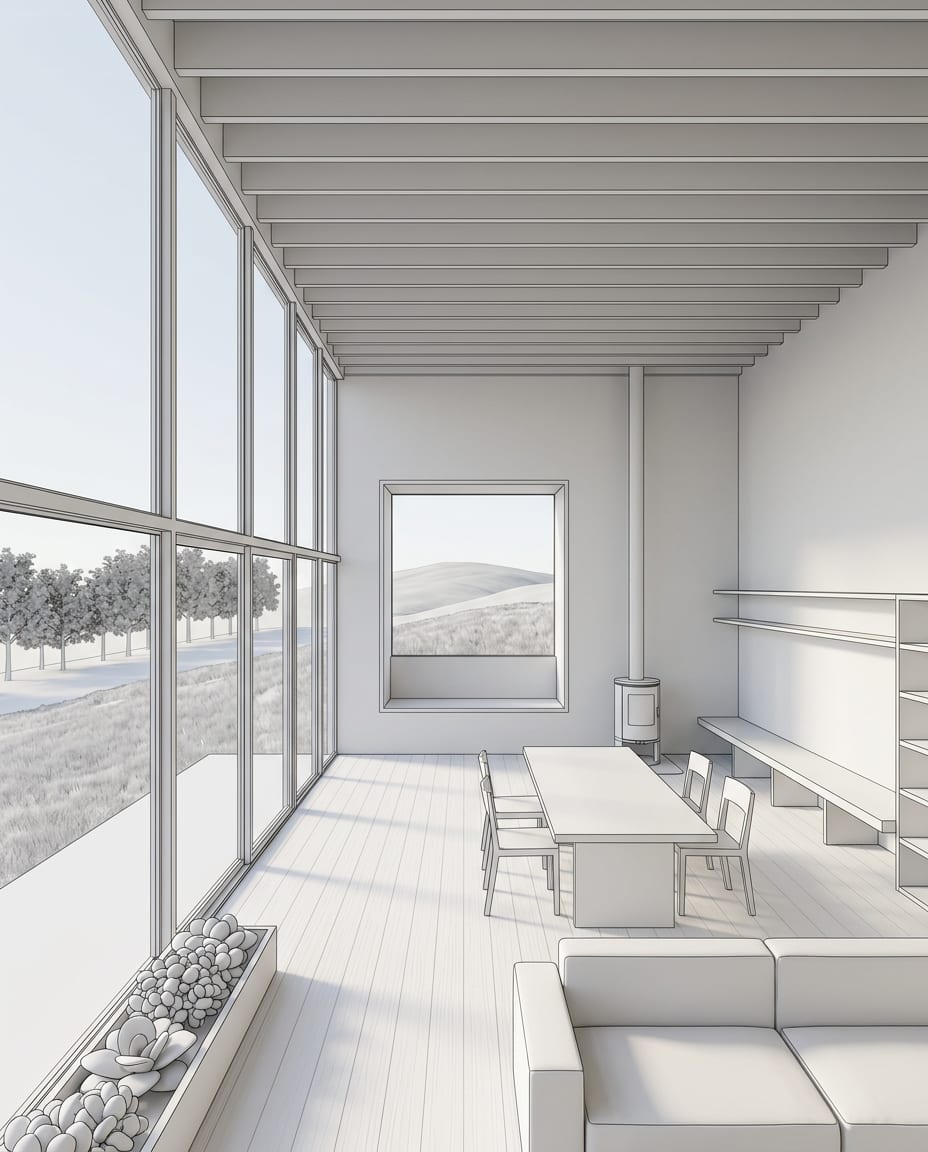
Sketch to Render — input

Nano Banana Pro

Sample input · click Generate to see the result

BrowserNothing to install
FreeTier to try it
PreservedSame view
Runs the Sketch to Render template

How we chose

We started from the tools cited most often by the pages that rank for this search, then added tools that start from a sketch, a floor plan or a 3D view, the inputs a design studio already has. Eleven tools made the list, in two groups: tools for design studios, and tools for quick room makeovers. The second group is built around a room photo and also serves homeowners and real estate agents; we keep it because designers use it too, for early options and for staging.

For each tool we read the maker's own pages and noted what it takes in (a photo, a sketch, a floor plan, a 3D view or text), what comes out, whether the maker says the result keeps the room as it is, whether there is a free tier, and the entry price as published (in USD, or in "$" when the site does not name the currency). Where a site shows no price, or a price we could not read reliably, we say so instead of guessing.

We did not run test renders with the other tools: everything on their cards is what their makers publish, with a link to the page and the date we read it. User counts, ratings and third-party prices are left out.

The list

11 tools, sorted by job.

We make it · For design studios

arkia

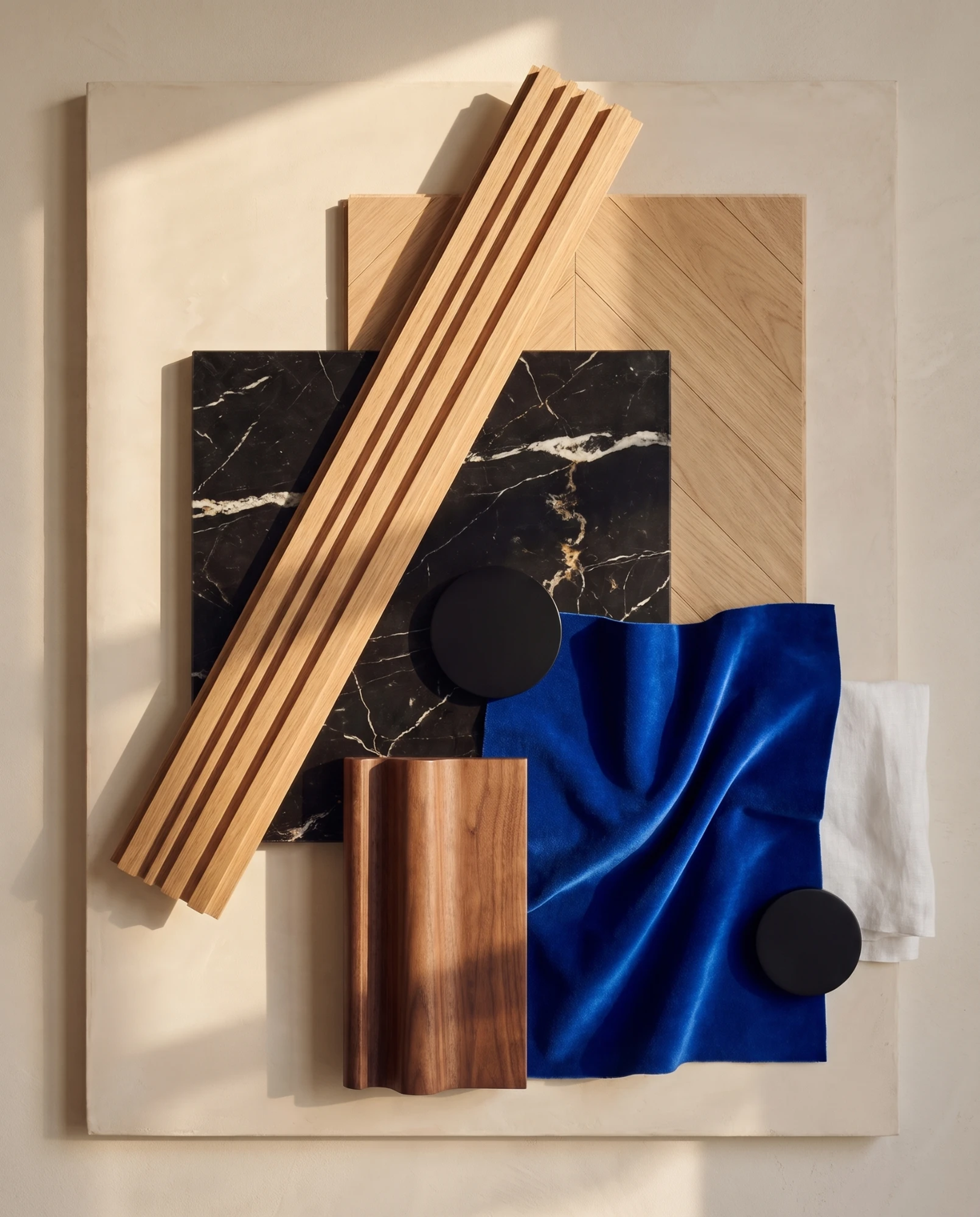
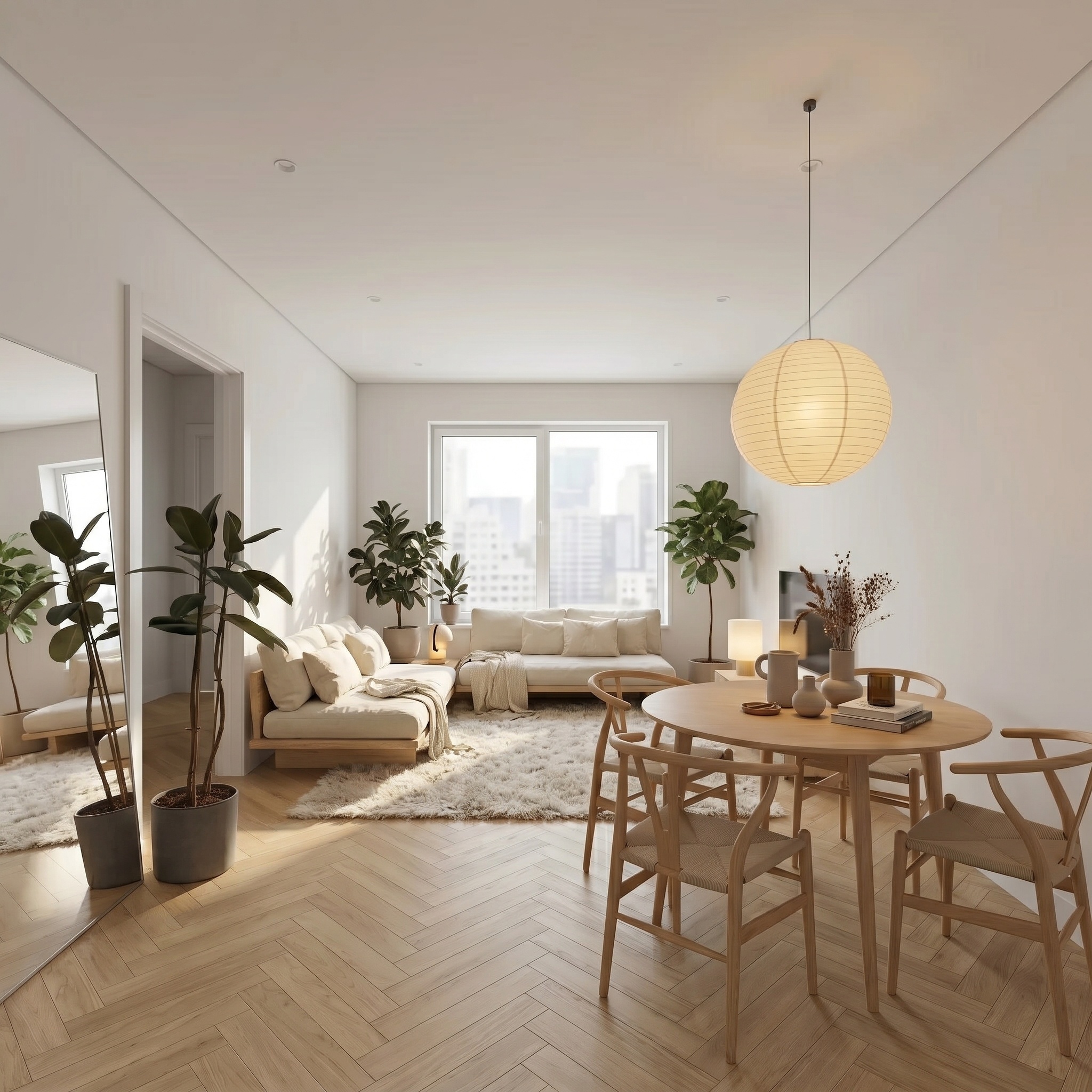
arkia runs in the browser from any image: a render, a viewport capture, a sketch or a photograph. Over 50 templates each do one job; the interior ones include Virtual Home Staging, Style Transfer (the furniture stays in place), Evening Ambience, Floor / Wall Swap, Empty the Room, Sketch to Render and Material Palette. Animate turns a result into video.

Works from
Render, viewport capture, sketch or photo
Keeps your geometry
Yes
Price
Free: 200 credits at signup, then 75 every Monday, no cardFrom $15/mo (Explorer)Teams: $149/mo (Studio)

Fits if your studio works from its own renders, sketches or site photos and wants staging, material boards and evening views in one browser workspace.

  • Credits never expire
  • Studio has unlimited seats, shared projects and a team wallet
  • Video from 1 to 30 seconds depending on the quality level (Draft and Standard up to 15 s, Final up to 30 s), up to 1080p
  • Photoreal keeps the camera and the geometry of the view you upload
For design studios

Spacely

spacely.ai(opens in a new tab)

Spacely turns a sketch, a 3D model or a room photo into a photoreal interior render, or restyles it from a style prompt. Its Realistic Render has Edit, Lighting, Furnish and Enhance modes, and its home page states that the original materials and geometry are kept. We mark it "Partly" because that sentence is about Realistic Render, not about restyling from a style prompt.

Works from
Room photo, sketch or 3D model (SketchUp extension)
Keeps your geometry
Partly
Price
Free: 40 trial credits, no cardPlan prices load on the pricing page; Spacely's blog post of June 24, 2026 lists Personal $25/mo, Studio $50/mo (2 seats) and Agency $100/mo (5 seats) from July 15, 2026

Fits if you render your own SketchUp or 3D views of interiors and share credits across 2 to 5 seats.

  • Team Canvas: a shared workspace with shared projects and credits
  • Integrations listed for SketchUp, Revit, AutoCAD and Rhino
For design studios

Foyr Neo

foyr.com(opens in a new tab)

Foyr Neo is browser-based interior design software: you draw the floor plan, furnish from the Foyr catalog and render in HD, 2K or 4K. AI is added on top: a design assistant, AI-enhanced rendering and AI product search from an image.

Works from
Floor plan drawn in the tool, product catalog
Keeps your geometry
Not stated
Price
Plans and prices are listed on the Foyr pricing page

Fits if you want a full 3D interior design tool for client presentations, with AI added to rendering and product sourcing.

  • Render credits: 30 a month on Basic, 180 on Standard, unlimited on Premium
  • True-to-scale elevation export on higher plans
For design studios

Coohom

coohom.com(opens in a new tab)

Coohom is a cloud 3D interior design platform: plan the room, furnish it from a model library Coohom puts at over 600,000 models, then produce 4K renders and virtual tours. AI planning and auto-finishing tools suggest layouts and styles inside the same planner.

Works from
Room dimensions or an existing floor plan, model library
Keeps your geometry
Not stated
Price
Free: Basic plan, $0: 3 projects, watermarked 1K rendersFrom $25/mo billed yearly ($300 a year, PRO)Teams: $58 per seat a month billed yearly ($699 a year, ELITE)Monthly billing shows PRO at $29 and ELITE at $69 per seat; Enterprise: contact sales

Fits if you design whole rooms in 3D, kitchens, closets and bathrooms included, and want AI layout suggestions in the same planner.

  • Dedicated kitchen, closet and bathroom tools
  • Furniture brands can upload their own 3D models
For design studios

Planner 5D

planner5d.com(opens in a new tab)

Planner 5D is a 2D and 3D home and interior planner. Its AI floor plan recognition turns an uploaded plan into an editable 3D project, and its AI Studio generates images and video and restyles rooms.

Works from
Floor plan image, 3D planner, photos (AI Studio)
Keeps your geometry
Not stated
Price
Free: Free plan, $0From $19.99/mo or $59.99/yr (Premium)Professional $49.99/mo or $399.99/yr; Enterprise: custom

Fits if you start from an existing floor plan and want an editable 3D project, AI restyles and CAD export in one account.

  • AI floor plan recognition on Premium and up
  • Professional adds 4K renders, CAD export and 360° walkthroughs
For design studios

ArchSynth

archsynth.com(opens in a new tab)

ArchSynth is one app for architecture and interior design. It turns hand-drawn sketches and wireframes into realistic images, and adds image to video, image to 3D, image to CAD, upscaling, text-based edits and staging.

Works from
Sketch, wireframe, photo or text
Keeps your geometry
Not stated
Price
Free: 3-day free trialFrom $24/mo (Pro, home page) or $33/mo (Pro, trial page)Two price lists on the site: Student $10/mo and Pro $24/mo on the home page; Student $16, Pro $33, Premium $49 and Business $167 a month on the trial page. "$" without a named currency.

Fits if you want one app that covers sketch to render, staging, textures, video and image to 3D.

  • Image to 3D models that ArchSynth says can be used in SketchUp, Rhino, Revit, 3ds Max and more
  • Commercial usage license and no watermark, listed on the trial page
For quick room makeovers

Interior AI

interiorai.com(opens in a new tab)

Interior AI redesigns a photo of a room in a chosen style and room type. It also does virtual staging, sketch to image and SketchUp to render. Its style transfer mode is described as keeping the interior the same, and its 3D Vision mode as trying to maintain the room.

Works from
Room photo, hand sketch or SketchUp screenshot
Keeps your geometry
Partly
Price
From $49/mo (Pro, 1,000 designs)Premium $99/mo (5,000 designs), Ultra $199/mo (25,000 designs), monthly billing

Fits if you want many style variations of a room photo or a SketchUp screenshot.

  • Takes an optional style reference image and a text prompt
  • Editing tools (wall paint, lighting, furniture, people) and walkthrough video from Premium
For quick room makeovers

REimagine Home

reimaginehome.ai(opens in a new tab)

REimagine Home, by Styldod, redesigns and stages interior, exterior and floor plan images, with chat-based refinement. Its structure lock keeps walls, windows and ceiling lines and works within the existing layout by default.

Works from
Room or listing photo, floor plan, reference or mood board images
Keeps your geometry
Yes
Price
Free: 5 designs, no cardFrom $14 to $99/mo across plansPer-plan prices not shown; plans by monthly credits: Essential 30, Pro 200, Advanced 400, Agency 900

Fits if you redesign or stage many client or listing photos and want a list of real products to go with them.

  • Real products from retailers such as West Elm, IKEA, Target and Wayfair (affiliate commission disclosed)
  • Batch upload of up to 50 listing photos
For quick room makeovers

Collov AI

collov.ai(opens in a new tab)

Collov AI stages and edits property photos: upload a photo of an empty or furnished room, pick a style and a room type. It can stage several angles of one space with the same furniture, and it has a solution page for interior designers.

Works from
Photo of an empty or furnished room
Keeps your geometry
Not stated
Price
Free: 5 trial generations (watermarked)From $19/mo (Standard, 60 photo credits)Advanced $49/mo, Premium $79/mo, Enterprise $127/mo; extra photos $0.24

Fits if you stage listing or project photos, including several angles of the same room with the same furniture.

  • AI virtual tour video from up to 20 images, 360 panorama and 3D tour
  • Add or remove furniture, material overlay, twilight and seasons
For quick room makeovers

RoomLift

roomlift.ai(opens in a new tab)

RoomLift is an interior and real estate suite: virtual staging, interior and exterior restyles, a natural-language editor, a Video Maker for listings and 3D walkthroughs. For drawings, its page states the render keeps the camera angle, footprint and window and door positions as drawn.

Works from
Photo, sketch, text, or a drawing view exported as JPG, PNG or WebP
Keeps your geometry
Partly
Price
Free: 5 free credits, no cardFrom $19/mo (100 renders)"$" without a named currency; one-off pack of 50 credits $39

Fits if you stage or restyle rooms from photos and want a listing video with voice-over built from the same images.

  • Video Maker starts from a listing URL and adds voice-over, subtitles and music
  • Export up to 4K; a node canvas you can share with collaborators
At a glance

The same tools, side by side.

The best AI tools for interior designers in 2026: category, input, geometry, free tier and entry price of each tool.
ToolCategoryWorks fromKeeps geometryFree tierFrom
arkiaFor design studiosRender, viewport capture, sketch or photoYes200 credits at signup, then 75 every Monday, no card$15/mo (Explorer)
SpacelyFor design studiosRoom photo, sketch or 3D model (SketchUp extension)Partly40 trial credits, no cardPlan prices load on the pricing page; Spacely's blog post of June 24, 2026 lists Personal $25/mo, Studio $50/mo (2 seats) and Agency $100/mo (5 seats) from July 15, 2026
Foyr NeoFor design studiosFloor plan drawn in the tool, product catalogNot stated—Plans and prices are listed on the Foyr pricing page
CoohomFor design studiosRoom dimensions or an existing floor plan, model libraryNot statedBasic plan, $0: 3 projects, watermarked 1K renders$25/mo billed yearly ($300 a year, PRO)
Planner 5DFor design studiosFloor plan image, 3D planner, photos (AI Studio)Not statedFree plan, $0$19.99/mo or $59.99/yr (Premium)
ArchSynthFor design studiosSketch, wireframe, photo or textNot stated3-day free trial$24/mo (Pro, home page) or $33/mo (Pro, trial page)
Interior AIFor quick room makeoversRoom photo, hand sketch or SketchUp screenshotPartly—$49/mo (Pro, 1,000 designs)
REimagine HomeFor quick room makeoversRoom or listing photo, floor plan, reference or mood board imagesYes5 designs, no card$14 to $99/mo across plans
Collov AIFor quick room makeoversPhoto of an empty or furnished roomNot stated5 trial generations (watermarked)$19/mo (Standard, 60 photo credits)
RoomLiftFor quick room makeoversPhoto, sketch, text, or a drawing view exported as JPG, PNG or WebPPartly5 free credits, no card$19/mo (100 renders)
RoomGPTFor quick room makeoversOne room photoNot stated—Prices not shown on the home page we read

Facts as of October 2026 · Sources in each card · — means not stated on the pages we read

Photo, floor plan or 3D model?

The first question is not which tool is best, but what you have in hand. Each tool on this list is built around one starting point, and that decides most of what you can do with it.

From a room photo. Interior AI, REimagine Home, Collov AI, RoomLift and RoomGPT all start from a photo of an existing room and change its decor, furnish it or stage it. arkia and Spacely also take room photos. This is the right start for a renovation, a client's current home, or an empty unit to stage.

From a floor plan. Planner 5D recognizes an uploaded floor plan and turns it into an editable 3D project (Premium and up). Coohom starts from room dimensions or an existing plan, then furnishes the room from its model library. In Foyr Neo you draw the plan in the tool. REimagine Home lists floor plan images among its inputs, and RoomLift has a "Plan to Dollhouse" preset. If you are at the layout stage, these are the tools that work in plan.

From a 3D model or view. Spacely has a SketchUp extension and lists integrations with Revit, AutoCAD and Rhino. Interior AI takes a SketchUp screenshot. RoomLift takes a drawing view exported from your software as JPG, PNG or WebP. arkia takes a render or a viewport capture from any 3D software, so the camera you set up in your model is the one you get back.

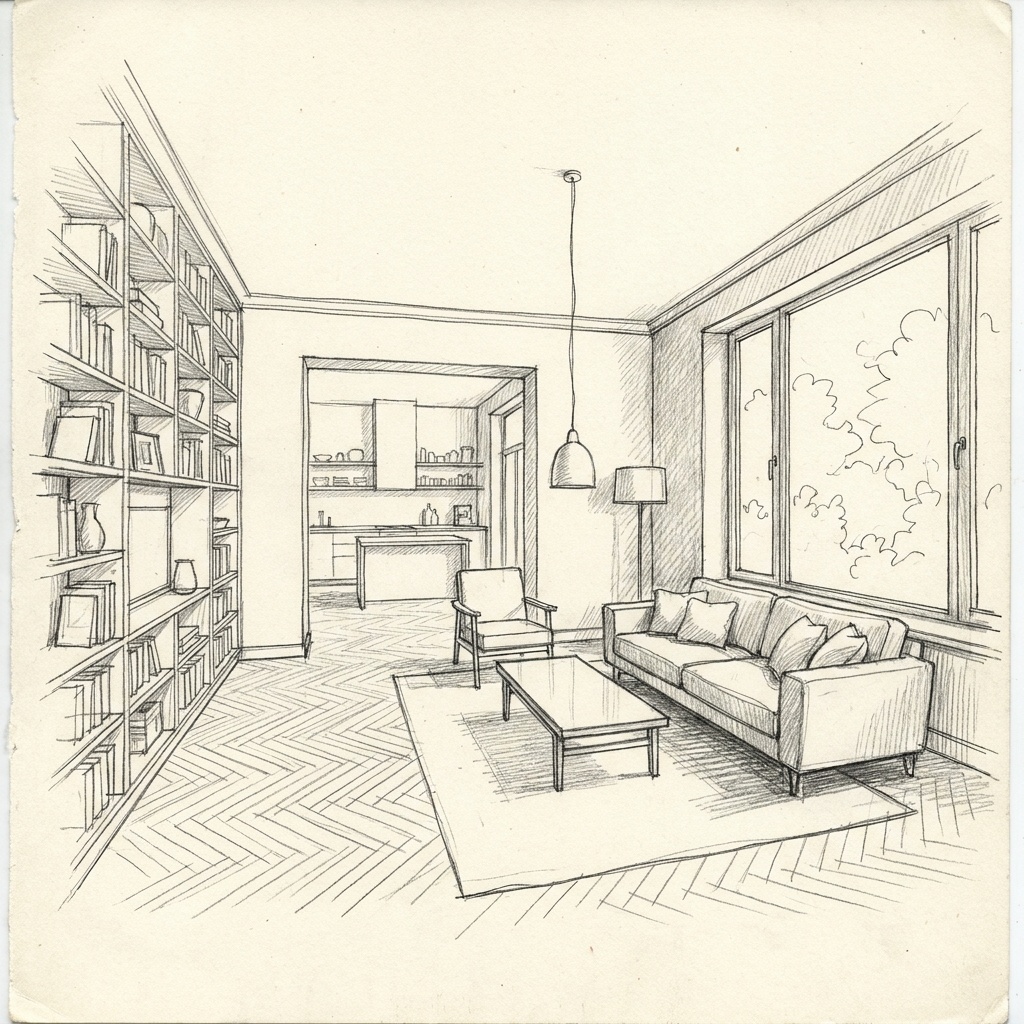
From a sketch. Interior AI (hand sketch), Spacely, ArchSynth (hand-drawn sketches and wireframes), RoomLift ("from a photo, a sketch, or just a prompt") and arkia's Sketch to Render template all start from a drawing.

Once a client has approved a layout, a restyle that moves a window or a wall is of little use: the "Keeps your geometry" line on each card sums up what the maker states about keeping the room.

Material boards and mood boards

A material board shows a project as what it is made of: the floor, the walls, the joinery, the fabrics, the metals. A mood board collects the references for the feel of the room. Both are standard deliverables for an interior designer, and both take time to put together by hand.

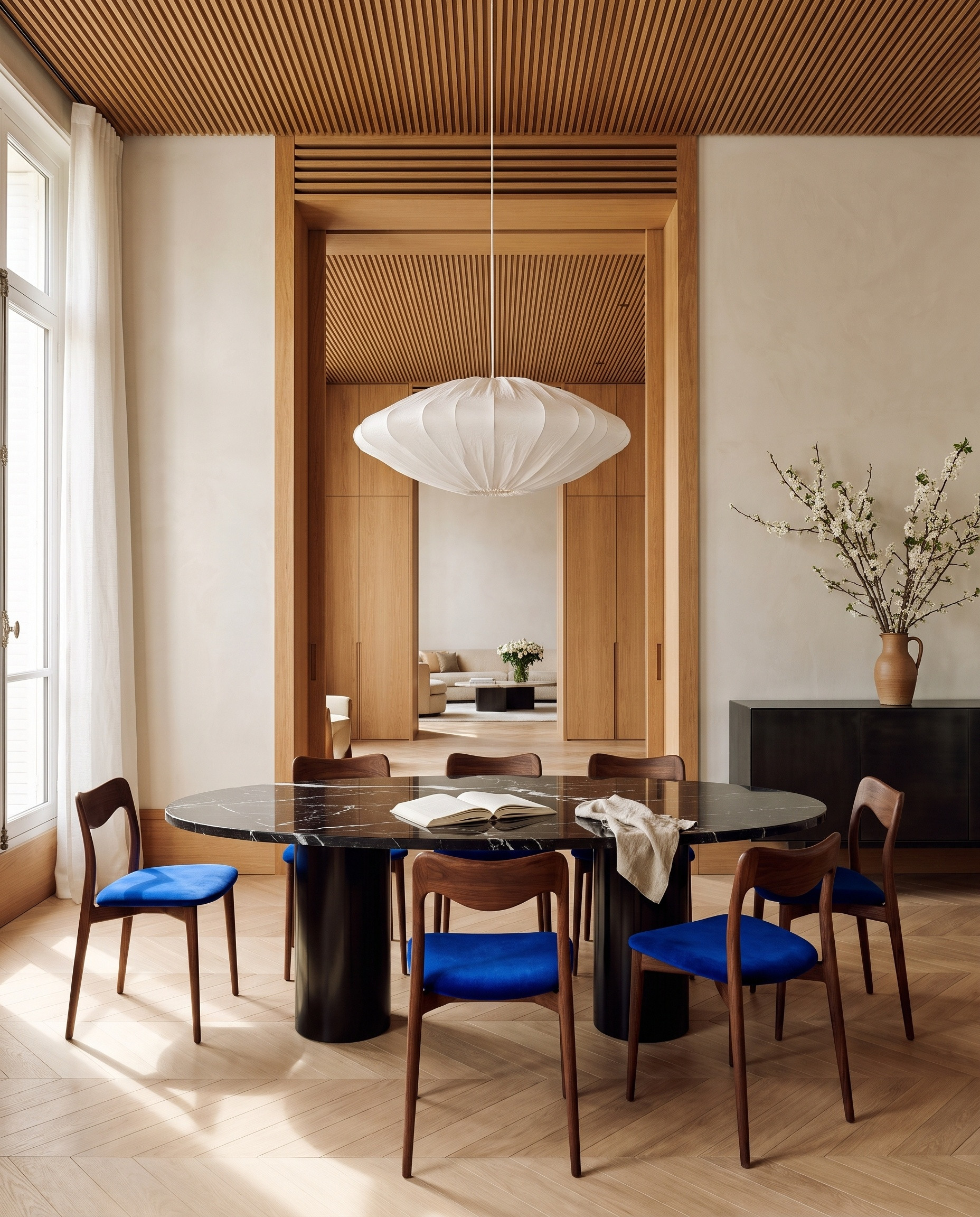
arkia's Material Palette template goes from the project to the board. It turns one image of an interior or a facade (a render, a site photo or a reference) into an editorial photograph of 5 to 8 thick physical samples of the materials visible in that image, mounted on a board, with no text. Two tones of the same wood become two samples, and only materials that are in the image are used. Use it to show a client what a render is made of, or to check a palette before you source it. Our Learn guide "How to make a material board" walks through the method, by hand and from one image.

Going the other way, from references to the room: REimagine Home takes reference and mood board images as input, and arkia's Style Transfer applies the decor of a reference image to a room while the furniture stays in place. arkia's Floor / Wall Swap changes only the flooring or the wall finish to match a swatch. Inside a 3D planner, Coohom lets you choose styles and materials for the room, and ArchSynth lists textures among its tools.

For sourcing, Foyr Neo has a product catalog with AI product search from an image, and REimagine Home links its designs to real products from retailers.

Free options

Most tools here let you try before you pay, but the free part is usually a handful of images or a few days. As published on each maker's site:

arkia: 200 credits at signup, then 75 every Monday, no card. Spacely: 40 trial credits, no card. REimagine Home: 5 designs, no card. RoomLift: 5 free credits, no card. Collov AI: 5 trial generations, watermarked.

Coohom and Planner 5D have free plans at $0; on Planner 5D, AI floor plan recognition starts with Premium. ArchSynth has a 3-day free trial on its trial page.

To compare free tiers fairly, use the same image in each tool: a photo or a view of a room you know, with the light and the materials you would show a client.

How to pick

You render your own views and present them to clients. Start from the views you already make: arkia works from any render, viewport capture, sketch or photo, and Spacely from photos, sketches and 3D models with its SketchUp extension.

You lay out rooms from a plan. Foyr Neo, Coohom and Planner 5D are 3D design tools with AI added: you build the room, then render, restyle or furnish it.

You need many options for a brief. Interior AI produces style variations from a room photo, a sketch or a SketchUp screenshot; arkia's Style Transfer keeps the furniture in place while the decor changes.

You stage empty rooms or listings. REimagine Home, Collov AI and RoomLift are built for it, with batch uploads, multi-angle staging or listing videos. arkia has Empty the Room and Virtual Home Staging templates.

You work as a team. Spacely has Studio (up to 2 seats) and Agency (up to 5 seats) plans. arkia Studio is $149/mo with unlimited seats, shared projects and a team wallet, and credits never expire.

In every case, try the tool on one of your own images before you subscribe: the result on your room says more than any list.

Before / after

Same view. Now a photograph.

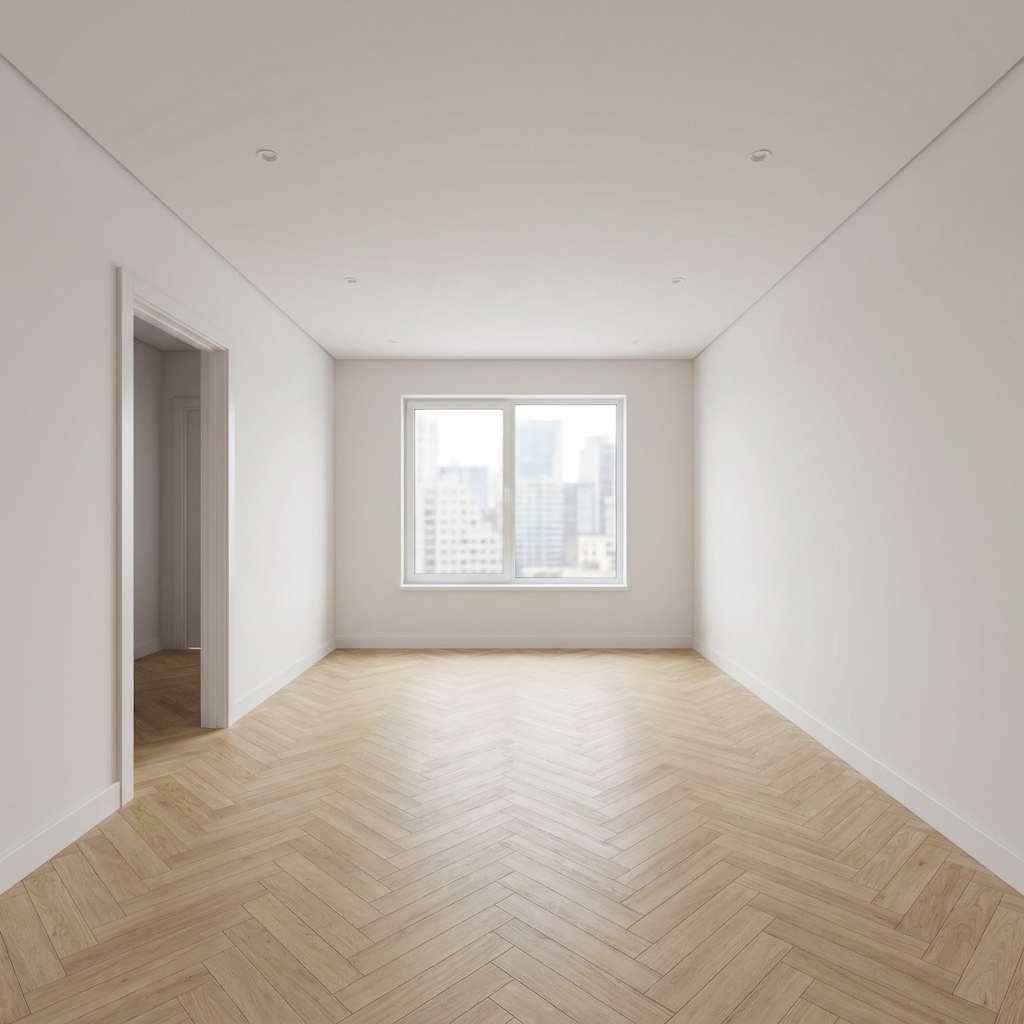
A sample 3D view and the Photoreal render of the same view. Camera and geometry unchanged.

Drag the slider to compare

Sample 3D view of an interior (white model), and the same view rendered with arkia Photoreal — after
Sample 3D view of an interior (white model), and the same view rendered with arkia Photoreal — before
Before
After
Questions

Frequently asked.

Something else on your mind? Write to us.

Your next render is one upload away.

See plans