How to make an exploded axonometric.
An exploded axonometric shows how a building is stacked, level by level. Here is how it is built by hand from a SketchUp, Rhino or Revit model, what makes it fail, and how to get a first drawing.
- Free to try
- No plugin
- No credit card
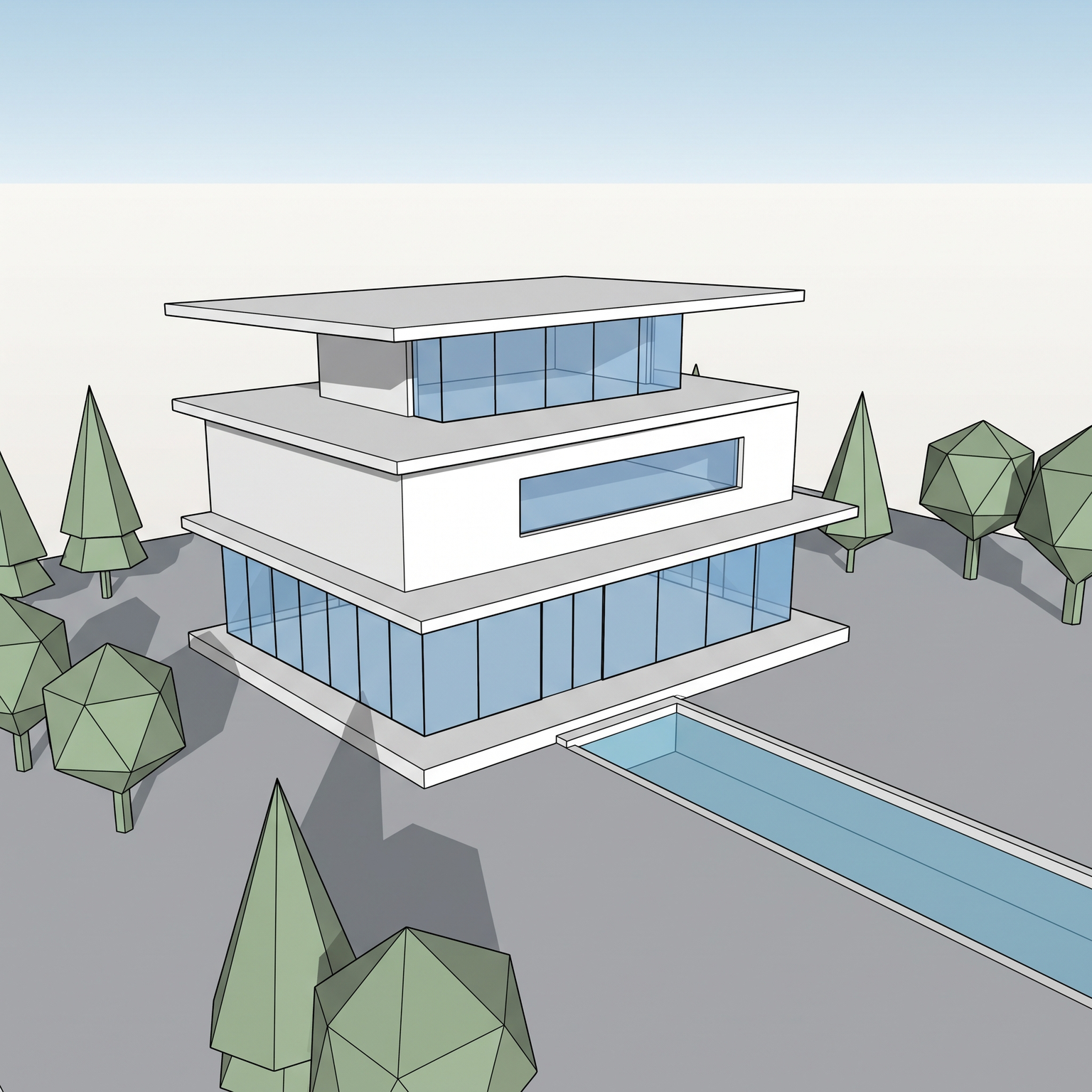
Nano Banana Pro
Sample input · click Generate to see the result
The faster method, in four steps
Capture a raised view of the whole building
Take a screenshot of your model from a raised three-quarter or aerial angle, with the whole building in frame and the floor lines readable on the facades: slab edges, floor bands or rows of windows. The template separates levels from what the view shows.
Open the Exploded Axonometric template
Drop the image into the widget on this page, or open the Exploded Axonometric template. It takes one image: yours.
Run it
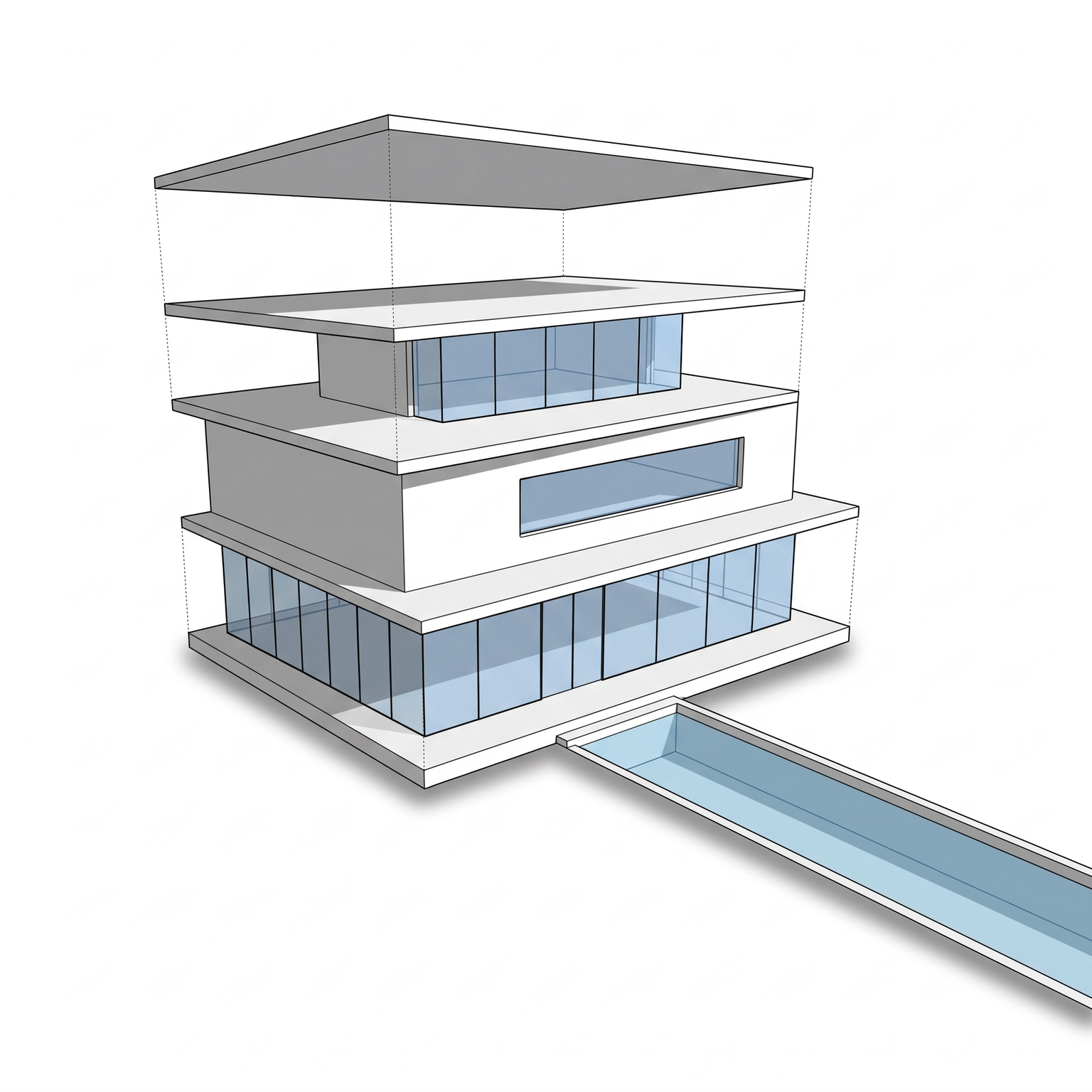
There is nothing to set. The template converts your view to a strict axonometric projection, separates the building floor by floor, and keeps the stacking order, with the ground floor at the bottom and the roof at the top.
Check the levels, then annotate
You get the levels lifted by equal gaps, with three-tone shading, thin dotted guide lines between corresponding corners and a flat ground plate on a clean background. Check the number of floors against your model, then add your labels and diagrams in your drawing software. Run it again for another take.
The classic way: split the model, lift, then clean
In SketchUp, Rhino or Revit, the method is to separate the model into levels, each one a group, a layer or a set of objects. Each level is then moved up by the same distance along the vertical axis, usually a gap of around one floor height, with the ground floor staying where it is.
The view is set to a parallel projection, often an isometric at 30 and 60 degrees, so there is no perspective convergence. The result is exported as an image or a vector file, then cleaned in a vector editor or Photoshop: line weights are set, a three-tone shading is applied, guide lines between levels are added, and a ground plate and a background are drawn.
It gives you full control: you decide where the cuts fall, which parts of a level travel together, and how far each one moves. It is also a lot of preparation, since a model that is not organised by level has to be taken apart first.
Why exploded views get confusing
The first failure is inconsistent gaps. If the levels are lifted by different distances, the drawing stops being a diagram and starts to look like an error. The gap should be the same between every pair of levels.
The second is a perspective camera. Even a slight perspective makes the levels converge differently and breaks the parallel lines that an axonometric depends on. Use a parallel projection and keep every level at the same angle.
The third is too much information. Heavy guide lines, textures, shadows and entourage compete with the idea of the drawing, which is the stack. Light dotted lines and a clean shading do the work, and the surroundings can be left out.
How to make it read
Decide what the drawing explains before you explode it. A stacking principle, a mixed-use programme, a sequence of setbacks: each asks for a different view and a different emphasis. If the point is the podium, make sure the podium is visible.
Choose an angle that shows the top of every level. A raised view lets each slab be read, and lighting from the top front left gives the top faces the lightest tone, the front faces a medium tone and the side faces the darkest.
Label the levels in your layout rather than in the drawing, so the drawing stays clean and the text can follow the grid of the board.
When to keep the hand-built exploded view
Keep the manual method when the drawing has to show more than floors: the interior plan of each level, the structure, the envelope and the cores as separate layers, or a precise distance between levels. The template works from one exterior view and separates floor by floor; it does not reveal rooms or structure and does not support other decompositions.
Use the template when you want to test a stacking idea quickly, to get a first exploded view for a review or a competition board, or a base to annotate. Faces that are hidden in your view have to be inferred, and the floor count can be off on facades without readable floor lines, so check it before use.
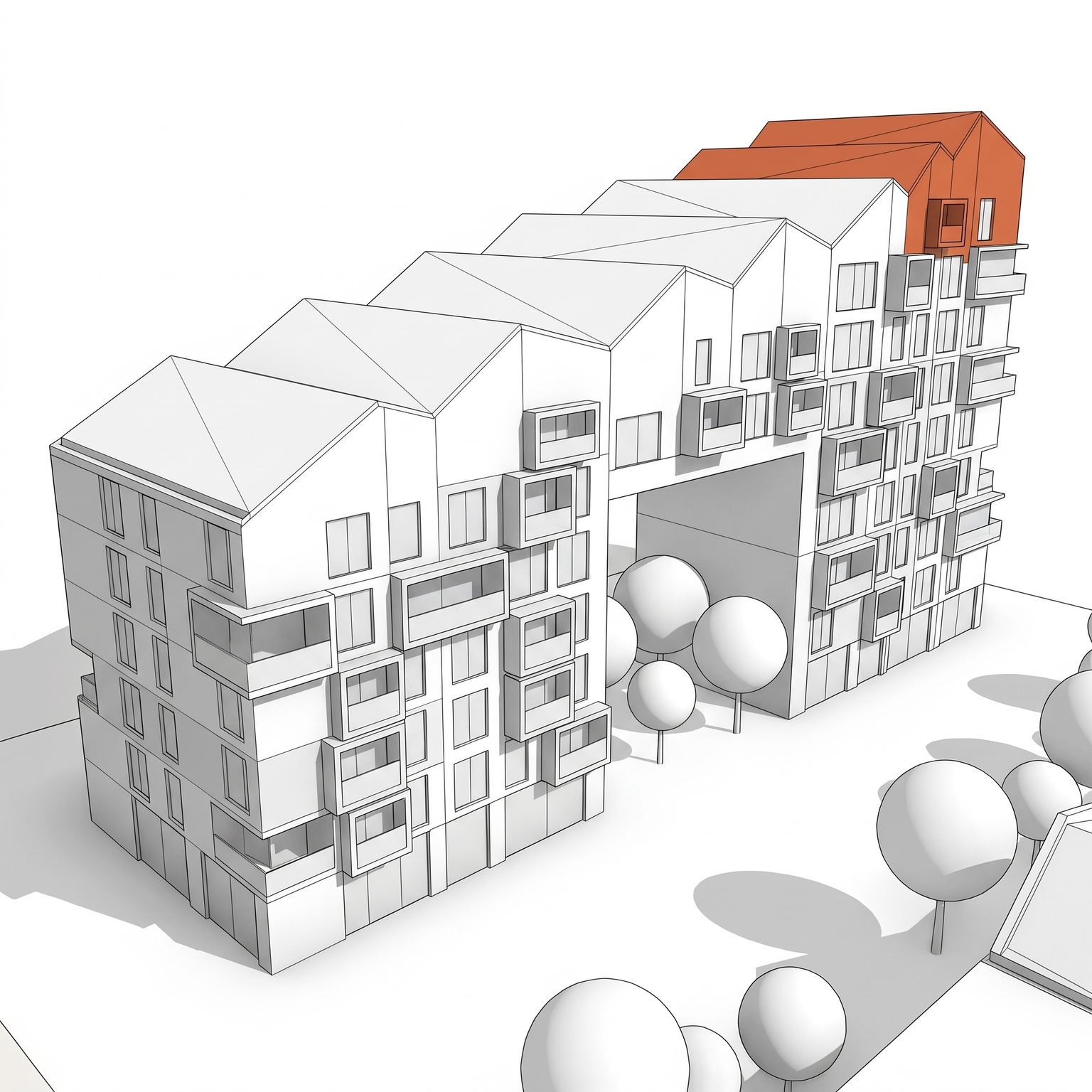
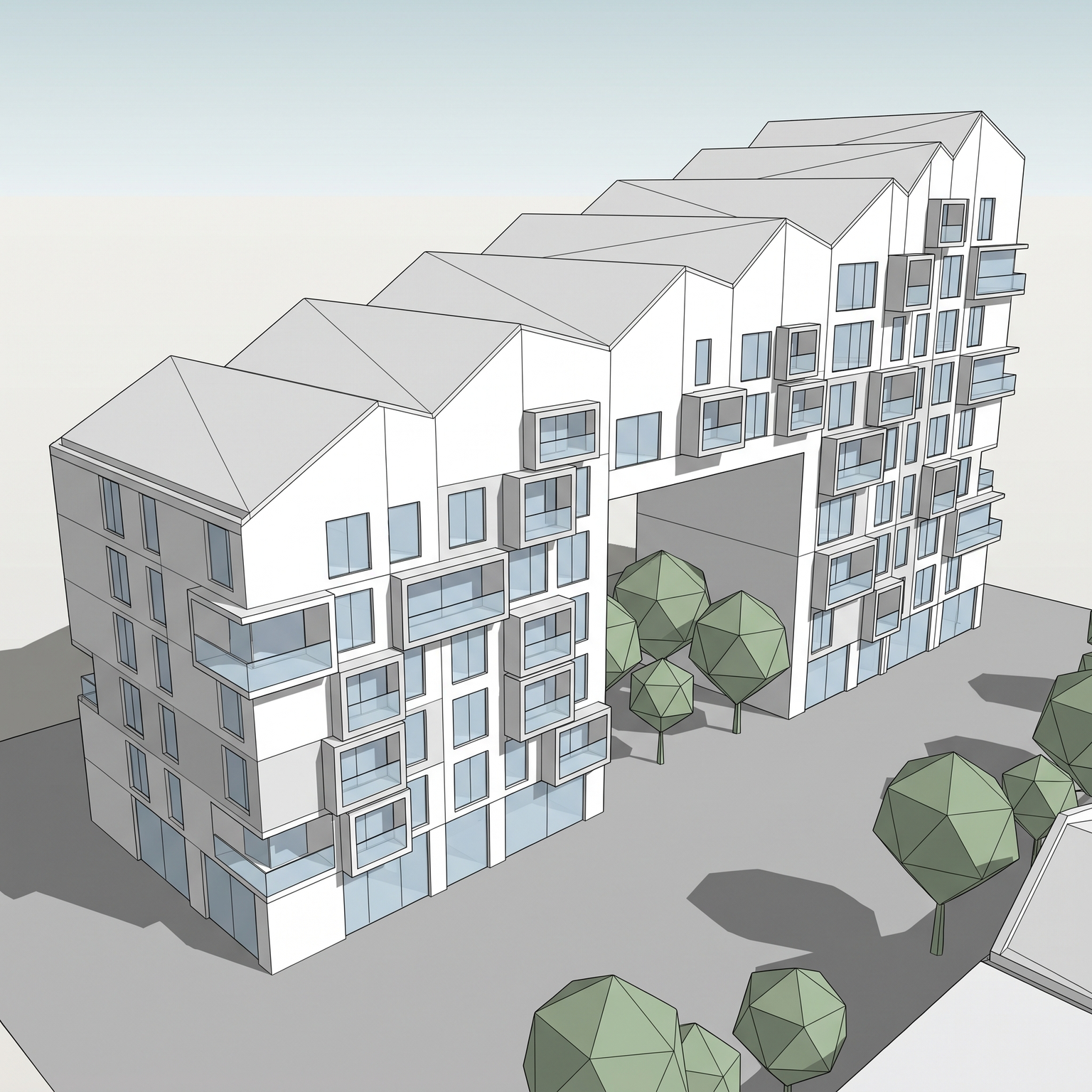
Same building. Now exploded.
A 3D view and its exploded axonometric. Floors separated, stacking order kept.
Drag the slider to compare
Signing up is free, with no credit card. New accounts start with free credits and receive more every Monday; the pricing page lists the plans and what each credit buys.
No. It starts from a single exterior view and is told not to invent anything, so every level comes out as its outer shell with its openings. For interior layouts, export plan views from your model and place them beside the exploded drawing.
Not yet. The separation always runs floor by floor along the vertical axis, so splitting out structure, envelope or cores is not something this template does.
No. You only need a view of the whole building where the floors can be read. A building with clear floor-by-floor articulation works best.
Yes. Commercial use and full IP assignment are included, with no attribution, and no watermark on paid plans. Nothing you create is published unless you share it.
Templates that pair well.
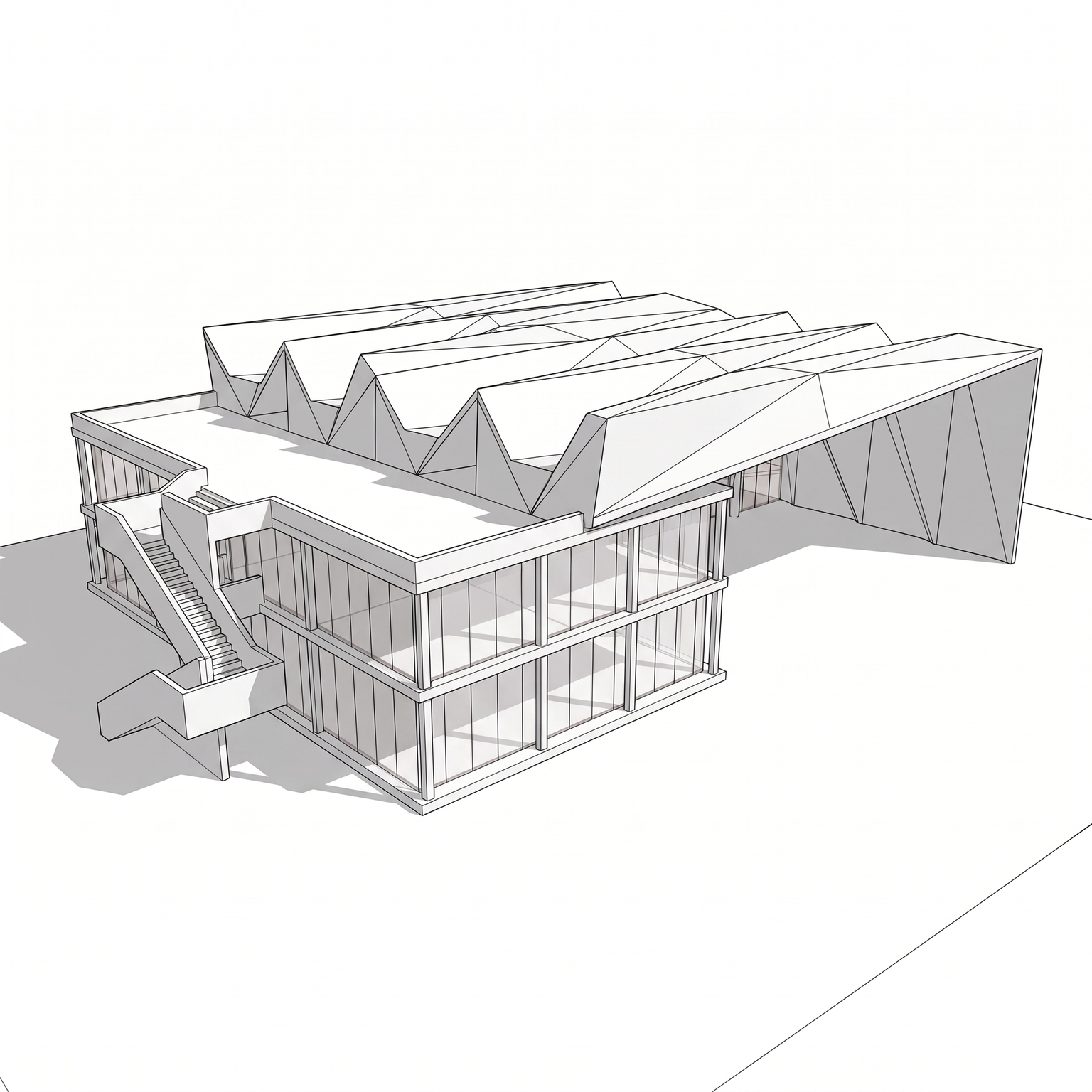
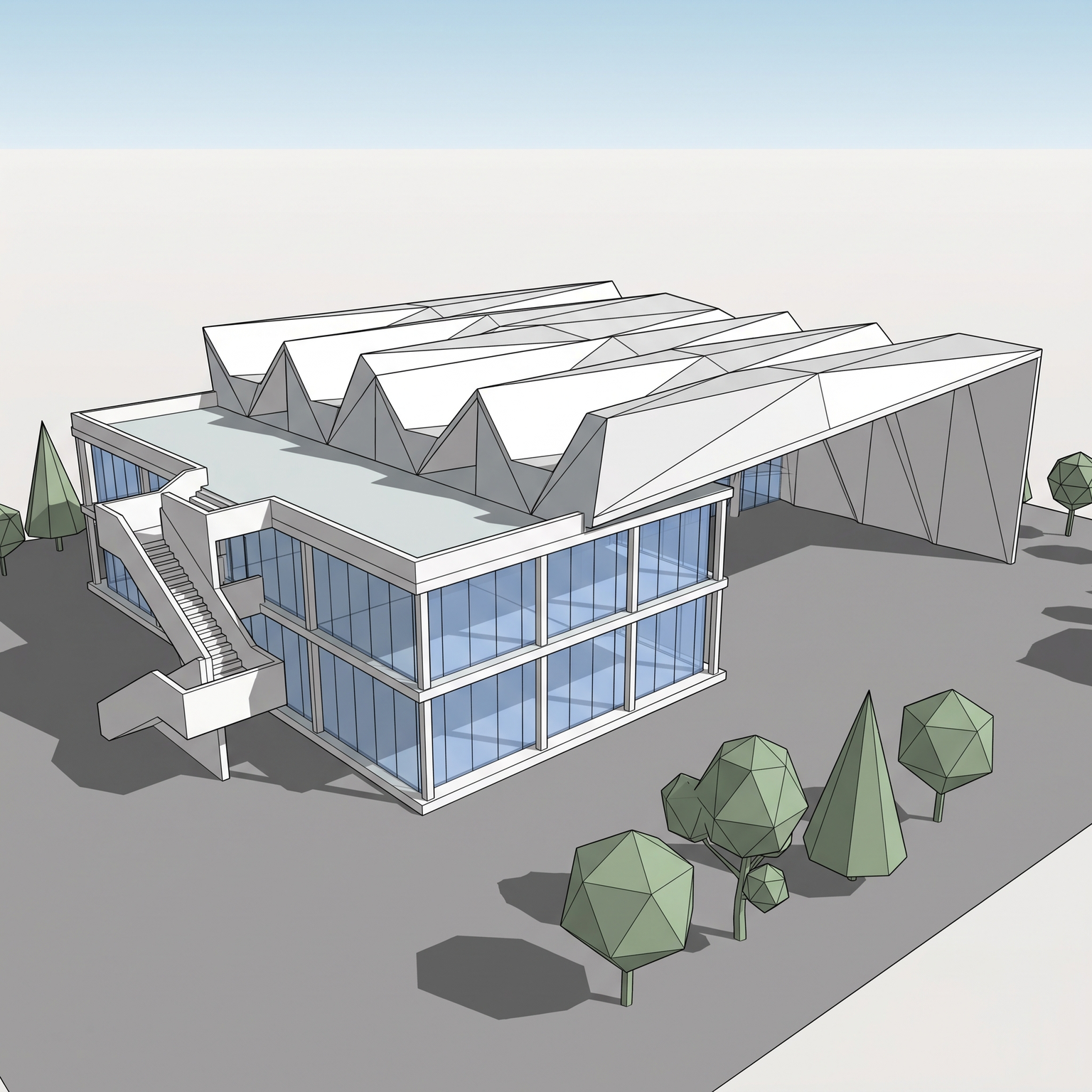
Explode your own model.
Free to try. No credit card, nothing to install.