How to turn a render into a sketch.
A photoreal image can look finished before the design is. A pencil sketch keeps the conversation on volume and light. Here is how a render becomes a sketch by hand, why a filter alone falls short, and how to get a first sheet.
- Free to try
- No plugin
- No credit card
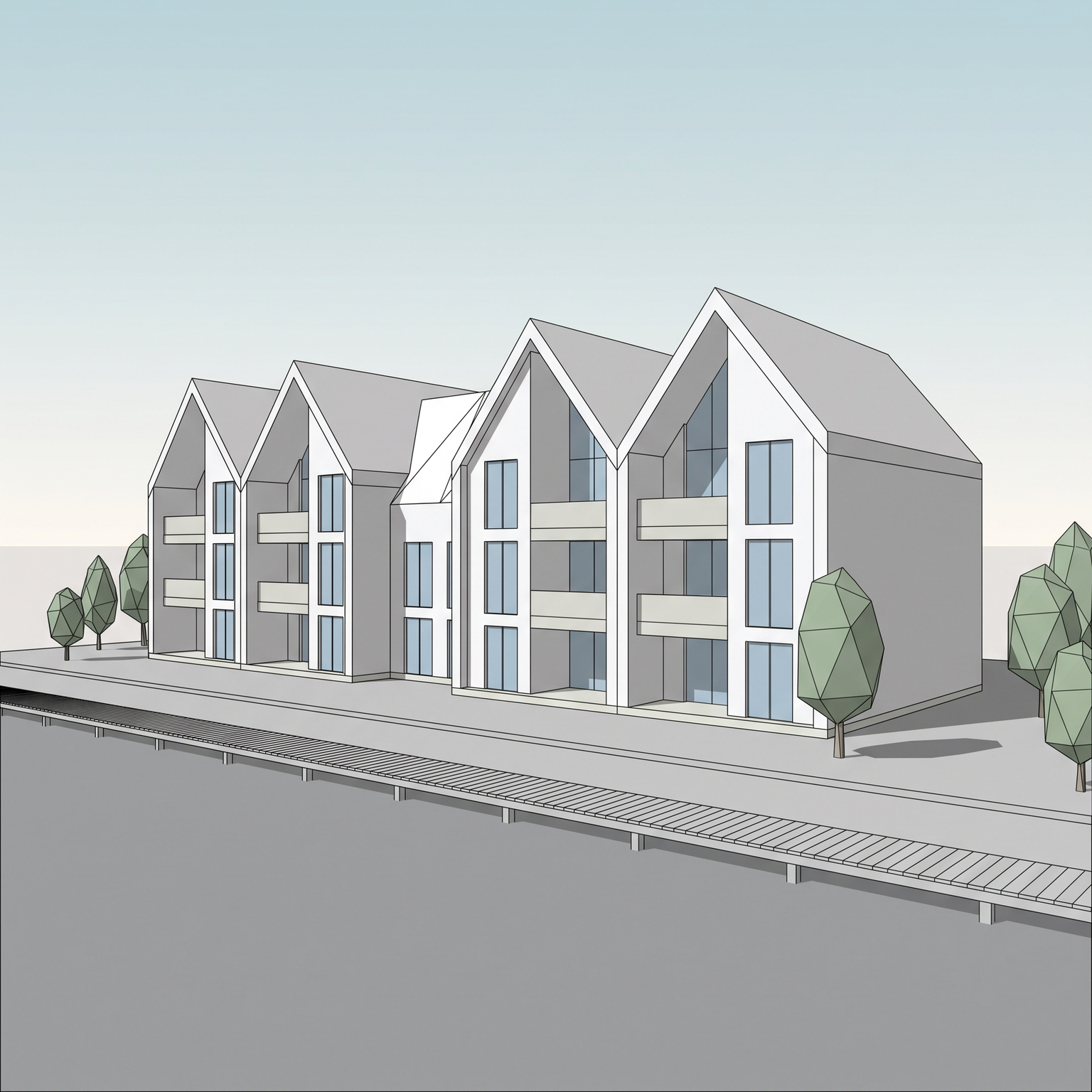
Nano Banana Pro
Sample input · click Generate to see the result
The faster method, in four steps
Pick the view
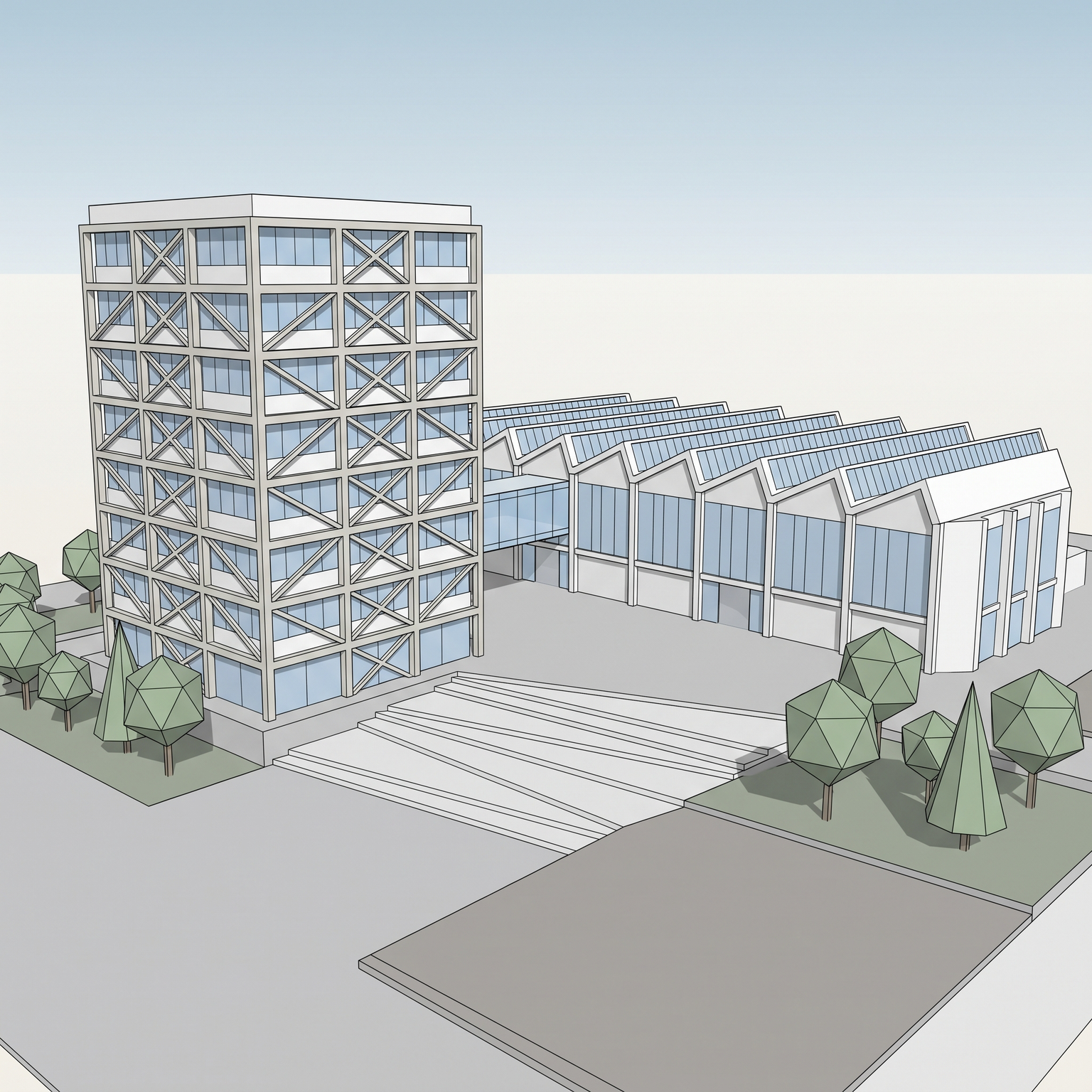
Use a viewport screenshot or a render in which the building is clearly readable. Clay, shaded and textured views all work. Choose the view you would want to see sketched: a clear silhouette and visible openings make a clearer drawing.
Open the Pencil Sketch template
Drop the image into the widget on this page, or open the Pencil Sketch template. It has one required input, your 3D view, and one optional input, a sketch style reference.
Add a sketch reference if you have one
To get closer to a hand, upload a scan or photo of a pencil sketch. The template adapts its line weight and hatching density to it, without copying its subject. Keep the reference a pencil drawing; a painted or coloured one pulls the result away from graphite. Leave it empty for the default look.
Run it and read the sheet
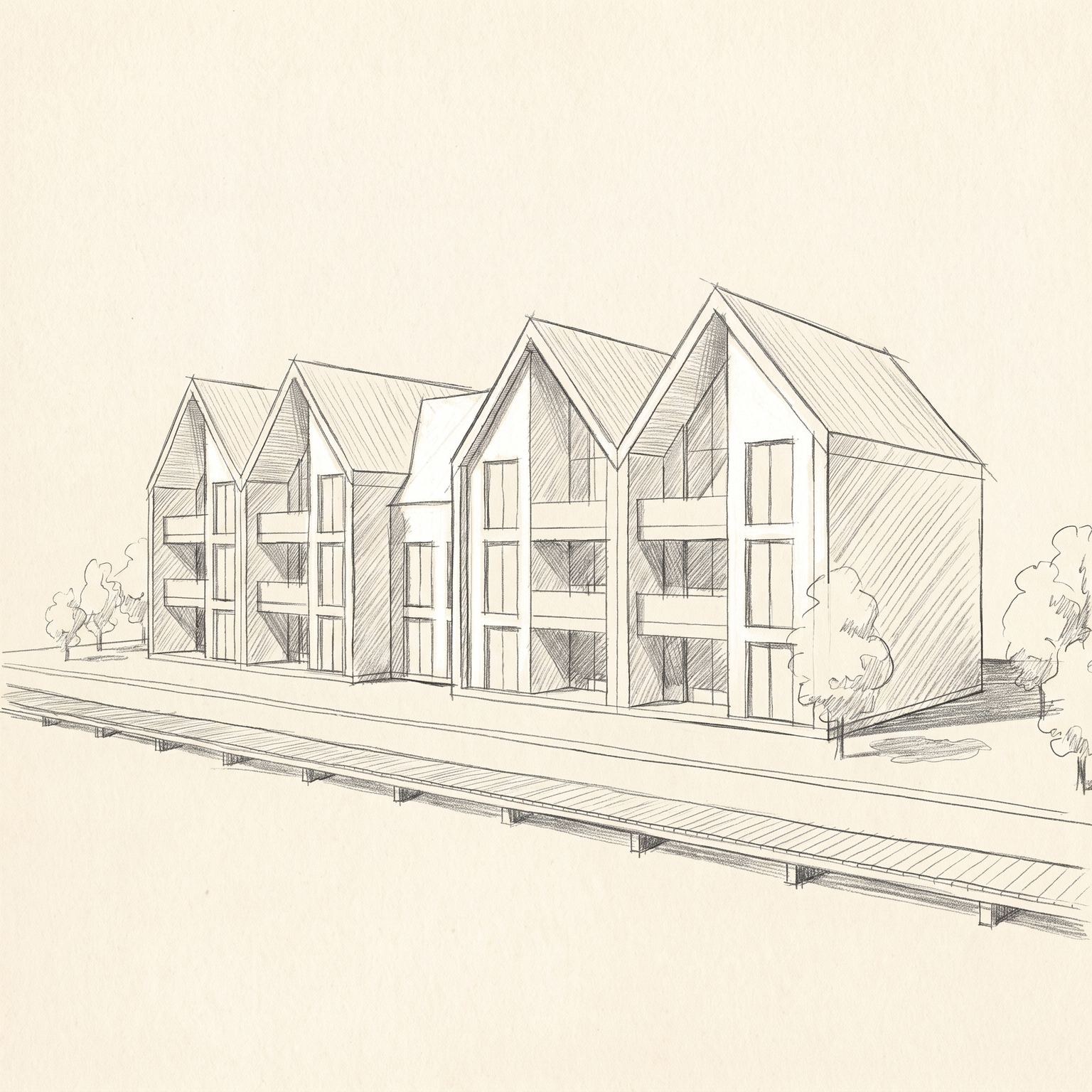
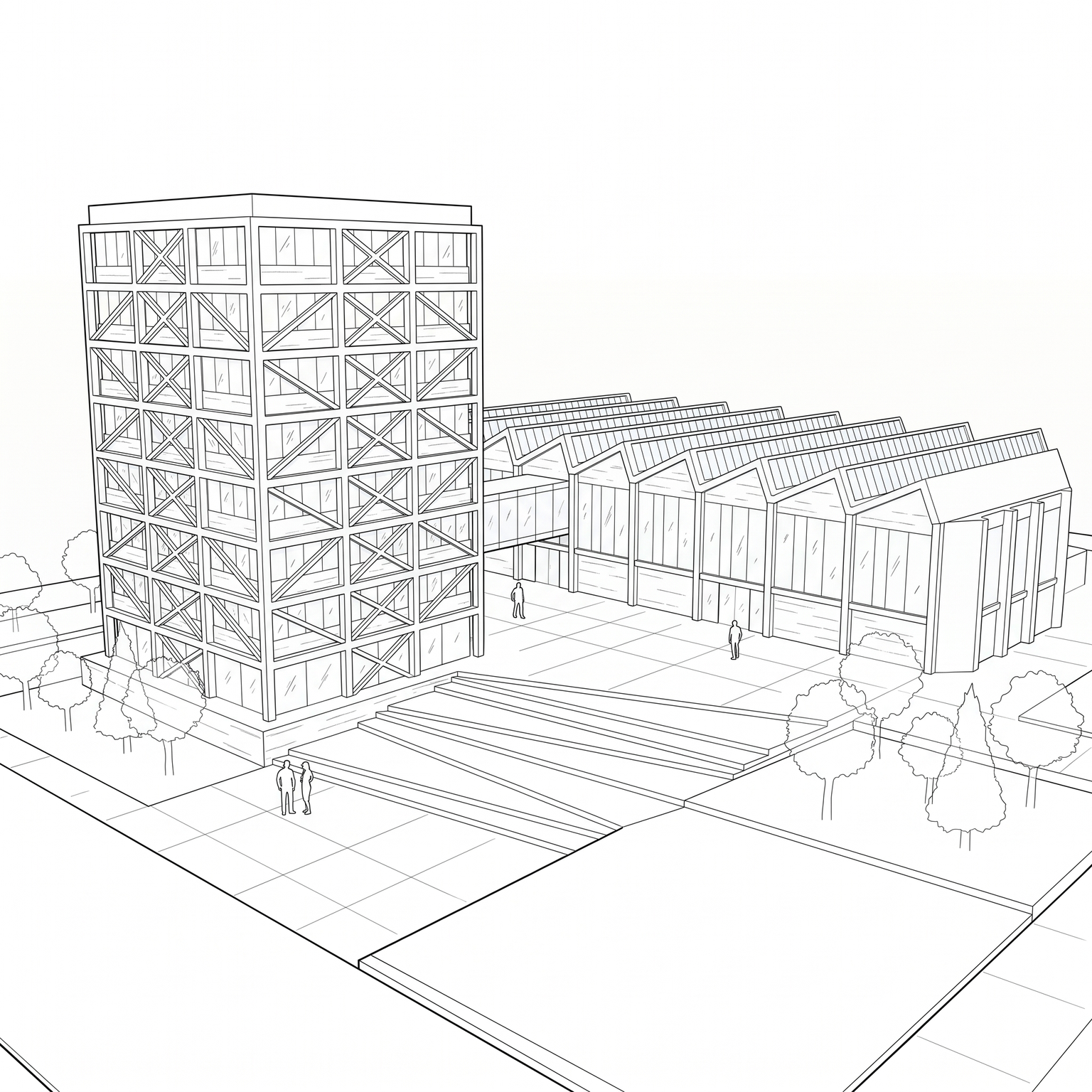
You get graphite on paper, with heavier lines on the main contours, hatching for shade, loose vegetation and a bare-paper sky. The proportions and openings follow your view, and small details are simplified as in a real sketch. Run it again for another take.
The classic way: from render to drawing in Photoshop
The quickest manual route is to desaturate the render, extract the edges with a filter or by tracing, then lay a paper texture under the lines. Some designers go further and redraw the view by hand over the render on a tablet, using the render as an underlay.
Tracing is where the sketch is made. Heavier strokes go on the primary contours and lighter ones on secondary detail and context; shade is built with parallel hatching rather than gradients. The trace is then softened and left imperfect so it does not read as a vector line.
It produces a sheet in your own hand, which no tool replicates exactly. It also takes as long as drawing, and an edge-detection filter on its own gives you something different: an outline of every polygon and texture seam.
Why an edge filter is not a sketch
A find-edges or sketch filter treats every edge the same. It picks up texture seams, tiles and tonal noise as much as the building, so the result looks like a technical trace rather than a drawing, with uniform line weight and no sense of what matters.
A drawing has hierarchy. The main volumes are stated firmly, secondary elements recede, and shade is a pattern of strokes, not a gradient. Trees are quick cloud-like scribbles and the ground a few horizontal strokes, not a detailed texture.
Colour also gives it away. A pencil sketch is monochrome: any leftover colour from the render breaks the effect, with at most a light warm wash in a few zones for atmosphere.
When a sketch is the right choice
A sketch shows the design is still moving. In early meetings, with neighbours or with a client who is not yet ready to react to materials, a photoreal image invites objections to details that are not decided. A pencil sketch keeps the discussion on height, volume and light.
It is also useful for competition boards and reports that want a hand-drawn tone next to technical drawings, and for a series of views that should share one graphic language.
For views you already know are not final, a sketch is a more honest picture than a render that looks finished.
When to keep the hand-drawn sketch
Keep drawing by hand when the sketch has to be in your own hand, stroke for stroke, or when you want to decide exactly which lines carry the drawing. A reference image brings the template closer to your style but does not reproduce it exactly.
Use the template to get several views into a consistent sketch language quickly, to have a first sheet to react to, or to have a base to redraw over. It is built for 3D views; a clear daylight photo of a building also works if the building is the main subject. A sketch is an interpretation, so it is not for a sheet where every detail has to be exact.
Same view. Now a sketch.
A 3D view and its pencil sketch. Viewpoint and building outline unchanged.
Drag the slider to compare
Signing up is free, with no credit card. New accounts start with free credits and receive more every Monday; the pricing page lists the plans and what each credit buys.
The template keeps the building geometry, the massing, the opening positions and the camera angle of your view. Small details are simplified, as in a real sketch, so check the points that matter against your model.
Up to a point. Add one of your sketches as the optional reference and the template takes its line weight and hatching density. It does not reproduce your hand exactly, and you should only use references you have the right to use.
The template is tuned for 3D views, but a clear daylight photo of a building also works, as long as the building is the main subject of the frame.
Yes. Commercial use and full IP assignment are included, with no attribution, and no watermark on paid plans. Nothing you create is published unless you share it.
Templates that pair well.
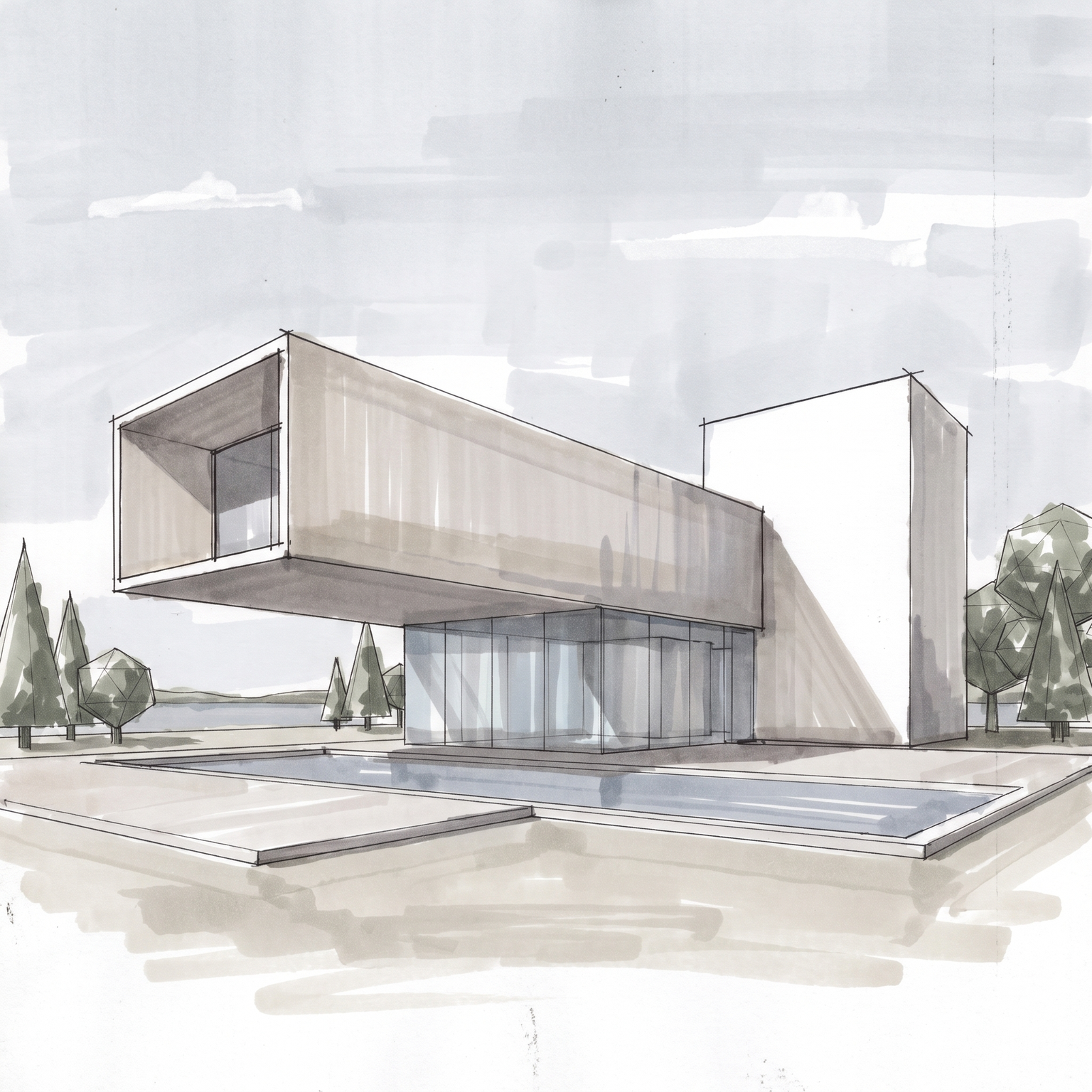
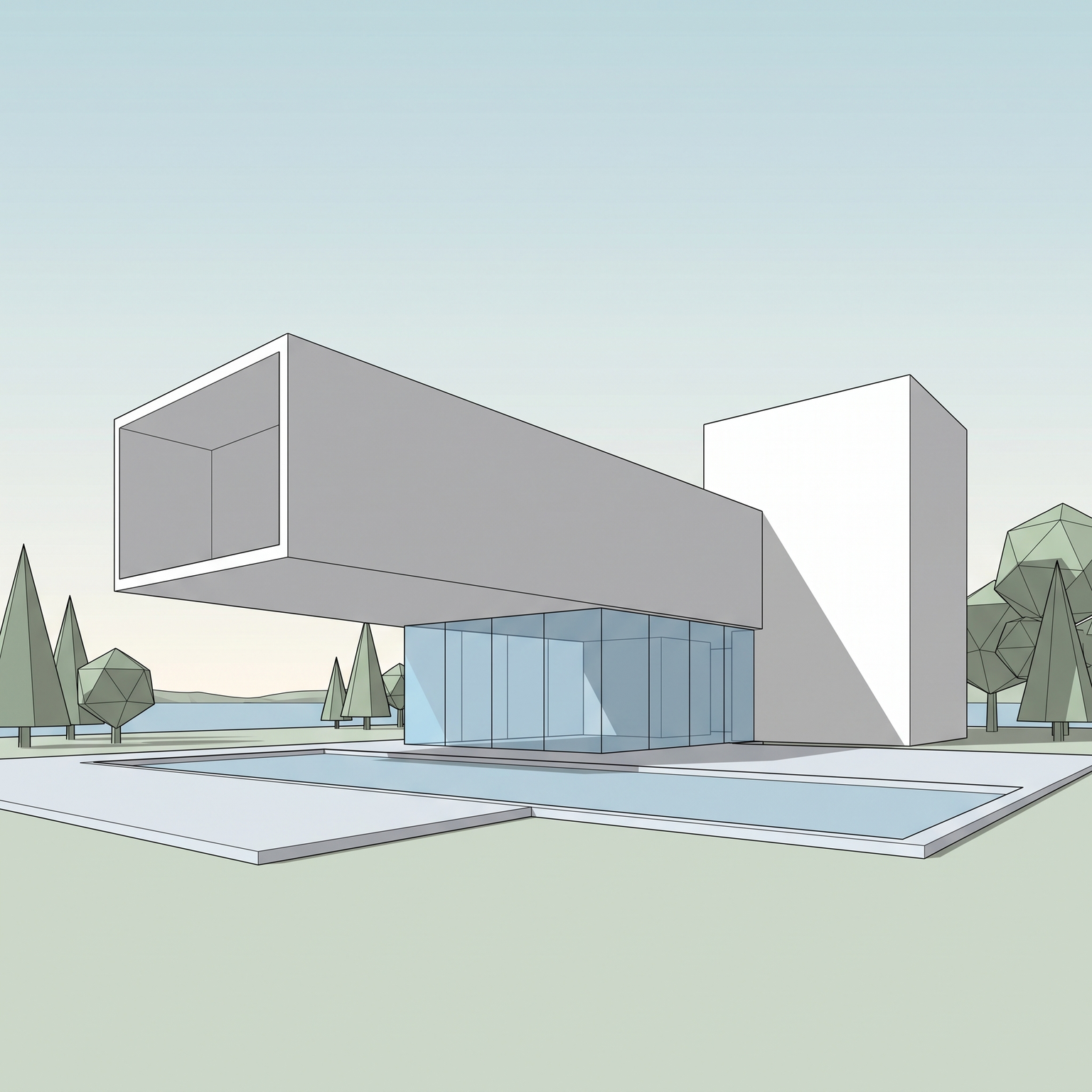
Sketch your own view.
Free to try. No credit card, nothing to install.