Stylize Site Plan
Redraw a top-down site view in the graphic style of any reference plan.
- Free to try
- No plugin
- No credit card
Nano Banana Pro
Sample input · click Generate to see the result
About this model
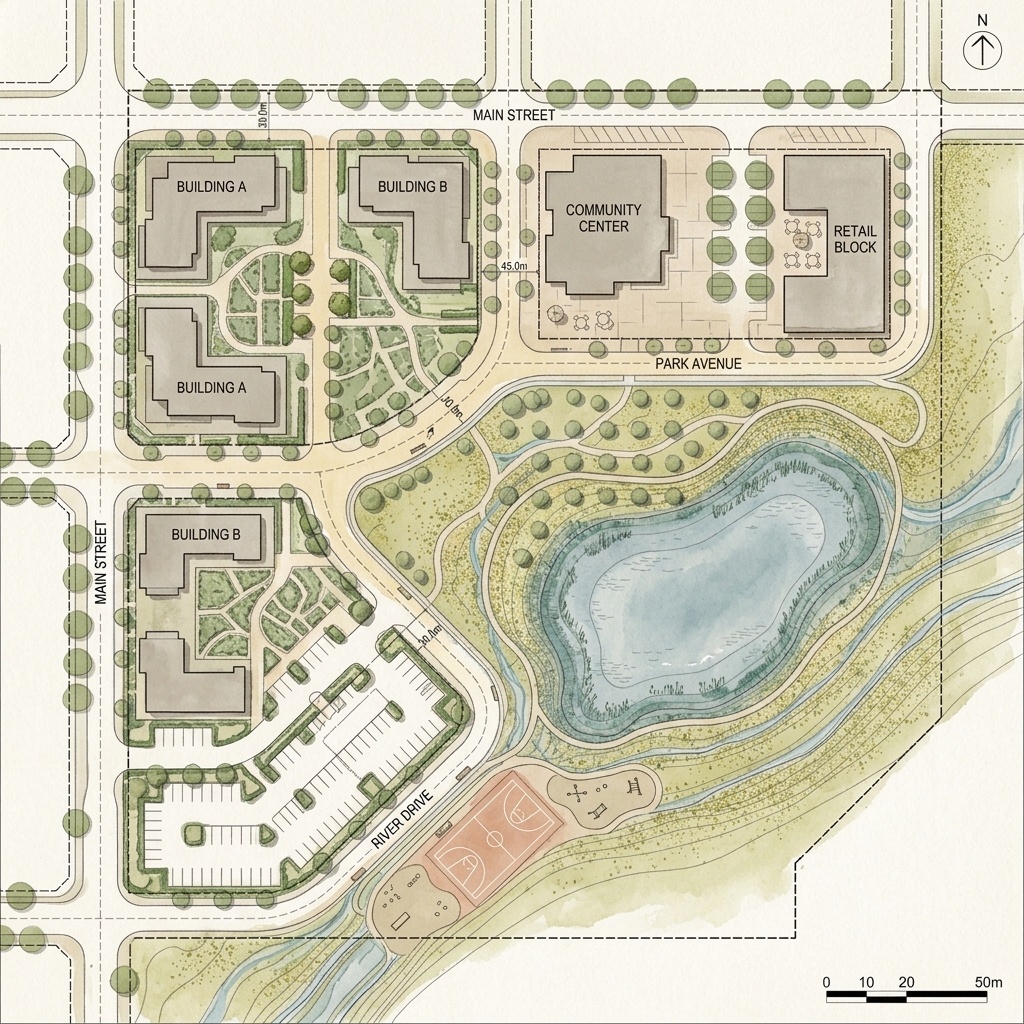
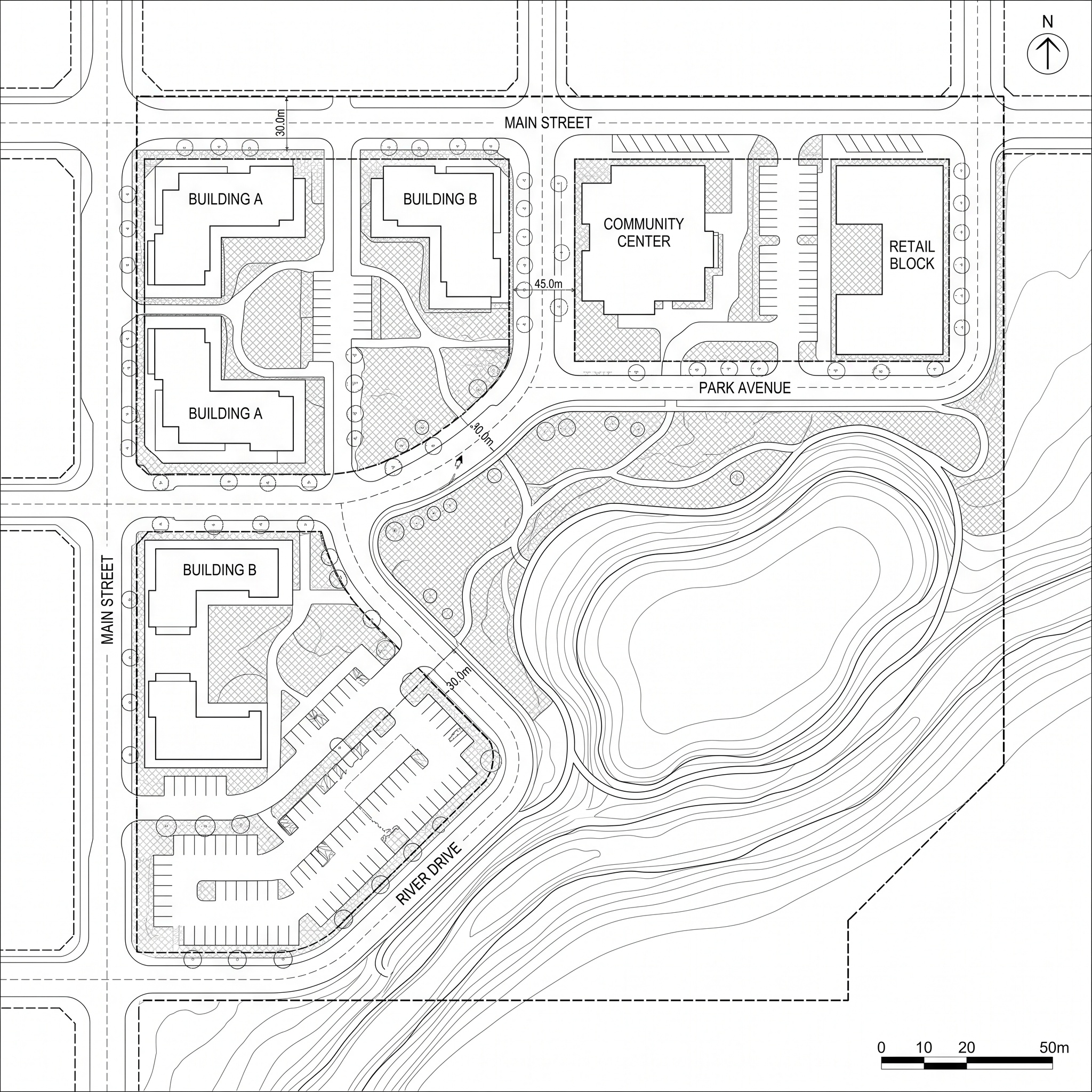
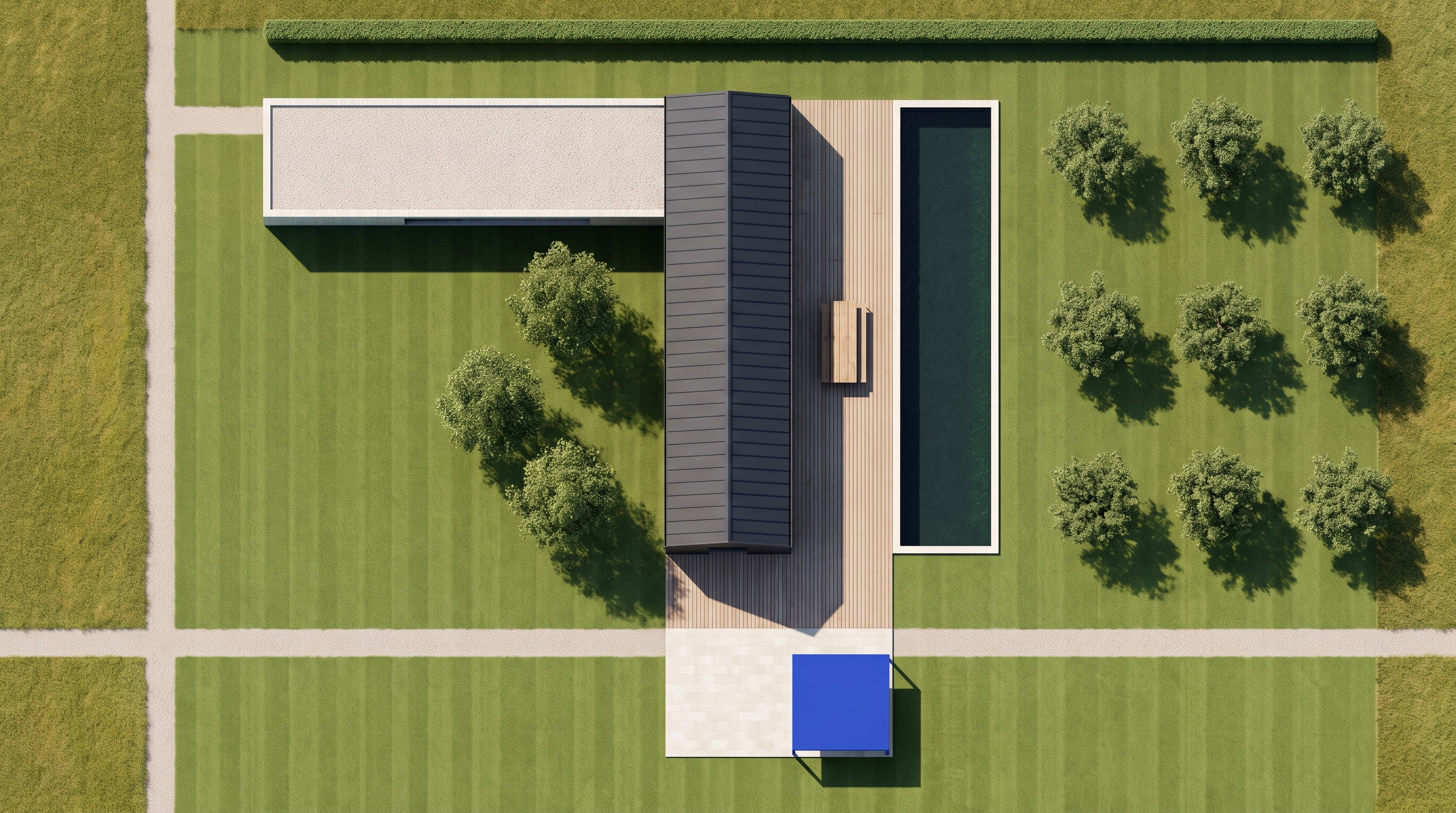
Redraws a top-down view of a site in the graphic style of a reference plan. Give it two images: the site itself, as a 3D model capture, a textured site plan or an aerial view, and a drawn plan whose style you want, such as a watercolor landscape plan, an ink and wash board or a competition collage. The two images have separate jobs. The site view decides what is drawn: every building, roof, path, terrace, pool, lawn, planting bed and tree stays where it is, with its own shape, material and tone. A flat roof stays flat, a dark roof stays dark, water stays water and open grass stays open. The reference decides how it is drawn: its medium, linework, washes, textures, palette and paper, and its way of drawing trees, grass and paving. The buildings, roofs and layout of the reference are never copied into your plan. Photographic and 3D-render traits are removed, along with people, vehicles and any text. The view stays strictly top-down with the same framing as your capture. Useful for landscape architects and architects who model a project in 3D and need a presentation plan in the house style of their office, a competition, or a plan they admire, without redrawing it by hand.
When to use it
A landscape office has modelled a hotel garden in 3D and needs the site plan for a client presentation the next day. Their usual boards are hand-rendered watercolor plans, which take two days to paint. They export a top-down view of the model, pick a watercolor plan from a previous project as the reference, and run Stylize Site Plan. The roofs, paths, pools and planting beds of the new project come back drawn in their office's watercolor hand, ready to lay out with labels and a north arrow.
No. The reference is treated as another site: only its drawing technique, palette and texture are used. Every building, path and planting bed comes from your own top-down view.
Yes. Any strictly top-down view works: a 3D model capture, a textured site plan or an aerial image. Trees, lawns and roofs are read from it and redrawn in the reference style.
No. Trees are drawn where your view has them and nowhere else. A bare model stays bare, drawn in the reference style.