How to make an architectural collage.
A collage says what a project is about without rendering it. Here is how it is built by hand in Photoshop from a 3D view, what makes it look cheap, and how to get a first sheet.
- Free to try
- No plugin
- No credit card
Nano Banana Pro
Sample input · click Generate to see the result
The faster method, in four steps
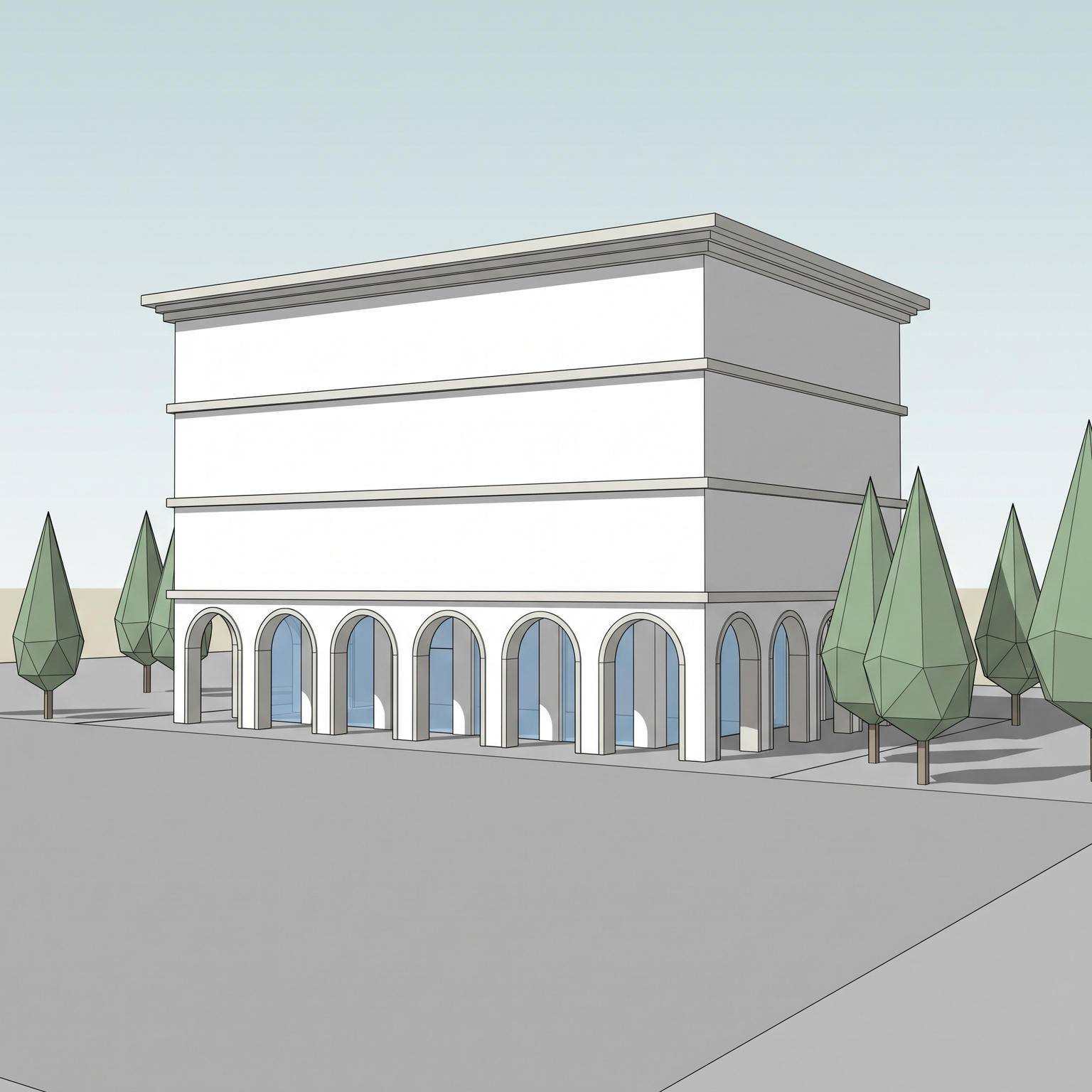
Capture a clear 3D view
Take a screenshot of your model, or use an existing render. A frontal or gently angled view with well-separated faces gives the cleanest collage. The template keeps the building in the same position, size and perspective, and replaces the materials, the sky and the surroundings.
Open the Collage template
Drop the image into the widget on this page, or open the Collage template. It has one required input, your 3D view, and one optional input, a texture board.
Add a texture board if you have materials in mind
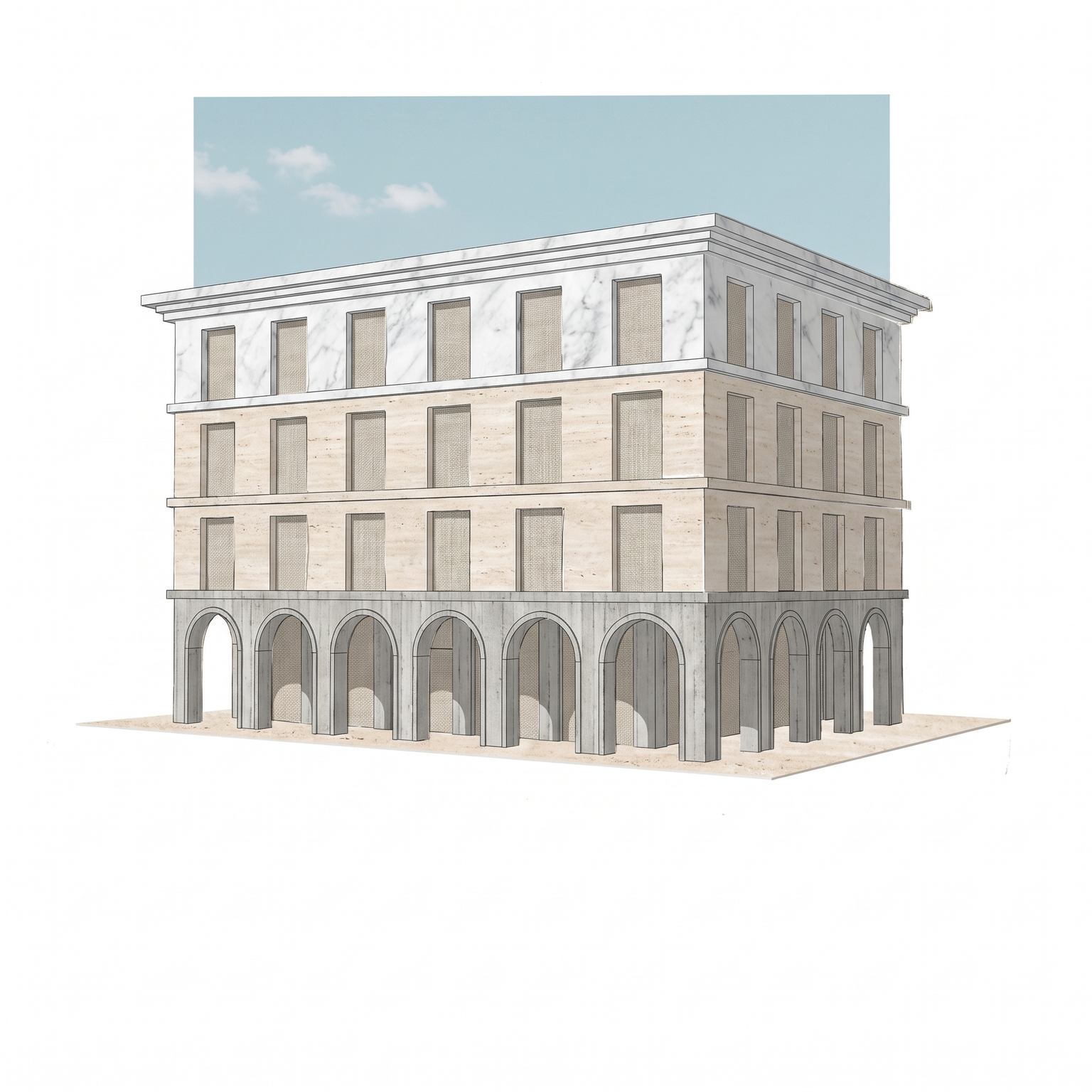
Put photos of the materials you want, such as concrete, stone, fabric or a sky, together in one image and upload it as the texture board. The template cuts individual textures from it and recombines them on the facades. Without a board, it uses a restrained default set: board-formed concrete, pale travertine, Carrara marble, raw linen and a flat pale-blue sky.
Run it and read the sheet
You get your building on white or off-white paper, its faces filled with cut textures with visible edges, a hard-edged sky panel and a minimal ground. The model chooses which texture goes on which face; to steer it, keep fewer textures on your board, or run it again for another distribution.
The classic way: cutouts and masks in Photoshop
In Photoshop, a collage usually starts from a clean base: the building as a line drawing or a simple view, placed on a white or off-white canvas. Each face of the building is selected, and a texture photo is placed above it and clipped to that selection with a clipping mask, so the texture only shows inside the face.
Textures are scaled and distorted with Free Transform or Perspective Warp to follow the perspective of the face. The sky is a flat rectangle of photographic sky behind the building, the ground a strip of texture or a single line, and a few cutout figures or plants add scale. Lighting is kept flat, with at most a faint drop shadow under the building to suggest layered paper.
It gives you control over every cut and every material, and it is the right way to make a collage that is part of a personal body of work. It is also slow: one view means selecting each face, finding the right texture and fitting it.
Why architectural collages look cut out
The most common failure is smooth blending. A collage depends on hard, visible cuts. Feathered edges, soft masks and gradients between textures turn it into a photomontage, and the graphic clarity is lost.
The second is too much: too many textures, too many cutouts, shadows from a rendered scene. A collage is reductive, and the strongest ones use a few materials, a flat sky and very little else. Each added element has to earn its place.
The third is texture photos that carry their own lighting. A concrete photo with a strong cast shadow or a gradient across it will show that shadow on the facade and fight with the flat application. Evenly lit texture photos work better, and their scale should make sense for the building.
How to choose the materials
A restrained palette reads as intention. Two or three materials with different tones, for example a dark concrete, a pale stone and a warm fabric, separate the planes of the building without noise.
Choose textures for the idea, not for realism. The collage is not asking what the facade will be made of, but what the project is about: heaviness or lightness, a civic or a domestic register, a city or a landscape.
If the board is for a competition or a publication, look at the result next to the plan and the text it will sit with. The collage should be calm enough to let them be read.
When to keep the hand-cut collage
Keep the manual method when the collage is a piece of authorship: your own cutouts, a specific scale of textures, a precise arrangement of fragments, or an image that has to match a series you already drew by hand. The template distributes textures itself and cannot be told which one goes on which face.
Use the template when you want a first collage of a view quickly, several views in the same language, or a base to react to and then finish by hand. It is deliberately reductive: fine details, surroundings and realistic light are removed. Only use textures you have the right to use.
Same view. Now a collage.
A 3D view and its collage. Viewpoint and building outline unchanged.
Drag the slider to compare
Signing up is free, with no credit card. New accounts start with free credits and receive more every Monday; the pricing page lists the plans and what each credit buys.
The building keeps its place in the frame, its perspective and its proportions. What is replaced is the skin: the materials, the sky and the surroundings are cut and collaged in.
Not face by face. The template spreads the textures over the building on its own. The way to steer it is the board: keep only the textures you want on it, and run it again if the result does not suit you.
No. The texture board is optional. Without it, the template cuts from a restrained default set of concrete, travertine, marble, linen and a flat sky.
Yes. Commercial use and full IP assignment are included, with no attribution, and no watermark on paid plans. Nothing you create is published unless you share it.
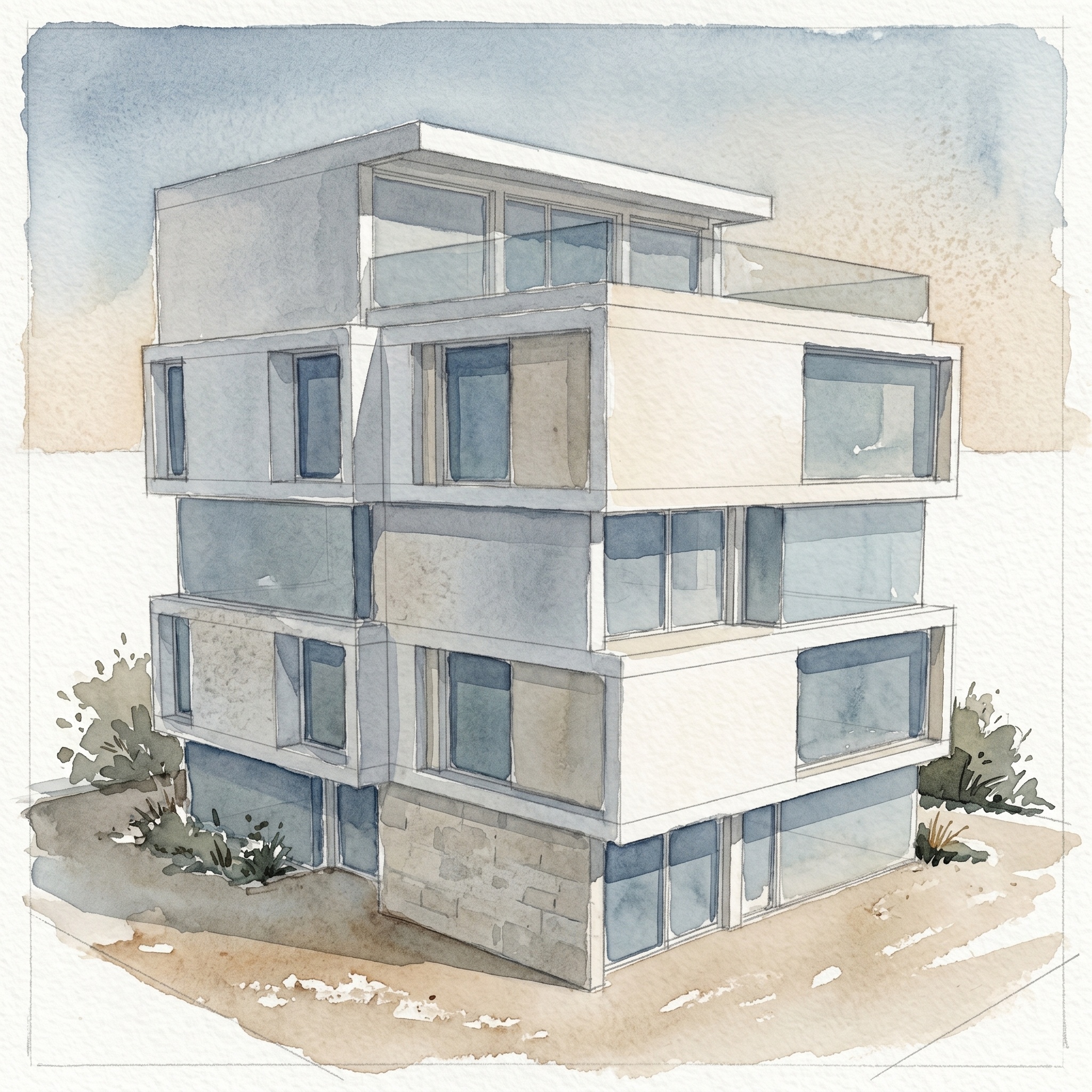
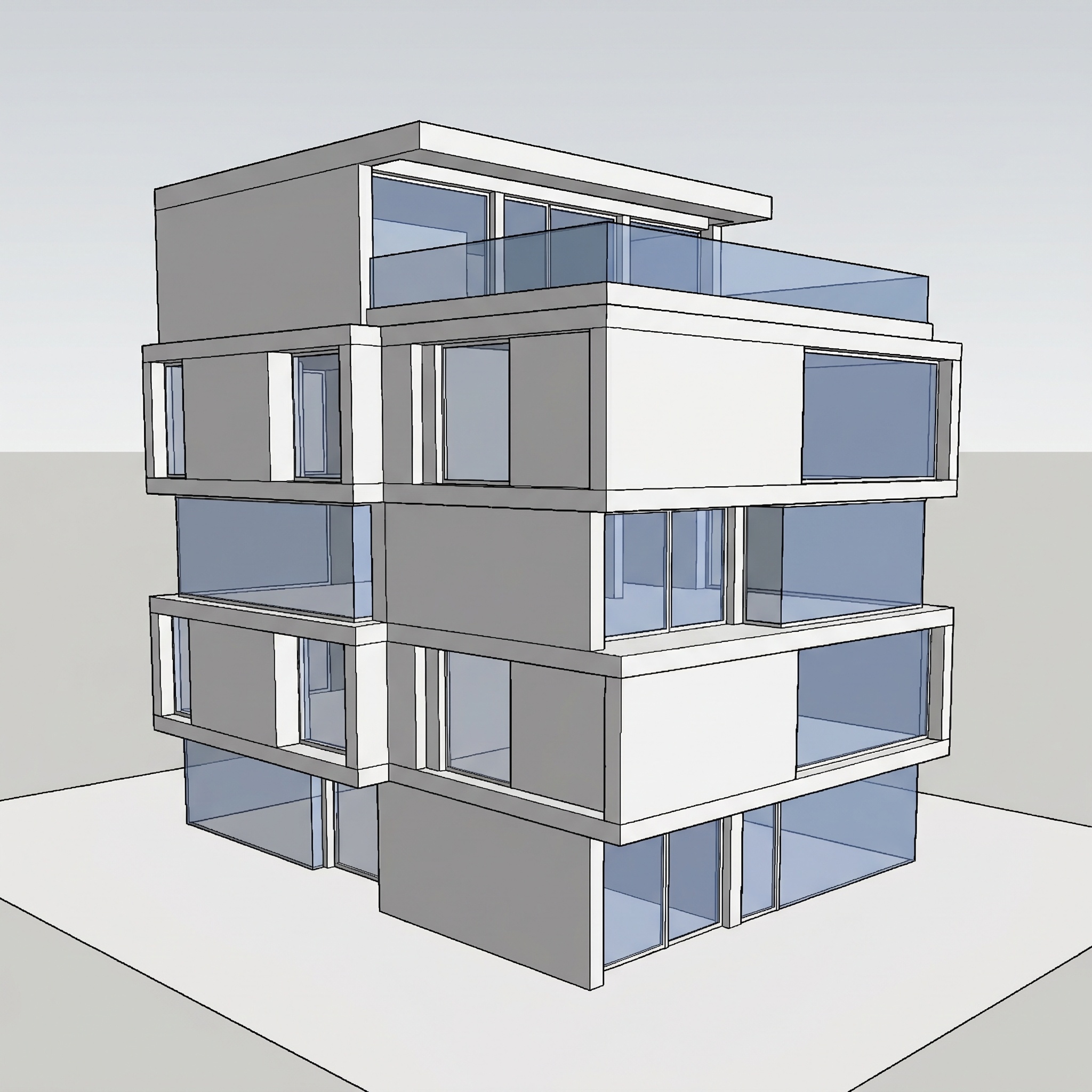
Templates that pair well.
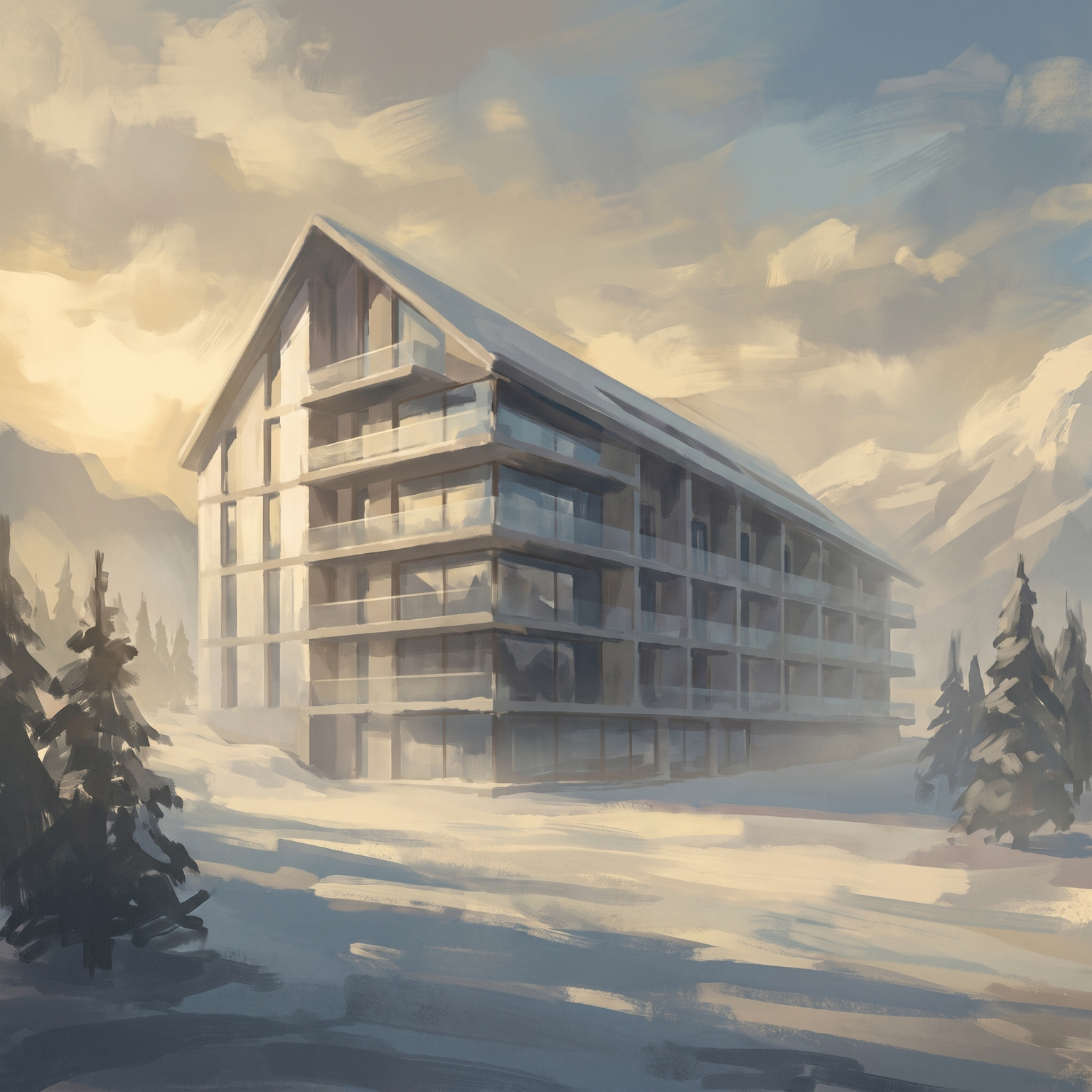
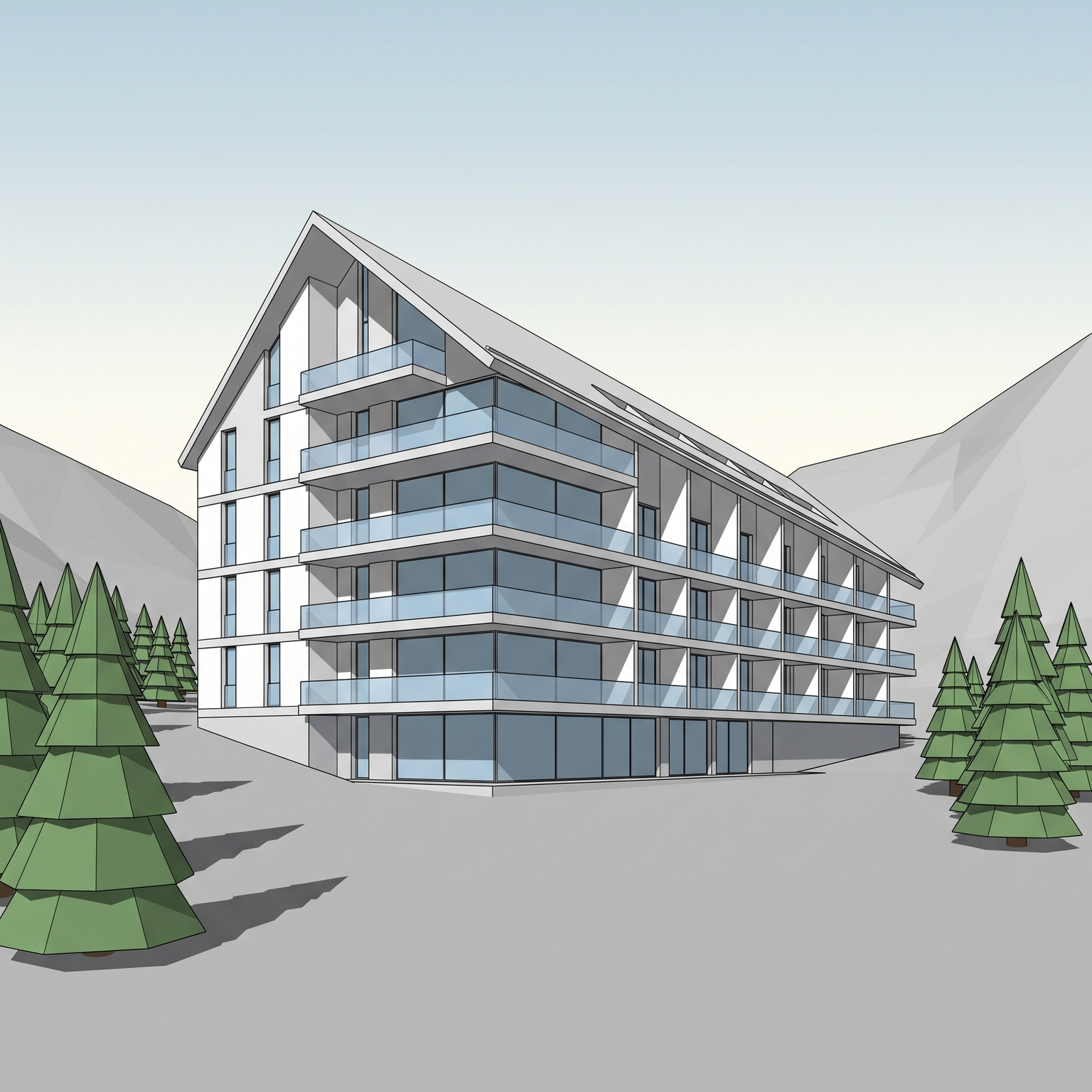
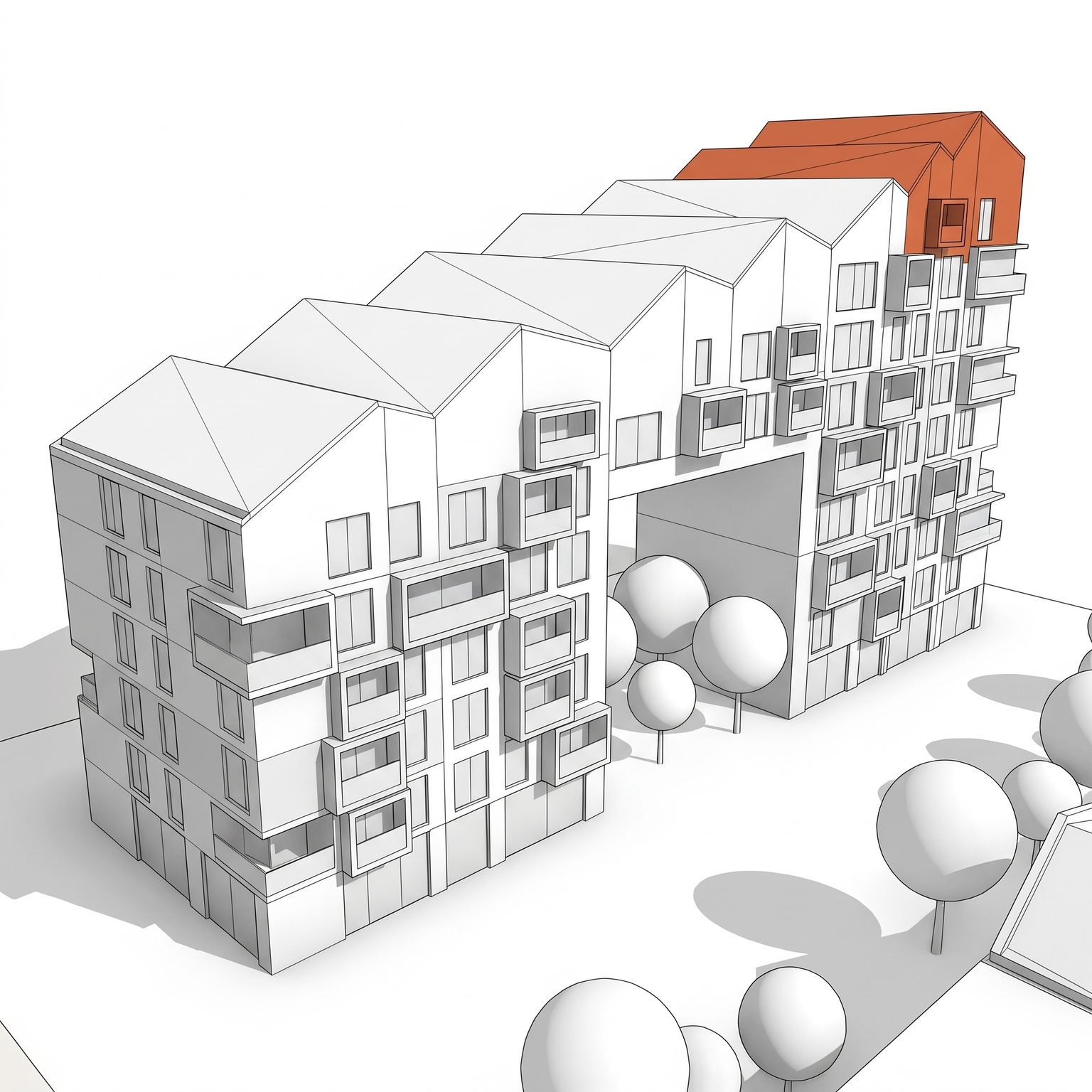
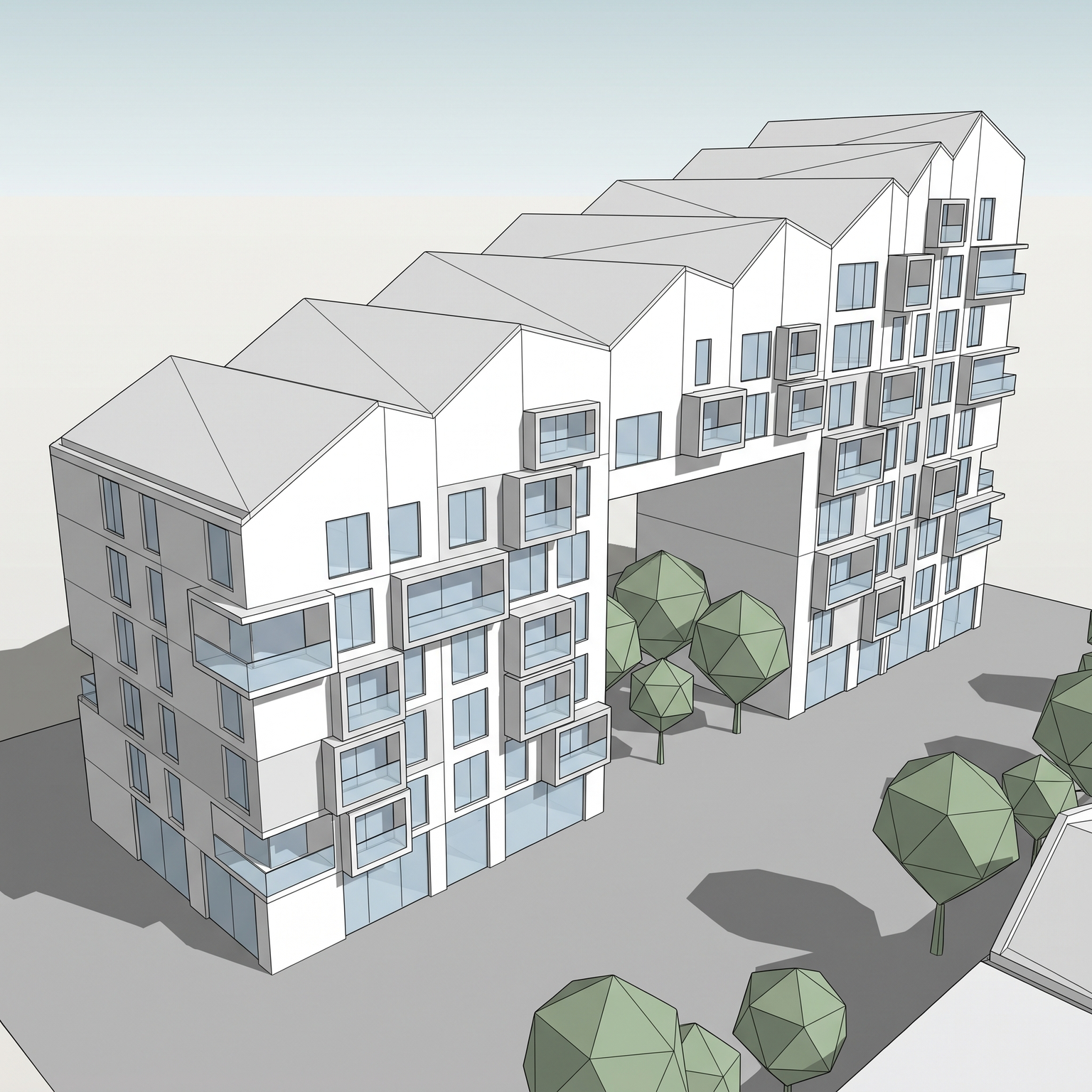
Collage your own view.
Free to try. No credit card, nothing to install.